Turn Long Videos and Ideas Into Short-Form Content With Viblo AI

Viblo is a browser-based AI video editor for creators who repurpose recordings or build short videos from scripts and prompts. It can surface highlight moments, create captions and voiceovers, and leave room to refine the cut before export.

What Can You Make With Viblo AI?

Repurpose recordings and build short-form videos for creator channels, social feeds, and faceless content formats.
Repurpose Long Videos Across Creator Niches

Repurpose Long Videos Across Creator Niches

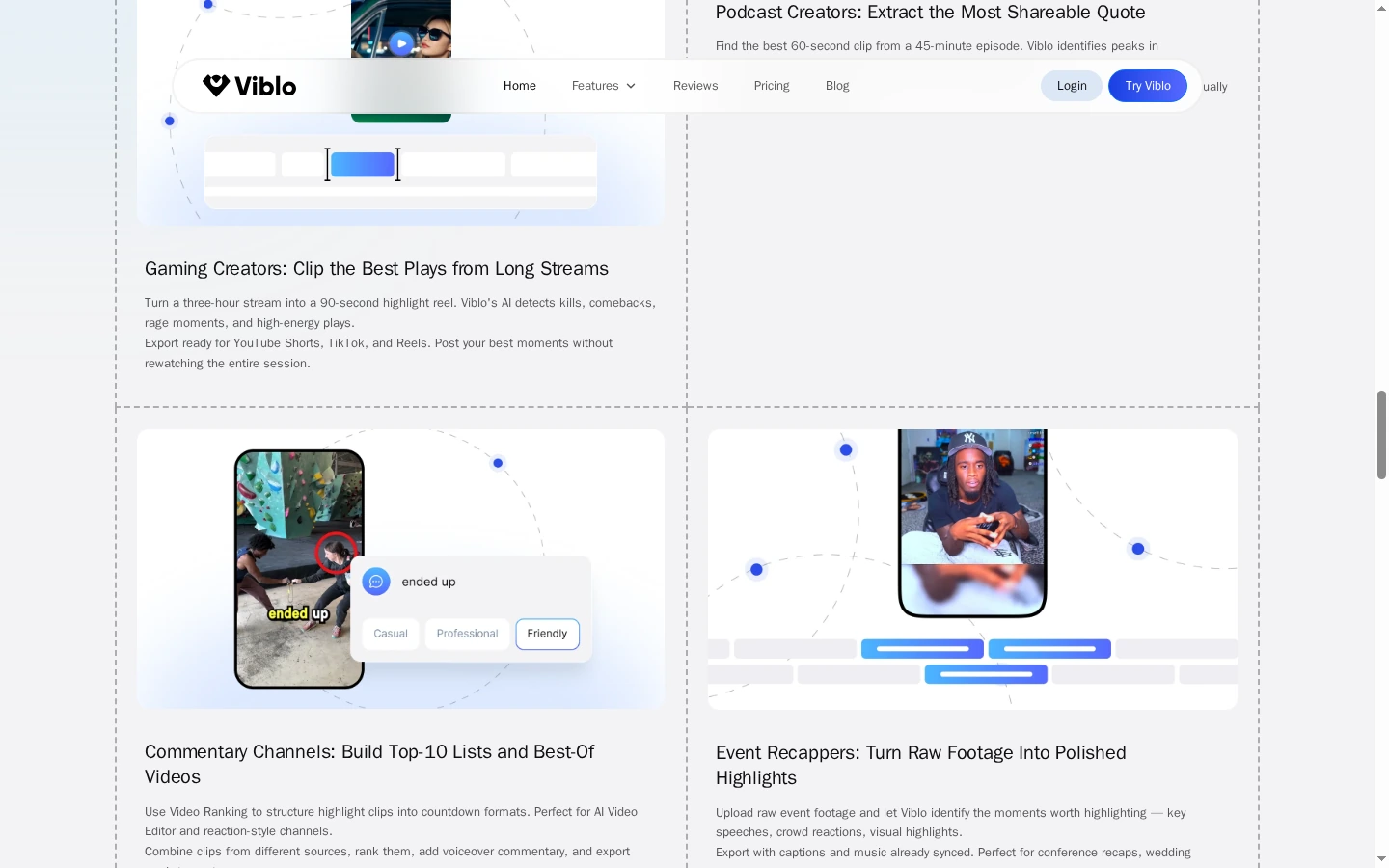
Viblo's public examples cover several long-form sources, including podcast conversations, gameplay, commentary, and event footage. Its highlight workflow finds candidate moments for short clips, which creators can review and refine before sharing. The common task is turning a recording into a set of social-ready moments without manually searching the full video from beginning to end.
Create a Video From Text

Viblo AI Video Editor Features for Faster Short-Form Production

AI Highlight Detection for Long Recordings

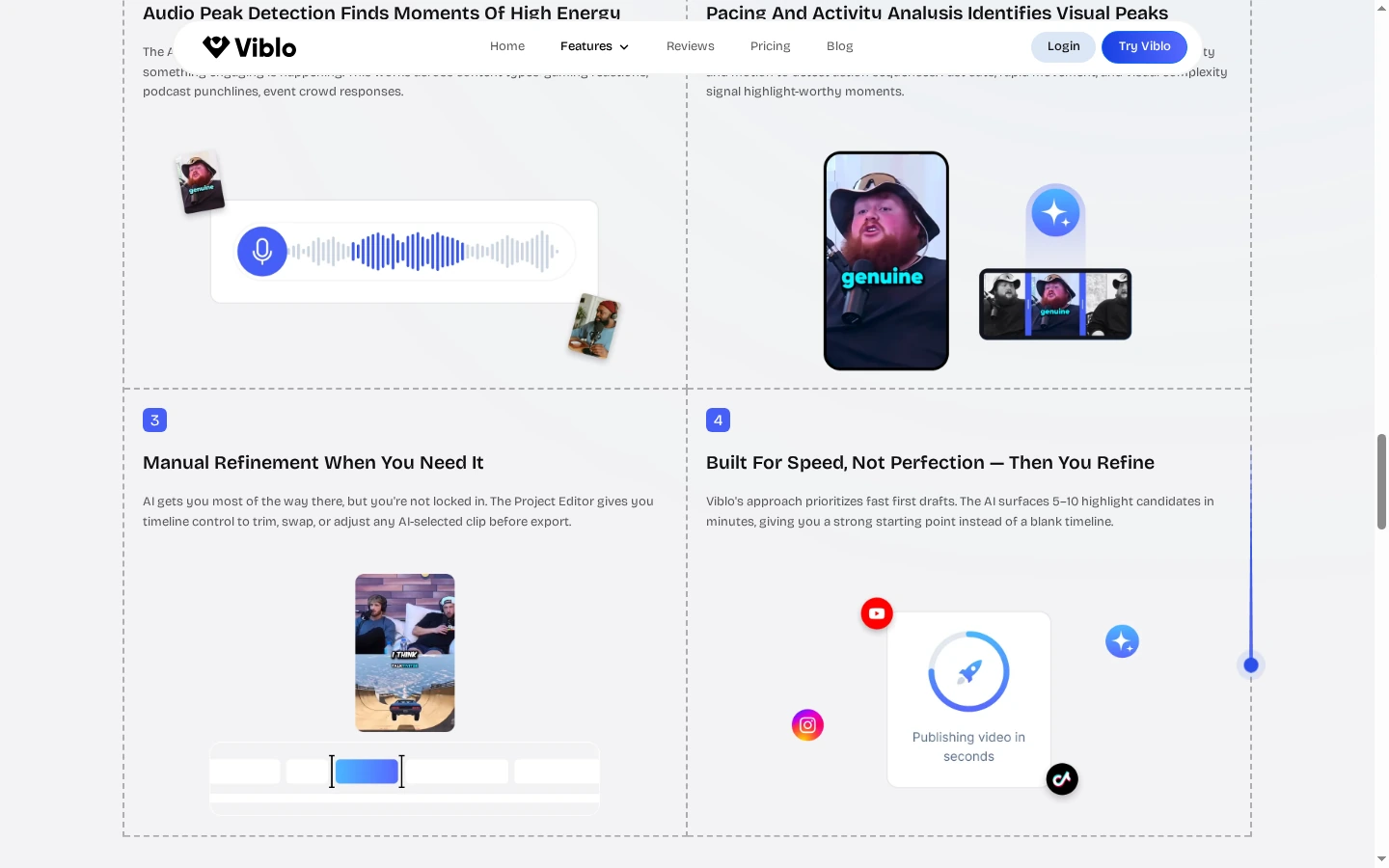
Viblo analyzes uploaded footage for moments that may hold attention, using signals such as audio intensity, visual activity, pacing, and content density. It presents candidate clips so a podcast host, streamer, or event creator can review likely highlights without scrubbing through the full recording. The system suggests where to cut; creators should still check context and timing before publishing. If the goal is to change the look of existing footage instead, the video to video workflow handles that adjacent task.

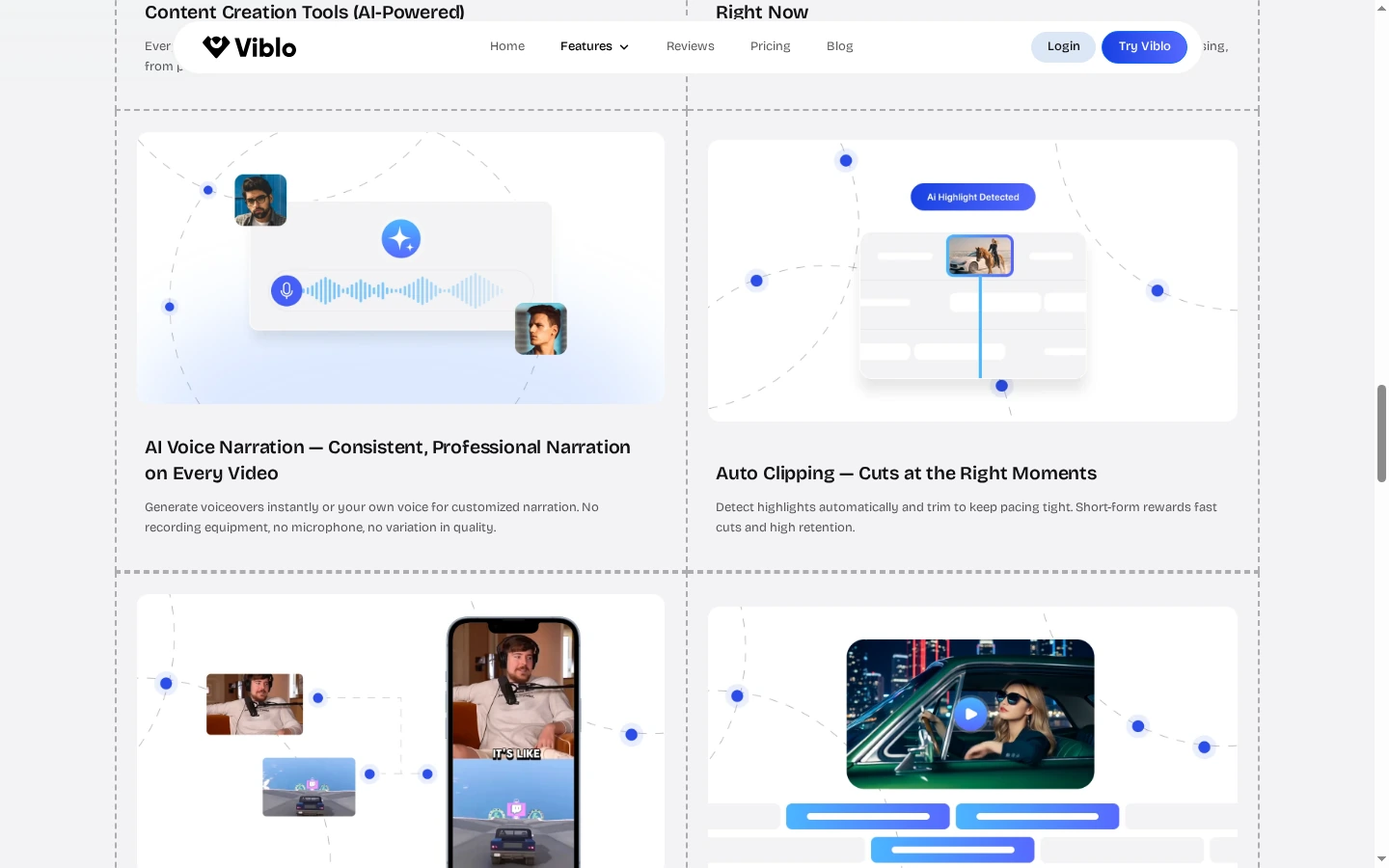
Viblo highlight-detection section showing an audio waveform and candidate video clips.

Add AI Voiceover and Captions to Short Clips

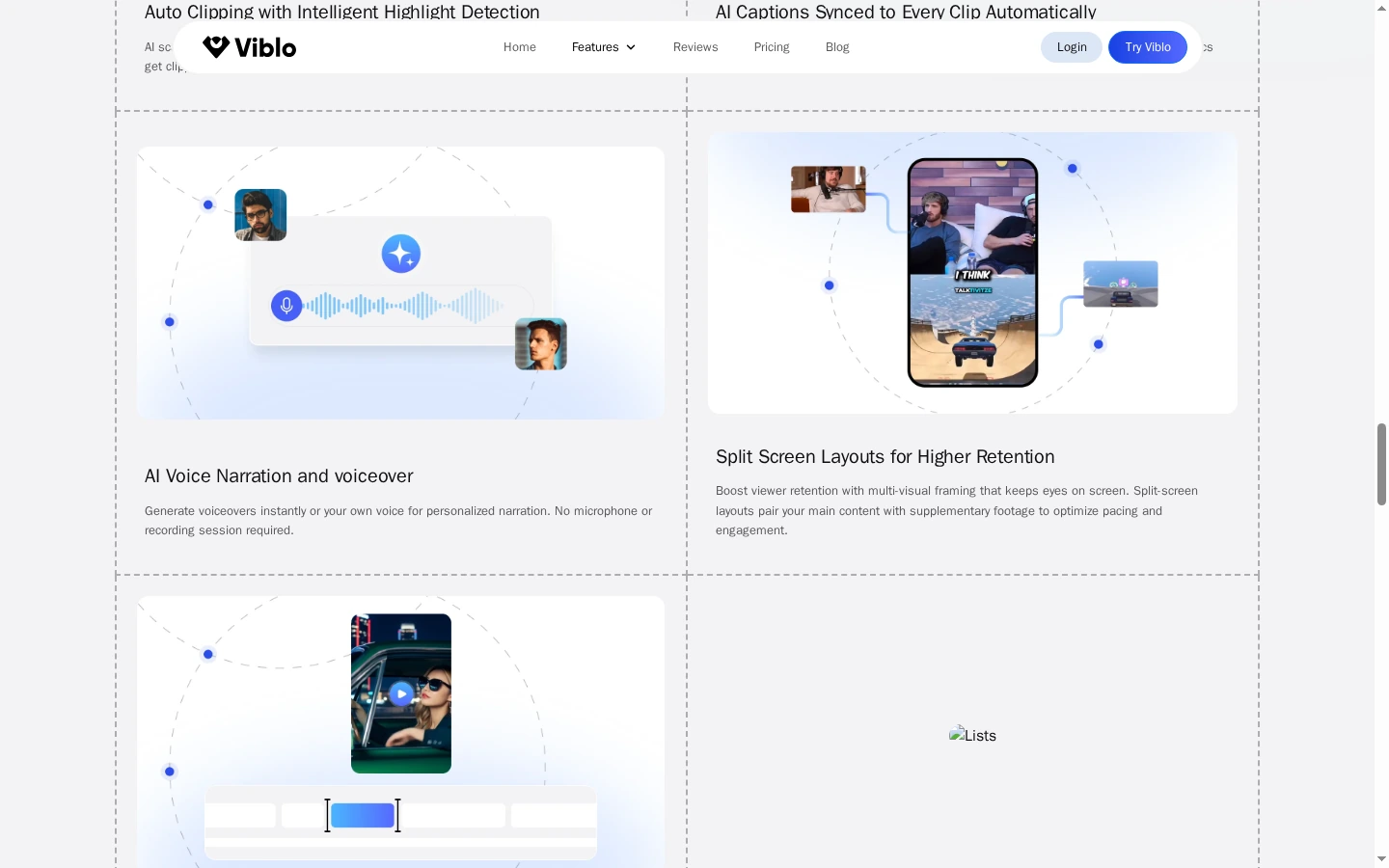
Viblo describes AI voiceover and captions as part of its short-form workflow. Its public feature page illustrates a voice waveform alongside captioned video examples, showing how narration and readable on-screen text can fit into a social edit. This can help a creator prepare a clip for sound-off viewing or add a narrated format without recording a new voice track. Review names, terminology, and timing before export.

Viblo feature page illustrating an AI narration waveform and captioned short-form video layouts.

Timeline Controls for Human Review

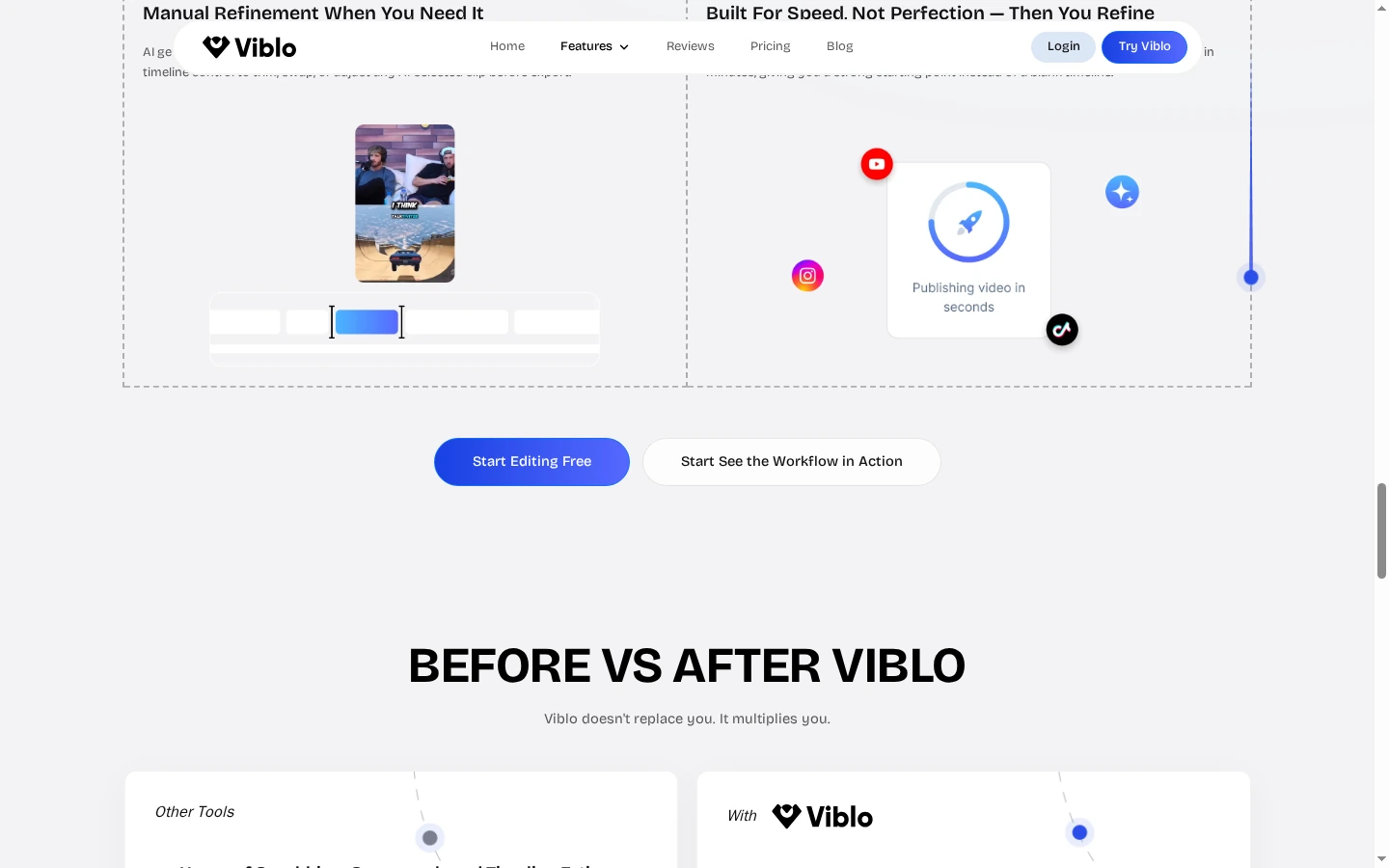
Automatic clipping does not have to be the final edit. Viblo says its Project Editor lets creators trim a candidate, change its order, and refine pacing on a timeline before export. This review stage matters when a highlight needs a little context at the beginning or end, or when a creator wants a series of clips to follow a deliberate order rather than the AI's first suggestion.

Viblo Project Editor example with a vertical clip and a selected timeline segment.

Script and Prompt-Based Video Creation

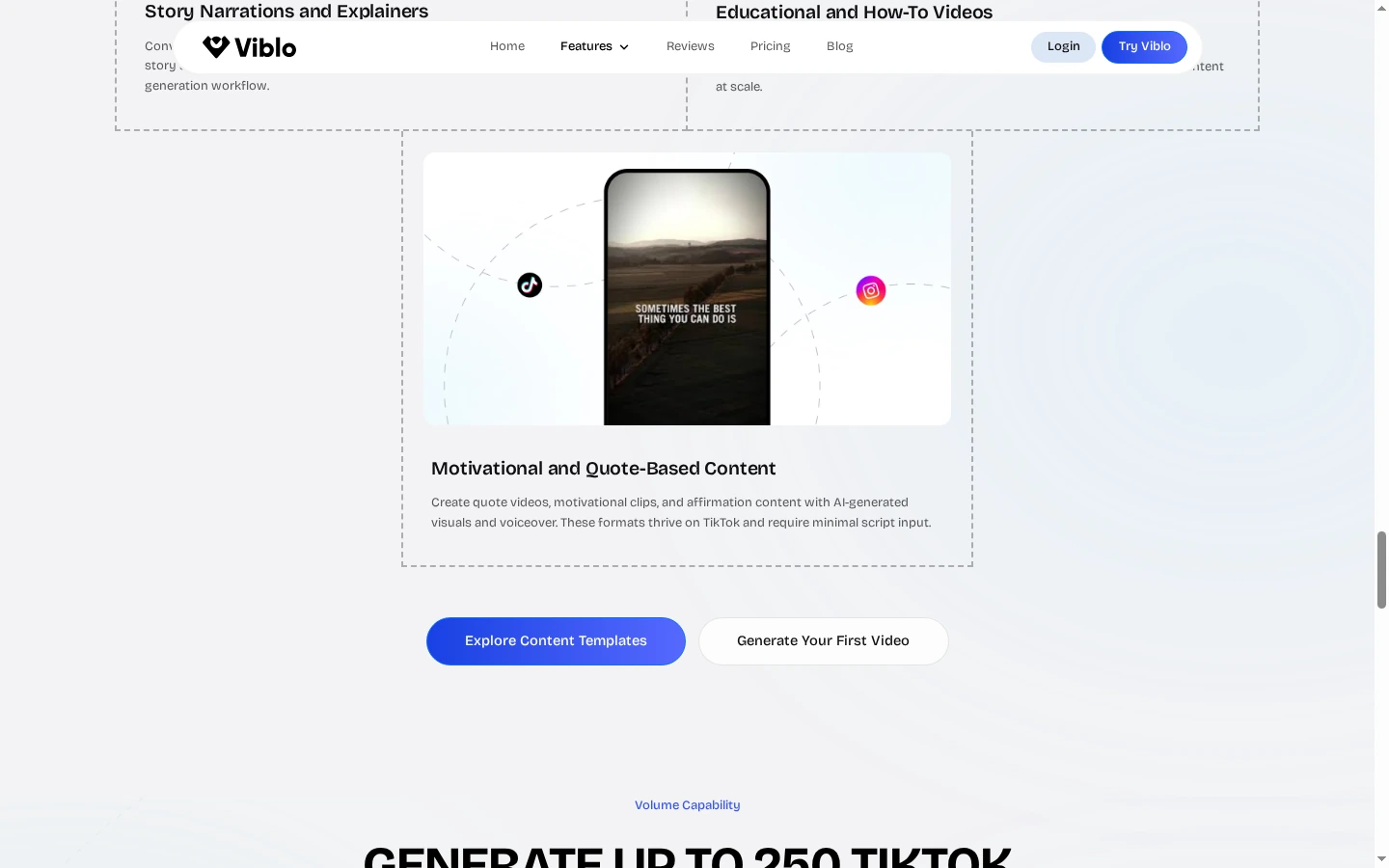
Viblo also presents a script-based workflow for creators who are starting from an idea rather than an existing recording. Its product pages describe converting text into short videos for social platforms and generating visual footage from prompts. This can support commentary, explainers, and other faceless formats, while a clear script and a final review remain important for factual accuracy and a coherent message.

Viblo prompt-generated vertical video example featuring a streamer and on-screen captions.

Exports Prepared for Social Platforms

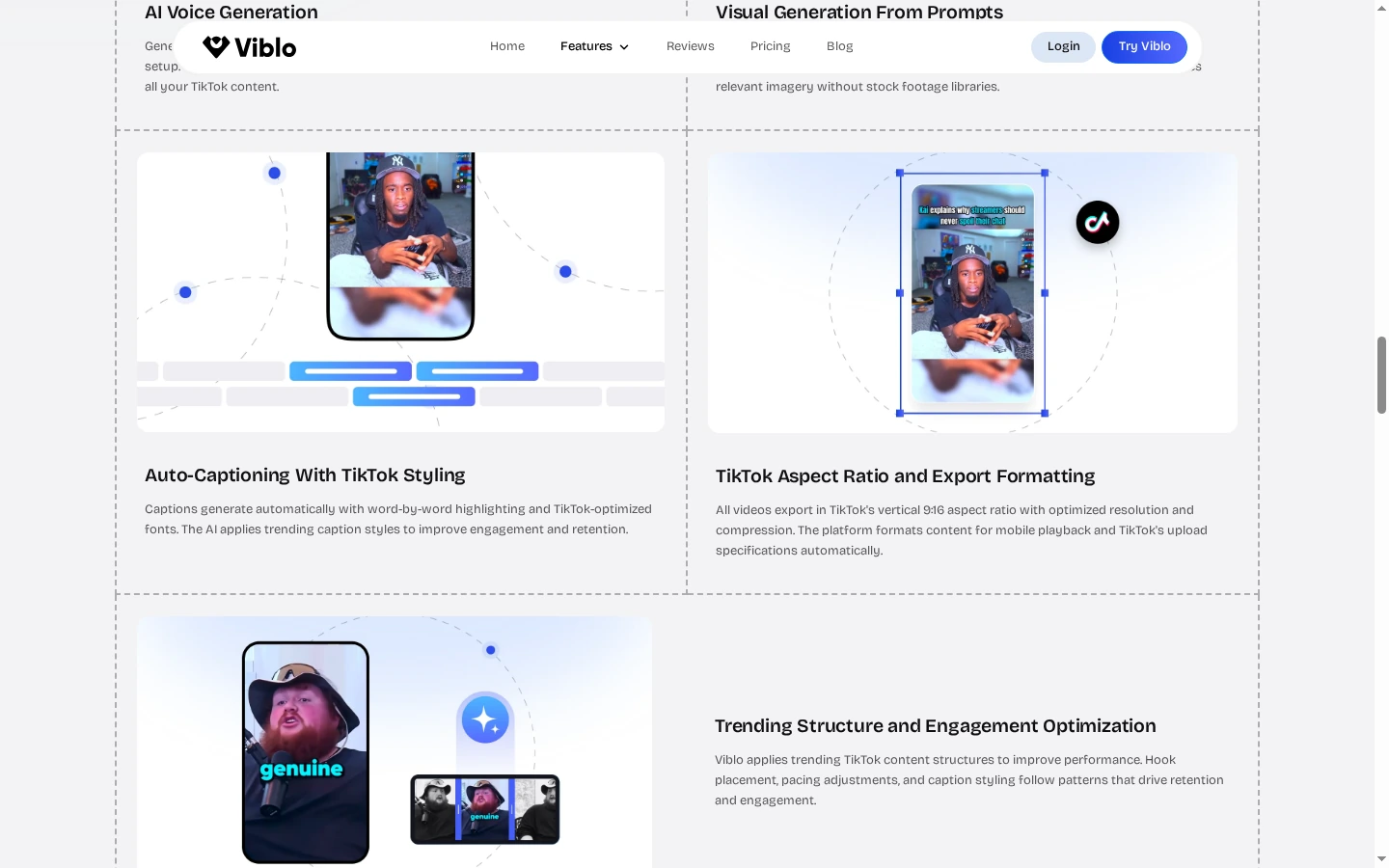
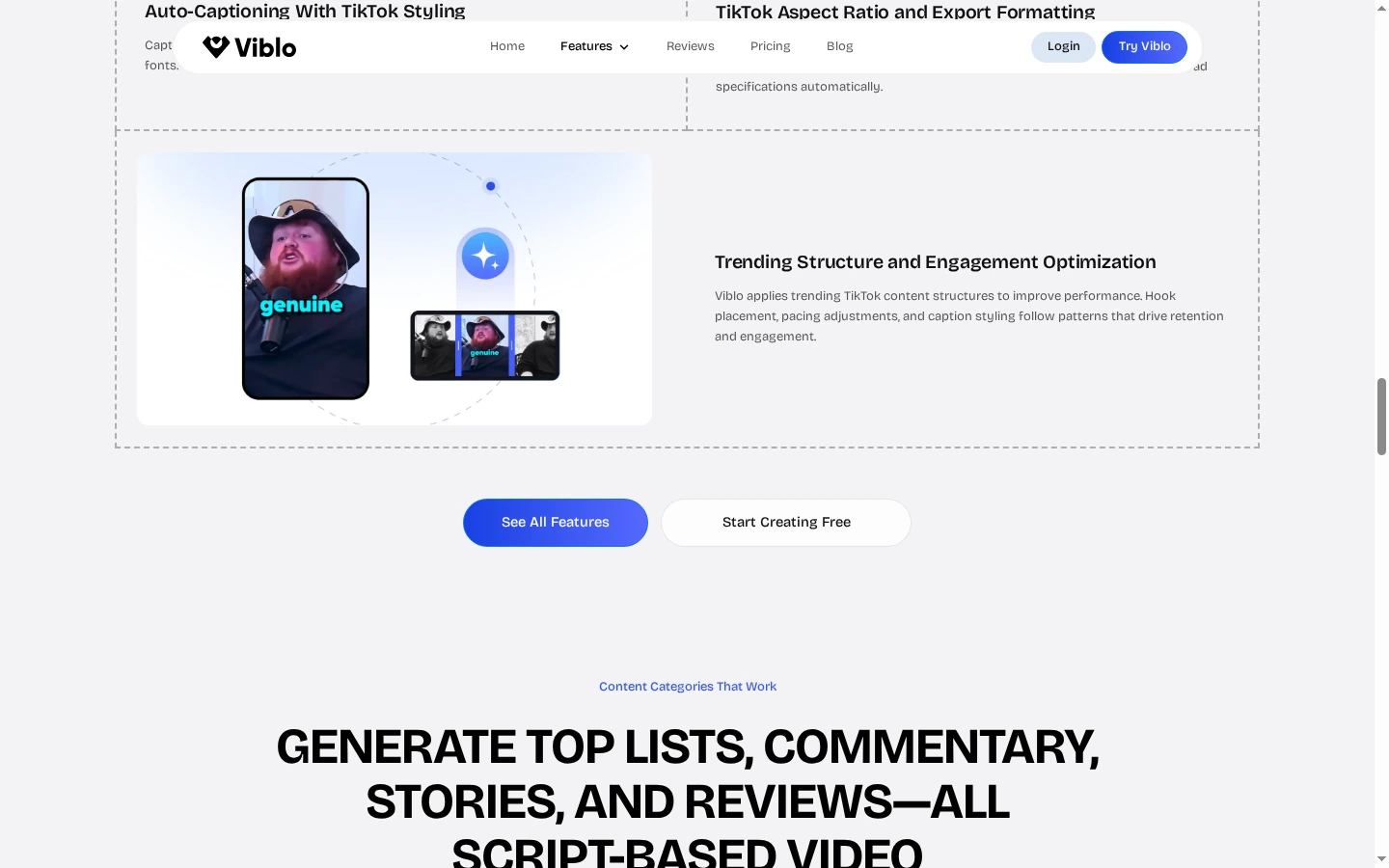
Viblo says it formats finished highlight reels for TikTok, Instagram Reels, YouTube Shorts, and Facebook, reducing the need to resize each clip manually. This is useful for creators who reuse one recording across several feeds. Platform-ready formatting does not replace a final check: review the crop, caption placement, audio, and any platform-specific requirements before scheduling or uploading.

Viblo TikTok example showing a vertical clip with caption styling and 9:16 formatting.

How to Use Viblo AI for a Short Video

01

Choose Your Starting Material

Upload a long recording for highlights, or choose a script and prompt-led video workflow for a new short.

02

Generate the First Cut

Let Viblo identify clip candidates or prepare a video from your written idea, then review captions, voiceover, and structure.

03

Refine and Export

Trim or reorder clips in the Project Editor, check the framing and captions, and export for the intended social platform.

Viblo AI vs GoEnhance AI and Other Video Tools

PlatformCore StrengthCreative RangeBest Fit
Viblo AIRepurposes recordings and creates short-form videos from scripts or promptsHighlight clips, voiceovers, captions, timeline edits, and social exportsCreators turning existing podcasts, streams, or ideas into short posts
GoEnhance AICreates and transforms video from text, images, or source footageText-to-video, image-to-video, video-to-video, and focused creative toolsCreators who need generated scenes or visual transformations
OpusClipFinds moments in long videos and prepares short clipsAI clipping, captions, reframing, editing, and social publishing optionsTeams repurposing long recordings into social clips
DescriptEdits video and audio through transcript-based toolsTranscription, text-based editing, captions, and audio cleanupCreators who want to edit spoken content by changing its transcript
Frequently Asked Questions

Viblo AI video editor FAQ

What is Viblo AI?

Viblo is a browser-based AI video editor focused on short-form content. Its public pages describe automatic highlight clipping, script-based creation, voiceovers, captions, timeline editing, and exports for social platforms.

What does the Viblo AI video editor do?

It can help turn long recordings into candidate highlight clips, add synchronized captions, and refine clips in a timeline. Viblo also offers a script and prompt-led route for creating short videos.

Can Viblo AI turn a podcast into short clips?

Yes. Viblo's official product page describes finding shareable moments in podcast recordings and presenting them as clip candidates that can be reviewed and refined.

Can I make videos with Viblo AI without showing my face?

Viblo describes script-based, voiceover-driven, and AI-generated formats for faceless explainers, educational clips, and product reviews.

Does Viblo AI add captions and voiceovers?

Viblo's product pages describe automatic captions synced to clips and a library of AI-generated voices for narration. Review generated text and audio before publishing.

Does Viblo AI work for TikTok, Reels, and YouTube Shorts?

Viblo says it formats highlight reels for TikTok, Instagram Reels, YouTube Shorts, and Facebook. Check the final crop and caption placement before posting.

Is Viblo AI free?

Viblo's website promotes a 7-day free trial and free sign-up. The trial's current access, credit limits, and cancellation terms can change, so check its plan page before starting.

How much does Viblo AI cost?

The official pricing section currently lists annual Starter, Creator, and Business plans, with different monthly video allowances and features. Confirm current prices and billing terms on Viblo's pricing page before purchase.

Can I edit clips after Viblo finds highlights?

Yes. Viblo describes a Project Editor for trimming, reordering, and refining pacing before export, so suggested clips can be reviewed instead of accepted blindly.

Where can I verify Viblo AI features and plans?

Check Viblo's official homepage, its AI video clipping page, and the current plan information shown on its site.

Need a New Visual, Not Another Highlight?

When the next post needs a generated scene or a visual transformation, start from the image or footage you want to bring to life.

Explore Image-to-Video