
Prompt
Copy and customize
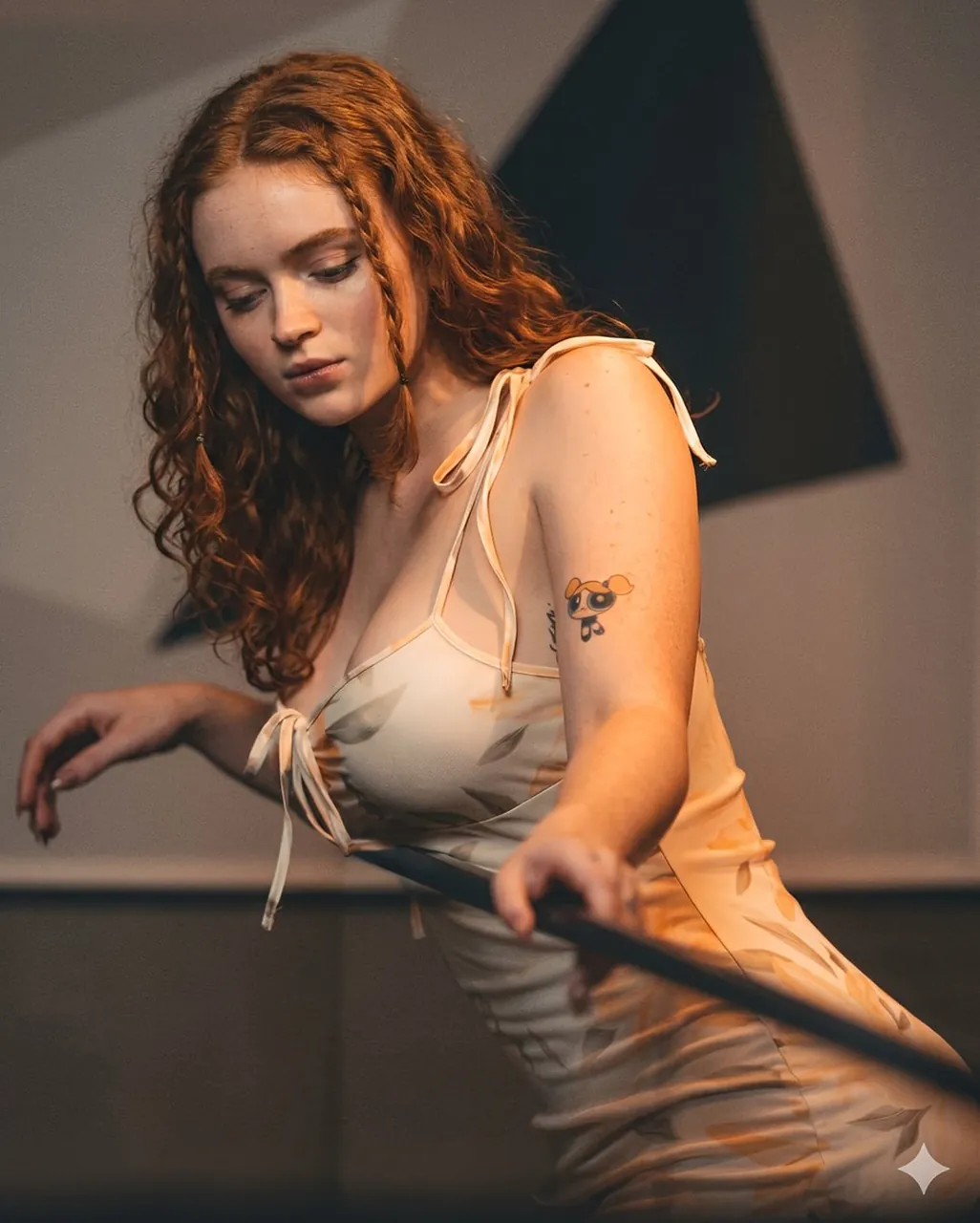
A young woman with long, voluminous, wavy red hair featuring small braids and loose curls cascading over her shoulders, fair skin with visible freckles, and a neutral facial expression with her gaze directed downward. She is wearing a light-colored, semi sleeveless dress with a delicate leaf or petal pattern in soft orange and beige tones, featuring thin spaghetti straps with tied bows on the shoulders. A small cartoon character tattoo of one of the Powerpuff Girls (Blossom) is visible on her upper left arm. She is leaning forward slightly while holding a long dark pole or railing with both hands, one arm extended gracefully. The background consists of a modern interior with geometric dark and light wall panels, illuminated by warm, soft lighting that creates a cinematic atmosphere. A young woman with long, flowing wavy red hair, fair skin, and closed eyes with a relaxed facial expression, seated on wooden steps. She is wearing the same light-colored, semi sleeveless dress with a delicate leaf or petal pattern in soft orange and beige tones, featuring thin spaghetti straps. Her body is turned slightly to the side, with one arm resting on her leg and the other hand placed near her knee, legs crossed at the ankles with bare feet visible. Small tattoos are noticeable on her forearm and ankle area. The setting is an indoor space with dark wooden steps and a modern architectural background featuring horizontal lines and glass elements, lit by warm, dramatic side lighting that highlights her form and creates a serene, artistic mood.
Best for
Tips
Keep the main subject focused so A young woman with long voluminous wavy remains recognizable after style or lighting changes.
Adjust camera angle and aspect ratio before generation when the composition needs a specific platform format.