
VHS Filter: Give Any Photo a 90s Videotape Look
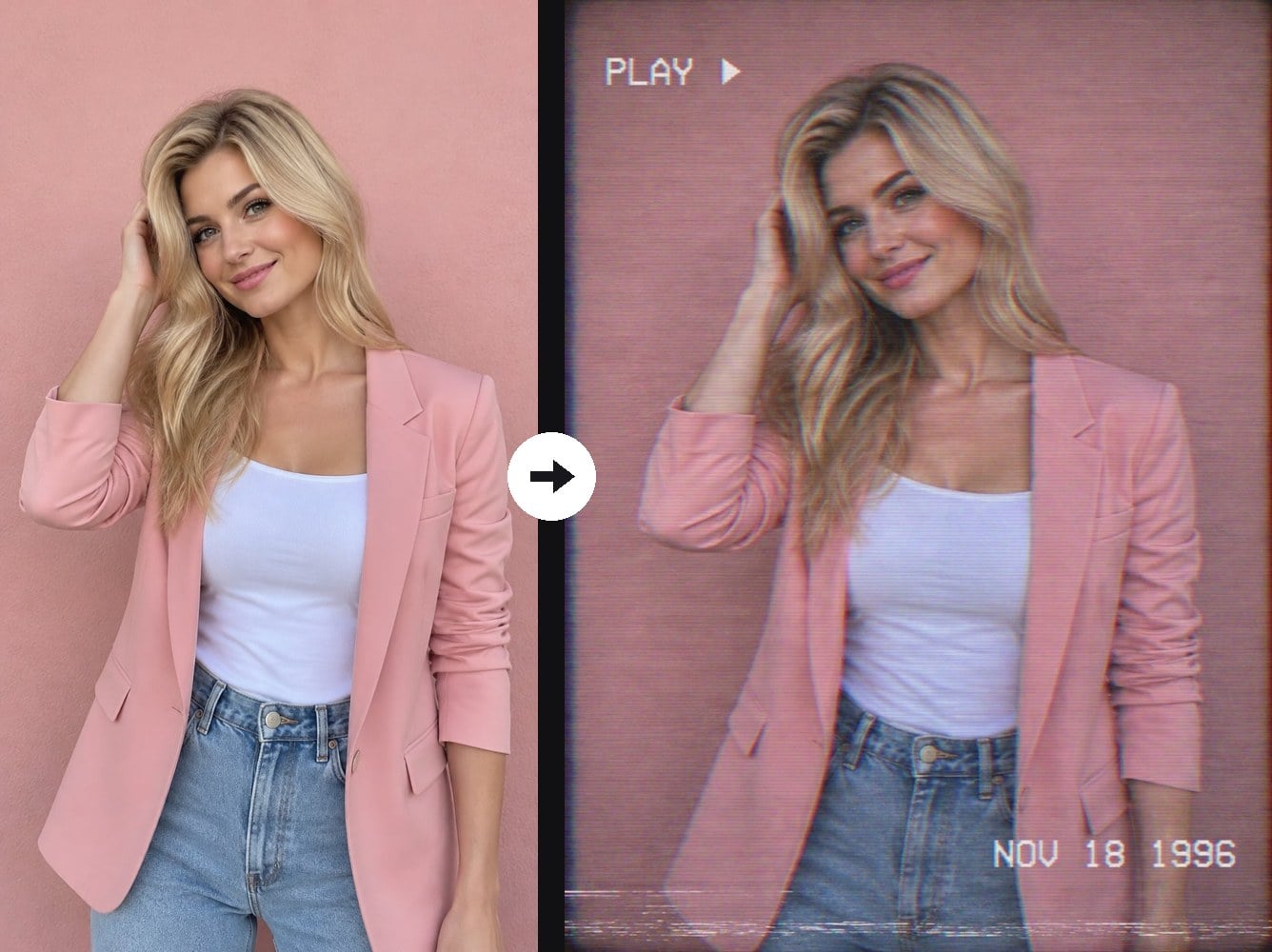
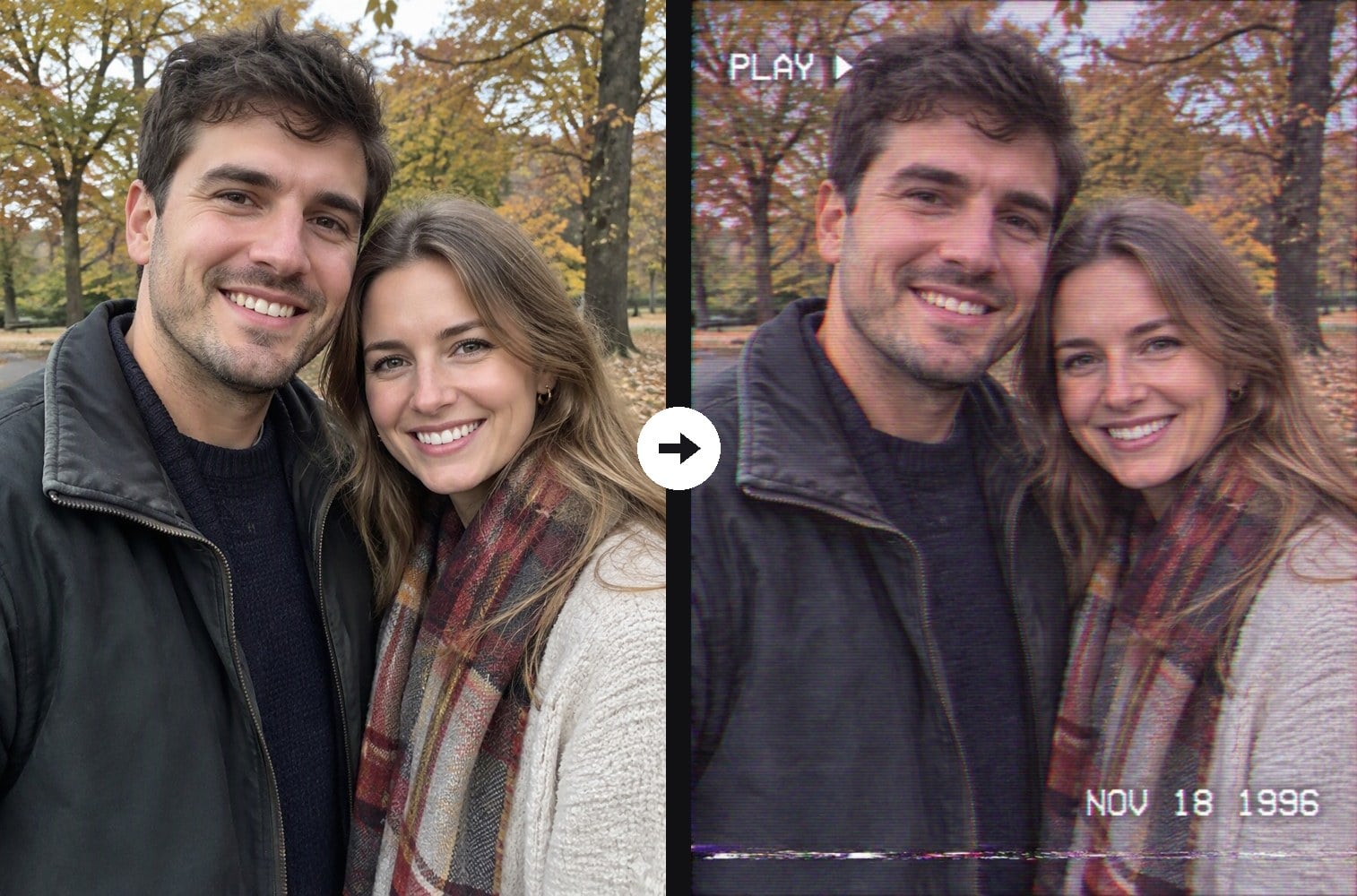
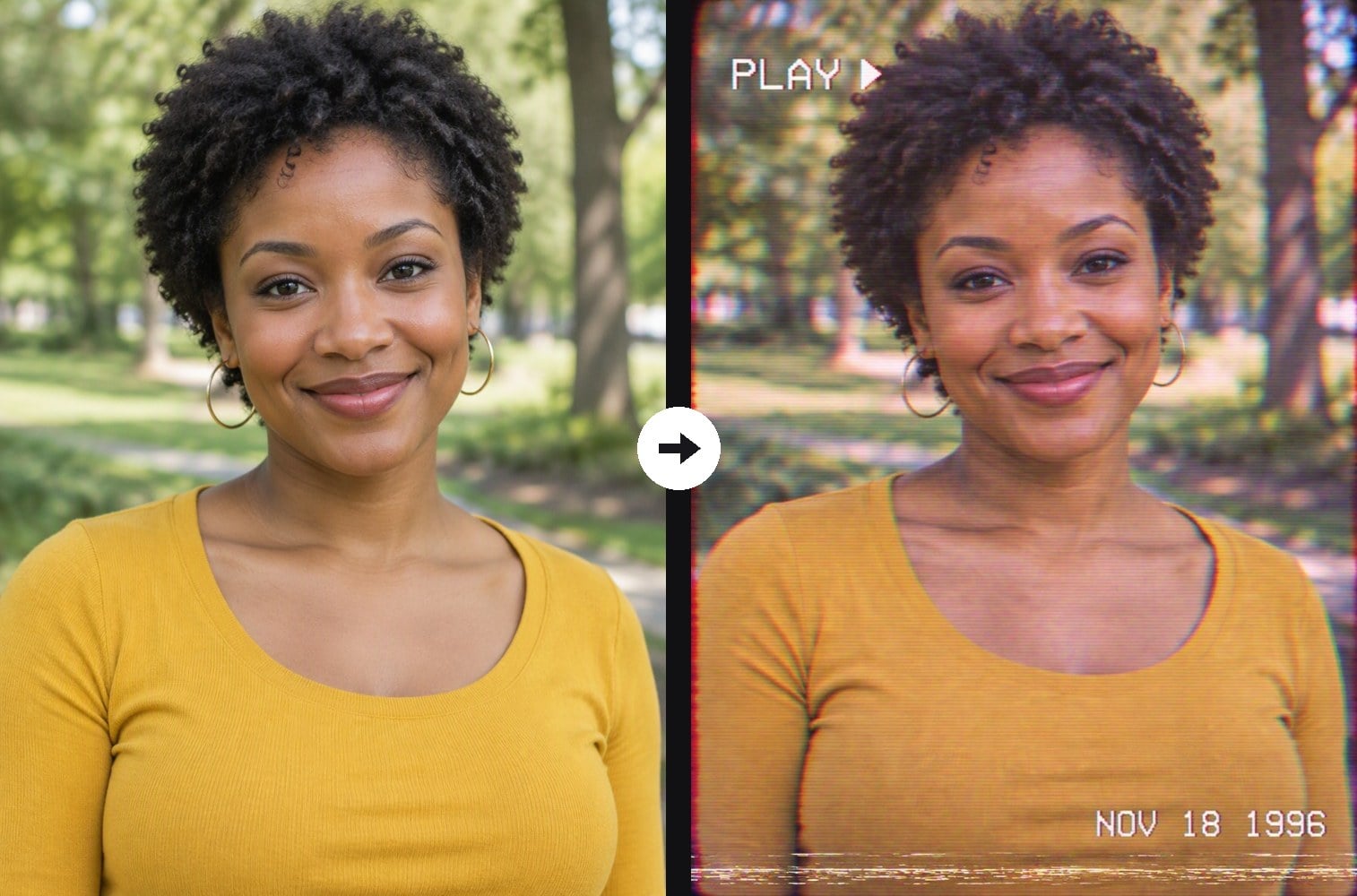
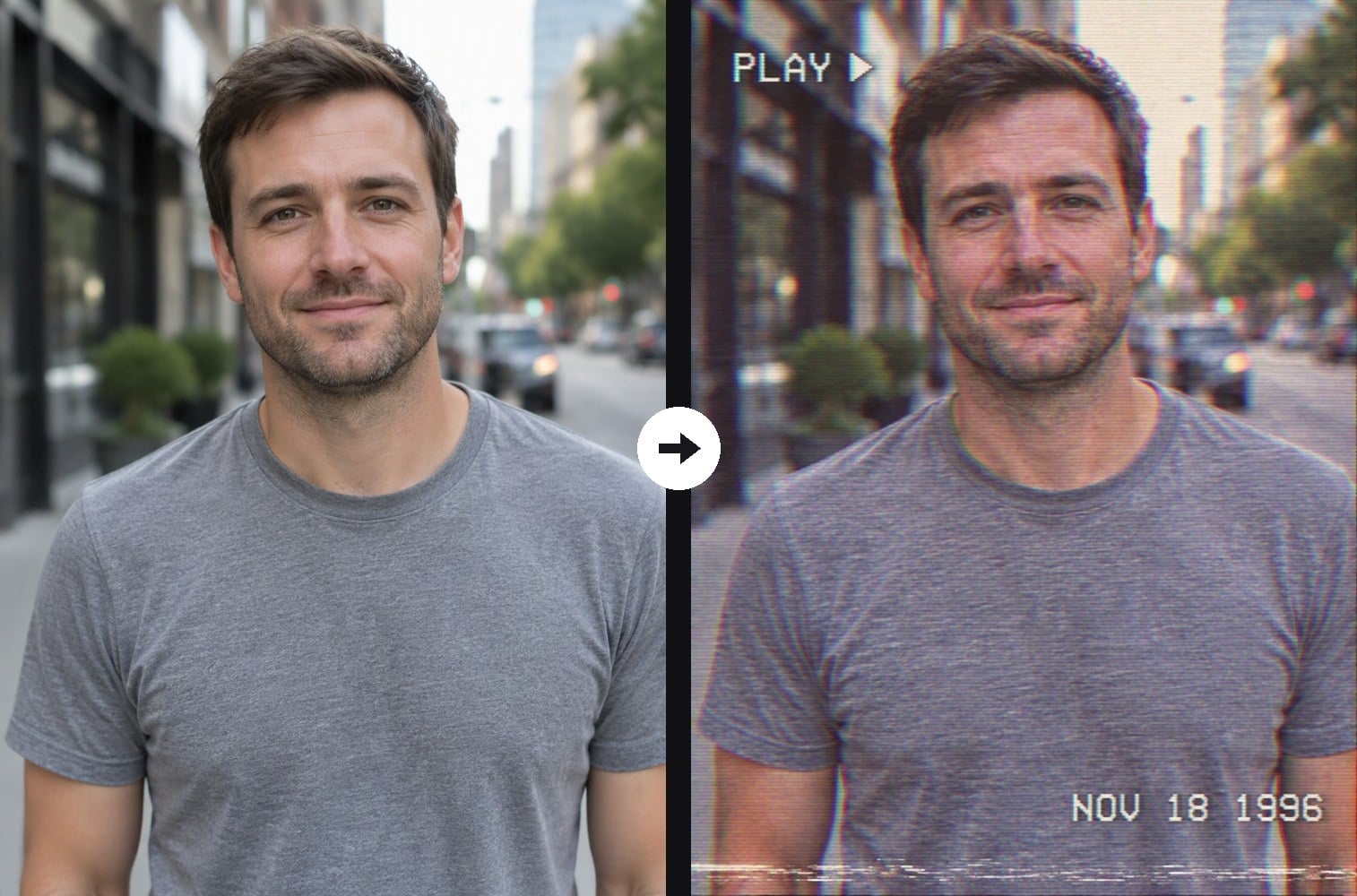
Upload any digital photo and the AI turns it into a frame from an old VHS home video: horizontal scanlines, analog noise, a tracking band near the bottom, red and cyan color bleeding along the edges, washed-out colors with a magenta and teal cast, and the soft, low-resolution detail of a camcorder tape played on a CRT TV. A white PLAY ▶ label and a 1990s date stamp finish the look. Your faces, clothes, pose and background stay exactly as they are; only the image quality changes. Unlike the 80s grain filter, which gives a faded film photo with grain, this effect recreates the video artifacts of a VHS tape. The console below runs on GPT Image 2.5.



Pink Blazer Portrait to 90s Camcorder Still
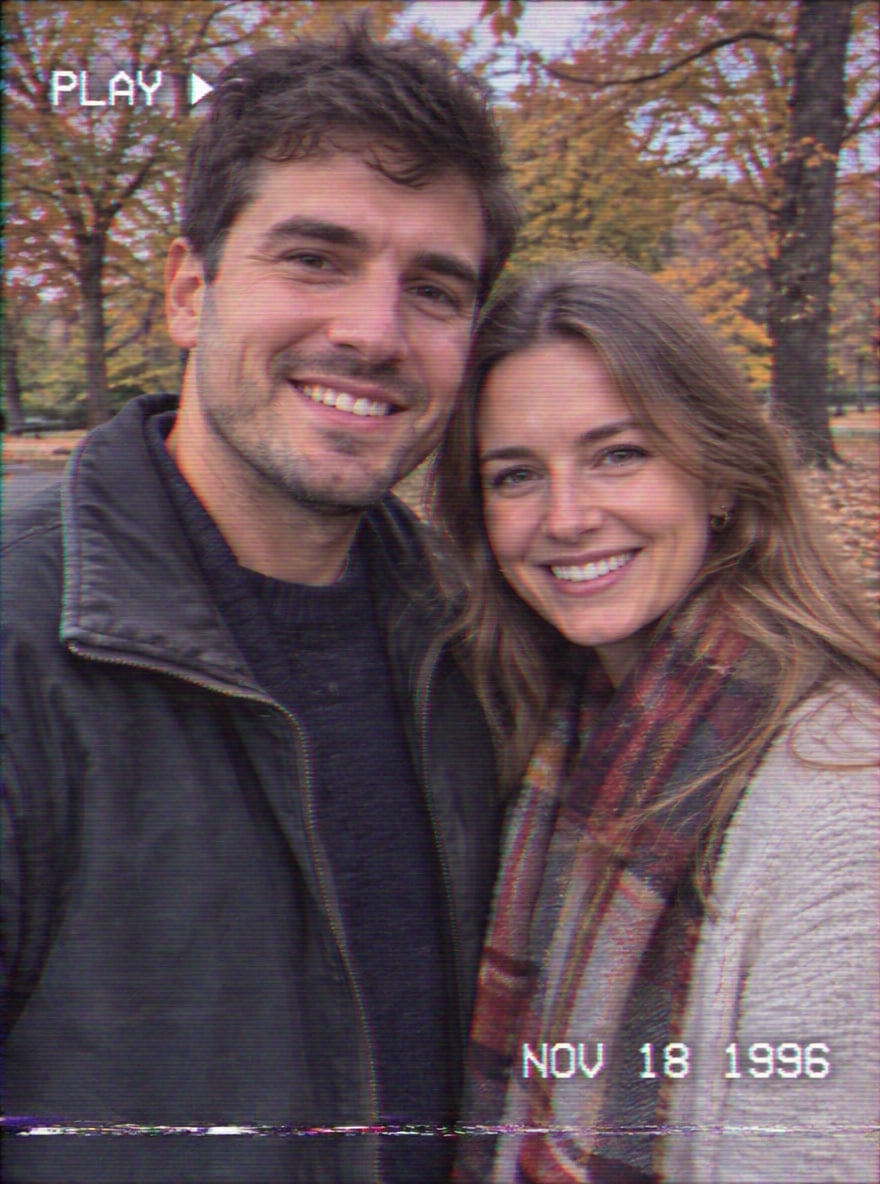
Park Couple Selfie to Home Video Frame

Park Portrait to VHS Tape Look

Street Portrait to Retro Tape Still
Upload files
Upload a clear photo, any scene works
Effect prompt
By uploading a file, you agree to GoEnhance's Terms of Use and Privacy Policy
VHS Filter Results from the Console
Each result comes from one upload with the prompt above. People, clothes and background come from the original photo; scanlines, noise, color bleed and the date stamp are added by the AI.
Pink Blazer Portrait to 90s Camcorder Still
Park Couple Selfie to Home Video Frame
Park Portrait to VHS Tape Look
Street Portrait to Retro Tape Still
How to Use the VHS Filter
01
Upload your photo
Any digital photo works: selfies, couple photos, street shots, party or travel pictures.
02
Generate
The VHS prompt is already filled in. Press the button, or change the date stamp or the color cast in the prompt.
03
Download and share
Save your 90s videotape still for a retro post, a profile picture or a nostalgia carousel.
Why Use This AI VHS Filter
More Retro Photo Effects



VHS Filter FAQ
What is a VHS filter?
Is it a photo filter or a video effect?
Will it change my face or my clothes?
Can I change the date or remove the PLAY text?
What photo works best?
What if I want a film photo look instead of videotape?
Ready to Rewind Your Photo to 1996?
Upload one photo and get a 90s VHS camcorder still in under a minute.
Apply the VHS Filter