
AI Cozy Sweater Filter: Fall Aesthetic Photos in a Chunky Knit
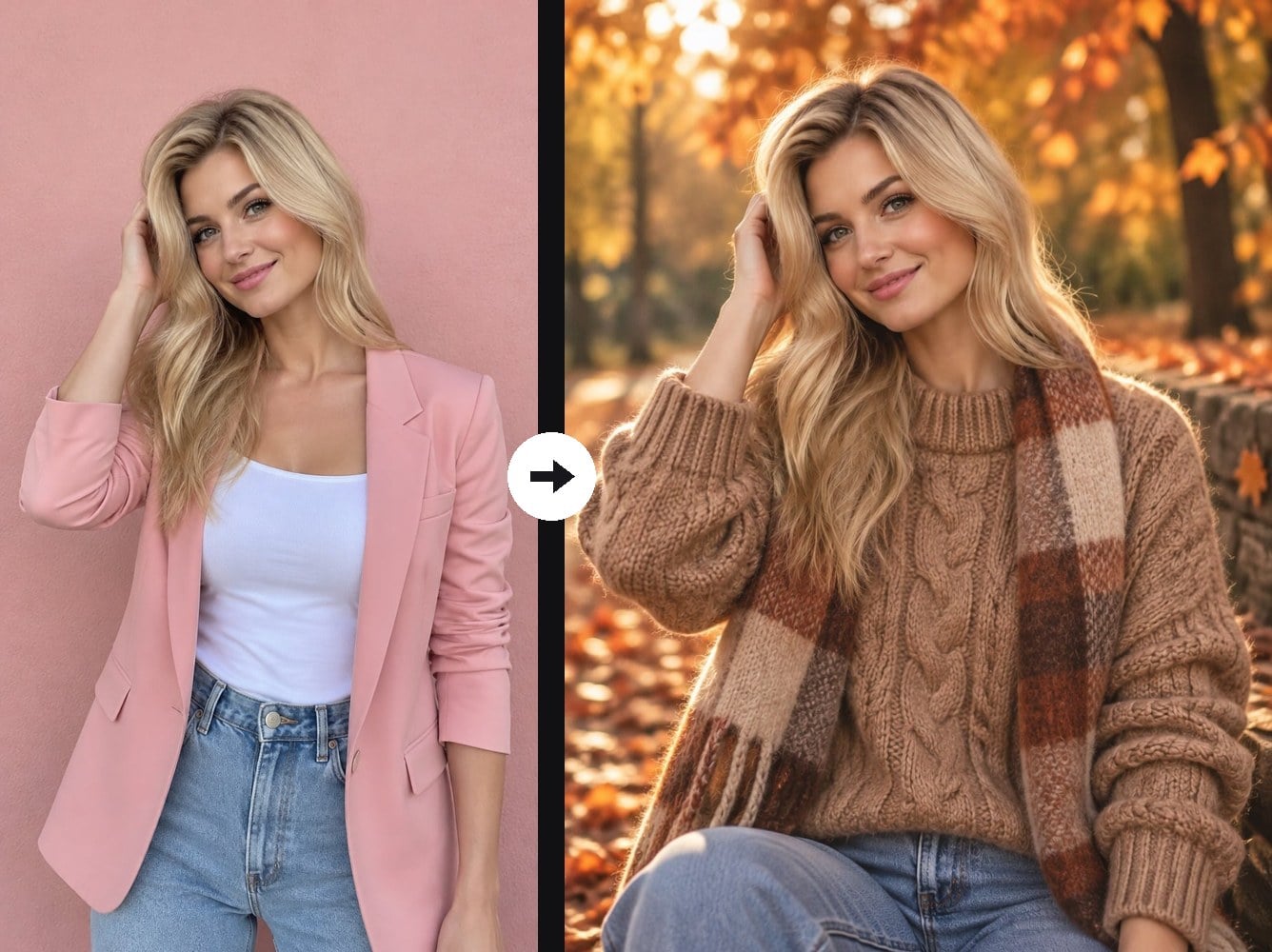
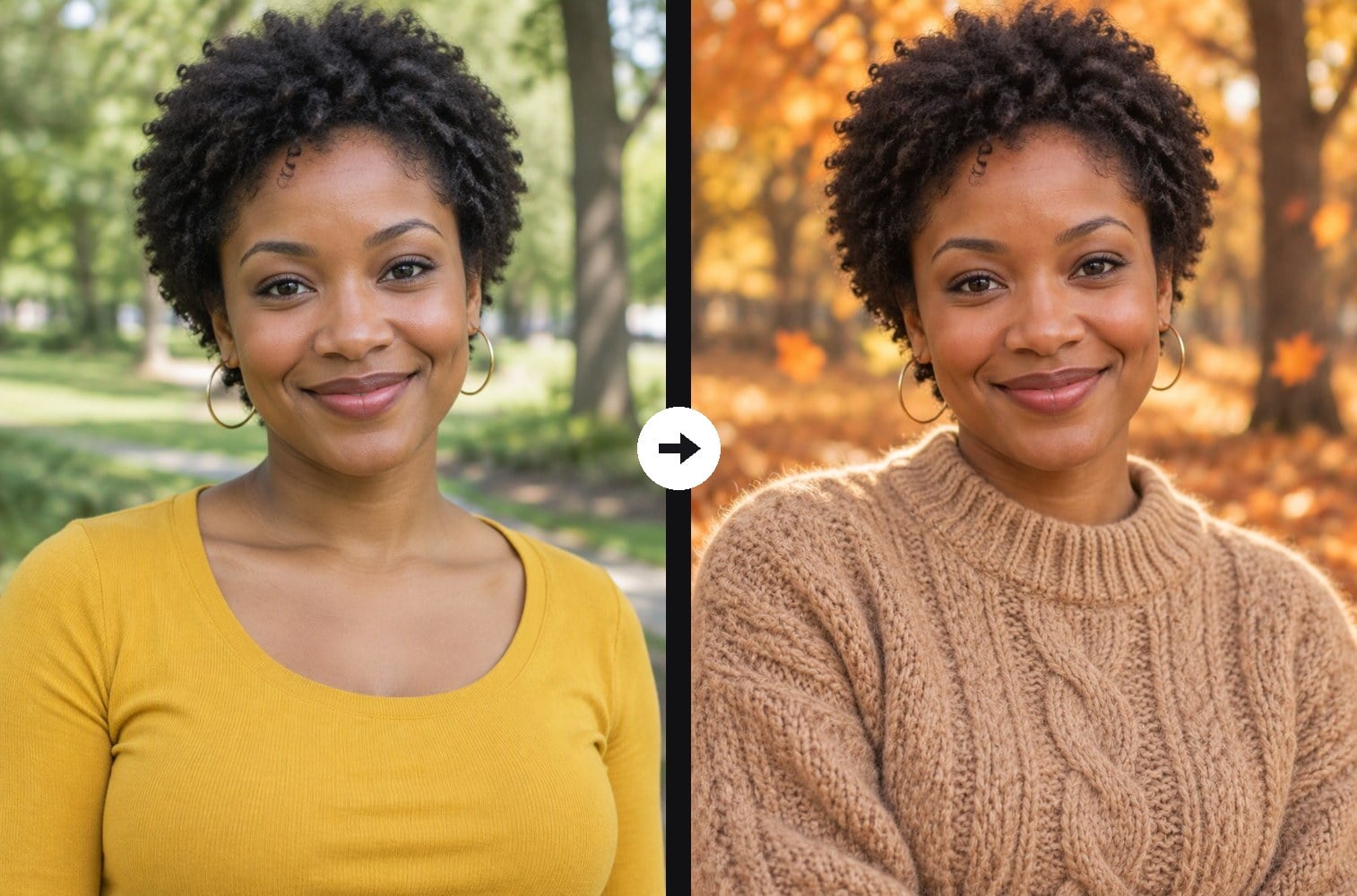
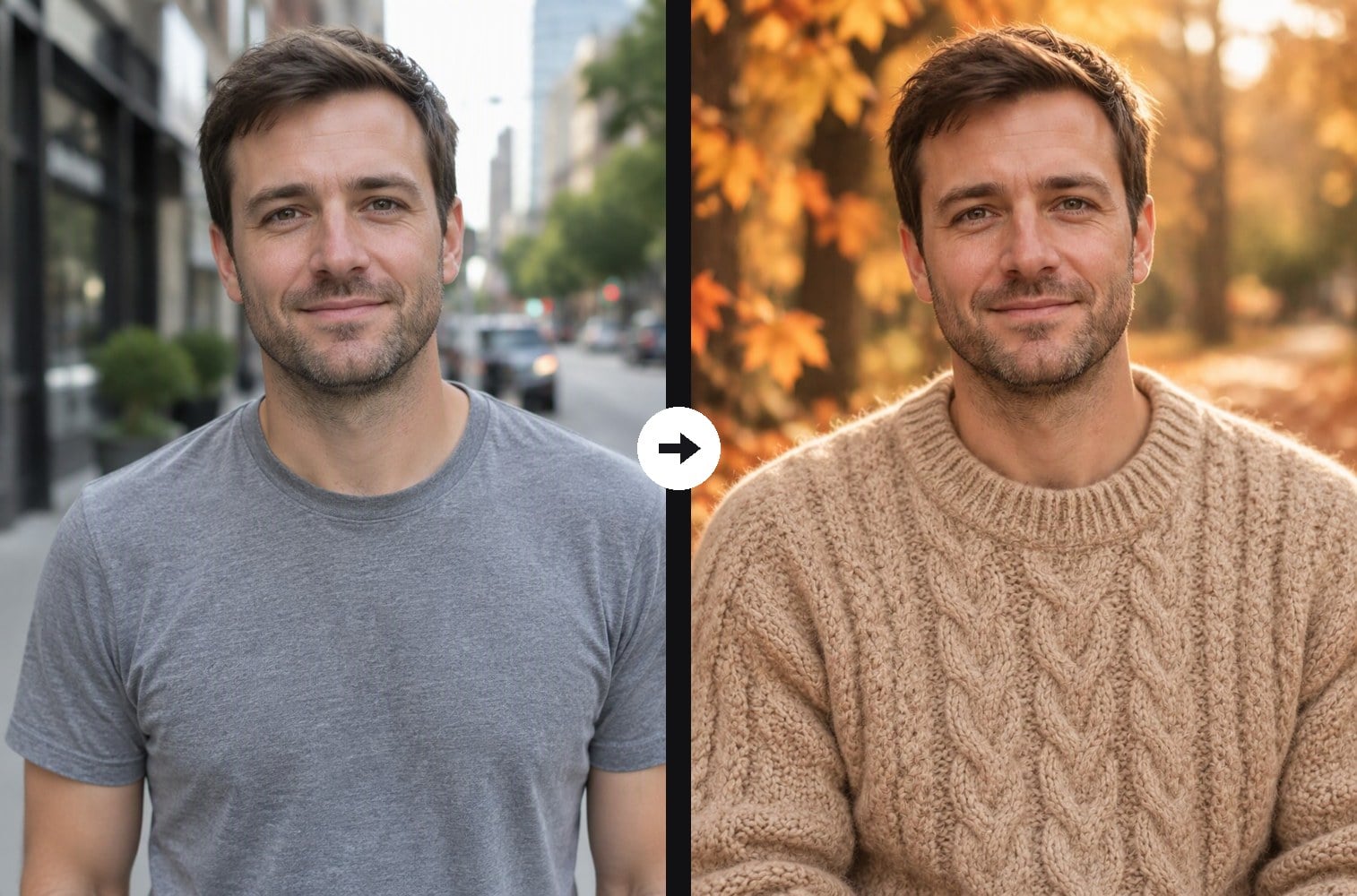
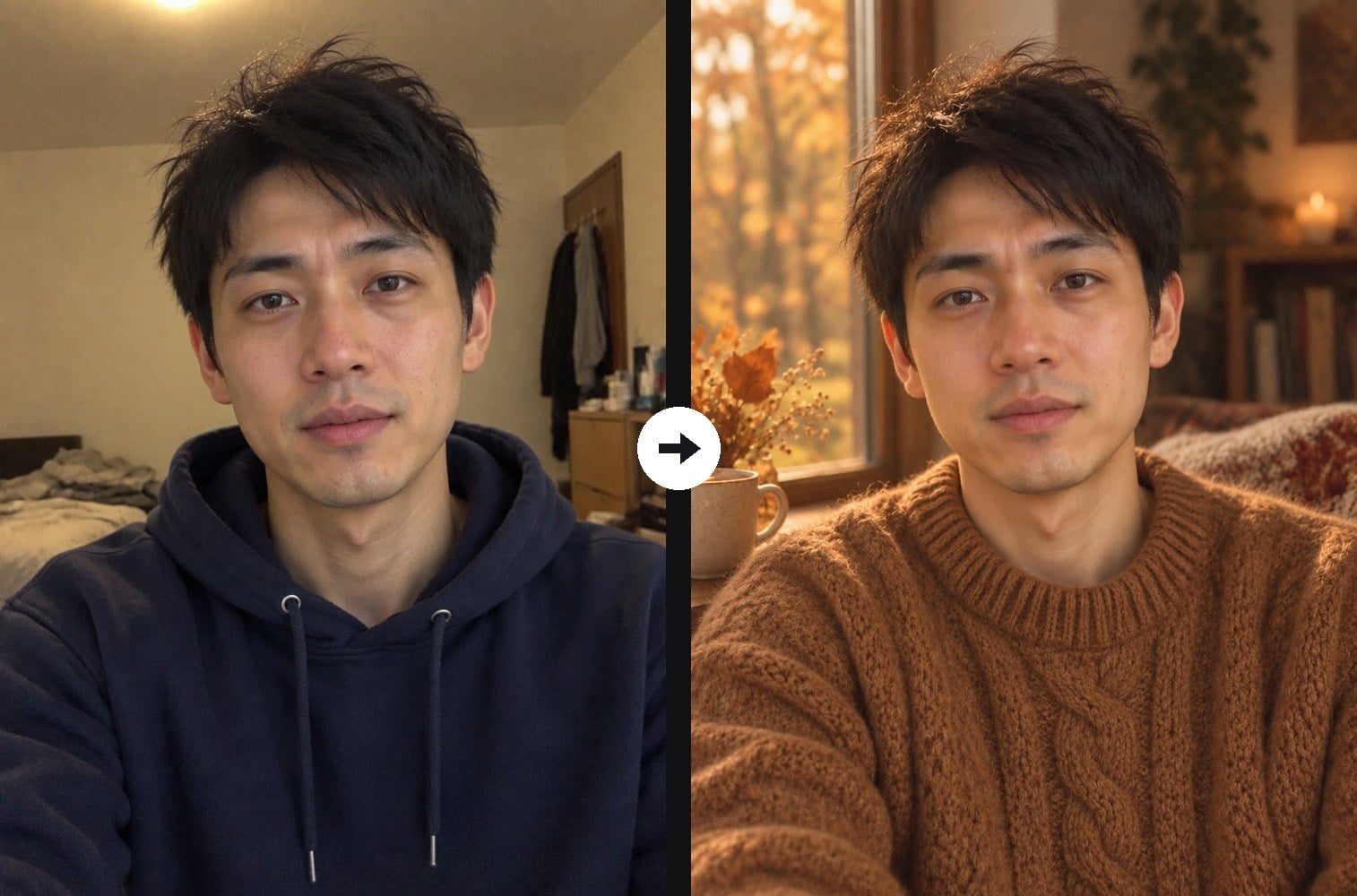
Upload any photo and the AI turns it into a cozy fall portrait: a chunky cable-knit sweater in oatmeal, camel, rust or forest green, warm golden light, soft focus and a background of falling leaves or a window seat with a warm cup. The eyes stay sharp with soft catchlights, so the close-up feels calm and expressive. Your face, hairstyle, skin tone, gender and pose do not change; only the outfit and the mood do. Unlike the warm tone filter, which only regrades the colors of your original photo, this effect changes your clothes and background too. The console below runs on GPT Image 2.5.
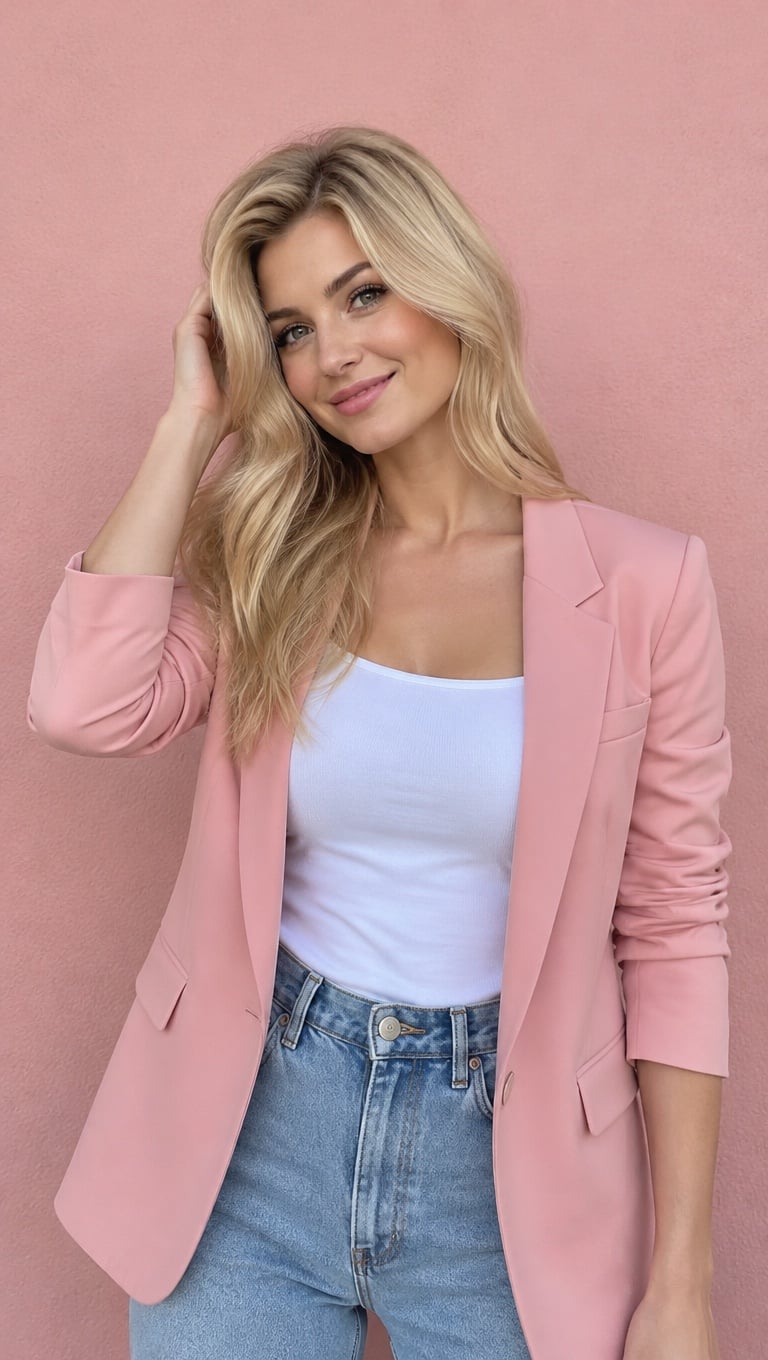
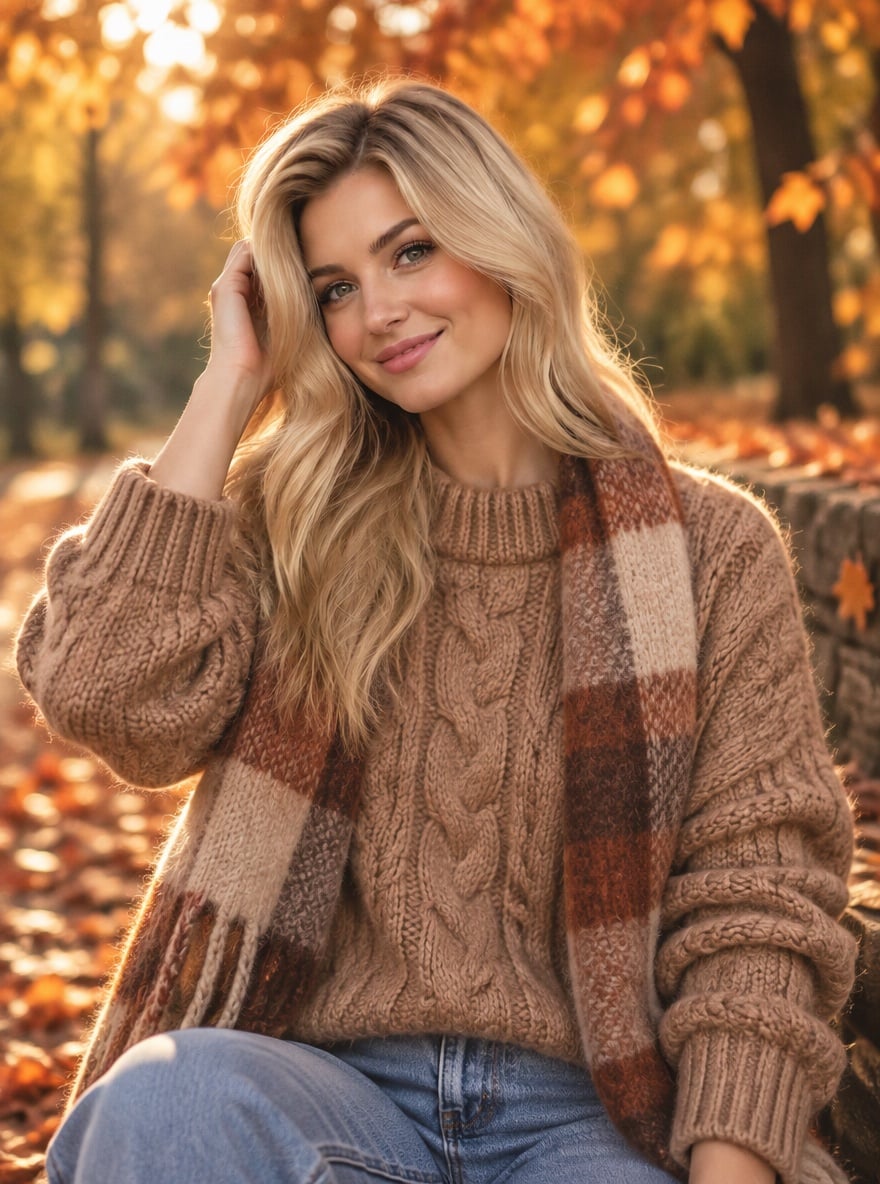
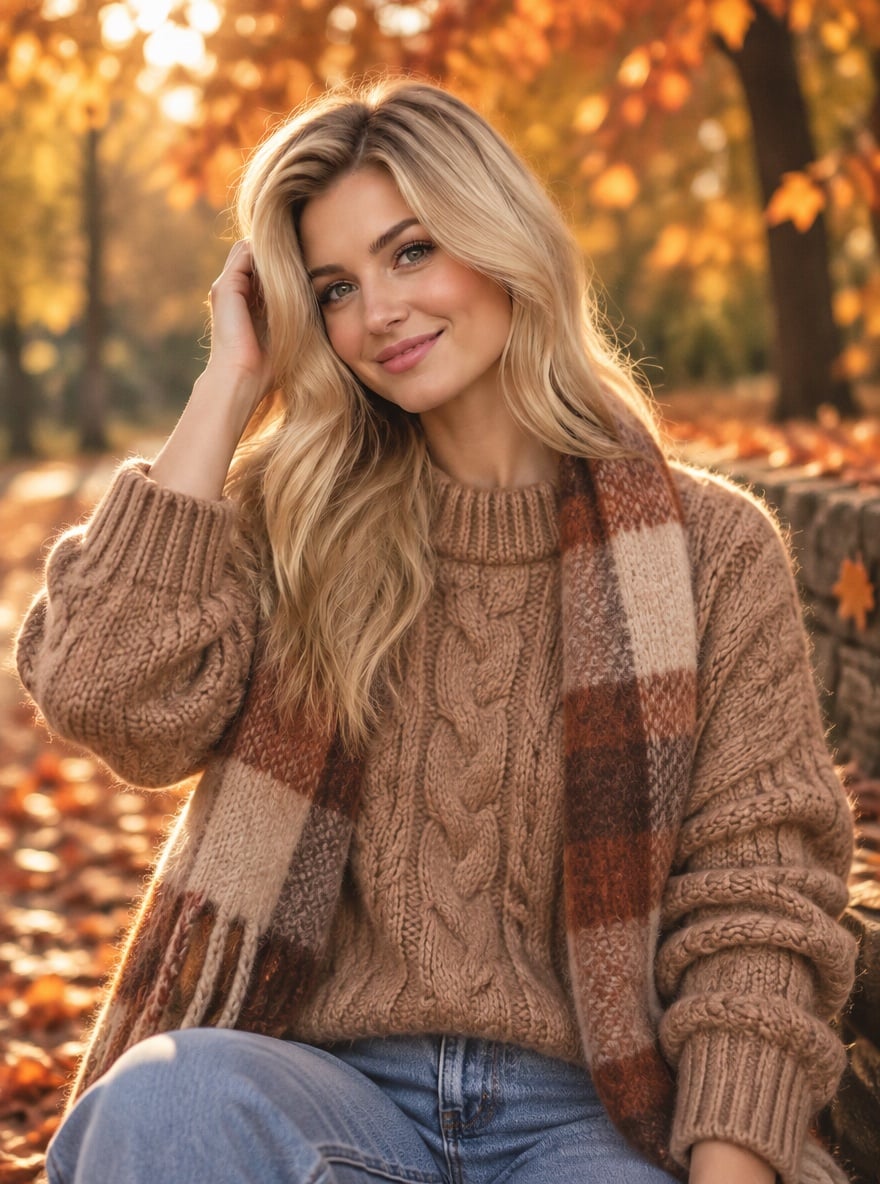
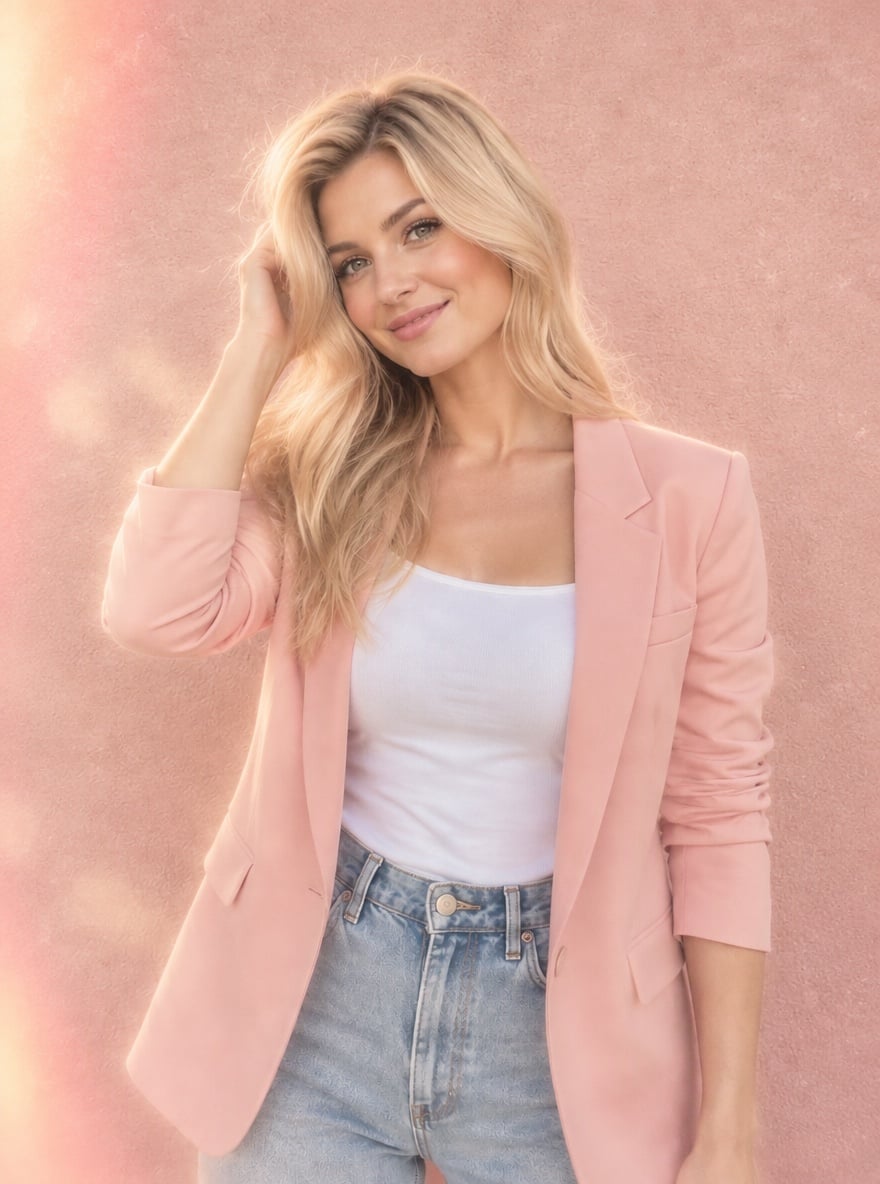
Pink Blazer to Autumn Knit and Scarf
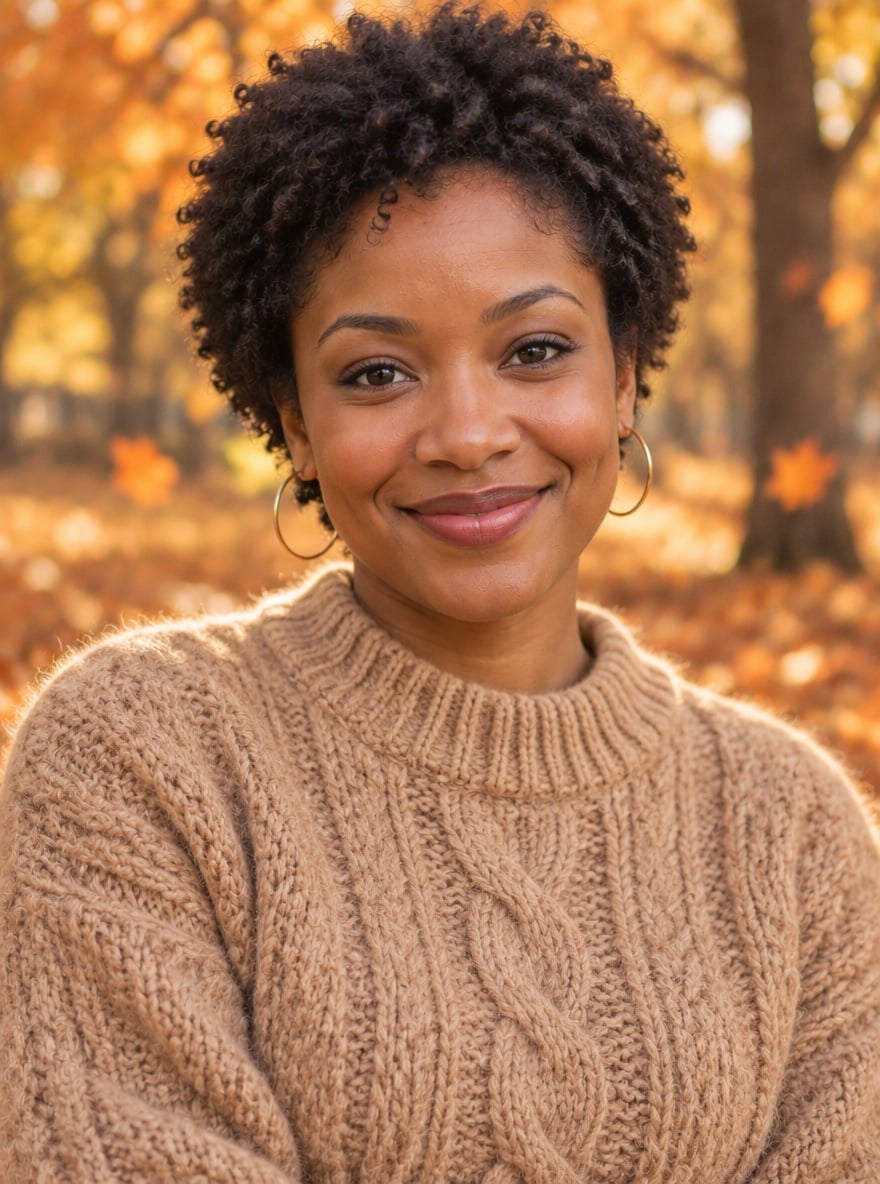
Yellow Top to Cable-Knit in the Leaves

City T-Shirt to Camel Sweater

Hoodie Selfie to Window-Light Knit
Upload files
Upload a clear photo with your face visible
Effect prompt
By uploading a file, you agree to GoEnhance's Terms of Use and Privacy Policy
Cozy Sweater Photos from the Console
Each result comes from one upload with the prompt above. Face, hair and pose come from the original photo; the sweater, background and lighting are generated.
Pink Blazer to Autumn Knit and Scarf
Yellow Top to Cable-Knit in the Leaves
City T-Shirt to Camel Sweater
Hoodie Selfie to Window-Light Knit
How to Use the AI Cozy Sweater Filter
01
Upload your photo
A selfie or half-body photo with your face clearly visible works best. Any outfit and any background are fine.
02
Generate
The cozy sweater prompt is already filled in. Press the button, or change the sweater color or the background in the prompt.
03
Download and share
Save your fall aesthetic portrait for a profile picture, a seasonal post or a before-and-after carousel.
Why Use This AI Cozy Sweater Filter
More Aesthetic Photo Effects

AI Cozy Sweater Filter FAQ
What is the AI cozy sweater filter?
Is it a photo filter or a video effect?
Will it still look like me?
Can I pick the sweater color or the background?
What photo works best?
What if I only want warmer colors on my original photo?
Ready for Your Cozy Fall Photo?
Upload one photo and get a chunky knit autumn portrait in under a minute.
Create My Cozy Sweater Photo