MAI Image 2.7

MAI Image 2.7 is Microsoft AI's image generation and editing model, released in November 2026 together with the faster MAI Image 2.7 Flash. On GoEnhance you can write a prompt or upload up to 5 reference images, choose 1K or 2K and one of 13 aspect ratios, and see the token cost before you generate. Flash starts at 3 tokens per image and MAI Image 2.7 at 8.
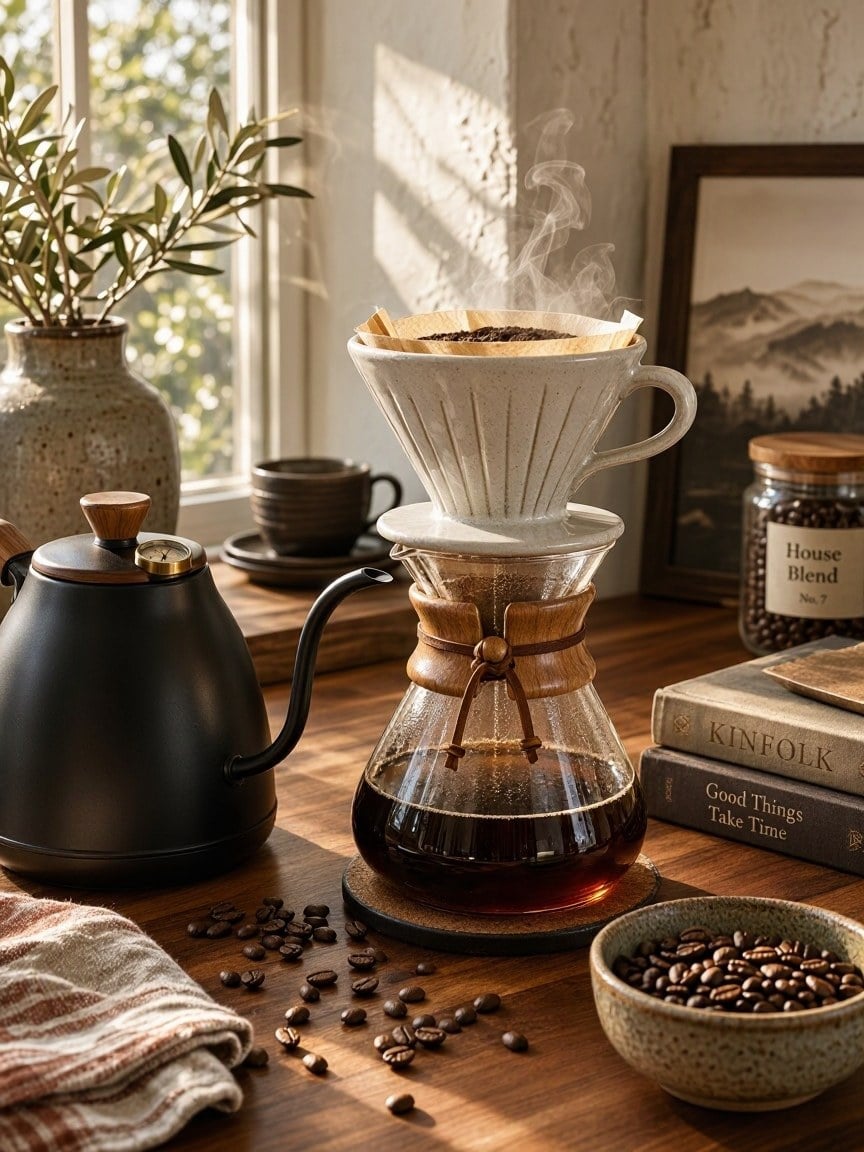
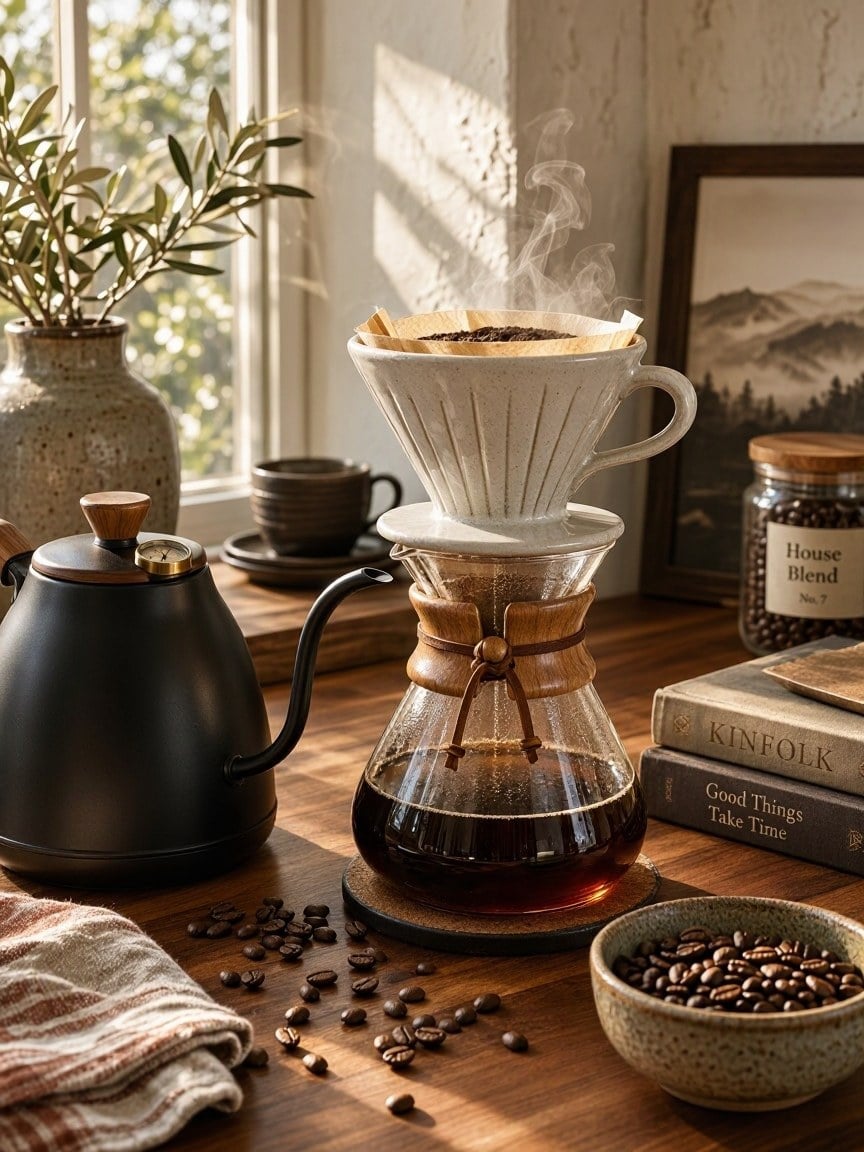
Pour-Over Coffee Morning
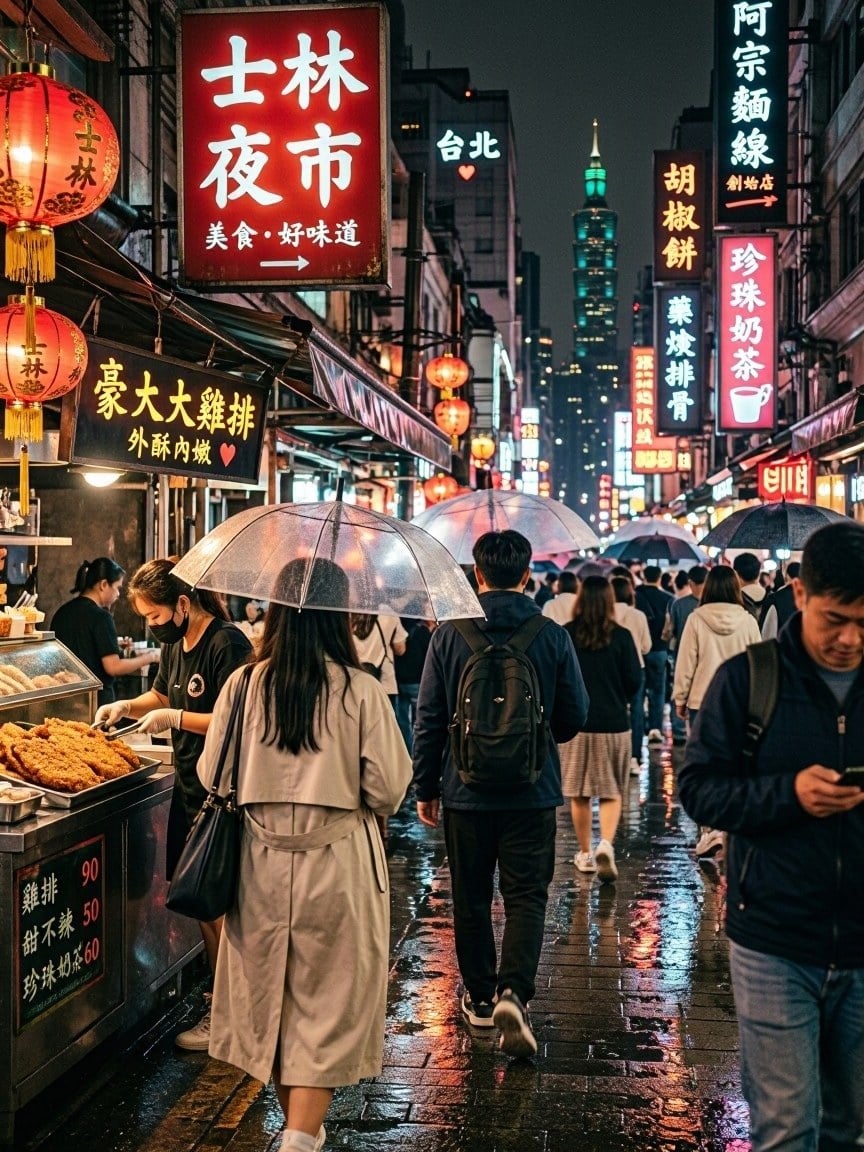
Rainy Night Market

Rainy Night Market
Watercolor Owl
Watercolor Owl
Architect in Her Studio
MAI Image 2.7 Flash
Prompt
Example prompts
Opens the GoEnhance editor with this model and prompt ready.

Edit a Photo Without Redoing It
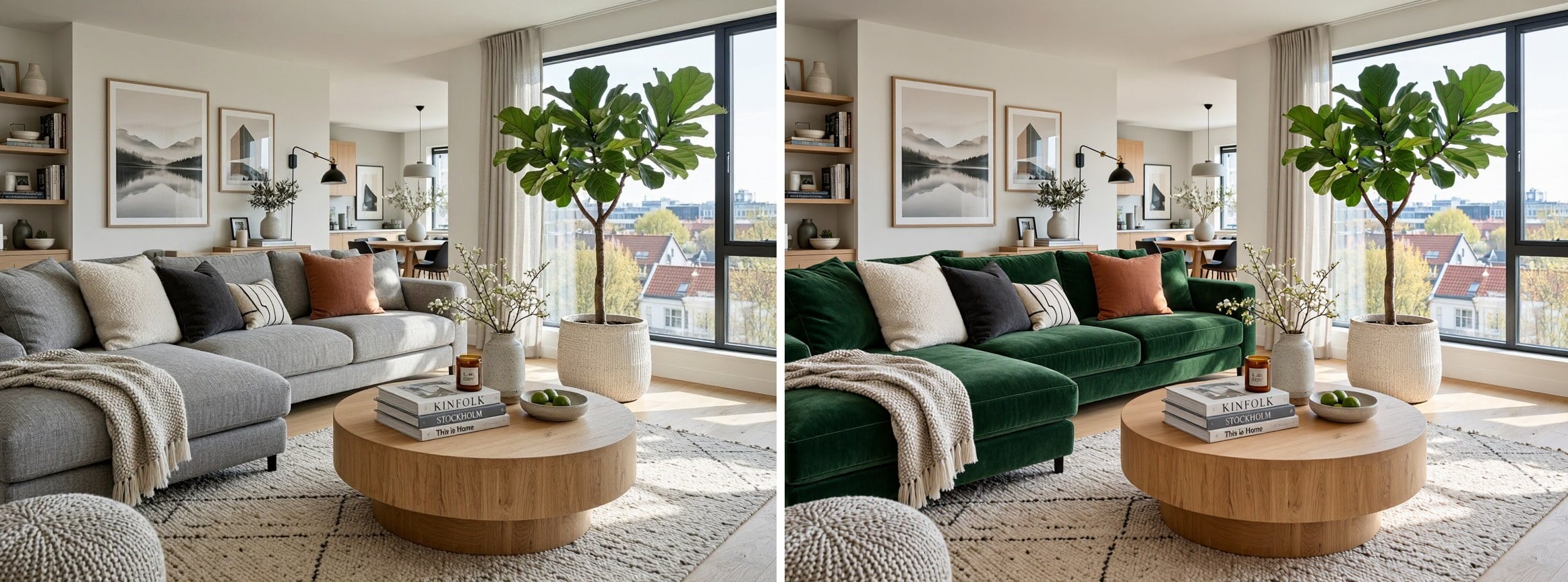
Change One Material

Original on the left, MAI Image 2.7 on the right: the grey sofa became green velvet, while the room, plant, table and light stayed the same.

Change One Material

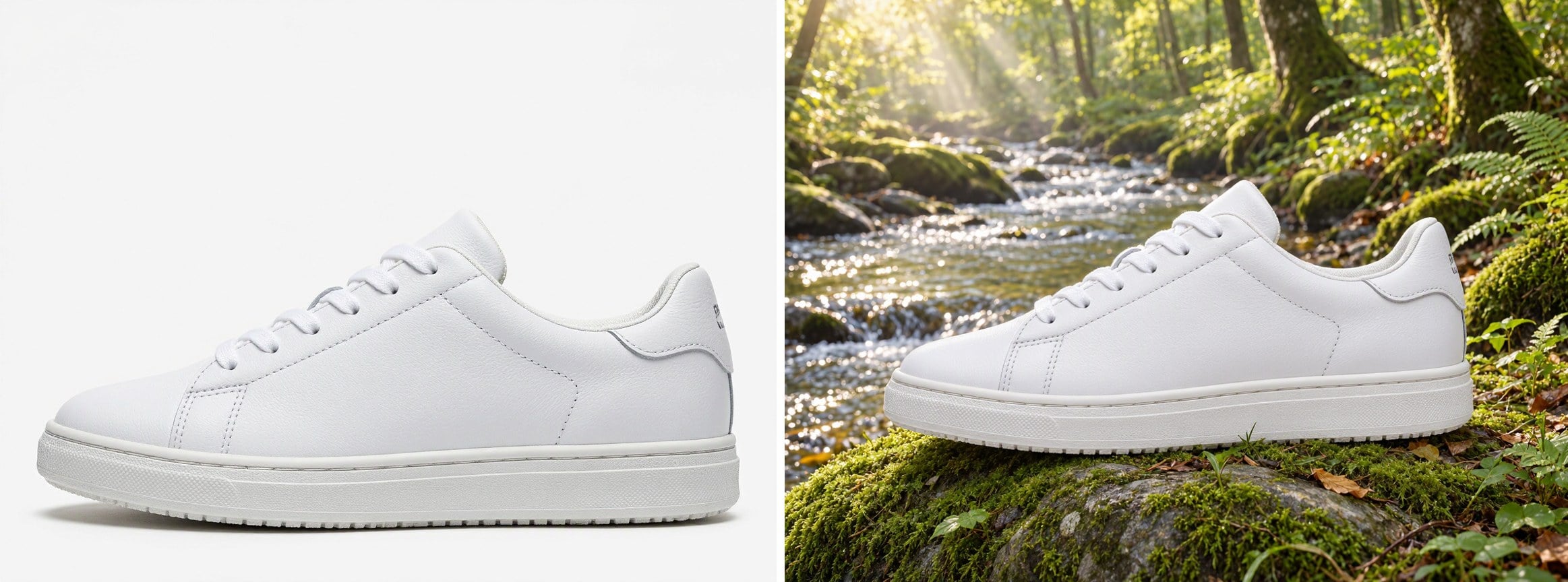
Same Product, New Scene

A studio shot of a white sneaker was placed on a mossy rock by a forest stream, keeping the shoe's shape, leather and sole.

Same Product, New Scene

Relight a Photo

A flat midday café portrait was relit as warm golden hour light from the window. The person, pose and clothes did not change.

Relight a Photo

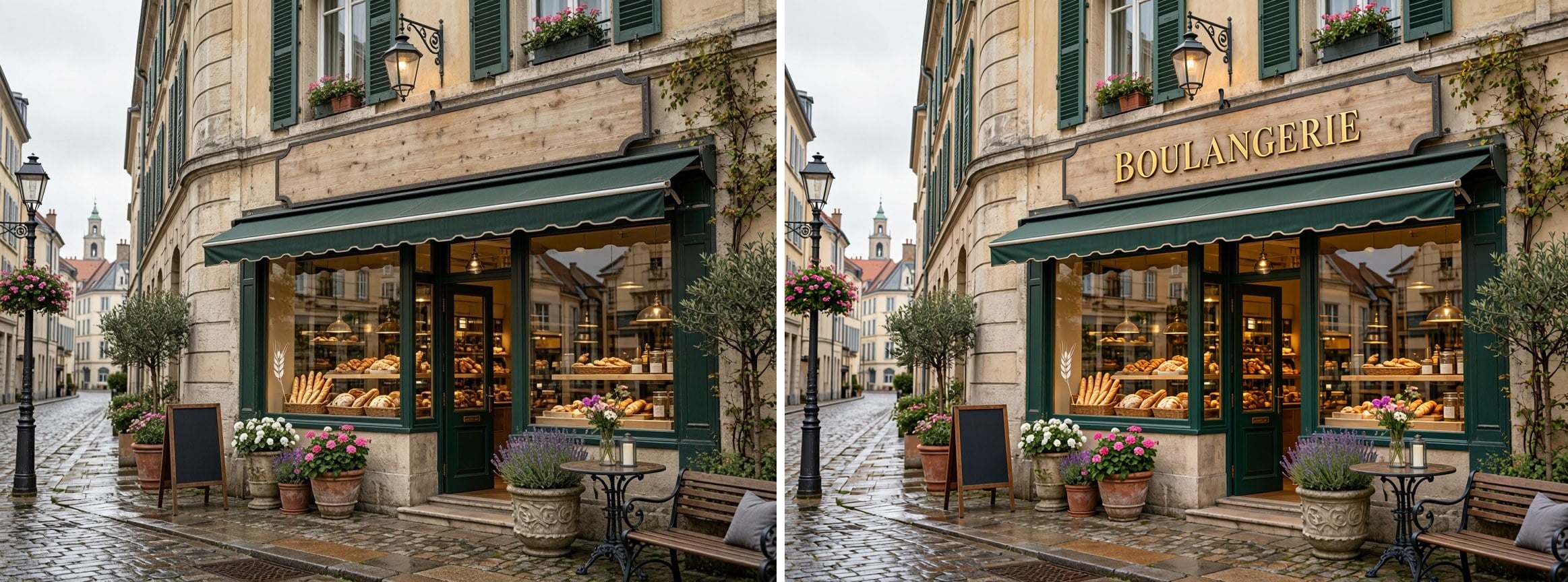
Add Text to a Sign

Ask for exact words in quotes: "BOULANGERIE" was painted in gold letters on the empty sign above the bakery door.

Add Text to a Sign

MAI Image 2.7 vs MAI Image 2.7 Flash on GoEnhance

MAI Image 2.7MAI Image 2.7 Flash
Best forFinal images and detailed editsFast drafts and lots of variations
InputsText, plus up to 5 reference imagesText, plus up to 5 reference images
Resolution1K, 2K1K, 2K
Aspect ratios13 ratios, from 1:4 to 4:1 and 9:21 to 21:913 ratios, from 1:4 to 4:1 and 9:21 to 21:9
Tokens per imageFrom 8 (1K, 1:1)From 3 (1K, 1:1)
Without a membership1K1K

How to Use MAI Image 2.7 on GoEnhance

01

Pick MAI Image 2.7 or Flash

Open the AI image generator and choose MAI Image 2.7 for final images or MAI Image 2.7 Flash for quick drafts.

02

Write a prompt or add images

Describe the image and put any text you need in quotes. To edit, upload up to 5 reference images and say what should change and what should stay.

03

Choose size and ratio

Select 1K or 2K and one of 13 aspect ratios. When you edit with reference images, the size follows your images. The token cost is shown before you generate.

04

Generate and download

Check the result, adjust the prompt if needed, and download your image.

MAI Image 2.7 FAQ

What is MAI Image 2.7?

MAI Image 2.7 is an image generation and editing model from Microsoft AI, released on November 17, 2026 together with MAI Image 2.7 Flash. Both are available on GoEnhance.

What is the difference between MAI Image 2.7 and Flash?

MAI Image 2.7 is meant for final images and careful edits. Flash is faster and cheaper, which suits drafts and trying many ideas. Both take the same inputs and settings on GoEnhance.

Is MAI Image 2.7 good at editing?

Microsoft reports that MAI Image 2.7 ranked first on the Artificial Analysis image editing leaderboard, with 1,215 Elo as of November 16, 2026. In practice it can change a color or material, move a product into a new scene, relight a photo or add text while keeping the rest of the image.

How many tokens does MAI Image 2.7 use?

A 1K square image costs 3 tokens with Flash and 8 tokens with MAI Image 2.7. The price changes with resolution, aspect ratio, prompt length and reference images, and the exact cost is shown before you generate.

Can I use it without a membership?

Yes, at 1K. 2K output is for members.

How many reference images can I upload?

Up to 5. You can edit one photo or combine several, such as a product and a background.

Which sizes and aspect ratios are supported?

1K and 2K, in 13 aspect ratios: 1:1, 4:3, 3:4, 3:2, 2:3, 16:9, 9:16, 2:1, 1:2, 21:9, 9:21, 4:1 and 1:4.

Were the sample images made with MAI Image 2.7?

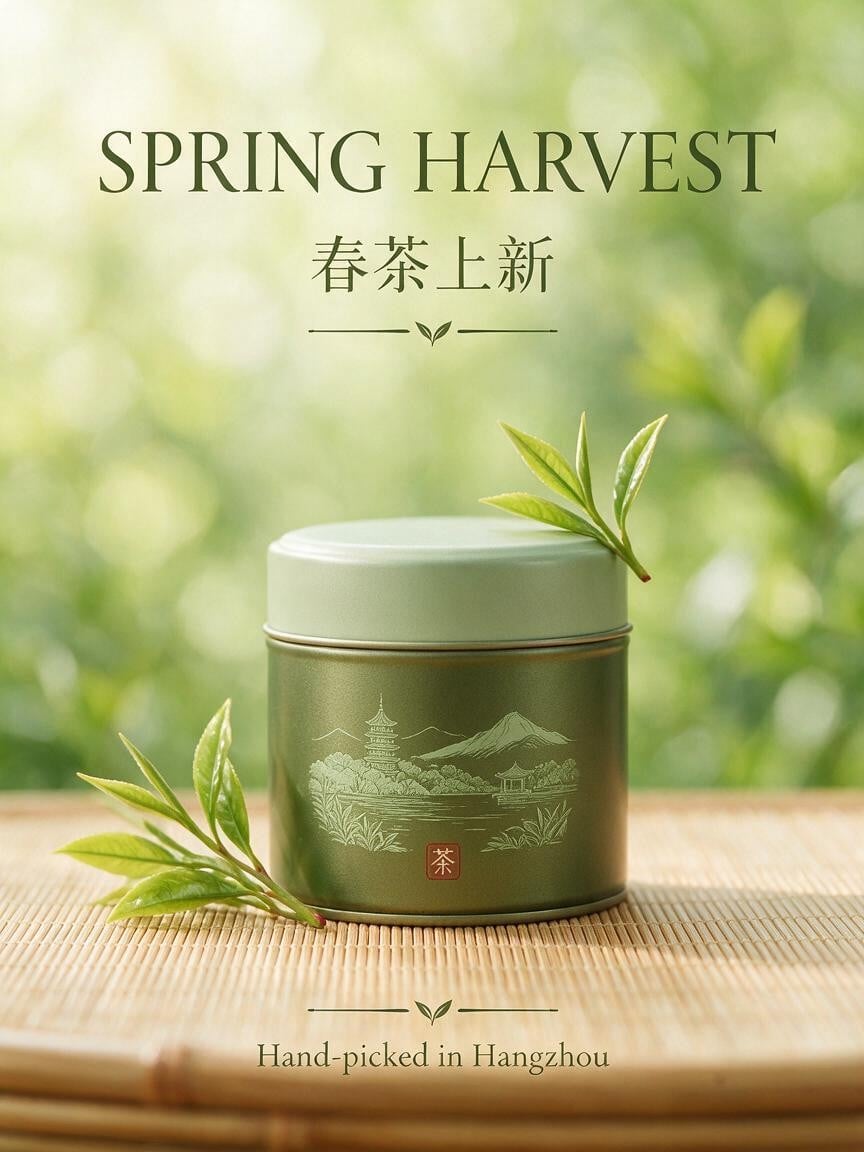
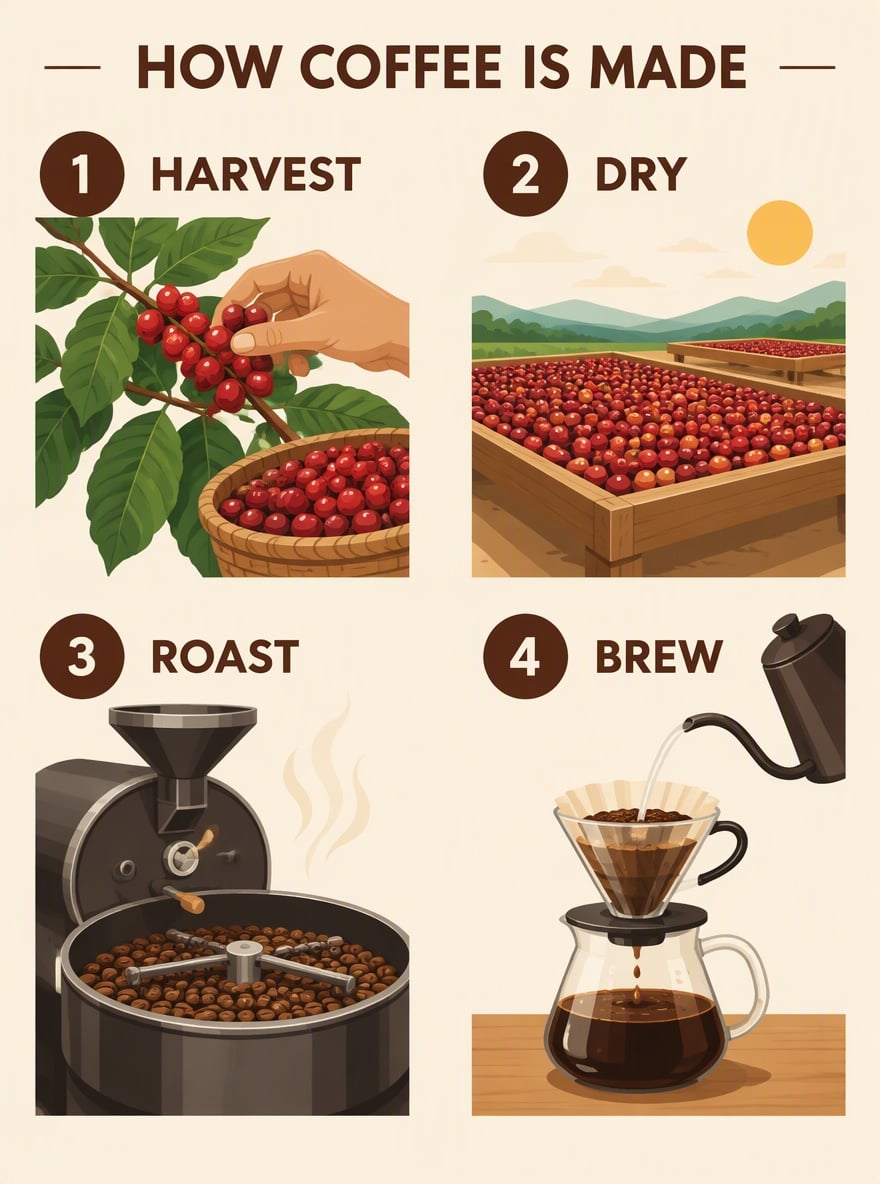
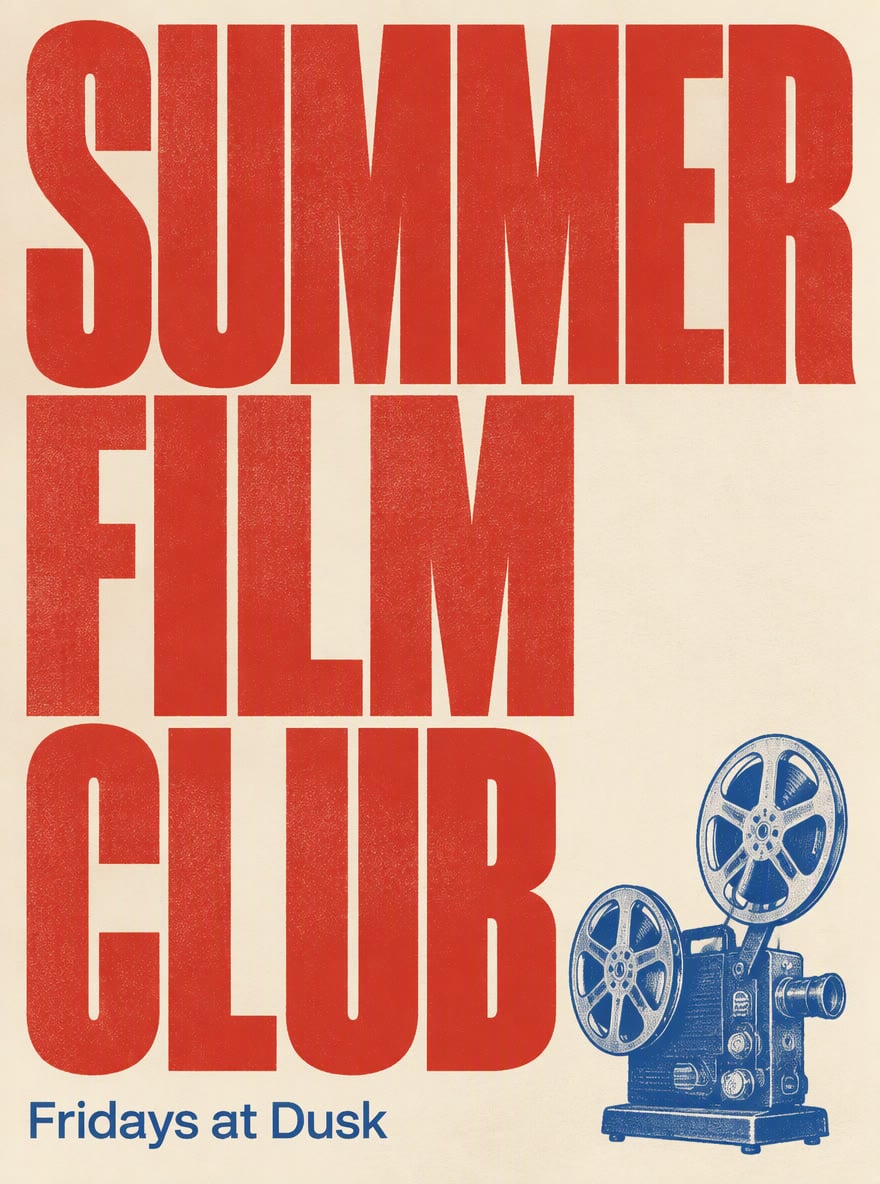
Yes. The examples in the console were made with MAI Image 2.7 Flash, and the before-and-after edits with MAI Image 2.7, all on GoEnhance.

Create and Edit Images with MAI Image 2.7

Start with a prompt or your own photos, pick MAI Image 2.7 or Flash, and get images at 1K or 2K in 13 aspect ratios.

Start Creating