goenhance logo

4K AI YouTube Video Upscaler

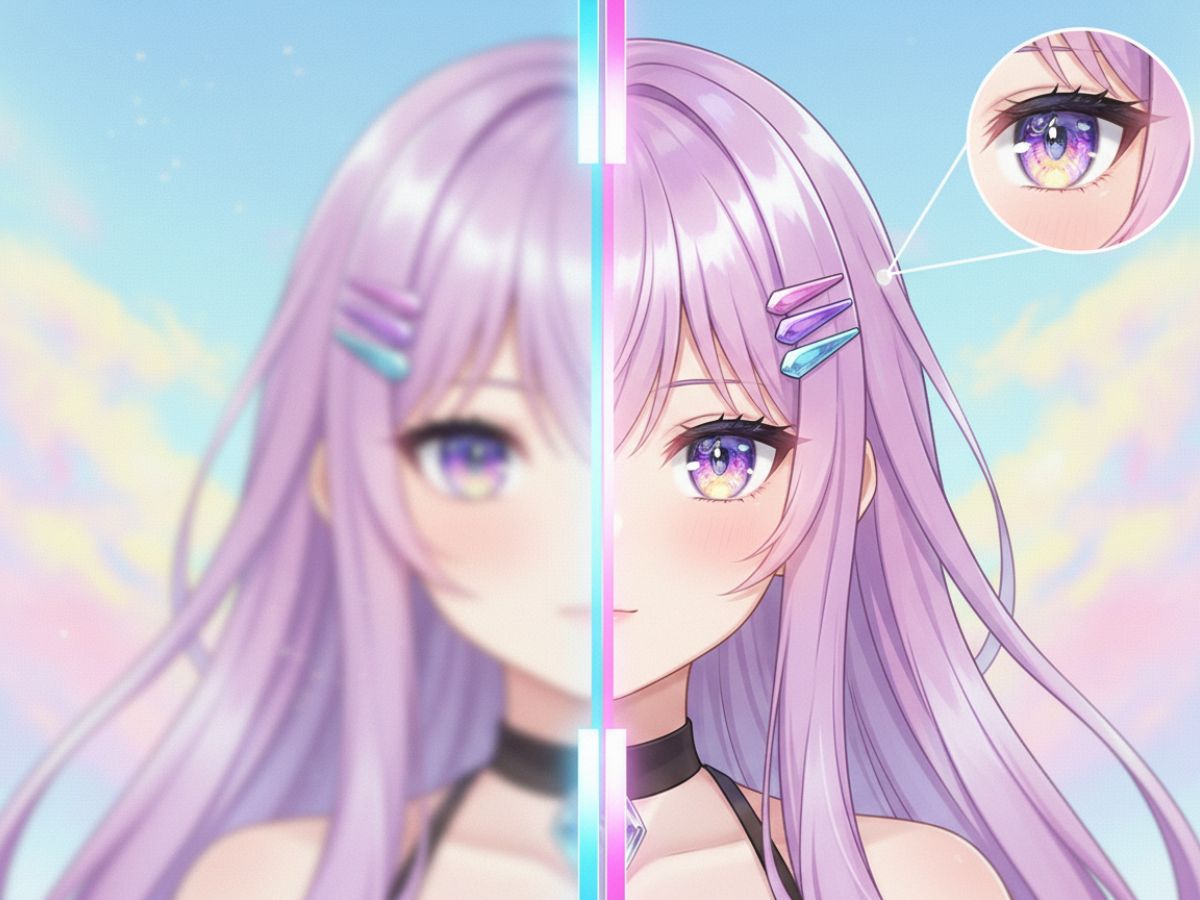
Elevate your low-resolution YouTube content into crisp, high-definition 4K quality. The tool analyzes and enhances every frame for superior clarity and detail. Experience professional-grade upscaling now!
Enhance Video Now

Effortless Upscaling
AI-Driven Enhancement
Fast 4K Conversion
Fast 4K Conversion
Professional-Grade Output

Applications for Various Content Creators

The video upscaler is designed for creators who want clean, high-quality results without dealing with complicated editing tools.
Archivists & Hobbyists

Archivists & Hobbyists

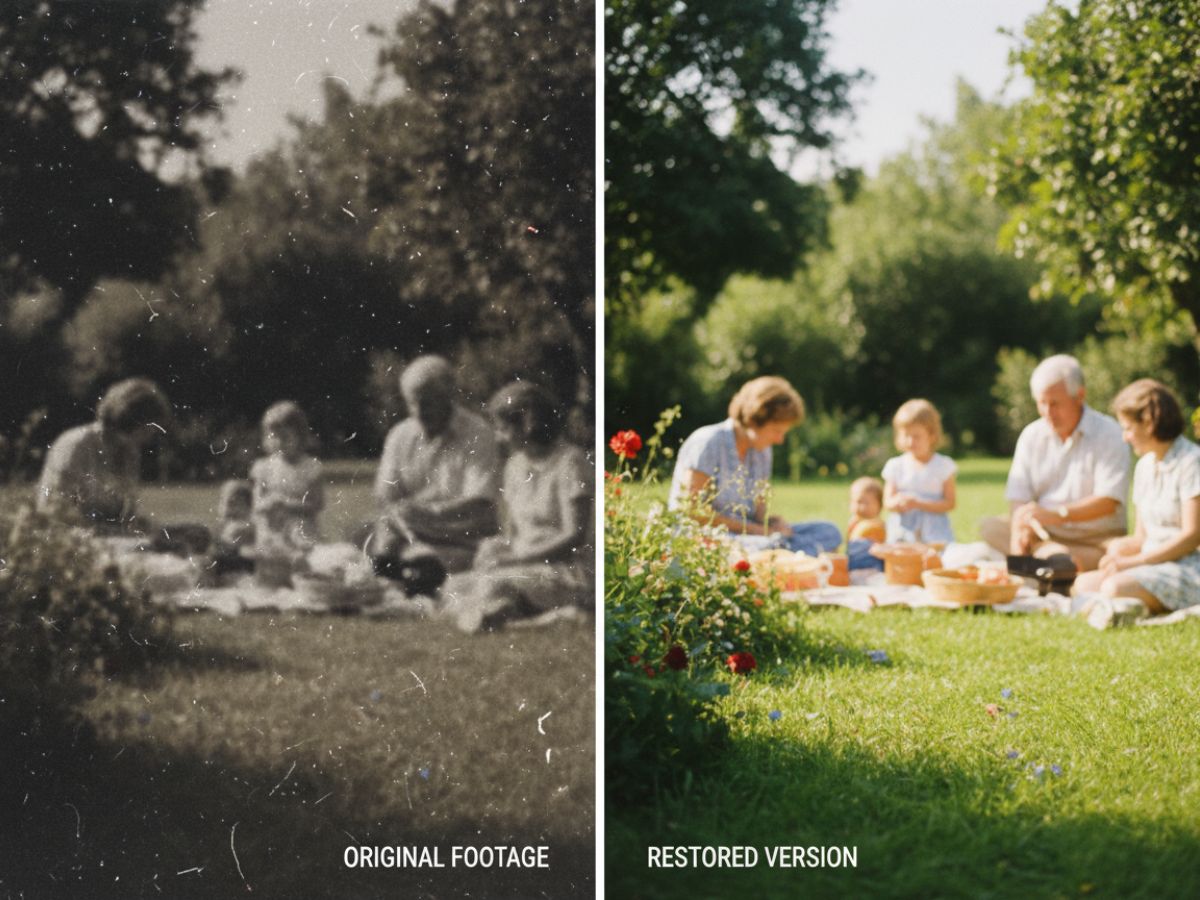
Restore and remaster old, low-resolution video files. Breathe new life into cherished memories or historical footage by improving clarity, definition, and overall visual fidelity.

Upscale for Free

How to Upscale YouTube Videos?

GoEnhance AI lets you upscale both images and videos, delivering crisp results in 1080p, 2K, and 4K..
01

Upload Your Video File

Select a YouTube video file from your device. Our platform supports common formats like MP4 and MOV for a seamless workflow.

02

Select Your Upscaling Resolution

Choose your target resolution, such as 1080p, 2K, or 4K. The AI will automatically process and enhance the video based on your selection.

03

Download the Enhanced Video

Preview the upscaled video to see the improvements in real time. Once you are satisfied, download the high-resolution file to your computer.

Transform Your Contents with Our YouTube Video AI Upscaler

Intelligent Frame Analysis with AI to Upscale YouTube Video

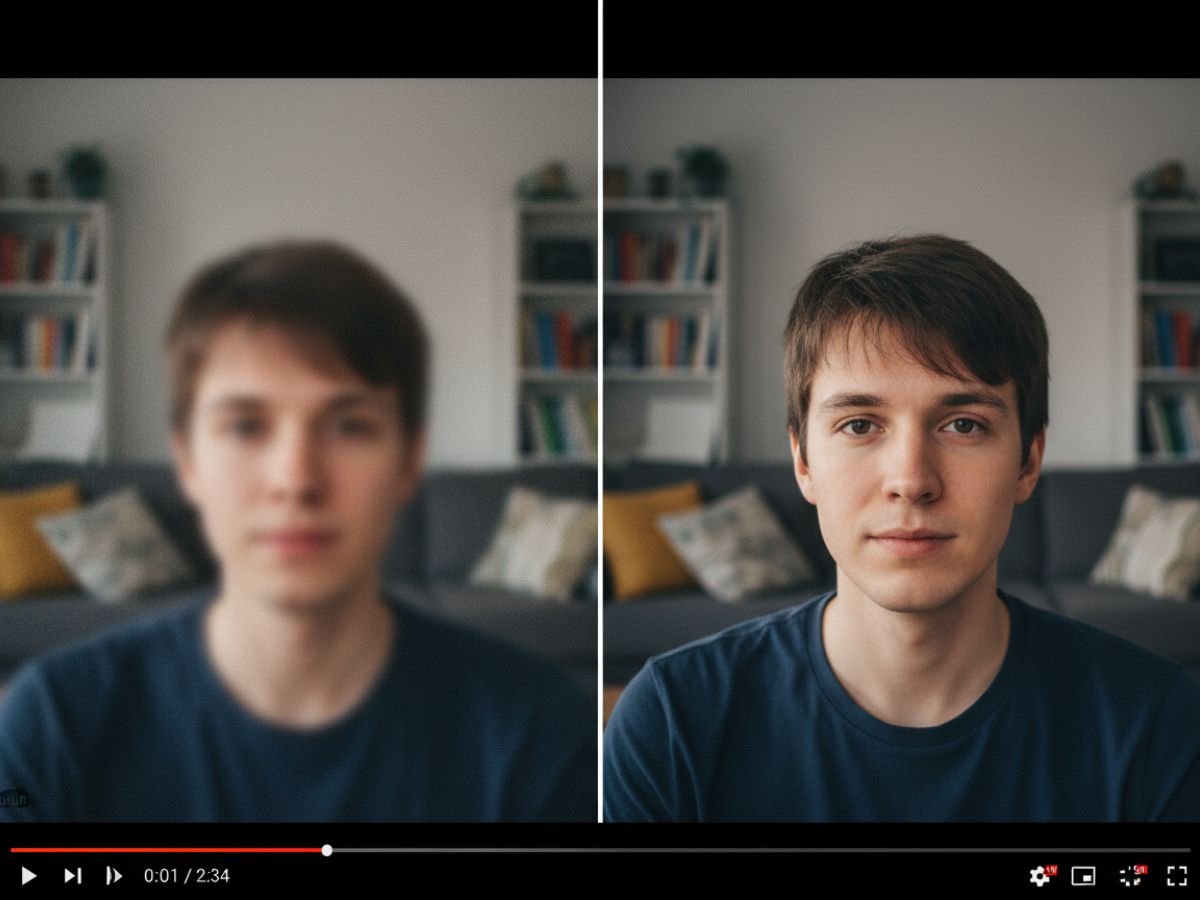
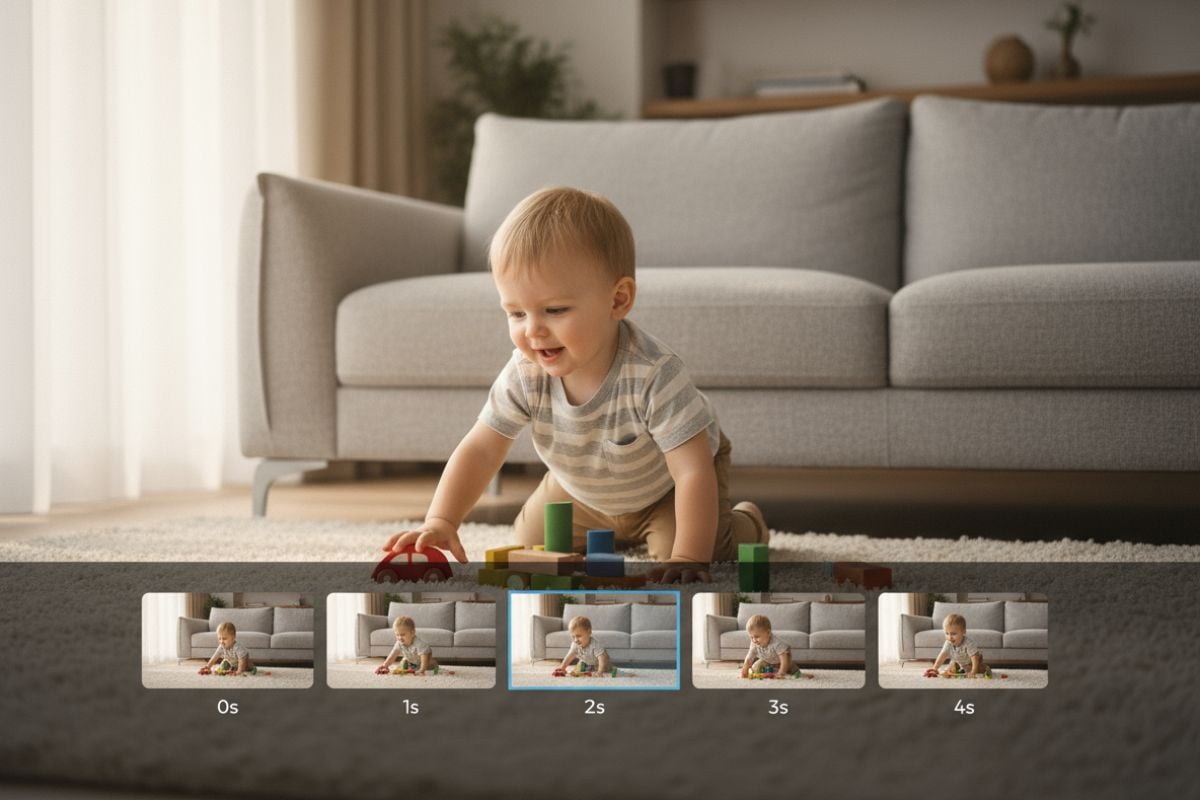
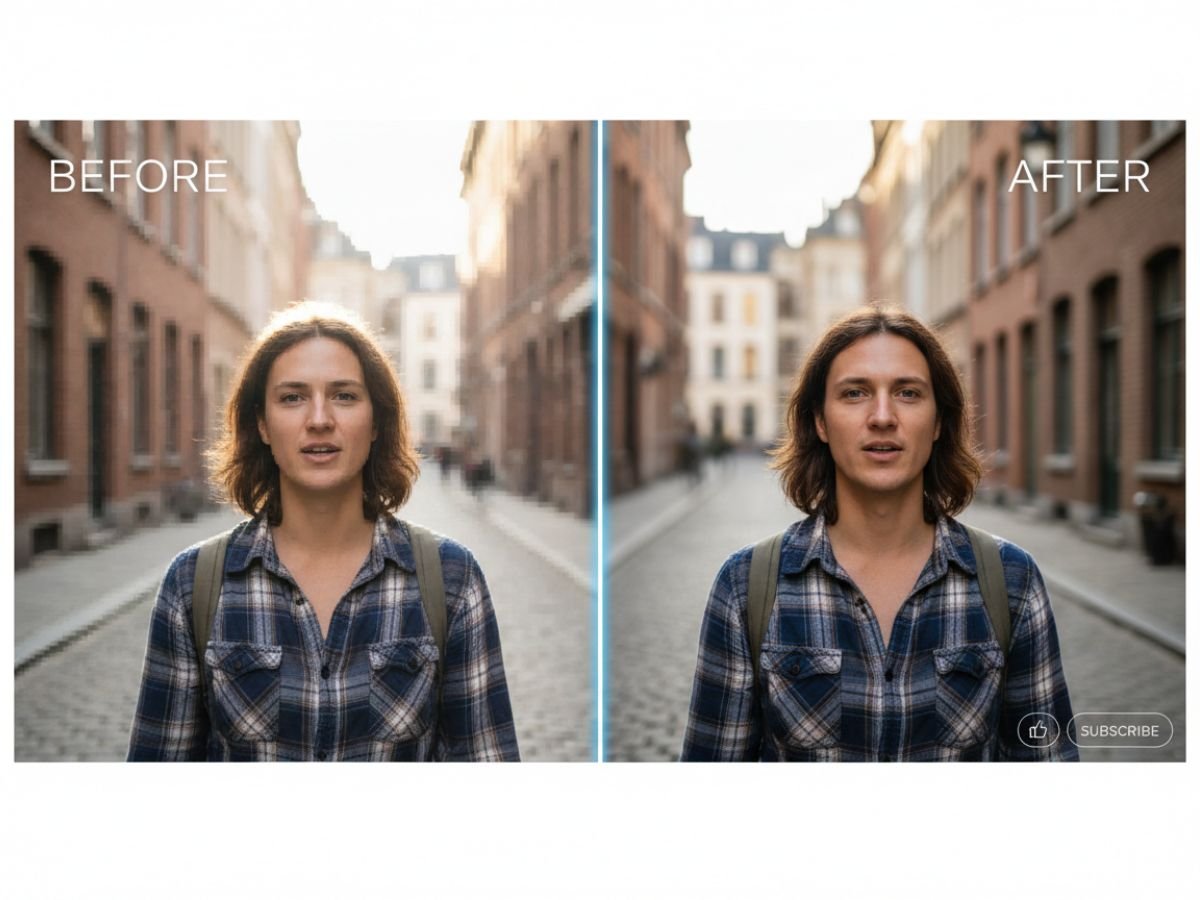
Our system moves beyond simple pixel stretching, employing sophisticated AI algorithms to analyze each frame of your YouTube video. It intelligently restores lost details, sharpens edges, and improves overall texture for a natural, high-definition look.

The advanced AI video enhancer technology corrects compression artifacts, delivering a final product that looks professionally remastered.
AI Video Upscaling in Action

Automated Noise Reduction for Cleaner Video Output

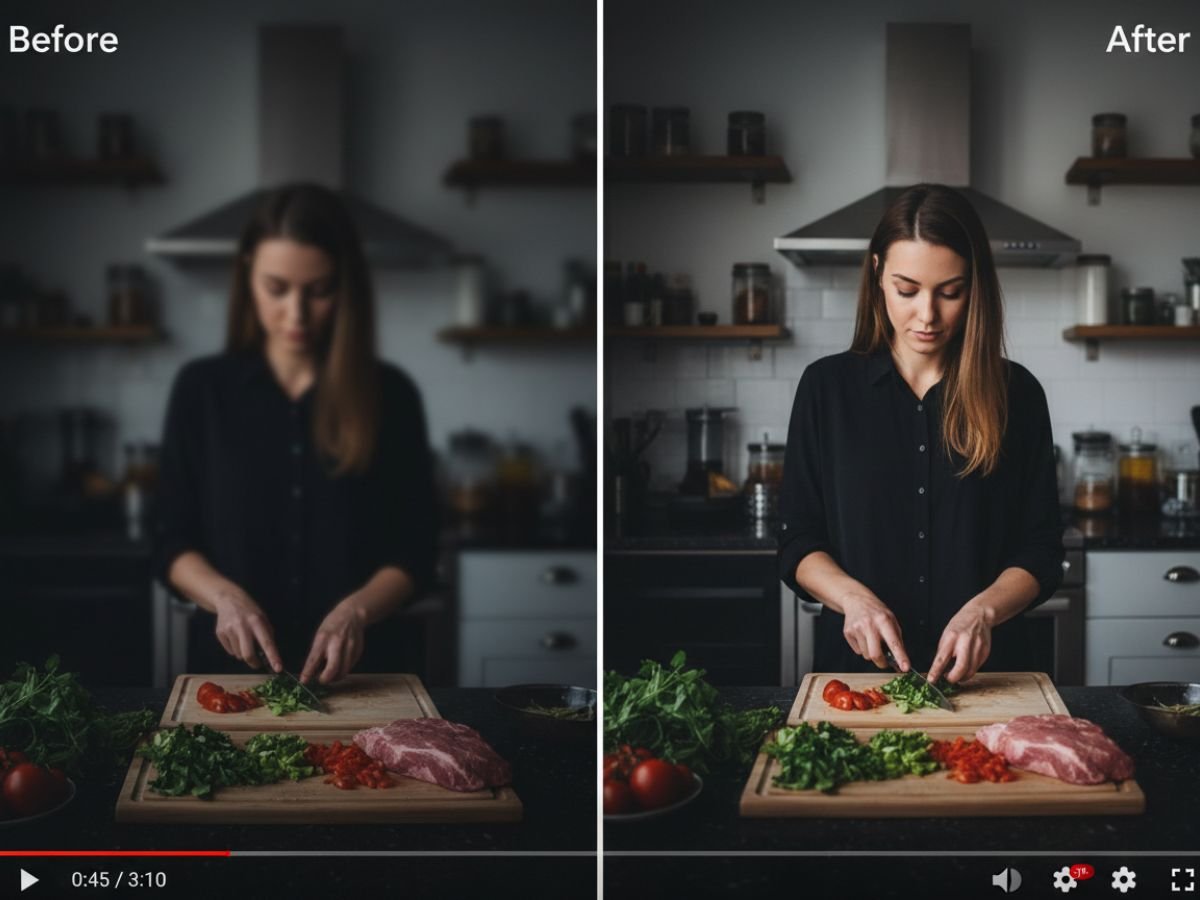
Low-quality videos are often plagued by digital noise and grain. GoEnhance AI video upscaler automatically identifies and removes these imperfections without sacrificing important details. The result is a much cleaner, smoother video that maintains its original character. Our AI video upscaler ensures a pristine final cut.
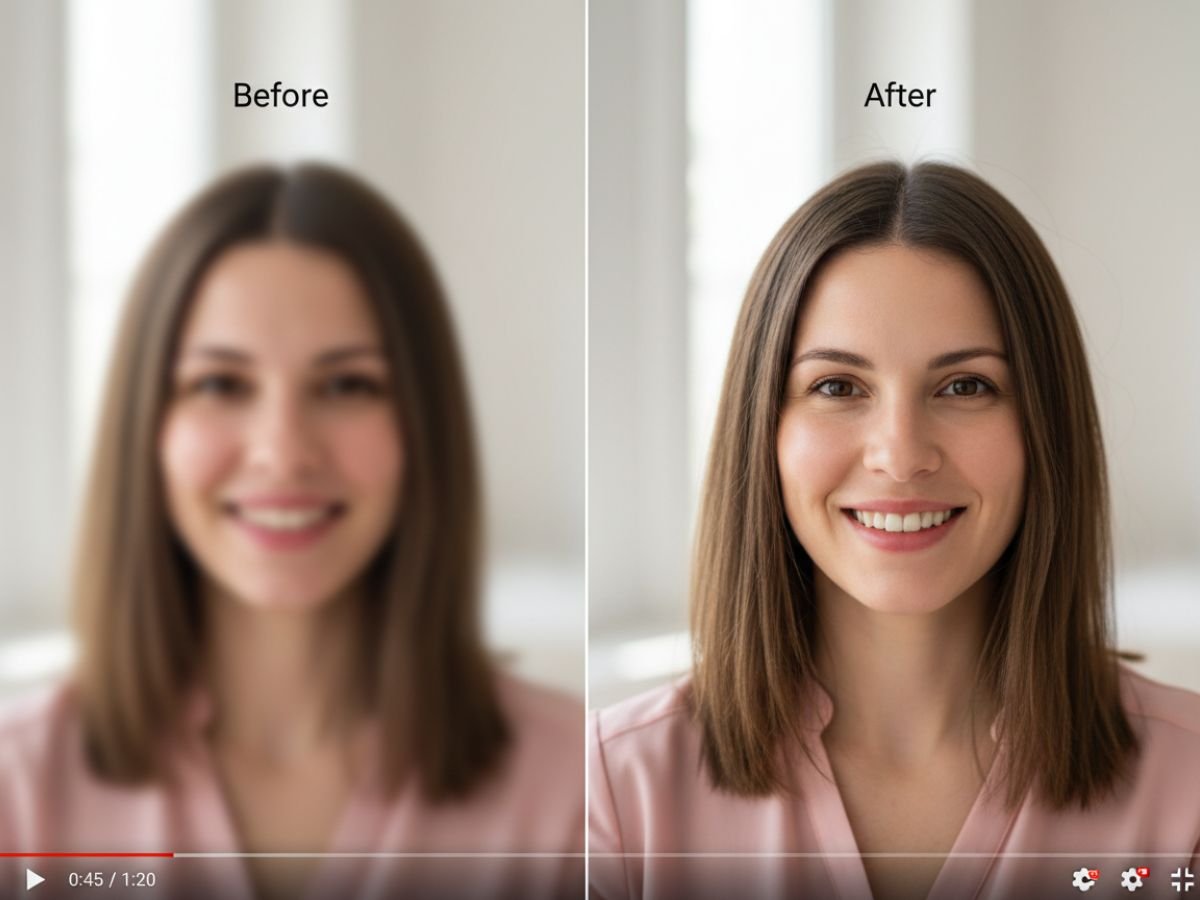
Noise Reduction for Cleaner Video

Upscale to True 4K in One Click

Transform standard definition (SD) or high definition (HD) YouTube videos into breathtaking 4K resolution. This enhancement provides a significantly more immersive and detailed viewing experience, making your content stand out on modern displays. Whether for professional portfolios or personal archives, upscaling to 4K adds a layer of polish and future-proofs your media.

Explore our video to video tools to see how your content can be reborn in ultra-high definition.
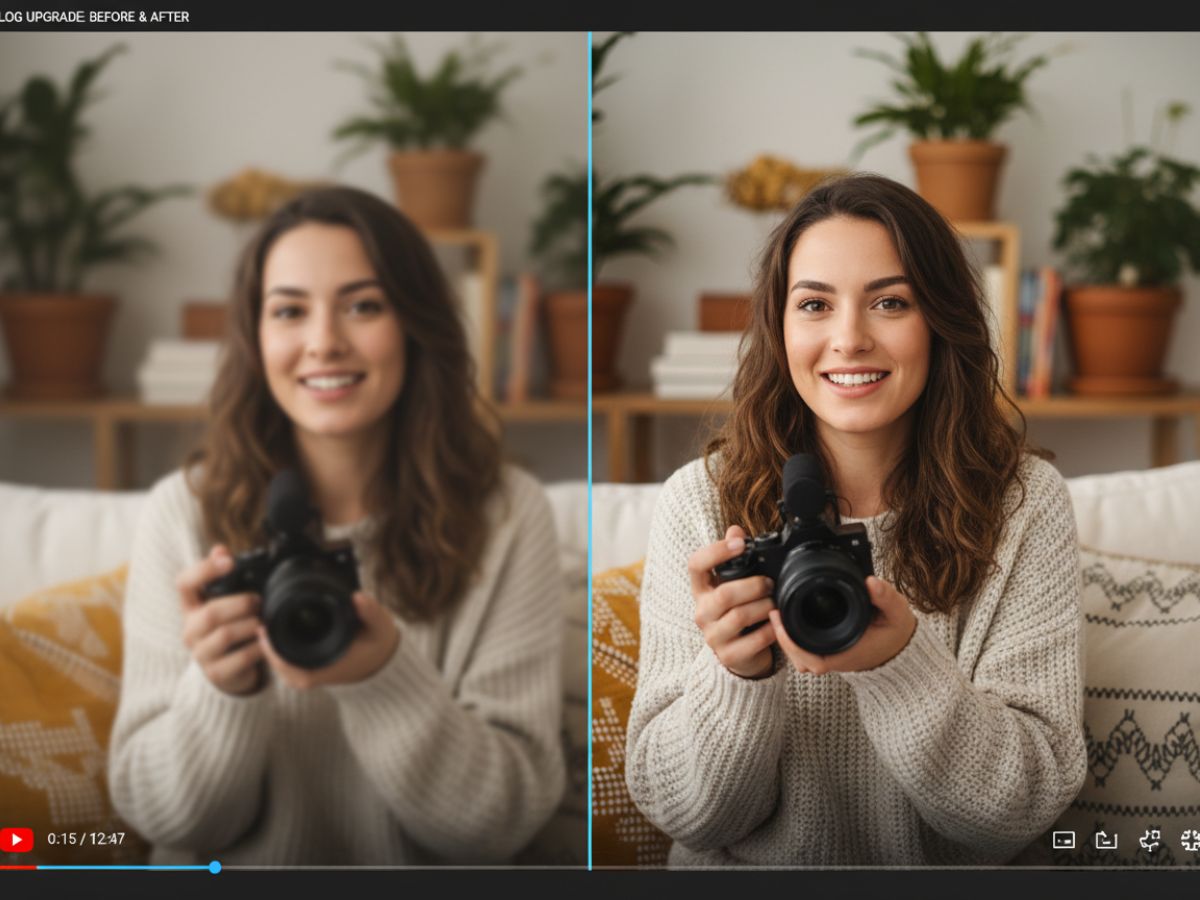
4K Resolution Output

Other Popular Video Tools for Better Visual Quality

Core Features of GoEnhance AI YouTube Video Upscaler

Advanced AI Algorithms

Utilizes state-of-the-art neural networks to analyze and reconstruct video frames, ensuring superior quality enhancements.

Multiple Resolution Options

Upscale your videos to various resolutions, including 1080p, 2K, and ultra-high-definition 4K, to fit any screen.

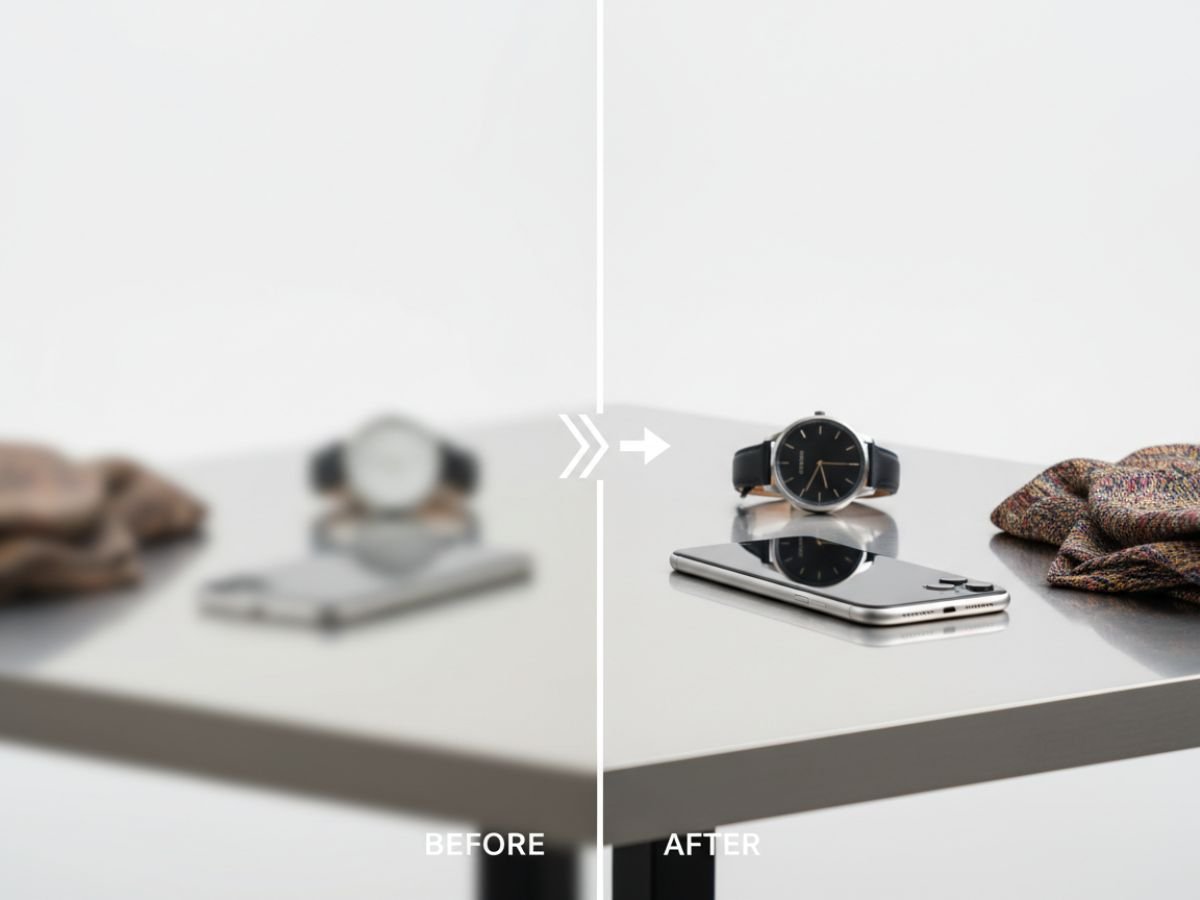
Detail and Sharpness Restoration

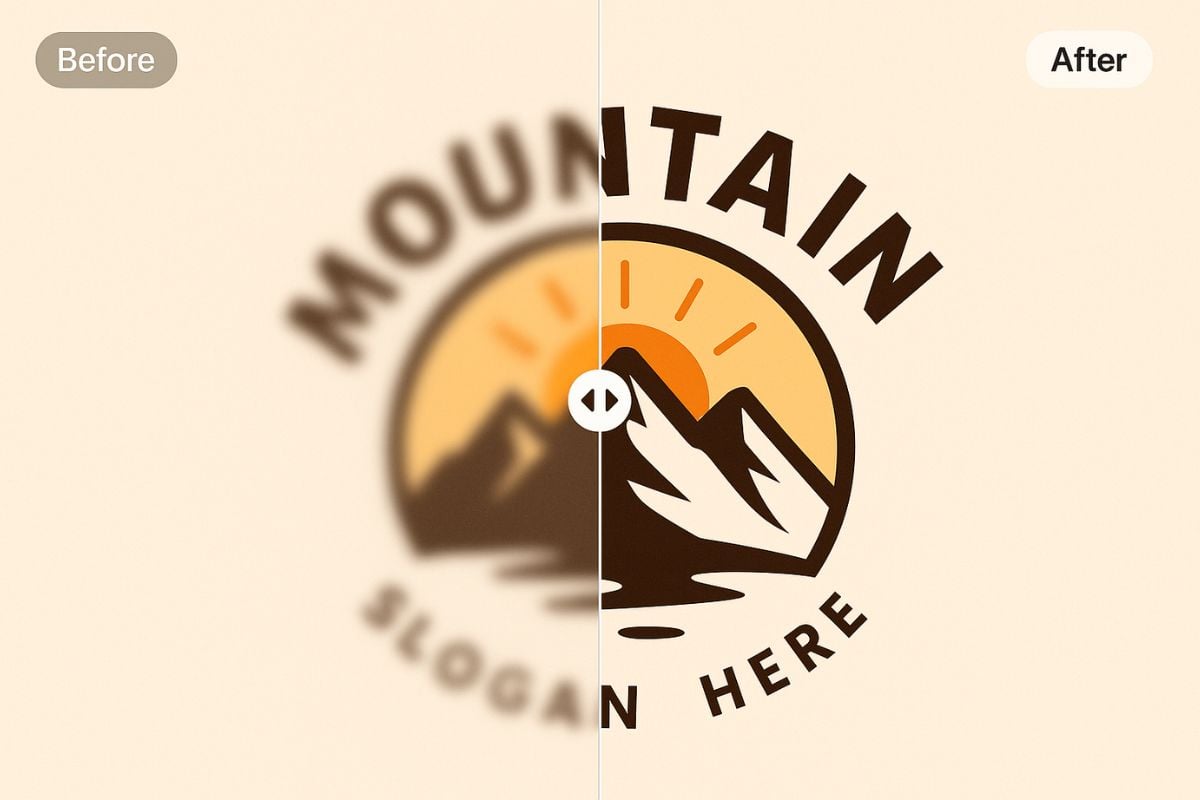
This tool intelligently sharpens blurred footage and restores fine details that were lost due to compression or low resolution.

Broad Format Compatibility

Supports a wide array of video formats, including MP4 and MOV, for maximum flexibility.

User-Friendly Online Tool

No complex software installation is needed. Enhance your videos directly in your browser with our intuitive interface.

Free Trial Access

You can try the tool for free a few times to see the quality for yourself before upgrading.
Find answers to common questions about enhancing videos with AI.

FAQs About the AI YouTube Video Upscaler

How do I upscale a YouTube video to 4K?

The AI analyzes each frame, fills in missing detail, and reconstructs sharper edges and textures, producing a true 4K-quality result instead of simple stretching.

Can upscaling make my YouTube video clearer?

Yes. It improves clarity, reduces softness, and restores finer detail in videos that look blurry or compressed.

Does the upscaler work on old or low-quality videos?

It works on old, low-resolution, or heavily compressed clips by enhancing lines, removing noise, and restoring lost detail.

Will using an AI upscaler remove blurriness from my video?

Yes, the AI is specifically trained to identify and correct motion blur and out-of-focus areas. It sharpens the footage, resulting in significantly improved clarity and visual definition.

What makes AI video upscaling different from regular upscaling?

Regular upscaling simply stretches the existing pixels, which often leads to a blurry or blocky image. AI upscaling generates new pixel data based on its training, creating a genuinely sharper and more detailed picture.

Is any technical expertise required to use this AI upscaling tool?

No, our platform is designed for everyone. The process is fully automated by the AI. You just need to upload your video and select the desired output resolution.

How quickly can the AI process and upscale a video?

How long it takes will depend on the video’s length and its original quality. It is optimized for speed, delivering enhanced videos much faster than traditional editing software.

Does the AI support different video formats for upscaling?

Yes, this tool is compatible with a wide range of popular video formats, such as MP4, MOV, and AVI, ensuring you can enhance almost any video file you have.

Ready to Enhance Your Videos to 4K?

Go beyond standard resolutions. Experience the power of AI and give your content the quality it deserves.

Upscale Videos For Free