
Trump AI Video Generator
Turn political headlines and campaign commentary into fictional AI video concepts with prompt-led scenes, camera direction, and narration. GoEnhance’s video tools are general-purpose; keep the story clearly fictional and avoid celebrity likenesses or voices.
Key Features of Trump AI Video Generator
Turn a Written Idea into a Visual Story
GoEnhance’s text-to-video workflow accepts prompts, scripts, and outlines, so a political commentary idea can begin with copy a creator already has. The workflow turns narrative direction into shots, pacing, and motion, giving the message a visual progression instead of leaving it as a block of text. That can help a fictional debate, a town-hall parody, or a civic explainer move from its opening setup to a clear takeaway. It also creates a concrete first video draft that is easier to discuss, refine, and adapt. Explore the Text to Video AI workflow for prompt-led creation.
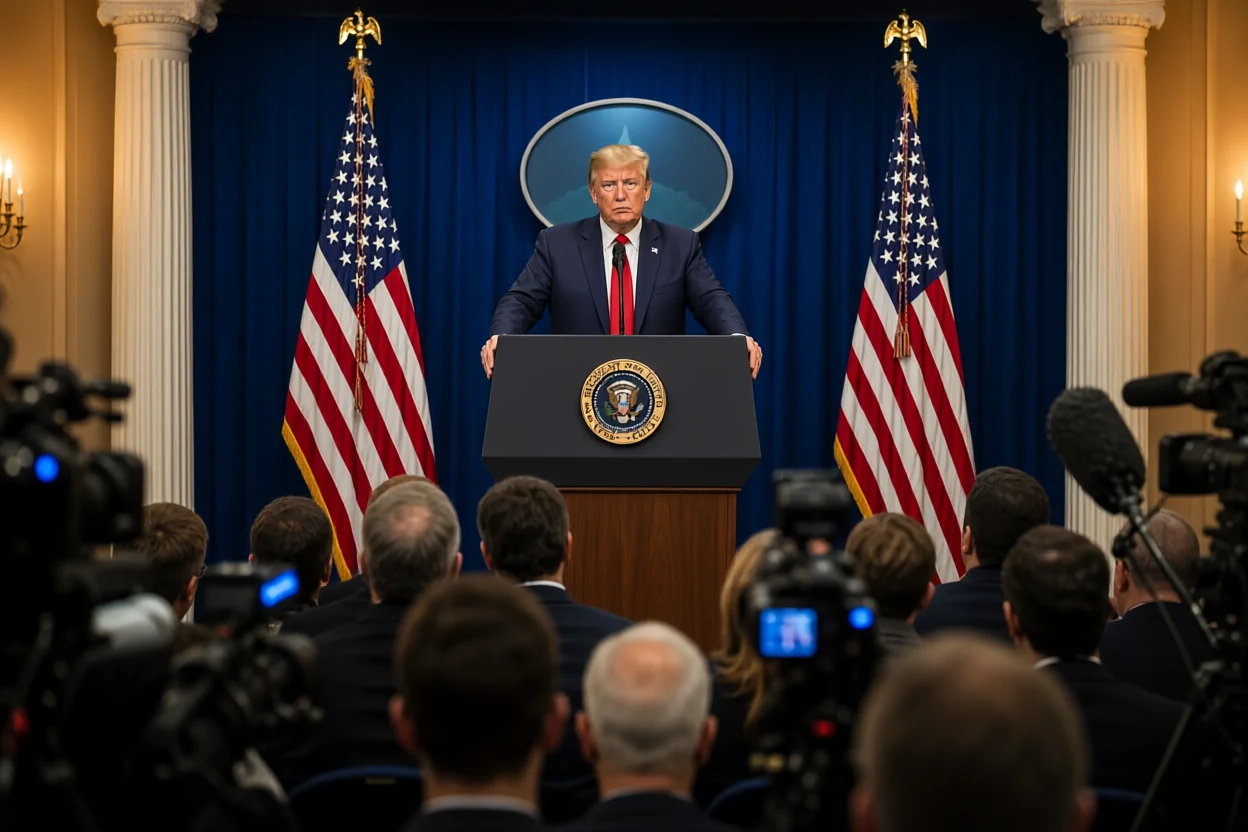
Give Each Commentary Concept Its Own Look
Political commentary often lands more clearly when its setting, shot composition, and motion support the intended tone. GoEnhance’s text-to-video page describes creative visual styles and scene-by-scene control over shots, camera movement, pacing, and transitions. Those capabilities can frame one fictional premise as a newsroom parody, a formal podium scene, or a more cinematic sketch, giving viewers an immediate sense of the story’s mood. Distinct visual direction can make a short concept feel intentional while keeping the written message at its center.
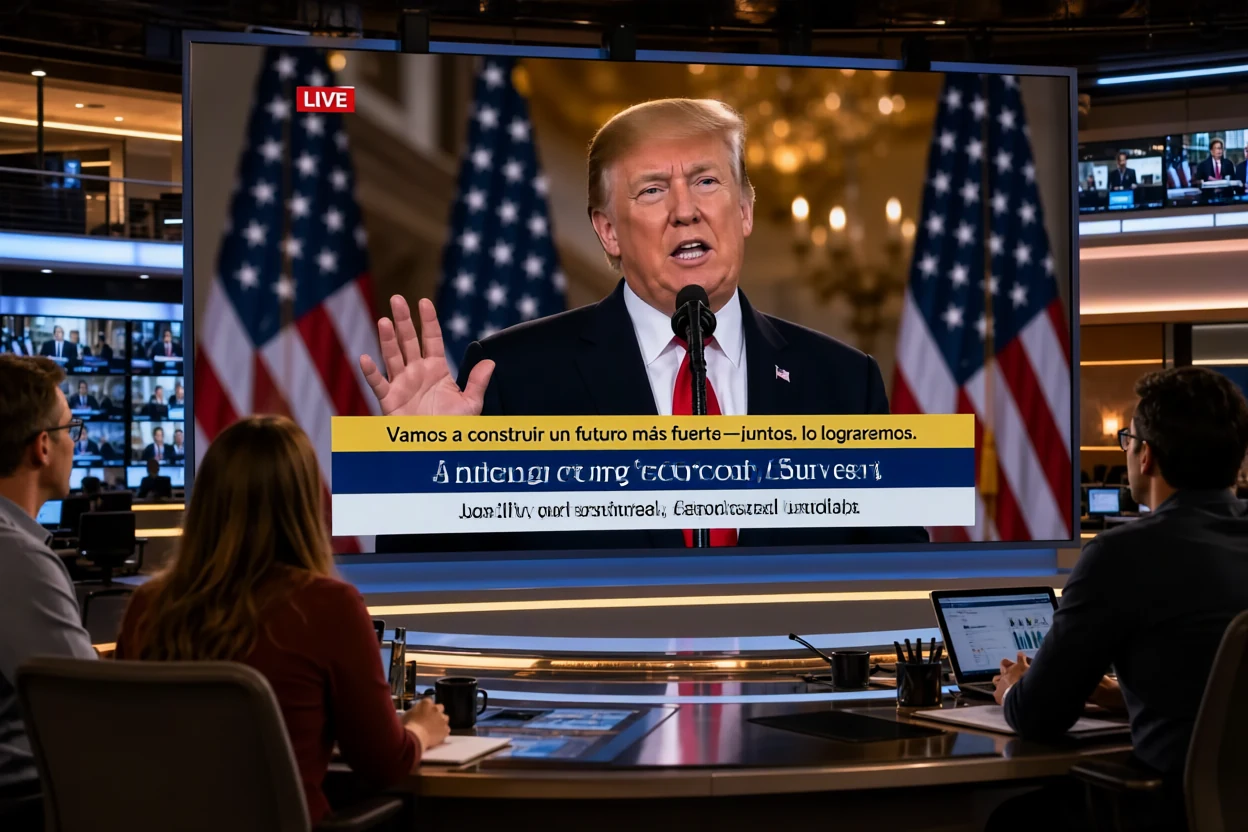
Carry the Message with Voice and Timing
A spoken point can be easier to follow when voiceover, captions, music cues, and transitions work with the scene’s rhythm. GoEnhance’s text-to-video page lists those elements and describes options to refine scene timing and captions before MP4 export. This gives short political explainers, reaction clips, and satirical sketches more ways to hold a viewer’s attention than visuals alone. Creators can shape whether a message feels measured, energetic, or light in tone, then keep the story moving from setup to takeaway. Find more formats in the AI Video Generator hub.
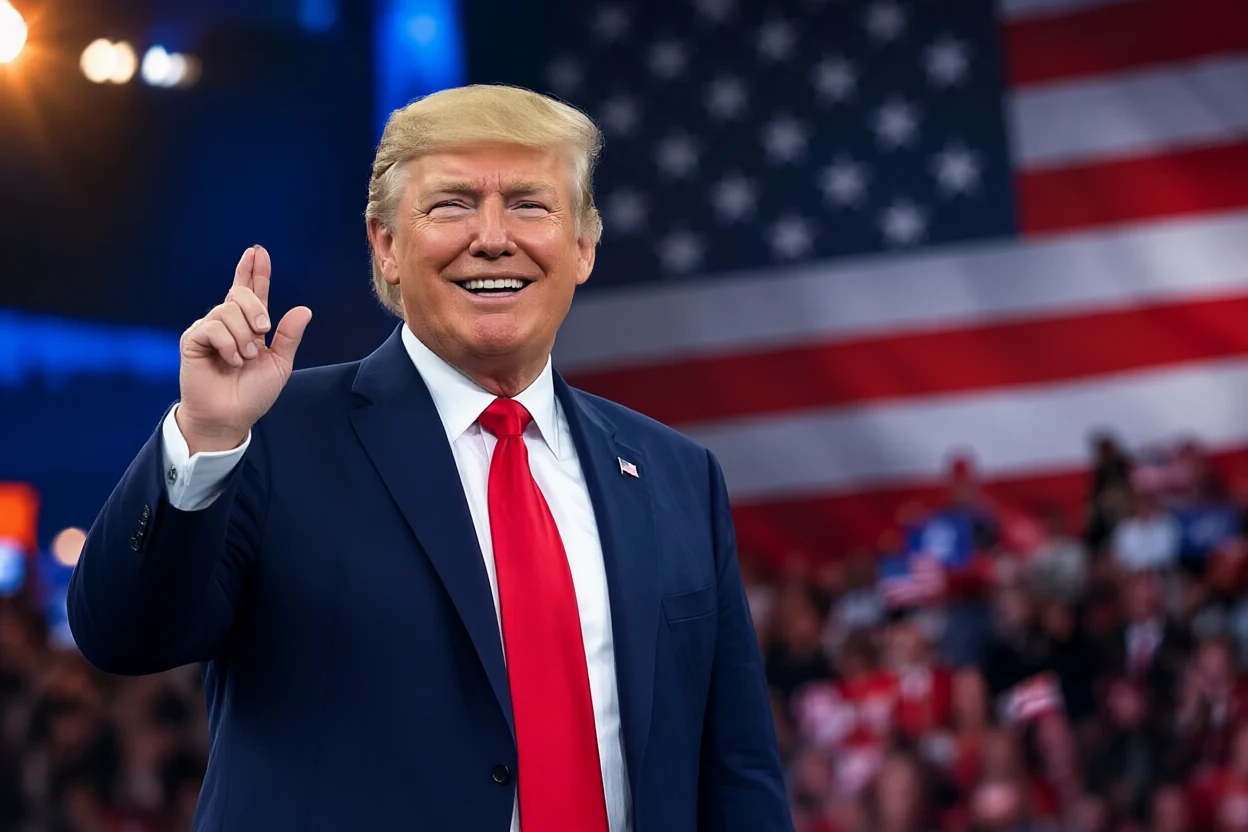
Create a Fictional Political Video Concept
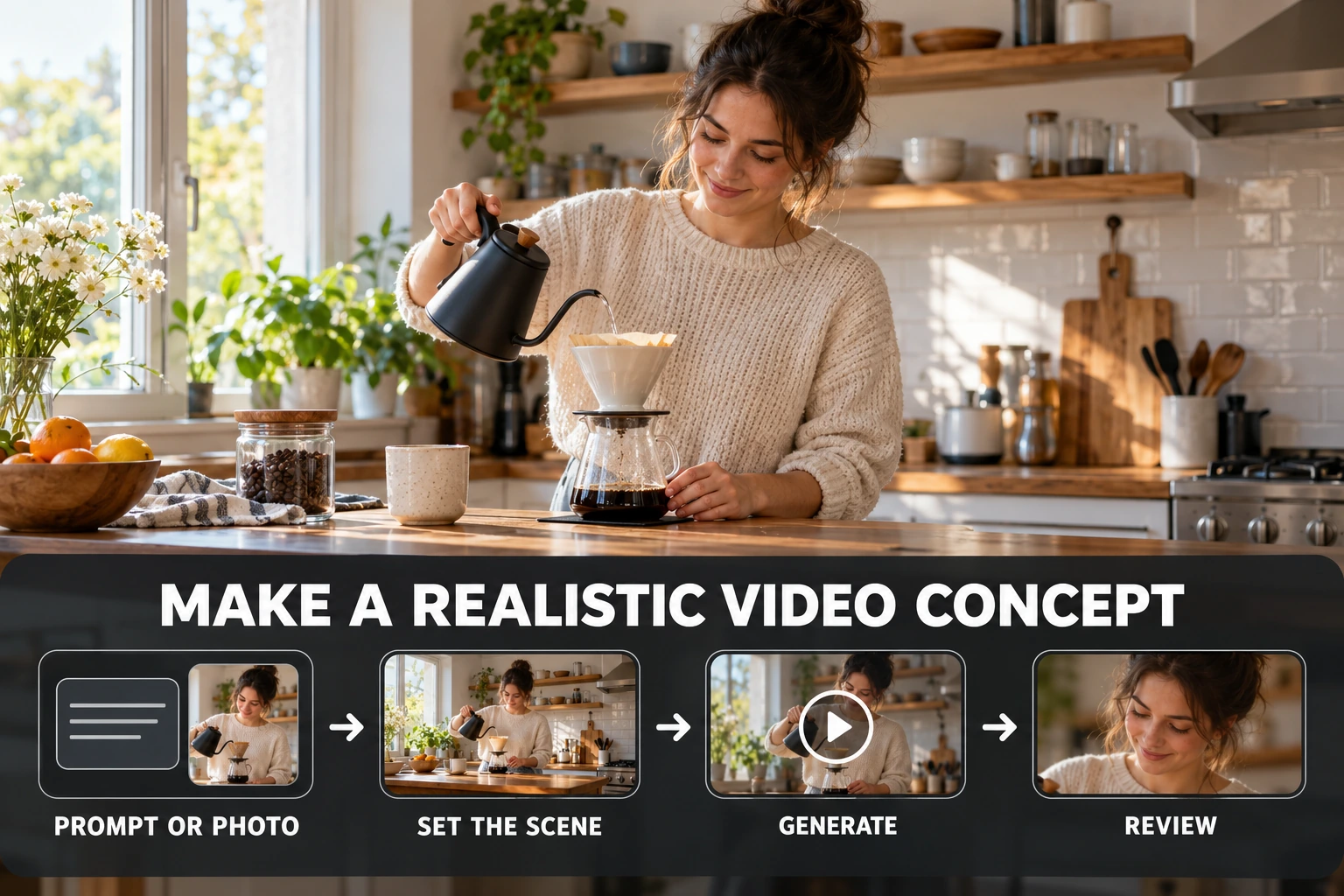
Start with a Script or Idea
Write a short hook, outline, or scene concept for a fictional political satire or explainer. GoEnhance’s text-to-video workflow accepts prompts, scripts, and outlines.
Describe the Visual Story
Set the invented characters, location, action, tone, and camera movement. Keep the premise clearly fictional and avoid real-person likenesses or fabricated news claims.
Generate and Review
Create a video draft, review how the model interpreted the scenes, and refine the wording or pacing as needed. Check that viewers can recognize commentary or parody as fictional.
Why Use GoEnhance for Political Video Ideas
Flexible Starting Material
Scene Direction Through Text
Narration and Motion in One Draft
Explore More AI Video Styles
Trump AI Video Generator FAQ
What is a Trump AI video generator?
Can GoEnhance generate a realistic Trump likeness or voice?
Can I create a political video from a script or text prompt?
Can I animate an image for a political satire video?
How can I make the video clearly satirical?
Can I use GoEnhance for free?
Can I use the generated video commercially?
Will AI-generated political scenes be factually accurate?
Turn a Commentary Idea into Motion
Start with an original prompt, outline, or script and shape a fictional political video concept with GoEnhance.
Create a Video Concept