
Free Landscape Animation with AI
Animated Sceneries Gallery
Cinematic Landscape Animation
Stylized Landscape Animation
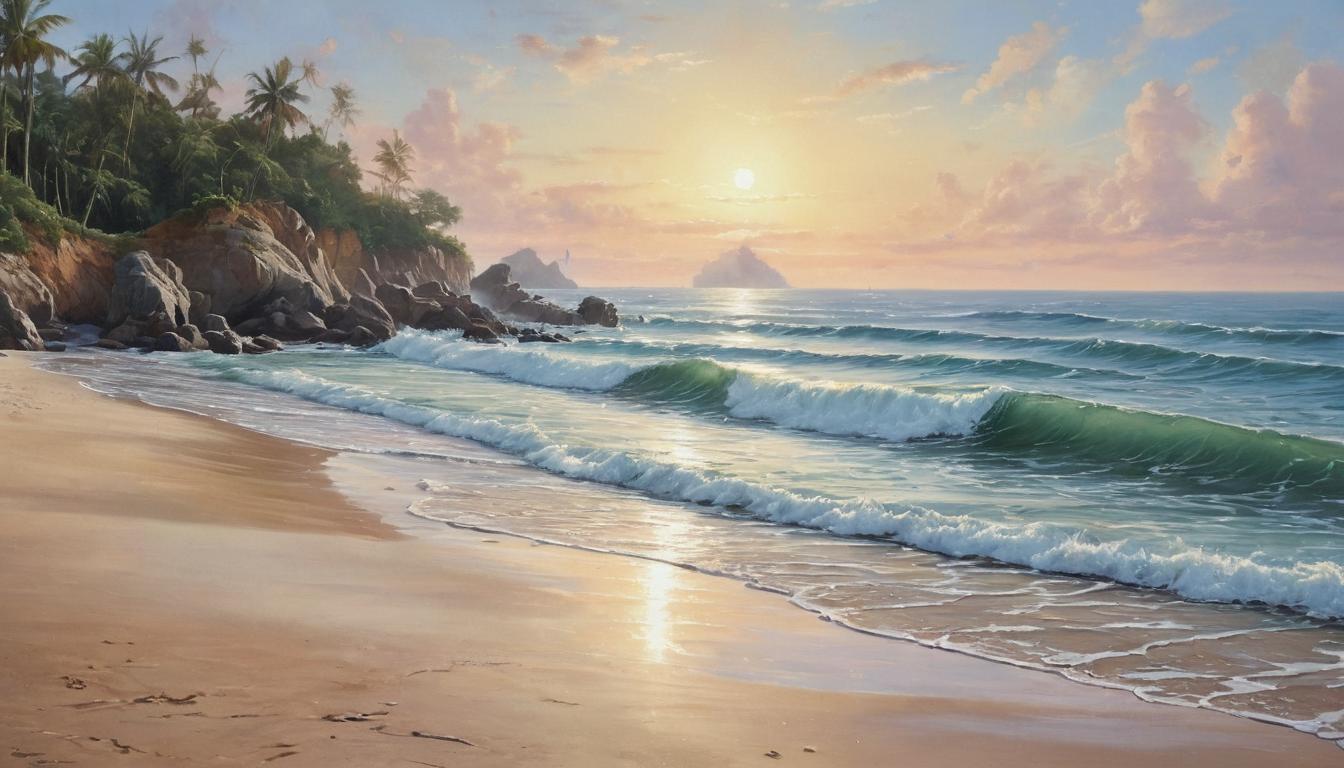
Oil Painting-Style Moving Scenery
How to Create Landscape Animation Using AI?
Upload a Landscape Image
Start with a crisp scenery photo, travel shot, illustration, or background artwork. Clear horizons and clean edges help the motion look natural.
Add Motion Notes
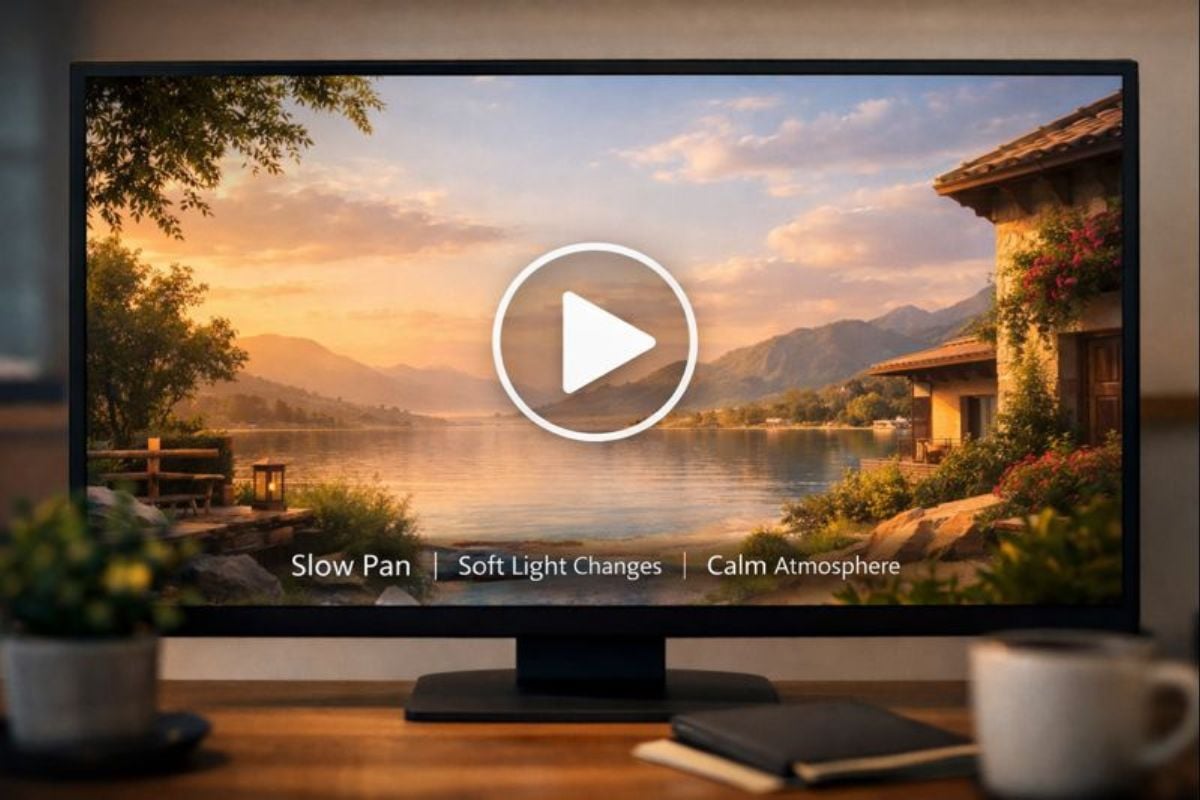
Write simple direction like “slow push-in, drifting clouds, subtle parallax depth, soft sunlight flicker.” This is an easy way to create animated sceneries without heavy editing.
Export as a Loop or Short Clip
Download a short video for social posts, background visuals, or a calm animated landscape wallpaper. Re-run with different prompts to test motion speed, ambience, and camera path.
Make Landscape Animation That Feels Real
Animate Sceneries with Natural Motion
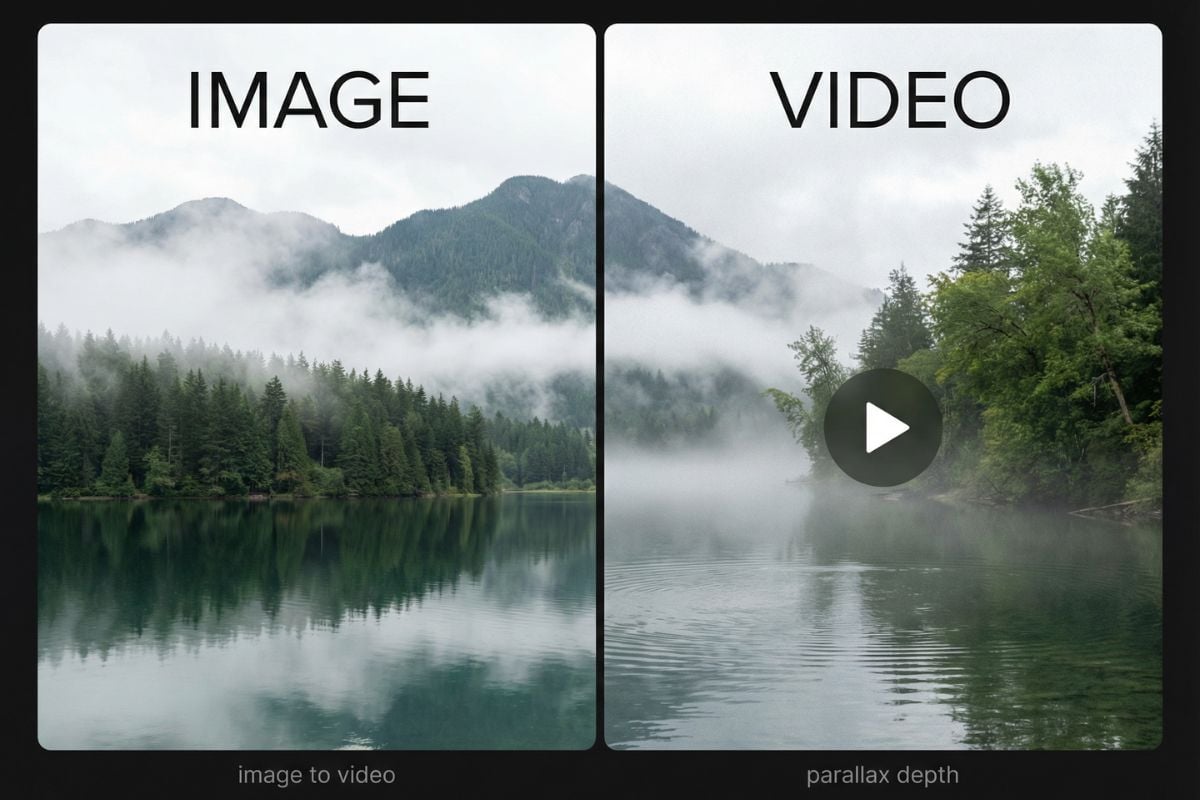
Create landscape animation that looks grounded: gentle camera moves, depth-aware parallax, and small environmental details like moving fog, rippling water, or swaying leaves. Start here: image to video, and explore more options in AI video generator for different moods and formats.
More Tools for Motion Backgrounds
You may want to know
What is landscape animation?
Is this good for animated sceneries and background clips?
What kind of images work best for animated landscaping?
Can I control the camera movement?
Can I make an animated landscape wallpaper?
How do I keep the result looking natural?
Can I use the results commercially?
Make a Scene Move in Minutes
Upload a landscape image, open the AI video generator, and turn it into a calm, cinematic clip with a short prompt. It’s a fast way to create animated sceneries, looping backgrounds, and animated landscape wallpaper without editing timelines.
Try Landscape Animation