
Free Eye Blink Animation
Want to make my picture blink for a loop? This tool is built for fast results with smooth eyelid motion and realistic timing.
How to Animate Blinking Eyes?
Upload Your Photo
Choose a clear face photo with visible eyes. Front-facing portraits work best for a natural blink eye effect and stable eyelid tracking.
Type a Simple Prompt
Describe the blink style you want: gentle blink, quick blink, or a slow relaxed blink. You can also add mood cues like “soft smile” or “calm expression” to keep the result consistent.
Generate and Export
Preview the result, then export as a short clip.
Key Features of Blink Eye Effect on GoEnhance AI
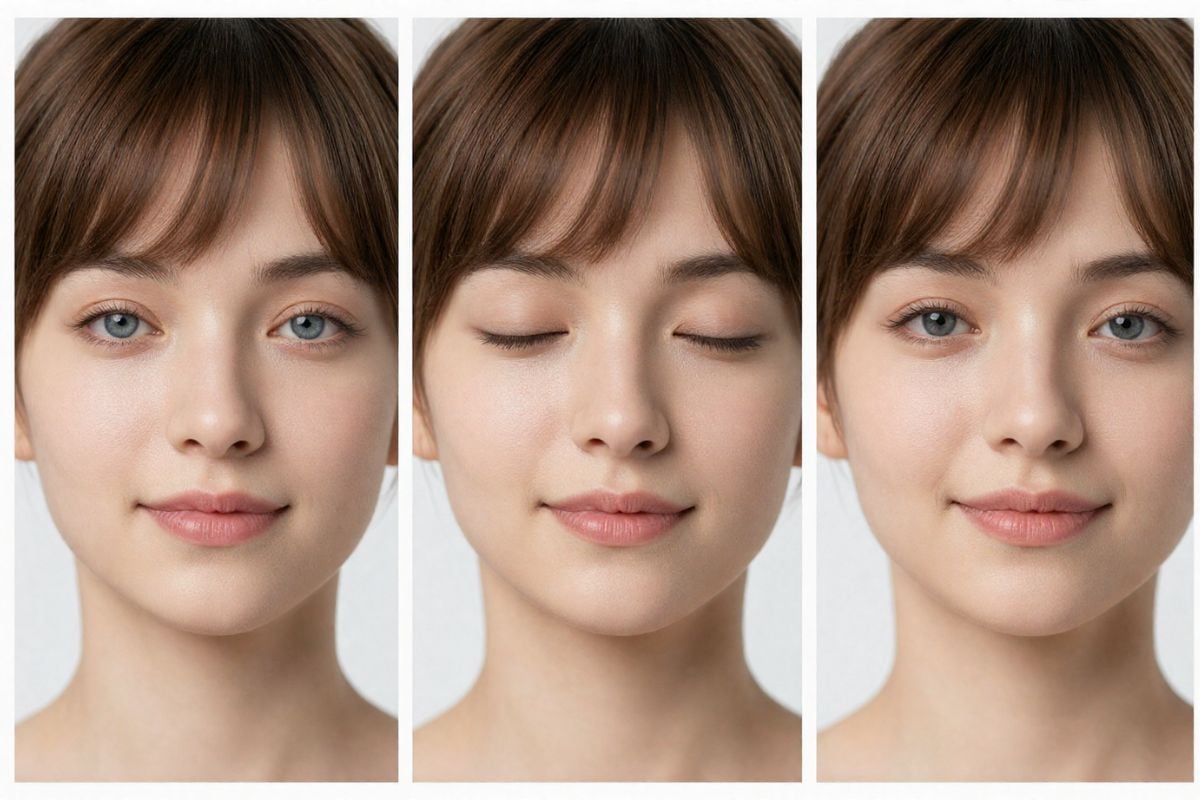
Natural Blink (Realistic Eye Motion)
Generate a calm, natural-looking blink that matches real timing — slight eyelid ease-in and ease-out, no harsh stutter. It keeps the face stable while adding that “alive” moment, perfect for portraits, profile photos, and creator shots where you want subtle realism.
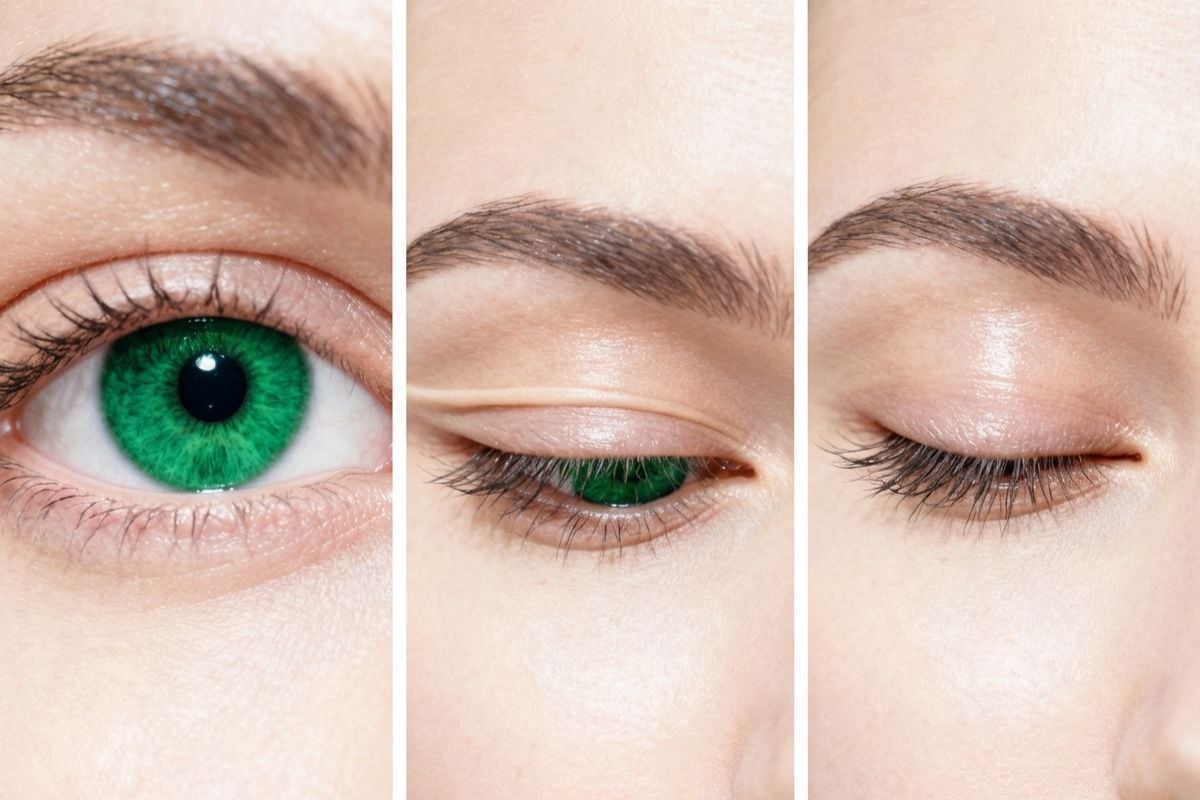
Make Scroll-Stopping Micro Clips in Minutes
Need short content fast? Generate micro-clips for intros, thumbnails, and social posts. Start with image to video, then combine a single natural blink, a calm expression, and a steady camera feel to get a polished result that works across platforms.
What Our Users Say?
You may want to know
What is eye blink animation and what does this tool output?
How do I get the most natural blink eye effect?
Can I choose how many blinks or the blink speed?
Does it work for pets or illustrated characters?
Is this a good option if I just want to make my picture blink quickly?
Make a Photo Blink in Minutes
Upload a photo, type your prompt, and generate a clean blink ai video you can share anywhere.
Start Now