
Free AI Logo Animation
How to Animate A Logo Using AI?
Upload or Create Your Logo
Upload a clean PNG/JPG-style logo, or generate a simple logo with our image generator if you’re starting from scratch.
Send to Image-to-Video + Add Motion Notes
Open the image-to-video tool, drop in your logo, then write a short direction like “soft glow reveal, slight rotation, 2-second ease-out” for Logo Animation from Image.
Export and Use Anywhere
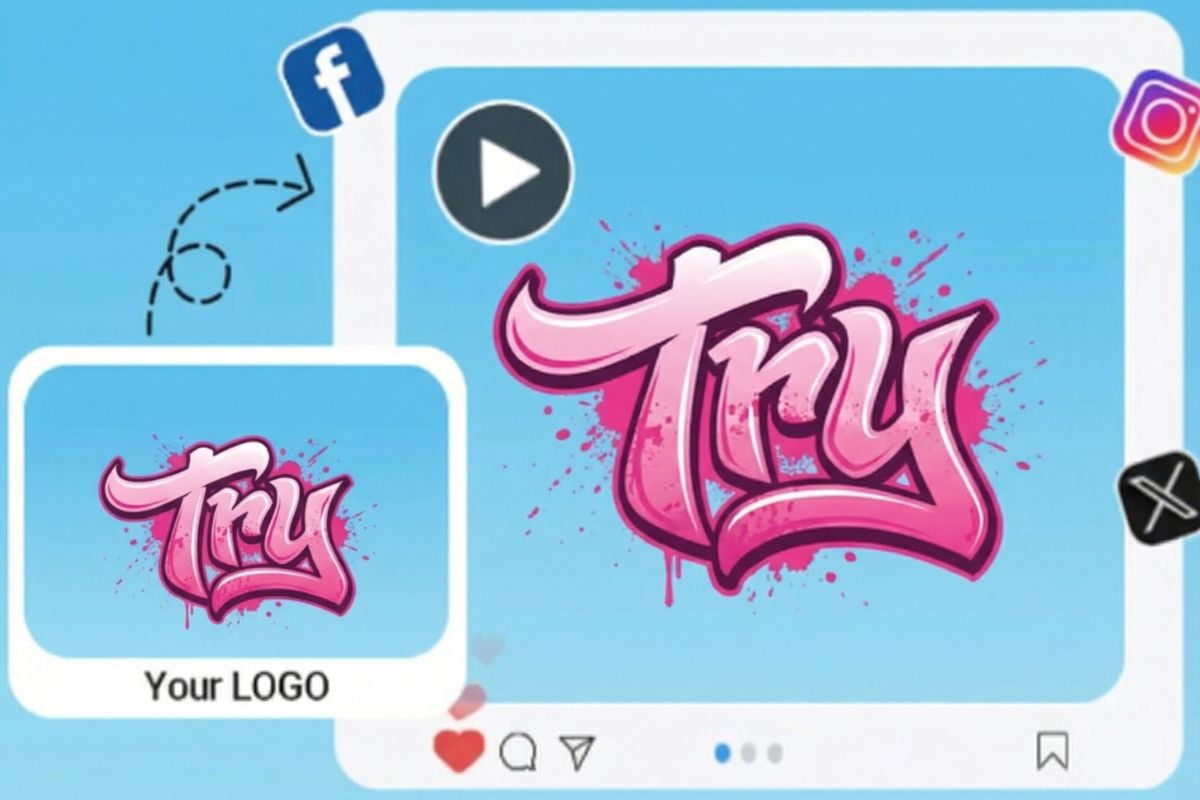
Download your animated logo as a video clip for intros, overlays, and product promos, or loop it for a quick logo GIF maker-style asset.
Make Logo Animation That Feels On-Brand
Logo Animation from Image Easily
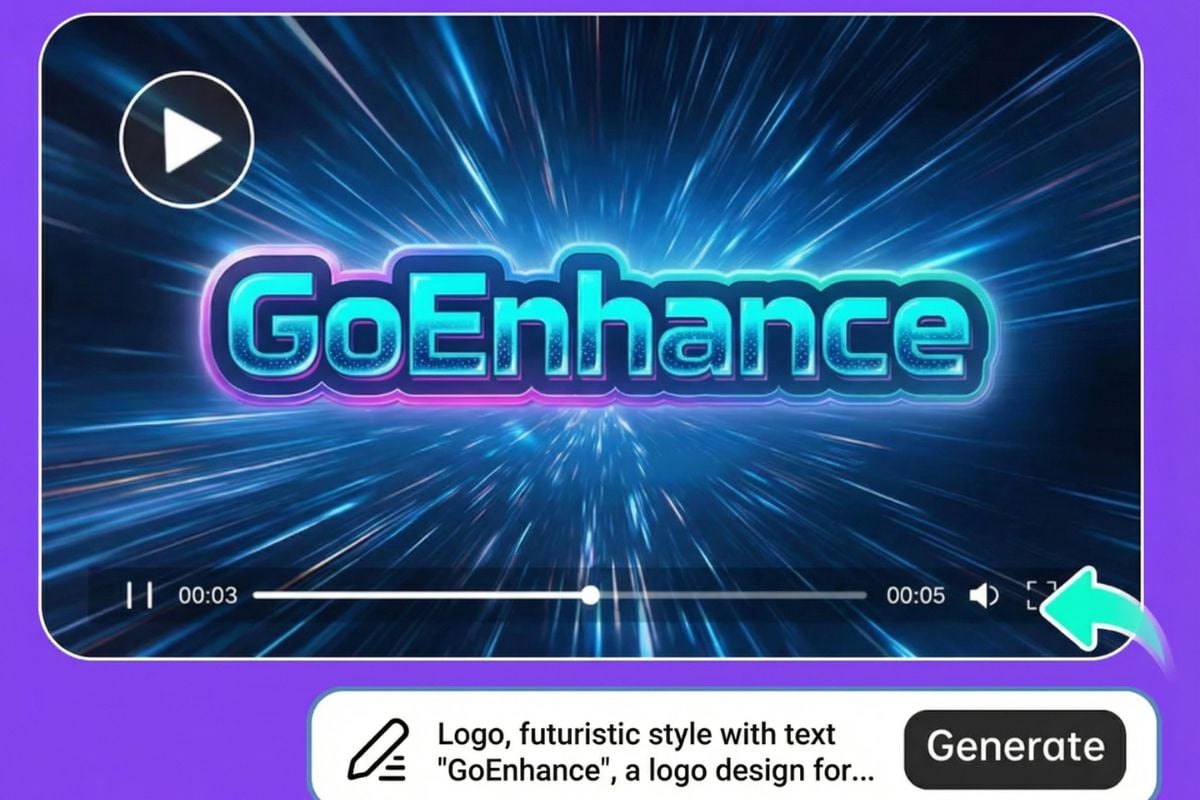
Turn one logo into multiple motion options—reveal, bounce, wipe, or subtle shimmer—by re-running prompts until it matches your brand tone. Start here: image to video, explore more in AI video generator, or test micro-motions with animate a picture.
Dynamic Logos for Ecommerce & Design Teams
Create professional animated logos for ecommerce stores, product videos, and client branding—fast. Upload or generate a logo, then turn it into clean reveals, smooth rotations, or subtle light passes that feel polished and brand-ready, without a complex motion workflow.
More Tools for Quick Brand Content
You may want to know
What is AI logo animation?
How does the logo animator work here?
What files work best when I want to animate my logo?
Can I control style and motion strength?
Do you support logo animation from Image if my logo is a sketch?
Is this a logo gif maker too?
Can I use the results commercially?
Make Your Logo Move in Minutes
Upload a logo (or generate one), drop it into AI video generator, and turn it into a smooth intro with a single prompt. It’s a simple, repeatable way to keep your branding consistent across every clip.
Try AI Logo Animation