Stylish Name Generator

Turn a name into a visual concept for a profile, gaming identity, or creative project. Describe the lettering, mood, colors, and setting, then explore custom name artwork from a text prompt.
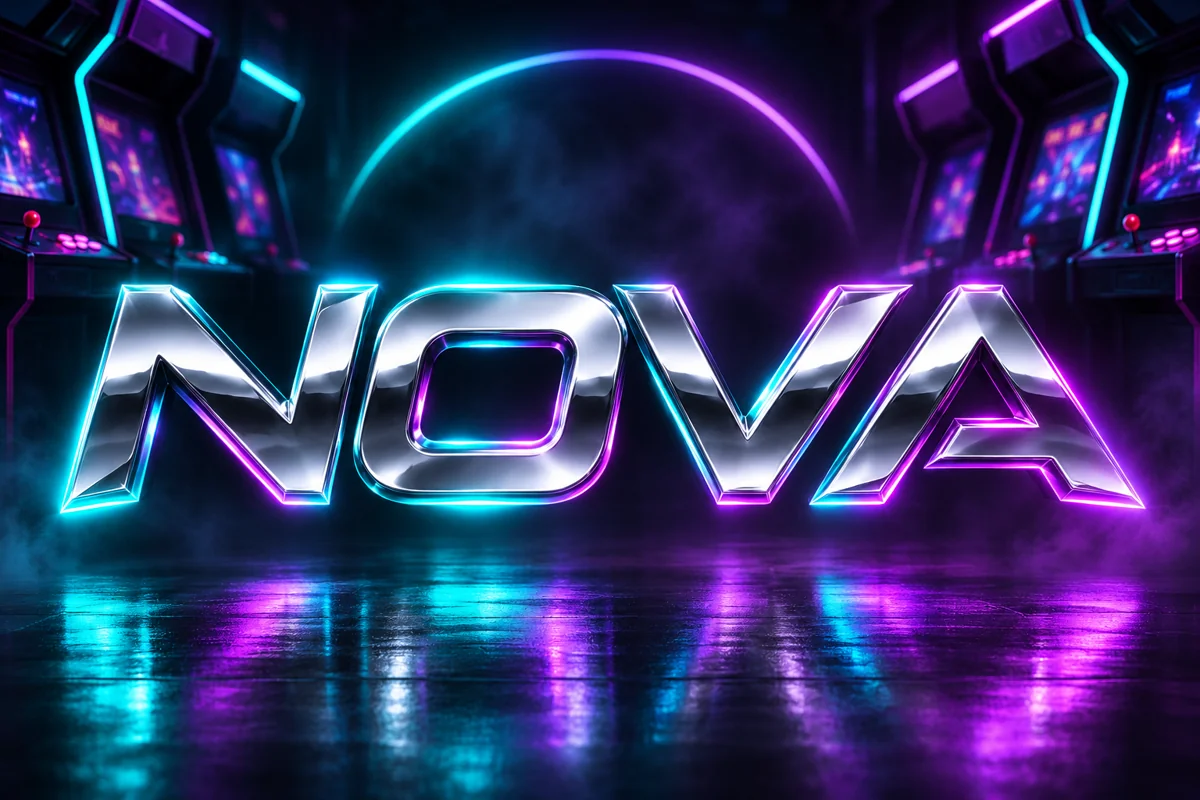
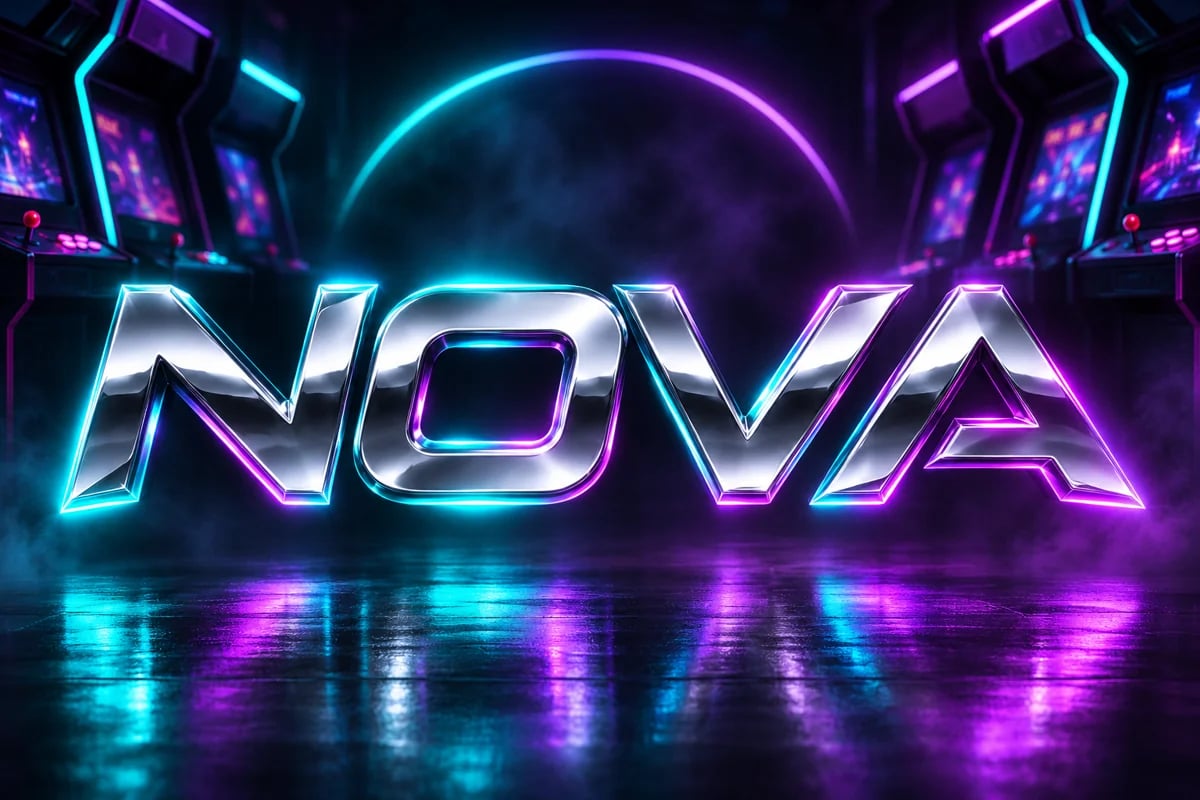
Neon Arcade Name Concept
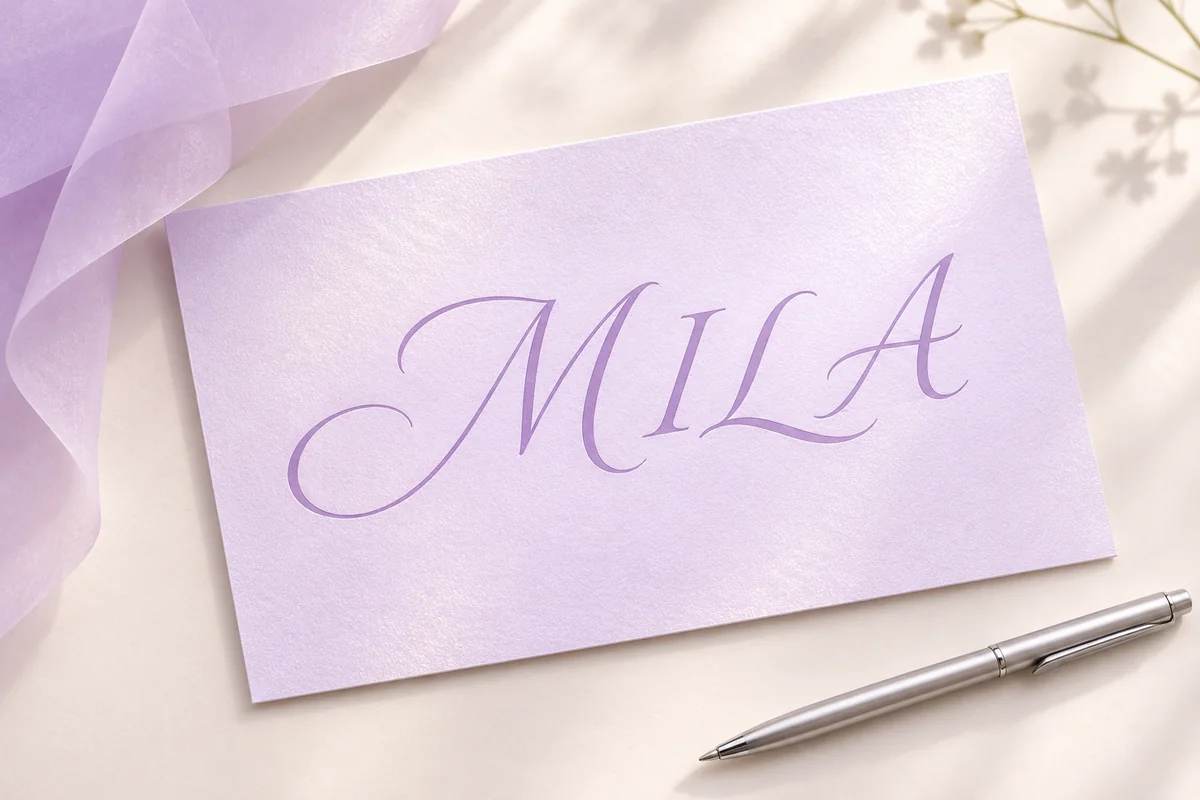
Lavender Script Name Concept
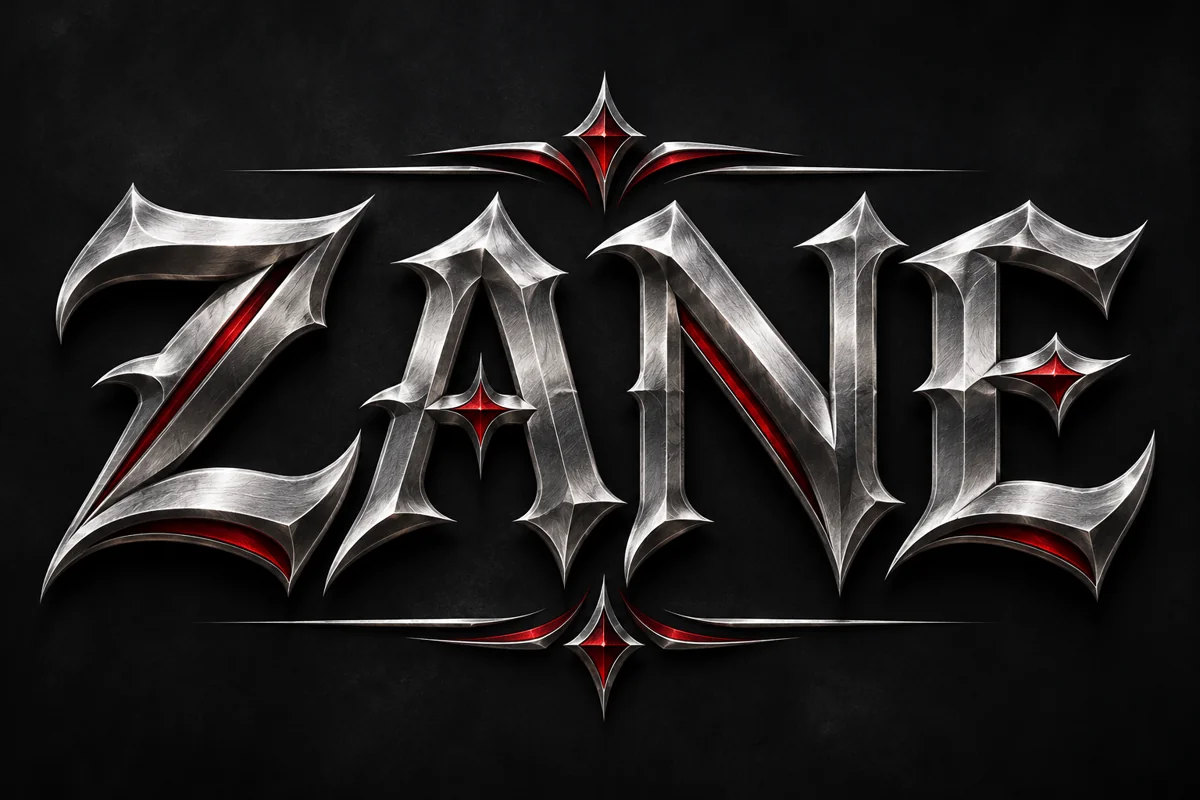
Metallic Gothic Name Concept
Prompt
Opens the GoEnhance editor with this model and prompt ready.

Explore Name Art Styles

Compare Name Art Directions

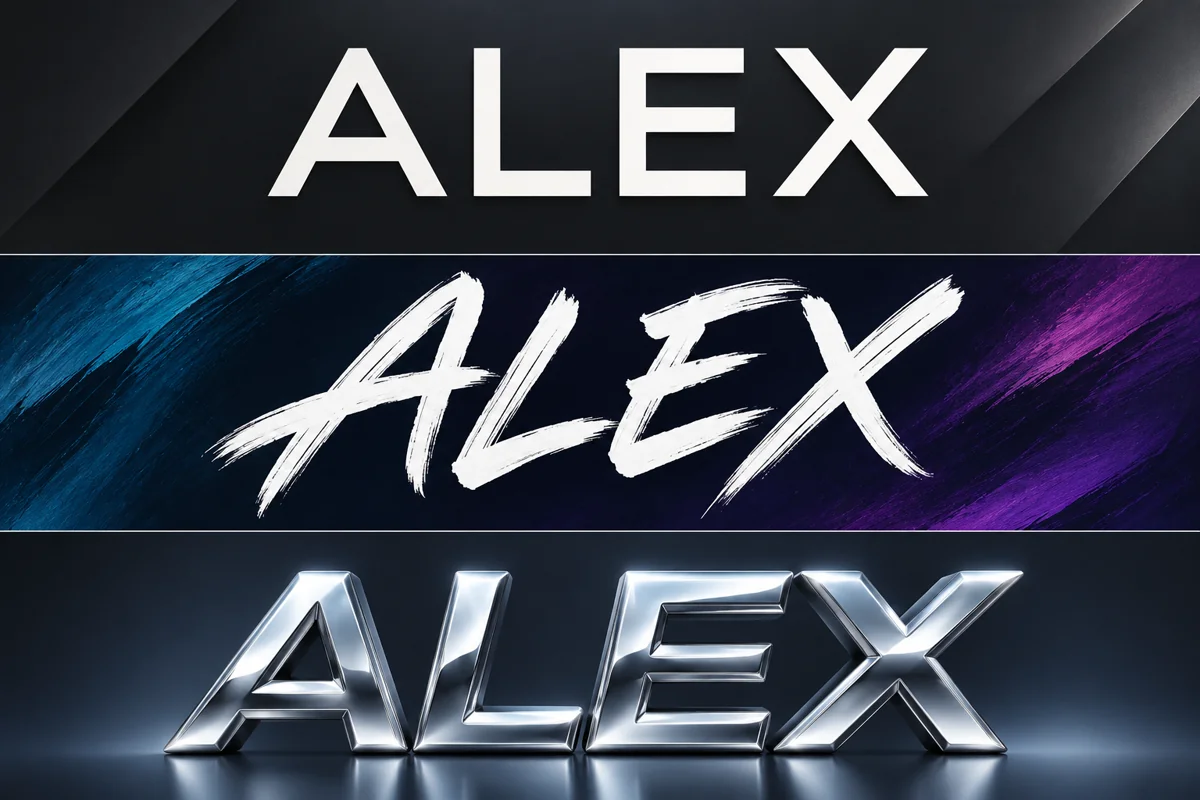
See how one name can take on very different personalities through typography, material, and color. GoEnhance’s text-to-image workflow lets you describe the lettering mood, lighting, background, and atmosphere you want to explore, then turns that visual brief into an image concept. Try a clean modern wordmark, expressive brush lettering, or dimensional chrome treatment for a profile graphic, stream identity, or personal project. With prompt-led styling, you can develop a direction that feels connected to the name instead of settling for plain text on a blank background.

Stylish name artwork concept comparing three visual treatments for ALEX

Create a Softer Signature Look

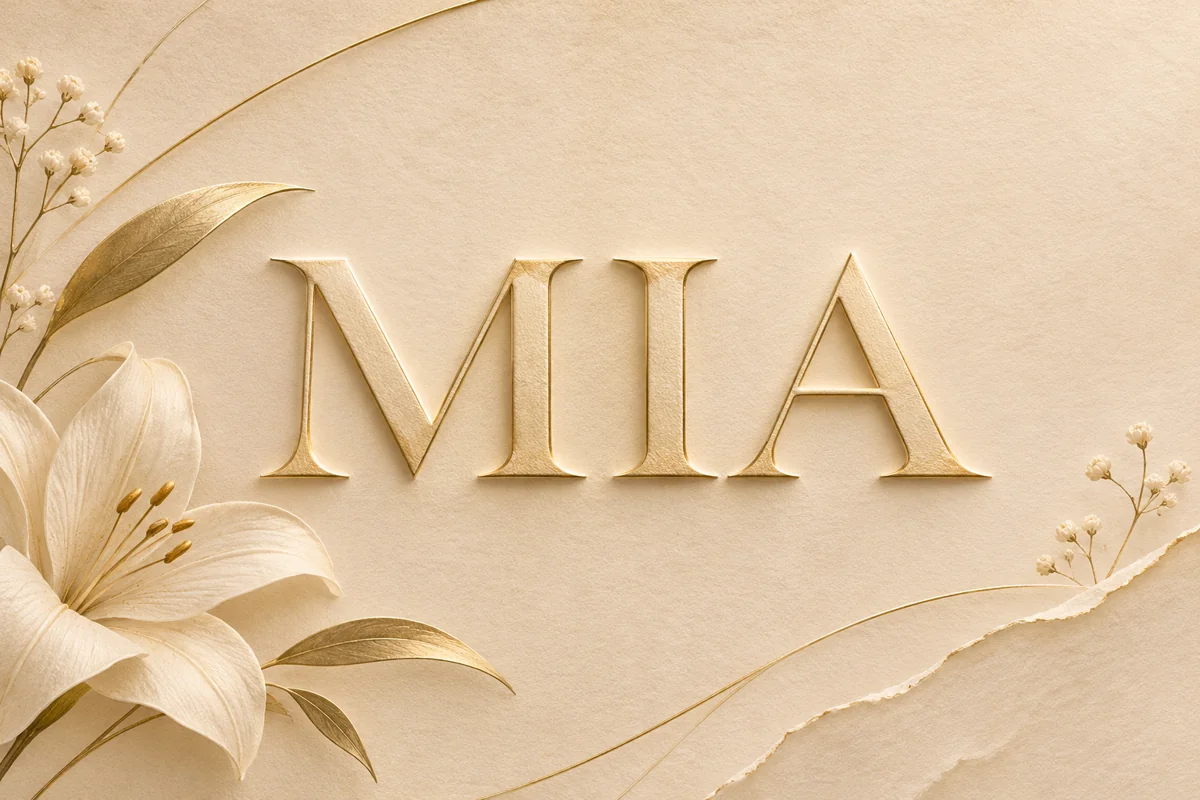
Give a name a softer, more personal presence with delicate lettering, a warm palette, subtle shadows, and a tactile backdrop. A written prompt can describe details such as embossed gold, gentle script, linen texture, or a calm floral mood, helping the image model build a cohesive visual direction. This style can support profile headers, invitations, mood boards, and other creative projects where atmosphere matters as much as the name itself. For more ways to shape an image from a text prompt, explore the AI Image Generator and develop the idea in a broader visual context.

Stylish name artwork concept with elegant gold lettering and a soft botanical frame

Build a Gaming Identity Visual

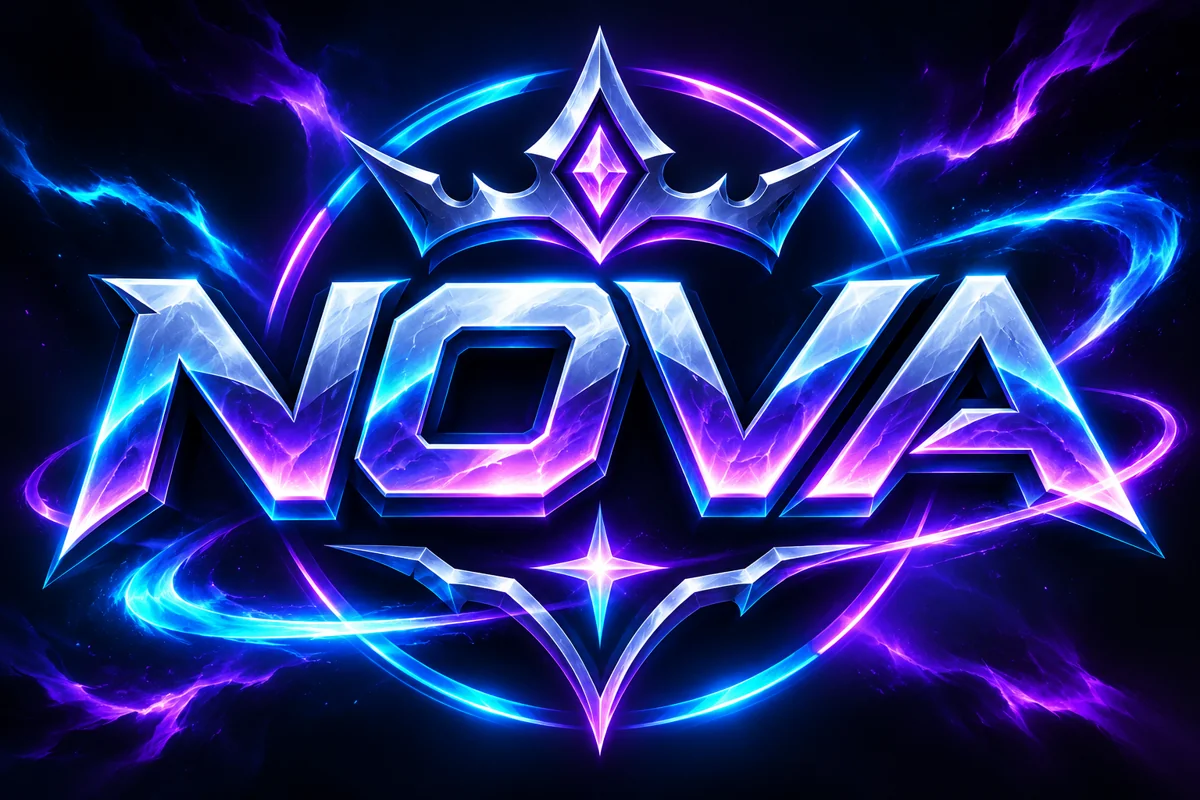
Give a gaming handle a bold visual identity through high-contrast color, metallic lettering, and an energetic emblem-style scene. GoEnhance’s text-to-image tool can turn those art directions into an image concept with a chosen glow, framing, and background mood. Use it for stream artwork, profile graphics, a team mood board, or a personal username visual, then revise the prompt to explore a different atmosphere. If you already have a reference image, the AI Image to Image workflow can help you explore a related treatment from that starting point.

Stylish gaming name artwork concept with NOVA in electric blue and violet lettering
Shape a name-led image around the look and mood you want.

Make Your Name Feel Distinct

Explore Lettering Moods

Describe sleek, expressive, dimensional, or decorative lettering to shape a visual direction that suits your name.

Set the Scene and Palette

Bring color, lighting, materials, and background details into one prompt for a more complete piece of name art.

Create for Different Uses

Develop name artwork concepts for gaming identities, profile graphics, social visuals, and personal creative projects.

Create Name Artwork with GoEnhance

01

Write the Name Idea

Include the name you want to feature and the style, colors, mood, and setting you have in mind.

02

Choose a Visual Direction

Use the available image model and style options to guide the kind of artwork you want to explore.

03

Generate and Refine

Review the image concept and adjust your prompt to try another lettering mood, palette, or background.

Quick answers about creating name-themed visuals.

Stylish Name Generator FAQs
What does a stylish name generator create?

Use GoEnhance’s text-to-image workflow to explore name-themed artwork concepts. The sample images illustrate possible visual directions; describe lettering, colors, lighting, and a background for a profile, gaming identity, or creative project.

Can I copy and paste the result as a game or social name?

GoEnhance creates an image, not a ready-to-copy Unicode name string. If you need decorative text to paste directly into a profile field, use a text-style generator; use this workflow when you want a designed name visual.

Can I include my own name in the artwork?

Yes. Put the exact name in your prompt and describe how its letters should look. Image models can vary in how they render text, so add critical wording afterward in a design tool when exact spelling matters.

What styles can I try for name art?

Describe directions such as neon, metallic, elegant script, bold gaming lettering, soft embossing, or a hand-painted look. Add a color palette and background mood to make the concept more specific.

Can I create a gaming profile visual?

Yes. Describe the handle, team colors, emblem mood, glow, and backdrop you want to explore. GoEnhance’s prompt-based image generation can turn those details into a gaming-themed name artwork concept.

How can I change the look of a generated name image?

Revise the prompt details that shape the visual—such as lettering style, color, lighting, texture, or setting—and generate another direction. Small prompt changes can help you compare different moods for the same name.

Is this stylish name generator free to use?

GoEnhance offers a free plan with a small number of tokens to try its tools. Image generation uses tokens, and the available balance depends on your plan; check the current pricing page for details.

Can I use generated name artwork commercially?

Commercial use depends on your plan. GoEnhance currently lists a commercial license for Standard, Pro, and Mega plans; Free and Basic are for personal use. Check the current plan terms before using artwork in paid work.

Give Your Name a Visual Style

Turn a name idea into custom artwork with prompt-led styles, colors, and atmosphere.

Create Name Artwork