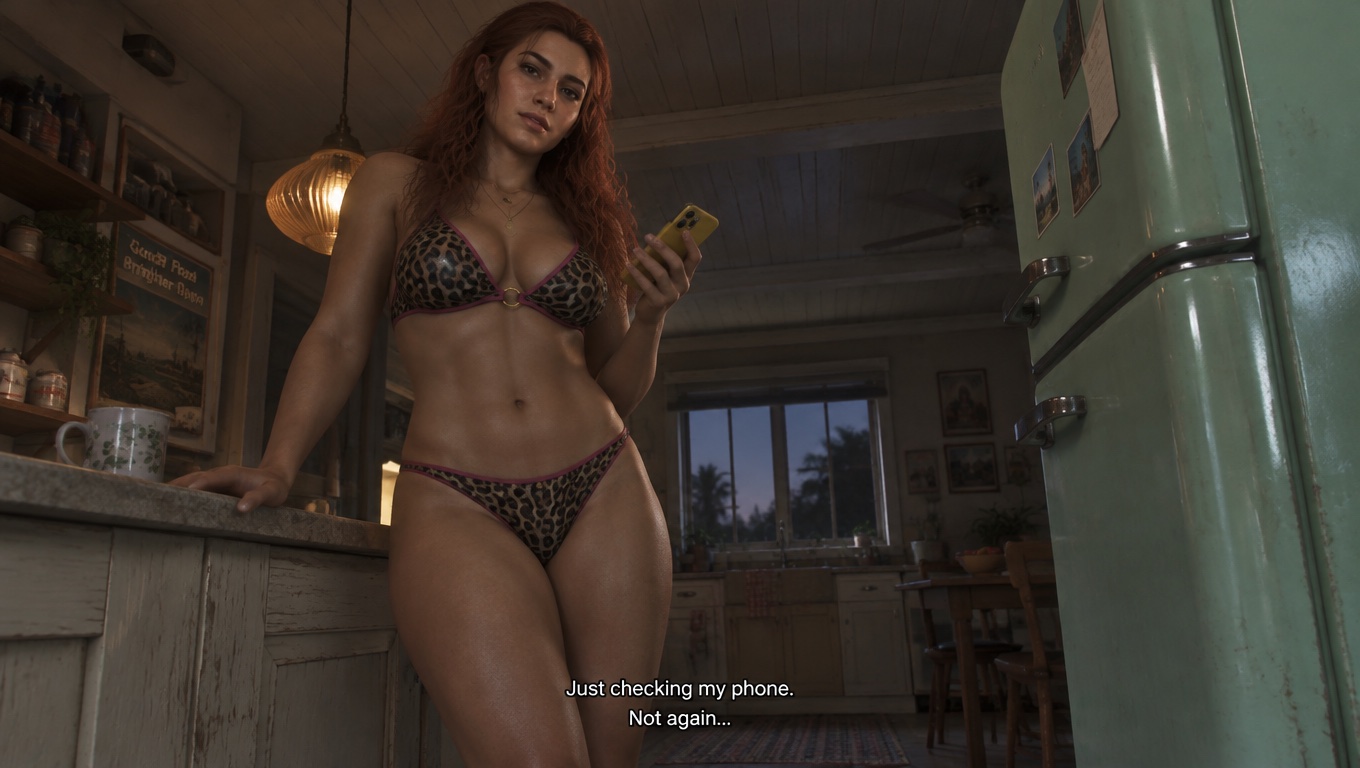
GTA 6 Style AI Cutscene Generator
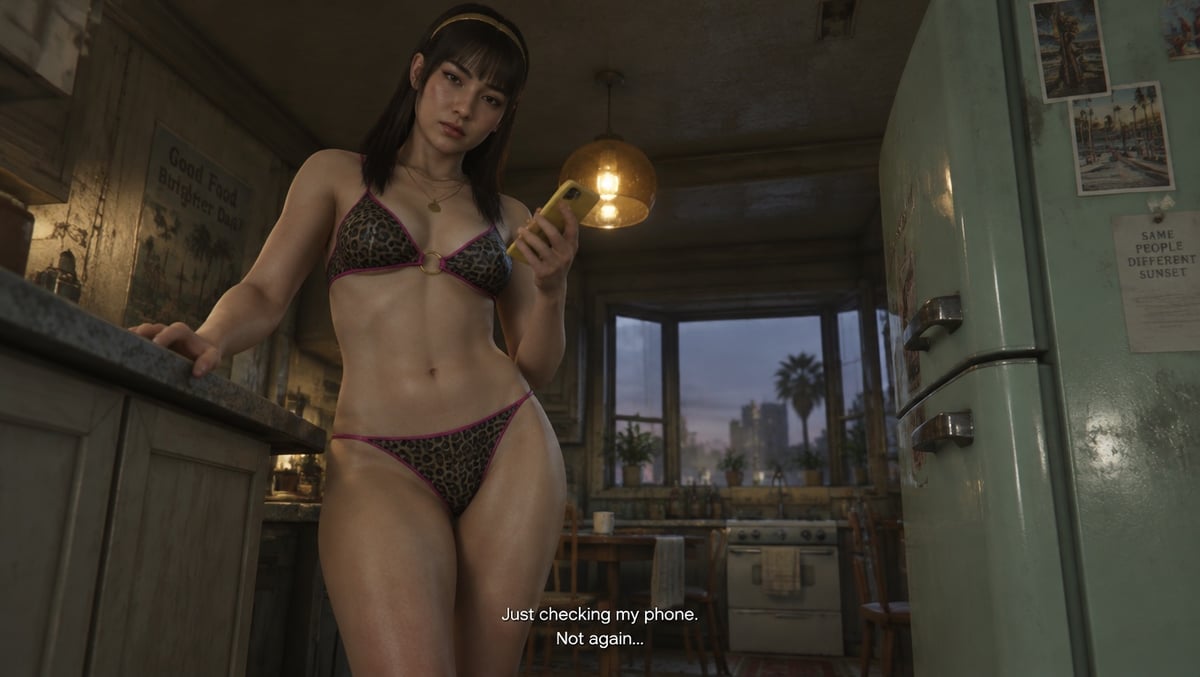
Create a GTA 6-style cutscene from text. Pick a face, hairstyle, and hair color for an original character in a widescreen retro kitchen scene.
GPT Image 2.5
Character preset
Face shapeAngular
EyesDark almond
HairstyleStraight bangs
Hair colorBlack
Extra face details
Opens the GoEnhance editor with this model and prompt ready.
Create Your Own GTA 6-Style Cutscene
Build your character from presets
Start with a preset, then choose the face shape, eyes, hairstyle, and hair color. Add a short note for details such as freckles or eyeliner.
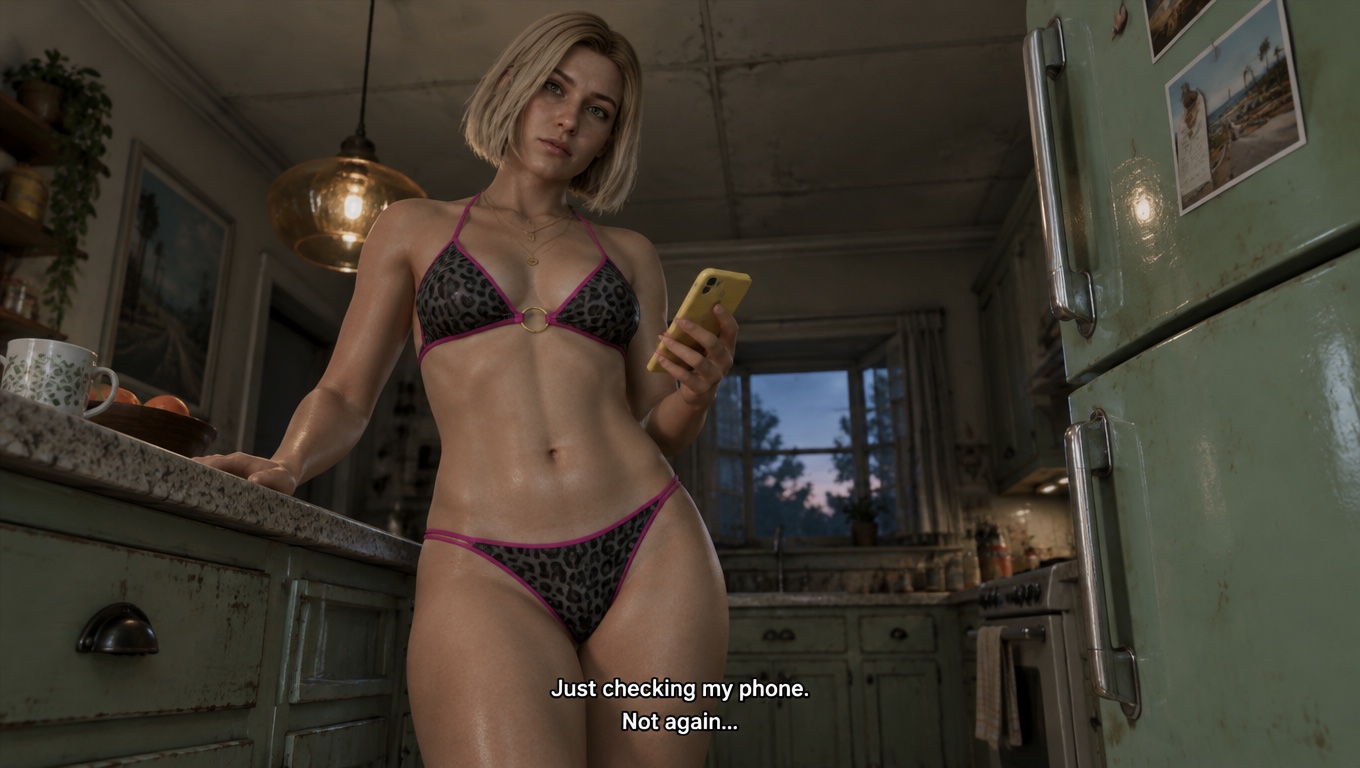
Keep the retro kitchen and low camera angle
The scene prompt keeps the mint-green fridge, warm pendant light, and leopard-print swimsuit. The low wide-angle framing gives the widescreen still the look of an in-game dialogue scene.
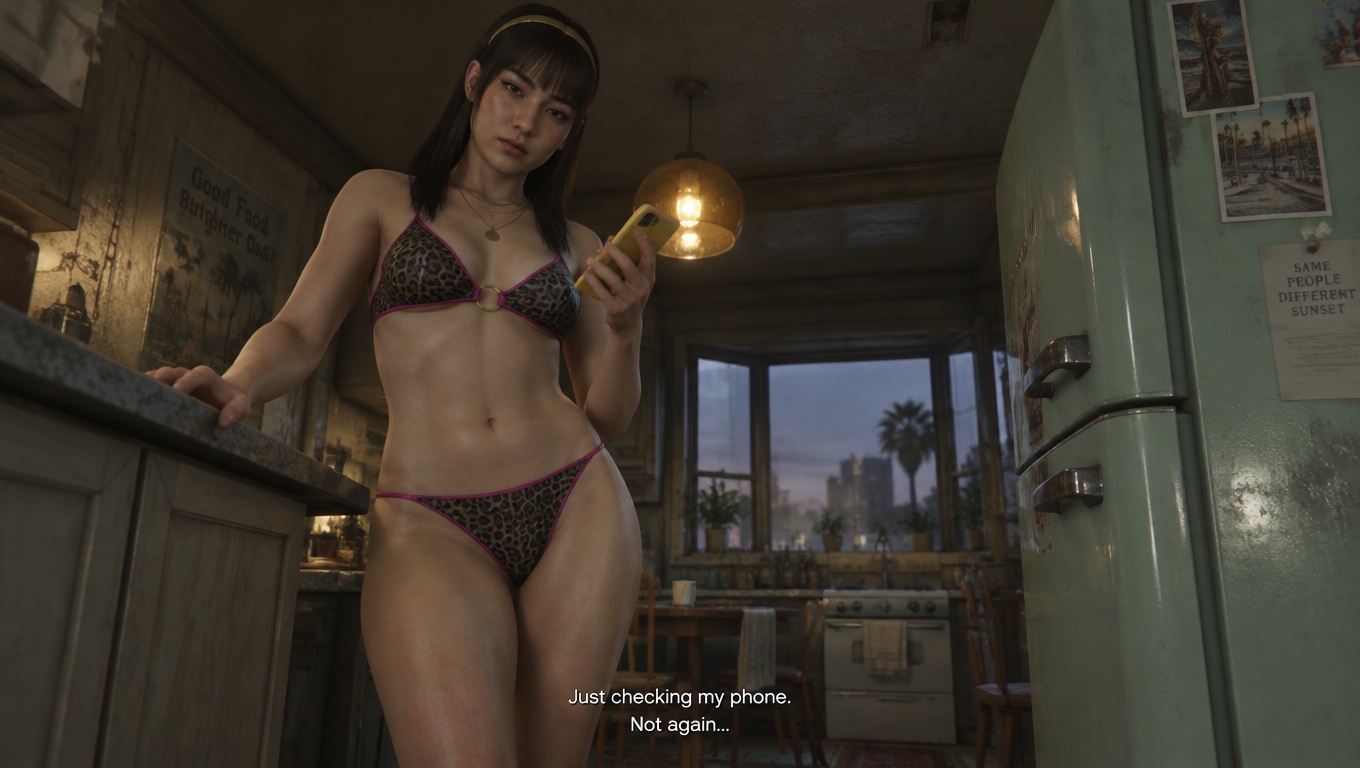
Generate a widescreen still from text
The editor opens with your selections in the prompt, GPT Image 2.5 selected, and a 16:9 frame. Generate an original still for a character concept or storyboard.