
Viggle AI Dance
Make dance clips that feel made for short-form feeds: upload a photo, choose a motion template, and generate a clean, loop-friendly result with stable faces, natural body movement, and minimal wobble.
Try It Free Now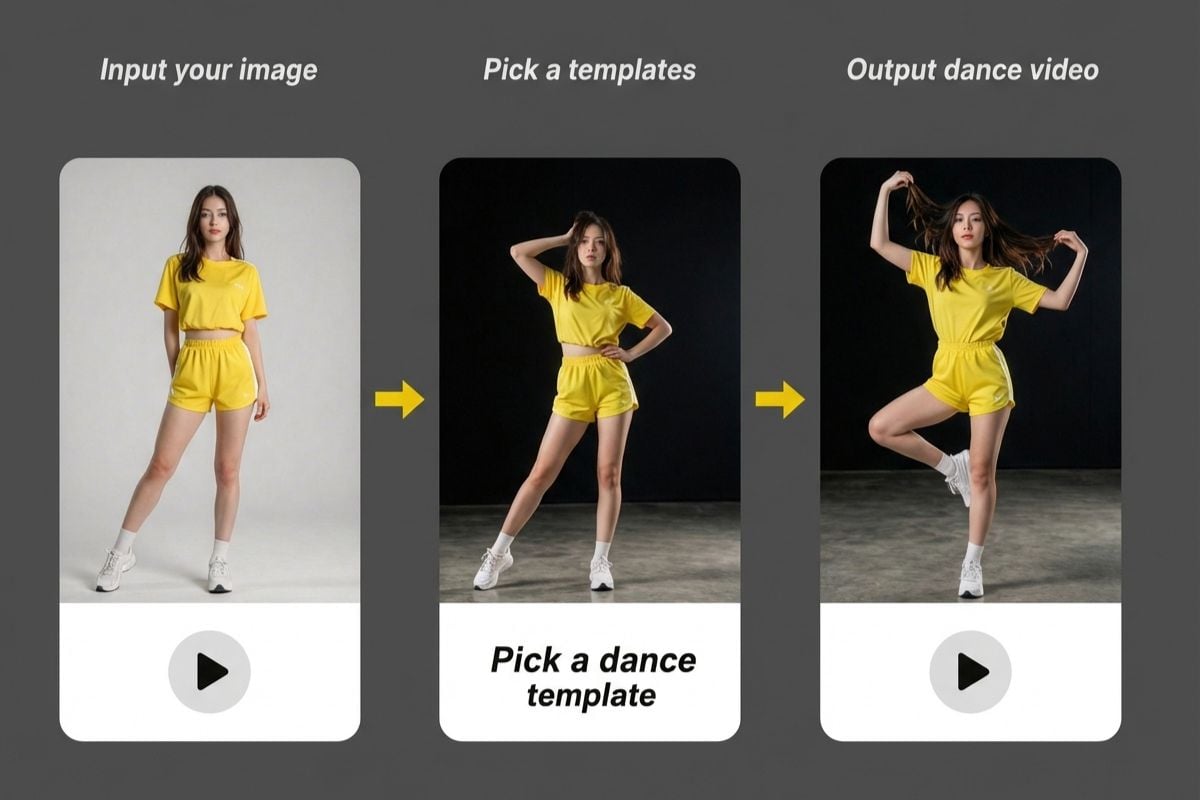
Trending Dance Templates (Quick Picks)
How To Create a Dance Clip
01
Upload a Clear Photo
Pick a front-facing portrait or full-body shot with clean lighting. Simple backgrounds help keep edges stable and reduce flicker.
02
Choose a Dance Vibe
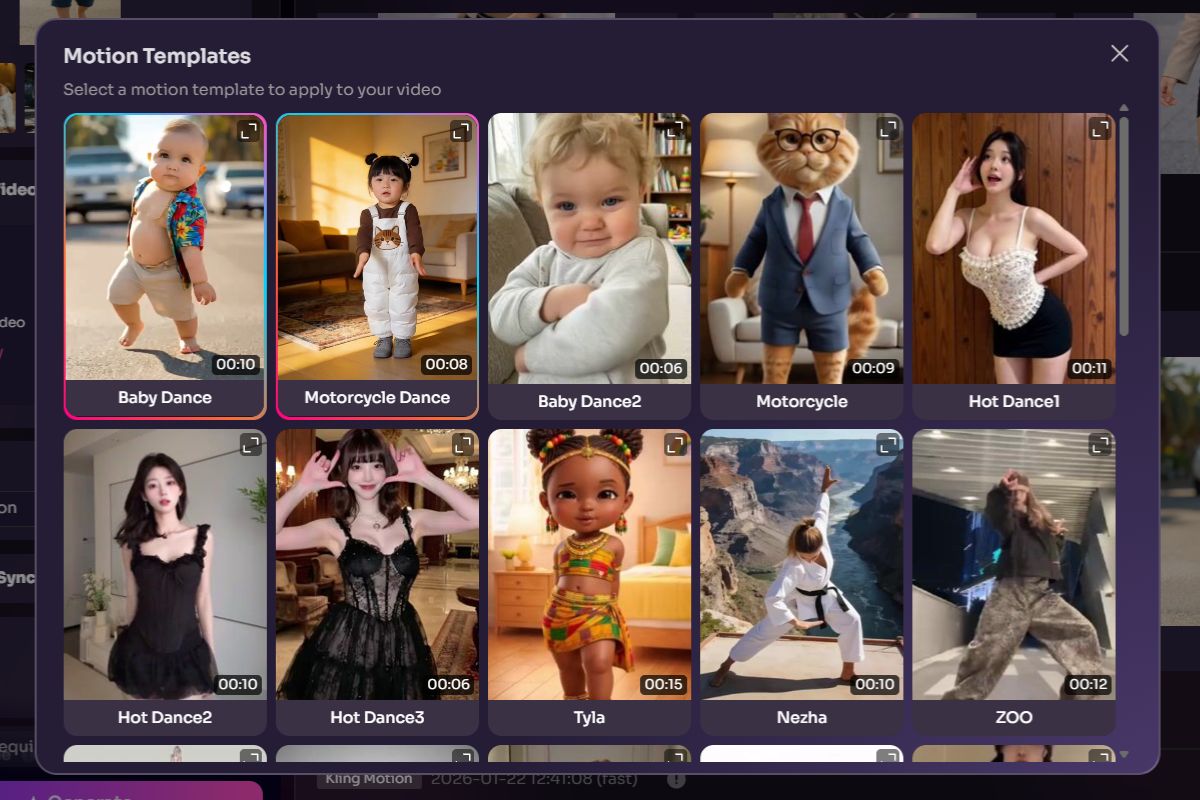
Select a motion template (shuffle, bounce, groove).
03
Generate and Export
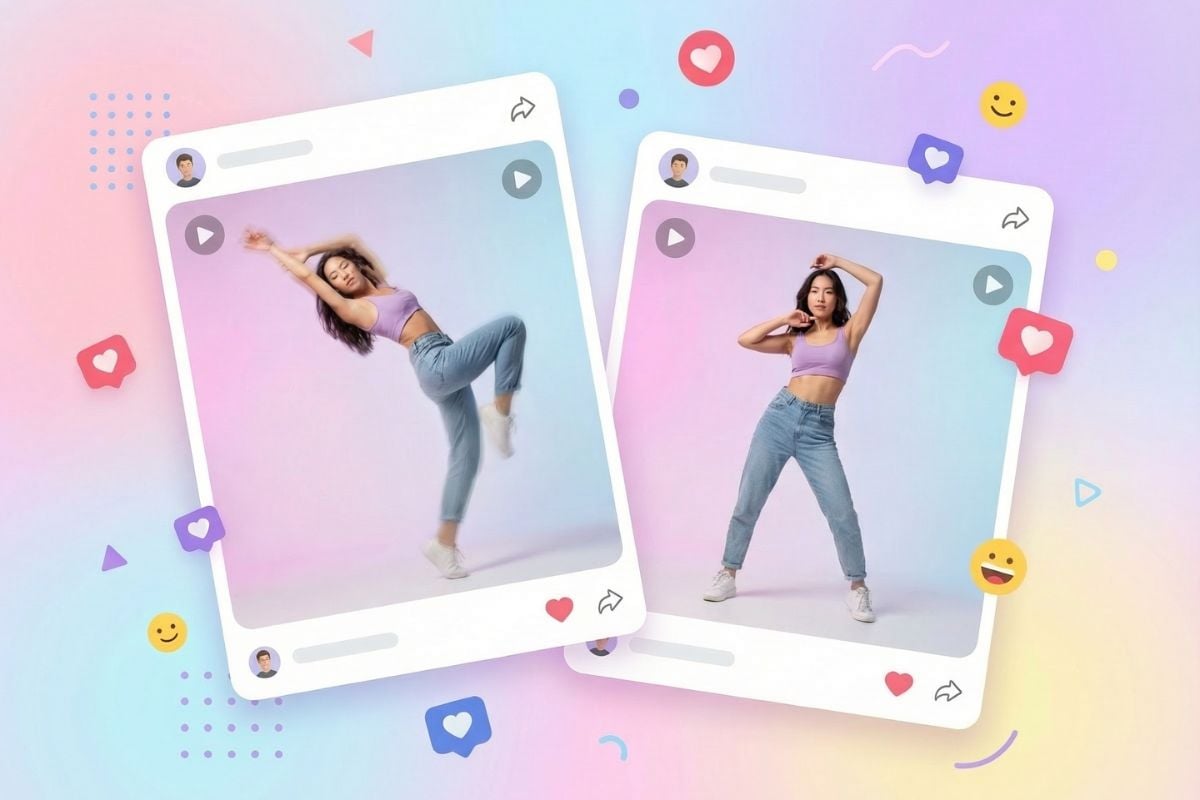
Preview the motion, adjust strength if needed, then export an MP4 clip for reels, shorts, or memes.
What You Can Do With This Dance Workflow
Photo-to-Dance Clip (Stable Subject)
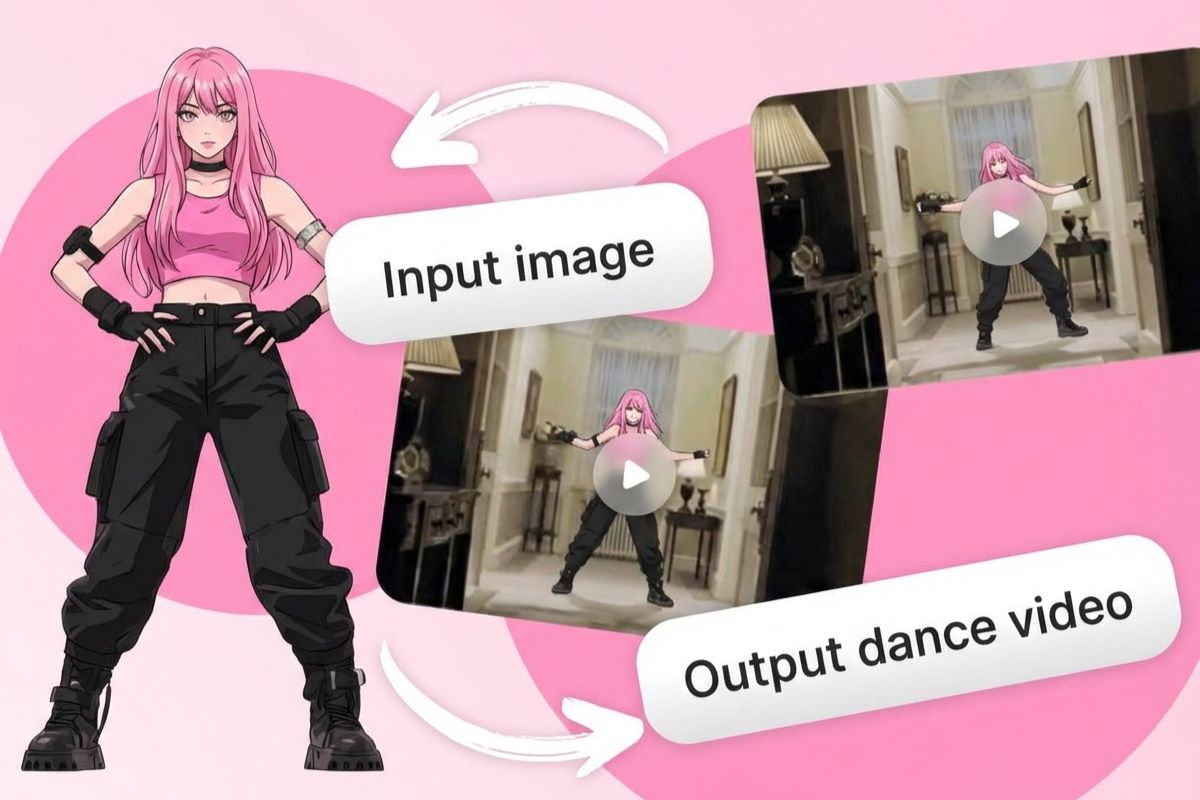
Turn a single image into a dance video while keeping the face and outfit consistent. This pairs naturally with image to video when you want more scene motion, and it also fits the broader AI dance workflow — including quick, family-friendly variations like AI baby dance. Great for meme formats, profile loops, and “before/after” creator edits.
What Our Users Say?
Frequently Asked Questions
You may want to know
What kind of photo works best?
Do I need a full-body photo to get a good result?
What background is easiest for the model to handle?
Can I make multiple dance styles from the same photo?
What file formats should I upload?
Can I make a looping dance clip for reels or shorts?
Can I use the generated video commercially?
Make Your First Dance Clip
Upload one photo, pick a template, and export a social-ready dance video in minutes.
Start Creating