goenhance logo

Qwen Image Max

Make photoreal images with convincing skin texture, hair detail, and natural light—plus crisp CN/EN multi-line text for posters, slides, and product graphics. Designed for Chinese-first prompts when you need the image to match your wording closely.

Try Qwen Image Max

What You Can Do with Qwen Image Max

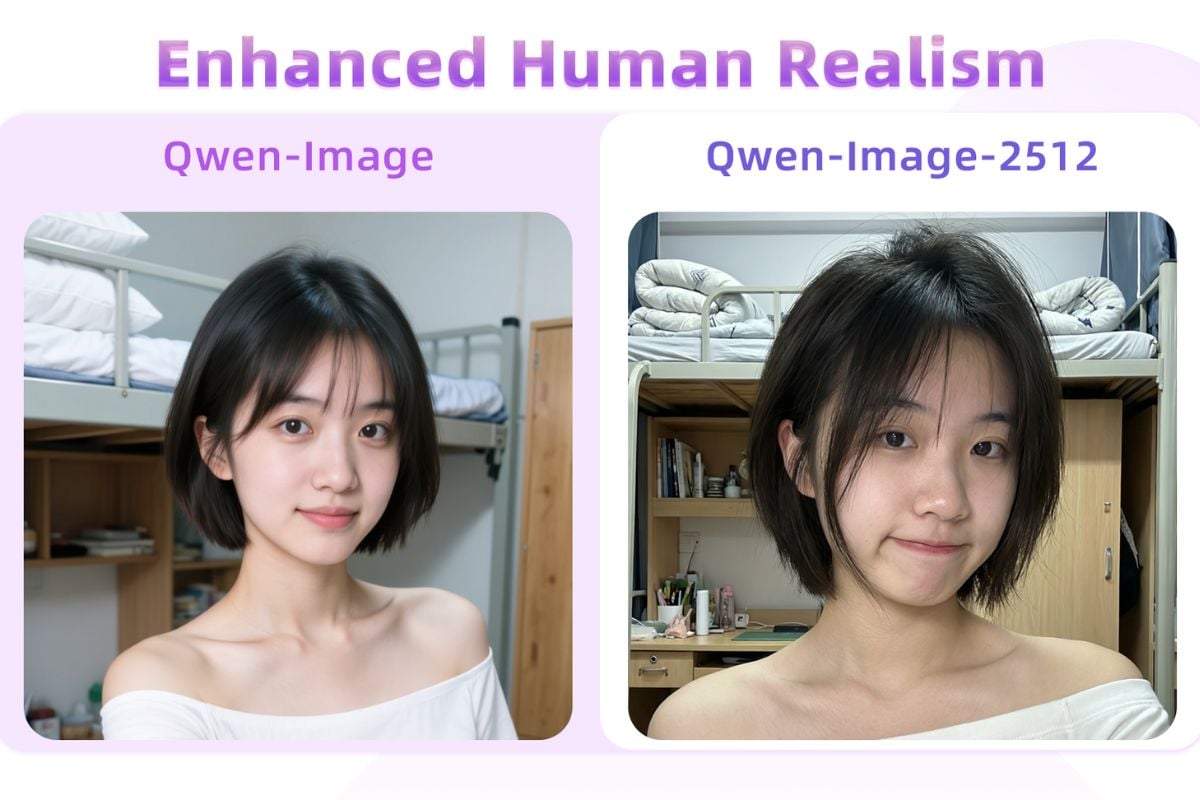
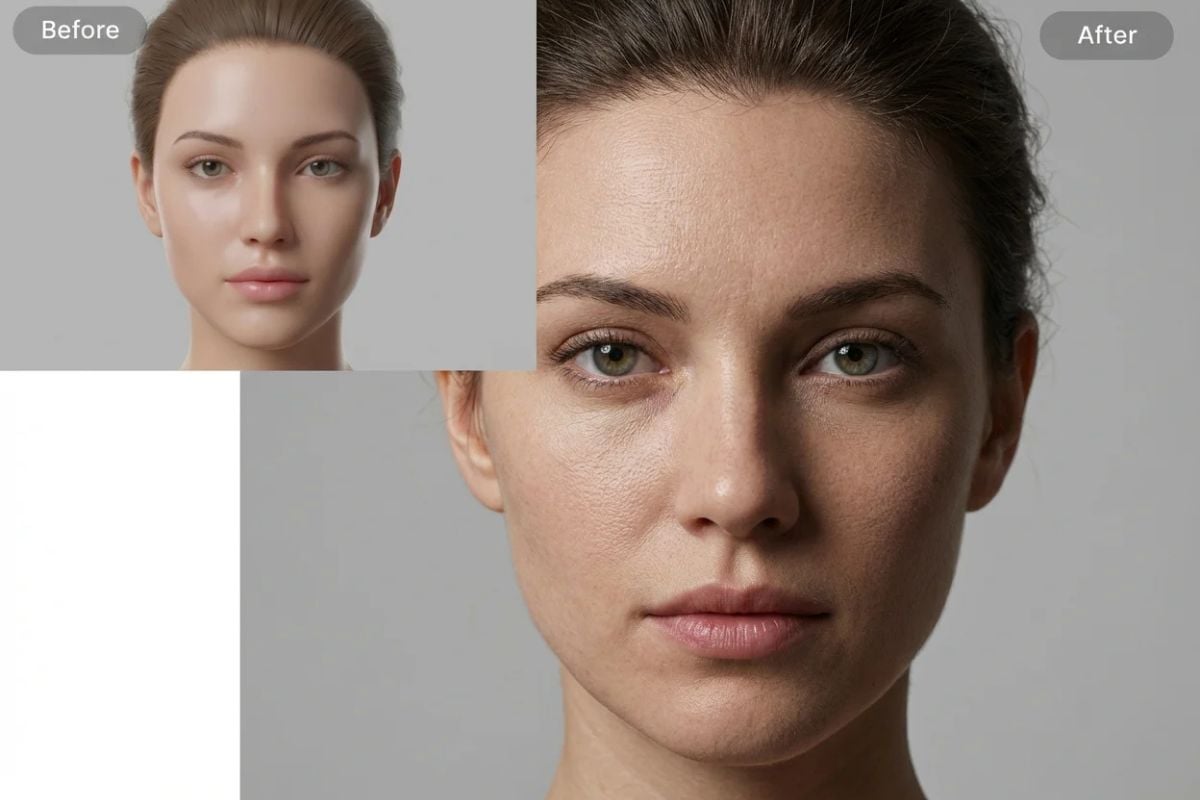
Photoreal People Without the Plastic Look

Get natural-looking portraits with authentic skin texture, delicate lines, and hair strands shaped by the same light in the scene. Great for avatars, campaigns, and editorial-style visuals where realism matters.

generate photoreal photo with Qwen image max

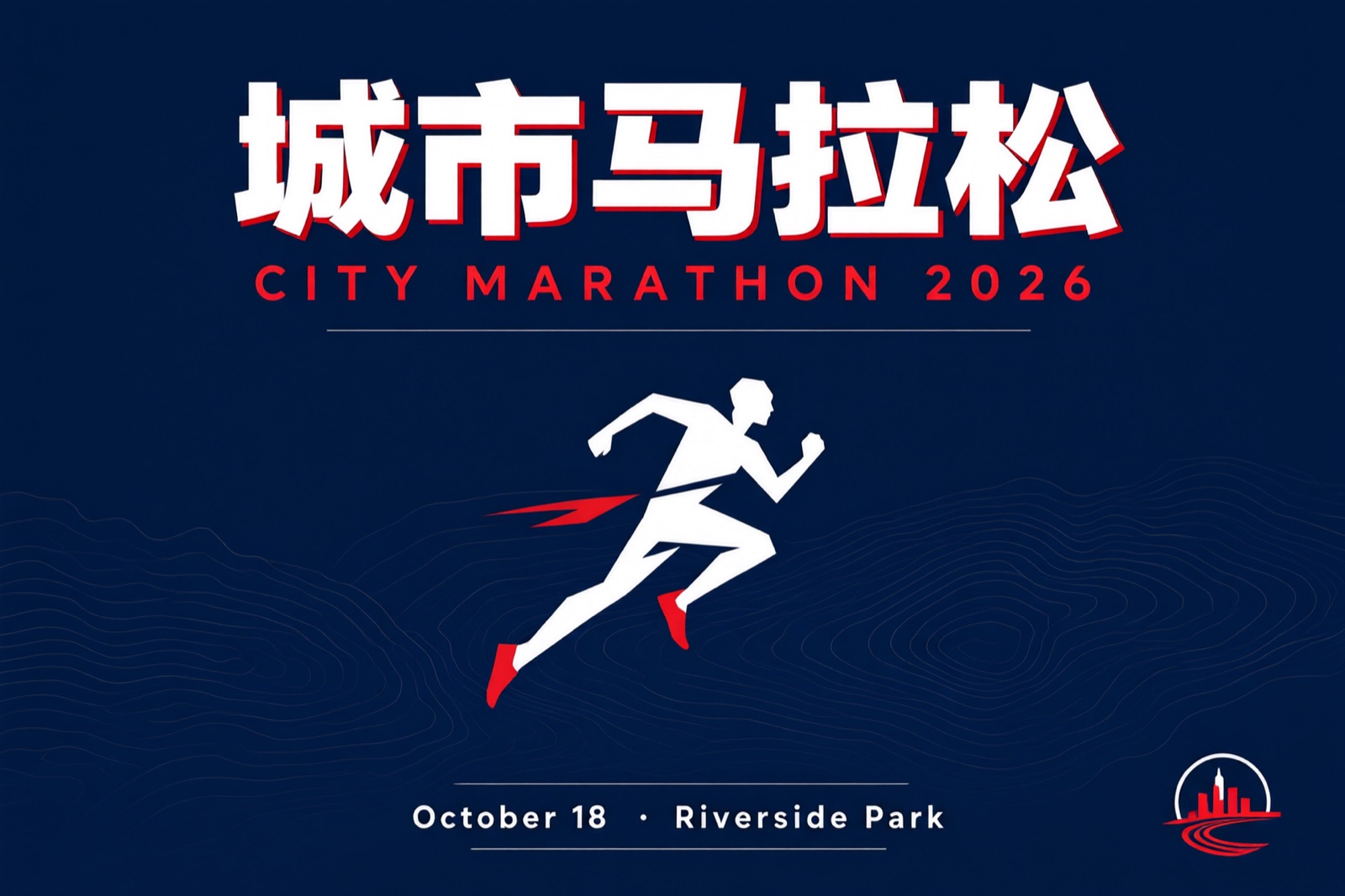
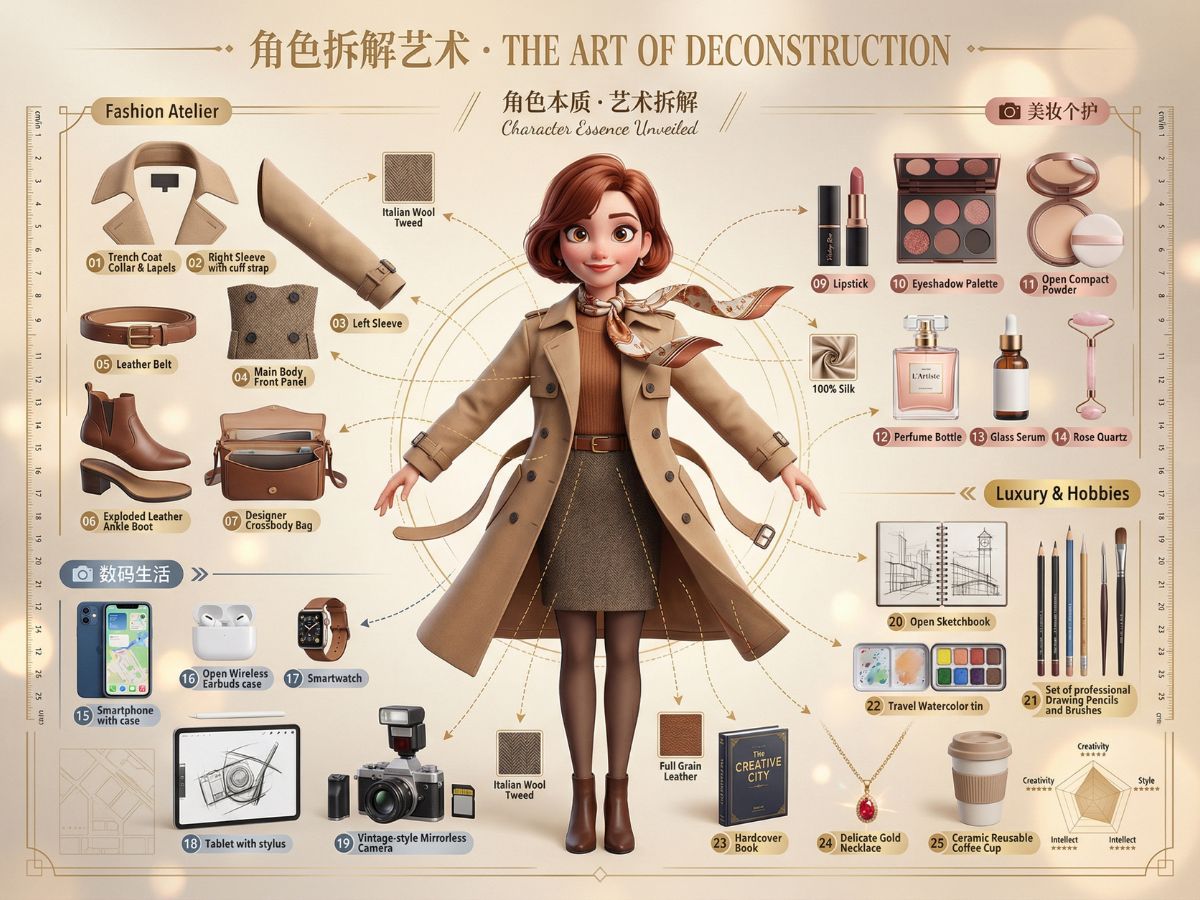
Poster-Ready CN/EN Text Rendering

Generate clean multi-line Chinese/English copy directly inside the image, including paragraph-like blocks and mixed layouts. Ideal for posters, PPT-style slides, menus, labels, and announcements—less time fixing warped text. You can also power it up with Qwen Image 2512.

generate high-quality image with EN and ZH texts

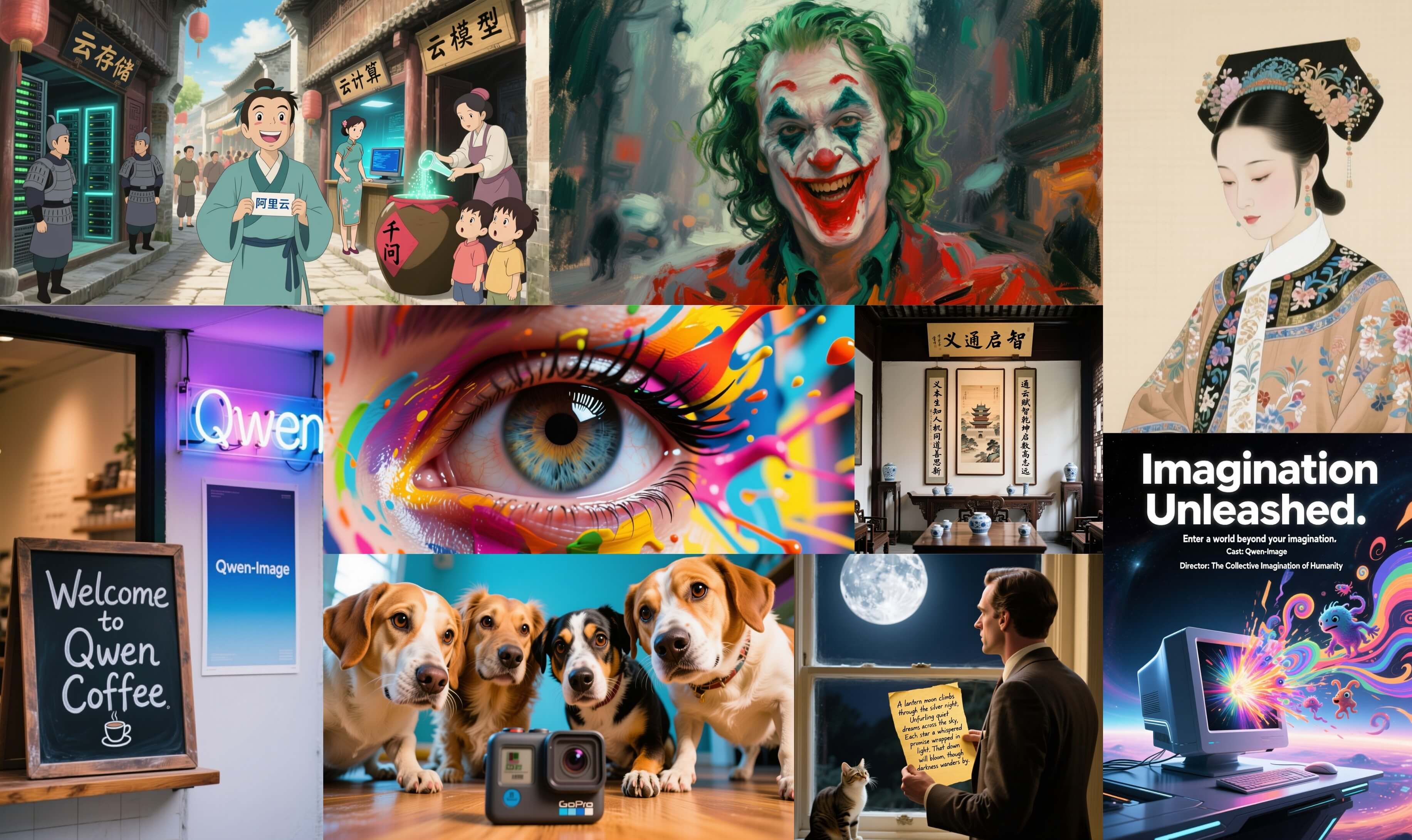
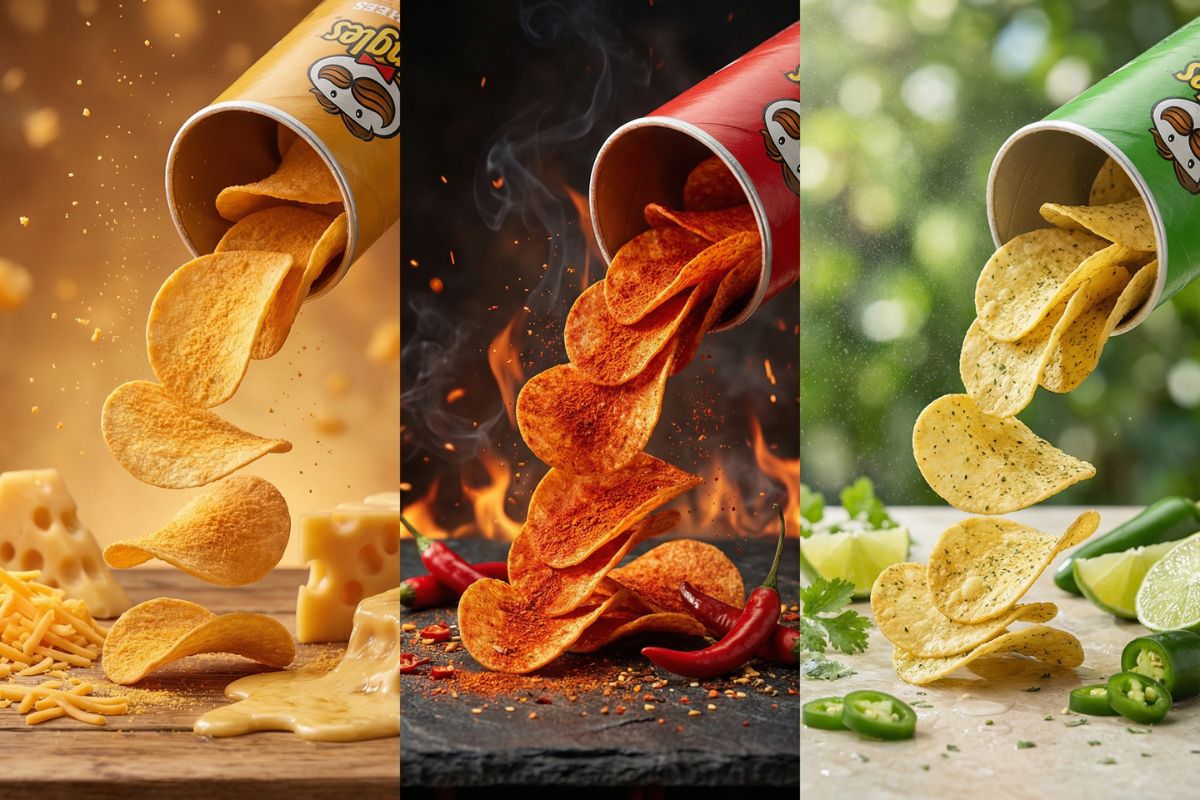
Fine Detail Control for Materials & Craft

Ask for specific texture cues—ceramic glaze, fabric weave, brushed metal, ink wash strokes—and keep the composition tidy. Useful when you need a “designed” look, not a random collage. If you want a more general baseline, start with Qwen Image.
fine detail image model

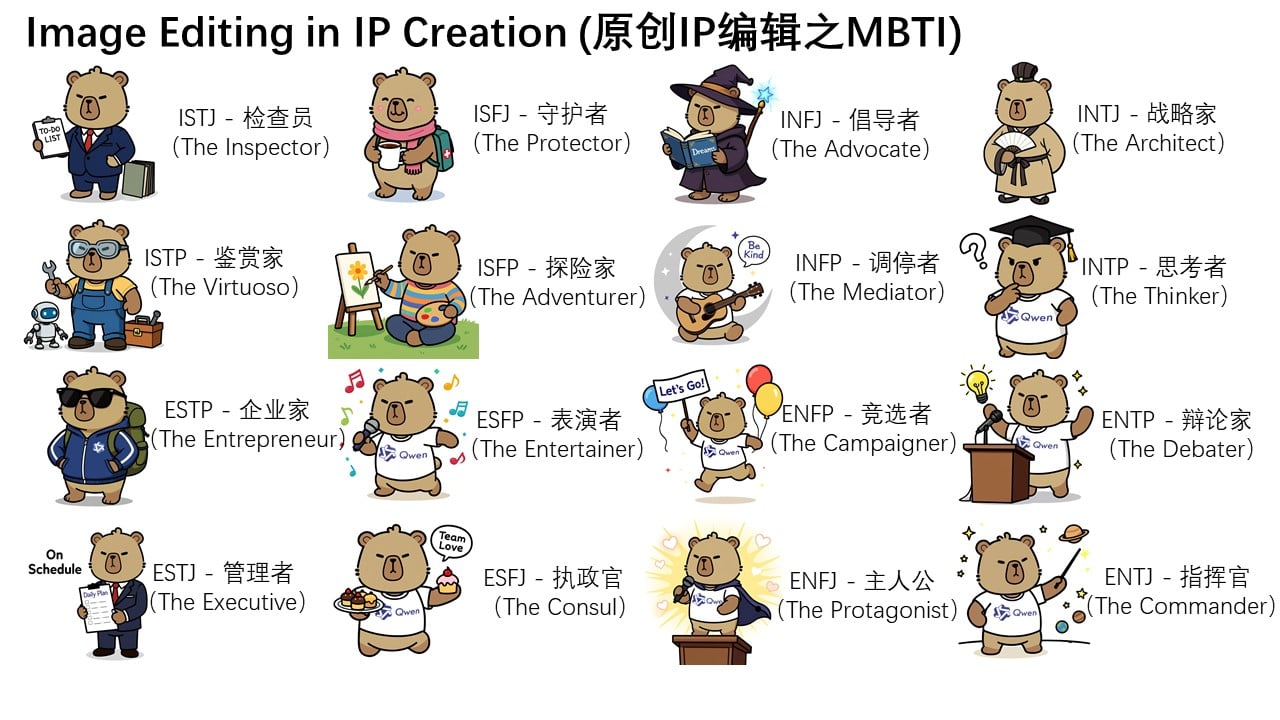
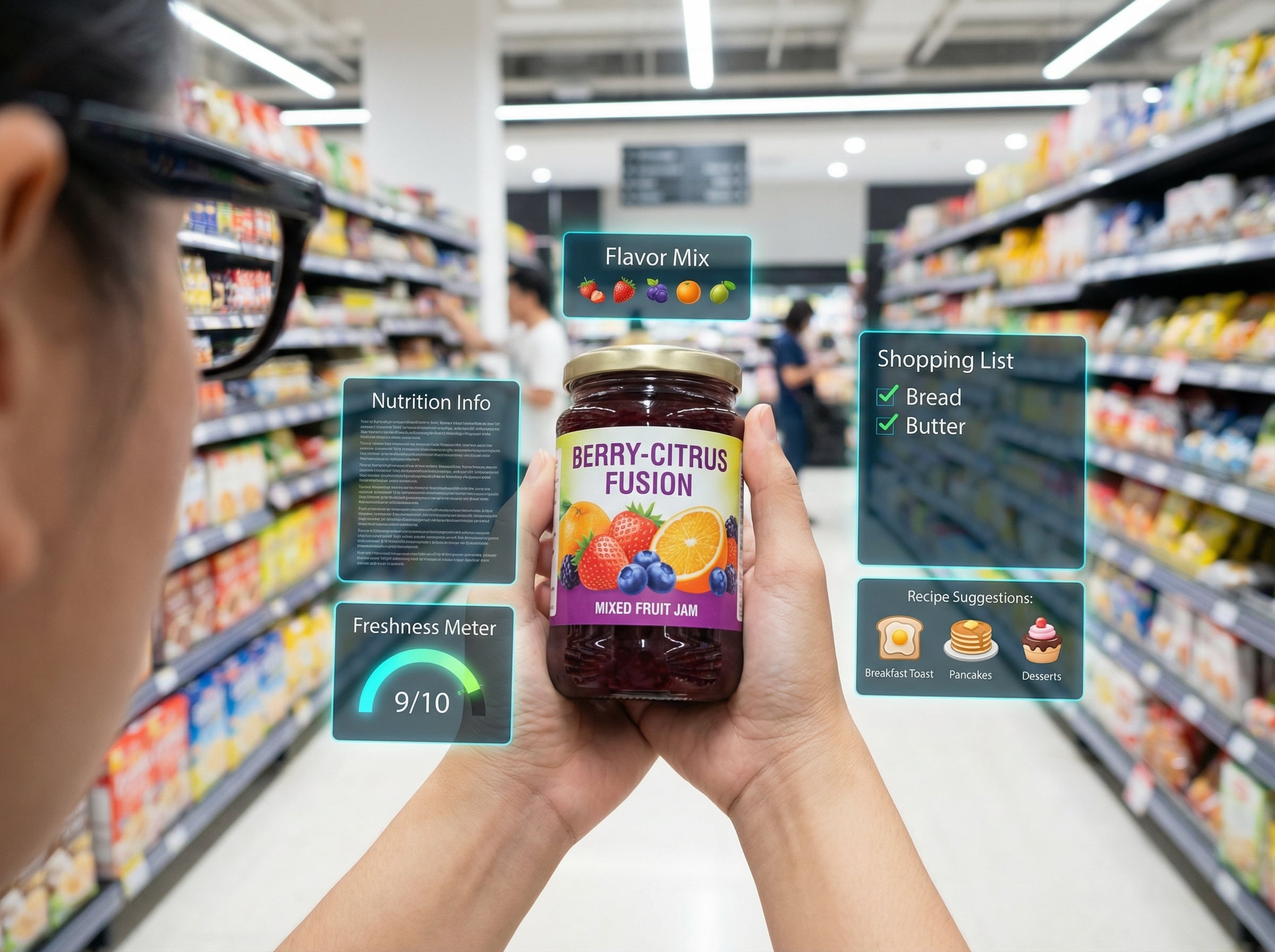
Layout-Friendly Visuals for Commerce & Slides

Create product hero graphics, promo banners, and PPT page visuals that leave clean negative space for titles and pricing. Works well when you need structured, readable designs fast.

great layout generated by Qwen image max workflow

How To Use Qwen Image Max?

01

Write a Clear Prompt (CN or EN)

Describe the subject, setting, lighting, and the exact text you want inside the image (headline, body copy, price, date). If layout matters, specify placement like “top title, bottom paragraph.”

02

Choose Style & Output Settings

Pick a realistic or stylized look, then set aspect ratio and output count. For posters/slides, use a wider canvas and ask for clean margins or negative space.

03

Generate, Review, and Iterate

Check faces, small details, and text accuracy. If anything is off, revise only the needed parts (e.g., “keep everything, change the headline to…” ) and regenerate.

Frequently Asked Questions

You may want to know

What is Qwen Image Max best for?

Qwen Image Max is a strong choice when you need photoreal visuals and readable Chinese/English text in the same image—such as product posters, promo banners, PPT-style slides, notices, and text-heavy social creatives.

Can Qwen Image Max render multi-line Chinese and English text accurately?

It’s designed to handle multi-line CN/EN text and mixed layouts more reliably than typical image models. For best results, provide the exact wording, keep punctuation clear, and describe where the text should appear (e.g., top headline + bottom paragraph).

How do I improve text accuracy and layout consistency?

Use short, unambiguous copy; specify hierarchy (headline/subtitle/body); request clean margins; and avoid overly decorative fonts in the prompt. If one line is wrong, ask to keep the image unchanged and revise only the incorrect text.

Does it work well with Chinese prompts?

Yes—Chinese prompts are a practical advantage for this model family. If your intent is easiest to describe in Chinese (brand tone, cultural context, phrasing), writing prompts in Chinese usually improves alignment and reduces rework.

Can I use the generated images commercially?

In most cases, commercial use depends on the platform plan and your content rights (e.g., whether your prompt or references include protected assets). For compliance, avoid trademarks/logos you don’t own and review the service terms before publishing.

What about sensitive content, likeness, or brand safety?

If you generate real-person likenesses or brand-related assets, make sure you have permission and follow applicable laws and platform rules. For marketing materials, it’s safer to use generic models, original copy, and brand elements you own.

Is Qwen Image Max the same as Qwen Image 2512 or Qwen Image Edit?

They’re related but used for different needs: Qwen Image 2512 is another model option in the Qwen Image family, while Qwen Image Edit focuses on editing/transforming an existing image. Pick based on whether you’re generating from scratch or modifying an input.

What should I do if faces or textures look unnatural?

Specify realistic lighting (soft daylight, studio key light), lens cues (35mm/50mm), and material details (skin pores, natural hair strands). If the output drifts, reduce style words and focus on a few concrete visual constraints.

Can I control the “no AI look” result consistently?

You’ll get the most consistent results by using grounded prompts (real camera, natural light, realistic materials), keeping style requests minimal, and iterating with small edits. When you find a prompt that works, reuse the same structure and only swap the subject or copy.
Start Making Poster-Ready Images

Turn your prompt into a clean, designed visual in seconds—sharp layout, readable text, and consistent style.

Create Now