goenhance logo

Qwen-Image-3.0

Create information-rich images with Qwen-Image-3.0. Generate multilingual designs, render small text, follow prompts up to 4.5K tokens, build complex multi-panel layouts, and edit images with detailed visual consistency.

Try Qwen-Image-3.0 Now

Examples of Qwen-Image-3.0

Image Gallery Section
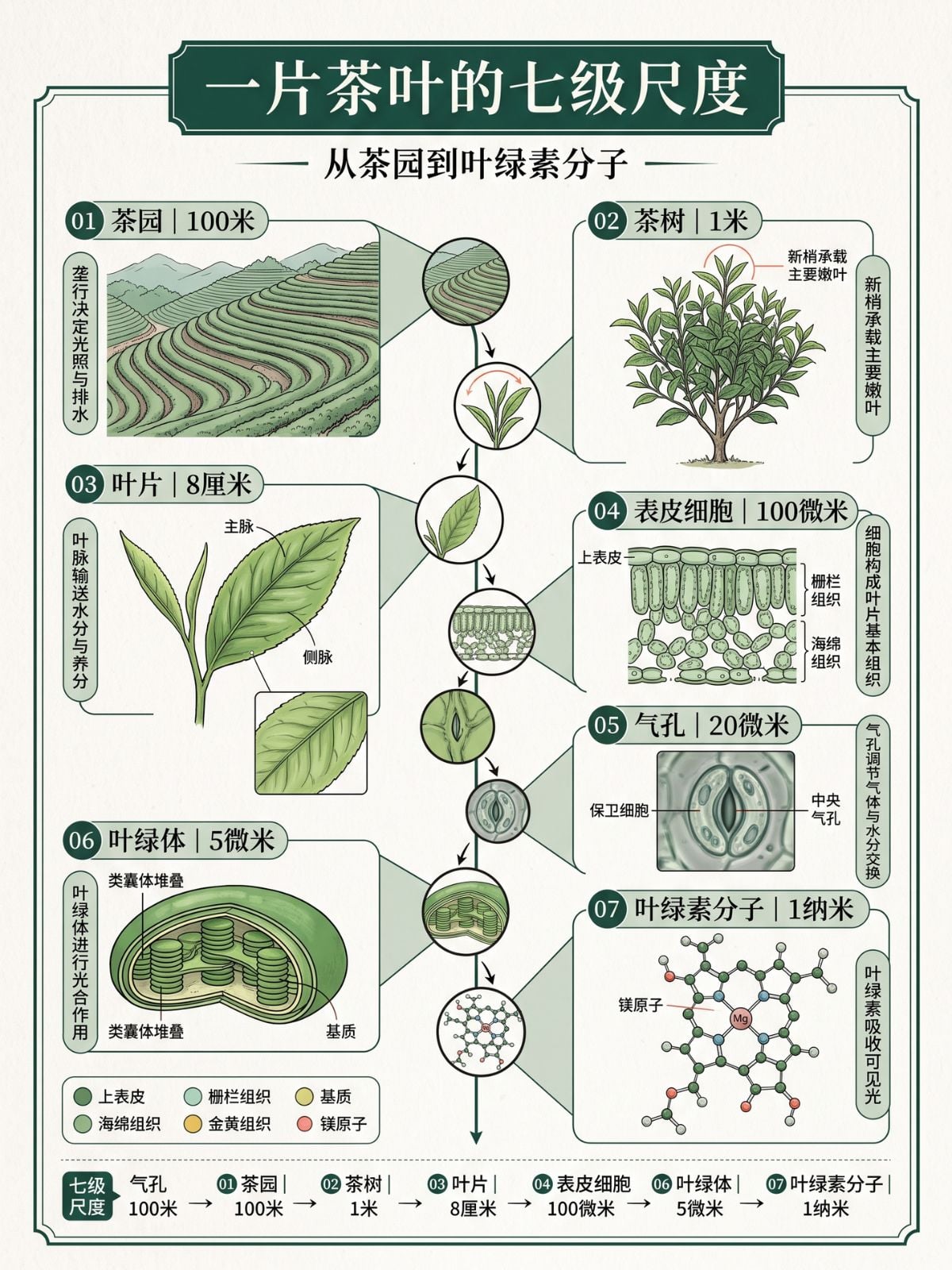
Tea Leaf Science Infographic

Tea Leaf Science Infographic

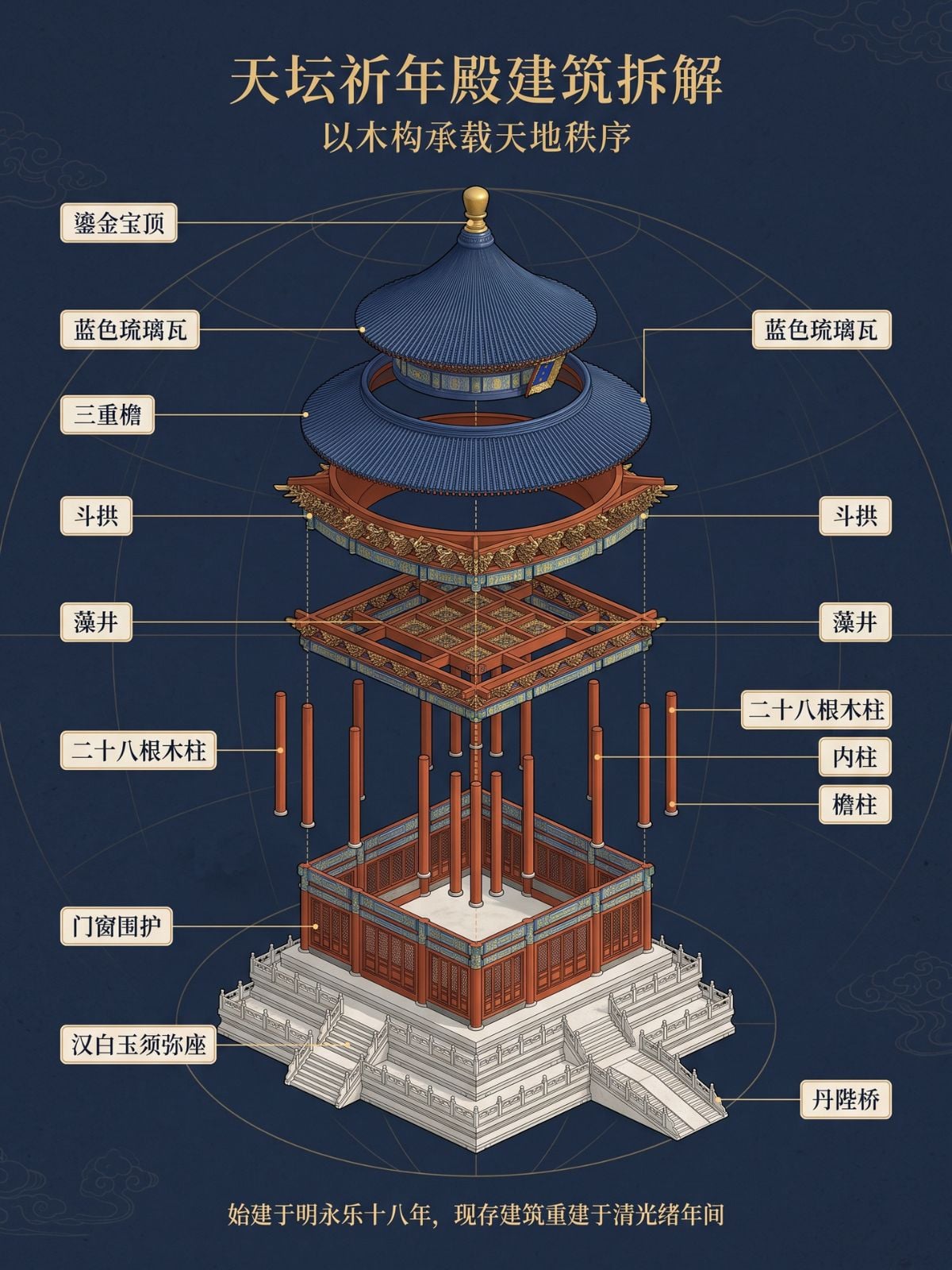
Ancient Chinese Pavilion Exploded Diagram
Ancient Chinese Pavilion Exploded Diagram

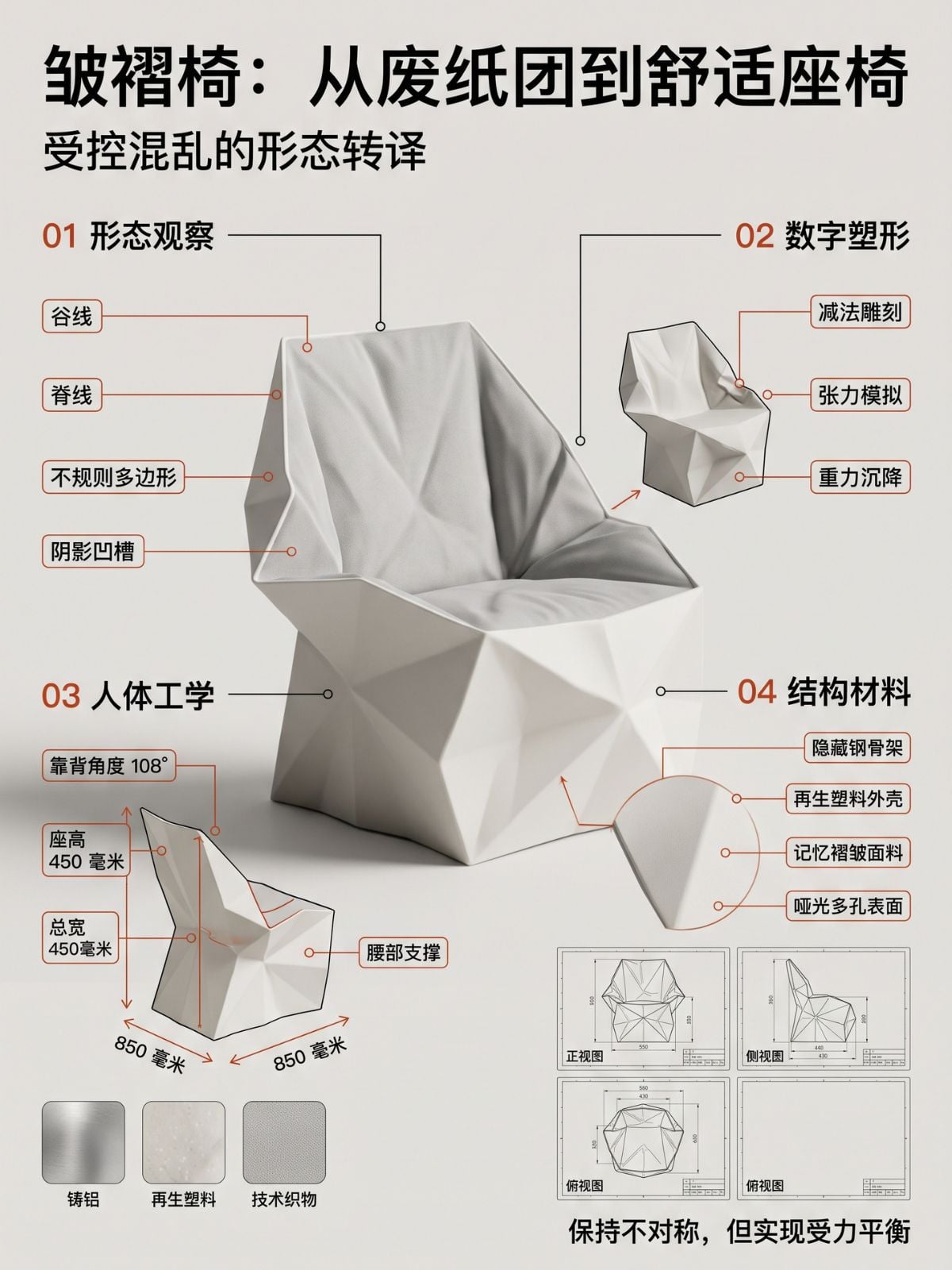
Origami Chair Design Process Board
Origami Chair Design Process Board

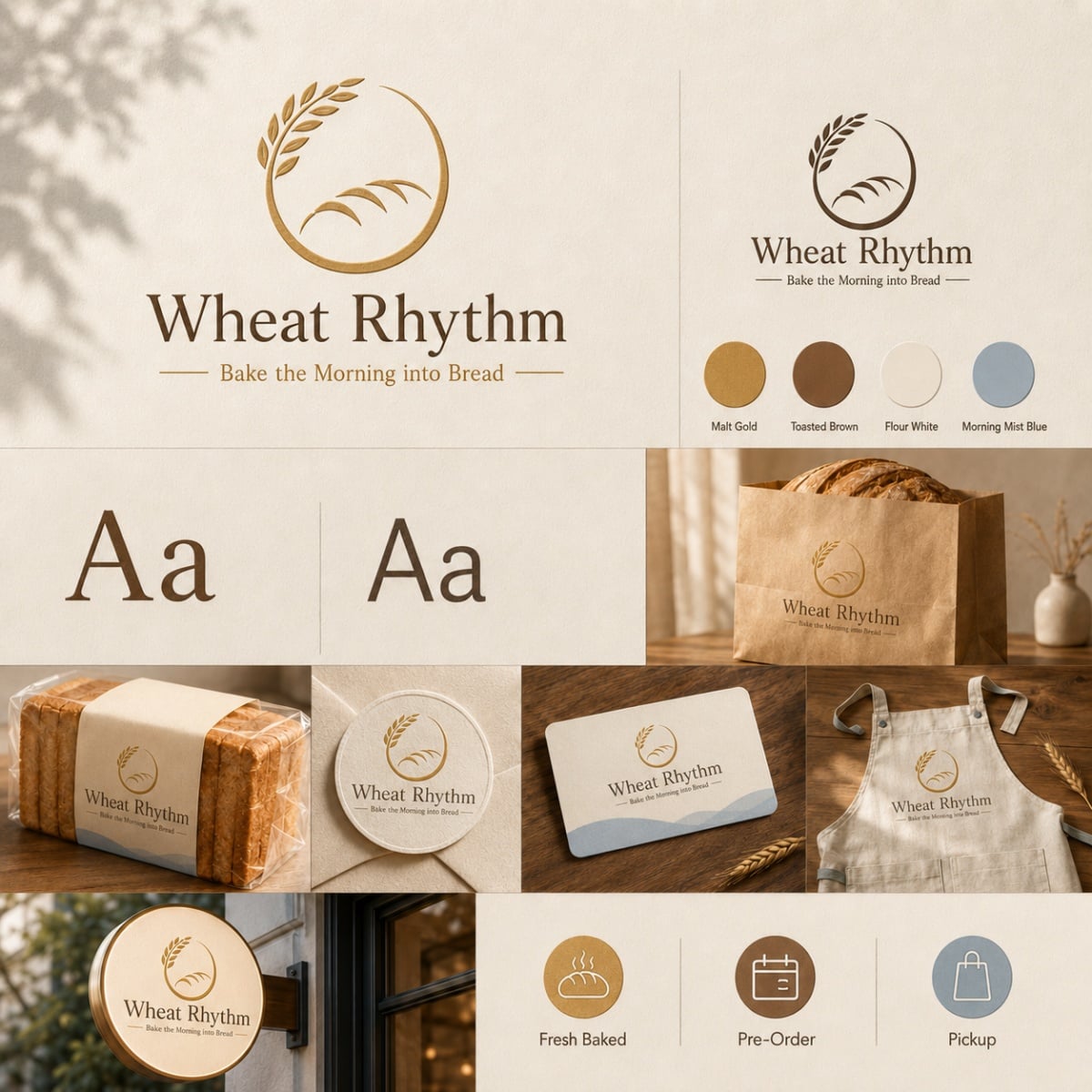
Wheat Rhythm Bakery Brand Identity Board
Wheat Rhythm Bakery Brand Identity Board

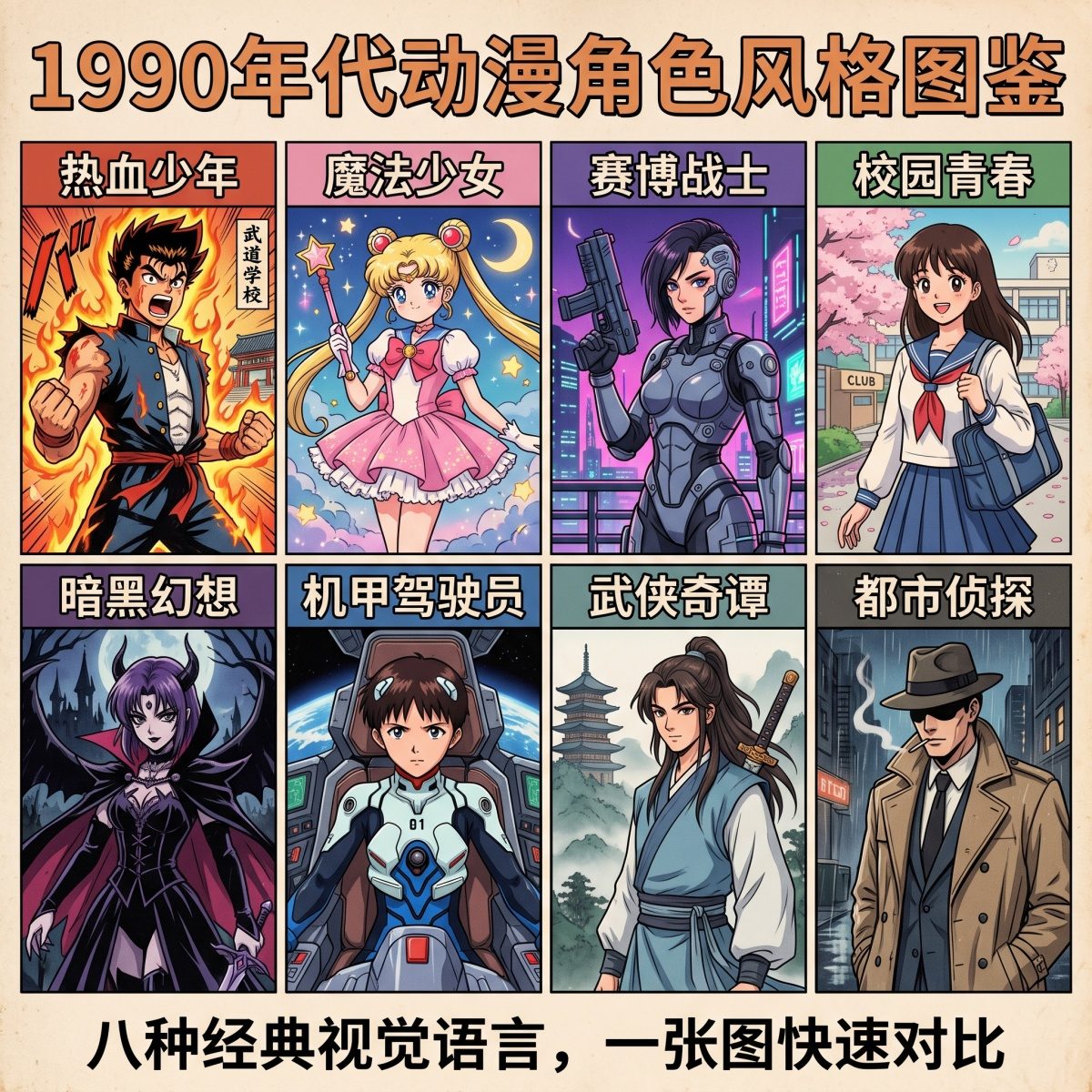
1990s Anime Character Style Guide
1990s Anime Character Style Guide

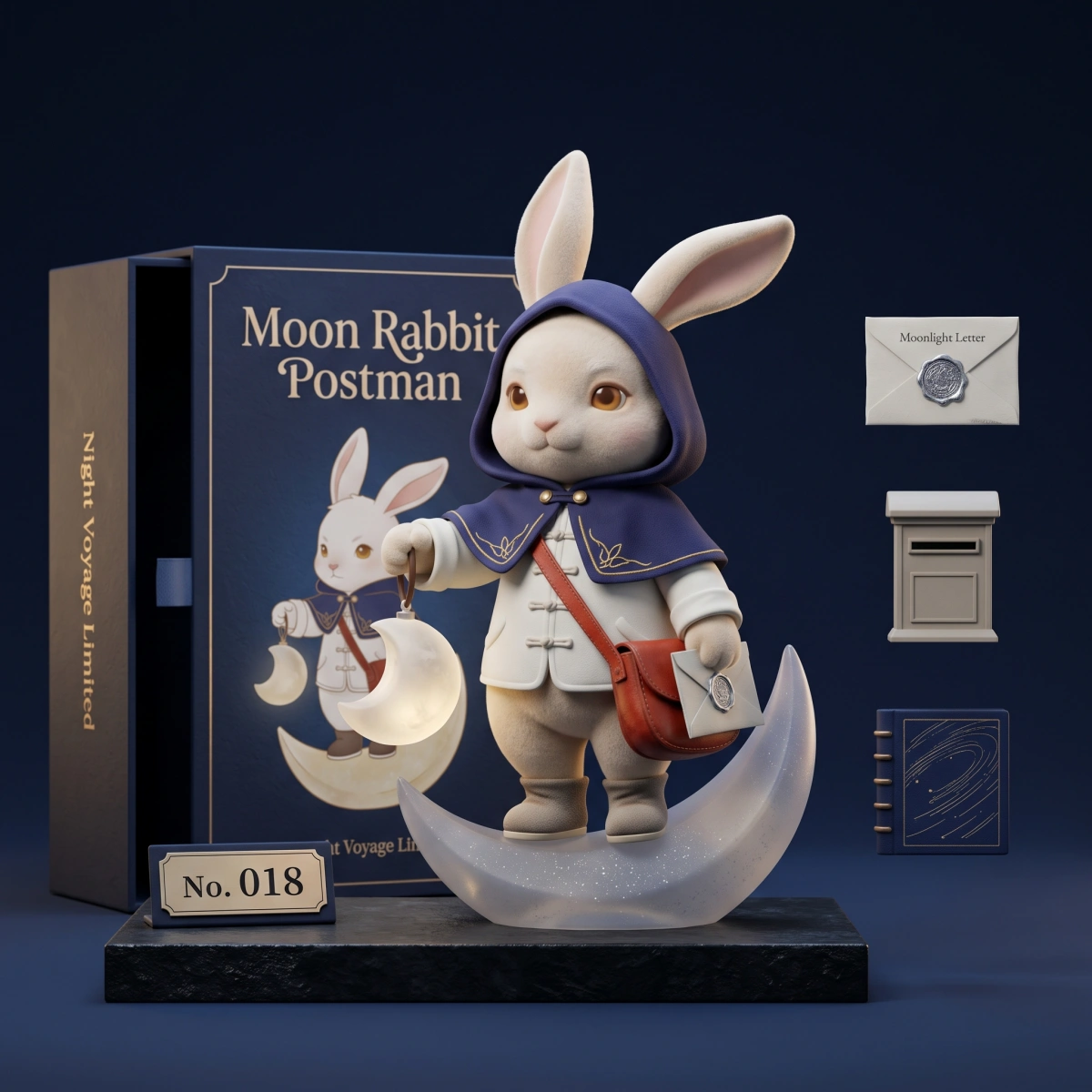
Moon Rabbit Postman Collectible Figure Display

Moon Rabbit Postman Collectible Figure Display

Qwen-Image-3.0 Features and Capabilities

CapabilityDetailsBest For
Long Prompt UnderstandingSupports prompts up to 4.5K tokensDetailed creative briefs and complex design instructions
Small Text RenderingDesigned to render readable text as small as approximately 10pxInfographics, posters, presentations, and document-style images
Multilingual TextSupports native rendering across 12 languagesLocalized advertisements and international product campaigns
Complex LayoutsGenerates multi-panel grids, nested interfaces, tables, diagrams, and layered compositionsKnowledge graphics, storyboards, UI concepts, and social media grids
Visual DetailReproduces hair, skin, fabric, metal, paper, wood, and other fine texturesPortraits, product photography, packaging, and commercial visuals
Knowledge-Based GenerationUnderstands educational, scientific, technical, and commercial visual conceptsTeaching materials, diagrams, research visuals, and professional content
Image EditingSupports reference-based transformation, restoration, completion, and visual redesignPhoto editing, artwork restoration, concept development, and image enhancement
Style VarietySupports more than 100 visual and artistic stylesBrand design, illustration, realistic photography, and creative content

Explore Qwen-Image-3.0 Features

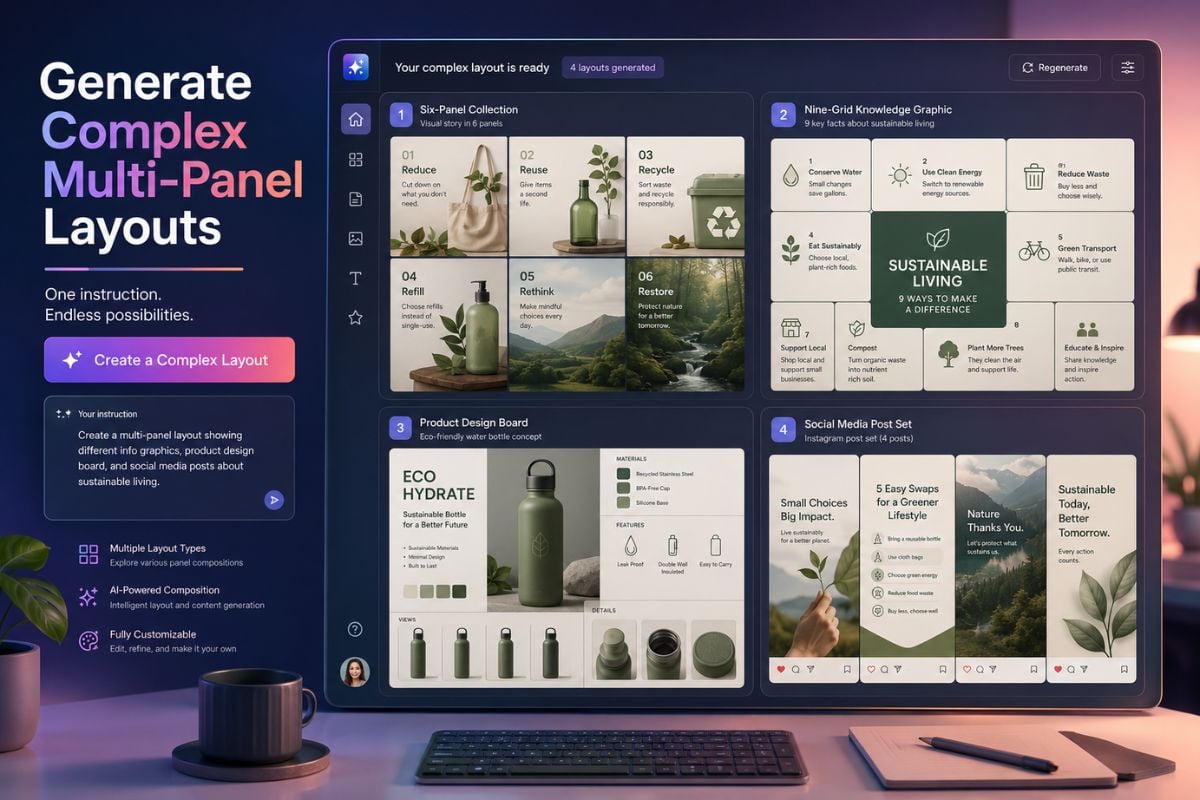
Generate Complex Multi-Panel Layouts

Create six-panel collections, nine-grid knowledge graphics, product design boards, social media sets, and other information-dense compositions with our AI image-to-image tool from one detailed instruction.

Generate Complex Multi-Panel Layouts

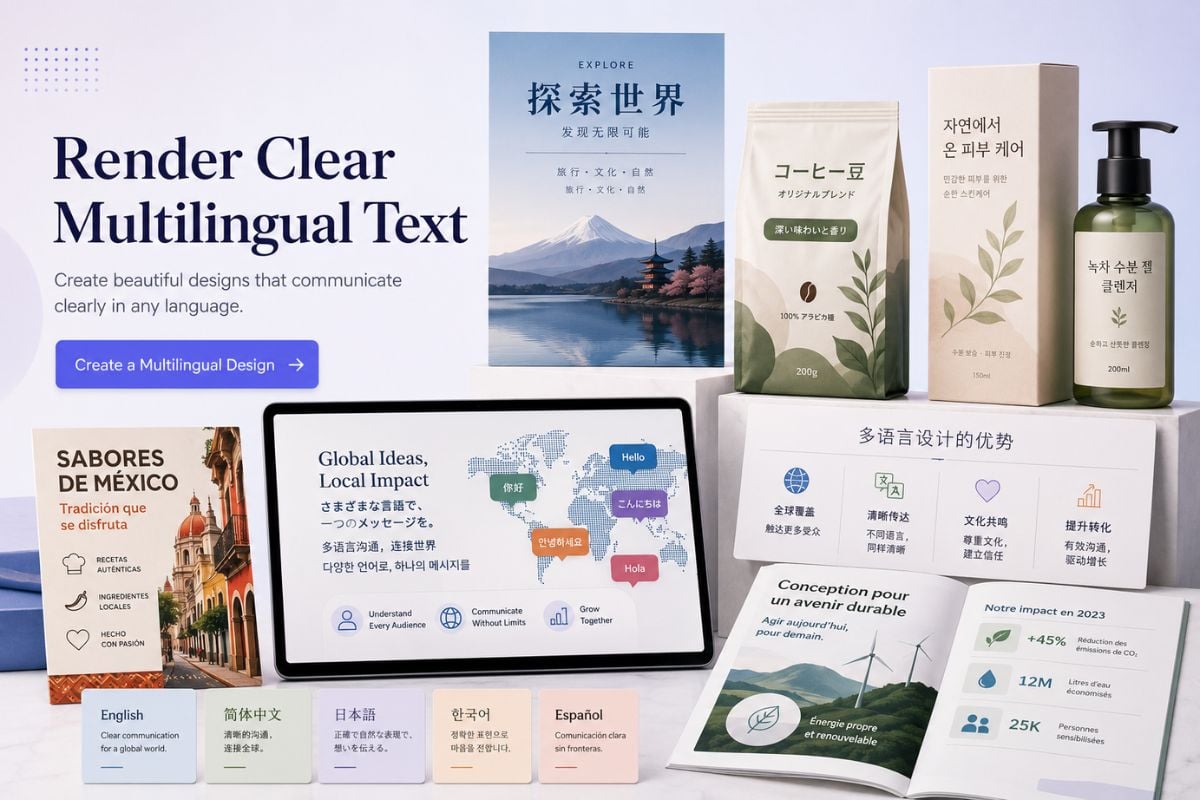
Render Clear Multilingual Text

Design posters, presentations, packaging, information graphics, and promotional materials with structured typography and support for multiple languages in the same image.

Render Clear Multilingual Text

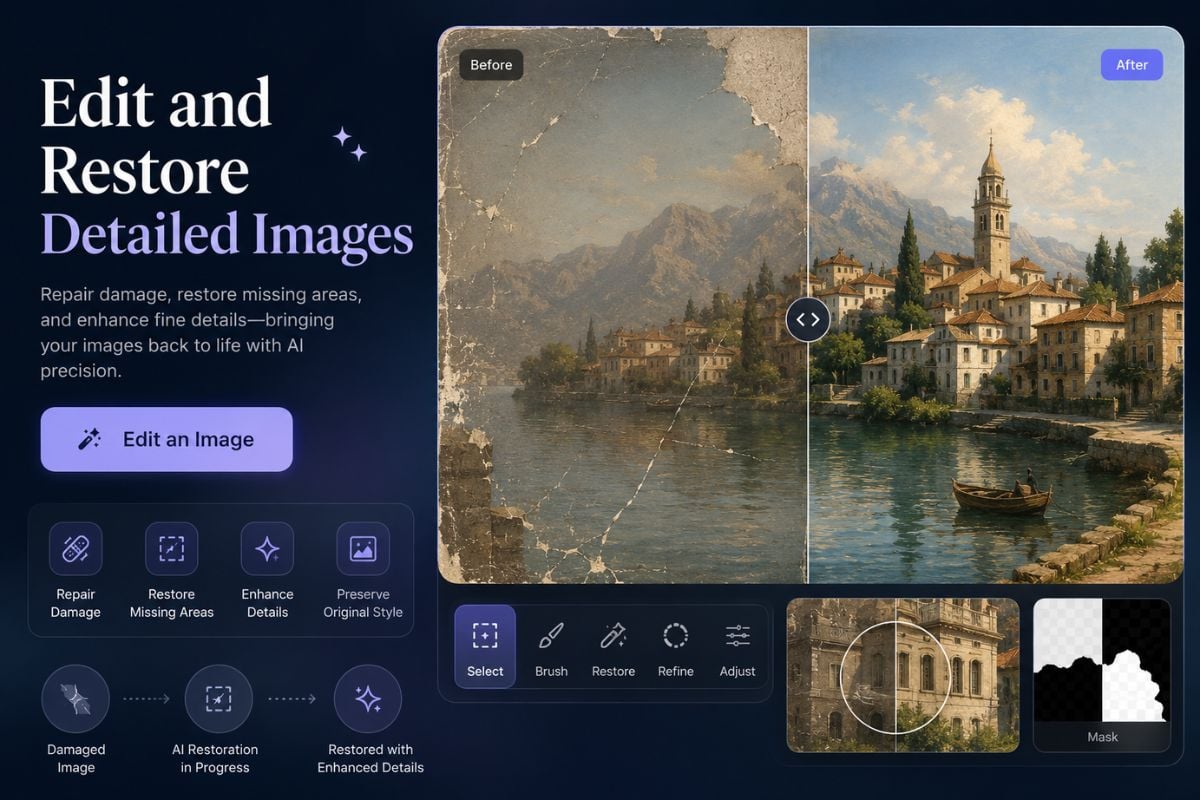
Edit and Restore Detailed Images

Transform reference images, complete missing areas, restore damaged artwork, refine visual details, or rebuild an existing image while preserving its original composition and style.

Edit and Restore Detailed Images

How to Use Qwen-Image-3.0 on GoEnhance AI

01

Upload Your Image

Choose a clear reference image that you want to edit, redesign, restore, expand, or transform with Qwen-Image-3.0.

02

Describe the Result

Write a detailed prompt explaining the required content, text, layout, visual style, colors, materials, positioning, and other important design details.

03

Generate and Download

Generate the edited image, review the text and visual details, and download the result for presentations, marketing, education, social media, or creative projects.

Qwen-Image-3.0 vs GPT Image 2

CapabilityQwen-Image-3.0GPT Image 2
Core StrengthInformation-rich images, complex layouts, and multilingual textHigh-quality image generation, editing, and instruction following
Prompt LengthSupports instructions up to 4.5K tokensSupports detailed natural-language instructions
Complex LayoutsStrong at multi-panel grids, nested interfaces, tables, and information graphicsStrong at structured compositions, posters, and visual design tasks
Text RenderingDesigned for dense text layouts and small text down to approximately 10pxStrong text rendering for posters, advertisements, and edited images
Multilingual DesignNative rendering support across 12 languagesSupports multilingual text generation and image editing
Knowledge GraphicsWell suited to educational diagrams, technical visuals, formulas, and document-style pagesWell suited to polished infographics, explanatory visuals, and commercial graphics
Image EditingSupports restoration, completion, reference-based redesign, and detailed transformationsStrong conversational editing, object changes, and visual refinement
Best Use CasesKnowledge graphics, multilingual posters, UI concepts, brand boards, and complex visual documentsCommercial images, creative editing, marketing graphics, and polished visual content
Frequently Asked Questions

You May Want to Know

What is Qwen-Image-3.0?

Qwen-Image-3.0 is an advanced AI image generation and editing model designed for complex layouts, accurate text, multilingual visuals, detailed textures, and information-rich image creation.

What can I create with Qwen-Image-3.0?

You can create multilingual posters, knowledge graphics, presentations, product packaging, social media grids, UI concepts, educational diagrams, brand materials, and realistic product visuals.

How long can a Qwen-Image-3.0 prompt be?

Qwen-Image-3.0 supports prompts up to approximately 4.5K tokens, allowing you to describe detailed layouts, written content, colors, visual styles, object positions, and design requirements.

Can Qwen-Image-3.0 generate readable text?

Yes. The model is designed to generate structured text and can render small text down to approximately 10px in supported scenarios. Important text should still be reviewed before publishing.

Does Qwen-Image-3.0 support multiple languages?

Yes. It supports native text rendering across 12 languages and can create multilingual posters, advertisements, presentations, packaging, and social media graphics.

Can I edit an existing image with Qwen-Image-3.0?

Yes. Upload a reference image and describe the changes you want, such as replacing the background, restoring damaged areas, adding information, adjusting the design, or transforming the visual style.

Is Qwen-Image-3.0 suitable for complex UI and technical diagrams?

It can create UI concepts, nested interfaces, process diagrams, formulas, and technical information graphics. For production UI files or highly technical documents, review small text, icons, formulas, and spacing carefully.

Turn Detailed Ideas into Practical Visuals

Use Qwen-Image-3.0 to transform existing images into multilingual posters, detailed information graphics, brand concepts, product designs, restored artwork, and other production-ready visual drafts.

Try Qwen-Image-3.0