Short-Form Character Edits
Turn a dance, reaction, or simple action clip into a new character-led post while retaining the source clip's timing and composition. Clear, uncrowded footage is easier to review.

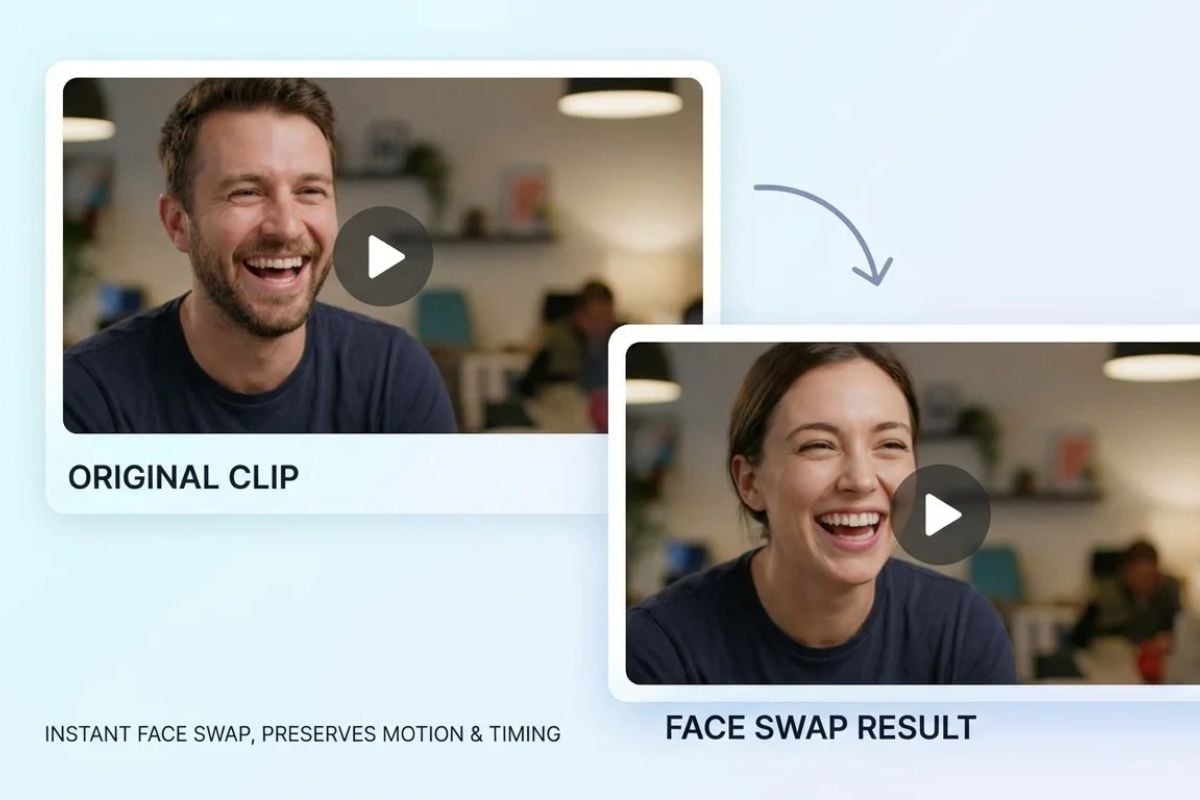
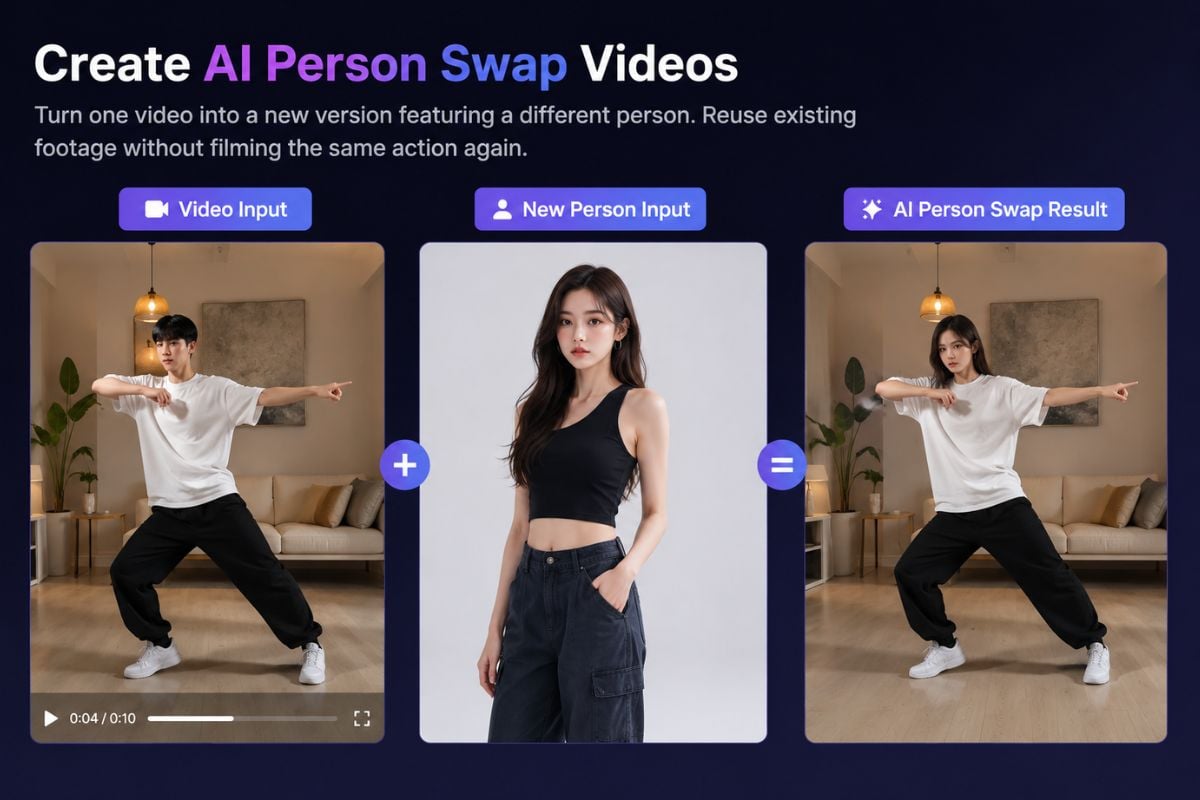
Upload a source video and a reference image to swap its on-screen subject for a new character. GoEnhance AI follows the clip's movement and scene, whether your new role is an original character, animated hero, mascot, or person. Preview the full-body change before sharing.
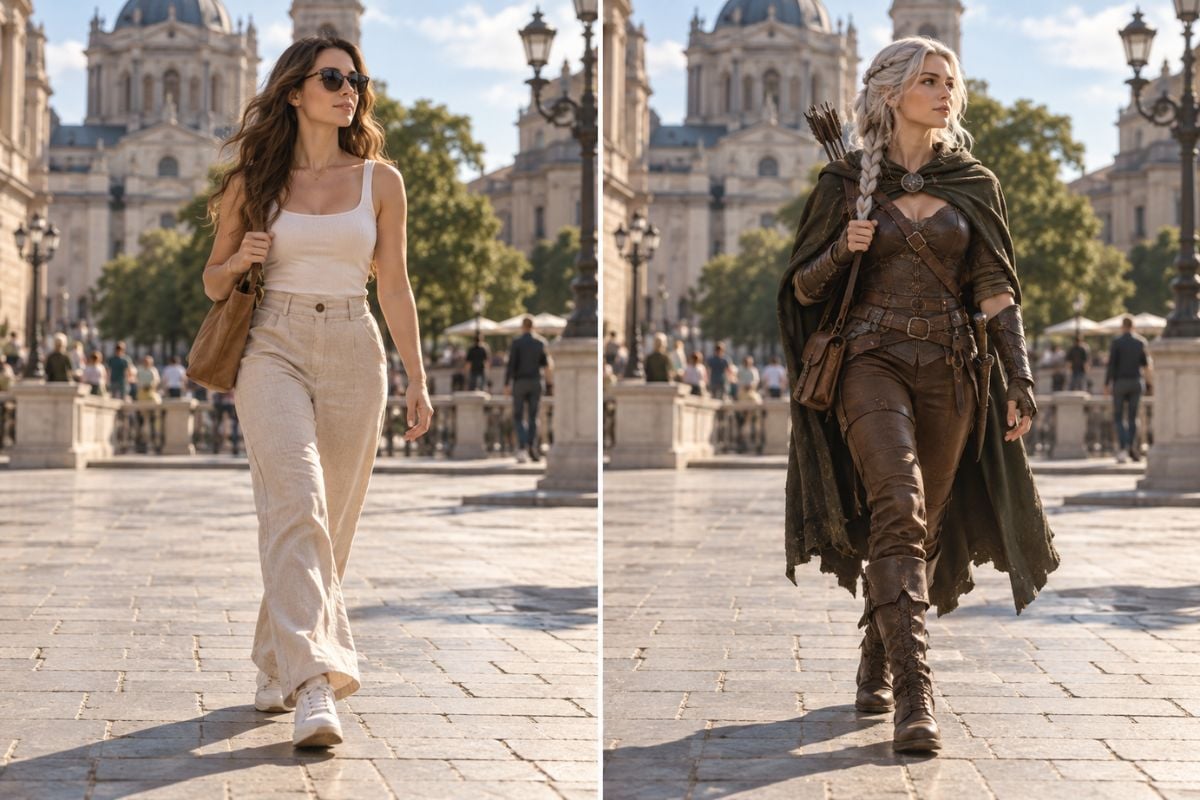
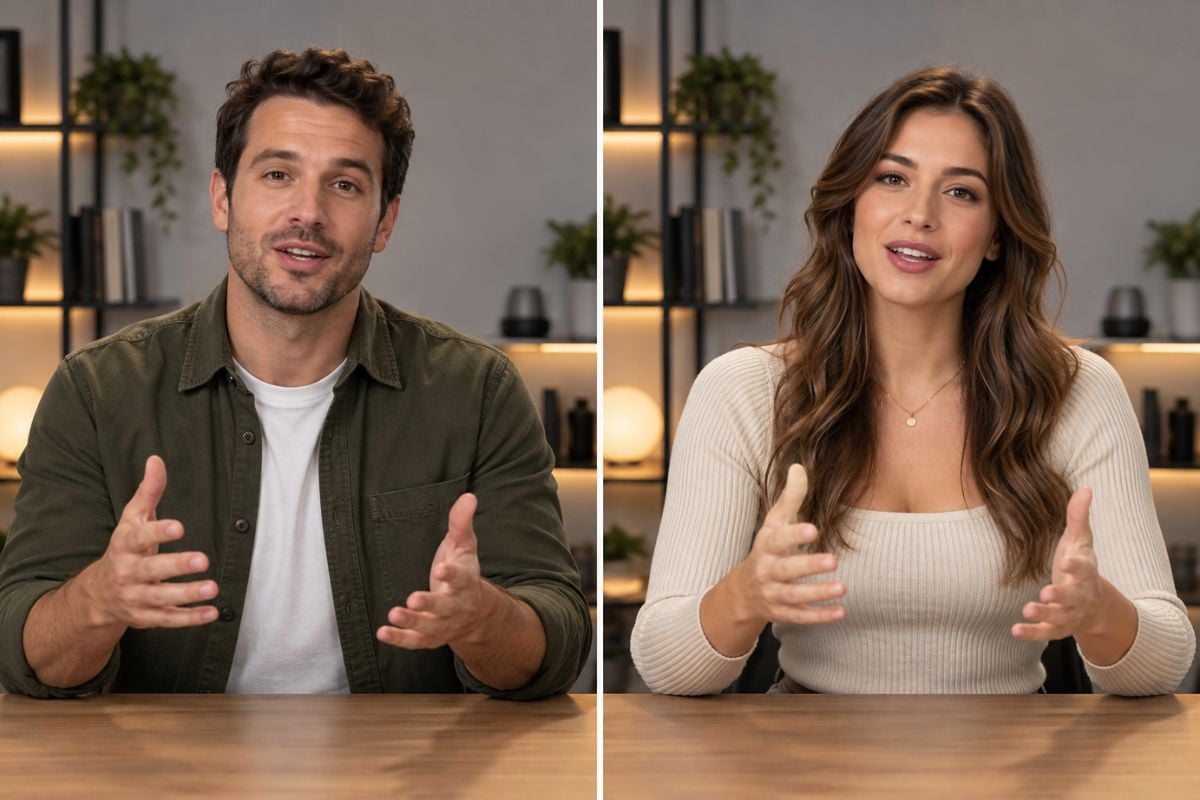
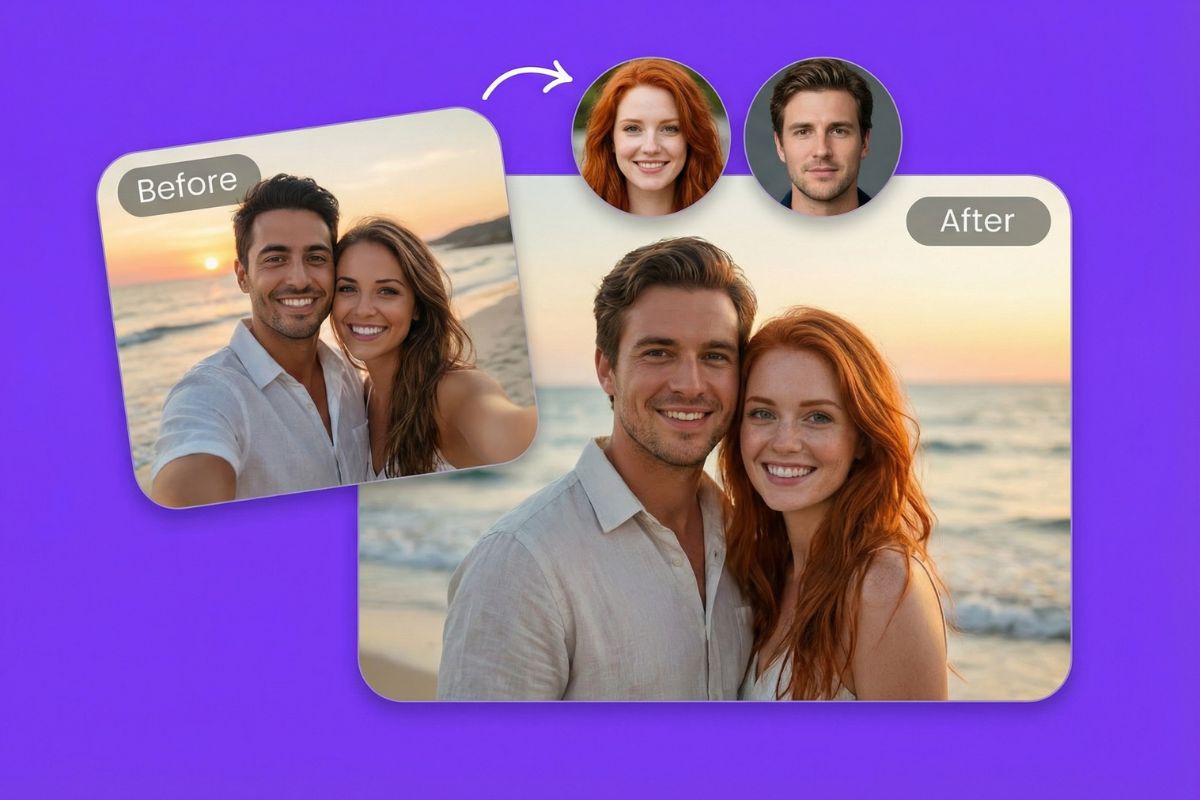
Change a subject's overall appearance, including face, hair, body silhouette, and outfit, while using the source clip as the motion guide. Compare the original and result to see whether the new character fits the pose and camera angle. For facial identity alone, explore video face swap.
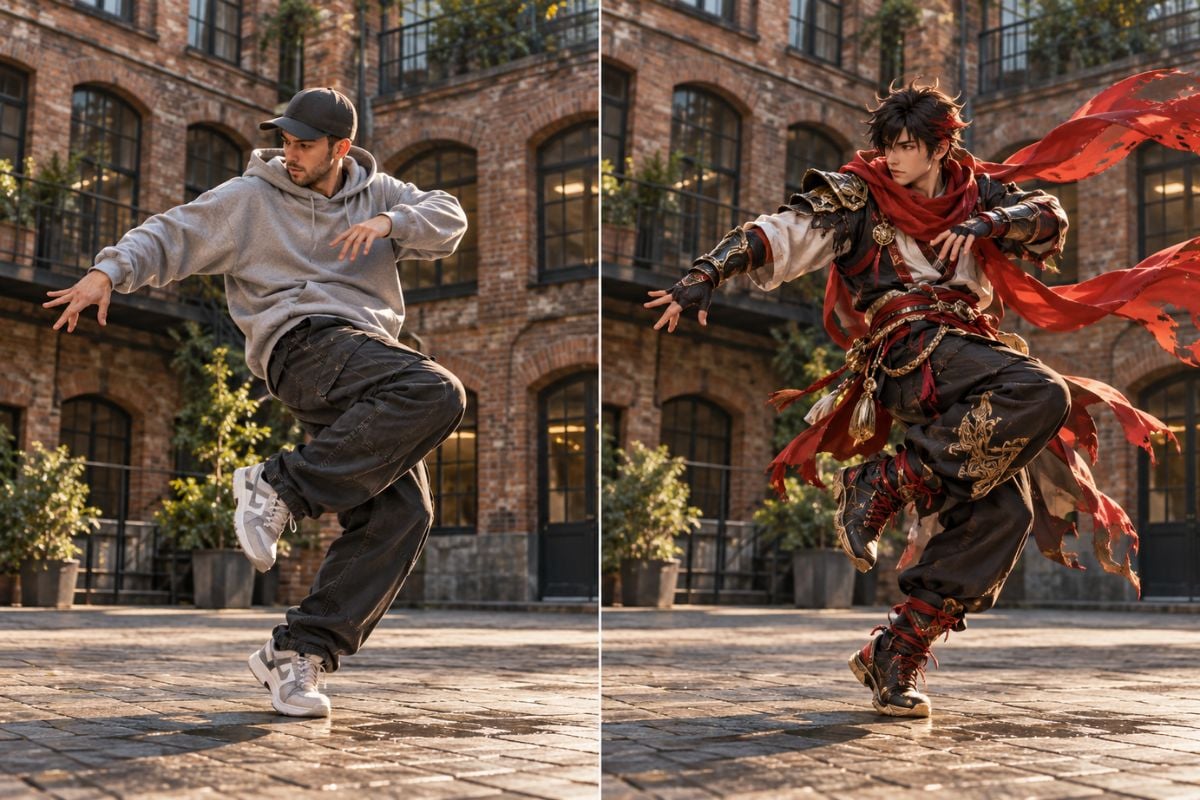
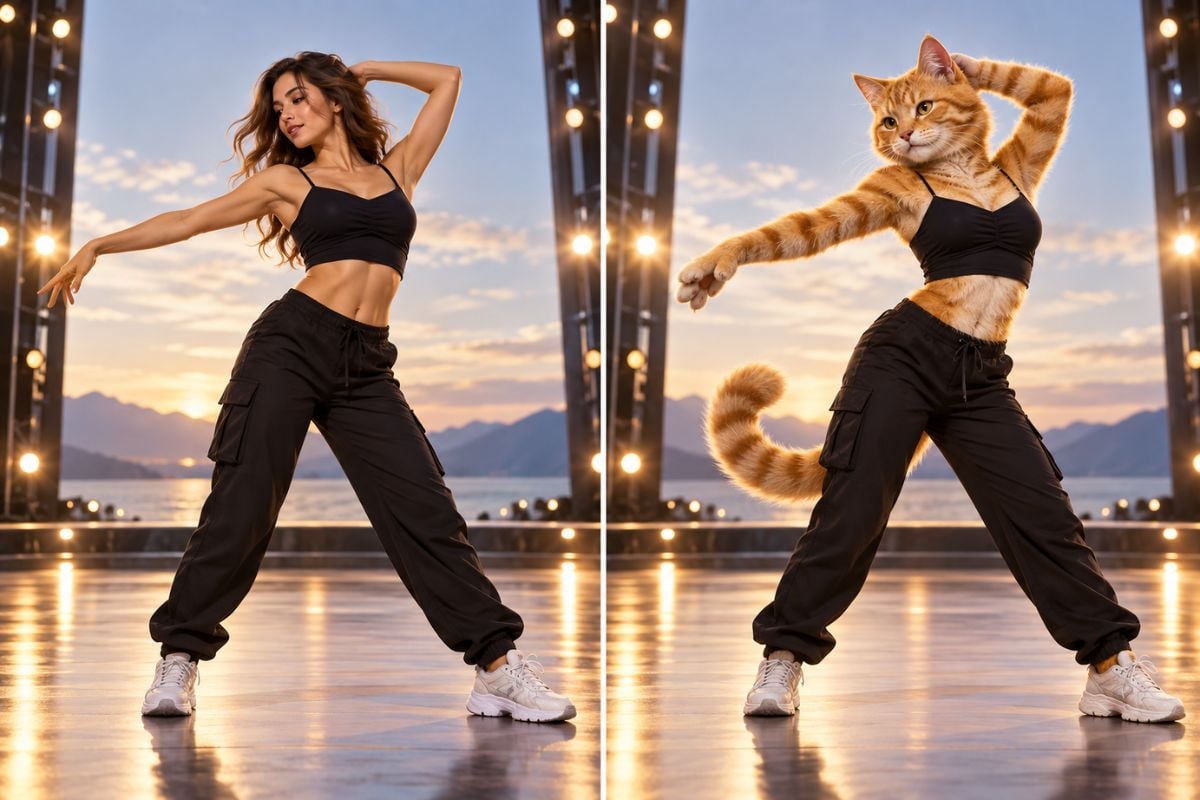
Give an original character, avatar, or mascot a performance to follow. A clear full-body reference helps the model interpret hair, costume, limbs, and proportions when the source actor turns or gestures. You can also explore AI video person swap for more role-replacement ideas.
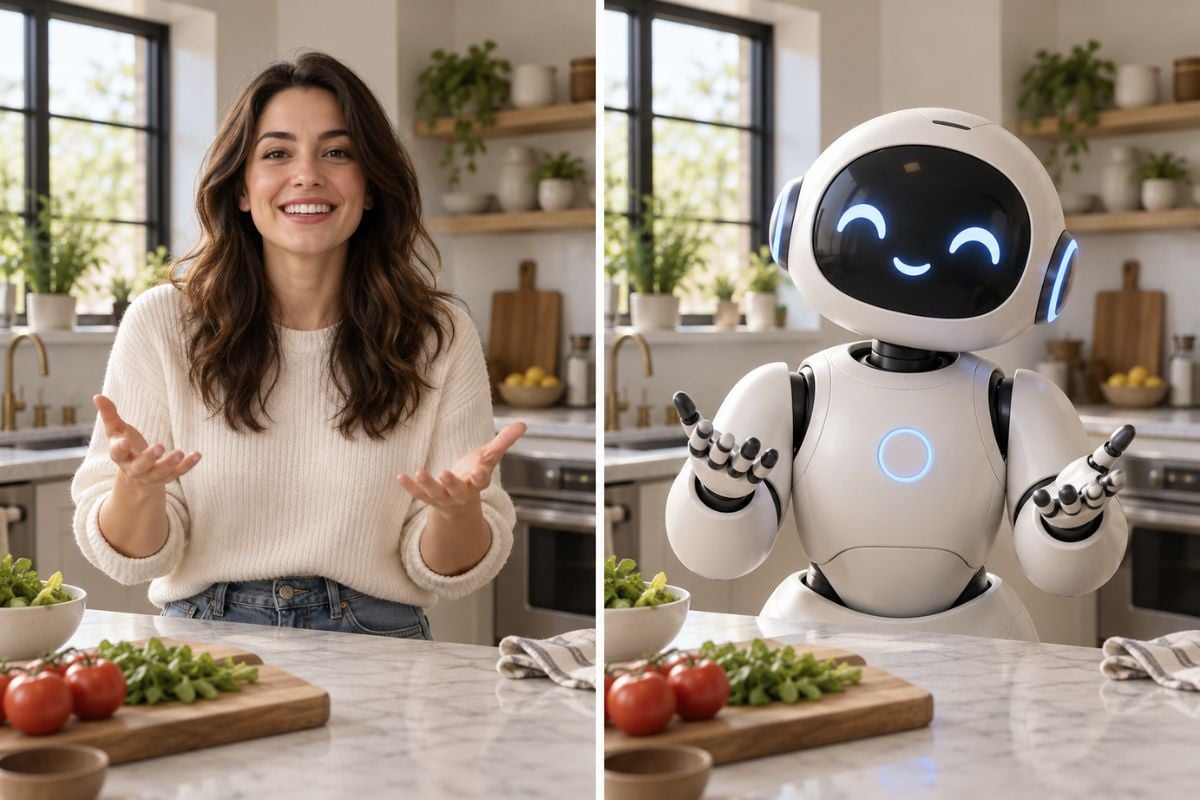
Check profile turns, hands crossing the body, props, fast movements, and moments when the subject passes behind an object. Look for identity drift, doubled limbs, costume flicker, and edges that separate from the background. Regenerate with a clearer reference or a simpler clip when needed.
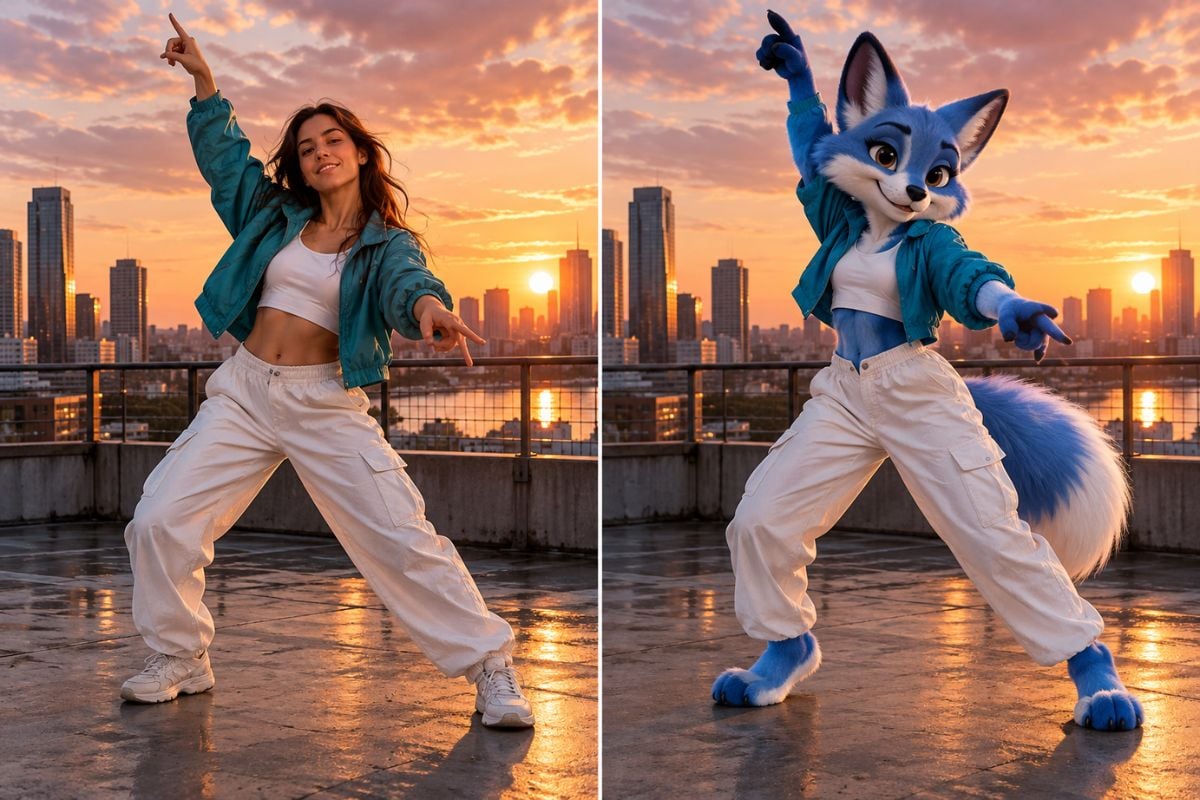
Open Refs to Video and upload a clear image of the person or character you want to put into the video. A reference that shows their face, hairstyle, outfit, and body clearly helps define the new look.
Add the video containing the person you want to replace. If several people appear, note which one should change, such as the person on the left or the person wearing a blue jacket.
Write a prompt such as: 'Replace the person on the left in the video with the character from the uploaded image. Keep the original movement, camera angle, and background.' Generate the video, then preview it to check the character across the full clip.
Turn a dance, reaction, or simple action clip into a new character-led post while retaining the source clip's timing and composition. Clear, uncrowded footage is easier to review.
Choose a clip with the action you like, add your character image, and preview how the new subject moves through the original scene.
Put Your Character in Motion