Create Short-Form Marketing Videos With AI

Turn a script, product image, creator visual, or campaign idea into a focused short-form video draft. Create TikTok-style content for product demos, social posts, tutorials, announcements, and creative testing with GoEnhance AI.

Create a TikTok Video

Create More Focused Short-Form Video Concepts

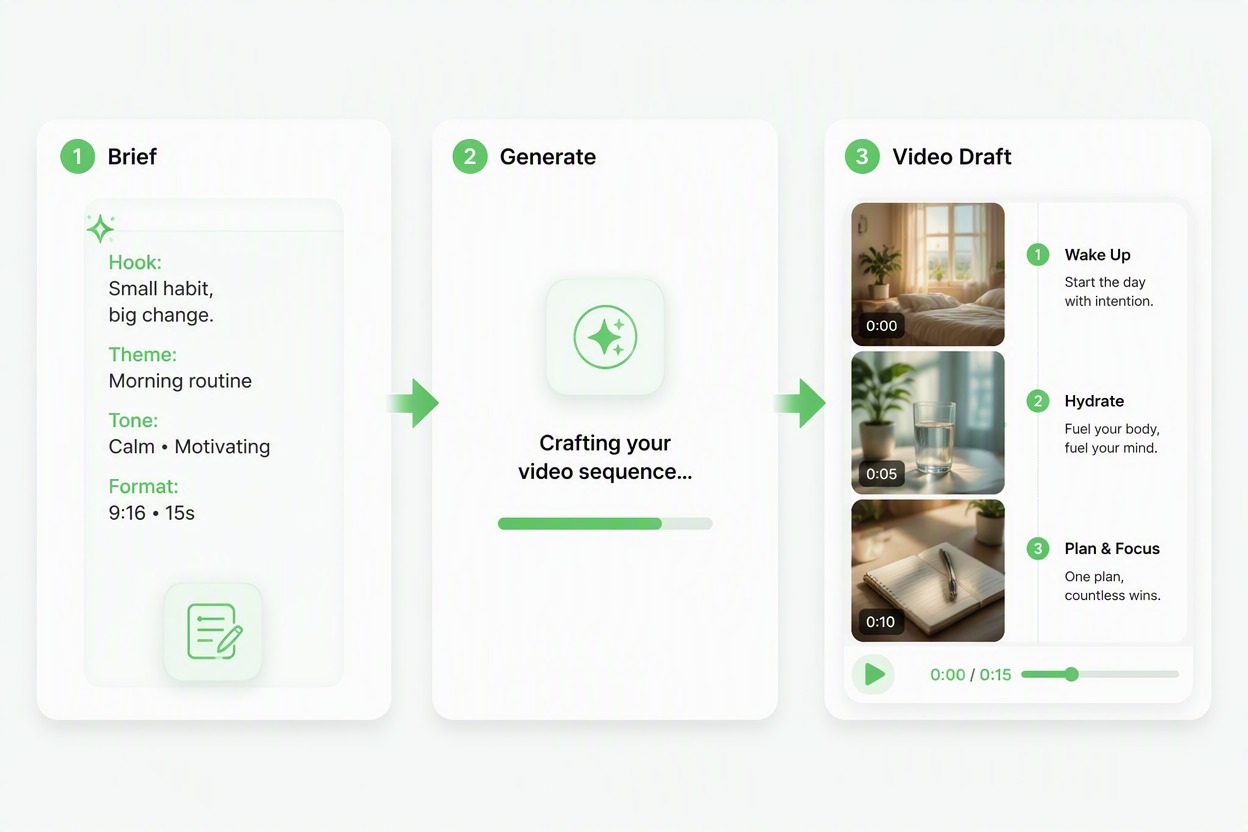
Turn a Video Idea Into a Draft

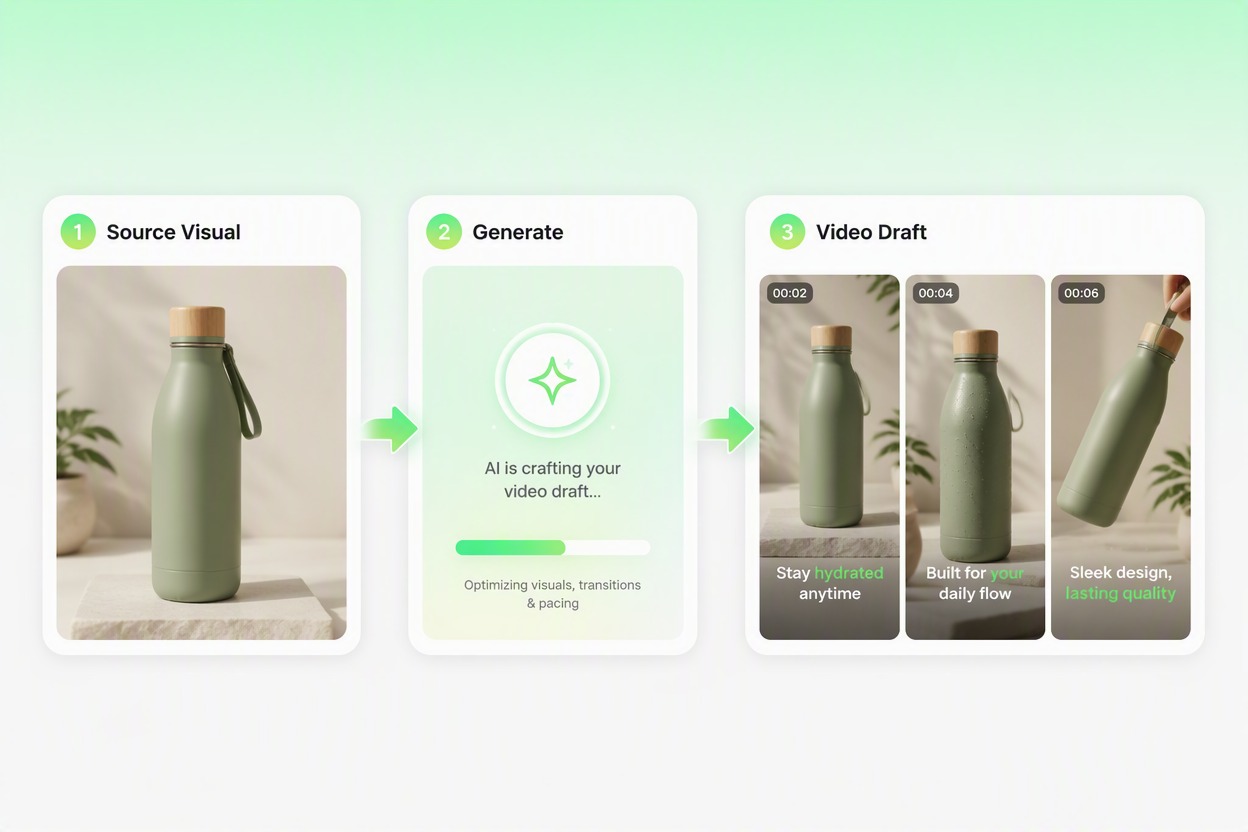
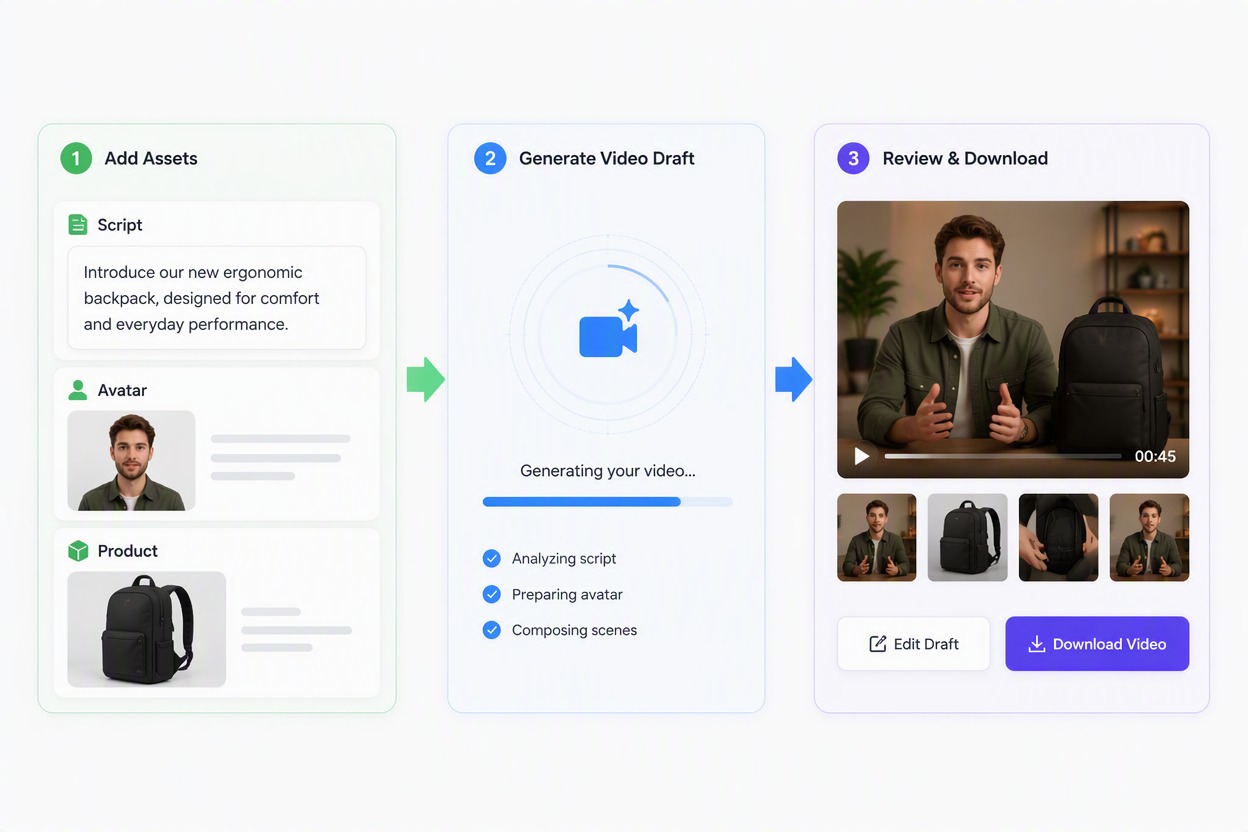
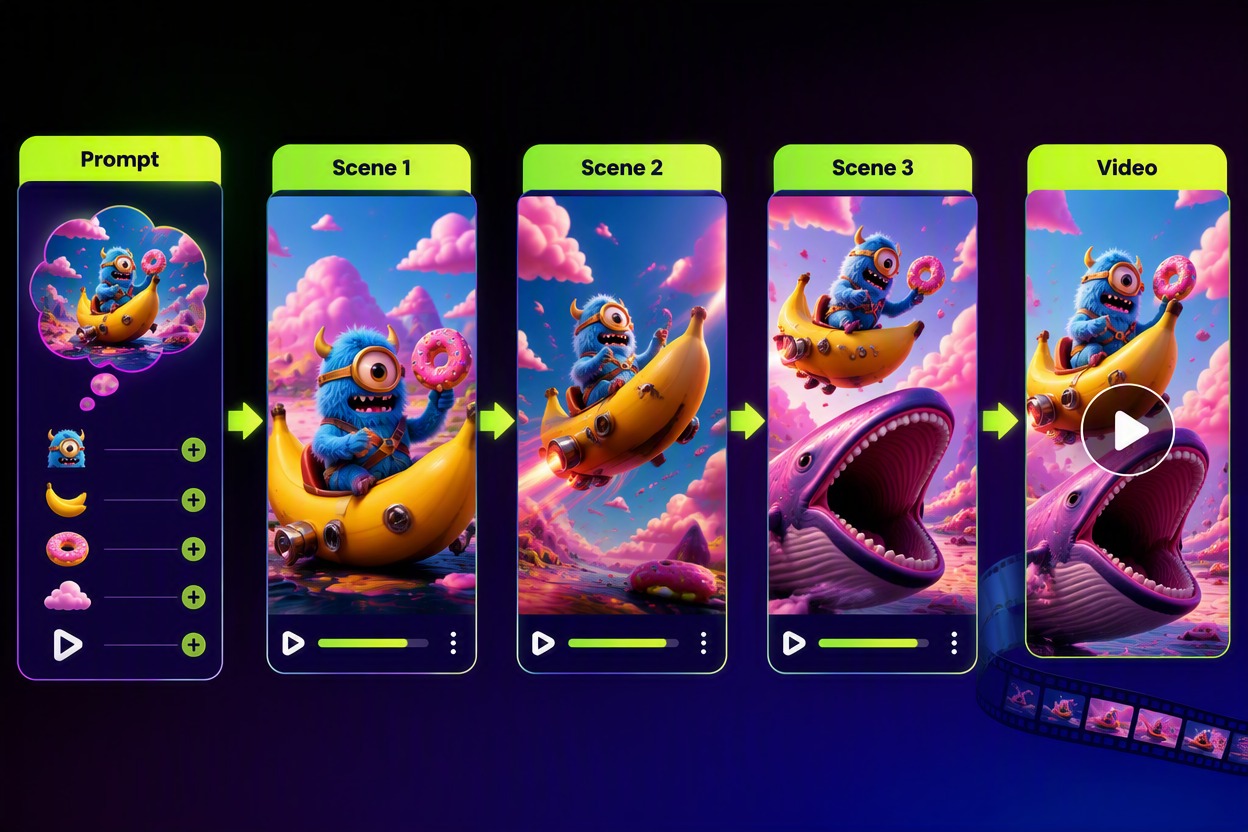
Start with one clear hook, message, or campaign idea and shape it into a short visual sequence with our image-to-video generator. This makes it easier to review the concept before spending time on full production.

AI TikTok Video Maker creating a short video draft from a content idea

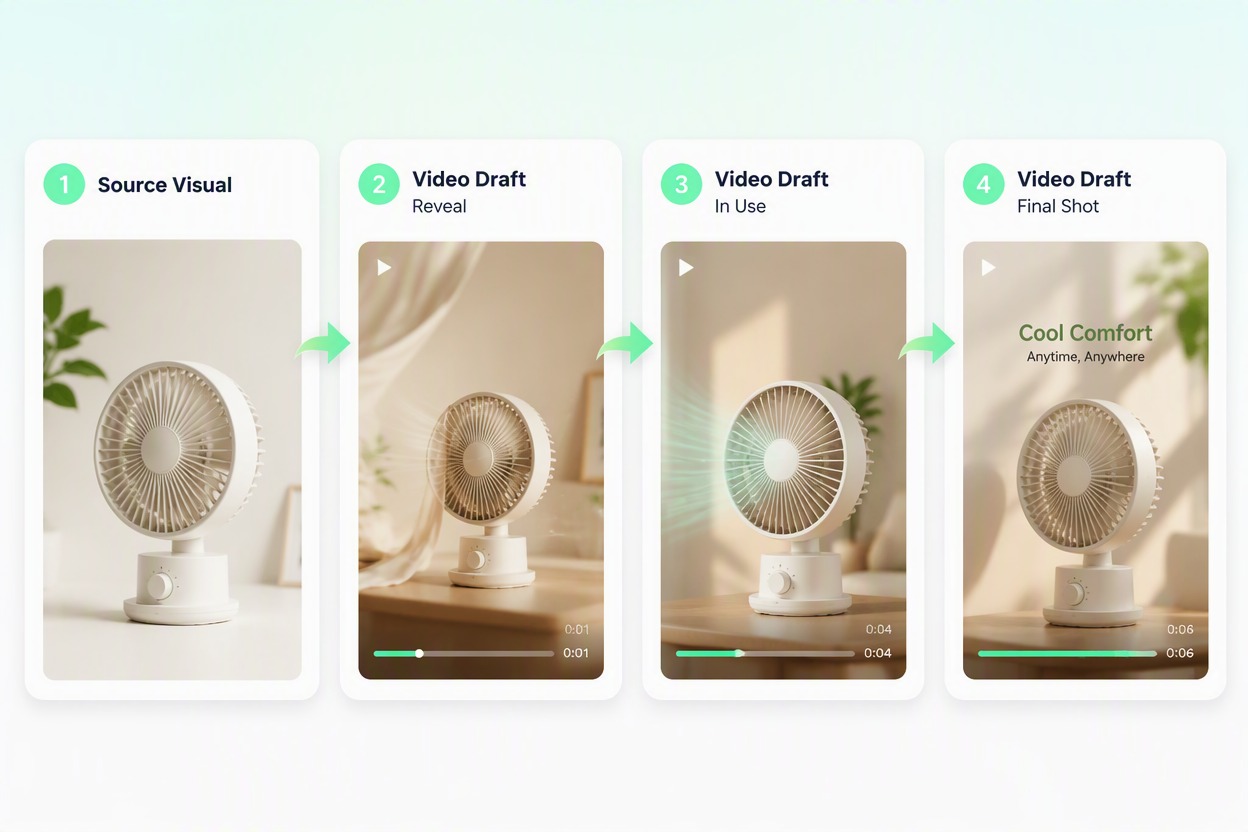
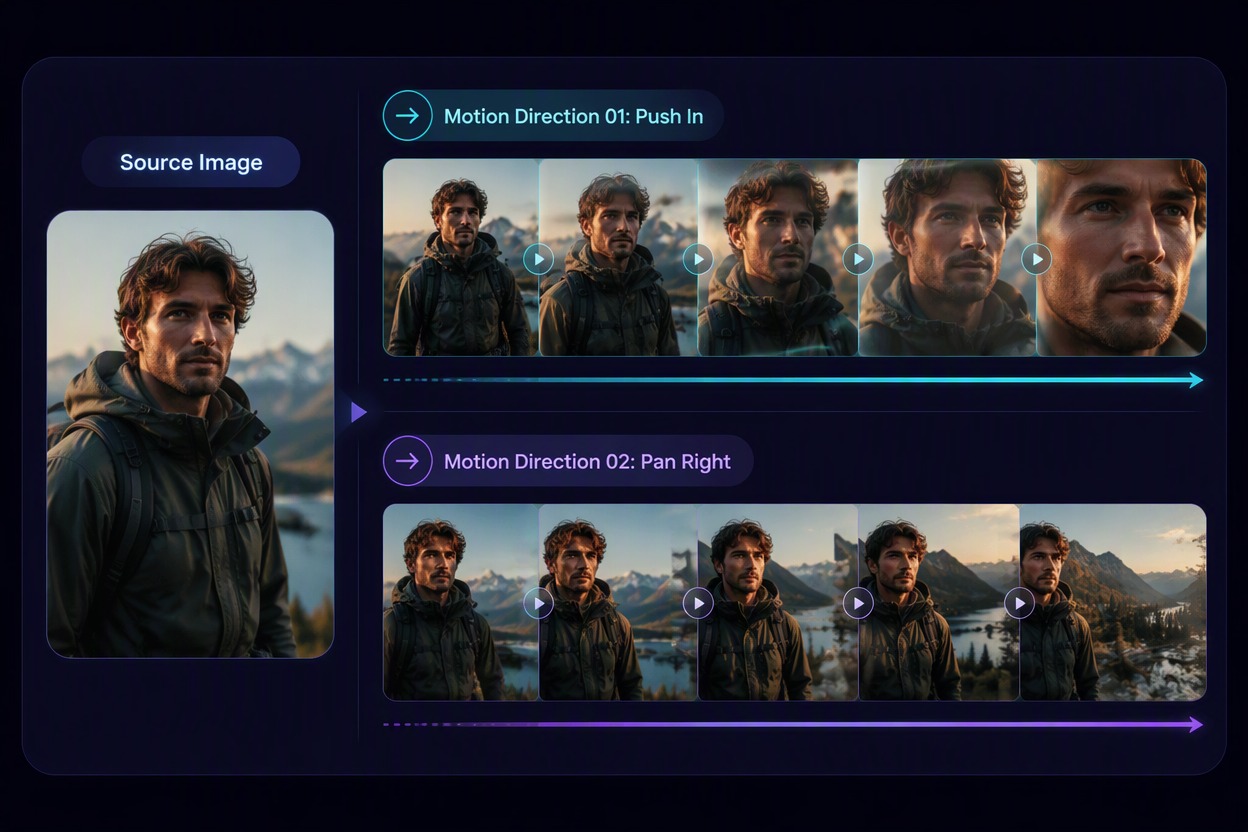
Animate Product and Creator Images

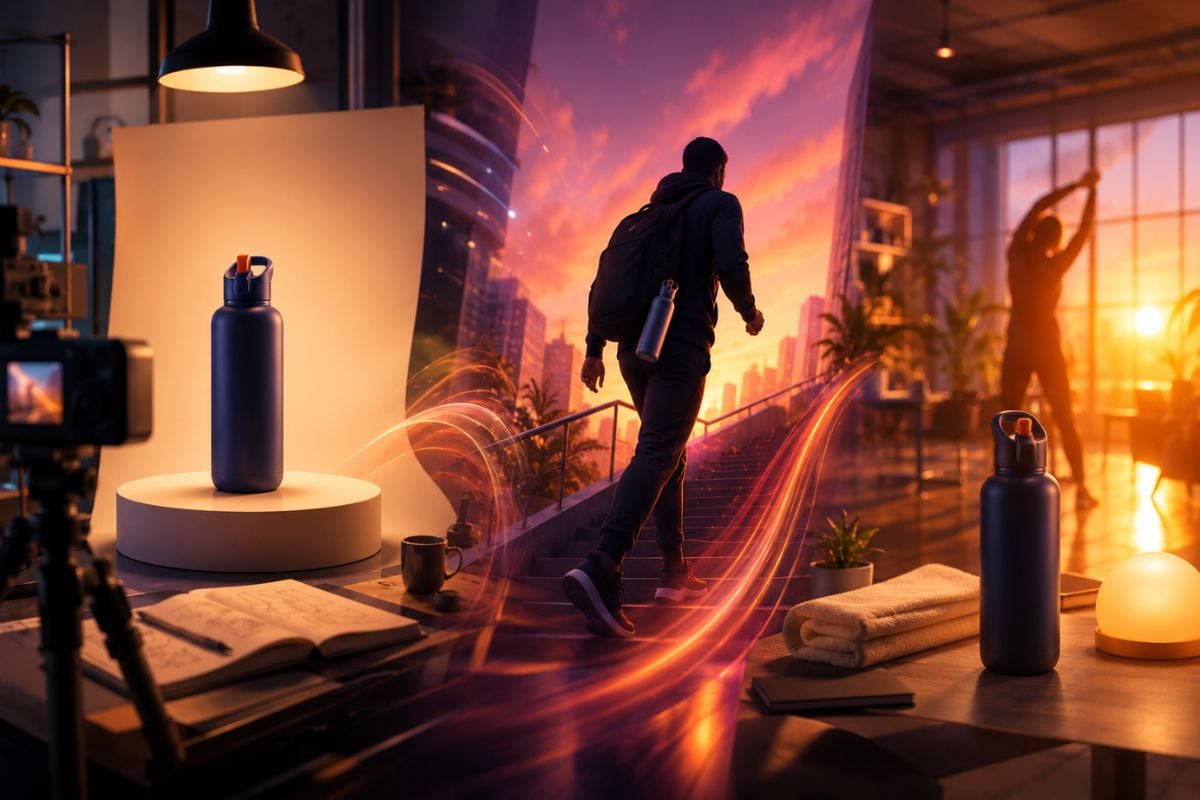
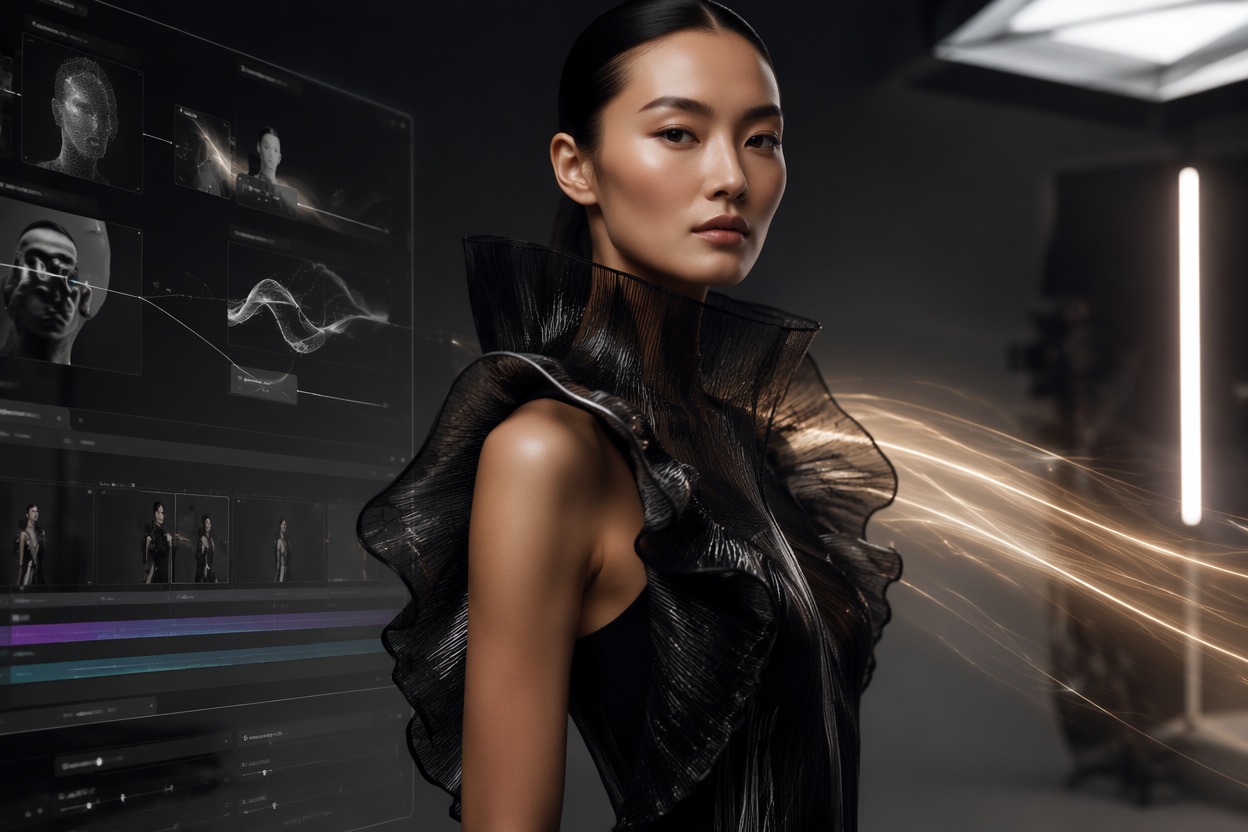
Use an approved product image or creator visual as the starting point for a motion-led concept. Prepare product reveals, demonstrations, personal stories, and branded social content around existing assets.

AI TikTok Video Maker animating product and creator images

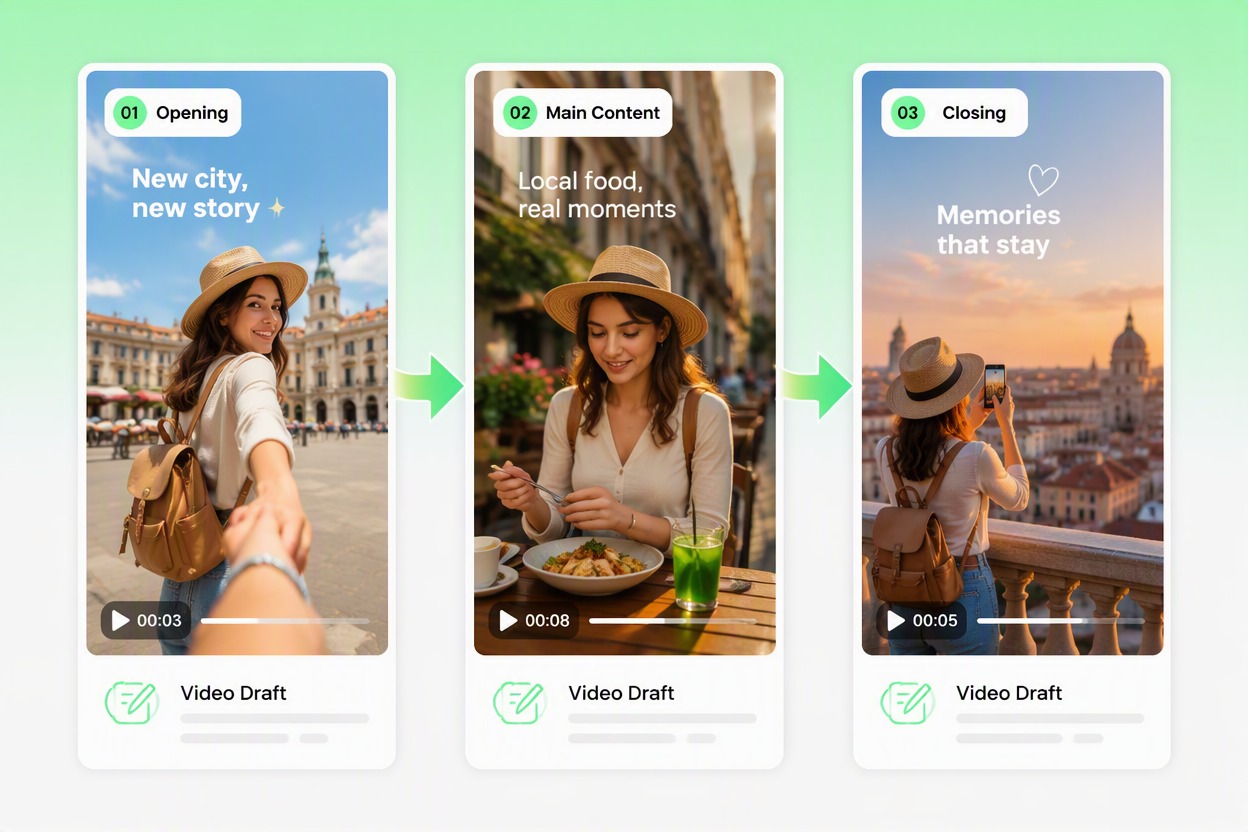
Build Stories for Vertical Feeds

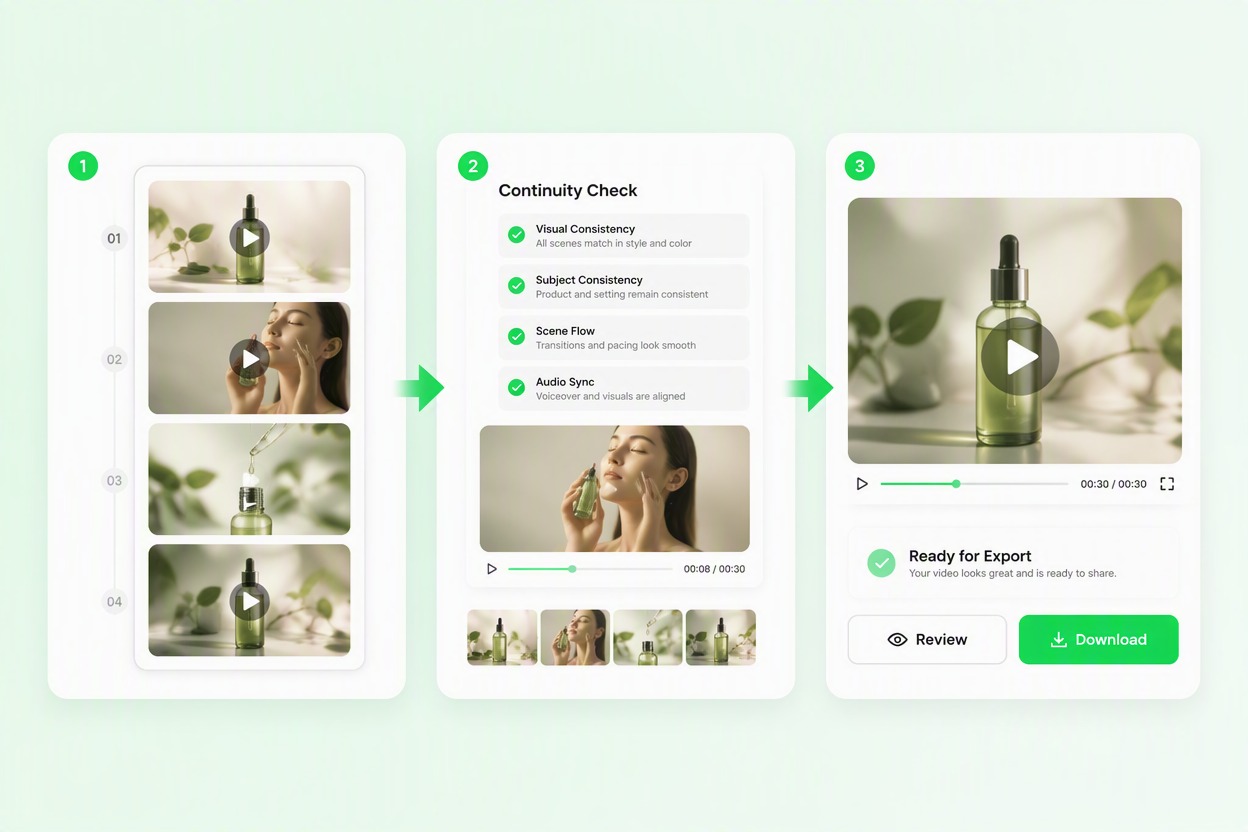
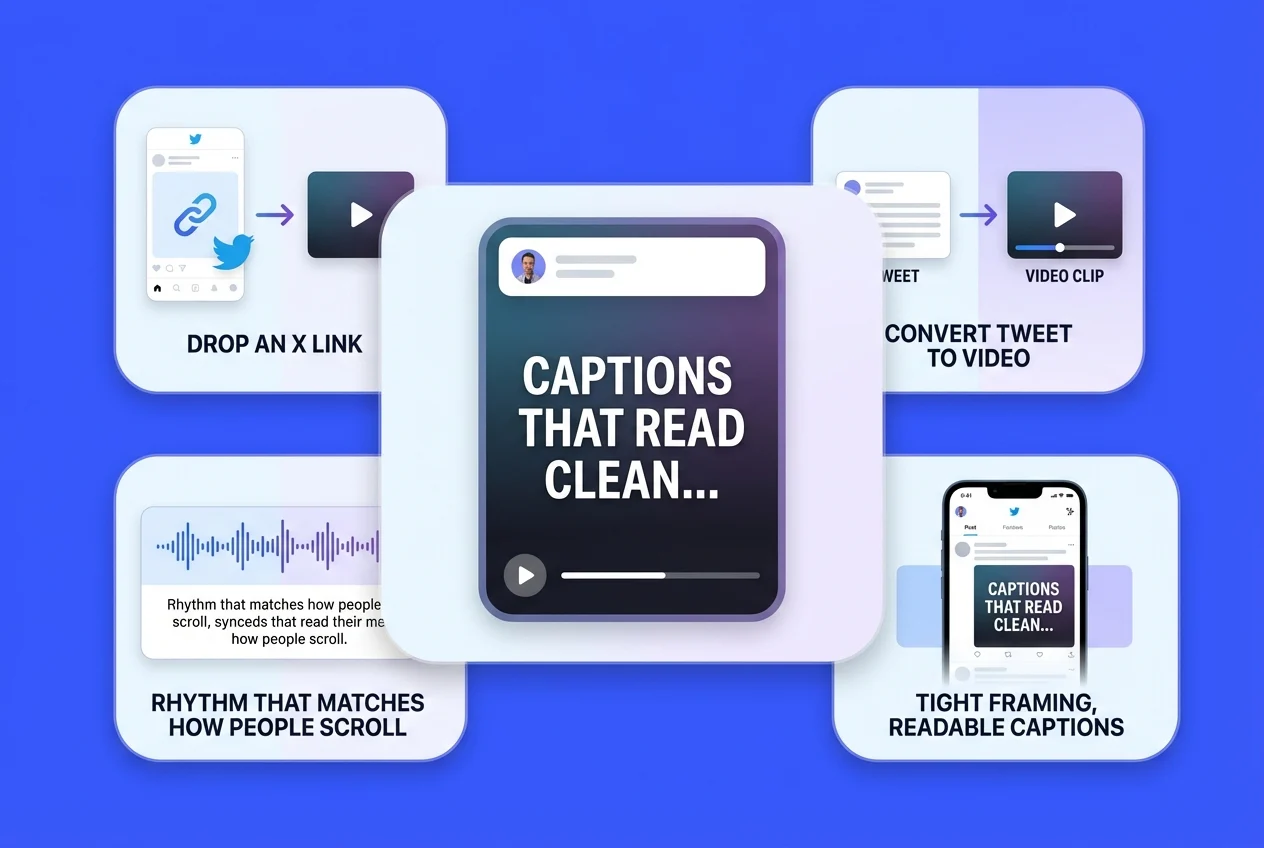
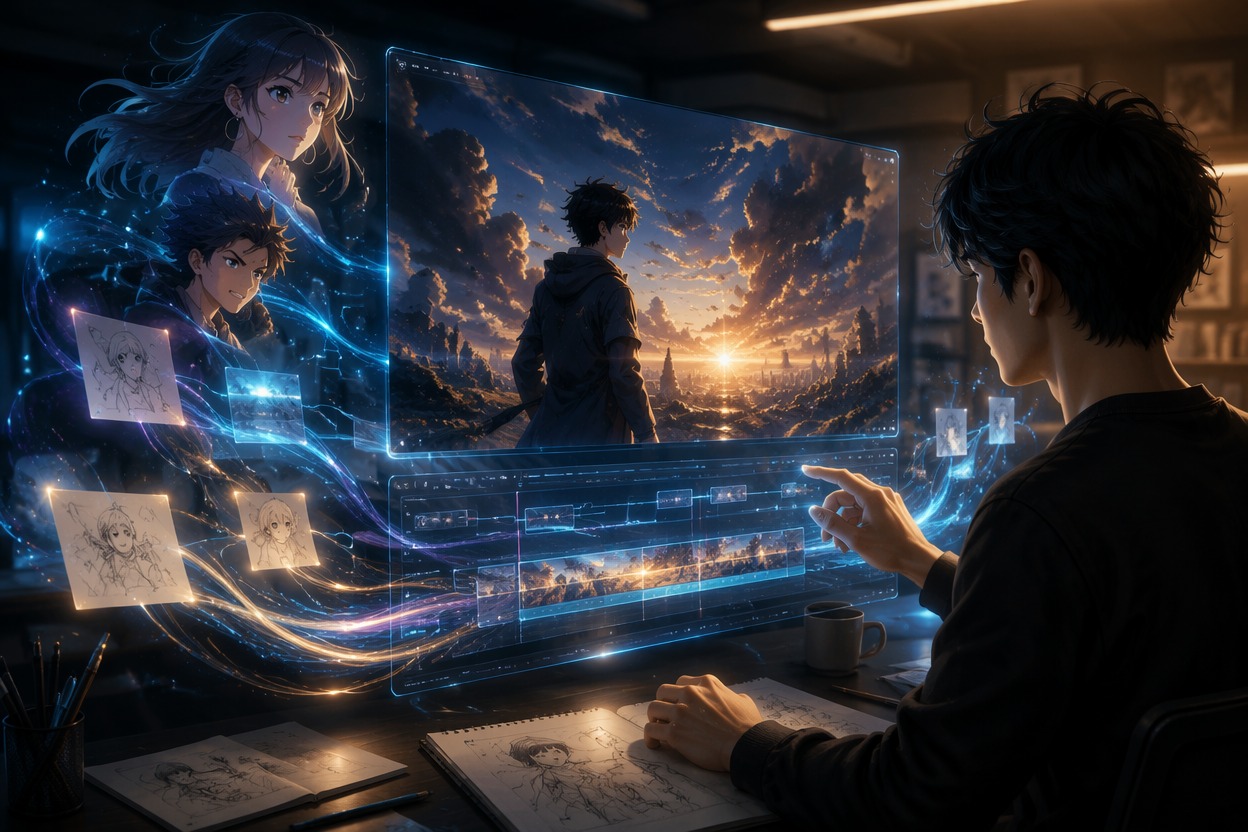
Organize the opening hook, main visual, and closing message into a mobile-friendly sequence. Keep the subject and message easy to follow across a short vertical video.

AI TikTok Video Maker building a vertical short-form video story

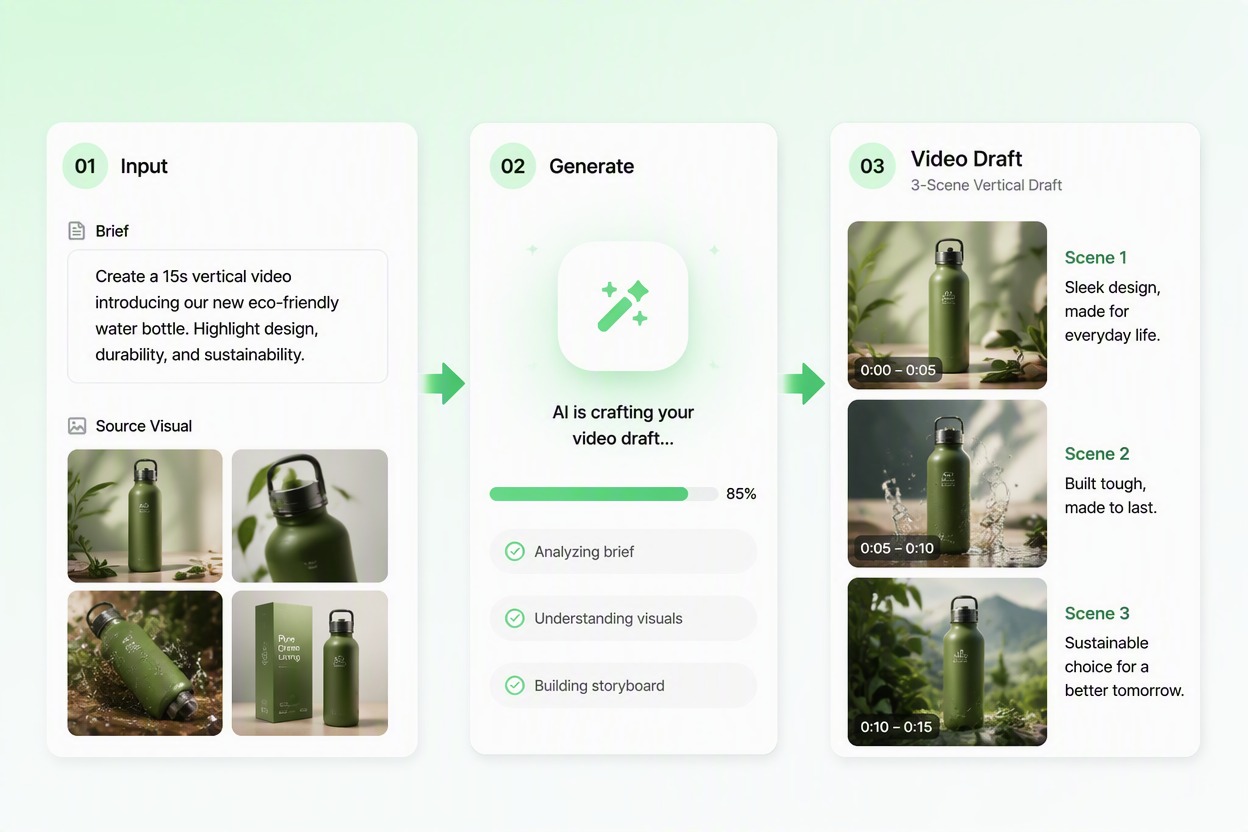
Explore Different Creative Directions

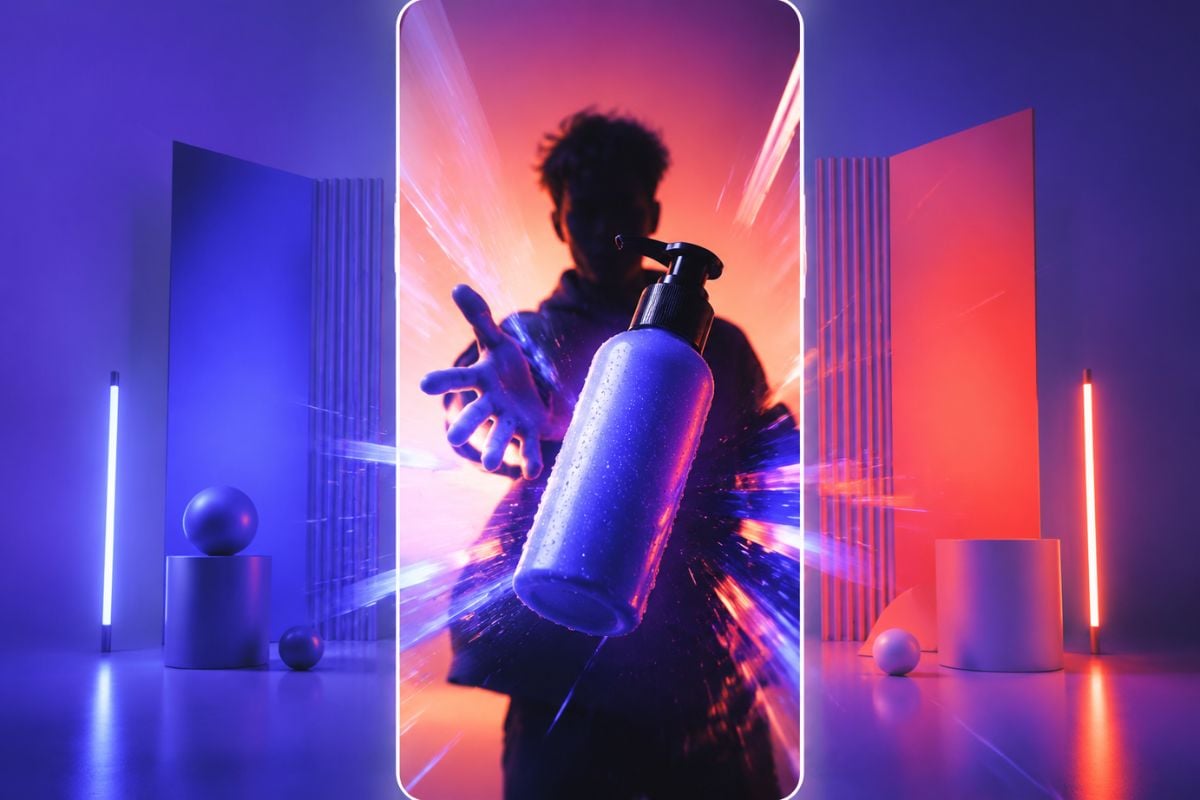
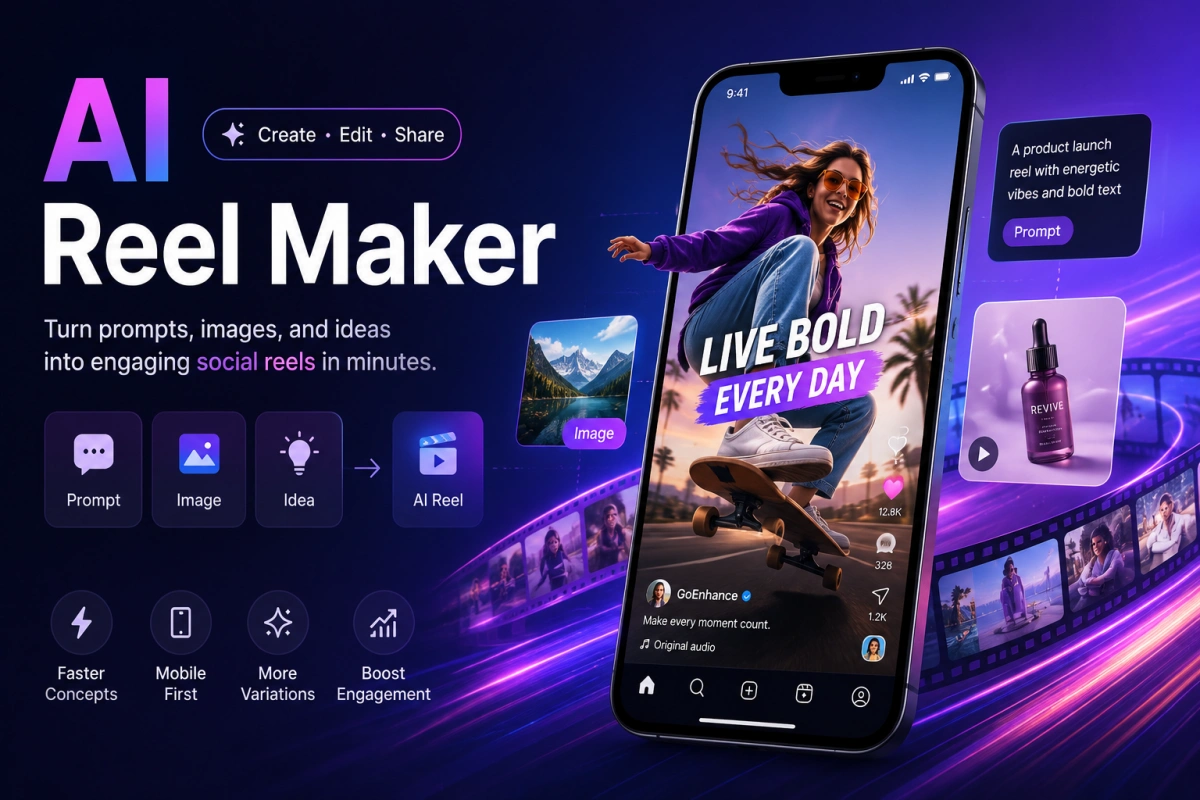
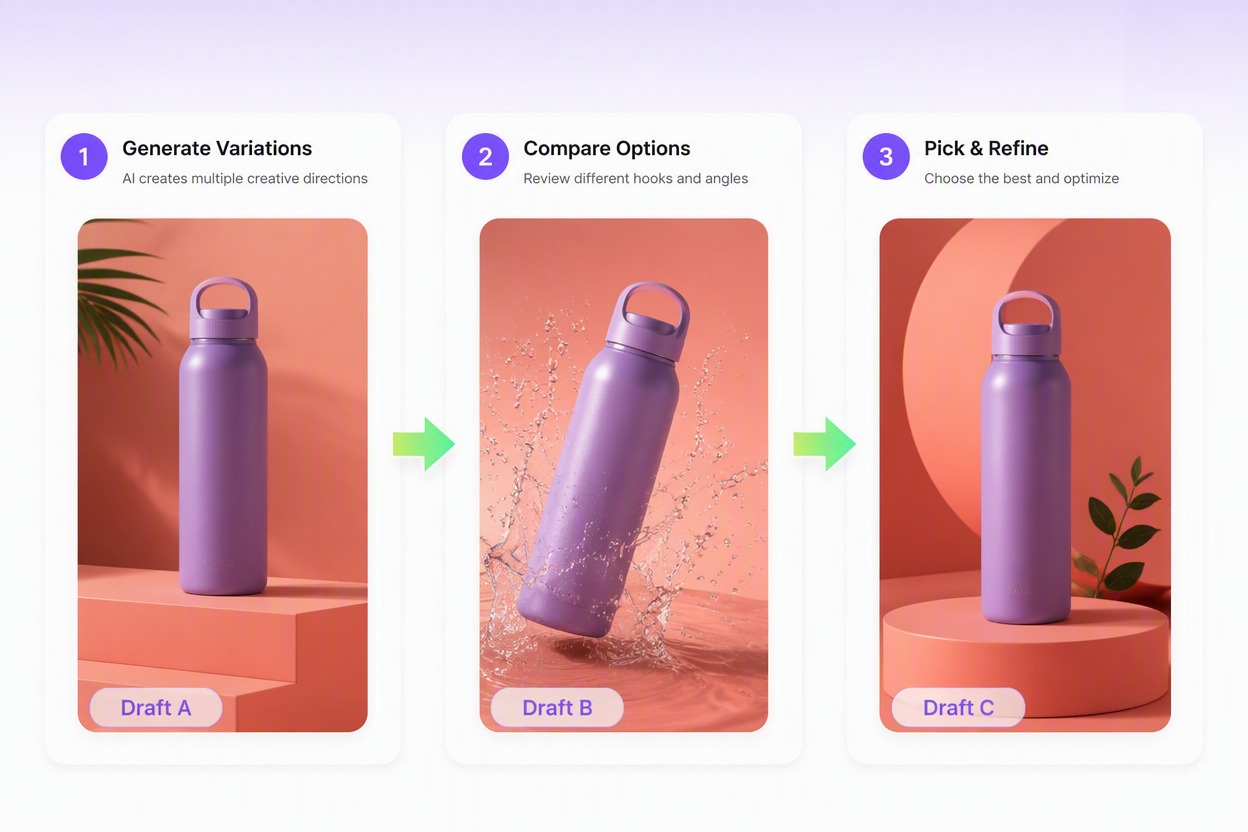
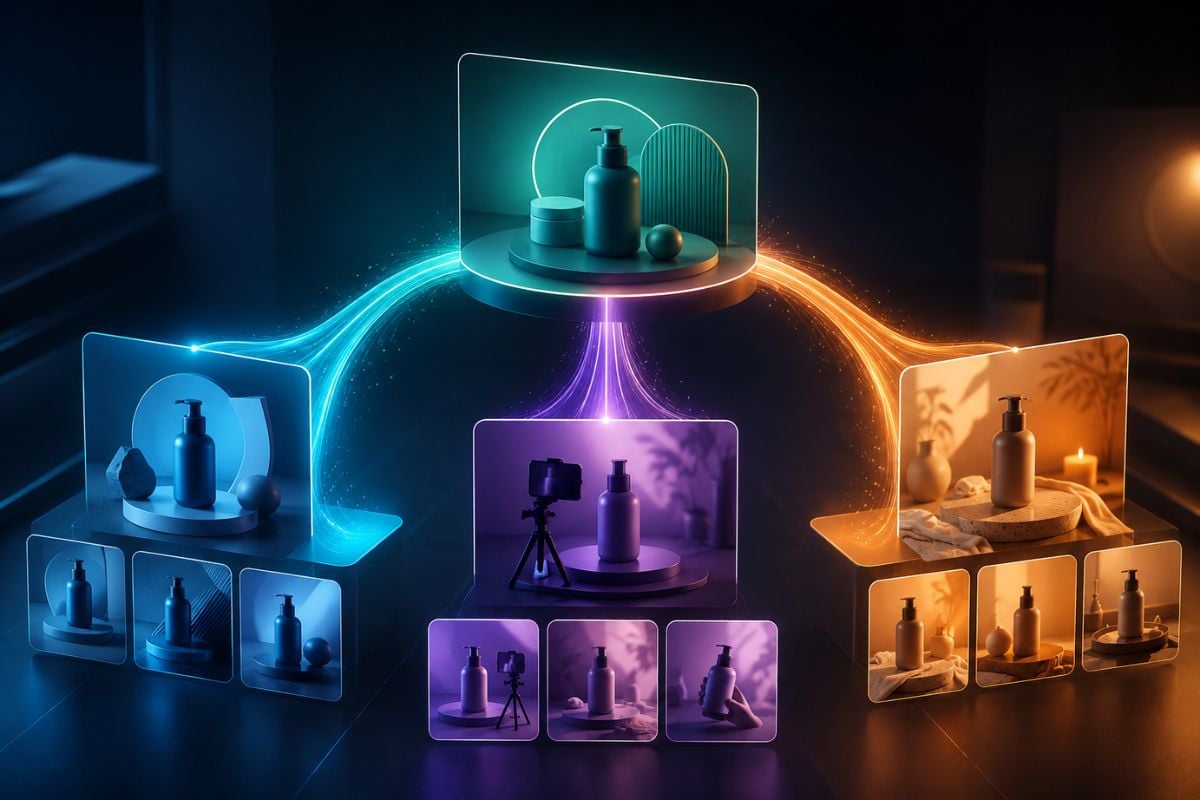
Develop alternative hooks, visual treatments, or audience angles from one campaign idea. Compare the directions early and choose a stronger concept before moving into final editing.

AI TikTok Video Maker exploring different short-form campaign directions

How to Use an AI TikTok Video Maker

Step 1

Add Your Idea or Source Visual

Enter one focused short-form concept and upload an authorized product image, creator visual, campaign asset, or other suitable source material.
Step 2

Describe the Main Video Direction

Explain the subject, action, visual style, audience, and intended message. A focused description usually makes the generated draft easier to review and refine.
Step 3

Generate and Review the Draft

Create the video, watch the complete sequence, and check the subject, pacing, visual continuity, and message before choosing the version you want to continue editing.

Create More Short-Form Video Directions

Explore different ways to turn one idea, image, or campaign brief into a focused TikTok-style video draft.
Scroll-Ready Openers

Scroll-Ready Openers

Build stronger opening moments that introduce the subject quickly and give viewers a reason to keep watching.

Try For Free

Why Use an AI TikTok Video Maker

Start With the Materials You Already Have

Use a short script, product image, creator visual, or campaign brief instead of building every scene from a blank timeline.

Keep Each Video Focused

Center the draft on one subject, one main action, and one message so the idea remains clear on a fast-moving mobile feed.

Create Product-Focused Concepts

Develop short video directions for product introductions, feature explanations, demonstrations, launches, and promotional campaigns.

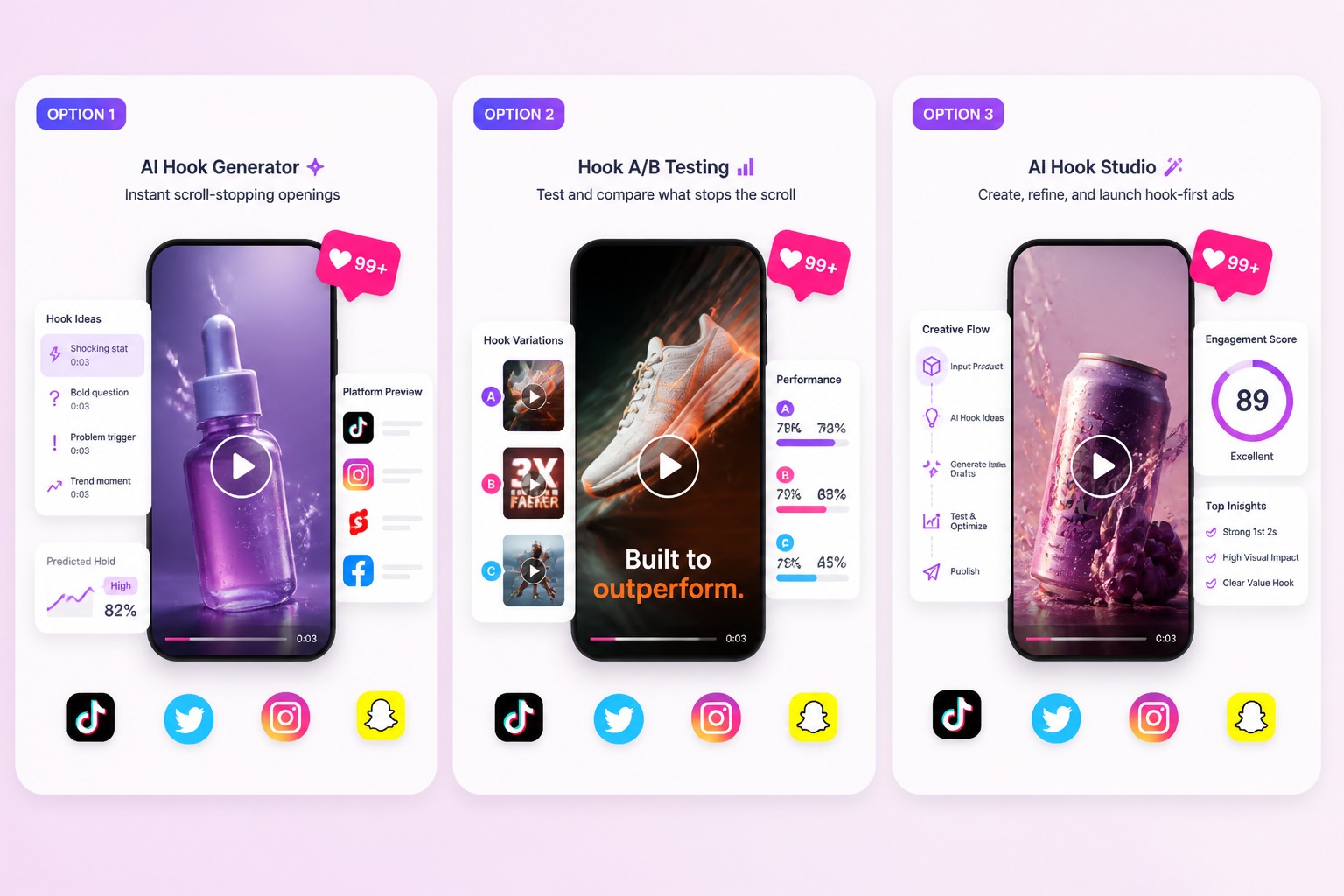
Explore More Hooks Before Production

Try different openings and visual approaches while the idea is still easy to change, helping your team compare concepts earlier.

Support Multiple Content Scenarios

Prepare creative drafts for TikTok-style posts, creator content, tutorials, announcements, social campaigns, and educational videos.

Continue Editing After Generation

Use the selected draft as a starting point for captions, audio, localization, brand review, and final publishing preparation.

AI TikTok Video Maker FAQ

What is an AI TikTok video maker?

An AI TikTok video maker helps turn a script, image, creator visual, or short-form concept into a video draft for product stories, tutorials, announcements, creator posts, and social media campaigns.

What can I use as the starting point?

You can begin with a concise script, product image, creator visual, campaign asset, or focused content idea. Use materials that you own or have permission to edit.

Can I create product videos with this tool?

Yes. An AI TikTok video maker can help develop concepts for product introductions, feature demonstrations, promotional variations, creator-led campaigns, and short educational videos.

Can I use an image instead of a script?

Image-based workflows can help you build a video concept around an existing product or creator visual. Add a clear description of the desired action, style, and message for more focused results.

Is there a free AI TikTok video generator?

GoEnhance AI may offer free credits for eligible accounts. Credit amounts, generation limits, queues, and available output options can change, so check the current account terms before creating a large batch.

Does the generated video automatically meet every TikTok requirement?

Treat the output as a creative draft and confirm the current requirements for dimensions, duration, captions, audio, disclosures, and publishing before posting.

Can I use the generated video for business content?

Use source images, music, logos, people, and product claims only when you have the necessary rights or permissions. Review the final video and confirm that its content is suitable for your intended commercial use.

What makes a stronger short-form input?

A clear subject, one main action, one audience, and one intended message usually produce a more readable draft than a long prompt containing several unrelated scenes or objectives.

Create Your Next Short-Form Video With GoEnhance AI

Turn a focused script, image, or campaign idea into a short video draft for product stories, creator content, tutorials, announcements, and social media testing.

Create a Short Video