
Free Unlimited AI Video Generator
Upload an image, describe one focused motion, and generate a short clip. Test variations, inspect subject continuity and background motion.
Image to Video
Text to Video
Select Model
hailuo_h3
Image
Upload files
Why Use Free Unlimited AI Video Generator
Bring Still Images to Life Fast
Transform product photos, character artwork, illustrations, and scene images into dynamic clips for social content, product showcases, creator drafts, and AI video generation workflows.
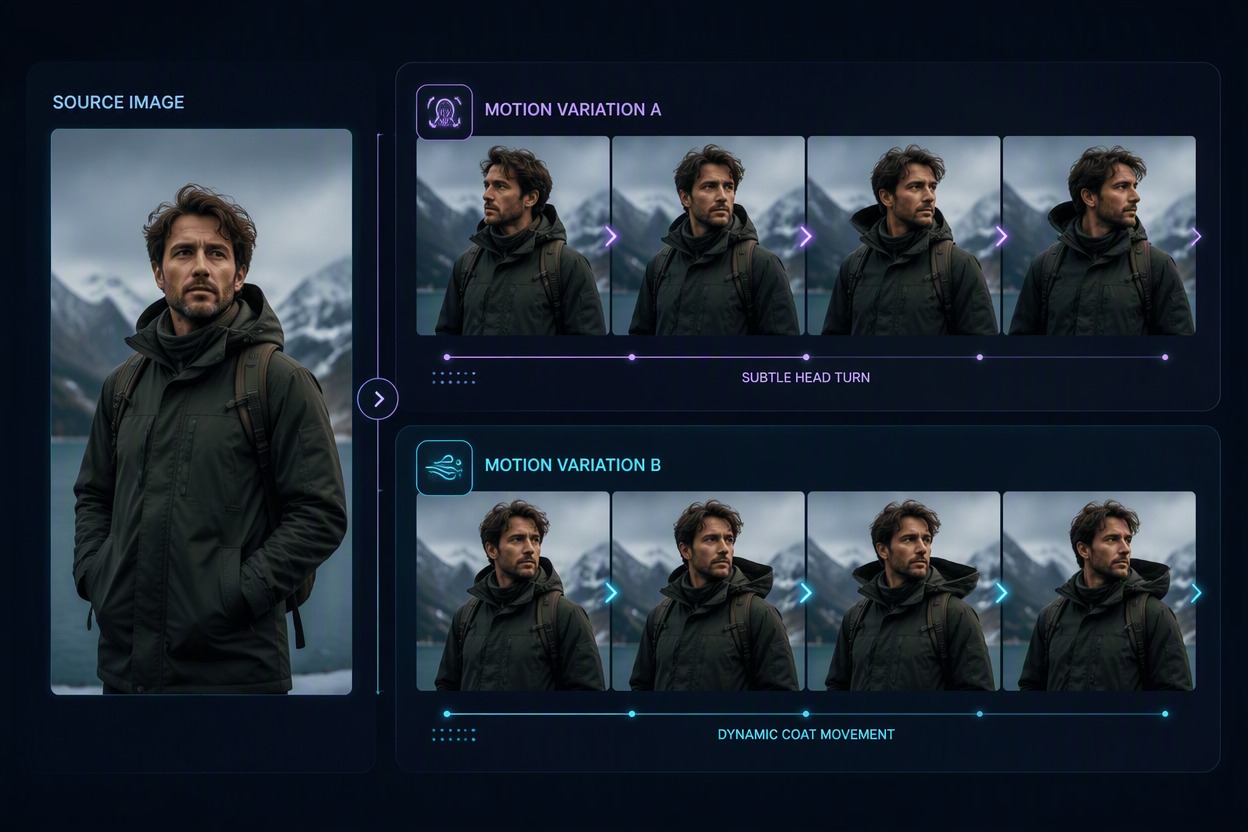
Explore More Creative Directions
Generate different motion styles, camera feelings, expressions, and scene variations from the same source image. The image to video generator makes it easier to compare ideas and choose the strongest result.
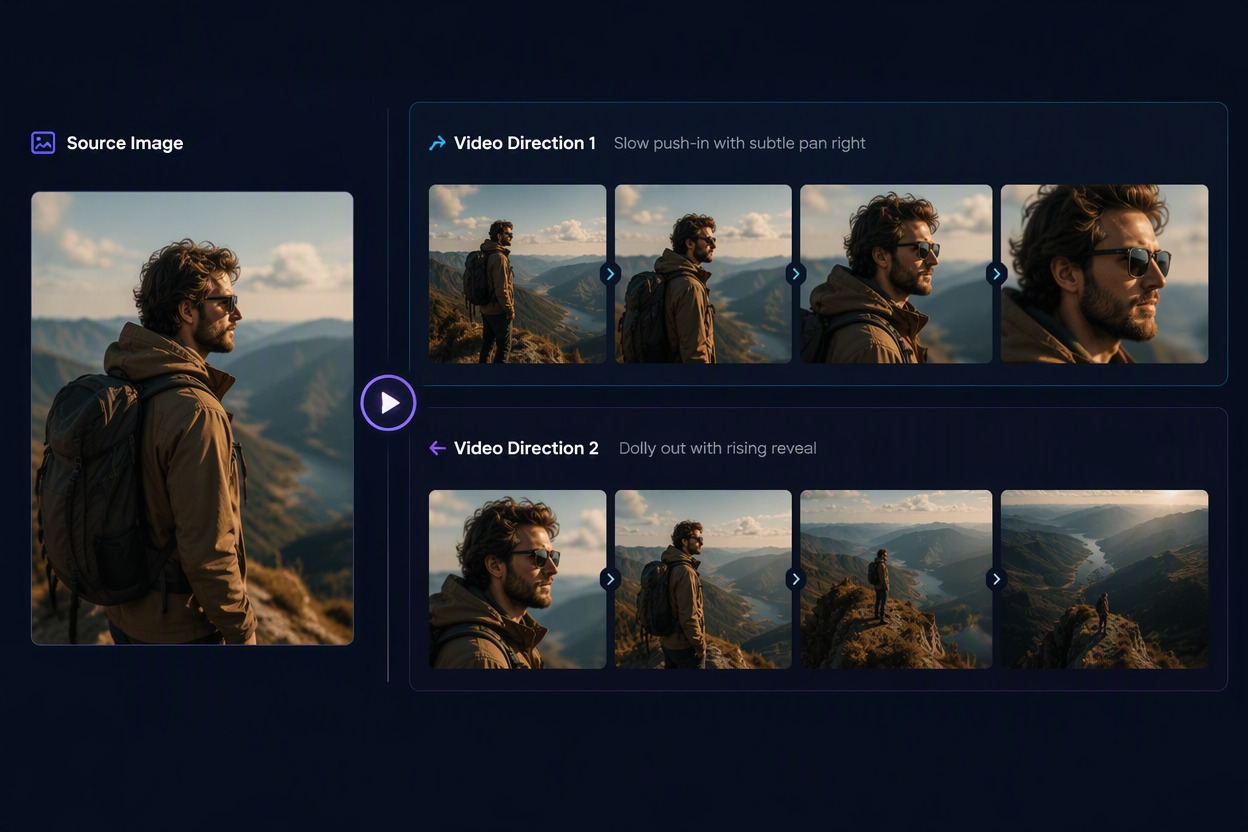
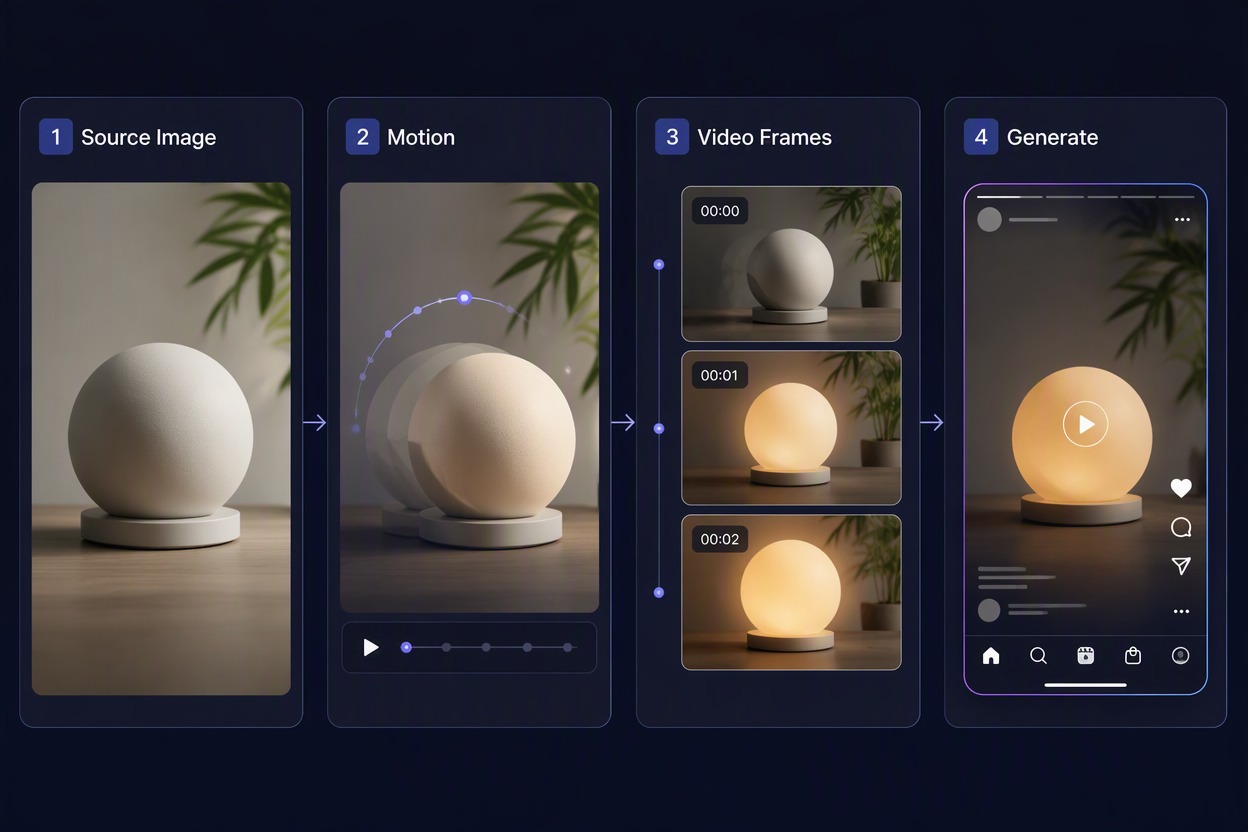
Free Unlimited AI Video Generator Workflow Highlights
Image-Led Video Creation
Begin with one authorized source image instead of building every scene from scratch.
Focused Motion Prompts
Describe one clear subject action and one scene response for a more readable clip.
Fast Concept Iteration
Test several visual directions when live credits, queues, and plan limits allow.
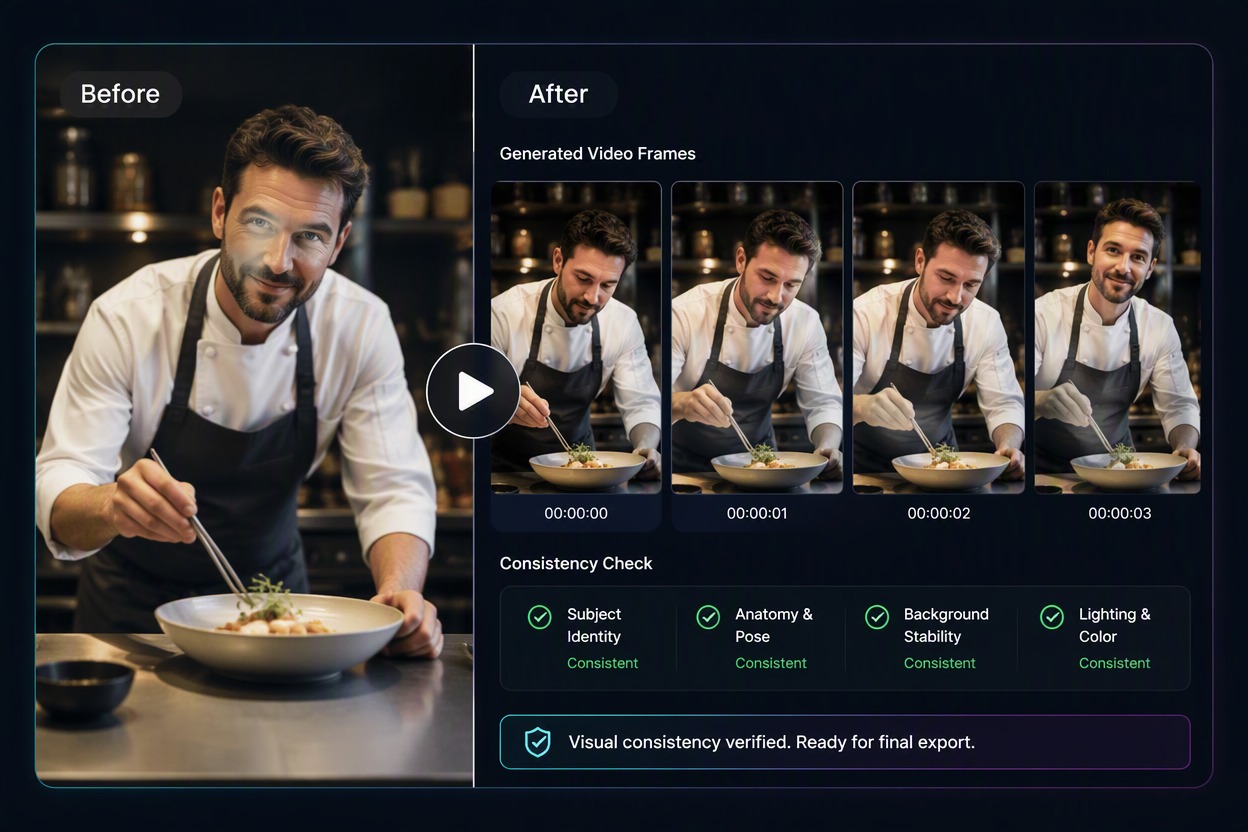
Source-to-Clip Continuity
Compare the opening frame with the source for identity, product shape, palette, clothing, and background.
Publishing Review
Inspect every frame for unstable anatomy, text, logos, reflections, and object continuity.
Downloadable Video Drafts
Save selected clips for authorized social, ad, pitch, story, or editing workflows.
How to Use Free Unlimited AI Video Generator
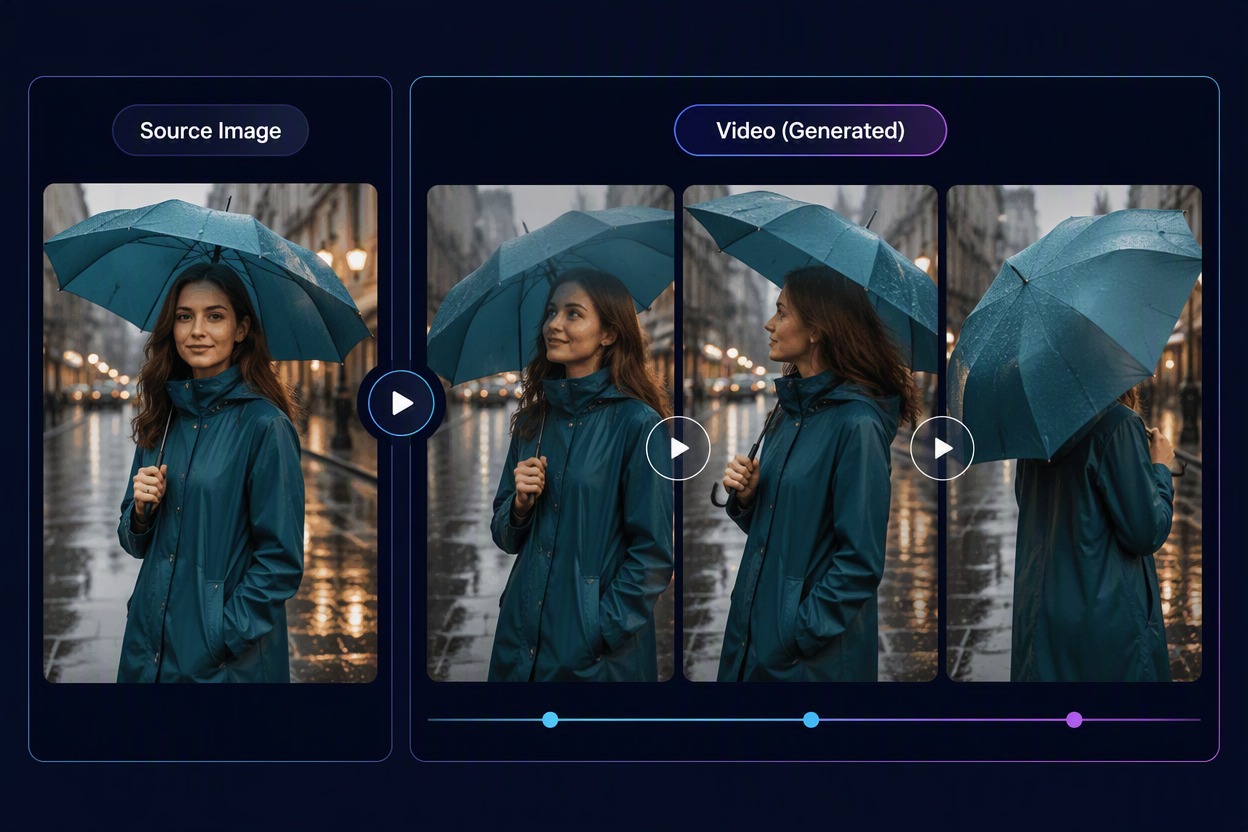
Step 1 1
Upload an Authorized Image
Choose a clear product, adult character, illustration, or scene with a readable subject and background. Retain the source for comparison.
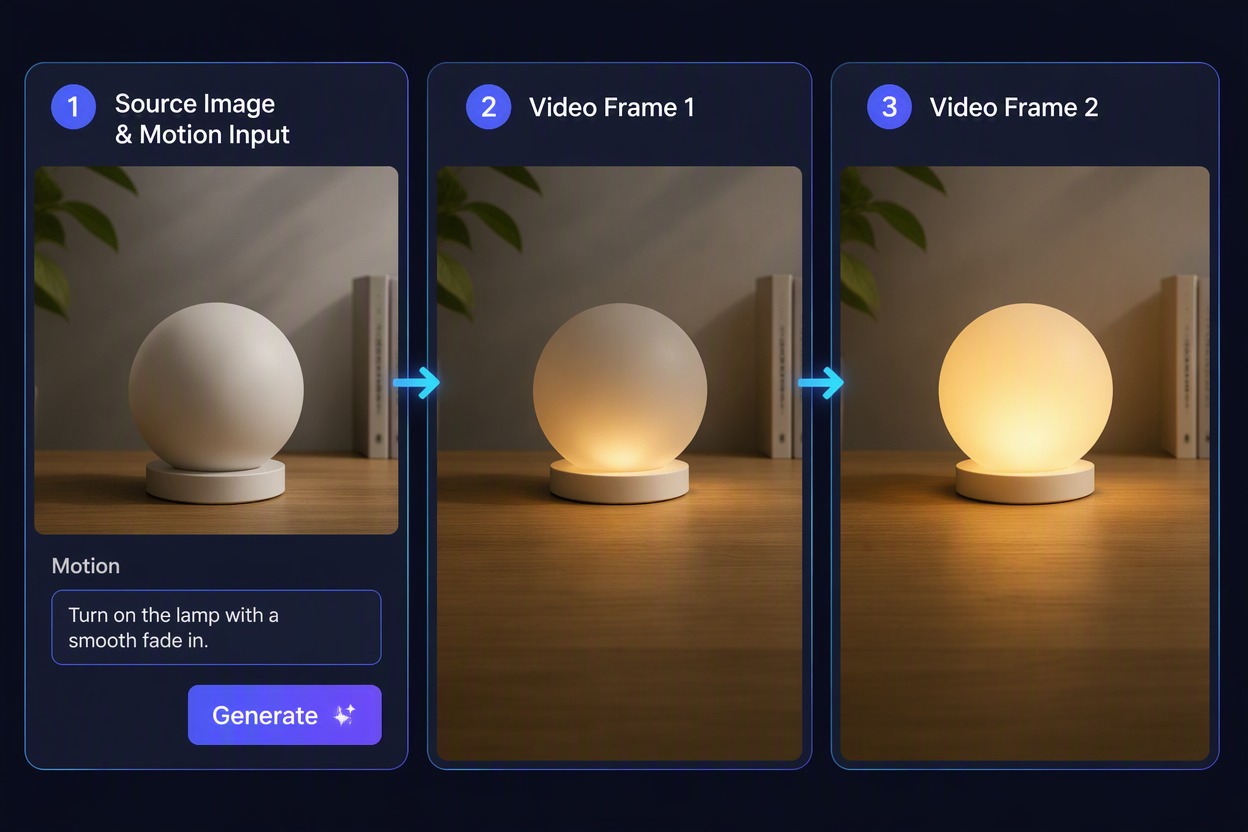
Step 2 2
Describe One Focused Motion
State what the subject should do and how the scene should respond. Avoid stacking several unrelated actions into one short clip.
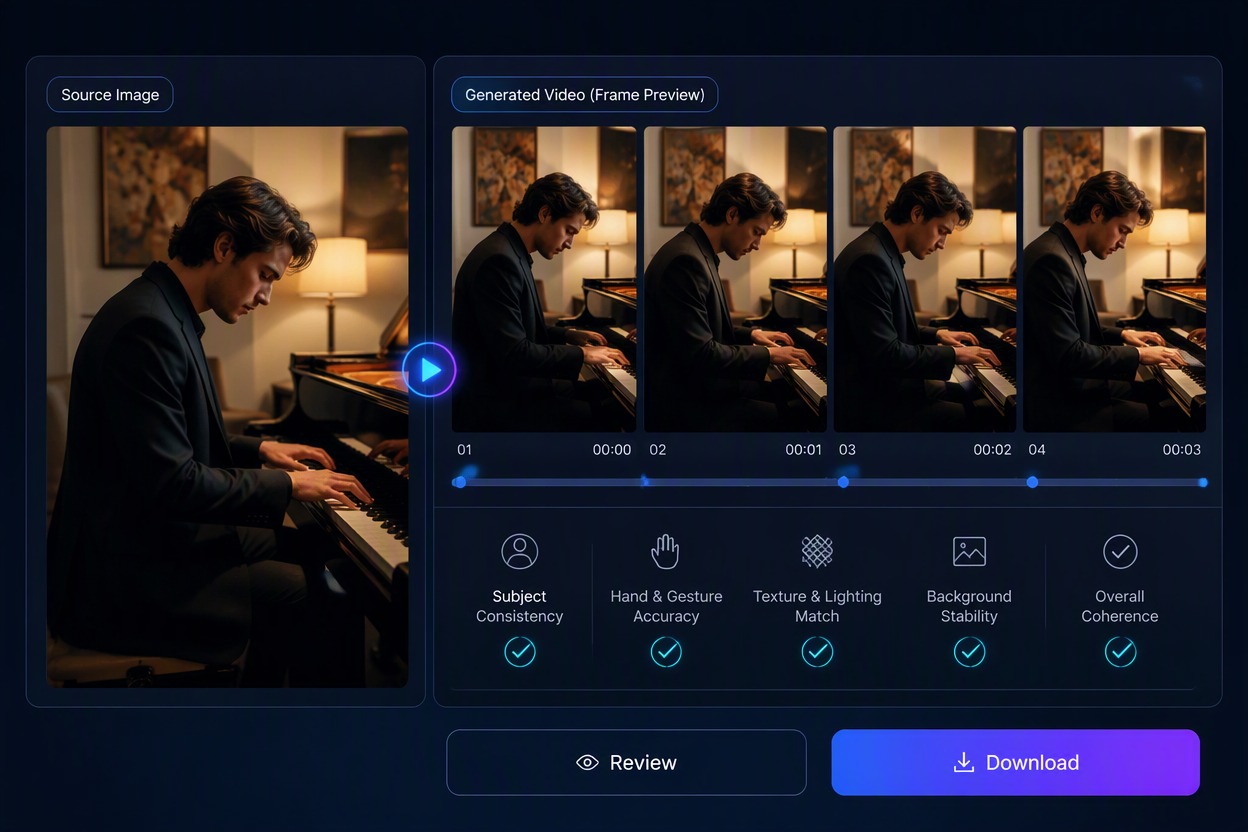
Step 3 3
Generate, Watch, and Download
Watch the complete result and check identity, hands, product shape, text, camera continuity, and background stability before downloading.
Free Unlimited AI Video Generator FAQ
How does the AI image to video generator free unlimited workflow work?
What does free and unlimited AI image to video generator mean here?
What source images work best?
Can I animate a product image?
Why does the subject change during the video?
Can I publish the generated video?
Turn Still Images Into Short AI Video Drafts
Turn an image into a short AI video, test motion ideas, compare results, and download selected clips. Live free credits, queues, and usage limits may apply.
Animate an Image