goenhance logo

AI Social Media Ad Generator

Create short AI social media ad drafts from Product or Avatar assets, campaign prompts, and platform goals. Shape hooks, product scenes, creator-style angles, and vertical formats for TikTok, Reels, Shorts, and paid social tests.

Create Social Ads

Build Social Media Ads for Platform-Specific Campaigns

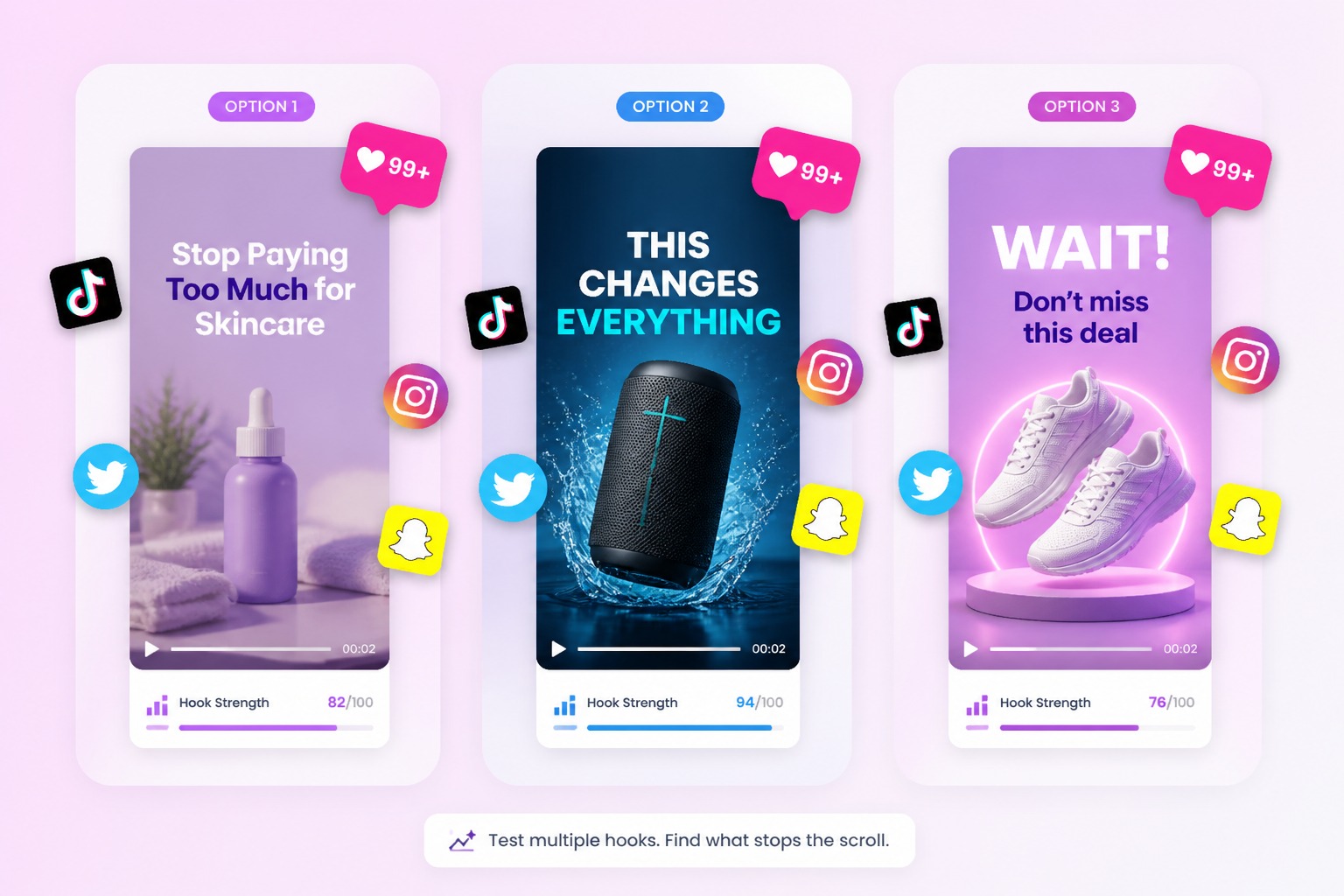
Hook-First Ad Drafts

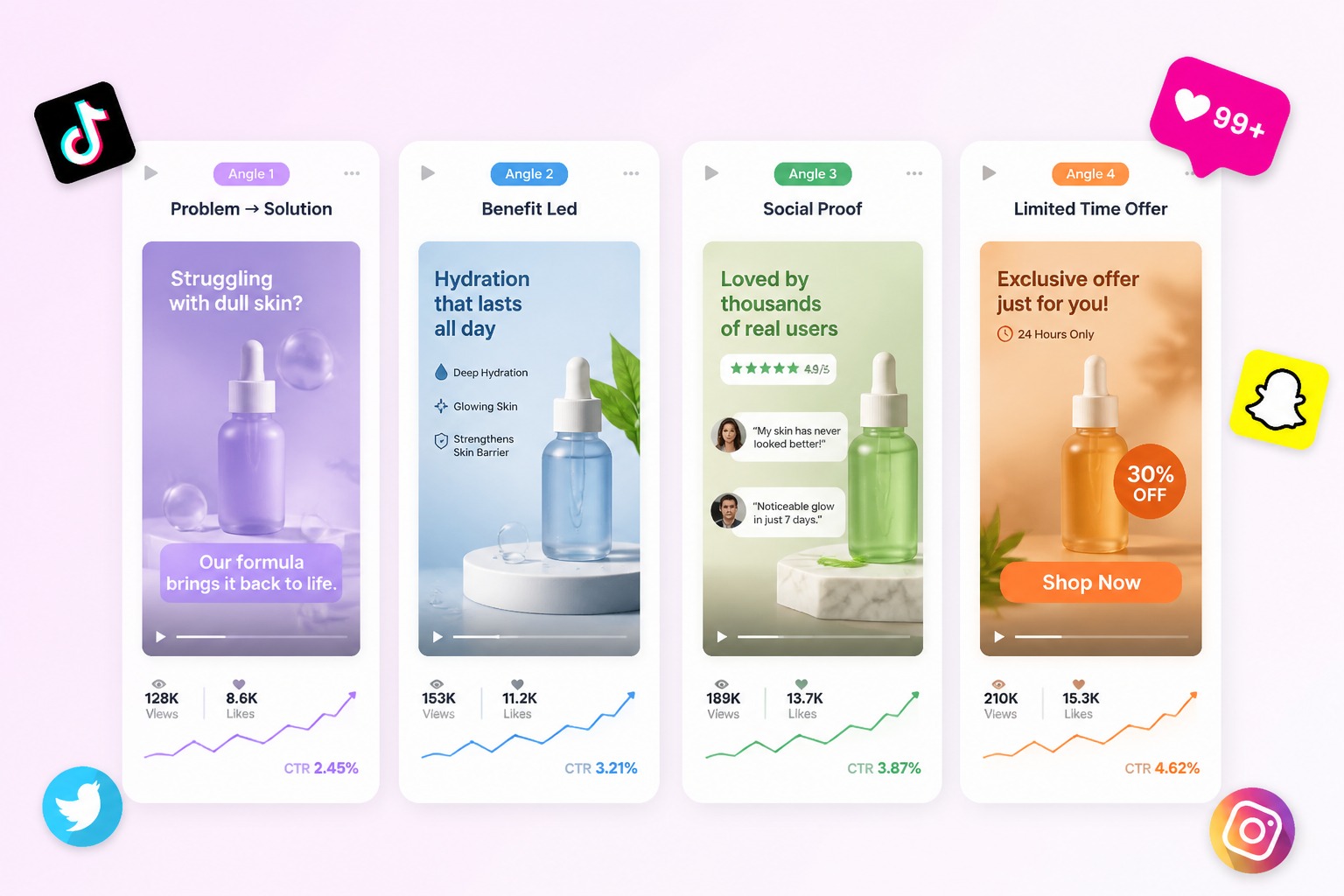
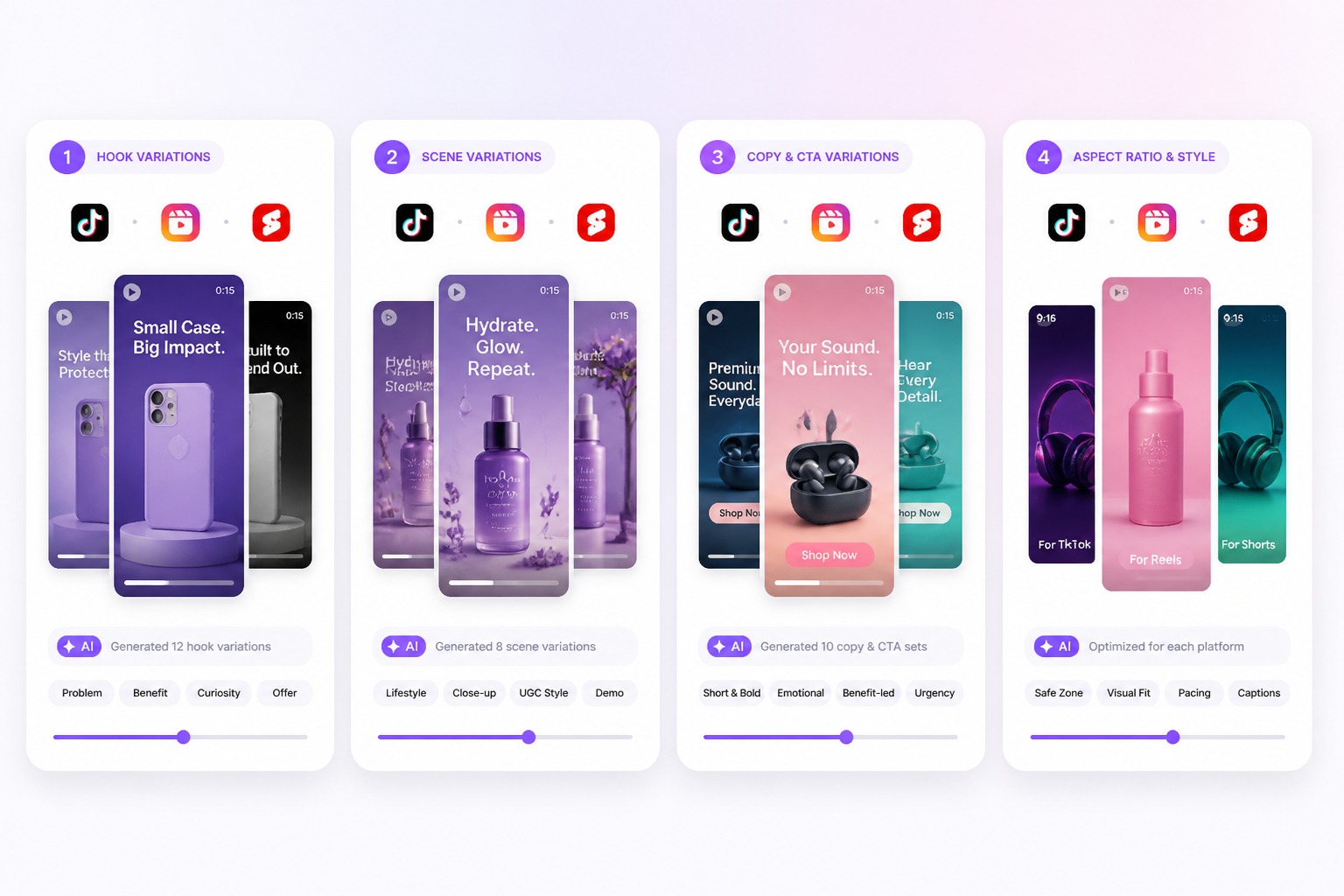
Shape the first seconds around a product promise, audience problem, or offer so the ad has a clear reason to stop scrolling. This workflow works best when each draft tests one hook instead of mixing several campaign messages.

hook-first social media ad draft with vertical product video frames

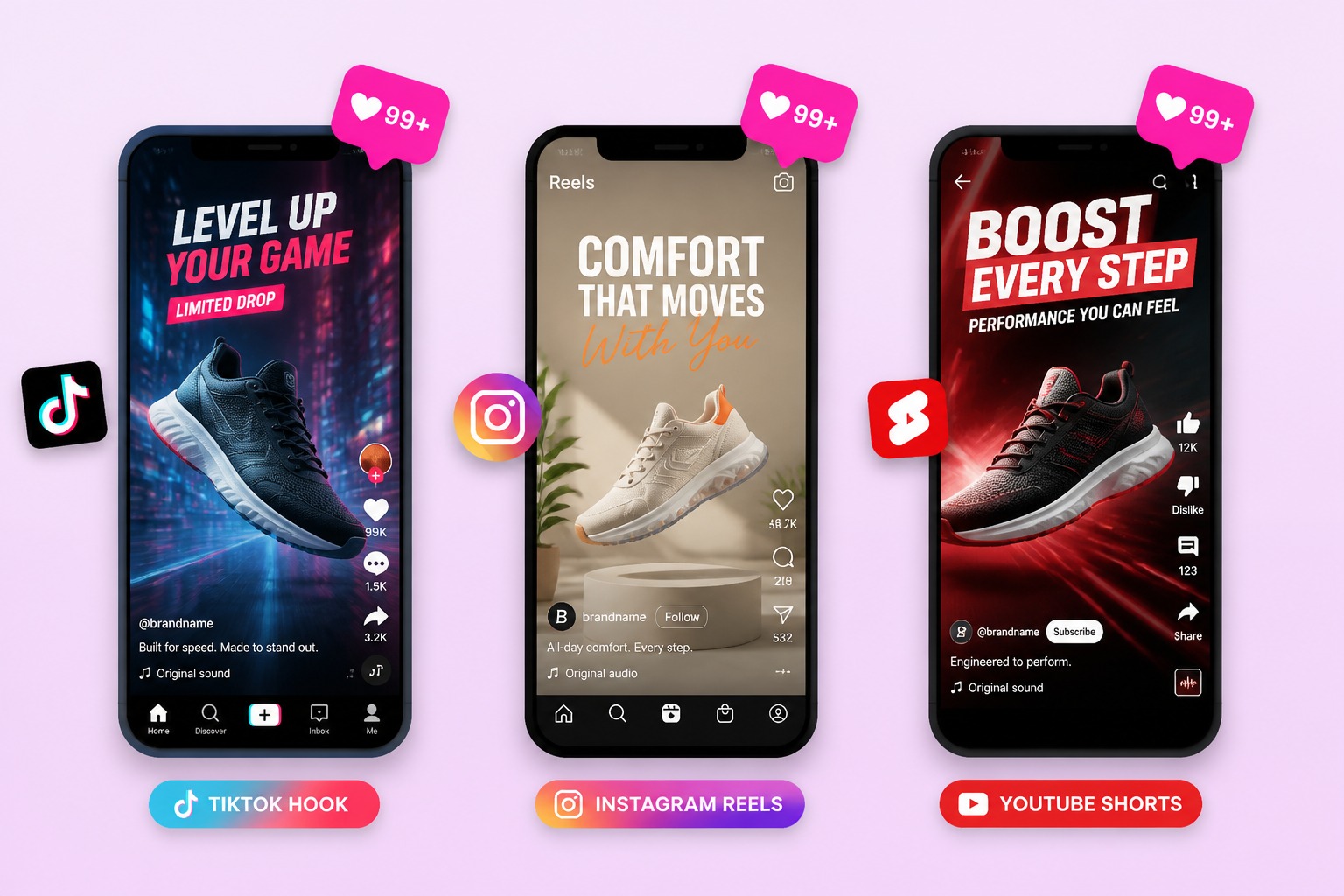
Platform-Fit Creatives

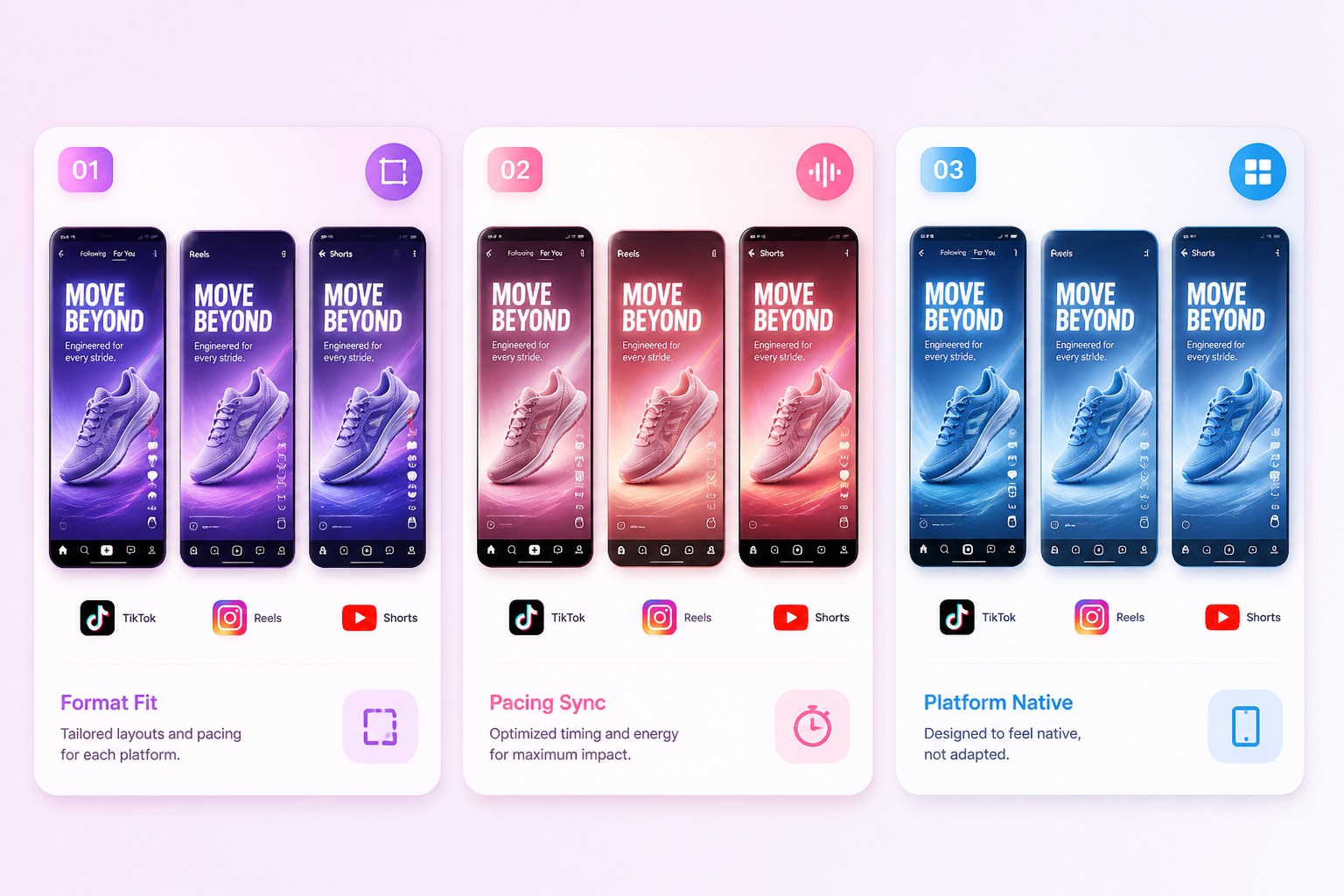
Adapt one campaign idea into vertical ad concepts for TikTok, Instagram Reels, YouTube Shorts, or paid social placements. The strongest drafts match the platform rhythm, opening scene, product visibility, and caption space before final editing.

platform-fit social media ad creatives for TikTok Reels and Shorts

Product Scene Testing

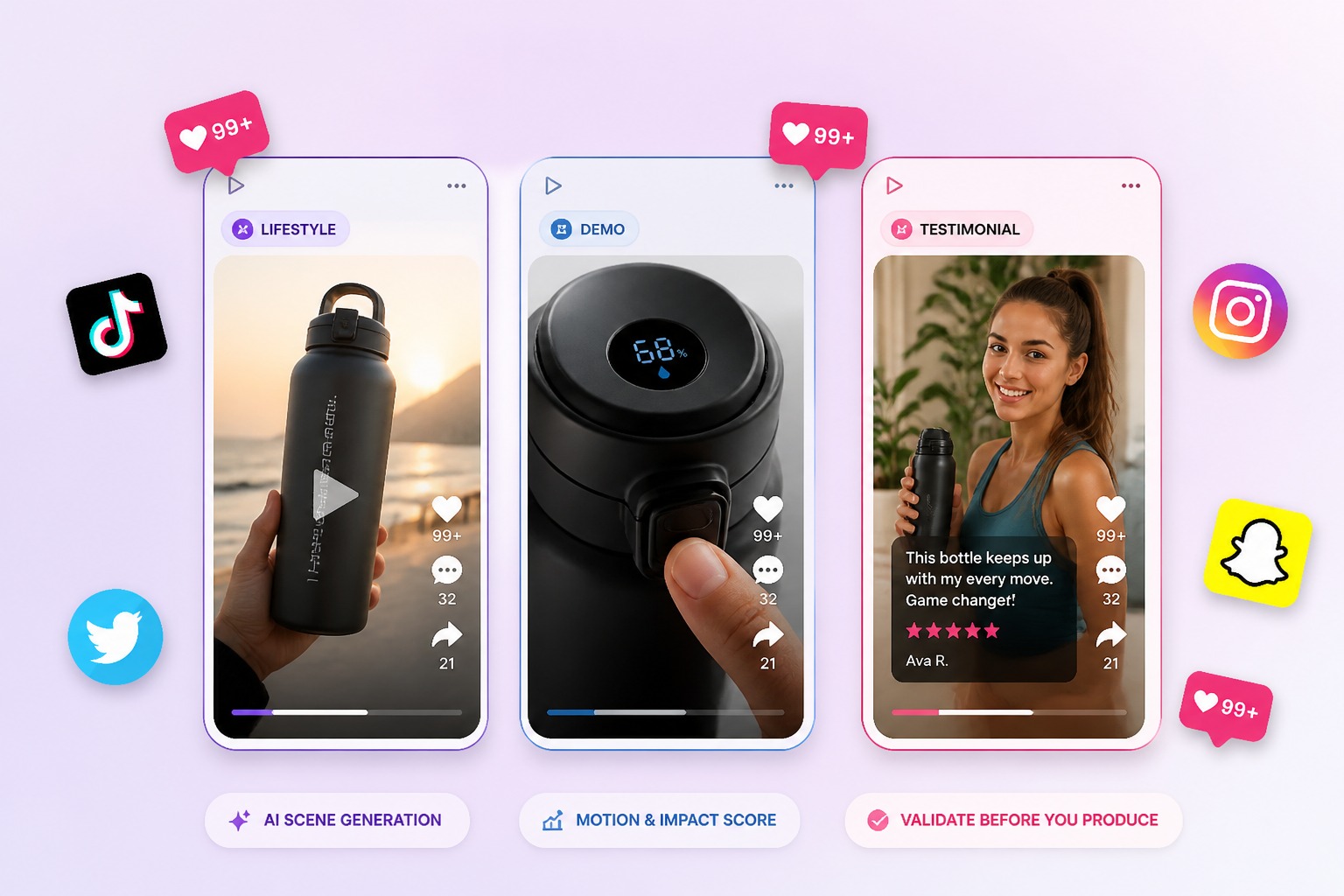
Use Product or Avatar assets to test lifestyle, demo, testimonial, and offer-led scenes before committing to production. If the ad starts from a still product image, an image to video workflow can help preview whether the asset has enough motion potential.

product scene testing for AI generated social media ads

Creative Angle Comparison

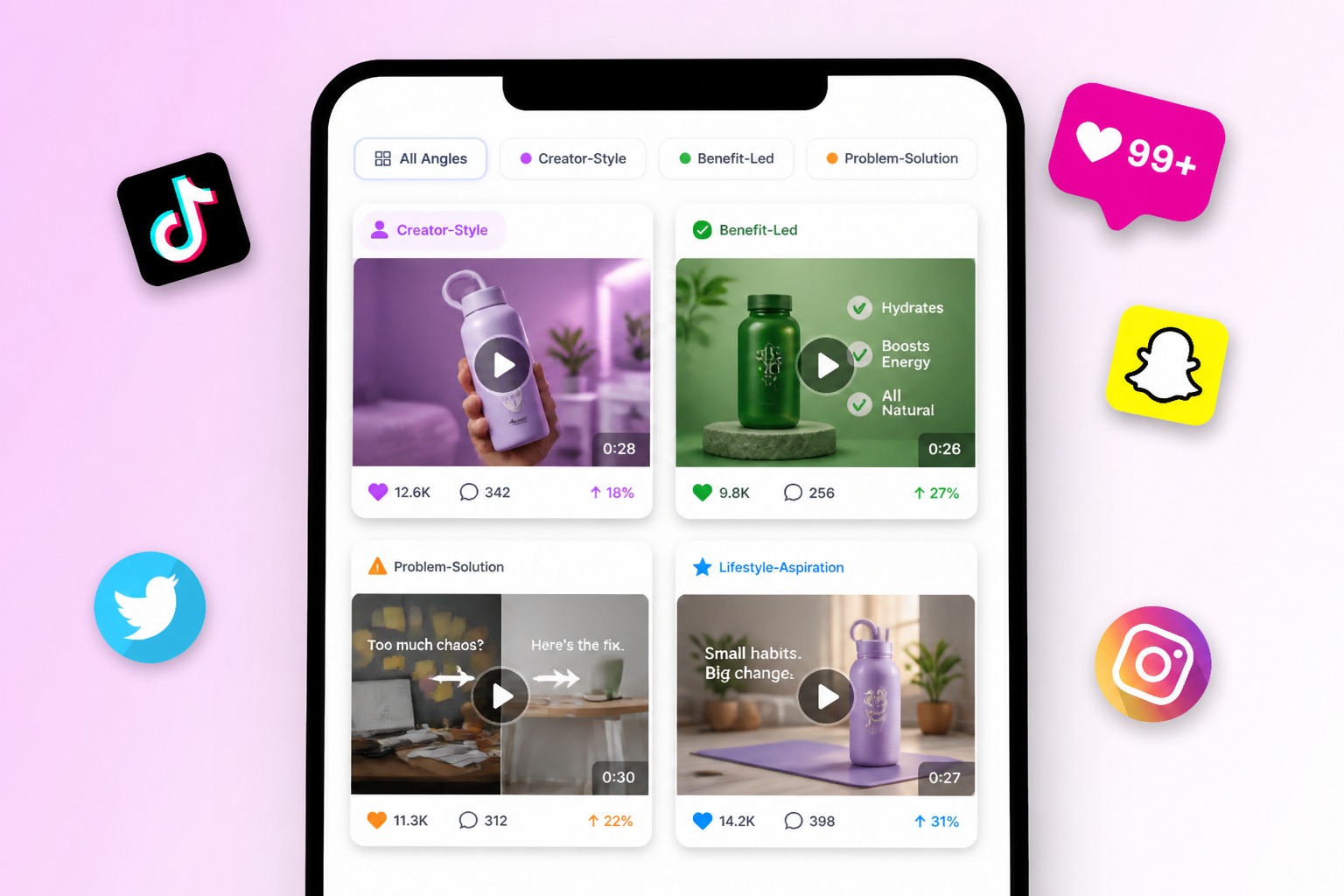
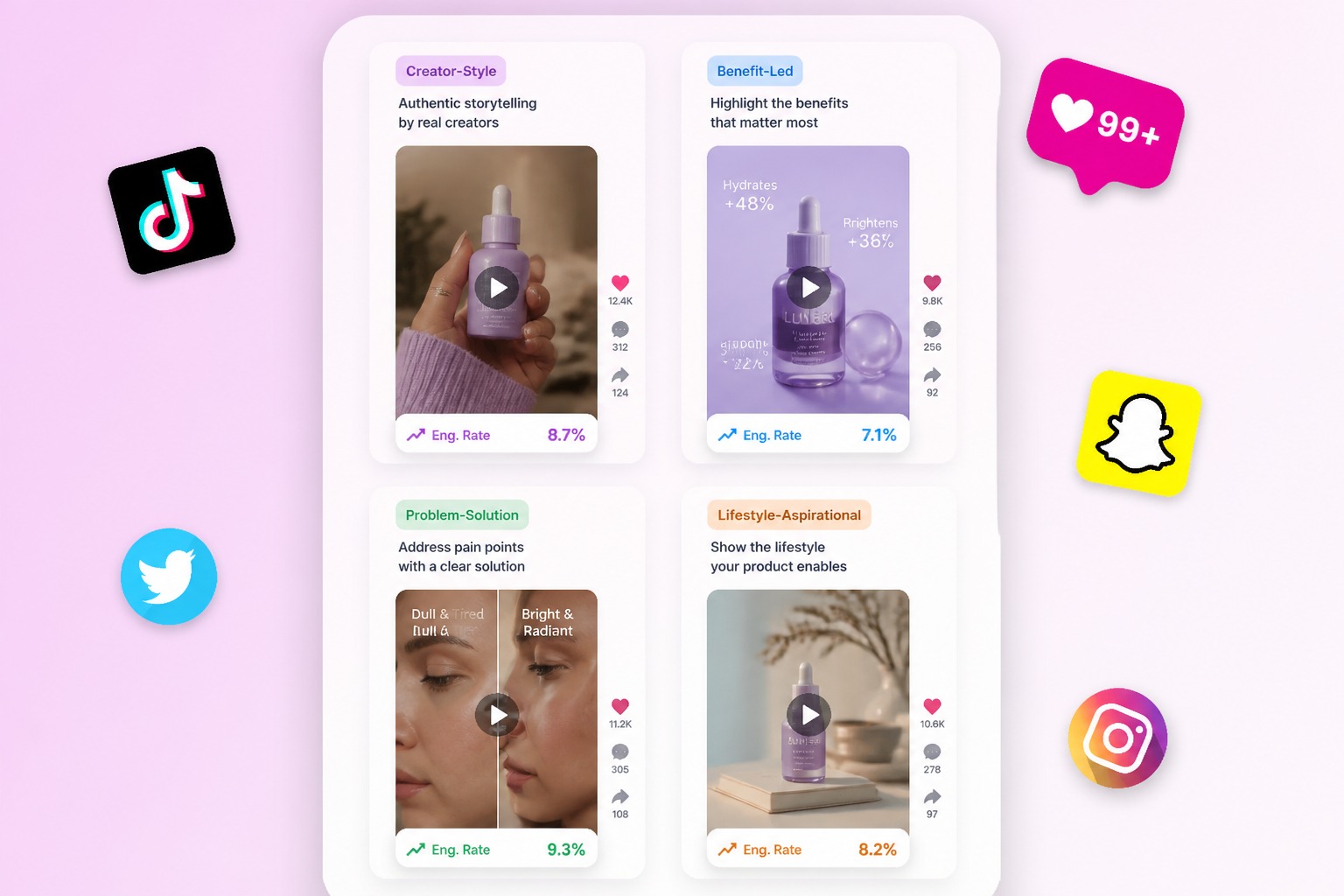
Compare creator-style, benefit-led, problem-solution, and launch announcement angles before polishing the final ad. For broader non-ad clips, the AI video generator can support general video concepts while this page stays focused on social ads.

marketing team comparing AI generated social media ad angles
Social Ad Workflow

Why Use an AI Social Media Ad Generator?

Short-Form Ad Focus

Draft quick vertical ad concepts built around hooks, product moments, and platform pacing.

Product or Avatar Inputs

Keep the ad grounded by starting with product visuals, avatar presenters, or inserted campaign assets.

Platform-Aware Direction

Plan the ad around TikTok, Reels, Shorts, paid social, landing page tests, or creator-style placements.

Faster Creative Testing

Compare several hooks, offers, scenes, and audience angles before asking a designer or editor to polish one.

Less Reshoot Pressure

Explore new social ad ideas without booking a separate shoot for every product message or seasonal offer.

Publishing Review Built In

Treat generated ads as drafts and check claims, captions, product accuracy, music, rights, and brand fit.

Social Ad Types You Can Draft

Use one workflow to explore platform-ready ad directions before choosing what deserves editing, approval, or paid testing.
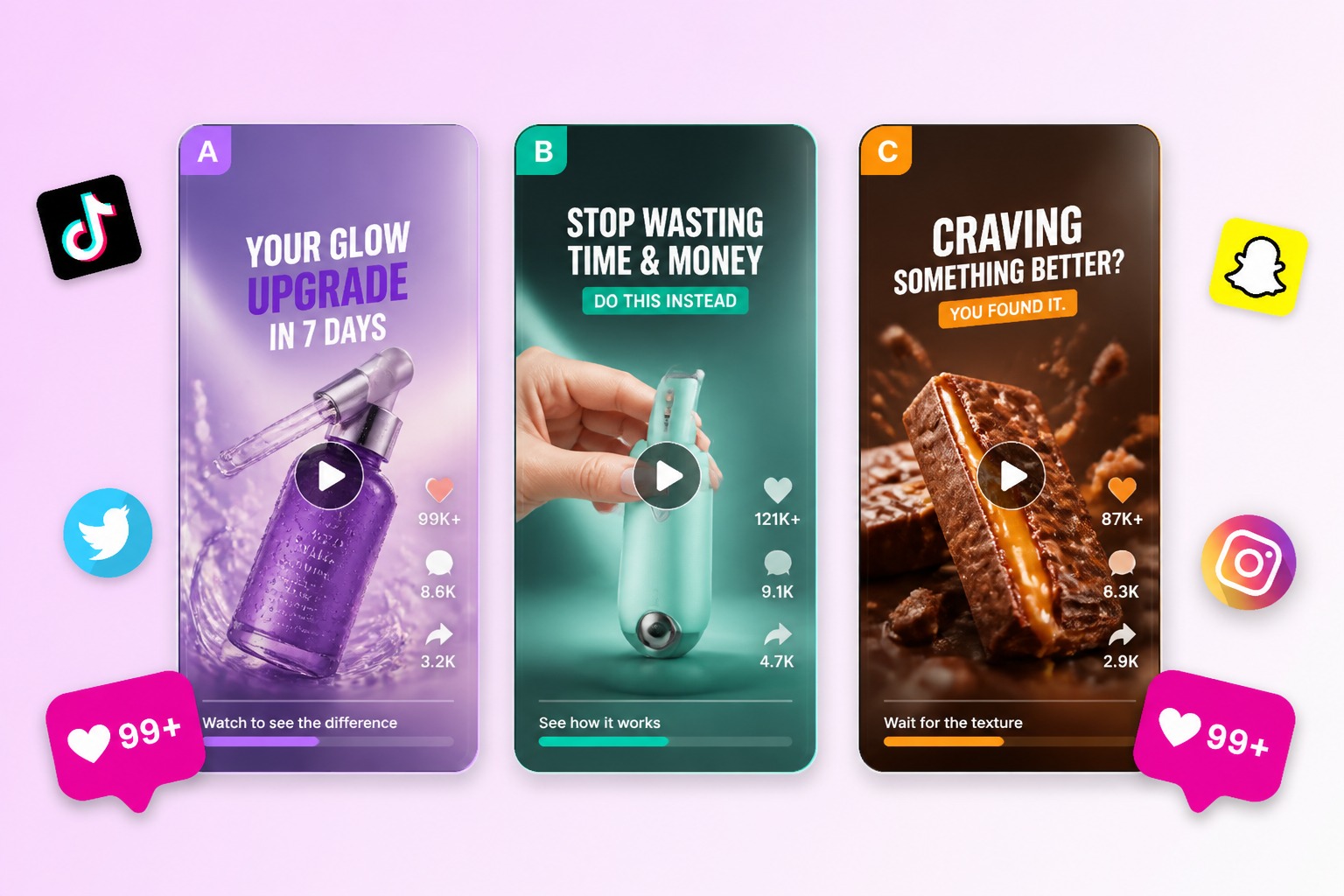
TikTok Hook

TikTok Hook

Draft a fast opening scene for a TikTok-style product ad where the first seconds make the benefit clear. Works best when the prompt includes the viewer problem, product moment, tone, and one call to action.

Explore Ad Types

What Our Users Say?

How to Create AI Social Media Ads

Step 1

Add Product or Avatar Assets

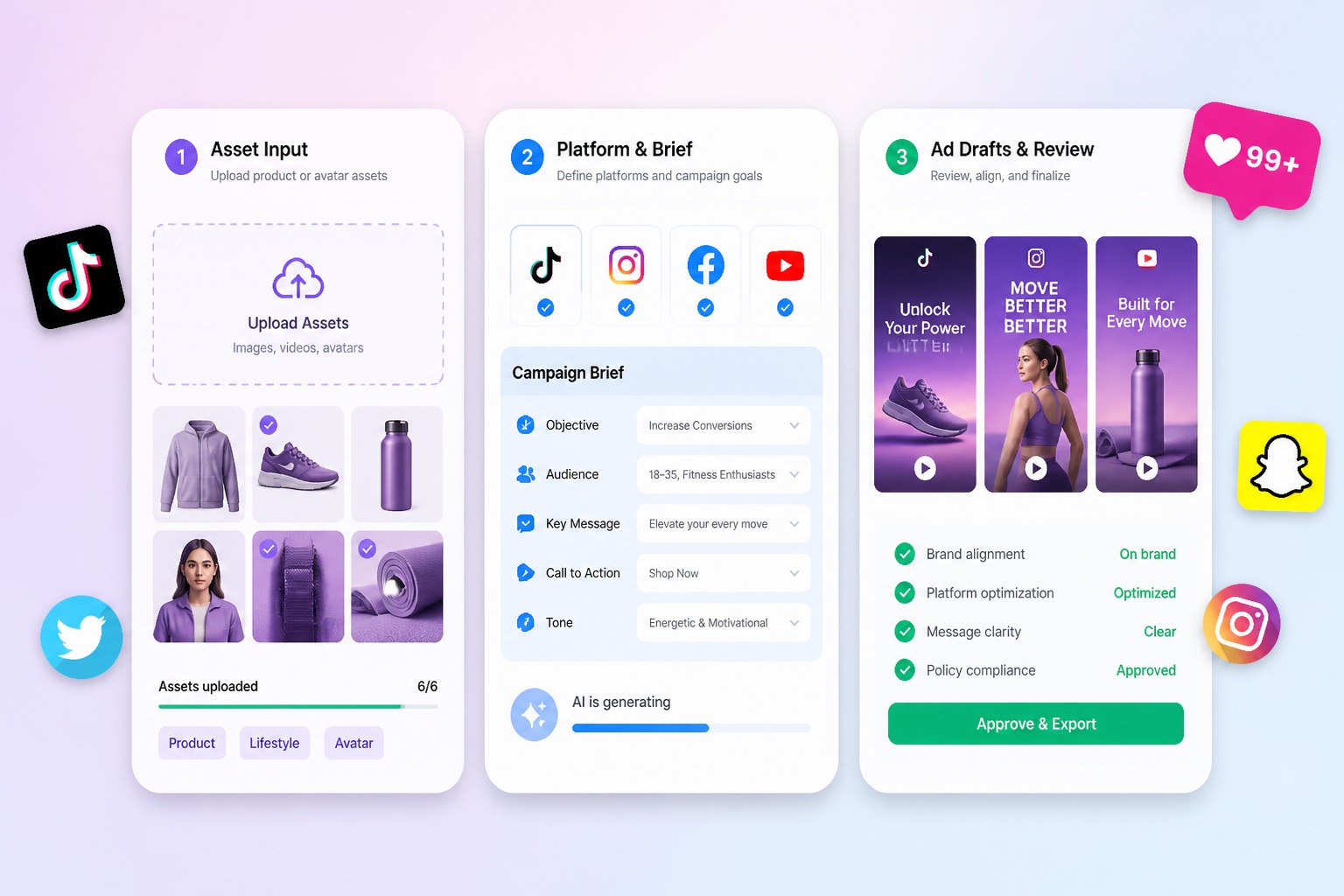
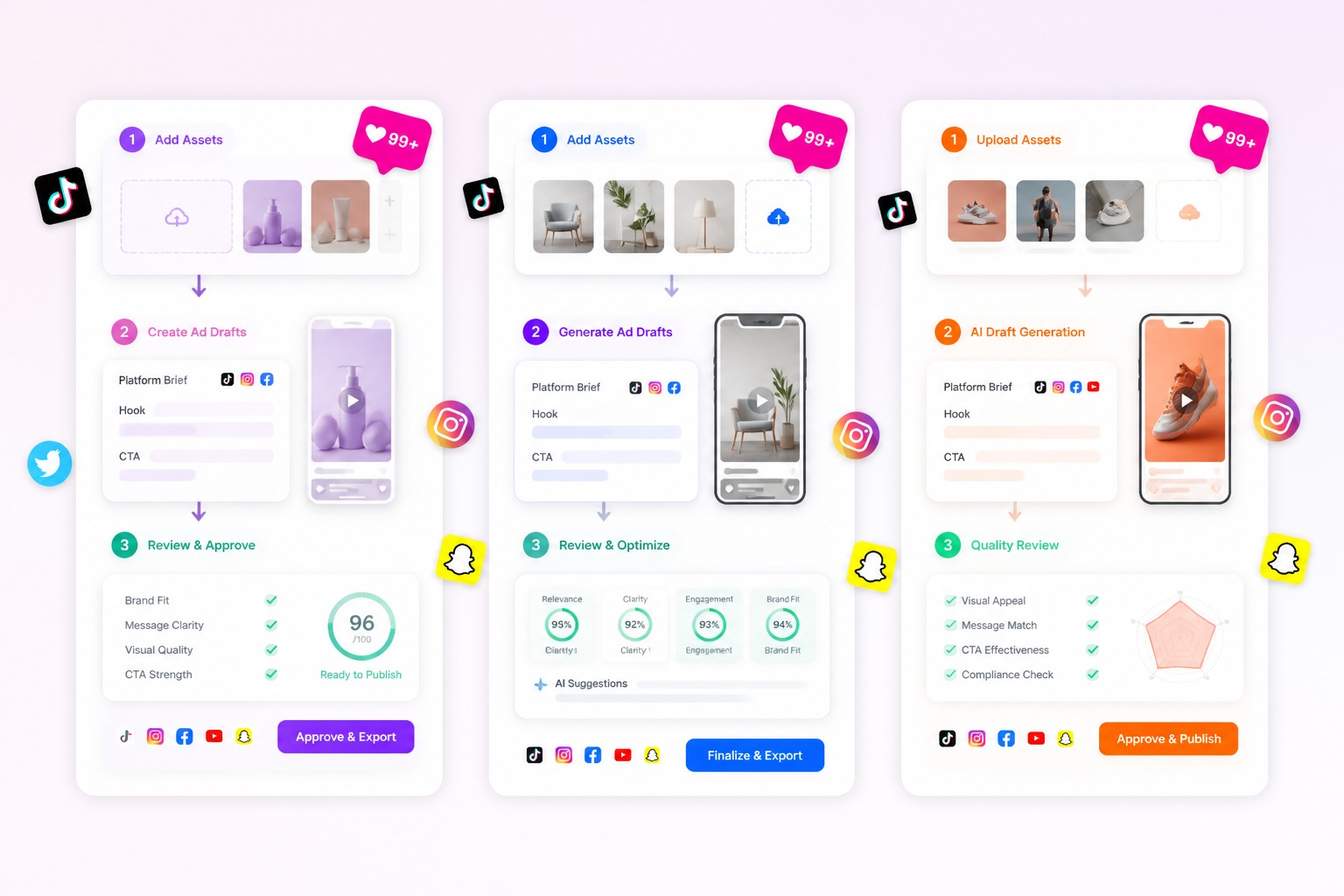
Choose the product, avatar, or campaign asset that should anchor the ad so the generated clip has a clear subject and message.
Step 2

Define the Platform Brief

Write the platform, audience, hook, offer, product benefit, scene, CTA, and format goal. Keep one message per social ad draft.
Step 3

Generate and Review

Set aspect ratio, duration, and resolution, then generate. Review opening seconds, captions, claims, product accuracy, and brand fit before publishing.
Start Social Ad
FAQ

Frequently Asked Questions About AI Social Media Ads

What is an AI social media ad generator?

An AI social media ad generator helps turn campaign prompts, Product assets, Avatar assets, or product ideas into short ad drafts for social platforms. It is strongest for hook testing, product scenes, creator-style angles, and vertical video concepts before a full edit or paid campaign review.

What are AI generated social media ads good for?

AI generated social media ads are useful for early creative testing, product demos, seasonal offers, creator-style clips, platform-specific hooks, and landing page video ideas. They are weaker for final legal approval, exact brand typography, regulated claims, and polished campaign delivery without human review.

Which inputs make better social ad results?

Strong inputs include the product, audience, platform, one offer, one hook, visual style, CTA, and the first scene. Product or Avatar references help when the ad needs a specific subject. Avoid asking one clip to explain every feature because that usually creates a weaker draft.

Can I create ads for TikTok, Instagram, and YouTube Shorts?

Yes. Use the workflow to draft vertical social ads for TikTok, Instagram Reels, YouTube Shorts, paid social tests, and creator-style placements. Review the first seconds, aspect ratio, captions, product visibility, and platform fit before adapting the output for each channel.

Are AI social media ads ready to publish immediately?

Treat each output as a draft until it is reviewed. Check product claims, brand marks, caption readability, source asset rights, music or voice permissions, people or avatar consent, and platform policy before posting or running paid ads.

Can AI generated social media ads be used commercially?

Commercial use depends on the current platform terms, your source assets, any products, people, avatars, brands, music, and claims shown in the video. Confirm permissions and campaign requirements before using outputs in paid media, client work, or public brand channels.

How do I improve weak social ad drafts?

Narrow the ad brief. Choose one platform, one audience, one product benefit, and one CTA. If the result feels generic, simplify the scene, add a clearer Product or Avatar reference, shorten the message, and regenerate around a stronger opening hook.

Ready to Create Social Media Ads with GoEnhance AI?

Start from product or avatar assets, write a platform-focused brief, and generate short social ad drafts for campaign testing.

Create Social Ads