
Free AI Anime Video Generator
Upload an original character image or illustration and describe the motion, expression, scene, and atmosphere. Create anime-style video drafts for stories, music edits, social clips, and character concepts.
Wan 3.0
Photo to animate
Upload a JPG or PNG, then describe how it should move.
Prompt
Example prompts
By uploading a file, you agree to GoEnhance's Terms of Use and Privacy Policy
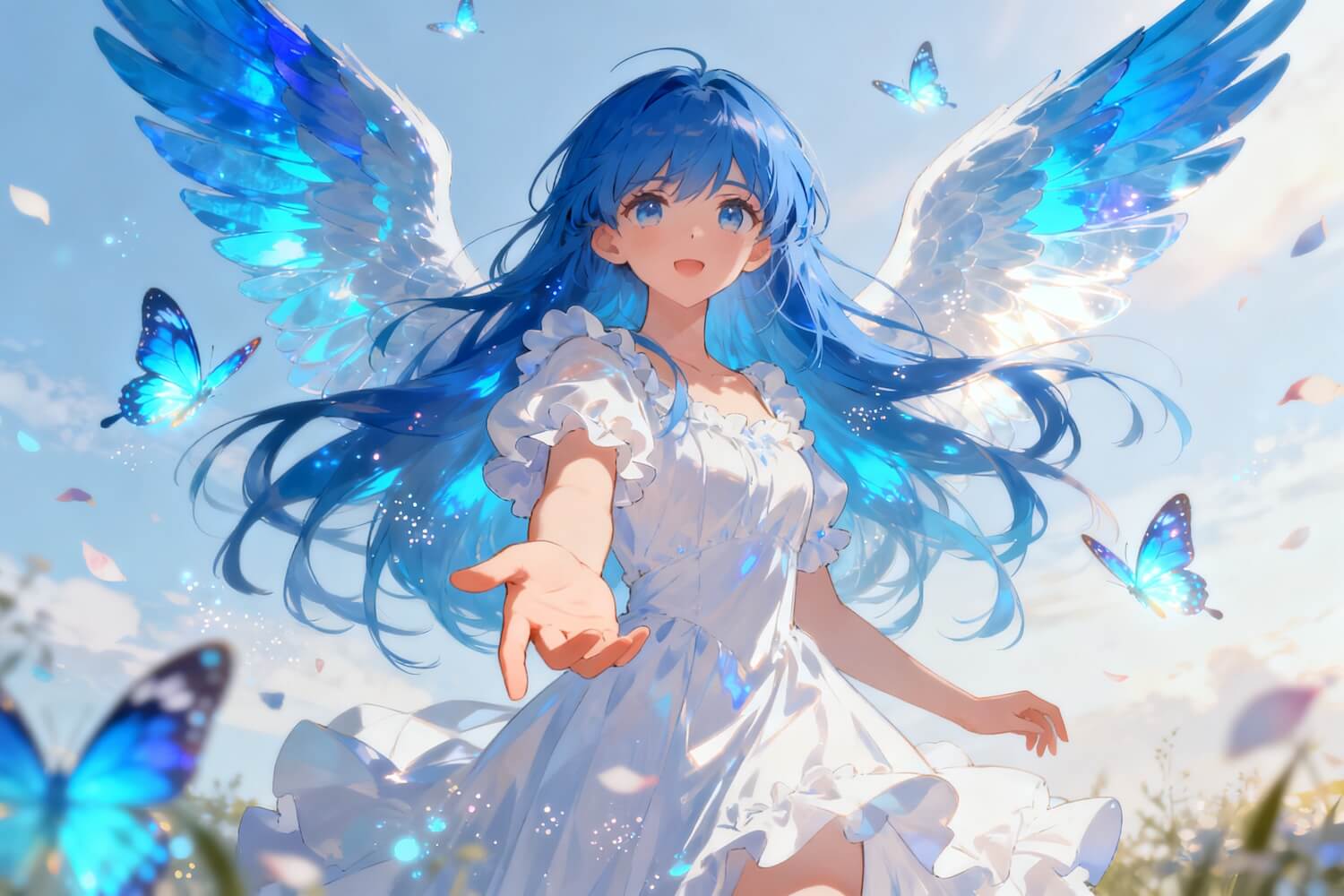
Animate Original Characters Into Expressive Anime Scenes
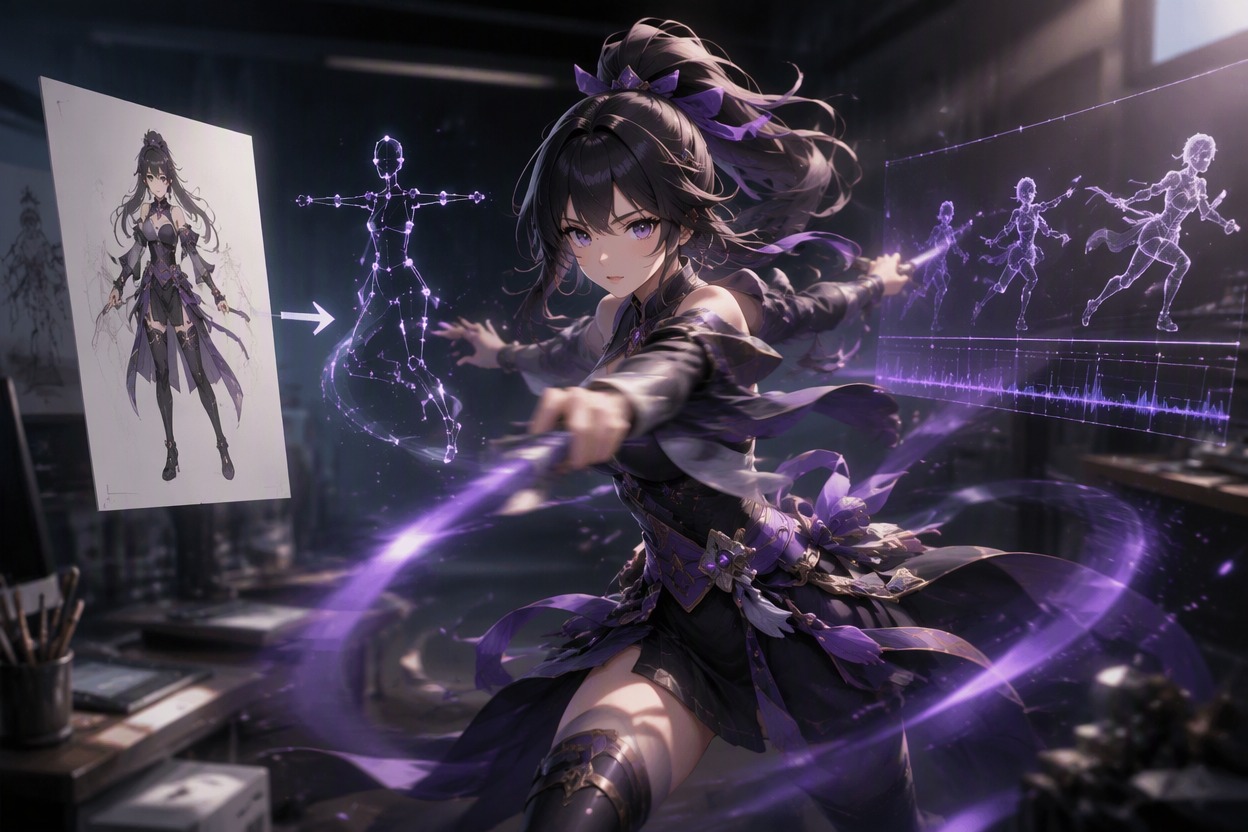
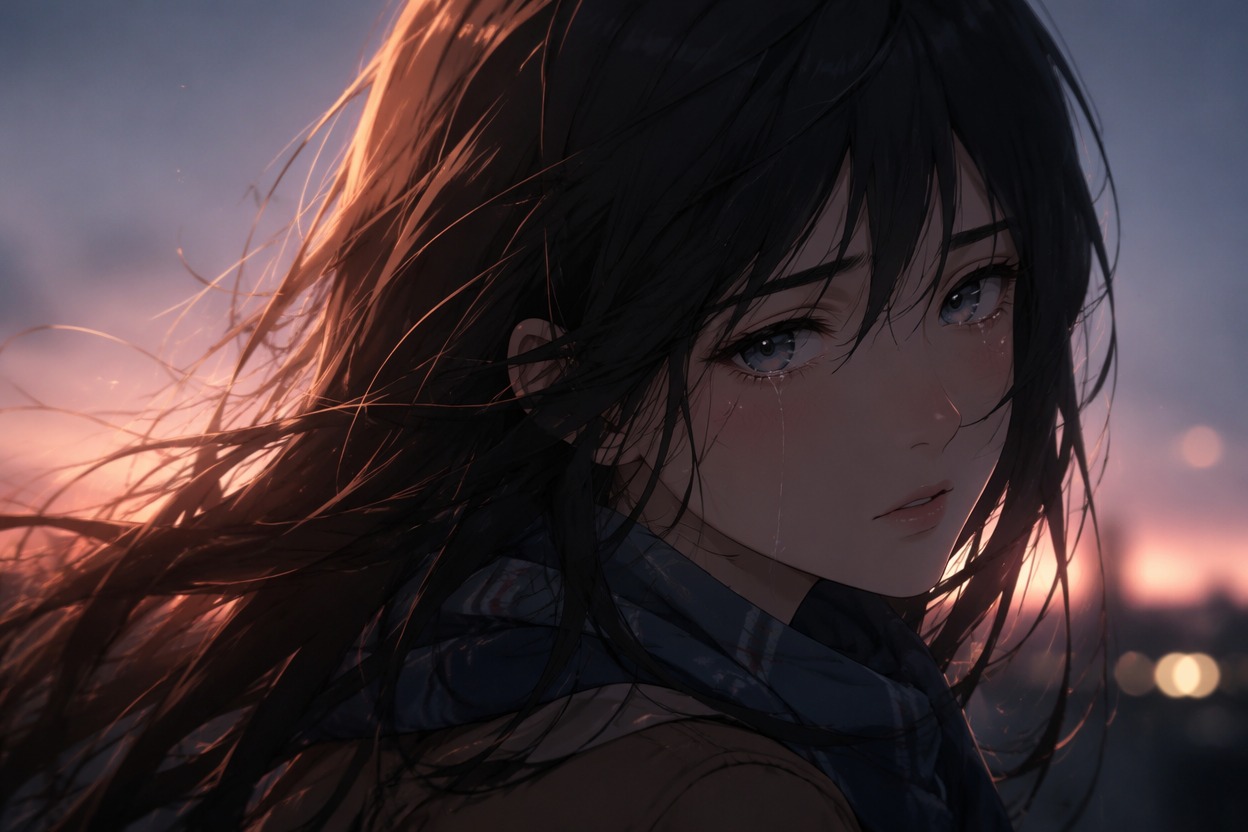
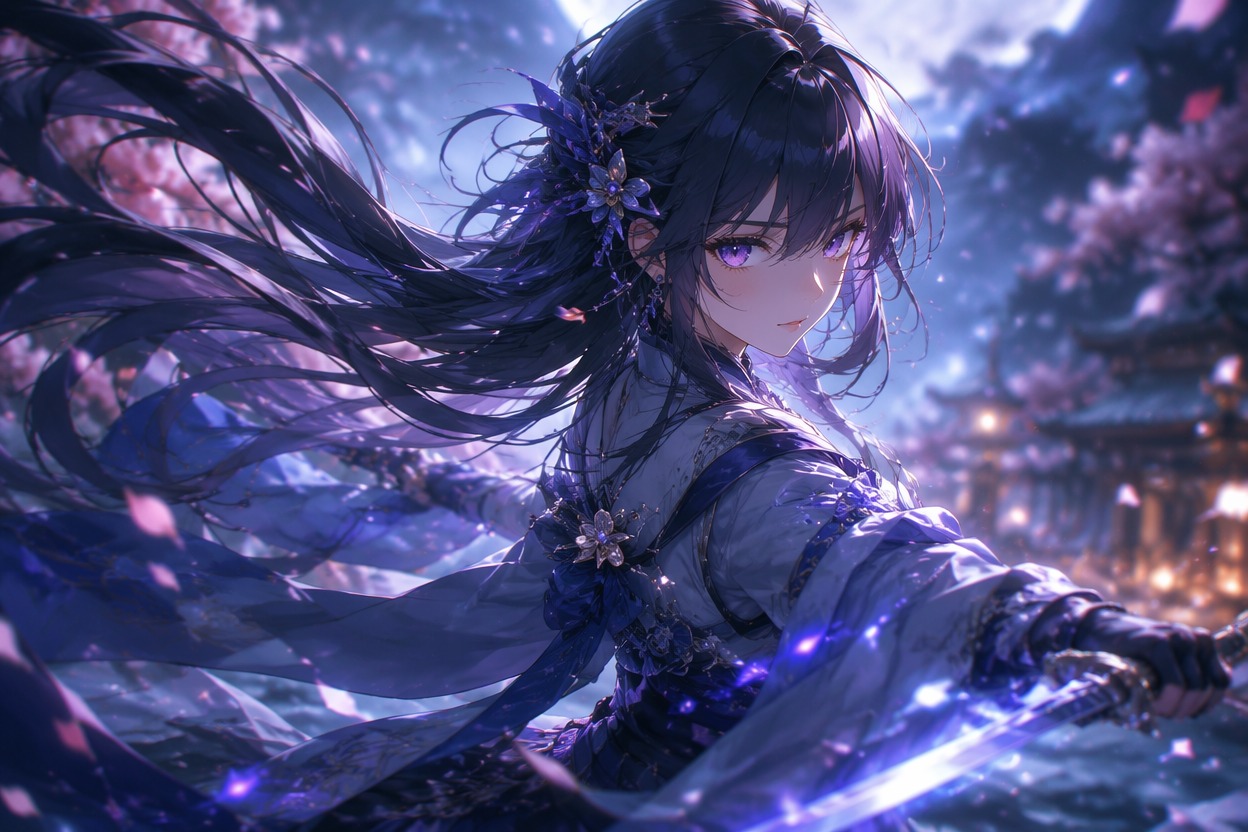
Build Multi-Shot Anime Concepts
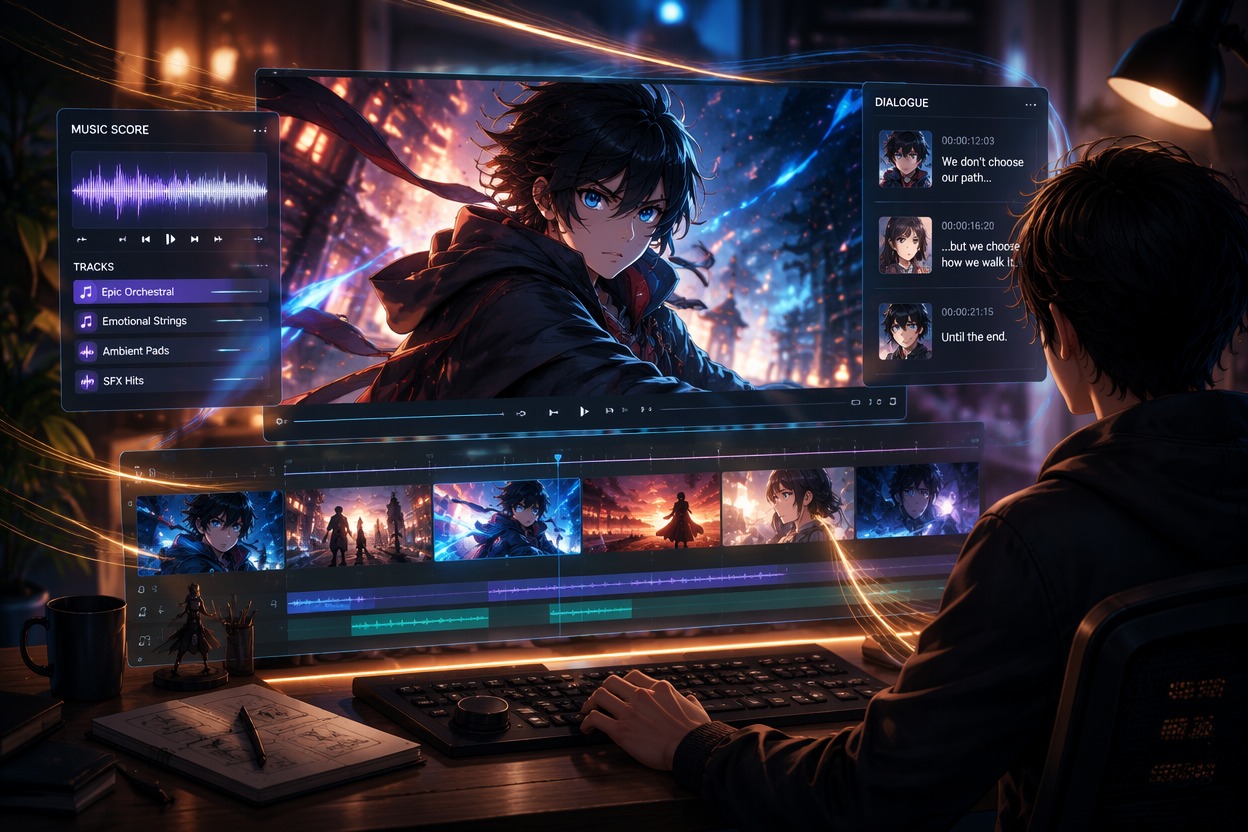
Generate individual moments around consistent references, then arrange them with dialogue, music, captions, and transitions. Create source art first with the AI image generator.
Why Use AI Anime Video Generator?
Animate Original Artwork
Turn character portraits and illustrations into focused motion drafts.
More Emotional Range
Explore reactions, atmosphere, action, and quiet story moments.
Useful for Music Edits
Create visual scenes for original songs, fan-safe edits, and creator content.
Flexible Anime Directions
Compare cinematic, retro, dreamy, dramatic, and energetic treatments.
Scene-by-Scene Control
Generate focused shots separately for easier revision and continuity review.
Postproduction Ready
Complete dialogue, captions, sound, timing, and transitions in an editor.
How to Use AI Anime Video Generator
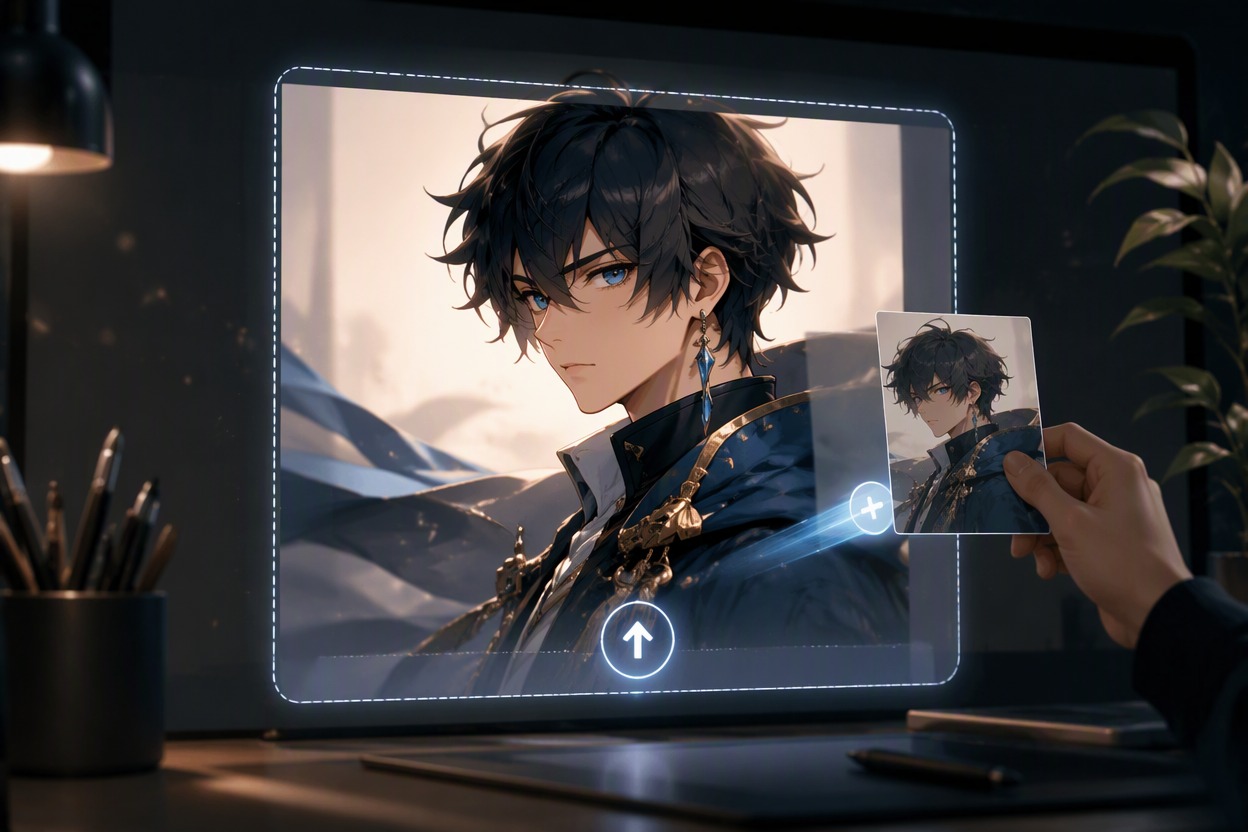
Step 1 1
Upload Original Anime Art
Choose a clear character or scene image you own or have permission to animate, with visible facial and body details.
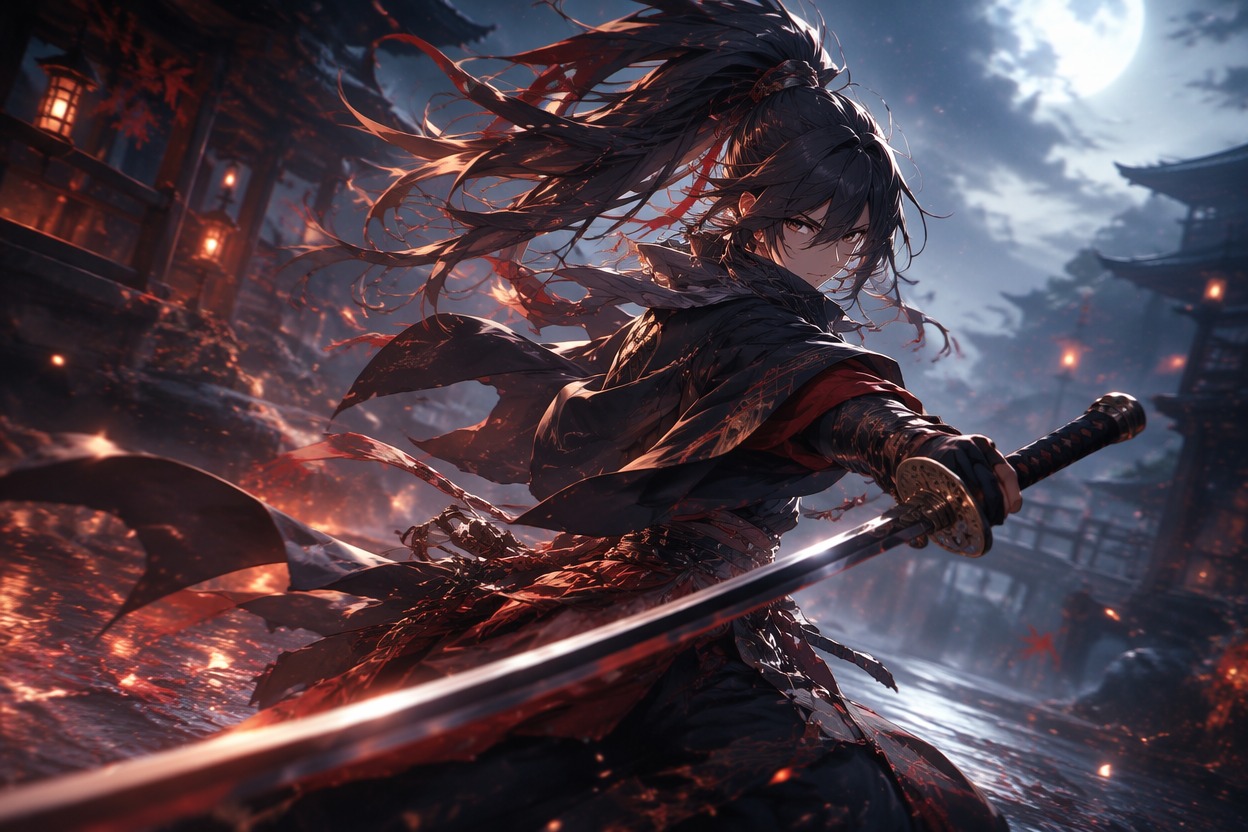
Step 2 2
Describe the Anime Motion
Name one action, expression, atmosphere, and camera direction while keeping the request focused on the shot.
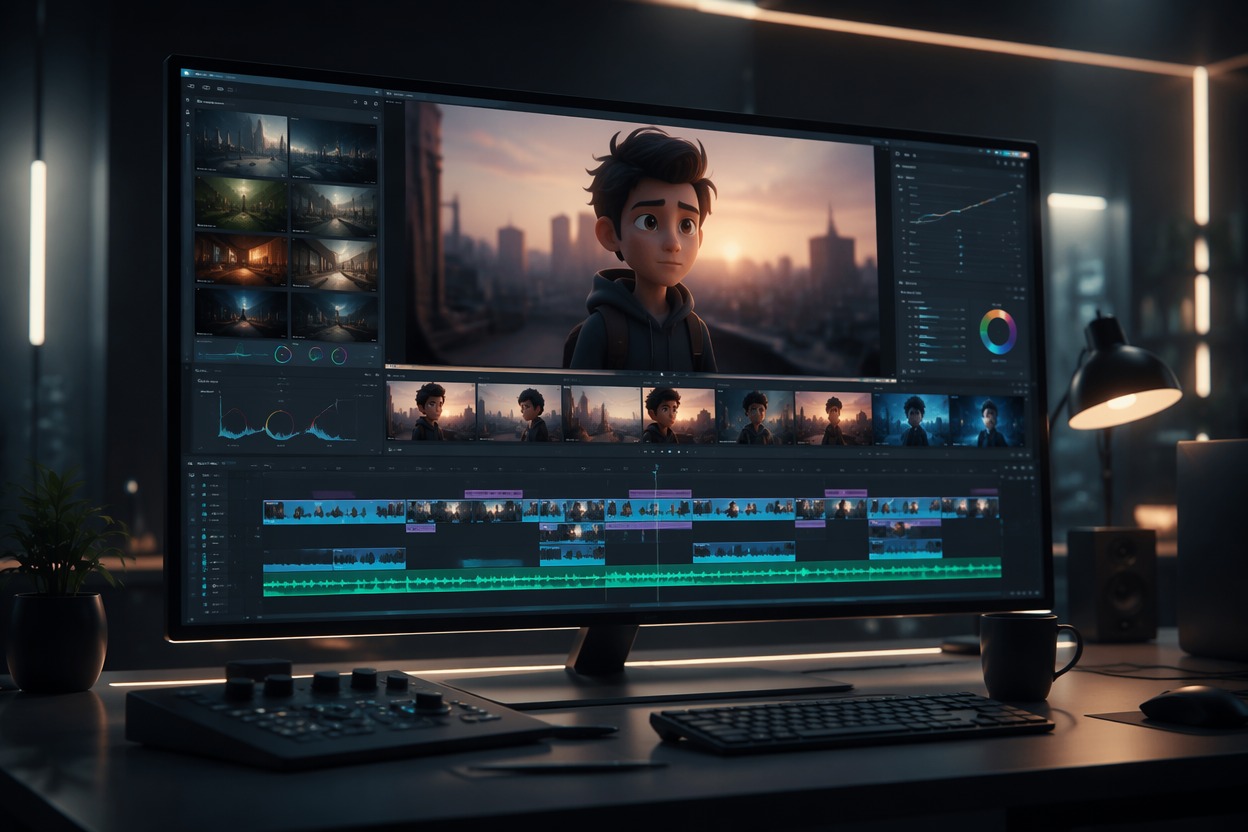
Step 3 3
Review and Assemble Scenes
Check character identity, hands, hair, clothing, and background continuity, then add dialogue, music, captions, and cuts.
Explore More AI Anime Tools
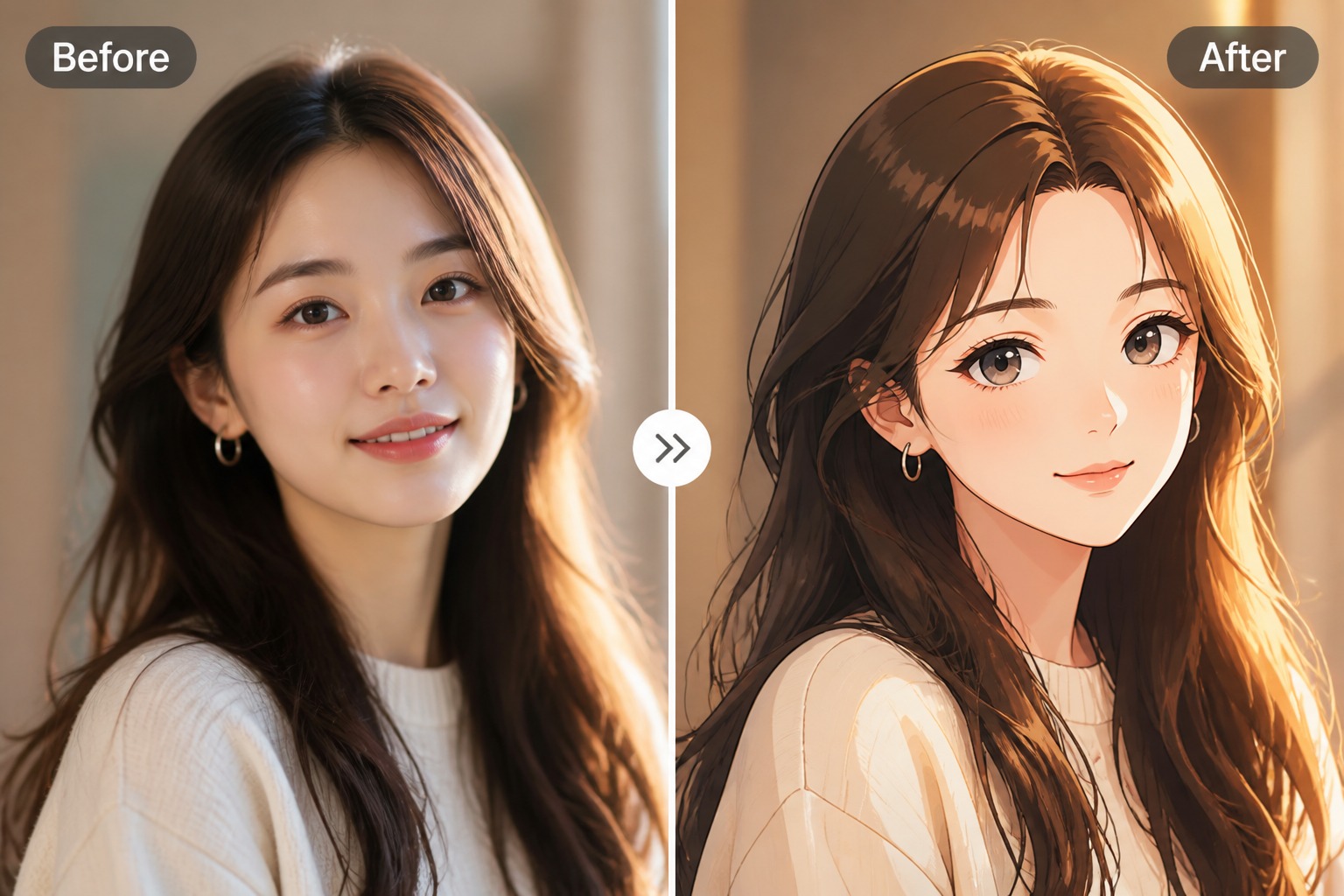
AI Anime Video Generator FAQ
How to make AI anime video content?
What can an AI anime video generator create?
Do I need to draw every frame?
Can it keep the same character across AI anime videos?
Can I copy a specific anime character?
Is it free to try?
Can I publish or monetize the video?
Start Creating With AI Anime Video Generator and GoEnhance AI
Turn a focused brief or source asset into a practical video draft, then complete accurate copy, audio, branding, timing, and publishing details.
Create Your Video