goenhance logo

Tweeter Video Tool

Paste a tweet and generate a clean short video with captions and pacing that feels native to social feeds. Built for creators, marketers, and anyone repurposing X threads into snackable clips.

Make Tweeter Video

Explore Video Transformation Features

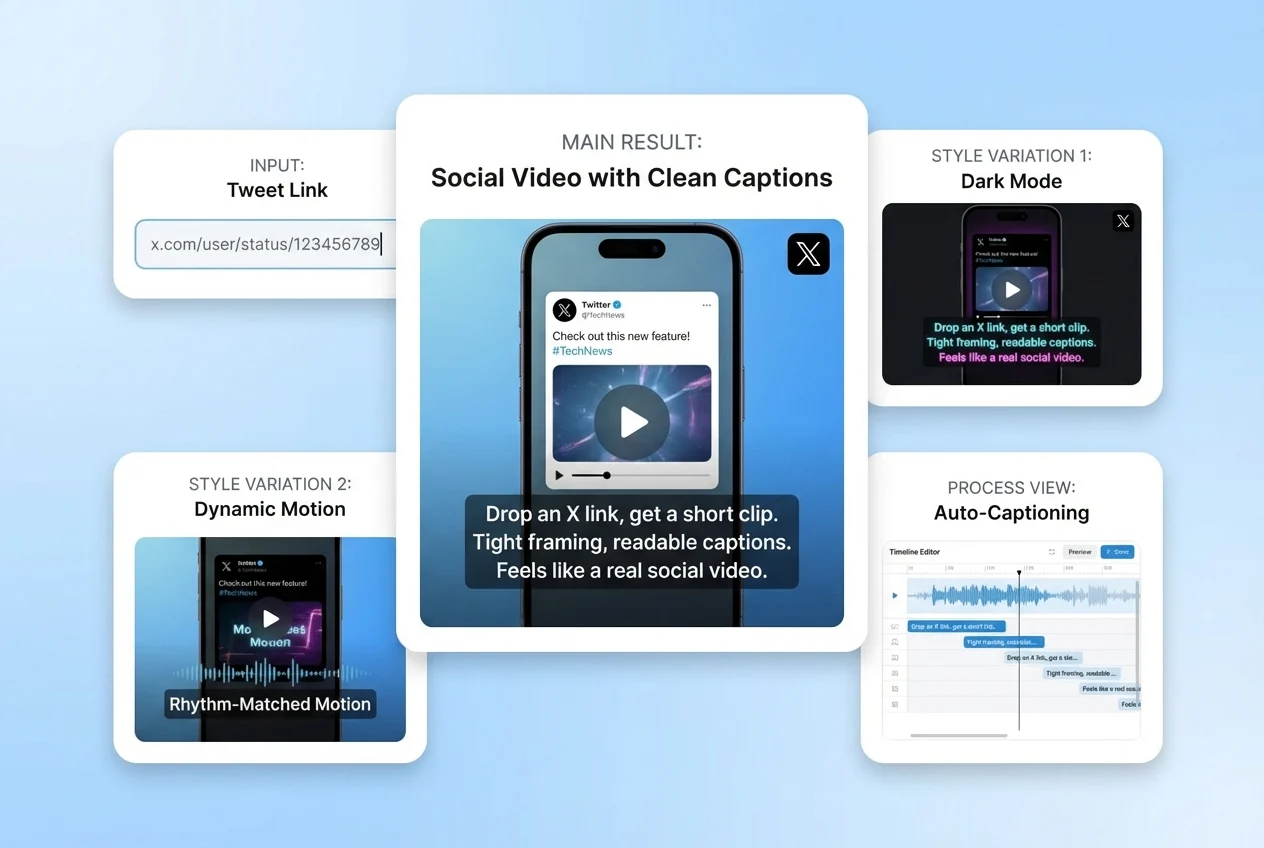
Tweet Link to Video, With Captions That Read Clean

Drop an X (Twitter) link and get a short clip that presents the post clearly—tight framing, readable captions, and a rhythm that matches how people scroll. If you’ve tried “twitt to video” workflows before, this one feels less like a slideshow and more like a real social video.
tweet videos

Auto Visuals That Support the Point (Not Random Filler)

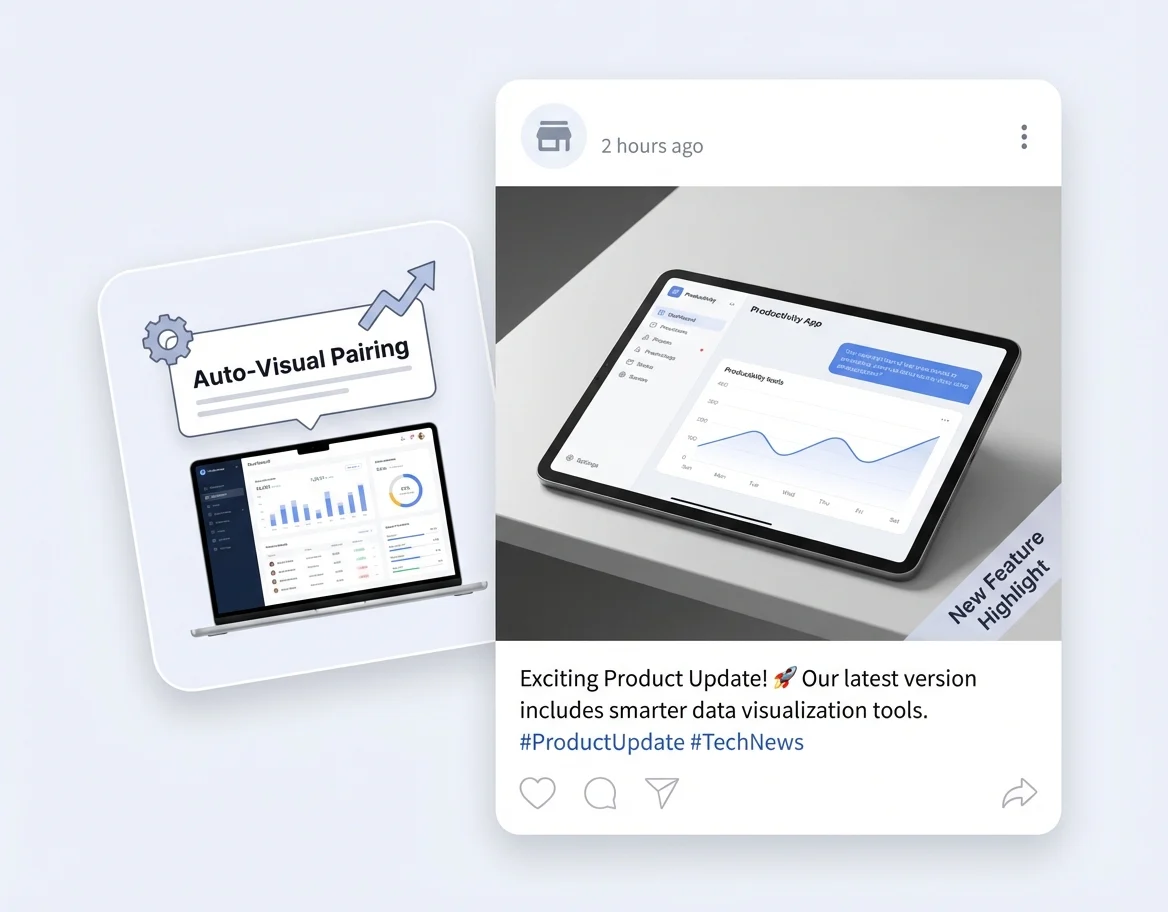
A good tw video tool shouldn’t distract. This flow pairs your tweet text with fitting visuals so the message stays central, while the video still looks “alive” on a feed. Great for quotes, opinions, quick tips, and lightweight product updates.

twitter video generator for perfect auto visuals

Voice + Timing Controls for a Natural Read

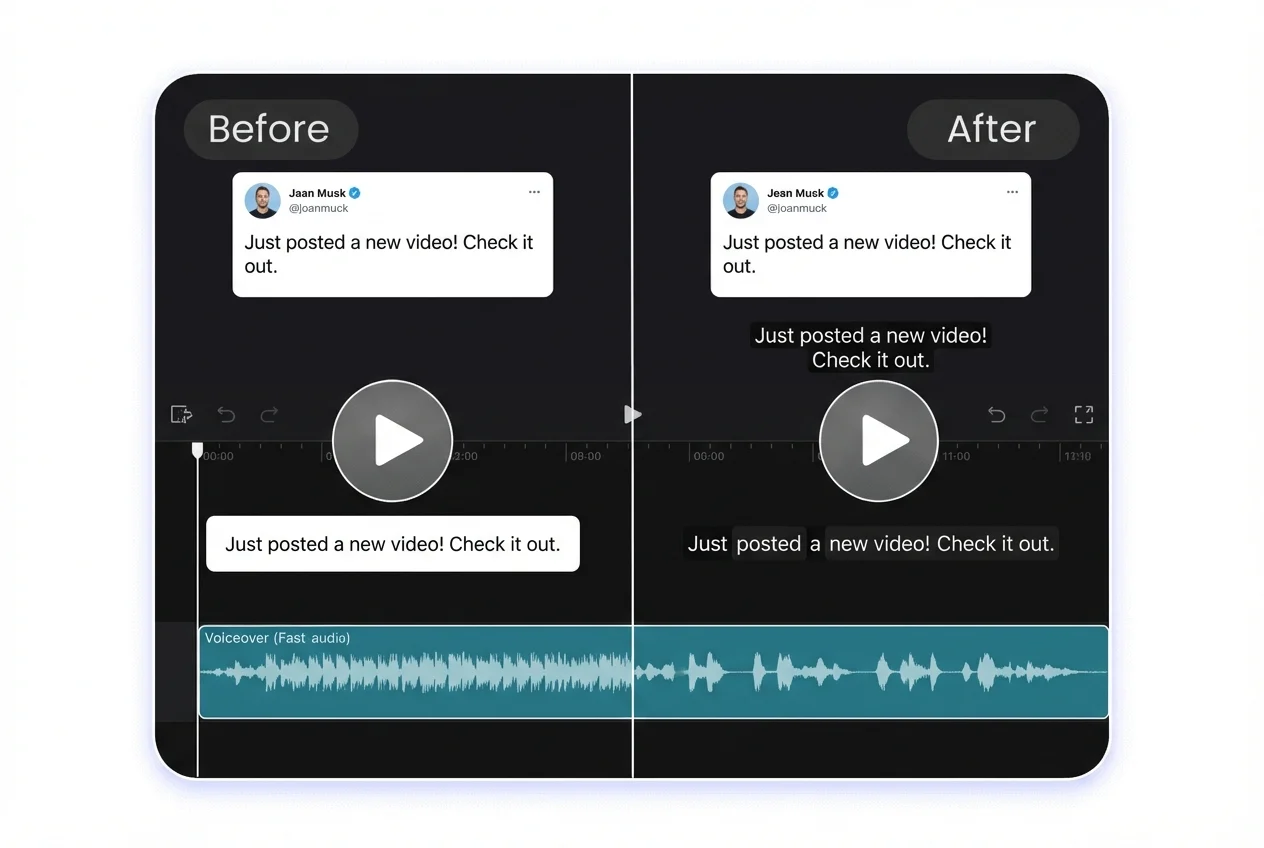
Turn text into a paced voiceover, then adjust timing so captions land where they should. It’s a simple way to make tweet-based videos feel intentional—especially when you’re posting daily and need consistent quality.

Add Voice and Pacing automatically

Bring Tweets to Life With Talking Avatars

Turn a tweet into a talking-head style clip: pick a presenter avatar, add a voice, and let it deliver your text with natural pacing and lip-sync. It’s a clean way to make posts feel more personal—great for opinions, quick tips, and thread highlights you want people to actually watch.
perform tweet video with talking avatar

Repurpose Threads Into a Short Series

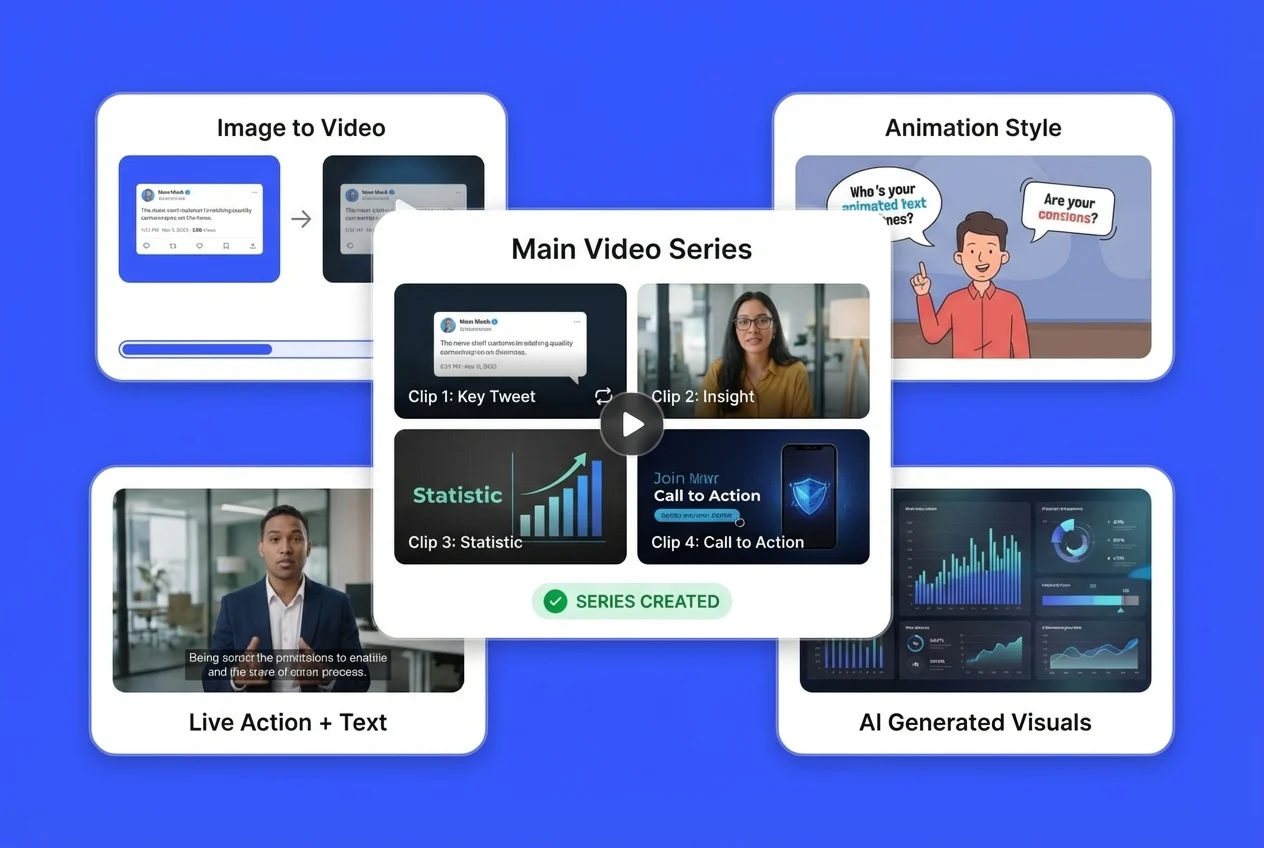
Threads are great—until they get buried. Turn each key tweet into its own clip, then post as a series across platforms. If you want more control over your visuals, pair it with our image to video feature, or build a broader pipeline using the AI video generator for different formats and styles.

Repurpose Threads Into a Short Series quickly with this tweet to video tool
Everything you need

Why Choose GoEnhance AI Twitter Video Generator?

Fast Repurposing for Daily Posting

Turn a single tweet into a video asset you can reuse across X, Shorts, Reels, and TikTok—without rebuilding everything from scratch.

Readable Captions and Clean Layout

Designed for scrolling behavior: text stays legible, spacing is comfortable, and the clip doesn’t feel like a cramped screenshot.

Consistent Style Across a Series

Keep your video look consistent when you’re converting multiple tweets or a full thread into a set of clips.

Built for Marketing and Creator Workflows

Useful for thought-leadership posts, product notes, quick tips, hiring posts, and customer stories—anything that starts as text.

Simple Inputs, Practical Controls

You can keep it one-click, or tweak pacing and presentation when a post needs extra polish.

A Flexible Twitter AI Video Generator Pipeline

Use it as your twitter AI video generator for tweets, then mix in other formats when you want richer scenes or different storytelling styles.

How To Use GoEnhance AI Twitter Video Tool?

01

Paste Your Tweet Link

Copy the tweet (or thread post) URL you want to repurpose and drop it into the tool.

02

Choose the Settings

Choose your video settings, then convert the tweet.

03

Generate, Preview, and Post

Create the clip, then export and share across your channels.

Frequently Asked Questions

You may want to know

What is a tweeter video tool used for?

A tweeter video tool converts a tweet link into a short video so the same idea can be shared as a reel-style clip. It’s commonly used to repurpose opinions, tips, product notes, and thread highlights into formats that get more watch-time on video-first platforms.

Does “twitt to video” work better for threads or single tweets?

Both work, but they’re used differently. Single tweets are great for quick hooks and quote-style clips. Threads usually perform best when you split them into a short series—one clip per key point—so each video has a clear message and doesn’t feel rushed.

Is this tw video tool safe to use with other people’s tweets?

If you’re republishing someone else’s content, treat it like quoting: keep the context accurate, add commentary, and avoid implying endorsement. For commercial campaigns, it’s safer to use your own posts or get permission when the tweet is the main value of the video.

Can I use it for business or client work?

Yes, it can fit marketing workflows like product updates, event recaps, hiring posts, and customer feedback highlights. For client work, confirm you have the rights to any source content (tweet text, media, logos) and follow the client’s brand and disclosure rules.

How do I make tweet-to-video clips look more “human” and less automated?

Use a short hook, keep captions concise, and choose a voice pace that matches the tone of the post. It also helps to preview once and tweak line breaks so sentences land naturally. If you’re posting a series, keep the same style so it feels like a real show, not random exports.

What type of content tends to perform best as a twitter AI video generator output?

Clear, self-contained posts work best: one strong opinion, one tip, one mini-story, or one lesson learned. If a tweet needs lots of context, add a quick opener in the caption when you post the video, or convert only the most understandable part into a clip.

Will converting tweets into videos help engagement?

It often can, because video formats earn more dwell time and are easier to reshare across platforms. Results still depend on the idea, timing, and distribution. A practical approach is to test your top-performing tweets first, then scale what keeps viewers watching.

What video formats are supported?

MP4, MOV, and other major formats are supported.

Can I use the generated video for commercial purposes?

Yes. Paid users receive commercial usage rights.
Get Started Today

Turn tweets into videos you can post everywhere—fast, clean, and easy to repeat.

Start Creating