AI Business Video Generator

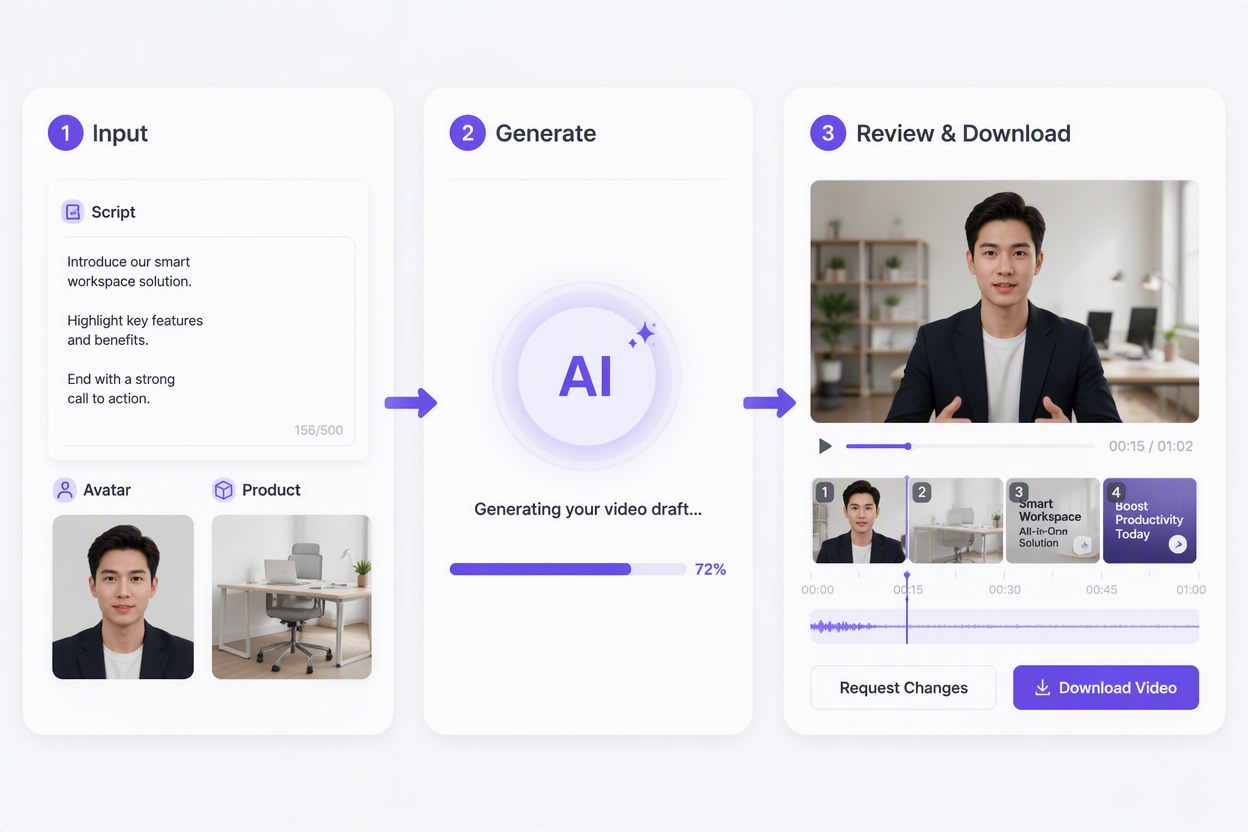
Add a concise business script, an authorized adult avatar, and approved product visuals. Generate a draft for ads, explainers, launches, sales outreach, or internal updates, then review every claim, product detail, and scene.

Build Business Videos for Real Campaigns

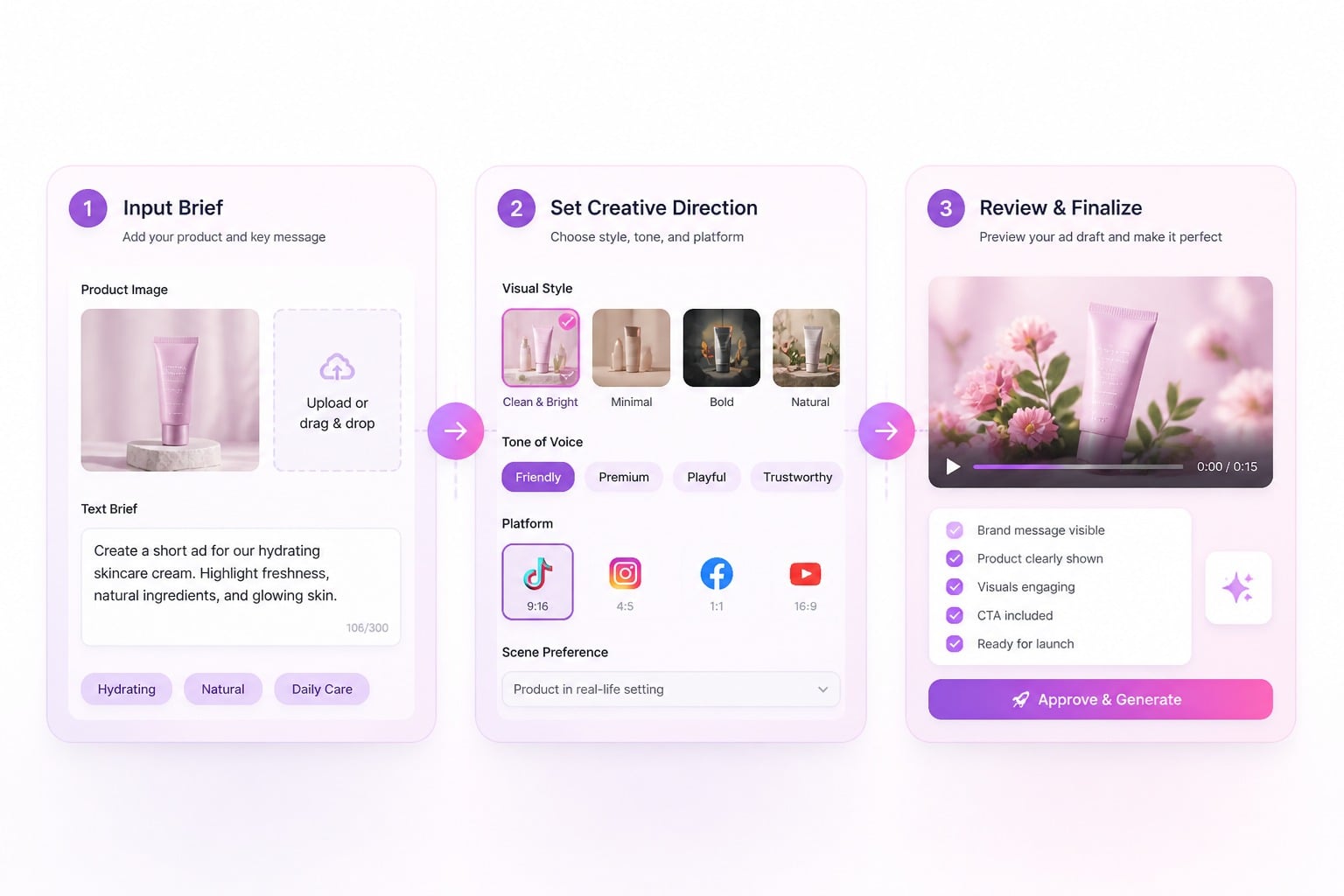
Turn Ad Scripts Into Presenter-Led Drafts

Turn a concise campaign script into a presenter-led business video draft with a consistent adult avatar. Build ad concepts that introduce the offer, explain product value, and guide viewers toward one clear next action with our image-to-video generator.
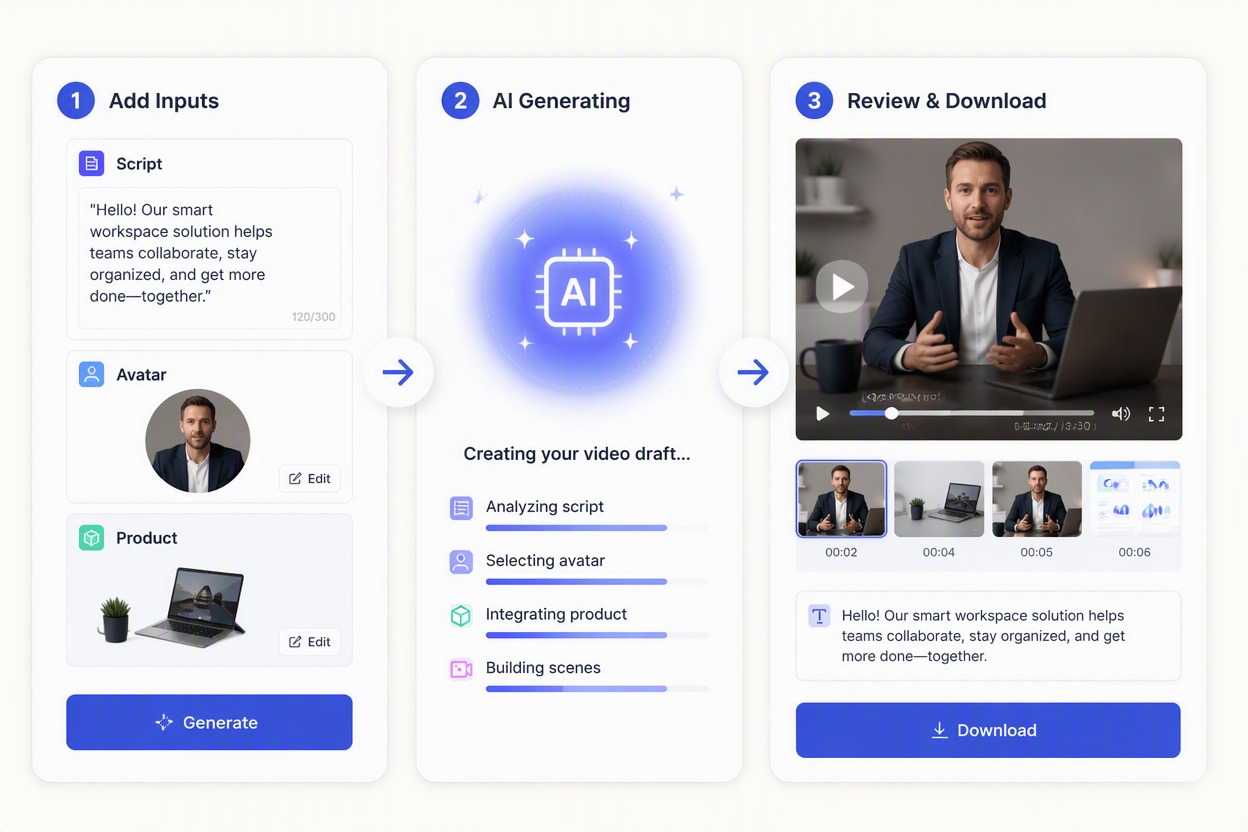
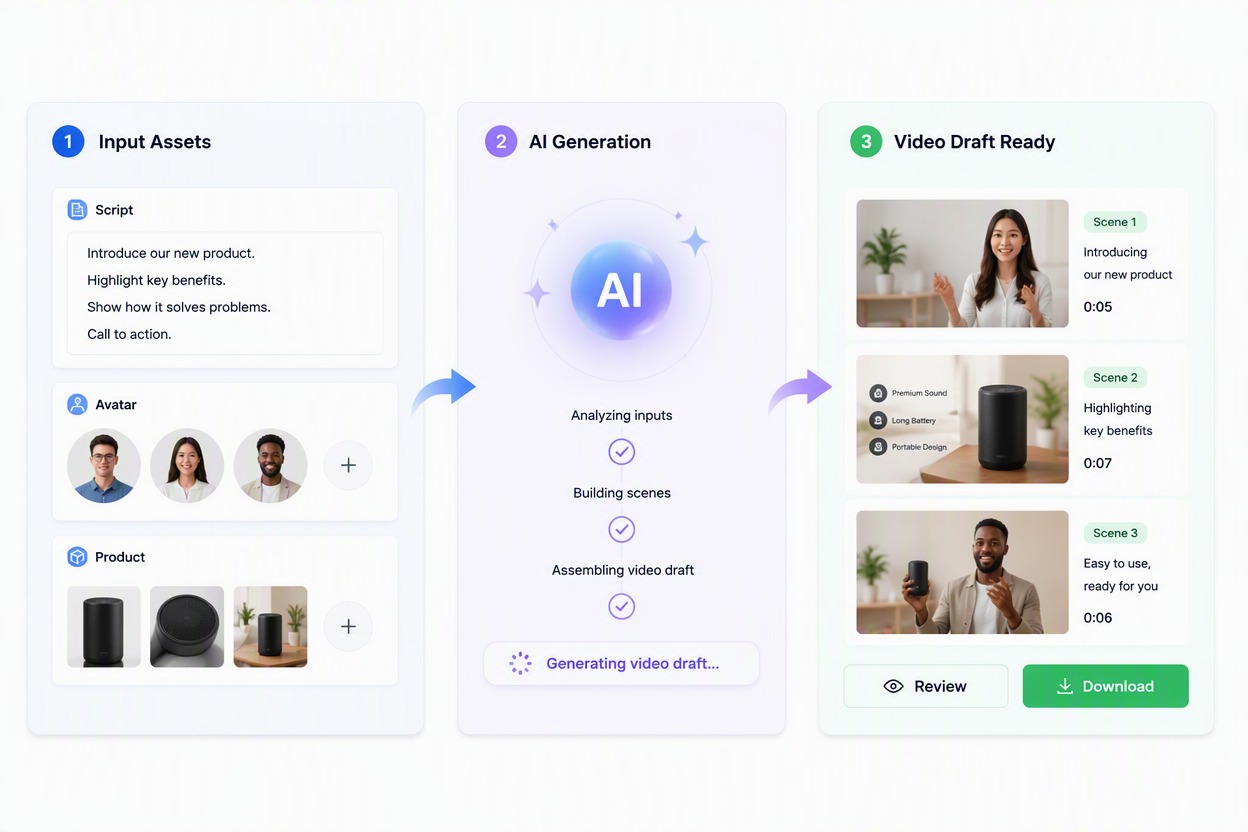
Avatar-led advertising video draft created from a business script

Show Products Through a Clear Sales Story

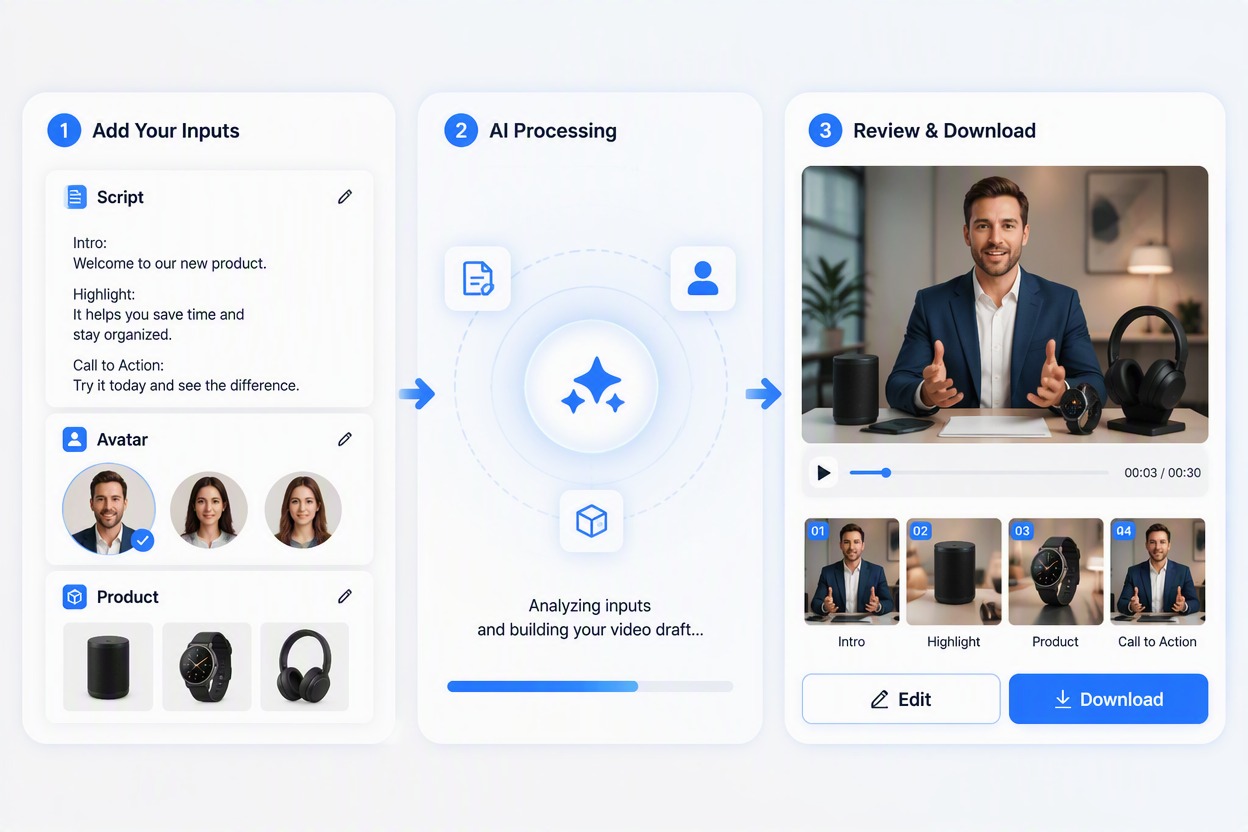
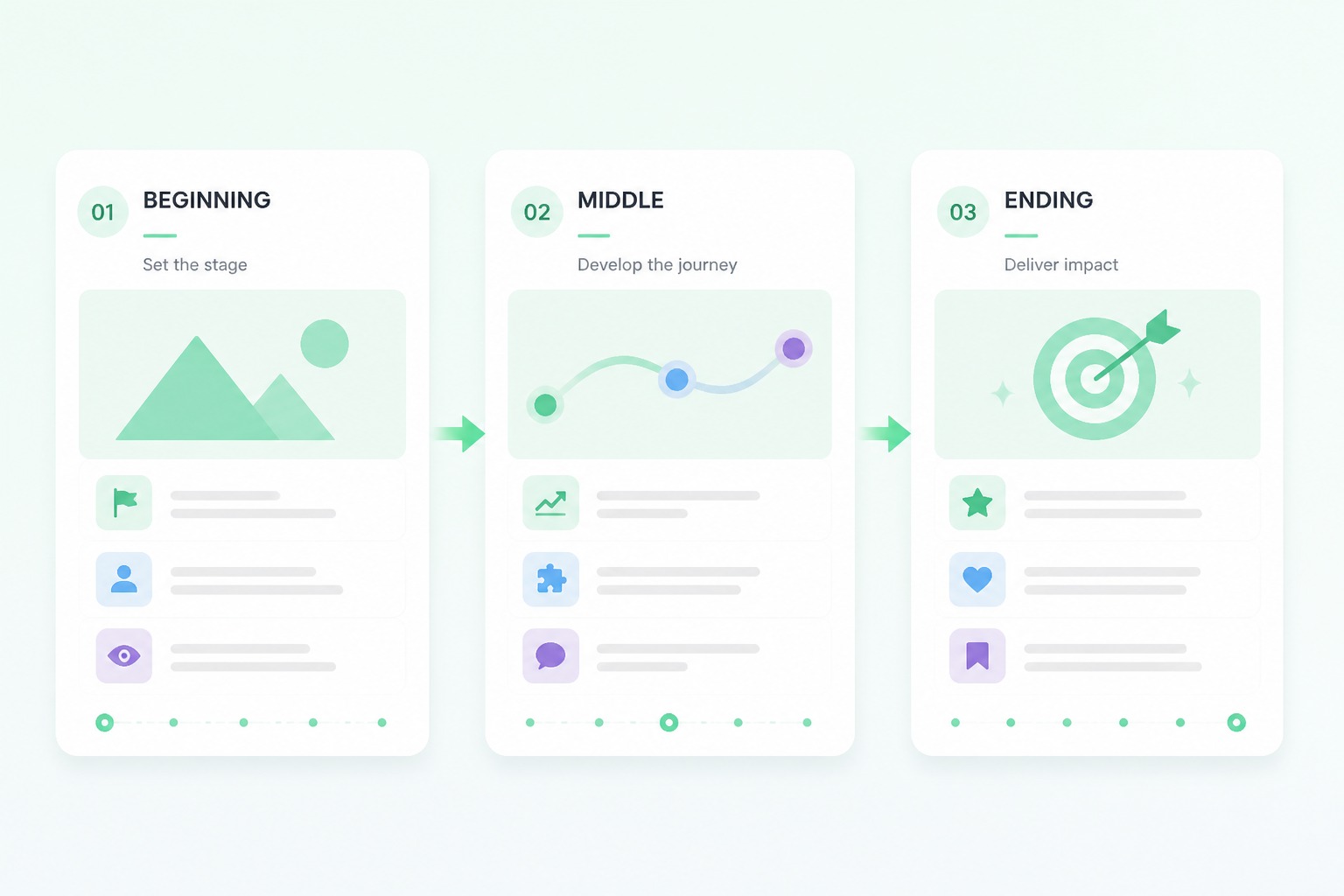
Combine product images with an avatar-led sequence for launches, feature highlights, demonstrations, and e-commerce advertising. Present product value in a clearer visual story without organizing every scene manually.

Avatar-led product story for business advertising

Create Explainers and Internal Updates

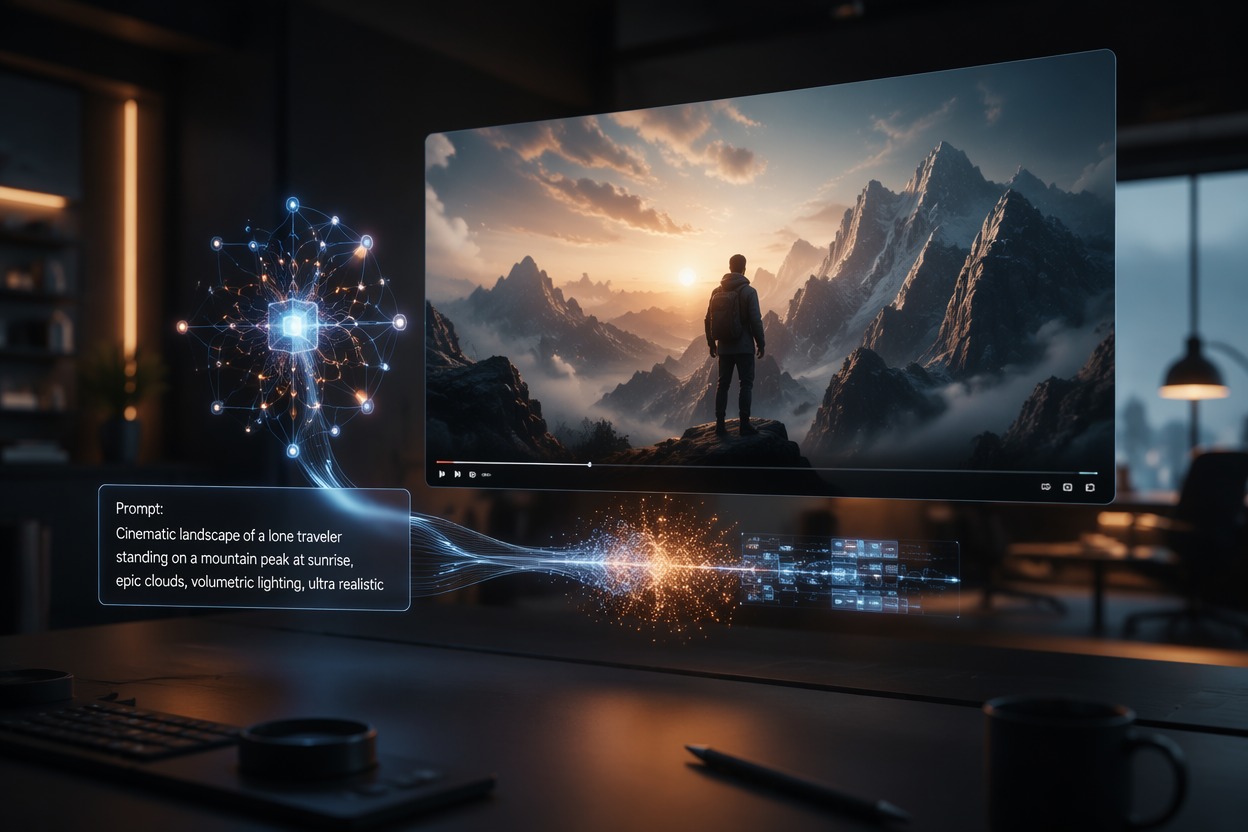
Translate a process, service, onboarding step, or company update into a concise visual draft that teams can review before recording or publishing.

Business explainer and internal update video draft

Adapt One Message Across Business Channels

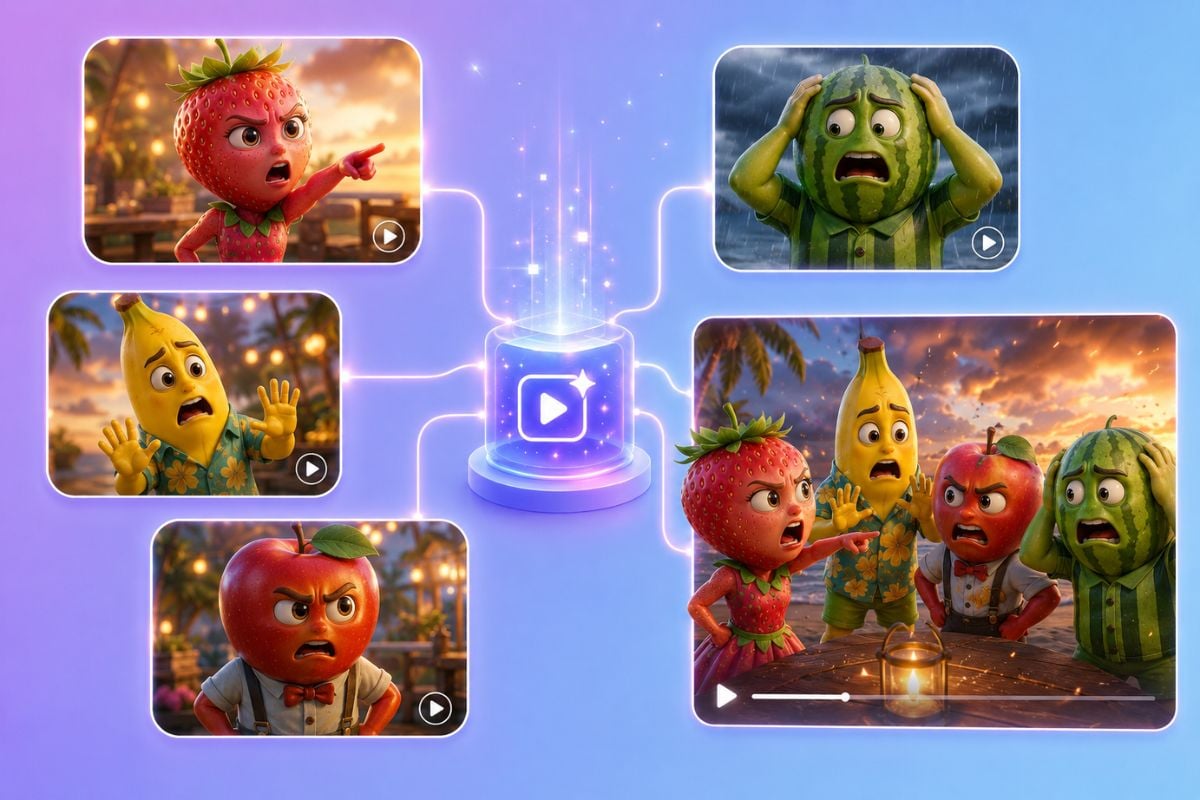
Adapt one business message for landing pages, social ads, sales outreach, event screens, and internal presentations. Reuse the same campaign direction while reducing repeated scripting and production work.

Business video message adapted across campaign channels

Why Use AI Business Video Maker

Faster Drafts From Existing Scripts

Convert campaign messages, product explanations, or internal announcements into visual drafts without planning every presenter scene from scratch.

Consistent Presenter-Led Communication

Keep one recognizable presenter across product explanations, campaign variations, onboarding materials, and recurring business updates.

Reuse Existing Product Assets

Build video drafts around existing product images, interface captures, and campaign materials instead of preparing every visual again.

Test Campaign Ideas Before Production

Preview different scripts, presenters, and product-story directions before committing time and budget to a finished business video.

Adapt Content Across Business Channels

Rework one business message for social ads, product pages, sales outreach, presentations, and internal communications.

Ready for Editing and Localization

Export selected drafts for team review, additional editing, language adaptation, or placement in a wider campaign workflow.

How to Use AI Business Video Maker

01

Describe Your Video Idea

Enter a concise description of your business video idea, including the offer, audience, key message, and presentation style.

02

Choose Your Video Settings

Select the presenter, visual style, aspect ratio, voice, language, and other available parameters for your campaign.

03

Generate Your Business Video

Click generate to turn your idea and selected settings into a polished presenter-led business video draft ready to preview and download.

AI Business Video Maker FAQ

What is an AI business video maker?

It turns a business script and approved visual assets into a video draft for advertising, explainers, product launches, sales outreach, training, or internal communication.

How does an avatar AI video maker for business advertising work?

Add a concise ad script, use a fictional or authorized adult avatar, include approved product visuals, generate the sequence, and review every claim, label, gesture, and call to action.

Can I use a real employee as the avatar?

Only with the employee’s informed permission and within the agreed purpose. Do not animate executives, customers, or public figures without authorization or imply an endorsement they did not make.

What scripts work best?

Use one audience, one problem, one product value, a small number of support points, and one next action. Long scripts with unrelated claims produce less focused drafts.

Can I create product advertising?

Yes. Use current product images and approved copy, then check packaging, colors, labels, prices, features, availability, and required disclosures before release.

Can I publish the first generated version?

A generated draft still needs business, brand, legal, and visual review. Check factual claims, consent, logos, text, product details, music, captions, and destination requirements.

Is the tool free to try?

GoEnhance AI provides free credits for trying creative workflows. Available credits, queues, output options, account requirements, and continued-use limits can change.

Create Your Next Business Video With GoEnhance AI

Turn a focused script and product visuals into an avatar-led draft for ads, explainers, launches, sales outreach, or internal communication.

Create a Business Video