
Create Original Brainrot Videos From Absurd Ideas
Enter one strange character, a vivid setting, an exaggerated action, and a visual payoff—or begin with an authorized source image. Generate a short surreal clip, inspect character continuity, then download the version that lands the joke.
Wan 3.0
Prompt
Starting image (optional)
Add a photo to animate it, or skip this and generate from your prompt.
Example prompts
By uploading a file, you agree to GoEnhance's Terms of Use and Privacy Policy
Build Surreal Meme Clips With a Clear Visual Hook
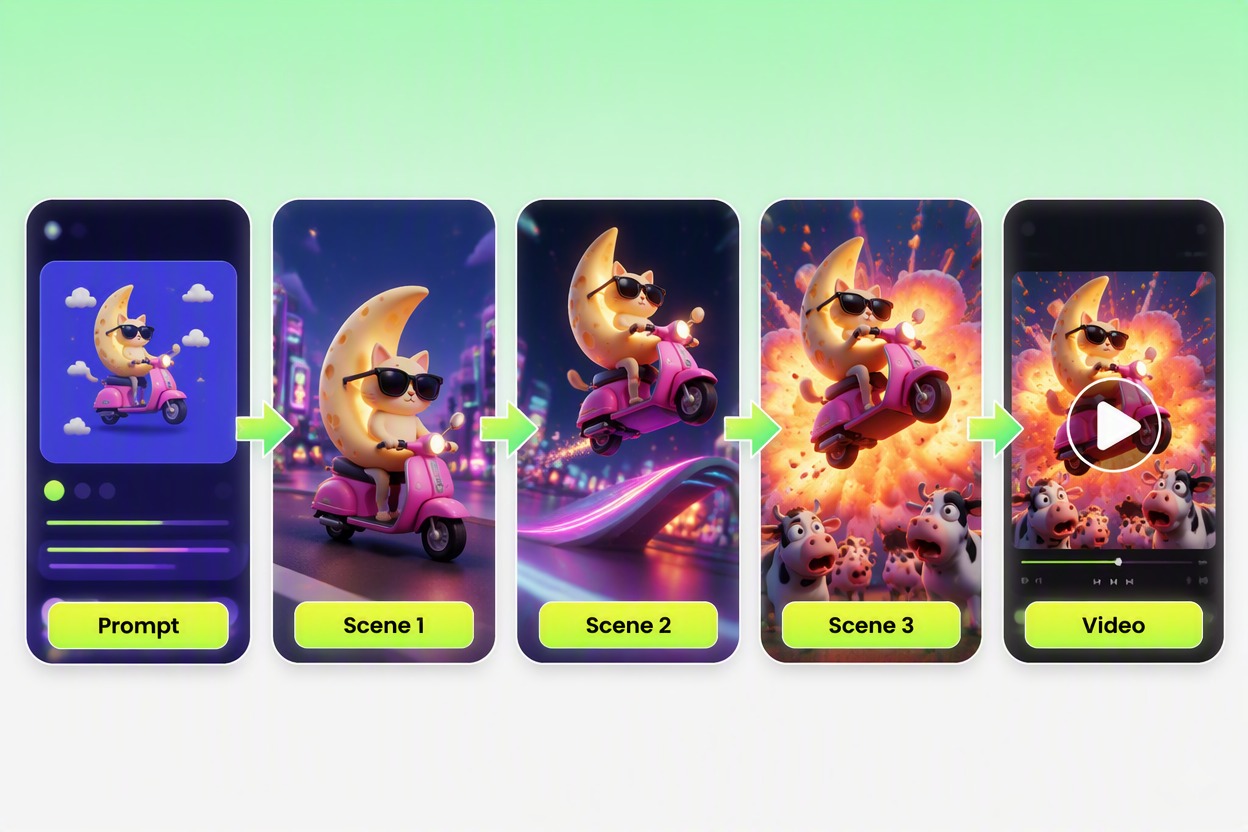
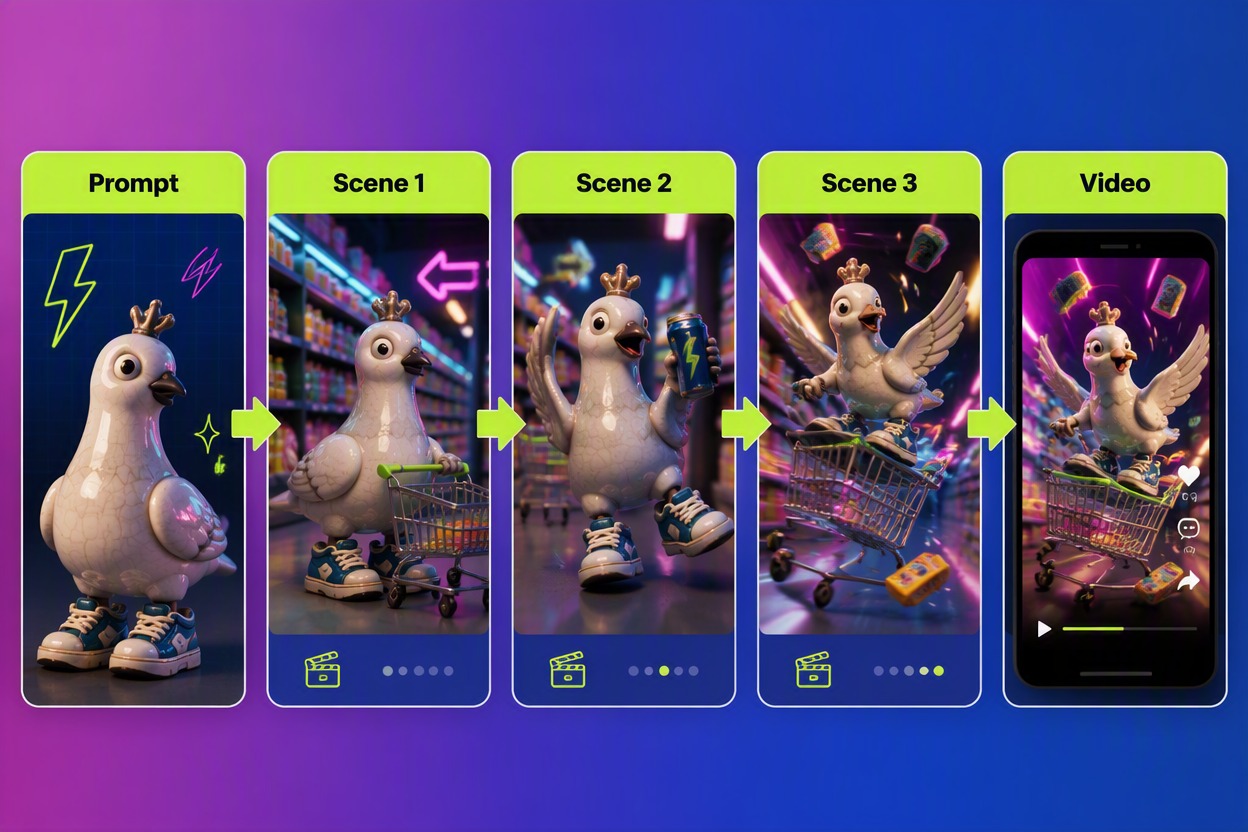
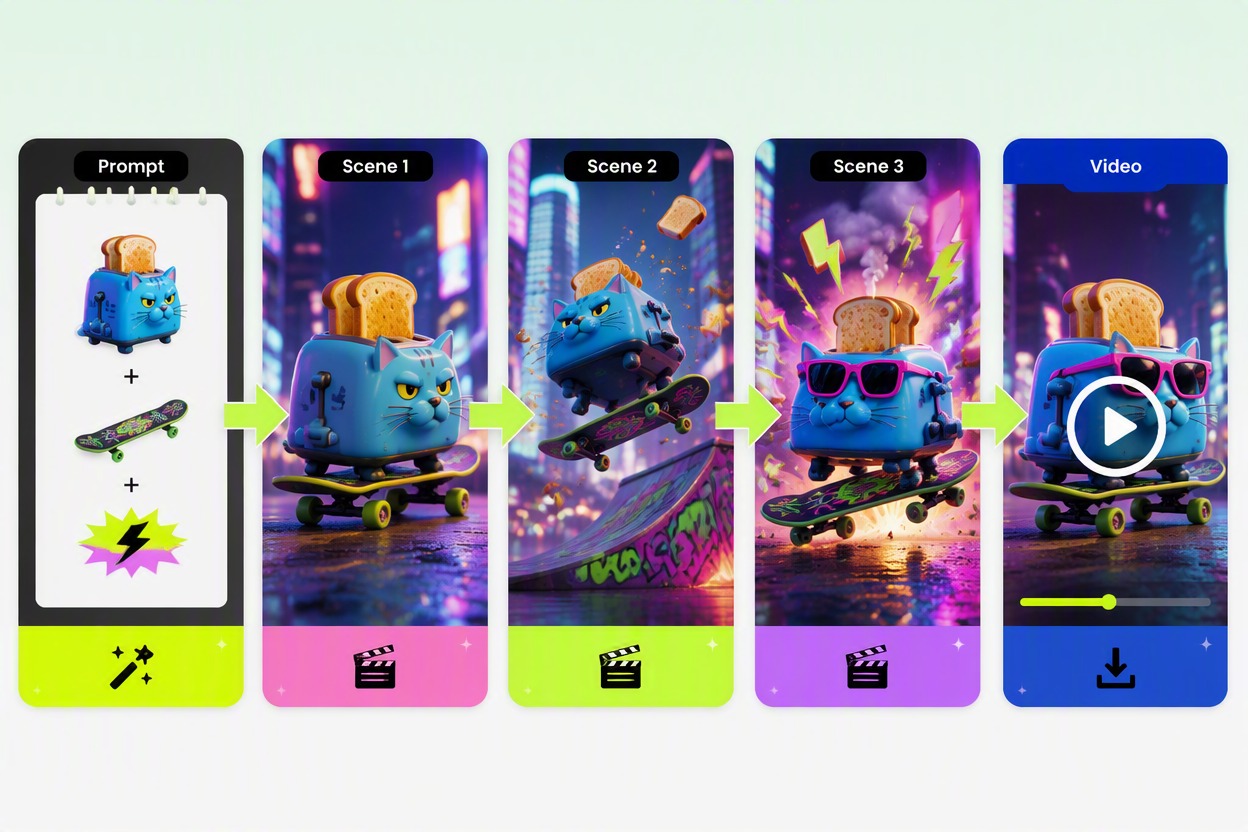
Animate a Source Visual Into a Meme Clip
Start with an original character image when you want a specific silhouette, prop, or color palette to carry into motion. You can prepare a clean source with the AI Image Generator, then describe the movement and final gag in the brainrot video maker.
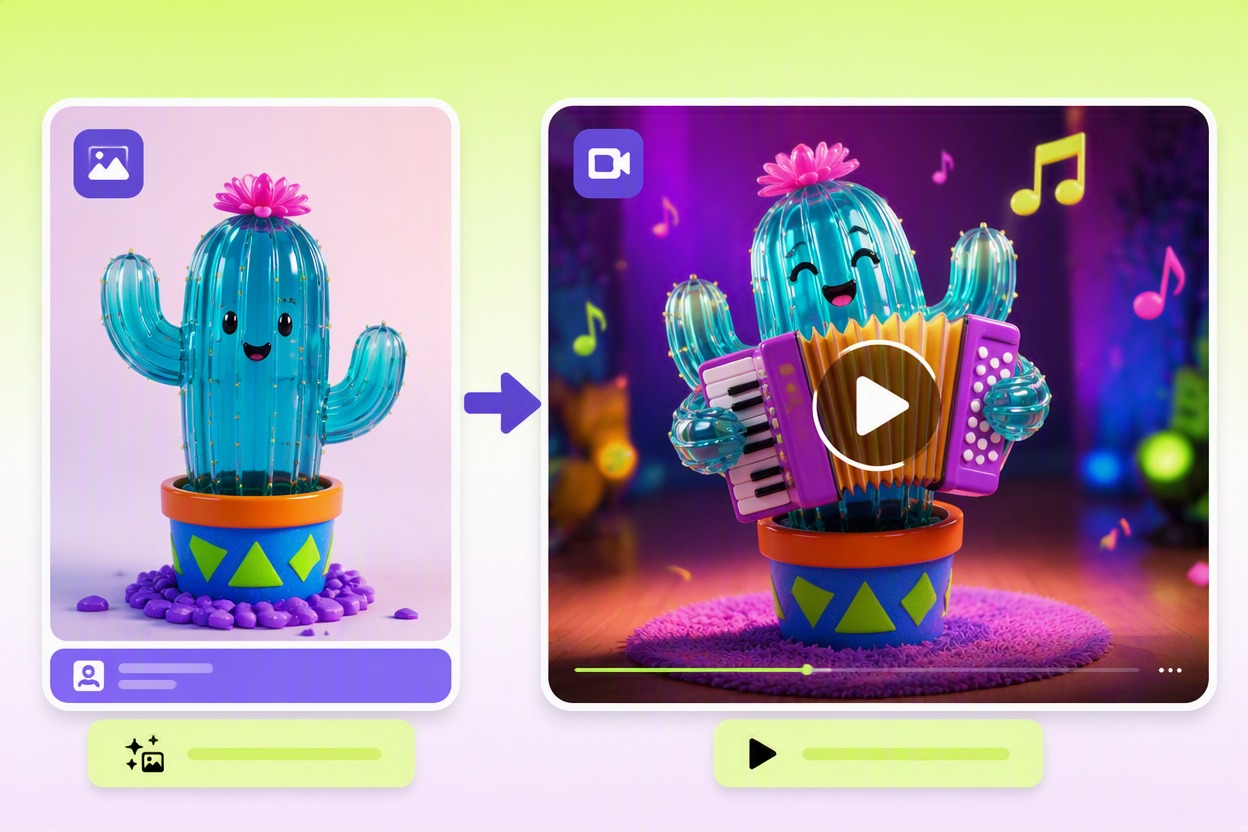
How to Make an AI Brainrot Video on GoEnhance AI
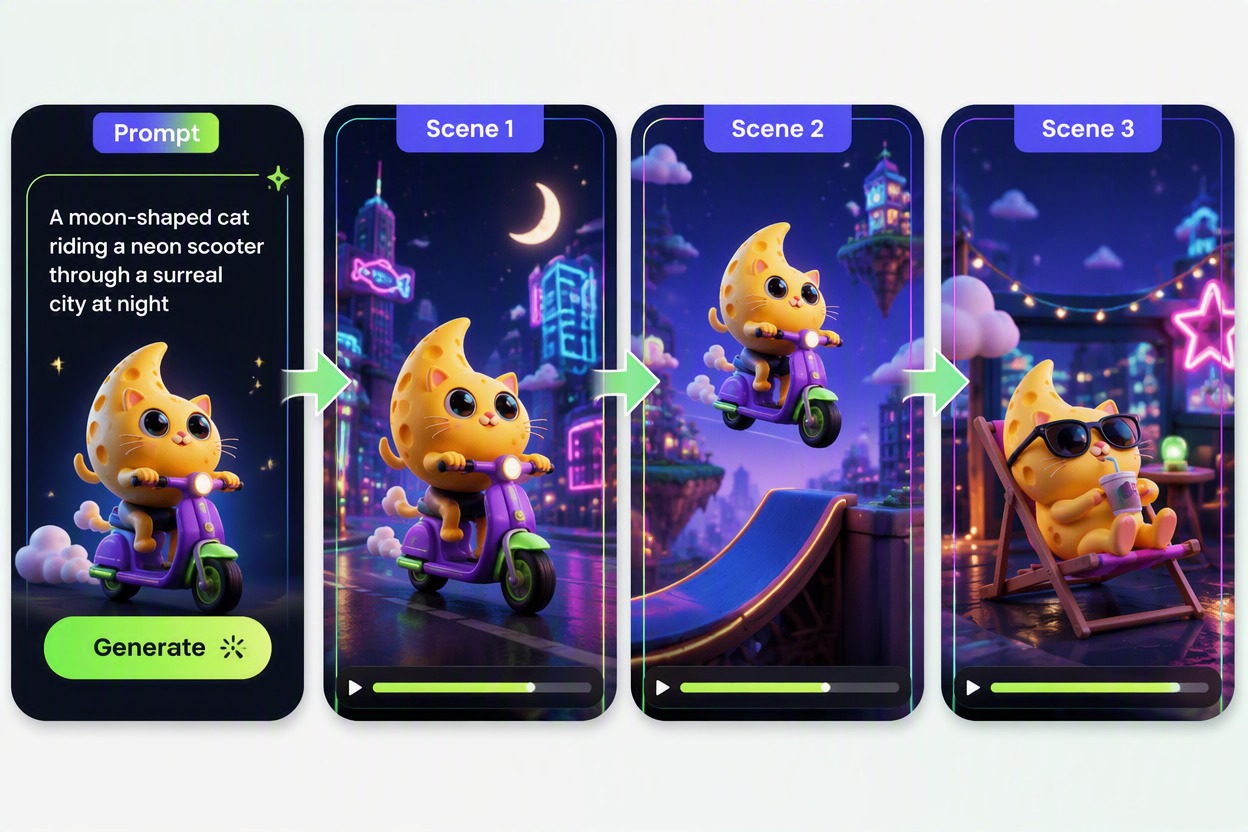
Step 1
Write One Clear Absurd Concept
Name the original character, setting, key prop, action, and visual payoff. Keep the idea focused enough that the generator can maintain the subject from setup to final gag.
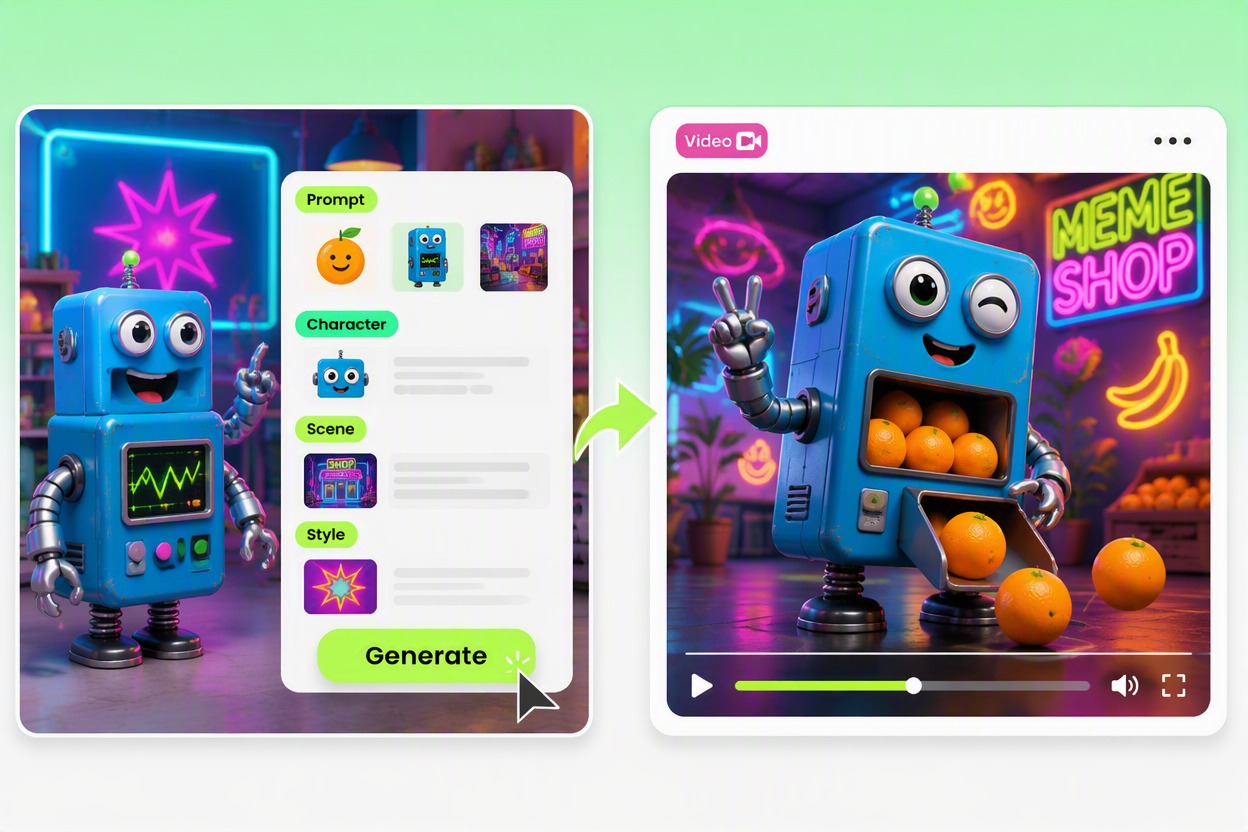
Step 2
Generate the Brainrot Clip
Submit the concept or authorized source visual and generate the video. Let the scene move through introduction, escalation, and payoff without introducing unrelated characters or branded elements.
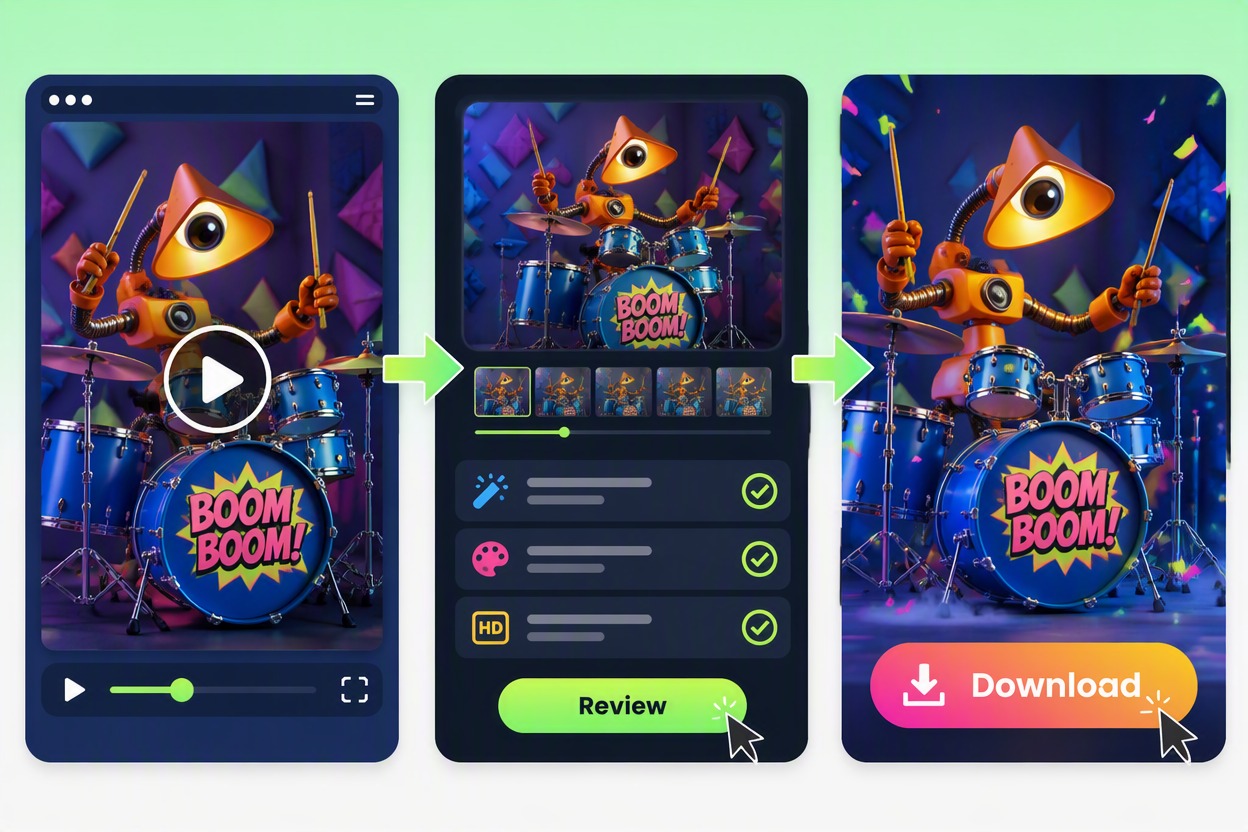
Step 3
Review, Download, and Finish
Watch the full clip and inspect character identity, anatomy, motion, props, background continuity, and any visible text. Download the strongest result and add licensed audio or captions only if your final edit needs them.
From Strange Concept to Downloadable Video
Prompt-Led Video Creation
Enter the character, setting, action, camera idea, and punchline as one compact concept instead of editing every frame manually.
Original Surreal Character Concepts
Combine harmless objects, animals, clothing, food, furniture, or machines into new characters without relying on an existing meme, franchise, or celebrity.
Short-Form Meme Storytelling
Shape the video around a quick setup, escalation, and visual payoff suited to snackable social posts and reaction-style edits.
Image-Guided Motion
Use an authorized original source image when a particular character design or starting composition needs to remain recognizable across the generated motion.
Reviewable Video Output
Watch the generated result, check character continuity, motion, hands, props, text, and background behavior, then regenerate if the joke is unclear or artifacts interrupt the scene.
Download for Further Editing
Export the selected clip and combine it with your own authorized music, sound design, captions, or cuts in a separate editing workflow when needed.
AI Brainrot Video Generator FAQ
What is an AI brainrot video generator?
Can I use a free AI brainrot video generator?
What should I write in a brainrot video maker prompt?
Can I start from an image?
How do I make a brainrot video feel intentional?
Can I use existing meme characters or famous people?
What should I check before downloading the video?
Make an Original Brainrot Video With GoEnhance AI
Turn one absurd character concept or authorized source image into a short surreal video with a readable setup, escalating action, and memorable visual payoff.
Generate a Brainrot Video