AI Fashion Video Generator

Turn garment images, styling references, and campaign ideas into fashion-video drafts. Create runway, studio, editorial, lookbook, and social concepts while reviewing fabric, fit, model likeness, and product accuracy.

Start Creating

How to Create an AI Fashion Video

01

Upload Your Image

Upload a clear garment, model, or fashion reference image that shows the outfit and important design details.

02

Describe the Motion

Write a prompt describing how the model should walk, turn, pose, or move while showing the garment naturally.

03

Generate Your Video

Generate the fashion video, preview the movement and garment details, then download the finished result.

Bring Fashion Concepts Into Motion Before the Shoot

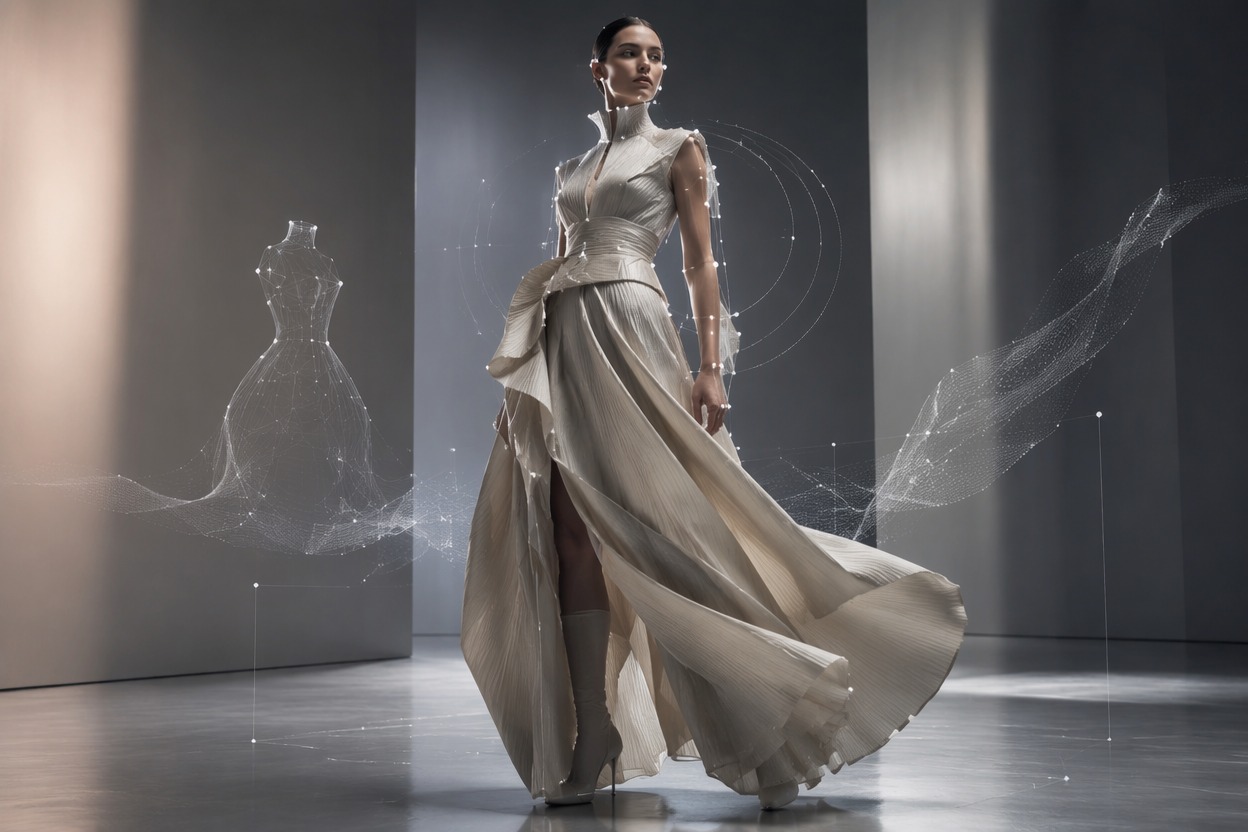
Animate Garments and Looks

Use a clear outfit or garment reference to create a motion concept with the AI video generator around walking, turning, fabric movement, or a studio pose. Review seams, prints, closures, logos, and garment shape when accuracy matters.
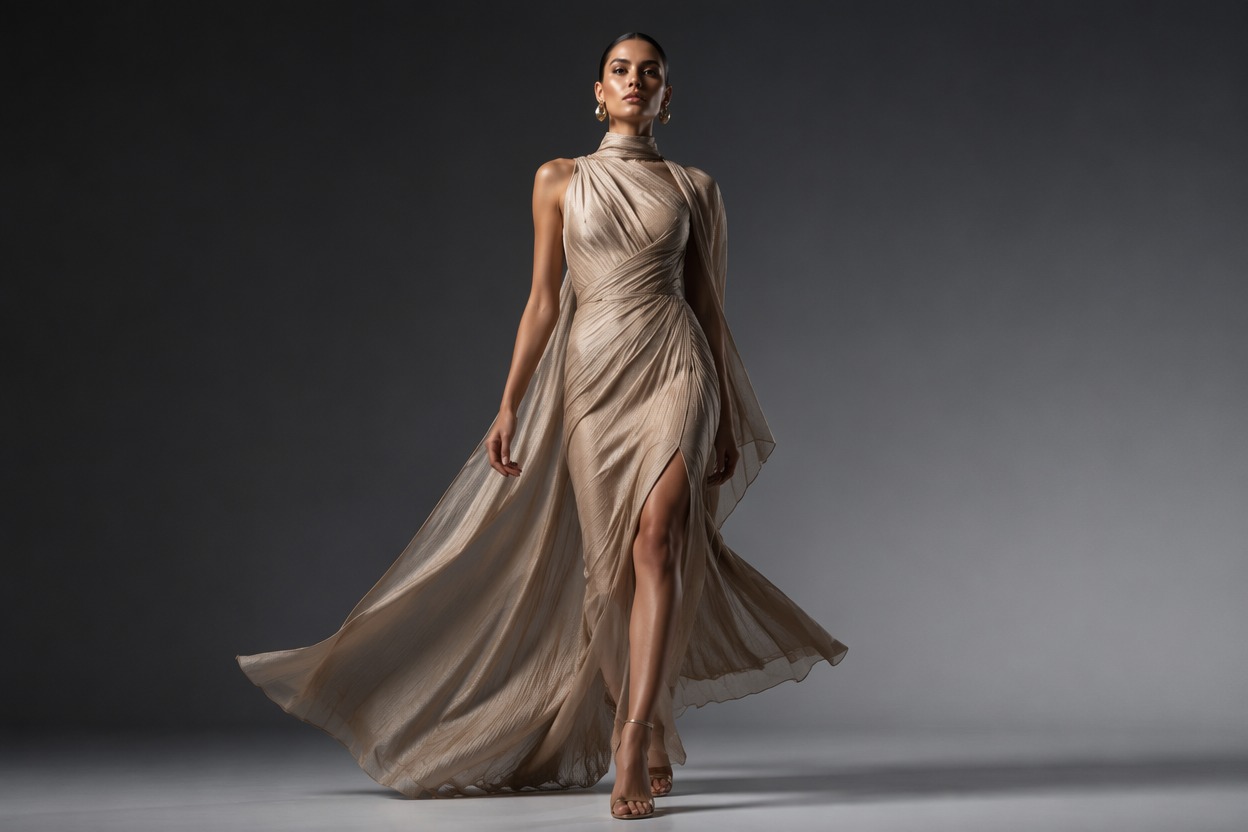
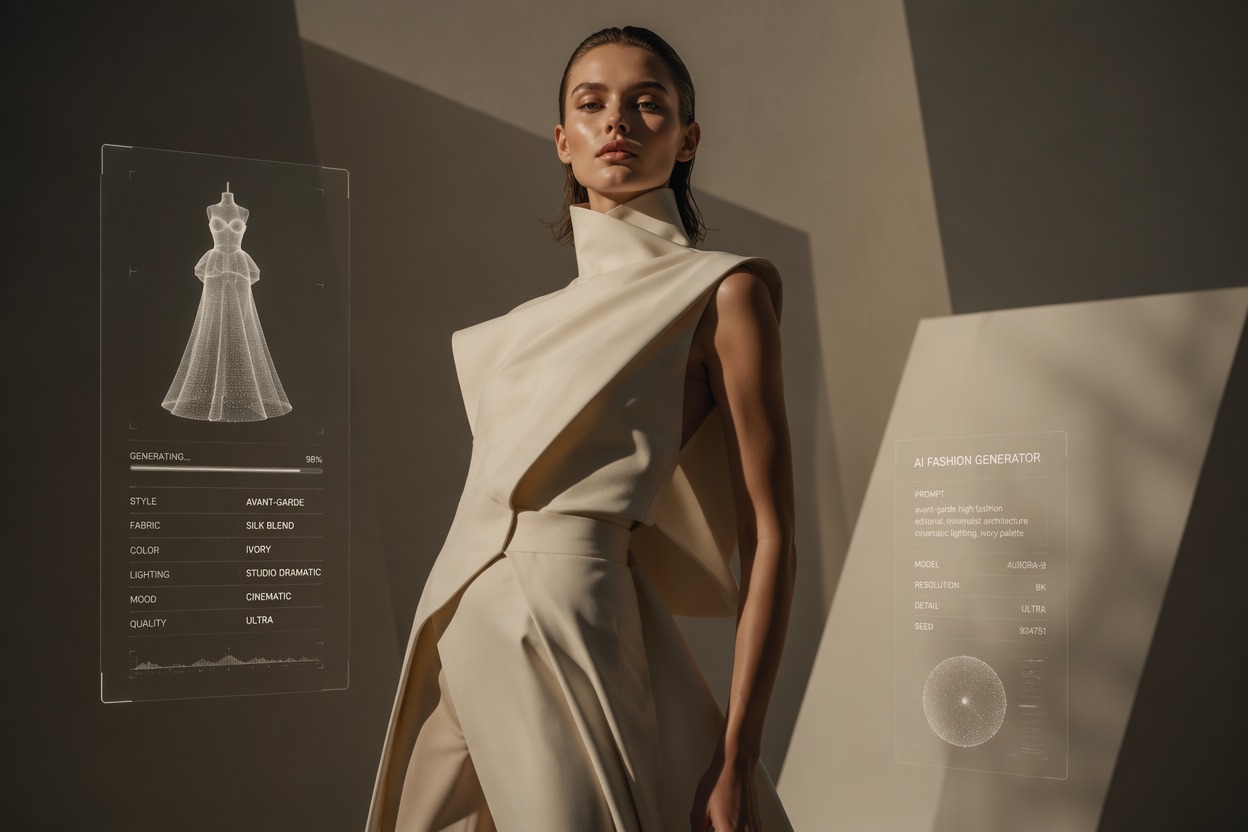
AI Fashion Video Generator visual for animate garments and looks

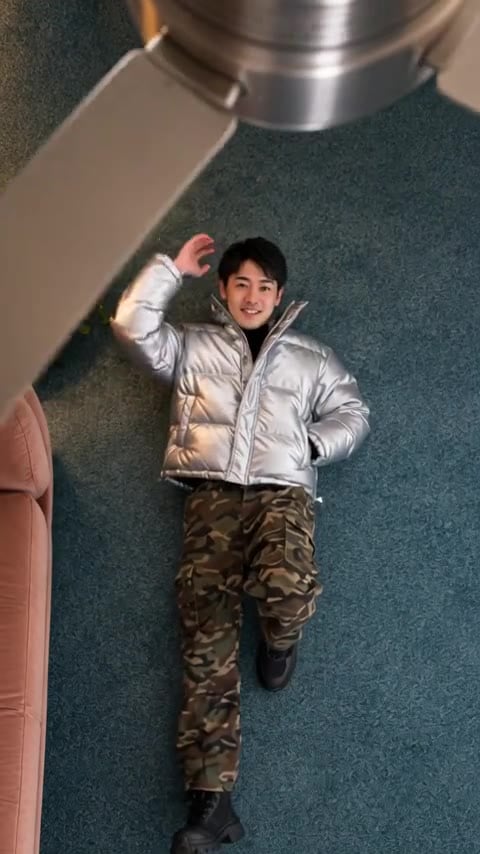
Create Editorial Campaign Scenes

Explore studio, runway, street-style, luxury, seasonal, minimalist, and cinematic environments for launch visuals, lookbooks, social posts, and creative pitches before arranging the complete production.

AI Fashion Video Generator visual for create editorial campaign scenes

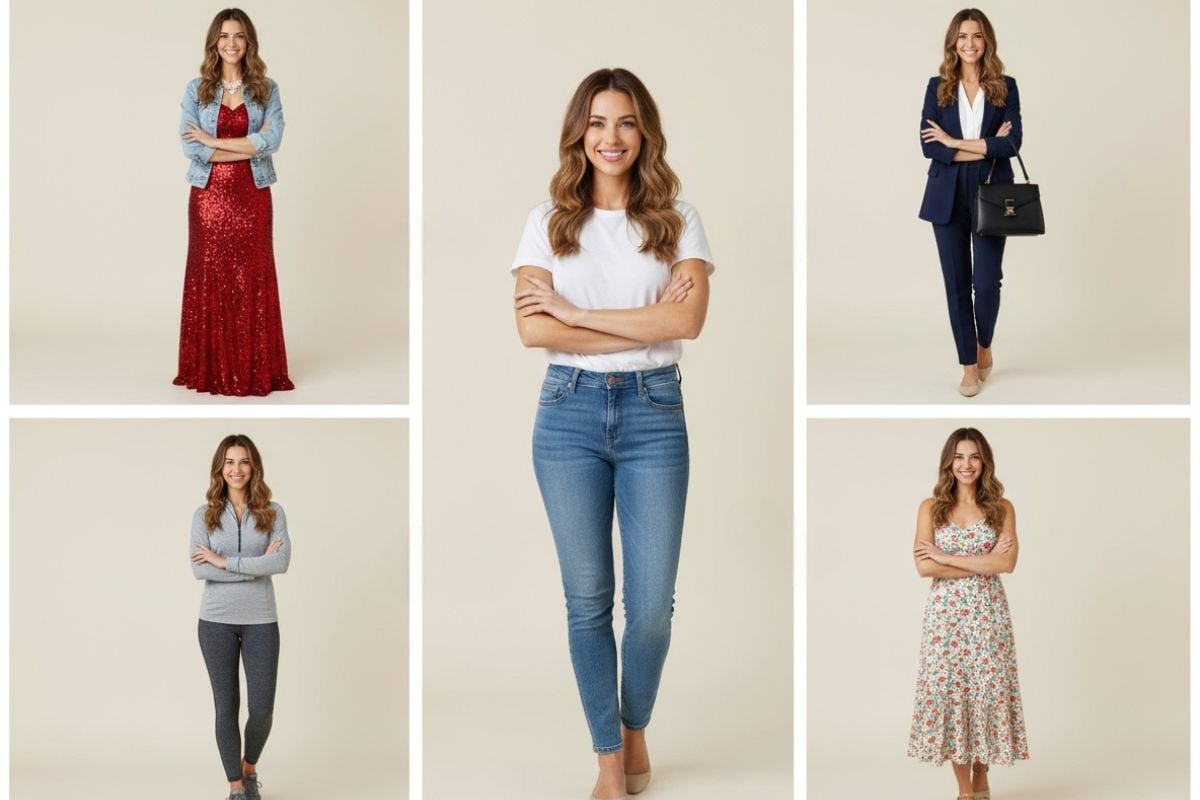
Develop Virtual Model Concepts

Build fictional model scenes or use authorized references for motion and styling direction. Do not imply a real person endorsed a garment or campaign without consent and a valid agreement.

AI Fashion Video Generator visual for develop virtual model concepts

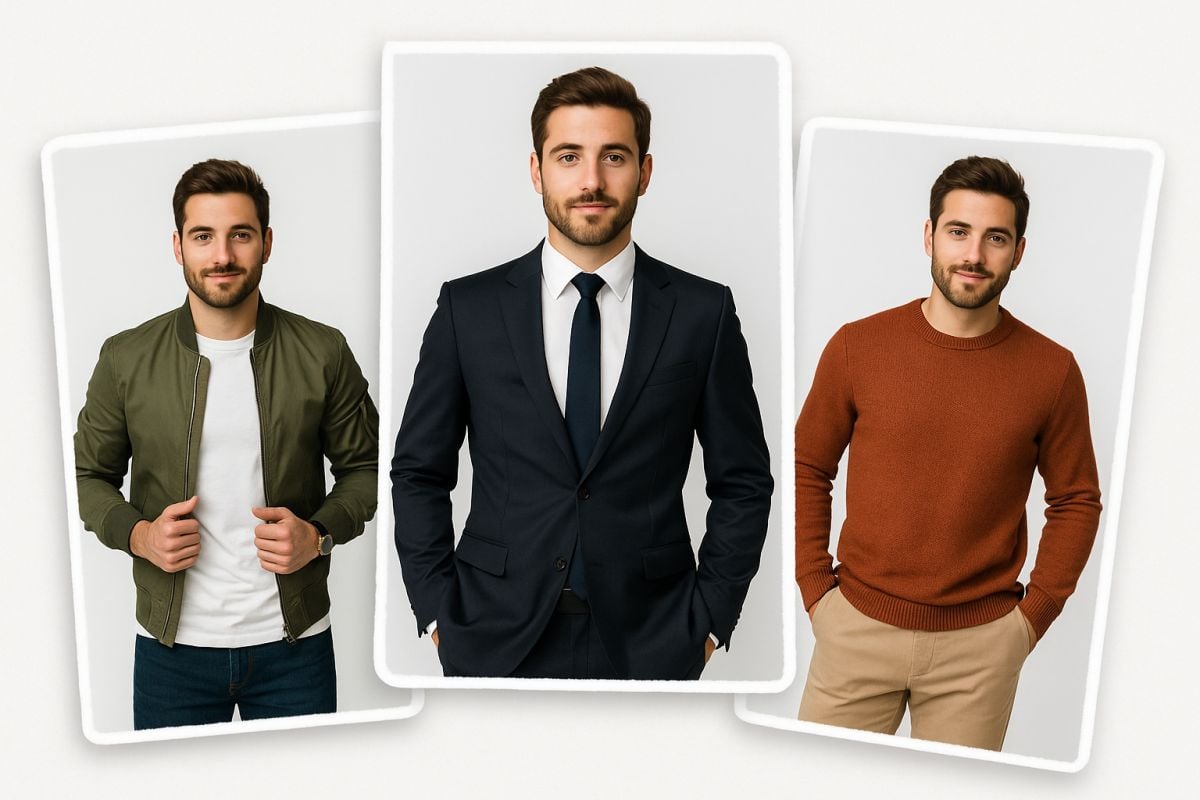
Test Social Fashion Angles

Compare outfit reveals, detail shots, transitions, and campaign hooks from the same creative brief. Prepare garment stills with the AI image generator before animation.
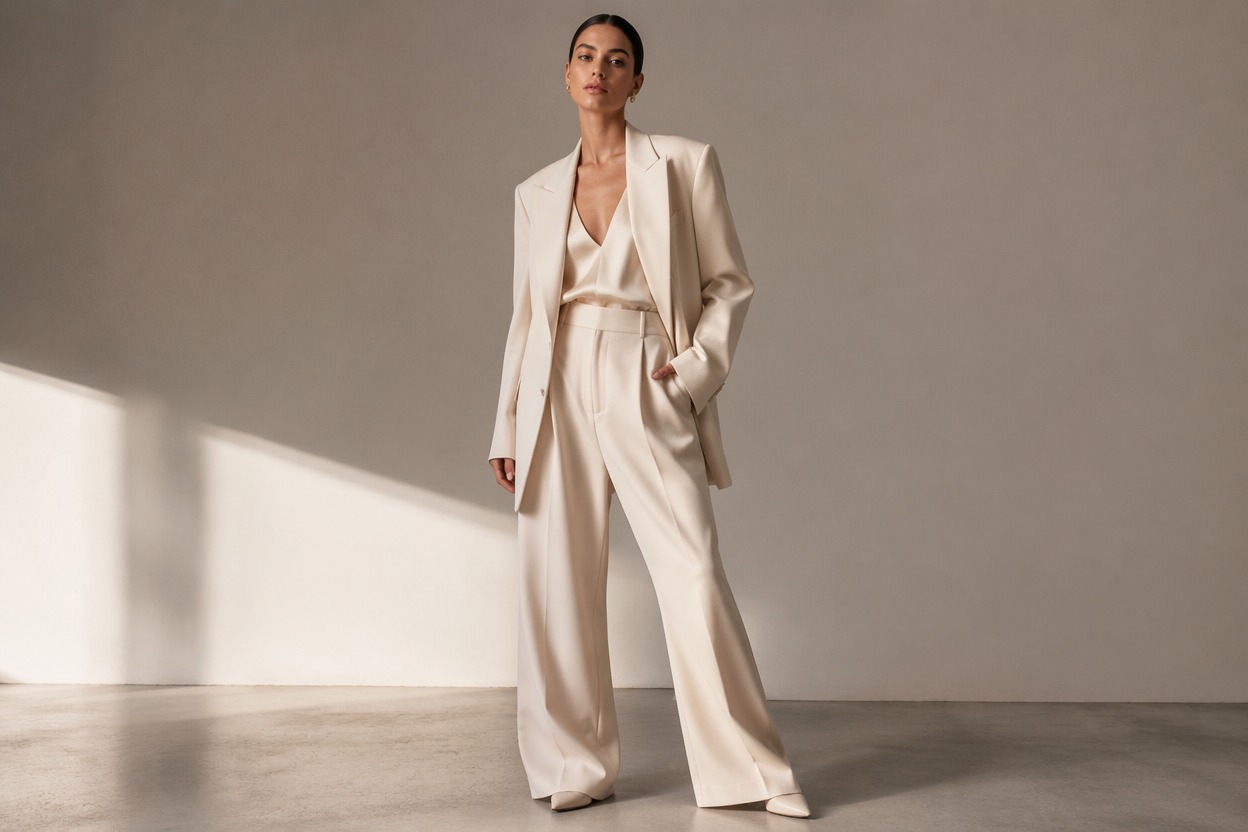
AI Fashion Video Generator visual for test social fashion angles

Why Use AI Fashion Video Generator?

Faster Fashion Concepts

Draft runway, studio, editorial, and social directions before a full shoot.

Garment-Led Visual Planning

Center motion and framing around the outfit, fabric, silhouette, and styling.

More Campaign Variations

Compare seasonal, luxury, street-style, minimalist, and cinematic treatments.

Useful for Lookbooks

Create visual drafts for collections, launches, product pages, and social content.

Authorized Model Workflows

Use fictional models or references with appropriate likeness permission.

Production Review Support

Check fit, fabric, logos, claims, and garment details before publishing.

AI Fashion Video Generator FAQ

What does an AI fashion video generator create?

It creates fashion-focused motion concepts from garment images, model references, or campaign briefs for lookbooks, launches, ads, and social content.

Is there an AI fashion video generator free option?

Free access, trial credits, generation limits, and plan terms may change. Check current GoEnhance AI app details before uploading fashion assets.

How does an AI fashion model video generator work?

Use a fictional model or an authorized reference, add the garment and scene direction, generate the shot, and review likeness, anatomy, fit, and product details.

Can it preserve an exact clothing design?

AI may alter seams, prints, closures, logos, texture, and fit. Review every frame when the garment must match the actual product.

What fashion videos can I make?

You can draft runway walks, studio turns, outfit reveals, editorial scenes, lookbook moments, launch visuals, and social ads.

Can I use a real model’s photo?

Only use a model reference with the necessary permission and campaign rights. Do not imply endorsement or reuse a likeness outside the agreed context.

What should I verify before publishing?

Check garment accuracy, model permission, body anatomy, logos, pricing, product claims, captions, music, and platform requirements.

Start Creating With AI Fashion Video Generator and GoEnhance AI

Turn a focused brief or source asset into a practical video draft, then complete accurate copy, audio, branding, timing, and publishing details.

Create Your Video