
Hailuo AI vs Kling AI (2026): I Used Both for a Month. Here's What Actually Happened
- 1. This Is a Trick Question
- 2. What These Two Tools Actually Are
- 3. What Breaks When You Use the Wrong One
- 4. How I Prompt Each Model Differently
- 5. The Version Problem Nobody Talks About
- 6. What You Actually Pay Per Finished Video
- 7. Which Tool for Which Job
- 8. Why I Stopped Maintaining Two Subscriptions
- 9. FAQ
- 10. Conclusion
| Hailuo AI 2.3 | Kling AI 3.0 | |
|---|---|---|
| Developer | MiniMax | Kuaishou |
| Max Resolution | 1080p | 4K (Premier tier) |
| Max Clip Length | 10 seconds | 10 sec (3 min with Extend) |
| Aspect Ratios | 16:9 only | 16:9, 9:16, 1:1 |
| Native Audio | No | Yes (doubles credits) |
| Free Tier | Daily login credits | 66 credits/day |
| Starting Price | $9.99/mo | $6.99/mo |
| Image to Video | Yes (2.3-Fast, ~50% cheaper) | Yes (multi-reference Elements) |
| Best For | Product realism, prompt accuracy | TikTok, cinematic motion, long clips |
1. This Is a Trick Question
Most hailuo ai vs kling ai comparisons ask you to pick one. That framing is wrong, and I fell for it for about three weeks before I stopped.
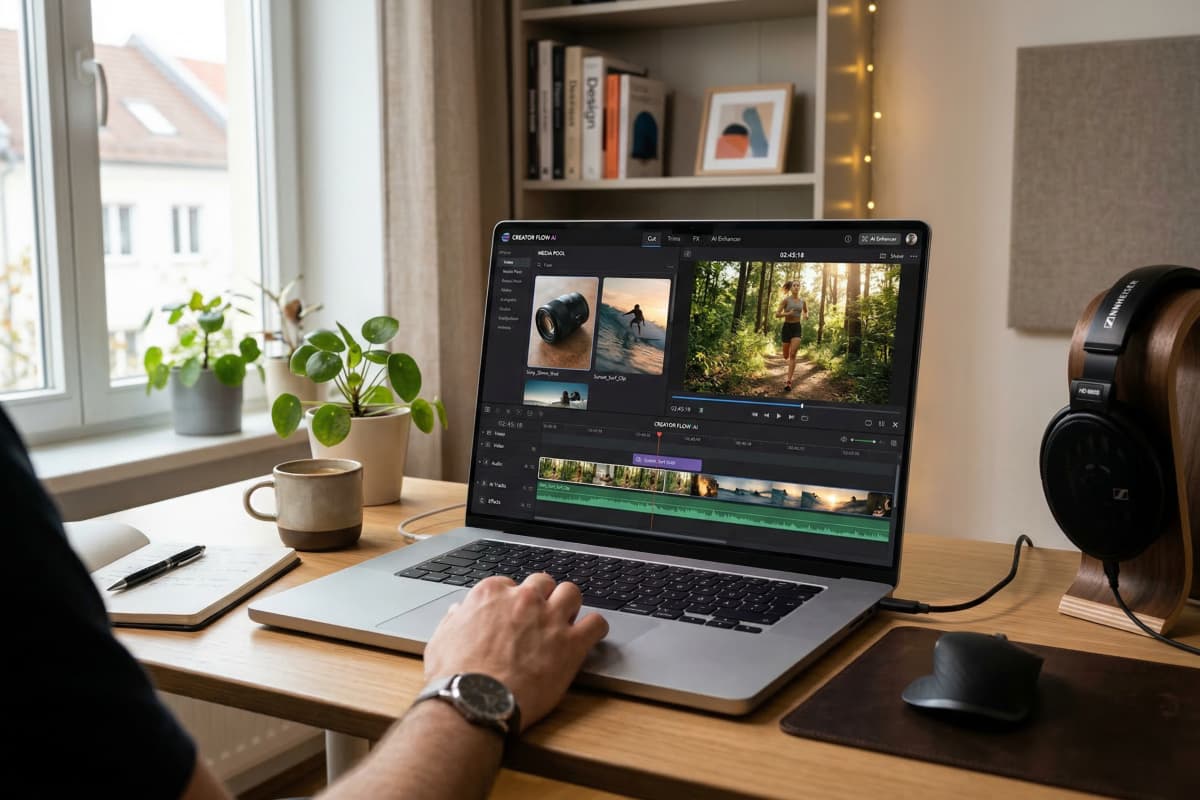
Hailuo 2.3 is better at physics — liquids, cloth, materials behaving like they should. Kling 3.0 is better at motion — vertical format, camera movement, audio baked in. Neither one covers the other's ground. The actual answer, which nobody writes in these comparisons because nobody's platform benefits from it, is: use both. GoEnhance has both under one login. That's where I run them now.
2. What These Two Tools Actually Are
They're not competing versions of the same thing. They were built to solve different problems.
Hailuo AI (by MiniMax) is a physics engine dressed as a video generator. The whole point of Hailuo 2.3 is that it simulates how materials actually behave — water surface tension, how silk moves differently from cotton, hair reacting to wind with proper inertia. Prompt fidelity is unusually high. What I write is, most of the time, close to what I get. There's also a 2.3-Fast variant built specifically for image-to-video at roughly half the credit cost, which I now use for almost all product work.
Kling AI (by Kuaishou) is the opposite bet. Kling 3.0 — February 2026 release — prioritizes cinematic motion: tracking shots, multi-shot storyboards across up to six consecutive scenes, native 9:16 vertical output, synchronized audio, 4K at higher tiers. The output feels filmed, not generated. Physical accuracy in tight detail shots suffers for it, but for social content that needs energy and movement, nothing I've tested comes close.
3. What Breaks When You Use the Wrong One
Hailuo's physics hold up until you ask it to move a camera. Kling looks cinematic until you ask it to be physically precise. Both lessons cost me credits to learn.
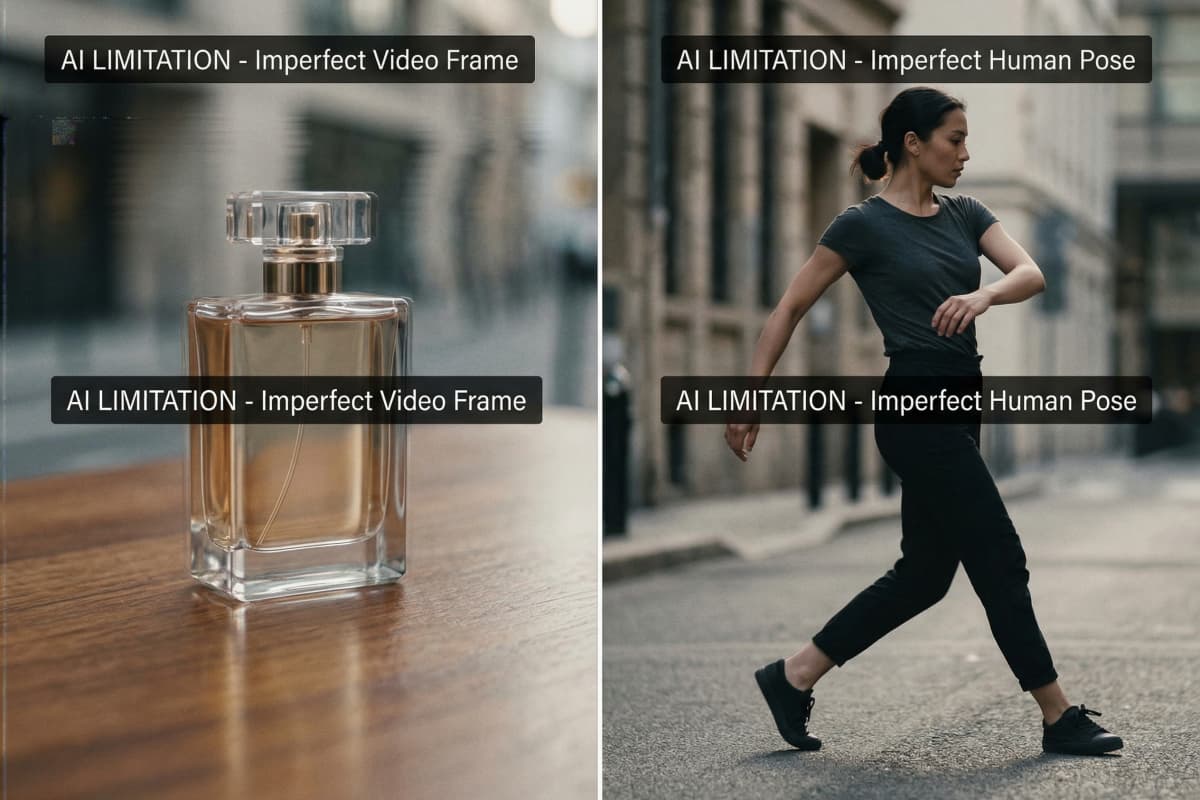
I was doing a product shoot — perfume bottle on a dark reflective surface, slow pour, warm side lighting. Ran it through Hailuo 2.3 five consecutive times. Every generation: consistent bottle position, predictable liquid arc, rim light where I asked for it. On the fifth one I pushed the prompt to add "slow camera pull toward bottle" and the motion turned into something between a zoom and a glitch. The bottle stayed stable but the camera move looked like a phone recording a TV screen. Hailuo doesn't really do camera movement. That's not a bug, it's a deliberate tradeoff — and I didn't know it until I'd wasted the generations.
Flipped to Kling 3.0 for a dancer-in-street scene, wide pull-back, golden hour. First generation was genuinely good. Second one had an arm that stiffened mid-motion for about half a second — not usable for a commercial but fine for a moodboard. Third was clean. The physics on the clothing wasn't perfect but nobody watching a TikTok reel is frame-analyzing fabric physics. For that type of content, Kling isn't trying to be Hailuo, and it doesn't need to be.
The failure that cost me the most: I tried to use Kling for a close-up product liquid pour — the exact thing Hailuo handles well. Seven generations. Three had the liquid moving like it was thicker than it should be, one had an inexplicable slow-motion section I hadn't asked for, and two were fine but inconsistent with each other. Forty minutes and a chunk of my monthly credits to learn that I'd been using the wrong tool.
As HubSpot's 2025 marketing data shows, short-form video now delivers the highest ROI of any content format — which makes production errors that require multiple regenerations more expensive than they look on a credit statement.
The pattern, once I saw it:
- Product close-ups, material physics, ecommerce visuals: Hailuo
- TikTok, Reels, anything vertical, anything with audio: Kling only — Hailuo doesn't do 9:16 at all
- Anything longer than 10 seconds as a single clip: Kling's Extend, not Hailuo's clip-stitching
4. How I Prompt Each Model Differently
Using the same prompt style in both tools is probably the most common mistake I see, and I made it myself for longer than I'd like to admit.
Hailuo wants physical specificity, not creative direction.
The model follows instructions closely, which is only useful if your instructions are precise. "Dramatic water scene" produces vague results. "Water droplets hitting dark marble, macro shot, slow motion, natural light from camera left" produces something close to what I pictured. Material descriptions should be explicit — "translucent amber liquid," "brushed aluminum," "matte cotton weave." Camera movement should be minimal and literal: "slow push in" works; "cinematic motion" doesn't mean anything to Hailuo.
Where Hailuo prompts collapse: multiple simultaneous actions. Two subjects interacting while something moves in the background while a camera pans — the model loses coherence across all three demands. I learned to strip prompts down to one primary action, one supporting detail, and stop there.
One habit that saves credits: I run a rough Hailuo 2.3-Fast generation first at lower quality to check prompt direction before committing a full Standard generation. Takes 30 seconds and has saved me from going deep on a prompt that wasn't working.
Kling wants cinematographic language, not physical description.
"Track with subject left to right, shallow depth of field, golden hour warmth" gets strong results. A detailed inventory of what's physically in the scene gets you something technically correct and visually flat. Emotional and stylistic direction translates meaningfully here — "tense, handheld urgency" or "soft, drifting slow motion" actually changes the output in ways you can feel.
For Kling 3.0's multi-shot storyboard feature, I treat each shot prompt like a line in a shot list: subject, movement, mood, rough duration. A paragraph description per shot makes the model try to pack too much into one scene and the transitions suffer.
The mistake I kept making early on: asking Kling for physical precision. Prompting "the exact angle of the water as it contacts the glass" is asking Kling to behave like Hailuo. It won't. Push it on motion, atmosphere, and camera work — not material physics.
5. The Version Problem Nobody Talks About
I've spent real time this year just figuring out which version of each tool I'm supposed to be using. That's not a complaint — it's a cost that doesn't show up anywhere in a pricing comparison.
Hailuo's releases since mid-2025: 01 → 02 → 2.3 → 2.3-Fast. Kling's: 2.1 → 2.5 → 2.6 → 3.0 → O1. Nine major releases between two tools in roughly six months. Each one shifts the credit cost, changes what's available at which tier, sometimes restructures what features exist at all.
Kling 2.6 quietly added audio generation — but enabling it roughly doubled credit consumption per clip. I didn't catch that until my Standard credits ran out two weeks into the month. Hailuo 02 users who hadn't noticed 2.3-Fast existed were paying full Standard credits for I2V work they could've done at half the cost. Small amounts, but it adds up if you're producing consistently.
TechCrunch's AI video funding coverage makes clear this pace is structural — these companies are under capital pressure to ship. That's fine for the technology. For anyone trying to maintain a stable monthly production budget, it means the pricing math you did three months ago is probably wrong now.
6. What You Actually Pay Per Finished Video
Kling's entry price is lower. Hailuo's per-generation cost can be lower. Those two facts together are what makes hailuo ai vs kling ai pricing 2026 genuinely confusing.
| Cost Factor | Hailuo AI 2.3 | Kling AI 3.0 |
|---|---|---|
| Starting Price | $9.99/mo | $6.99/mo |
| Est. credits/mo (Standard) | ~1,000 | ~600 |
| Cost per 10-sec clip (no audio) | ~$0.05–0.10 (2.3-Fast I2V) | ~$0.15–0.30 |
| Cost per 10-sec clip (with audio) | Separate tool required | ~$0.30–0.60 |
| Vertical (9:16) | Not available | Included |
| Typical regen rate | Low | Medium |
Here's the math I actually ran: I post three short videos a week, roughly 12 a month. Assuming two generations per final clip, that's 24 generations.
On Hailuo 2.3-Fast: roughly $0.08 average per generation, so $1.92 in credits plus the $9.99 subscription — about $12. But every video is silent. I'm either spending editing time on audio per clip, or I'm paying for a separate voice tool. Neither is free.
On Kling Standard with audio enabled: roughly $0.40 per generation, 24 generations is $9.60 plus $6.99 — about $16.60. The output already has audio. For social content that needs sound, Kling's real cost per finished video is often lower than it looks.
The catch: Kling Standard's 600 credits disappears fast with audio on. Most creators I know doing consistent volume end up on Kling Pro at $29.99. Hailuo Standard holds up better for high-volume image-to-video workflows where audio isn't the priority — ecommerce product content, mostly.
7. Which Tool for Which Job

There's no single best ai video generator for social media 2026. The right model changes with the task — and I've stopped pretending otherwise.
| Your Task | Best Model | Where to Run It |
|---|---|---|
| Product image → video ad | Hailuo 2.3-Fast (I2V) | GoEnhance Image to Video |
| TikTok / Reels dance or action | Kling 2.6 or 3.0 | GoEnhance Kling model |
| Real footage → anime or cartoon | GoEnhance model | Video to Animation |
| Multi-scene character series | Consistent Character | Consistent Character |
| Add lip-sync or spoken audio | — | Lipsync + Talking Avatar |
| Upscale finished output | — | Video Upscaler |
As Deloitte's 2025 Digital Media Trends found, younger audiences now primarily discover new content through social creators — which means production speed and consistency have become actual competitive advantages, not just efficiency wins.
What neither Hailuo nor Kling gives you natively: anything after generation. On GoEnhance, a Kling output goes straight into Lipsync or Video Upscaler without leaving the platform. I used to export, open a second tool, re-import, export again. That workflow was fine until I started measuring how long it actually took per video. It wasn't fine.
Not sure which model fits your content type? GoEnhance lets you test Hailuo and Kling on your own footage without separate accounts — takes about five minutes to see the difference firsthand.
8. Why I Stopped Maintaining Two Subscriptions
The hailuo ai vs kling ai choice became irrelevant to me when I realized I didn't have to make it.
GoEnhance's video models hub runs both Hailuo and Kling alongside 20+ others — Sora 2, Veo 3, Wan 2.5, Runway — all under one credit system. I switch models depending on what the project needs without logging into a second platform or reconciling two separate credit balances at the end of the month.
My actual workflow now: Hailuo 2.3-Fast for product I2V where physics precision matters, Kling 2.6 when I need vertical format or a longer scene, then GoEnhance's AI Talking Avatar or Lipsync tools when the final cut needs a voice. One login, start to finish.
Honest caveat: if you're running enterprise-scale production — multi-language localization, team workflows, dedicated dubbing pipelines — a purpose-built platform designed specifically for that infrastructure is still the more specialized choice. GoEnhance is built for creators who need model flexibility and a connected toolchain. Not the same thing.
9. FAQ
Is Hailuo AI better than Kling AI? Hailuo wins on physics accuracy and prompt fidelity — better for product work and realistic close-ups. Kling wins on motion control, vertical format, and audio — better for social content and cinematic sequences. Neither is better overall, they're just built for different jobs.
Which is cheaper, Hailuo or Kling? Kling starts lower ($6.99/mo vs $9.99/mo) but Hailuo's 2.3-Fast I2V delivers more generations per dollar for image-to-video. Factor in audio — Hailuo has none natively — and Kling often costs less per finished, publishable video for social creators.
Does Hailuo AI support vertical video? No. Hailuo 2.3 is 16:9 only. For TikTok or Reels, Kling's native 9:16 output is the direct solution.
Can I use both Hailuo and Kling without two subscriptions? Yes. GoEnhance includes both in its video models hub under one credit system, alongside 20+ other models.
What's the best AI video tool for TikTok in 2026? Kling 3.0 for native vertical format, audio, and motion energy. For creators who want lipsync or upscaling on the final output, running it through GoEnhance adds a post-generation toolchain that Kling's native platform doesn't offer.
10. Conclusion
Hailuo for physics and realism. Kling for motion and social formats. That's the honest answer to hailuo ai vs kling ai — and also kind of beside the point, because for most creators the real question is whether you want to maintain two separate tools and budgets for jobs that keep trading off. I don't anymore. Both are on GoEnhance, one login, switch as needed.


