
KlingAI Avatar 2.0 Long-Form Avatar Model
KlingAI Avatar 2.0 is built for long, expressive performances. Upload a single portrait and a voice track, and it turns them into a talking character that can hold the screen for up to five minutes, complete with natural eye contact, lip movements, and body language that follow every beat of the audio. Instead of short, stiff clips, you get 1080p, 48fps videos where identity stays consistent from the first frame to the last, emotions shift in step with the voice, and gestures support the story like a real on-camera presenter.
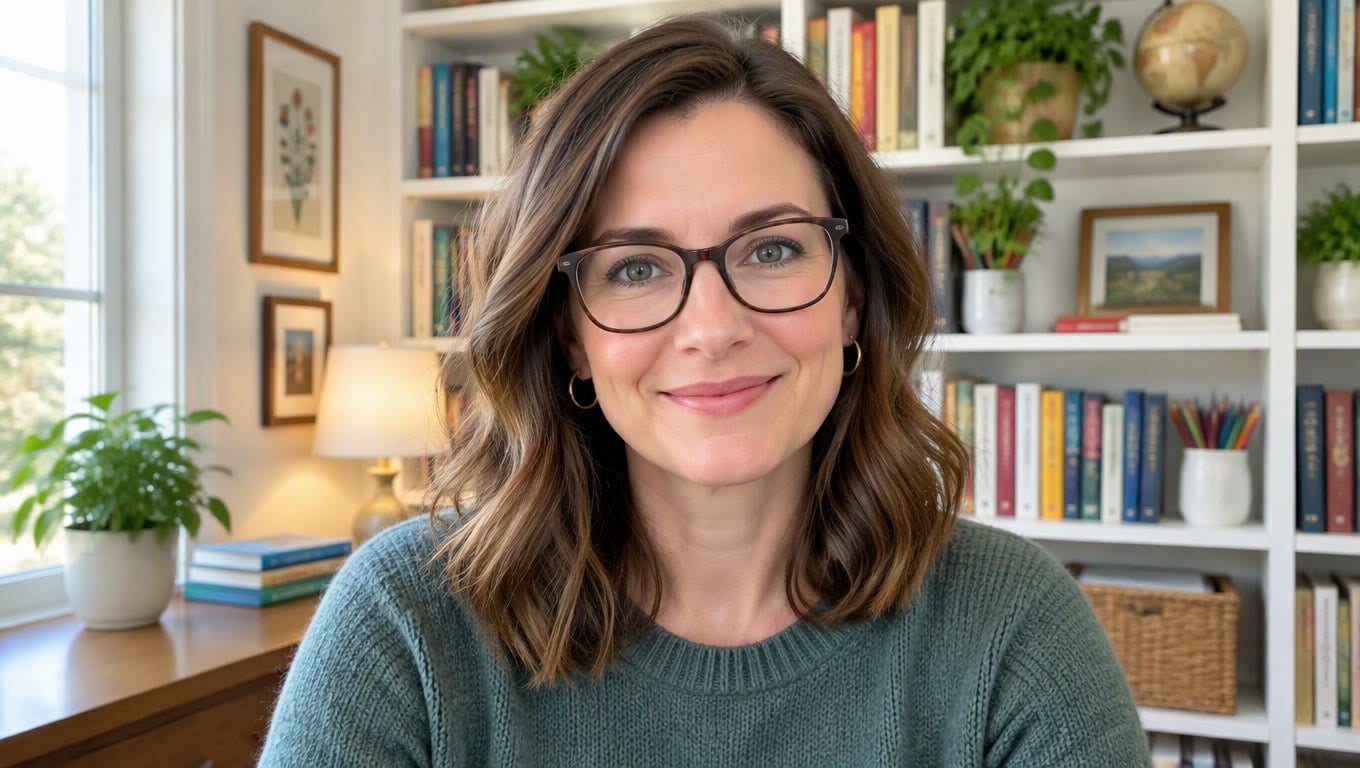
Original
Your photo
Upload files
Upload a clear, front-facing portrait. Real photos, 3D and anime characters all work.
Voice (optional)
Upload audio
MP3, WAV or M4A, 3–60s. No audio yet? Type a script and pick a voice in the next step.
By uploading a file, you agree to GoEnhance's Terms of Use and Privacy Policy
Key Features of KlingAI Avatar 2.0
- Audio-Driven Performance from a Single Track: Voice, rhythm, and movement are tied together so the avatar feels guided by the audio instead of looping a stock animation.
- Long-Form Clips with Stable Identity: Hold the same character, outfit, and style for up to five minutes without drifting faces or flickering clothes.
- Blueprint Planning and Segment Generation: A two-step generation flow keeps both the big picture and the small details under control.
- KlingAI Avatar 2.0 vs Short-Form Avatar Tools: From one-sentence snippets to full segments that can stand on their own.
Audio-Driven Performance from a Single Track
KlingAI Avatar 2.0 listens to the entire audio file and shapes the performance around it. Changes in pace, pauses, laughter, or a rising chorus all show up on the face and in the posture. Mouth shapes follow the words closely, while micro-expressions and head tilts help carry the meaning across longer segments.
| Prompt | Generated Video |
|---|---|
A medium shot of a virtual host standing behind a simple desk, guiding viewers through a product walkthrough. The avatar listens, smiles, emphasises key points with light hand movements, and keeps lip movements locked to every word in the uploaded voice track. |
Long-Form Clips with Stable Identity
Earlier avatar tools were comfortable at 30 or 60 seconds before faces started to change. Avatar 2.0 is designed to stay steady over minutes. The same person, the same style, and the same emotional arc carry through introductions, explanations, and closing remarks, which makes it suitable for tutorials, music performances, and story-driven content.
| Prompt | Generated Video |
|---|---|
A knowledge clip with a virtual teacher: the camera starts on a close-up introduction, eases back to a waist-up view during explanations, then occasionally cuts to a slightly wider shot as the avatar gestures to underline important points, all while keeping the same outfit, hairstyle, and mood. |
Blueprint Planning and Segment Generation
Behind the scenes, KlingAI Avatar 2.0 first sketches out a "blueprint" of the full performance: how the avatar should move, where expressions rise and fall, and how the clip flows from start to finish. It then uses the first and last frames of each part as anchors while filling in the rest, so every segment lines up cleanly and transitions feel natural instead of stitched together.
KlingAI Avatar 2.0 vs Short-Form Avatar Tools
KlingAI Avatar 2.0 does not try to replace cameras for every shoot, but it does remove most of the friction from long, on-camera style content. Instead of fighting time limits or stitching dozens of micro-clips, you can shape one continuous performance and keep your focus on the script.
| Feature | KlingAI Avatar 2.0 | Short-Form Avatar Tools |
|---|---|---|
| Clip length & continuity | Minutes-long clips from a single portrait and audio file, with identity and tone staying stable throughout. | Short clips that need to be recorded, rendered, and stitched together by hand to build a longer story. |
| Expression & body language | Facial expressions, eye contact, and hand gestures follow the energy of the track, from calm speech to high-energy singing. | Limited to basic lip movements and a few repeated gestures that quickly feel mechanical. |
| Visual consistency | Handles intros, explanations, and closing remarks in one pass, avoiding jumps in lighting, outfit, or character design. | Higher risk of visible changes between scenes, especially when clips come from different sessions or templates. |
| Best use case | Works well for full product walkthroughs, language lessons, podcasts with a visual host, and complete song performances. | Best for short announcements or simple one-sentence lines that do not need much variation. |
| Workflow | Sits alongside other tools in the GoEnhance AI video generator stack, so you can add B-roll, overlays, or alternate shots without changing platforms. | Often requires jumping between different apps just to combine talking clips with extra footage or graphics. |
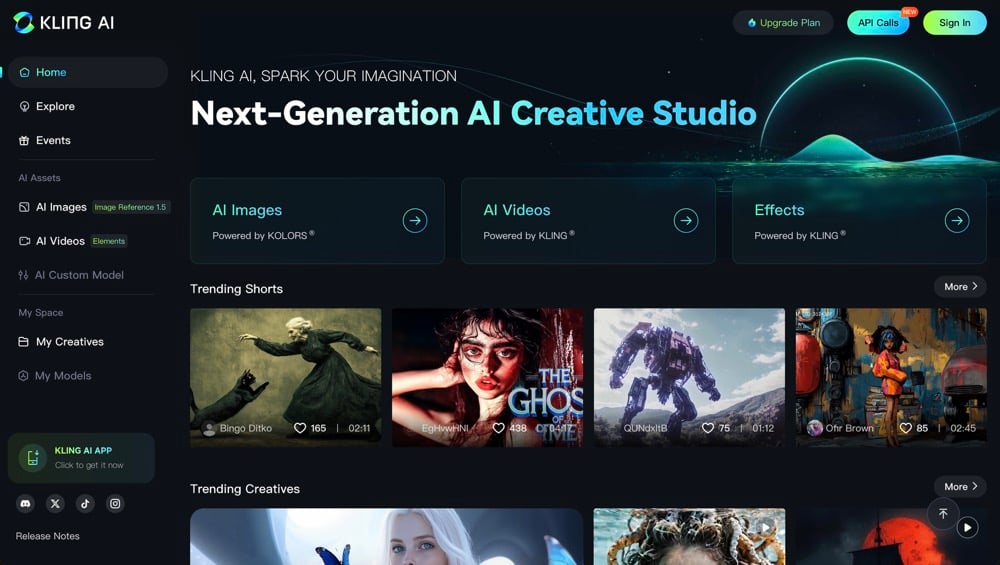
Features of KlingAI Avatar 2.0
Up to 5 Minutes in One Take
Avatar 2.0 can match the length of your audio, up to five minutes in one go. That is enough room for a full song, a complete product walkthrough, or a compact masterclass, all delivered by the same on-screen persona without visible breaks.
Single Photo, Studio-Ready Avatar
You do not need a scanned 3D rig or multiple camera angles. A single, clear portrait is enough for KlingAI Avatar 2.0 to understand facial structure, hairstyle, and clothing, then rebuild an animatable version that stays true to the reference.
Emotion-Aware Singing and Speech
Subtle changes in tempo, pitch, and emphasis in the audio are echoed in the performance. The avatar leans into a punchline, softens during a personal moment, and raises energy during a chorus, which makes it feel less like a static talking avatar and more like a human presenter.
Built for Structured Stories
Avatar 2.0 is strongest when each clip has a clear goal: explain a topic, tell a short story, or guide viewers through a sequence of steps. Expressive hands, head tilts, and shifts in camera framing all help segment the content while keeping it easy to follow.
Stable Identity Across Minutes
Identity drift is one of the main reasons long-form generated video can feel unreliable. Here, face shape, outfit details, and general styling remain steady from the first frame to the closing line, which makes it safe to use the same avatar across series and campaigns.
Fits Existing Production Pipelines
KlingAI Avatar 2.0 slots into an existing toolkit rather than standing alone. Use it to produce the main talking track, then layer motion graphics, cutaways, or logos on top, just as you would with footage from a real studio shoot.
Your Questions About KlingAI Avatar 2.0 Answered
FAQs About the KlingAI Avatar 2.0 Model
What is KlingAI Avatar 2.0 designed for?
How long can each KlingAI Avatar 2.0 clip be?
Do I need production experience to use it?
Can KlingAI Avatar 2.0 handle songs as well as speech?
What about language support and lip sync?
Where does KlingAI Avatar 2.0 sit in a wider workflow?
Is KlingAI Avatar 2.0 only for face-to-camera shots?
Start Creating with KlingAI Avatar 2.0
Upload one photo, add your audio, and let KlingAI Avatar 2.0 handle the performance. From there, you can keep the clip as a finished piece or use it as the backbone for a richer video with titles, graphics, and extra footage.
Try KlingAI Avatar 2.0