
Kling Video 3.0
Key Features of Kling Video 3.0
- Text-to-Video That Follows Direction: Write the shot. Keep it clean. Get something usable.
- Image-to-Video With Less Identity Drift: Animate a still without the “who is this now?” moment.
- Audio That Fits the Scene: Plan rhythm early, spend less time patching later.
- Cinematic Feel, Not Over-Processed: Lighting and lens choices beat heavy filters.
- A Prompt Structure That Works: Scene → subject → camera → action → constraints.
Text-to-Video That Follows Direction
| Prompt | Generated Clip |
|---|---|
Shot 1: Low-angle rear wide shot, following the rider moving forward. Shot 2: Low-angle side close-up, focusing on the motorcycle wheel. Shot 3: Rider’s first-person POV, showing the handlebars and the instrument cluster ahead. |
Image-to-Video With Less Identity Drift
| Prompt | Generated Clip |
|---|---|
Use this still as the opening frame. Add subtle motion only: slow dolly-in, gentle cloth movement, soft breathing, small hair movement. Keep face and wardrobe unchanged. Avoid fast pans, zoom jumps, or sudden lighting shifts. |
Audio That Fits the Scene
| Prompt | Generated Clip |
|---|---|
The scene is set at home. The living room air conditioner gives off a faint humming sound, creating a realistic, everyday atmosphere. Mom (speaking softly, with a hint of surprise): Wow, I really didn’t expect the story to turn out like this. Dad (agreeing quietly, calm in tone): Yeah, it’s totally unexpected. I never imagined it would go this way. |
Cinematic Feel, Not Over-Processed
A Prompt Structure That Works
Workflows That Reduce Rework
Multi-Shot “Director Notes” You Can Reuse
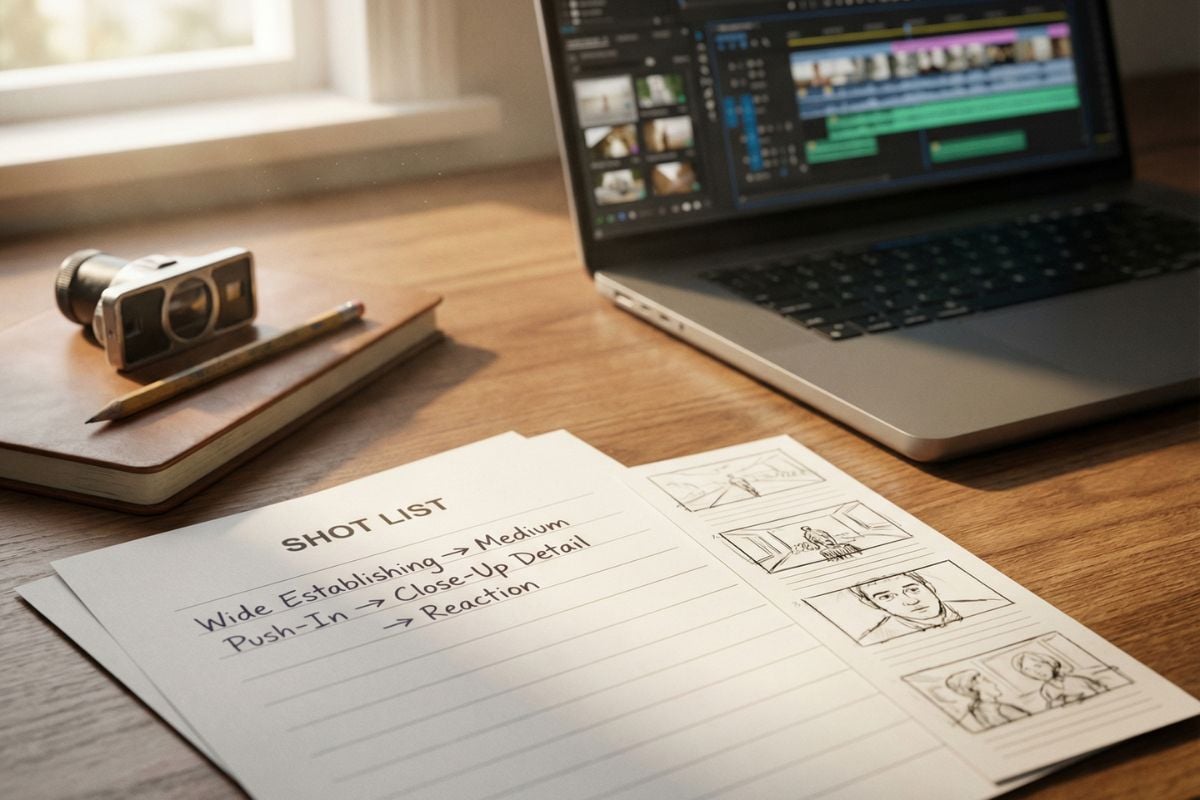
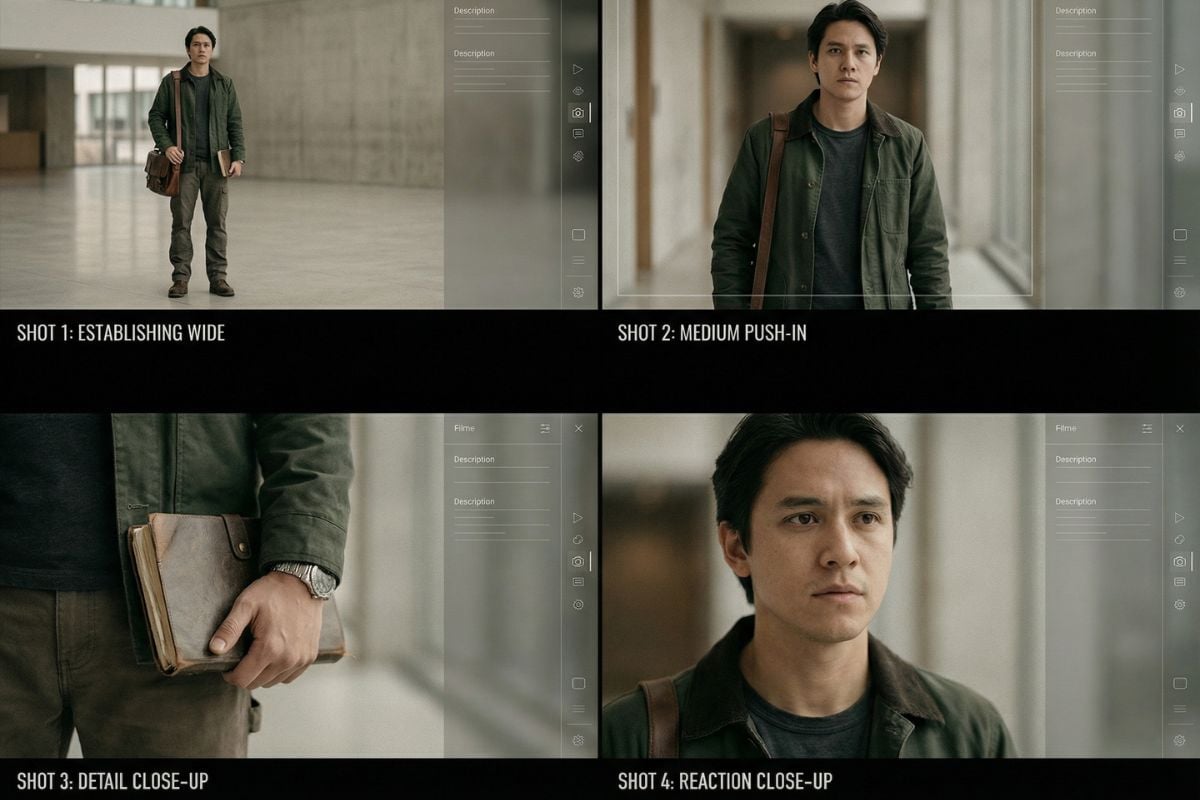
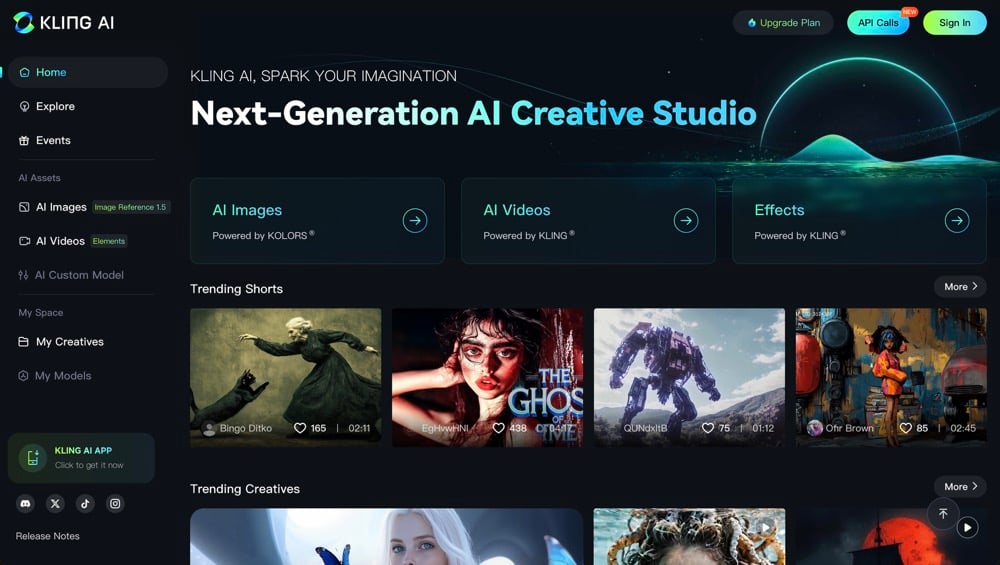
A practical way to get better continuity is writing a short shot list: wide establishing → medium push-in → close-up detail → reaction. For action-heavy beats, pair your shots with Kling Motion Control to keep movement readable. If you’re migrating projects, it can also help to compare the same prompt in Kling 2.6 and Kling 2.5, and keep your model options organized under Kling AI.
Find More Kling Series Models

Prompt Tips & Best Practices
Use a 3-Line Prompt Format
Line 1: scene + lighting. Line 2: subject + fixed identity details. Line 3: camera move + action. This keeps your instructions readable and reduces accidental contradictions.
One Big Motion Per Shot
Pick one primary camera move (push-in, pan, orbit, handheld drift). If you stack multiple moves, you’ll often get jitter or strange framing shifts.
Write a Mini Shot List for Multi-Shot
Example: (1) wide establishing, static; (2) medium push-in; (3) close-up detail; (4) reaction. Keep the same identity anchors across all shots.
Avoid “Physics Traps”
If an action is hard to imagine in real life, it tends to look off. Use grounded verbs: step, turn, pick up, lean, sit, collide lightly. Mention weight shift and contact with surfaces.
Draft Short, Then Extend
Generate a short draft to lock the look and identity first. Once it’s stable, extend duration and add one new beat at a time. This is the simplest way to reduce rework.
Kling Video 3.0 vs Kling 2.6 / 2.5 — Which Should I Use?
You may want to know
What is Kling Video 3.0 best used for?
How long can Kling 3.0 generate per clip?
How do I keep a character consistent across shots?
Why does a clip sometimes flicker or feel unstable?
How do I write a multi-shot prompt that feels like a real sequence?
Can I use Kling outputs commercially?
How should I handle private or sensitive footage?
Make a Clip You Can Actually Cut
Start with a short draft, lock identity and framing, then extend. Keep one camera move per shot, repeat your character anchors, and you’ll spend less time re-generating and more time editing a real sequence. That’s the practical advantage of Kling Video 3.0.
Explore All Video Tools