
Vidnoz Face Swap
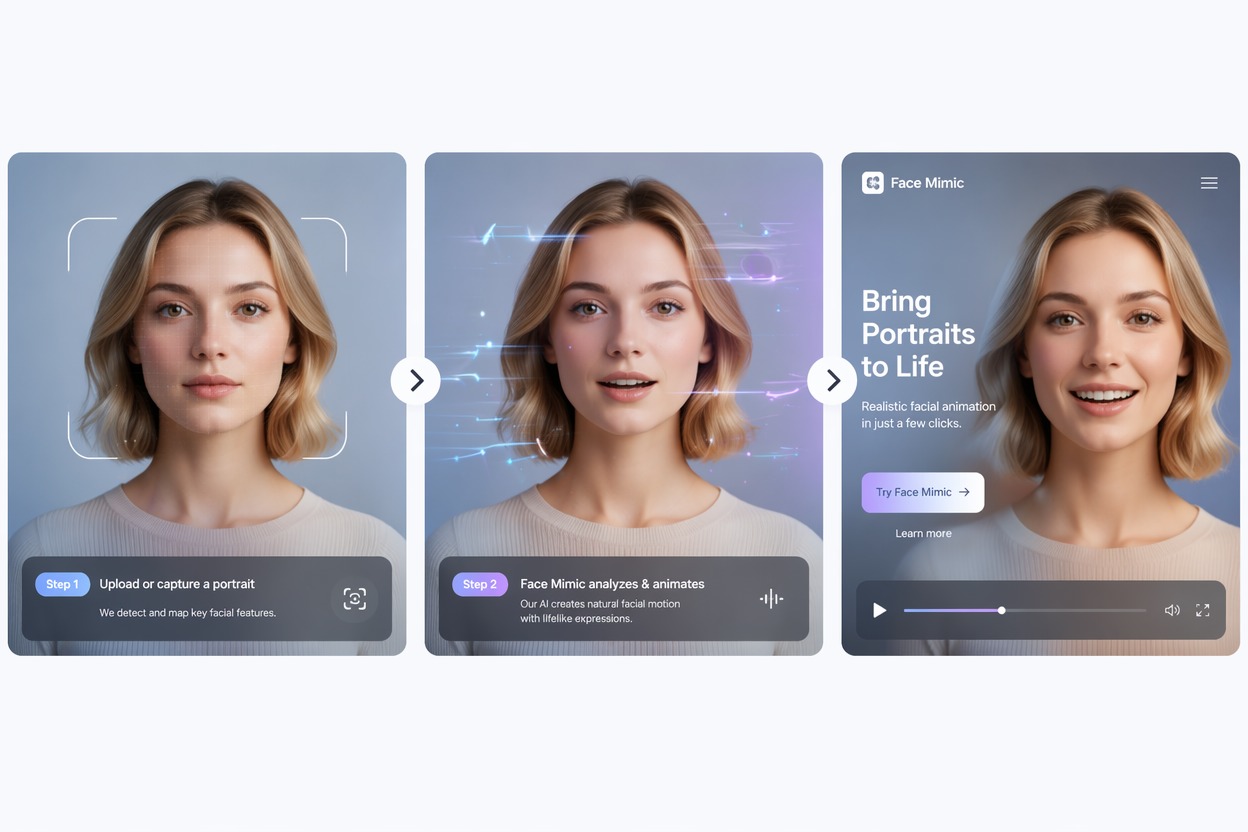
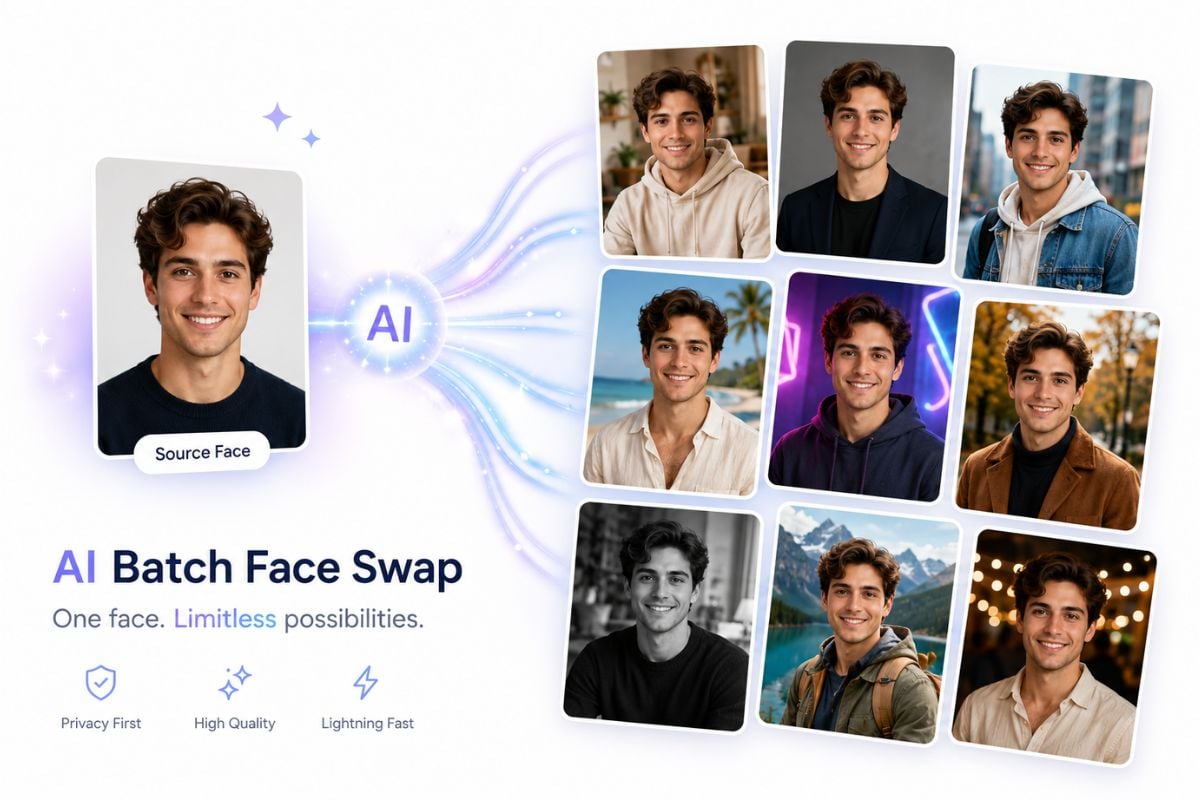
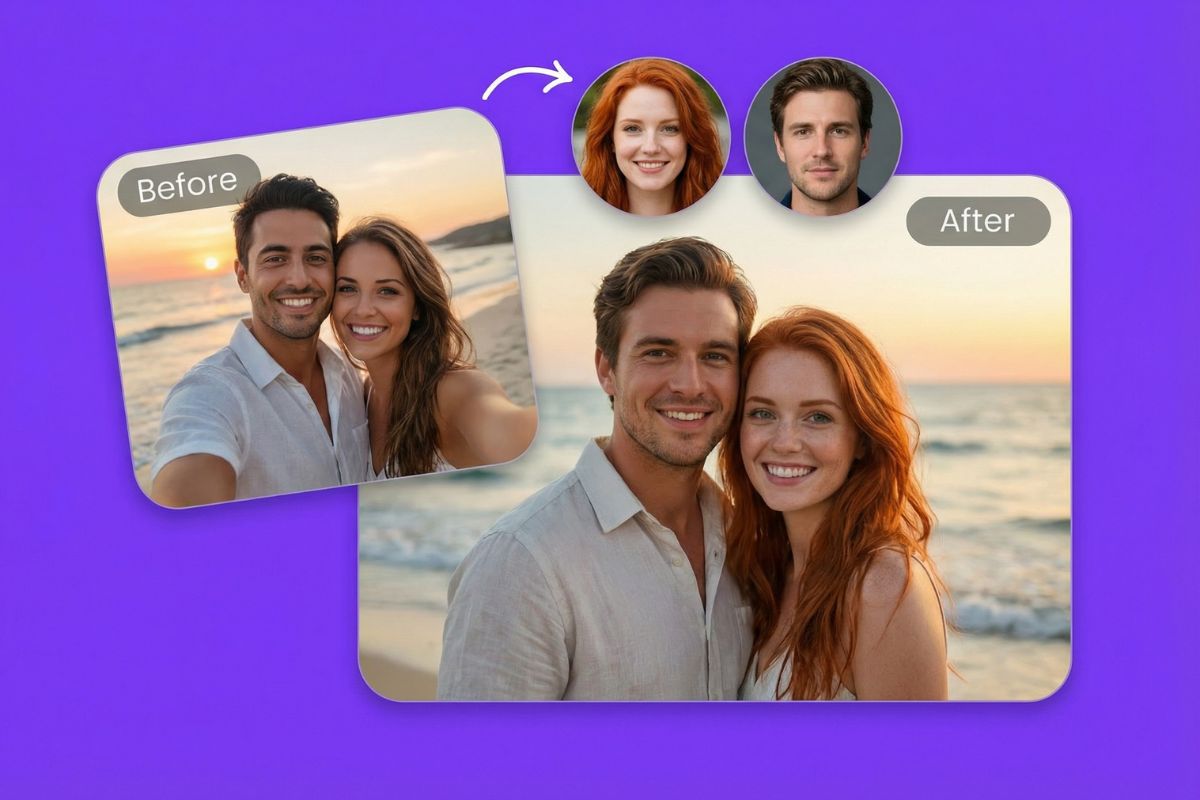
Add an original photo or video and a clear target face to Vidnoz AI face swap. Generate the refaced result, then check identity, skin tone, hairline, expression, lighting, motion, and background before downloading or sharing.
Open Vidnoz Face Swap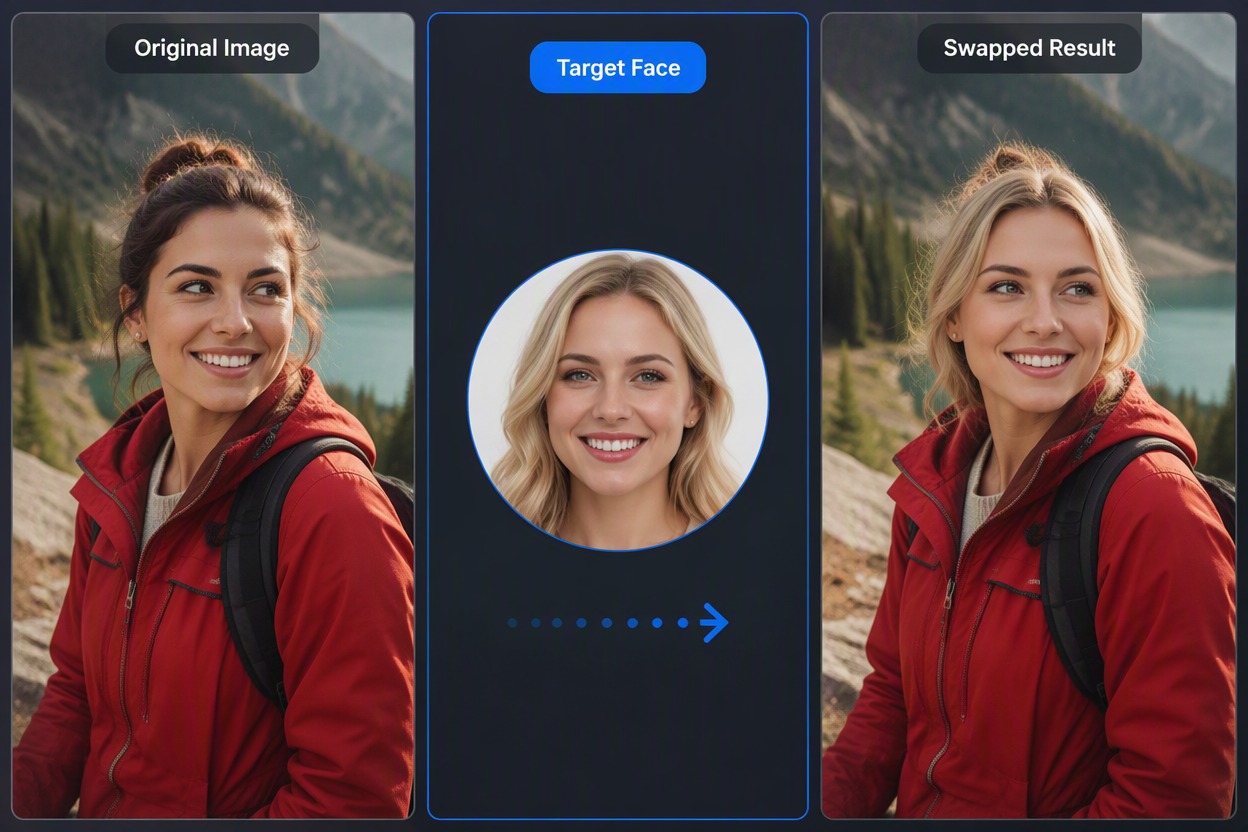
Vidnoz Face Swap Features for Photos and Videos
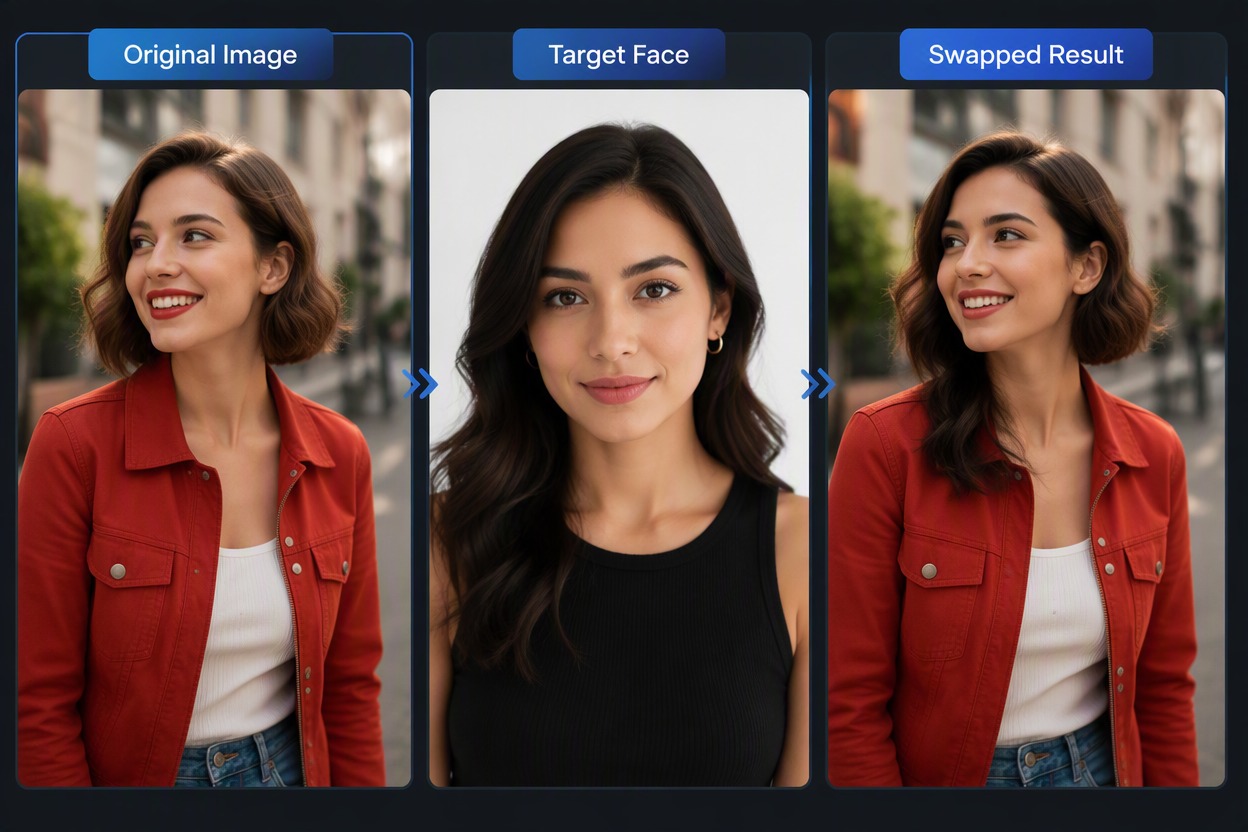
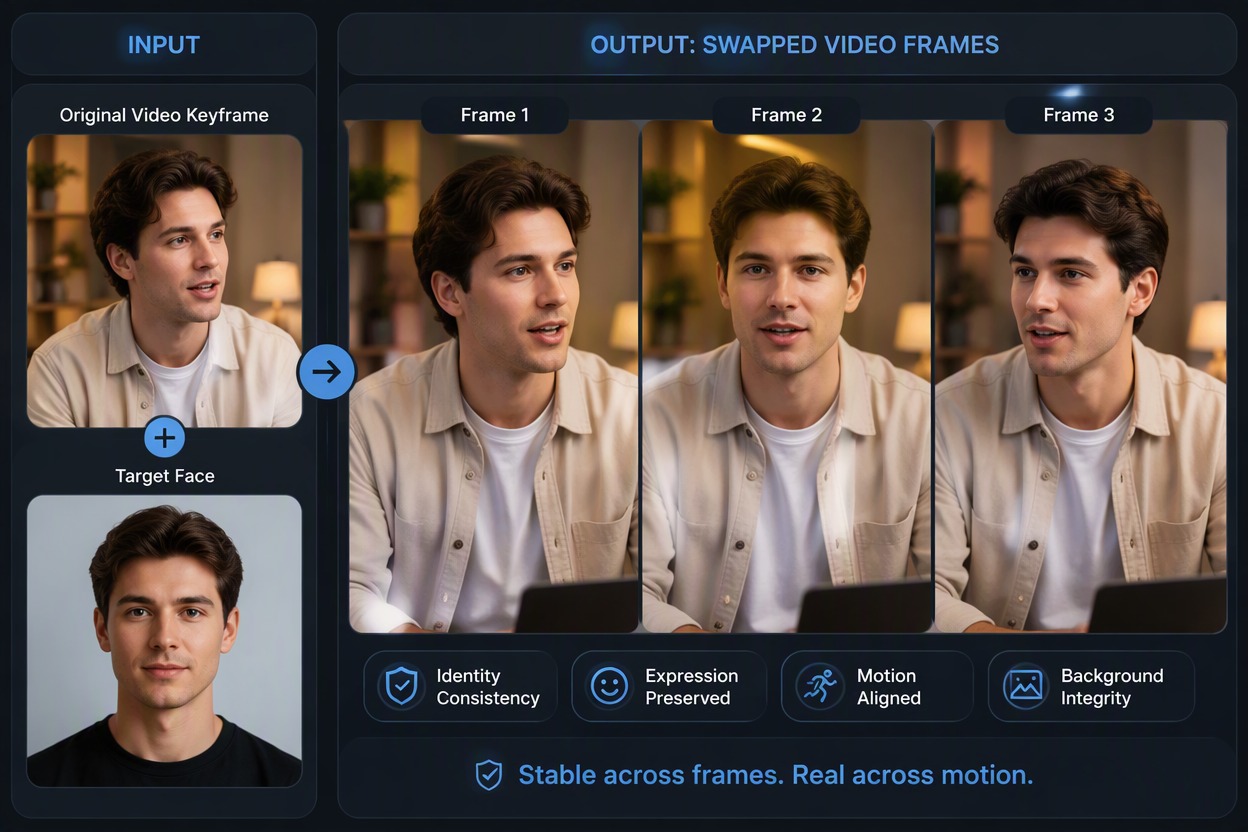
Flexible Creative Face Edits
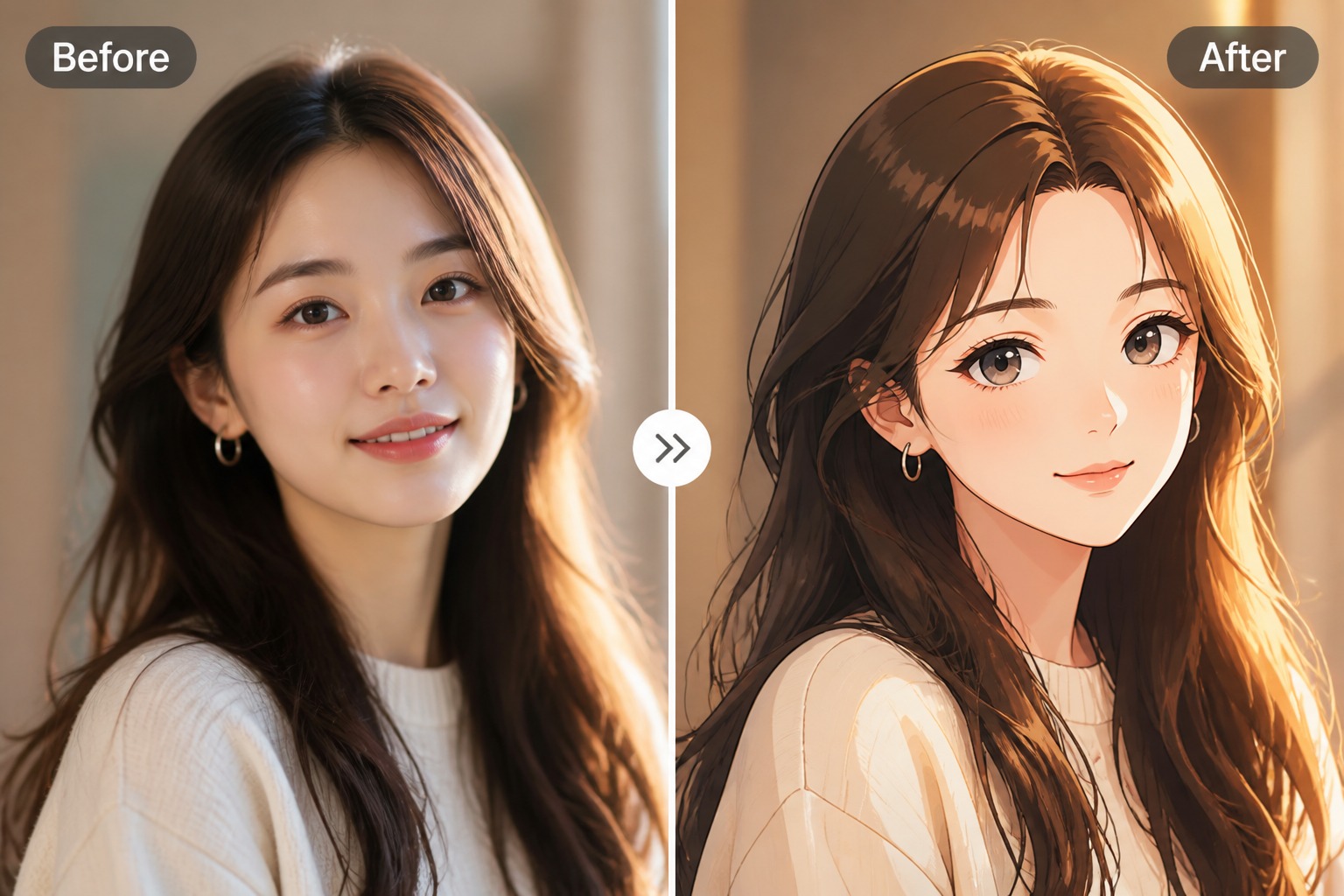
Use Vidnoz for costume ideas, meme edits, character concepts, social posts, and private creative tests. For more AI editing options, try our face swap tool.
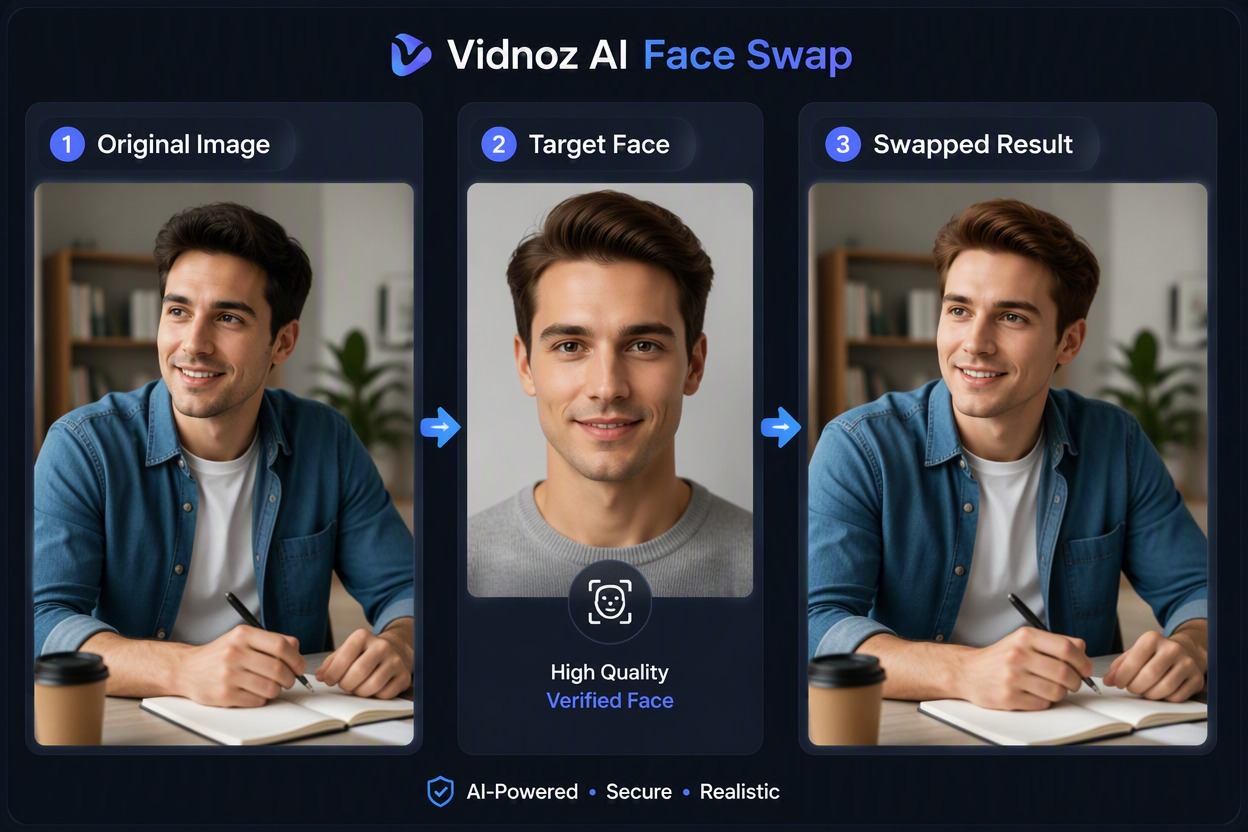
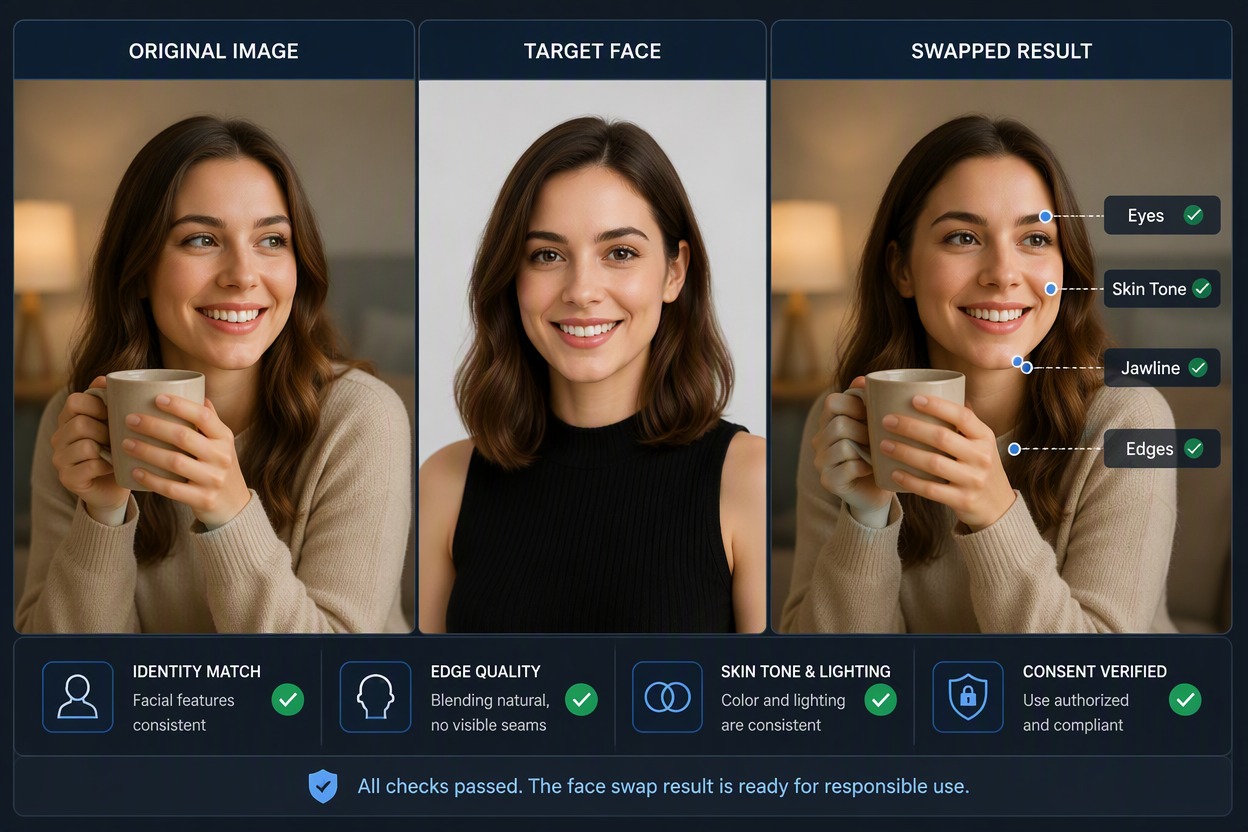
How to Use Vidnoz Face Swap
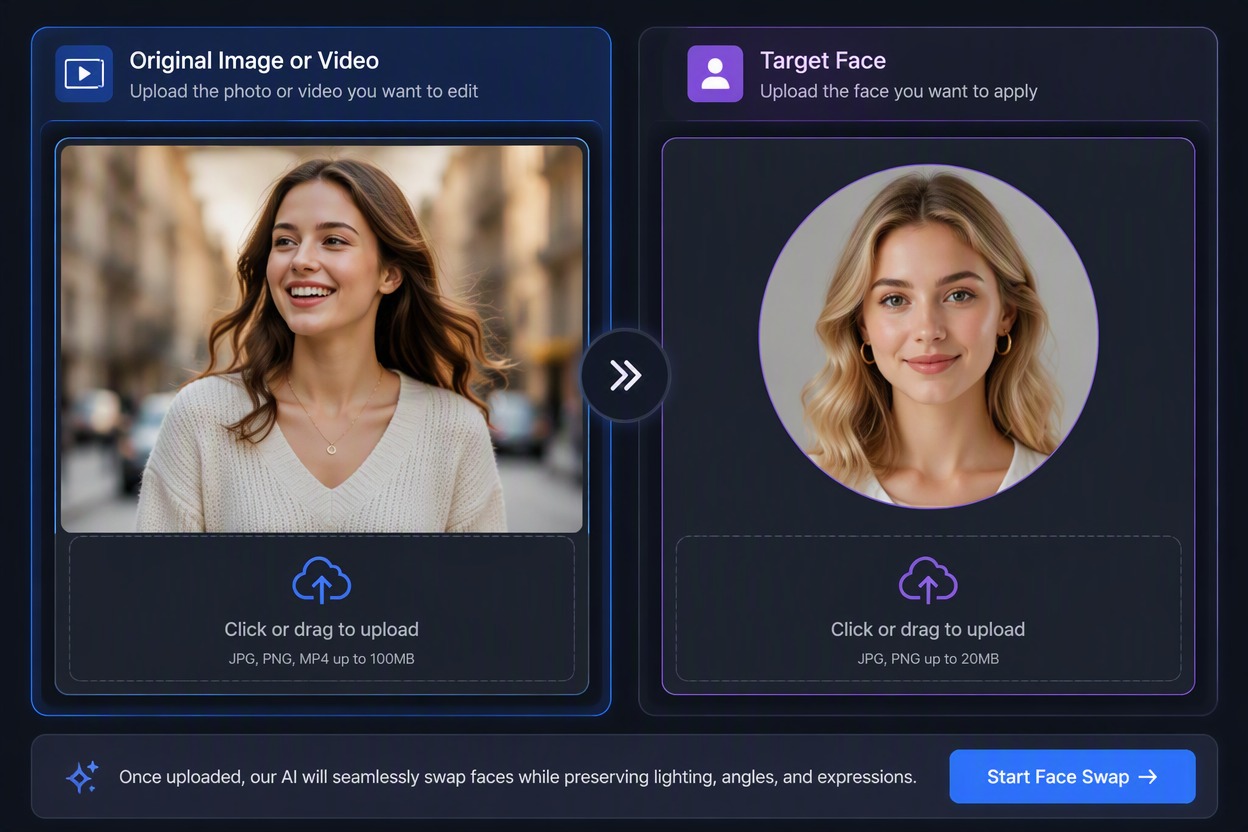
Step 1 1
Add the Original and Target Face
Upload an authorized photo or video and a clear adult target portrait with a compatible angle and lighting.
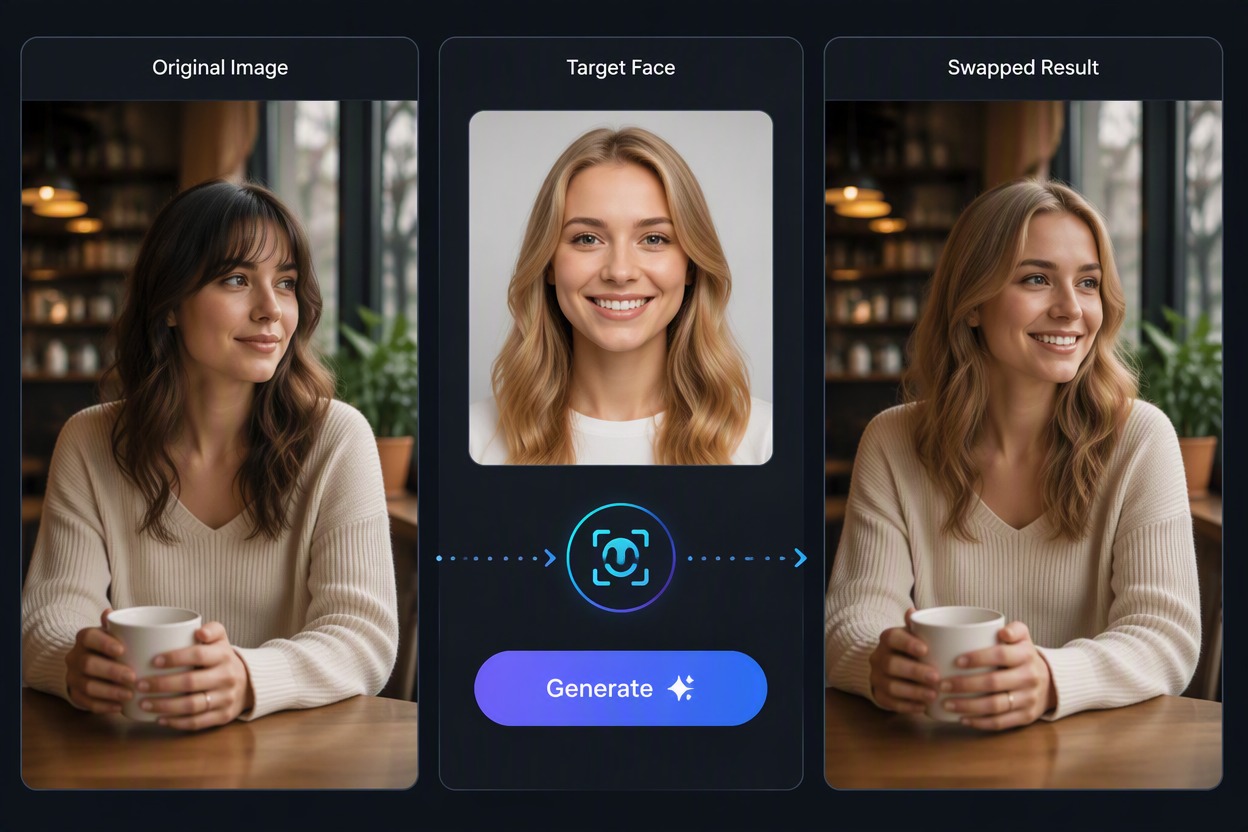
Step 2 2
Generate the Face Swap
Apply the target identity while keeping the original scene, pose, clothing, camera, expression, and background as stable as possible.
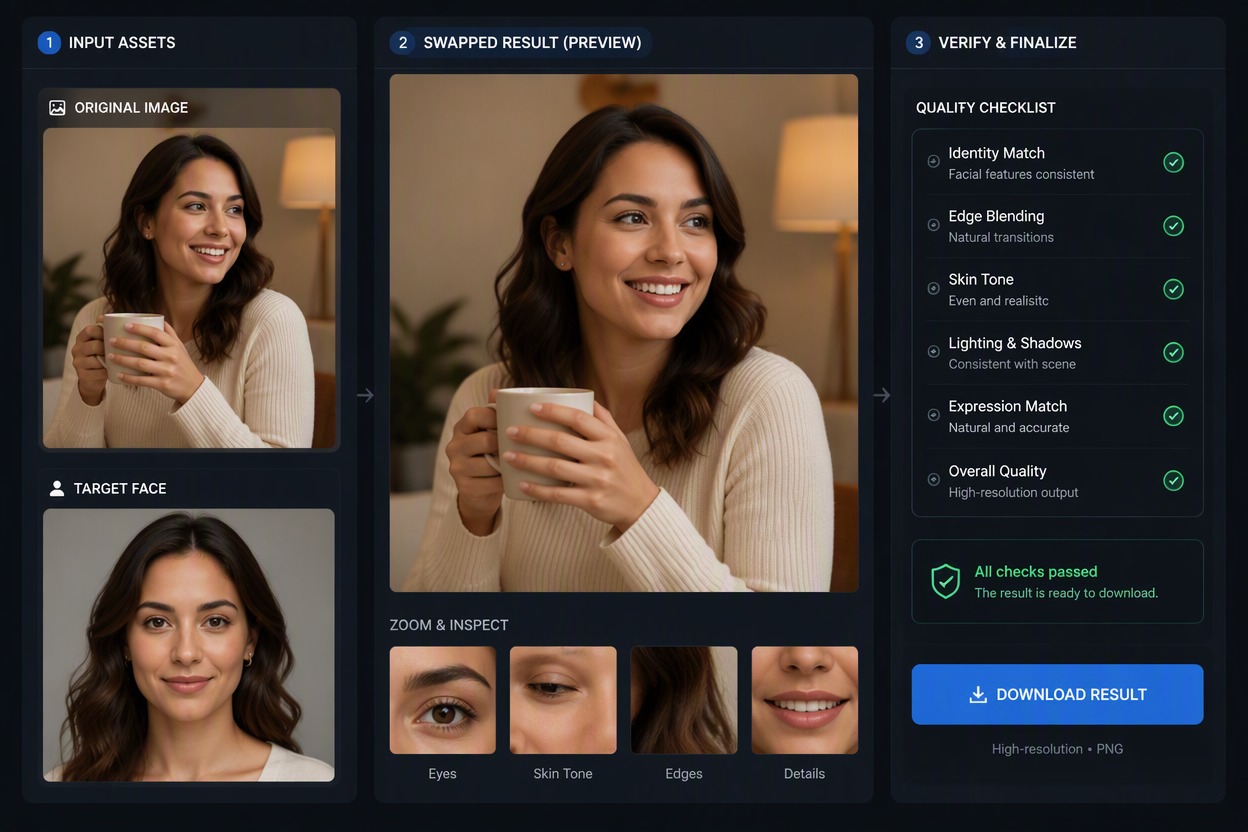
Step 3 3
Review and Download
Inspect identity, edges, skin tone, motion, occlusion, text, and context. Download only with consent and do not misrepresent the result as real.
Explore More Face Swap Tools
Vidnoz Face Swap Workflow Highlights
Photo and Video Inputs
Start with an authorized original image or clip plus a clear target face.
Complete Swap Workflow
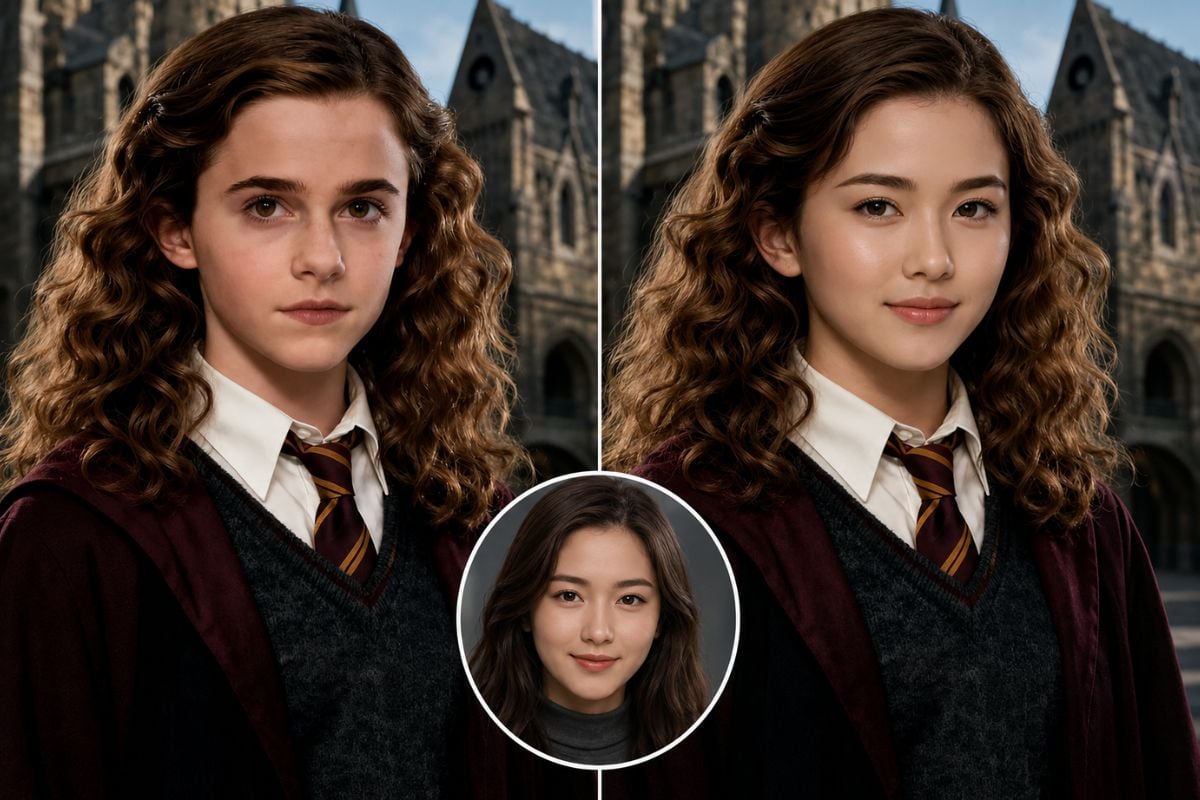
Keep Original, Target Face, and Swapped Result visible during review.
Identity and Edge Inspection
Check eyes, hairline, jaw, ears, skin tone, lighting, occlusion, and expression.
Motion Review for Video
Watch every frame for flicker, face drift, mouth changes, blur, and inconsistent lighting.
Consent-Led Use
Use fictional adults or participants who approved both the transformation and its intended distribution.
Download After Verification
Save only results that are visually coherent and not misleading.
Vidnoz Face Swap FAQ
What does Vidnoz AI face swap do?
Can I use Vidnoz AI face swap free?
What inputs work best?
Does it work with video?
Can I use it for character or entertainment edits?
Can I share the result?
What should I check before downloading?
Try Vidnoz Face Swap BNow
Use consenting adult images, generate a face-swap variation, and inspect identity, edges, motion, and context before downloading.
Start Creating With GoEnhance AI