goenhance logo

Face Mimic

Upload a clear portrait and create a face mimic animation that turns still facial expression into short, playful motion for social clips, avatar tests, meme-style edits, and creative video drafts.
Animate a Face

Mimic Face Animation for Short Creative Videos

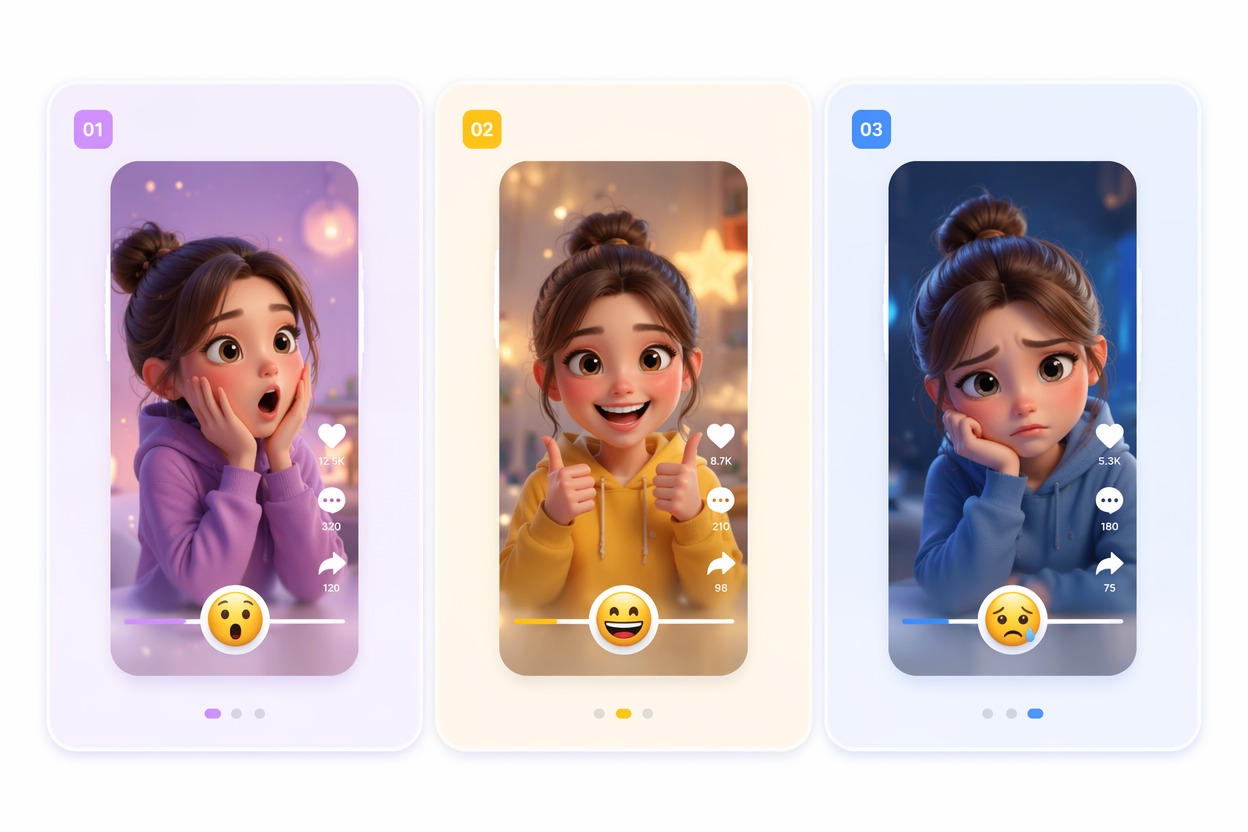
Animate Facial Expressions

Create a short face mimic clip from a still photo when you need a playful reaction, talking-style moment, or expressive avatar draft. It works best with front-facing portraits where eyes, mouth, and head angle are easy to read. You can also explore the AI video generator to create more video content from images or prompts.
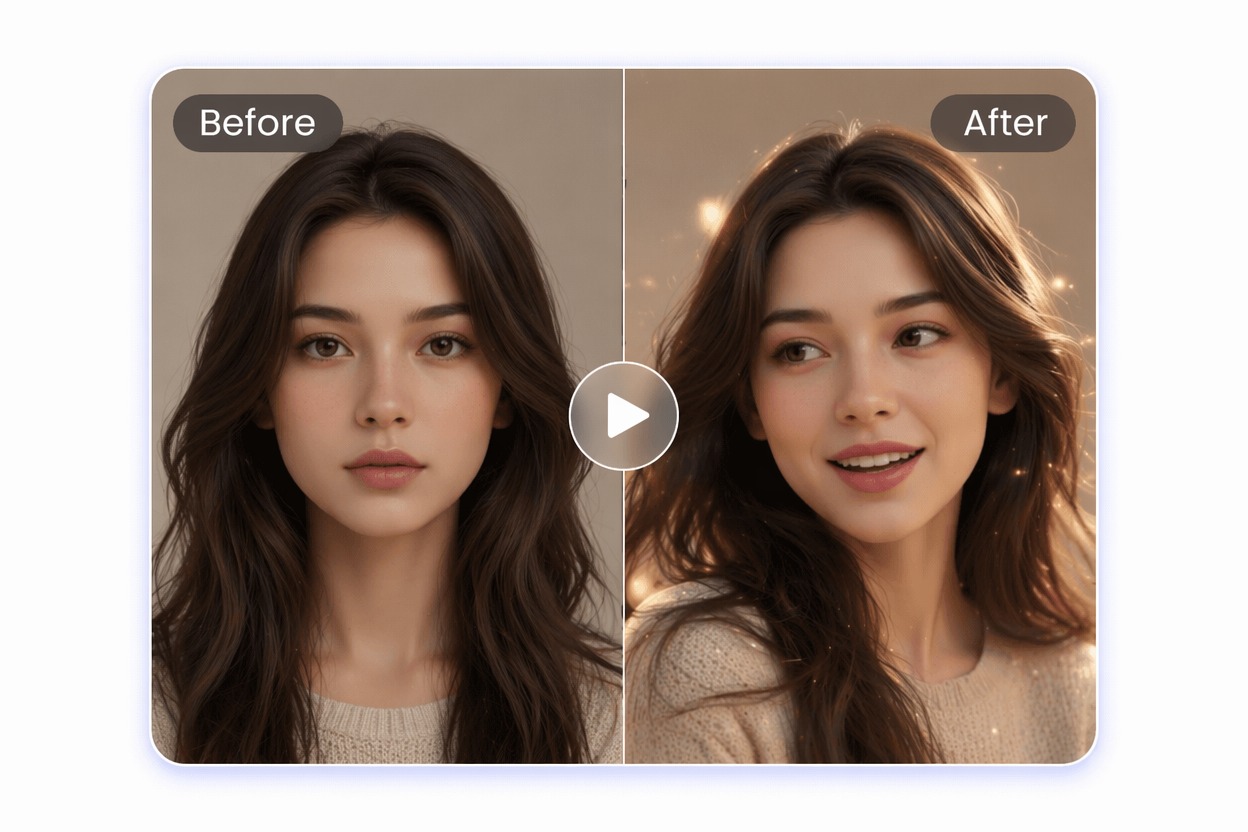
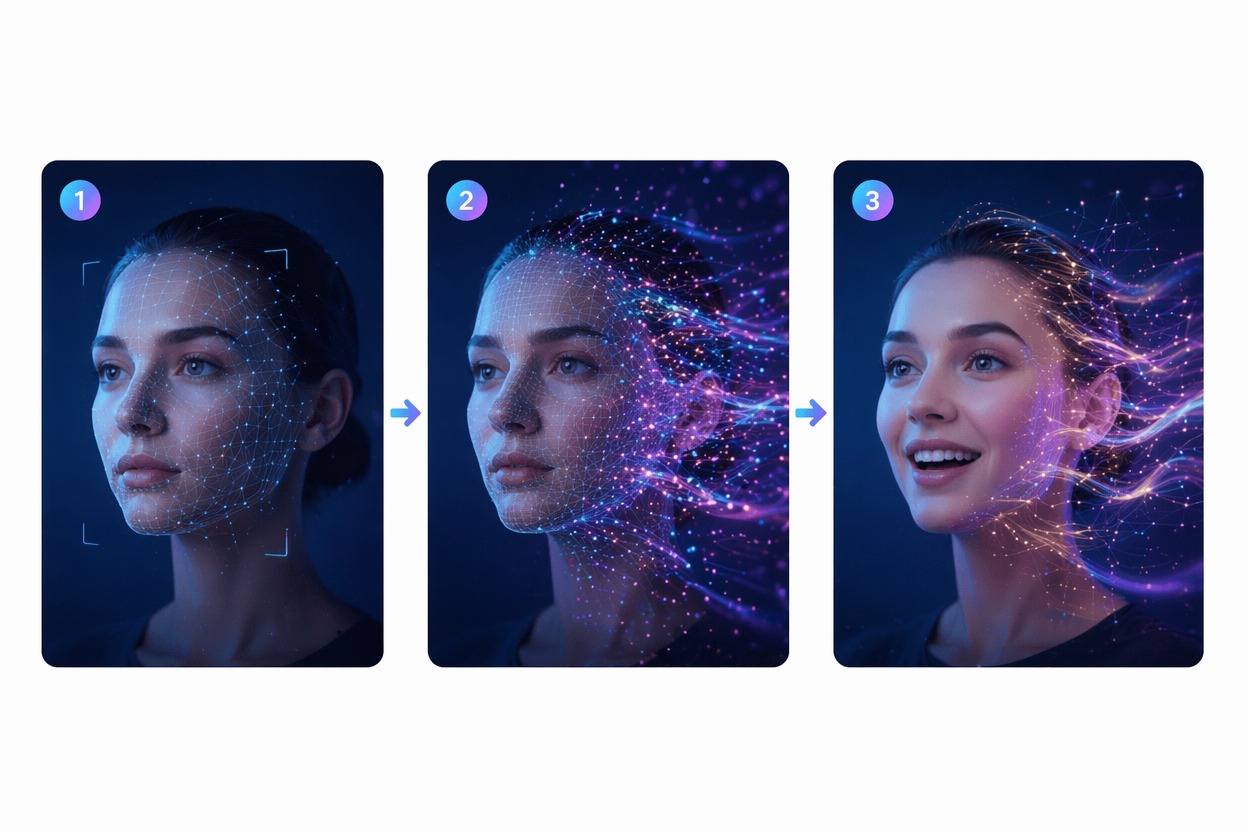
Mimic Face Motion

Use mimic face editing to test smiles, surprise, eyebrow movement, or performance-like reactions before building a longer video. Treat the result as a creative draft and review whether the motion still feels natural.

Build Social Reactions

Make lightweight reaction clips for TikTok, Shorts, memes, creator intros, or profile content without recording a new performance. The strongest fit is short expressive content, not impersonation or identity claims.

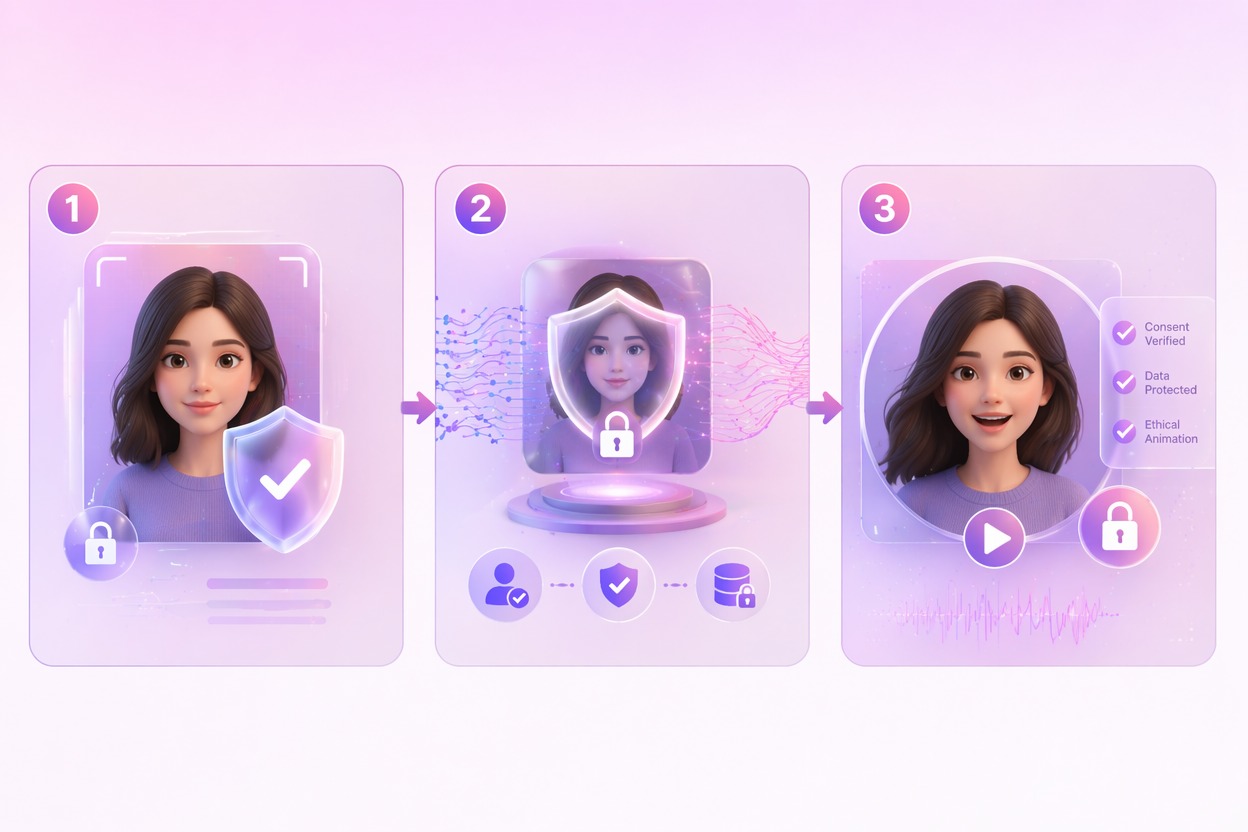
Keep Likeness Responsible

Face animation should use photos you own or have permission to use. GoEnhance AI is a better operational fit for consent-based creative edits, avatar concepts, and personal content than for pretending to be someone else.

Why Use a Face Mimic Tool?

Photo to Motion Drafts

Turn a portrait into a quick video idea without recording new footage or manually keyframing expression changes.

Short-Form Ready Concepts

Prepare expressive clips for memes, reactions, creator intros, and avatar tests that work best in brief formats.

Clear Input Guidance

Front-facing portraits with visible eyes and mouth usually give more believable motion than cropped or angled photos.

Faster Creative Testing

Compare several expression directions before choosing the version that best fits your post, character, or campaign.

Consent-Based Workflow

Use owned or authorized face photos and avoid impersonation, misleading identity use, or public figure imitation.

Easy Video Entry Point

Start from one image and move toward motion before exploring longer AI video workflows or image-to-video ideas.

How to Use Face Mimic in 3 Steps

Upload a portrait and a target video to transfer facial movements.
01

Upload a Portrait

Choose a clear face photo with visible eyes, mouth, and facial details. Front-facing portraits usually produce more natural results.

02

Upload a Target Video

Add a video containing the facial expressions and movements you want to copy, such as talking, smiling, blinking, or reacting.

03

Generate the Face Mimic Video

The portrait will come to life and mimic the facial movements from the uploaded target video. Preview the result and regenerate if needed.

FAQ

Face Mimic FAQ

What does mimic face mean in this tool?

Mimic face means using AI to animate a still face photo with expression-like motion. You can create a short clip where a fictional or authorized portrait smiles, reacts, or appears more lively. It is best for creative video drafts, avatars, and social posts, not for pretending to be another person.

What photos work best for face mimic results?

Use a high-quality portrait with one main face, visible features, and simple lighting. Busy backgrounds are less important than the face area, but extreme angles, blurry images, or strong filters can make the animation less stable.

Can I animate someone else’s face?

Only use face photos you own or have permission to use. For recognizable people, get consent and avoid impersonation, misleading endorsements, harassment, or public figure imitation. Review local rules and platform policies before sharing.

Is Face Mimic good for social videos?

It is strongest for short reaction clips, avatar intros, meme drafts, and creative tests where a small amount of facial motion adds personality. For longer scenes, combine the best portrait result with an AI image-to-video workflow.

Can I use the output commercially?

Check the current GoEnhance AI terms and make sure you have rights to the input photo and any recognizable likeness. Commercial use needs extra care when the person, brand, or context could imply endorsement.

What are common limits?

AI face animation can produce mouth drift, uneven expressions, or motion that feels too exaggerated. Treat the first result as a draft, then refine the input photo, prompt, or expression goal for a more natural clip.

Does it replace video recording?

It can reduce the need for a quick reaction take, but it does not replace a real performance when you need exact speech, emotional nuance, or verified identity. Use it as a creative shortcut for lightweight motion.

Ready to Create Your First Face Mimic Video?

Upload a portrait, animate a short expression, and turn a still face into a shareable creative video draft.

Animate a Face