goenhance logo

Batch Face Swap

Swap faces across multiple photos with GoEnhance AI for portrait sets, group photos, creator edits, and campaign variations. Works best with clear face references, compatible angles, and images you have permission to use.

Start Batch Face Swap

Batch Face Swap Online for Multi-Photo Edits

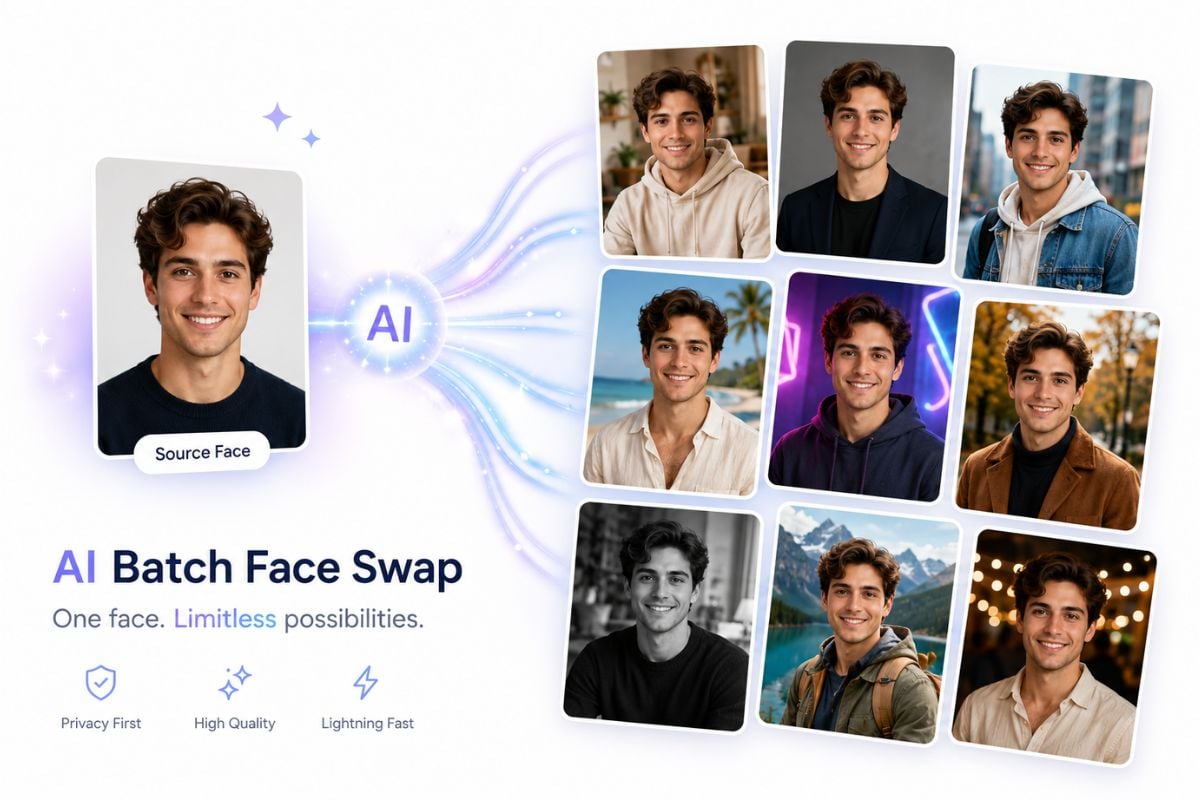
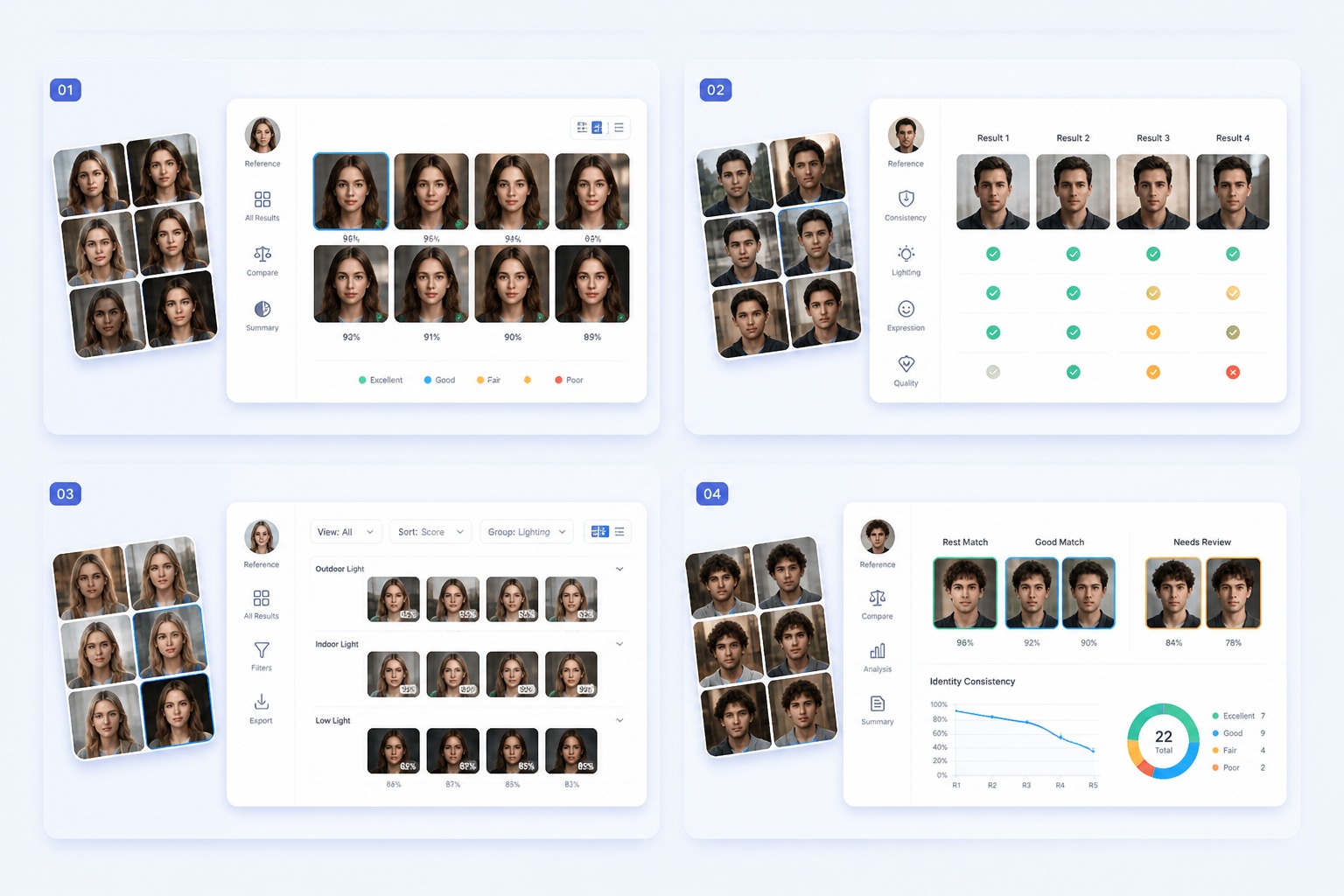
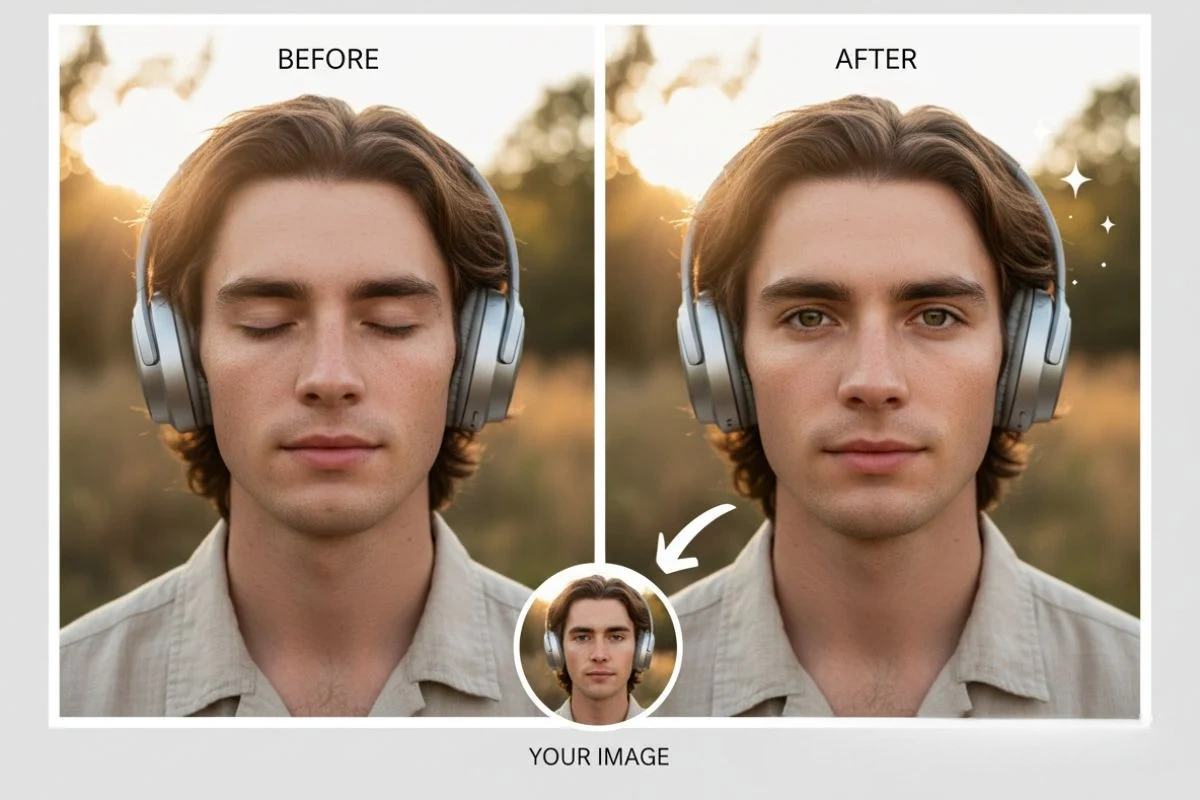
Build Portrait Sets

Create several portrait, avatar, or profile-style variations from one clear face reference. Batch face swap works best when source identity is visible and target images keep the face area free from heavy shadows, hair coverage, or extreme pose changes.

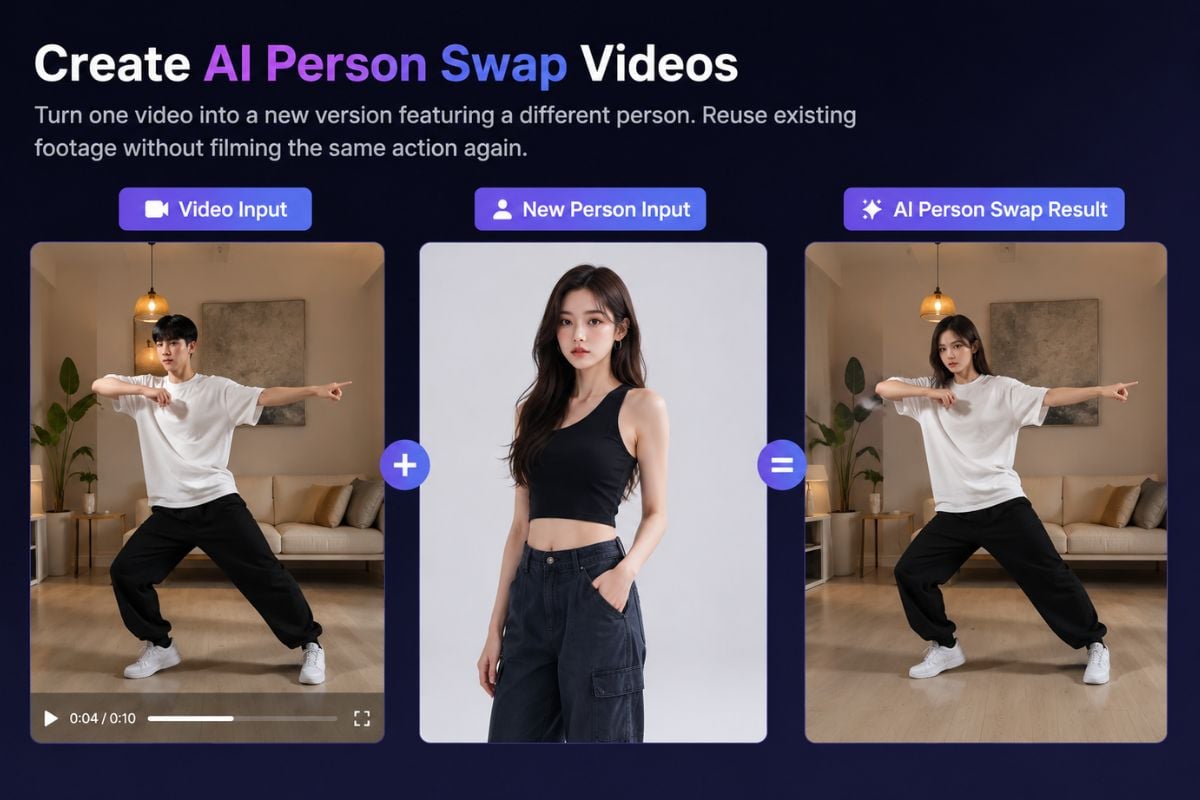
Batch face swap portrait set preview

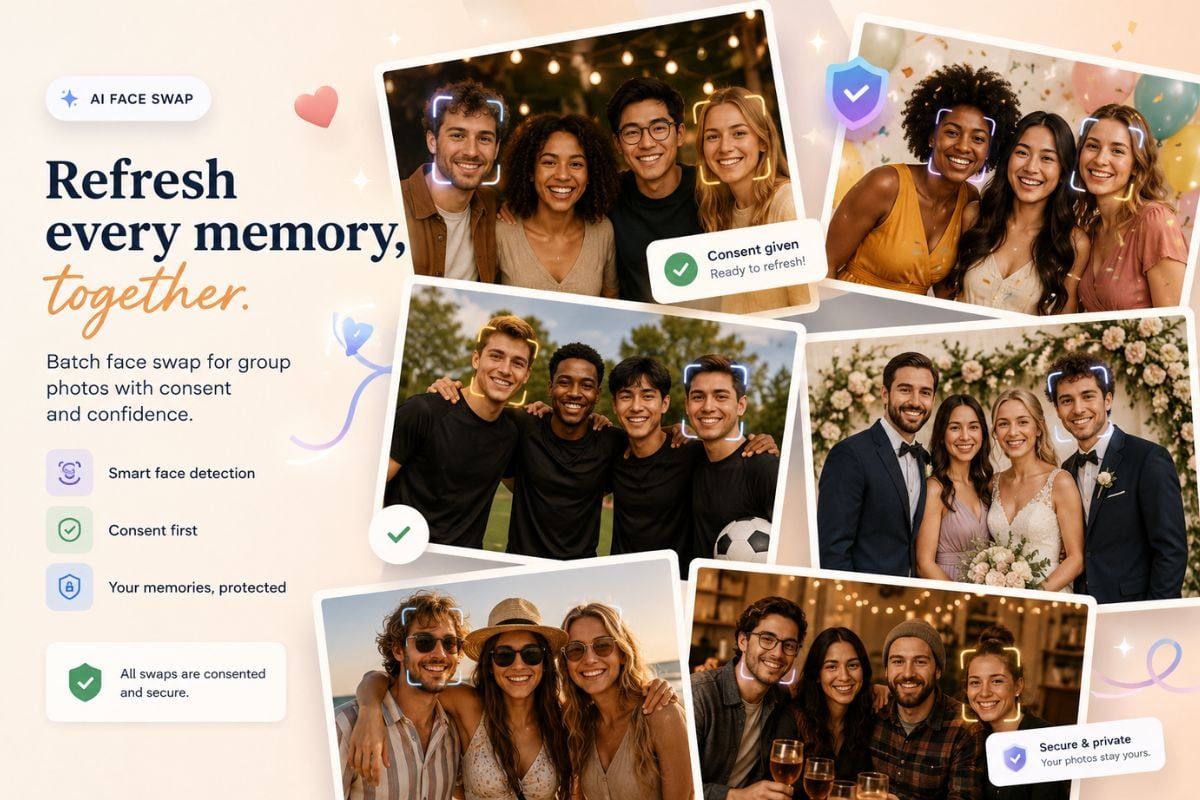
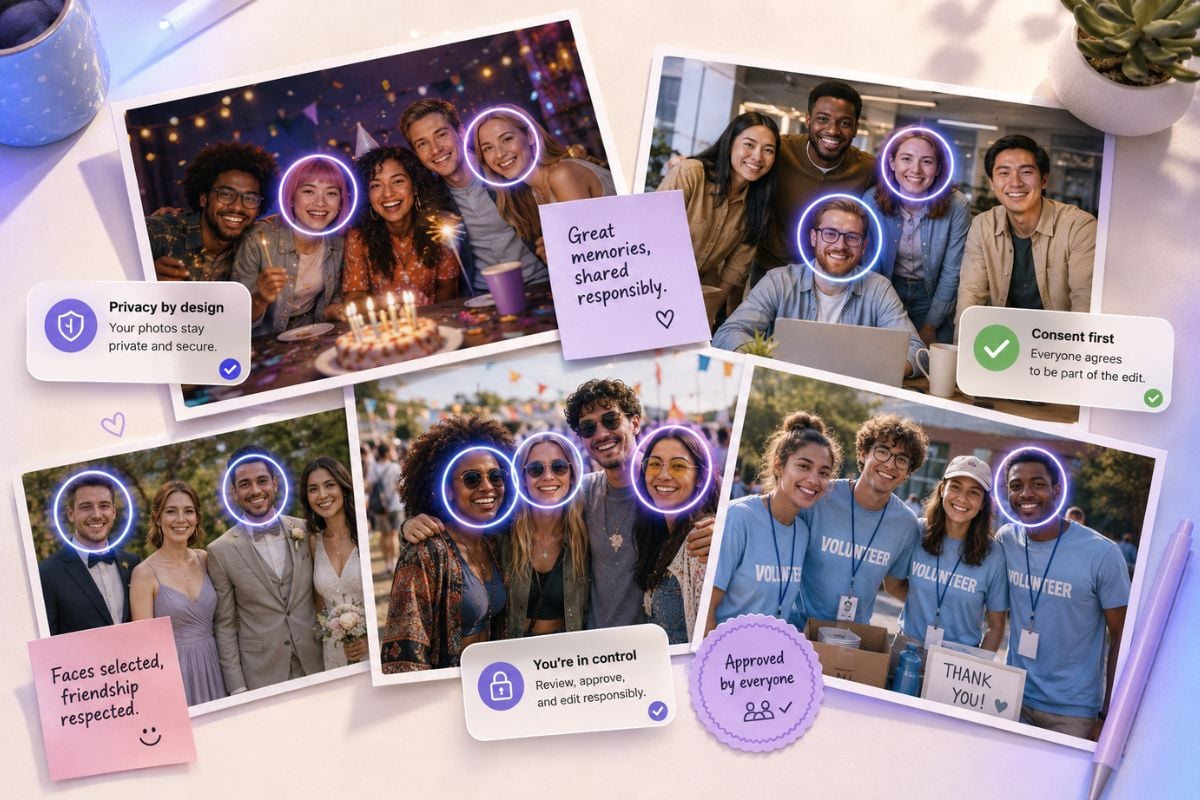
Refresh Group Photos

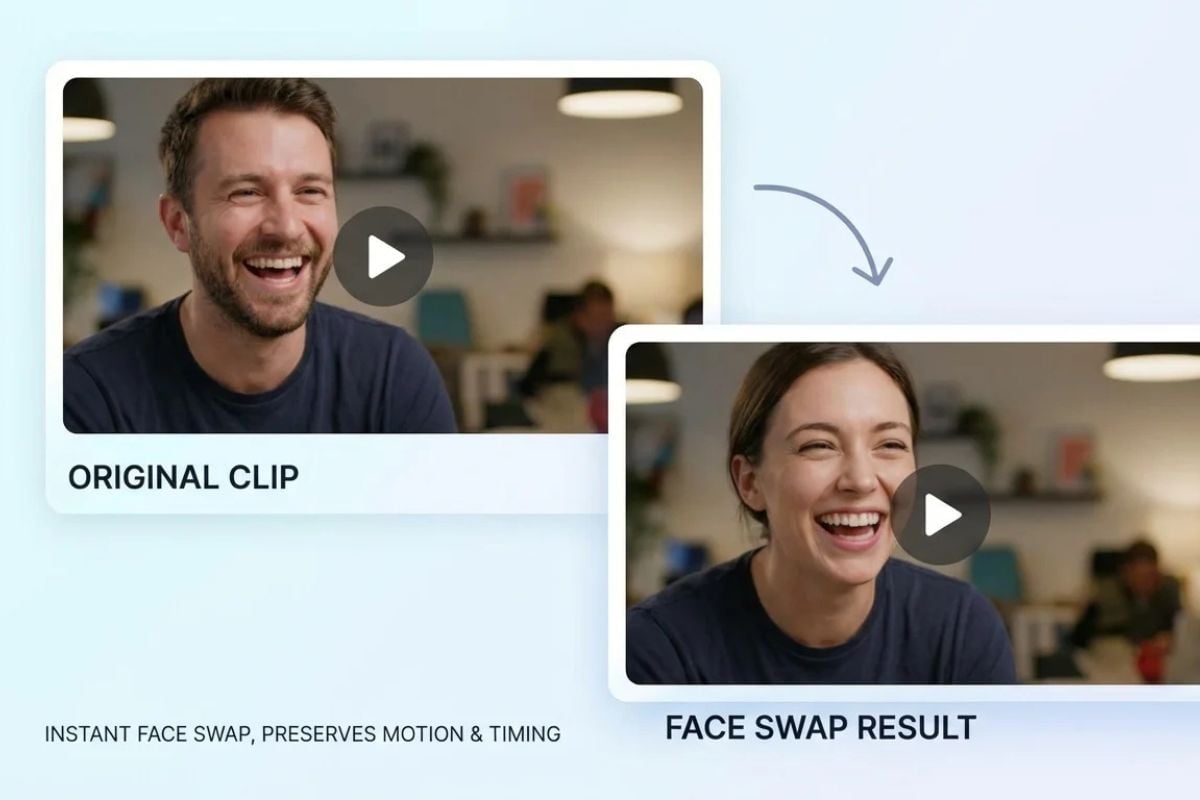
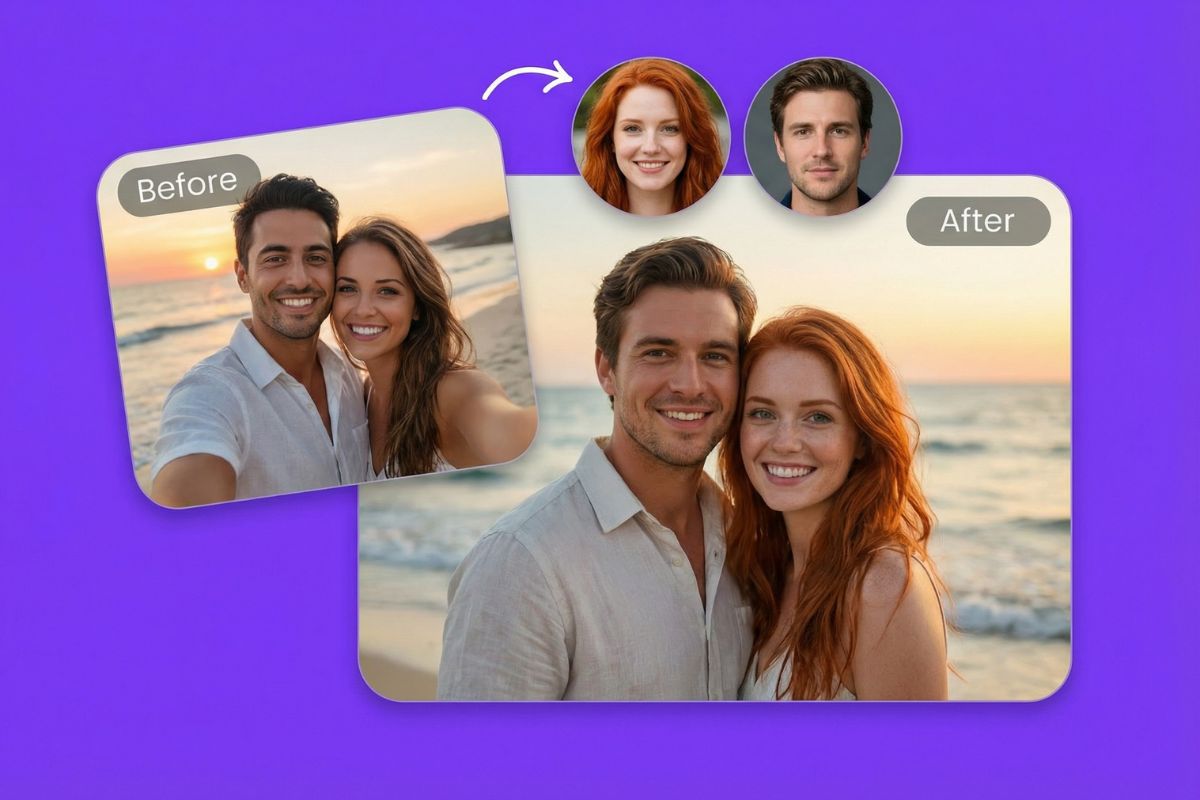
Test face replacements across party shots, team photos, event albums, or playful social edits without repeating the same manual work on every image. For single-image swaps, the face swap workflow is a simpler starting point.

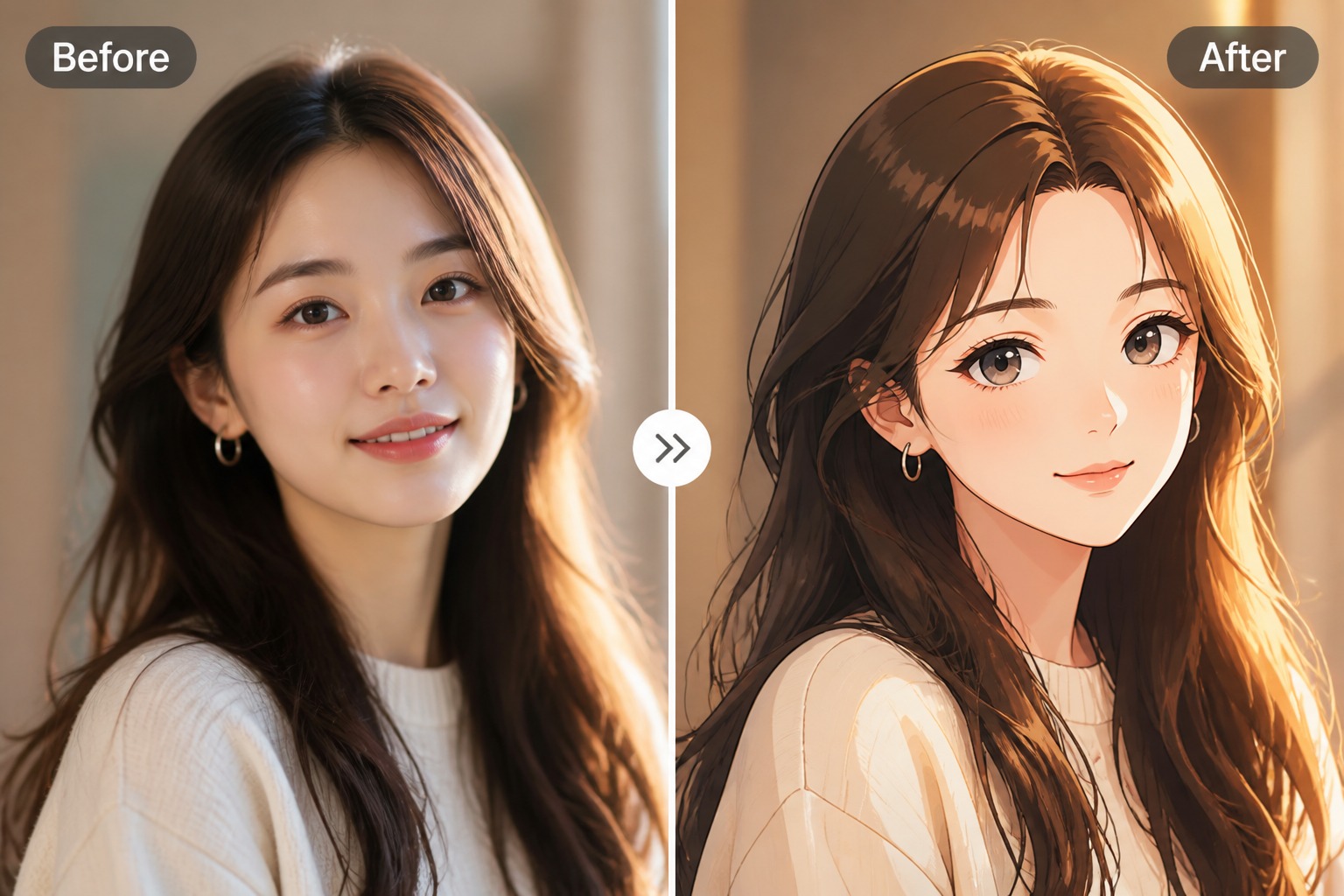
Batch group photo face swap edits

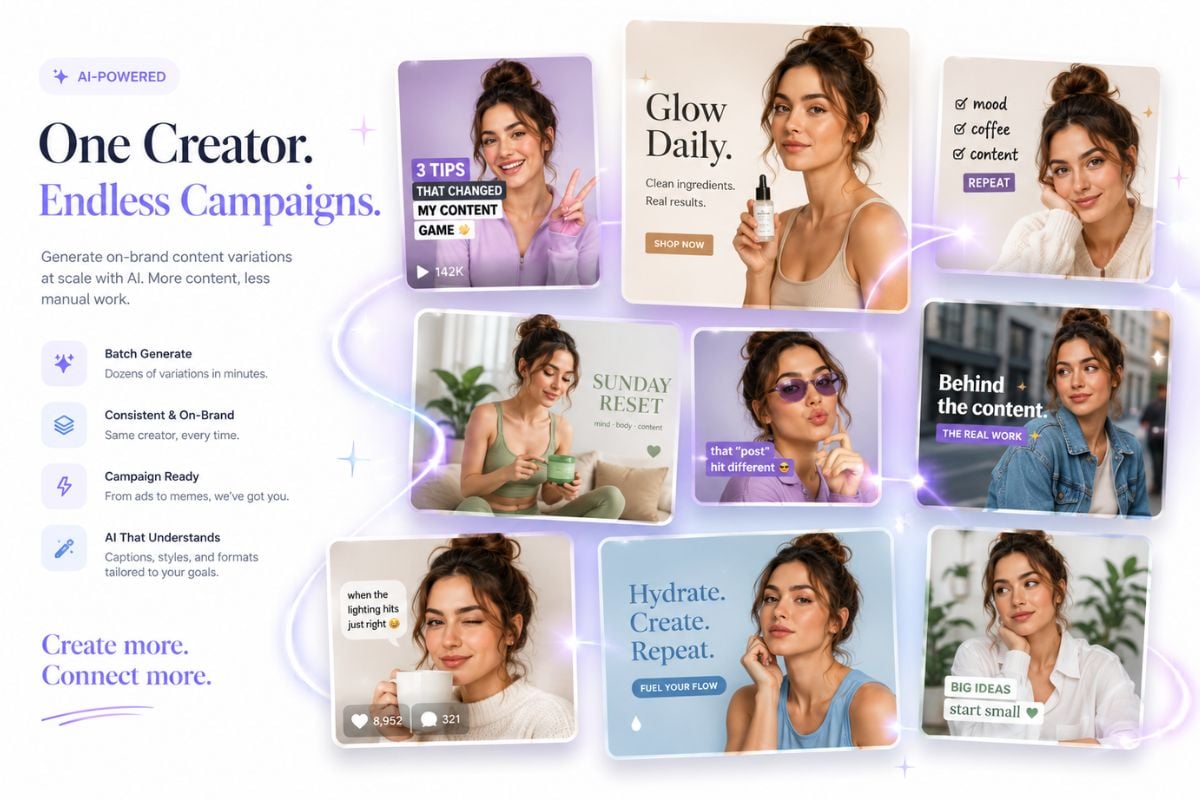
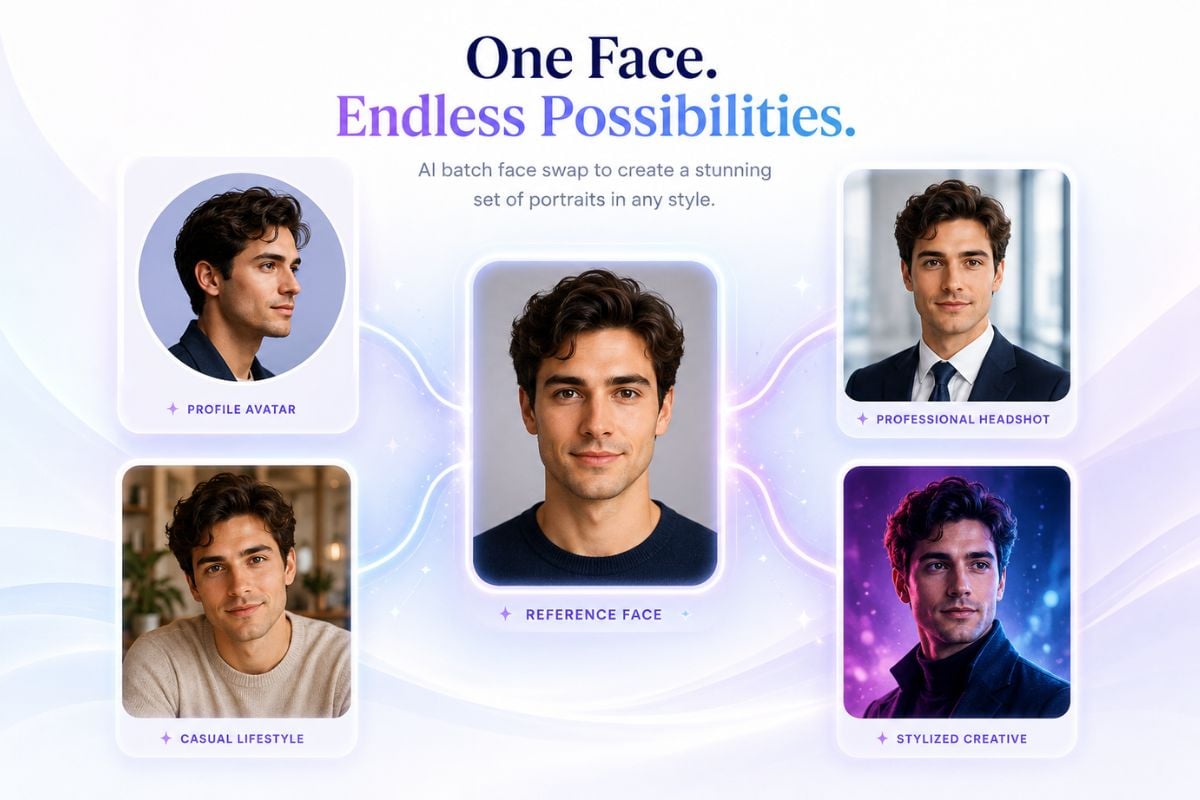
Explore Campaign Looks

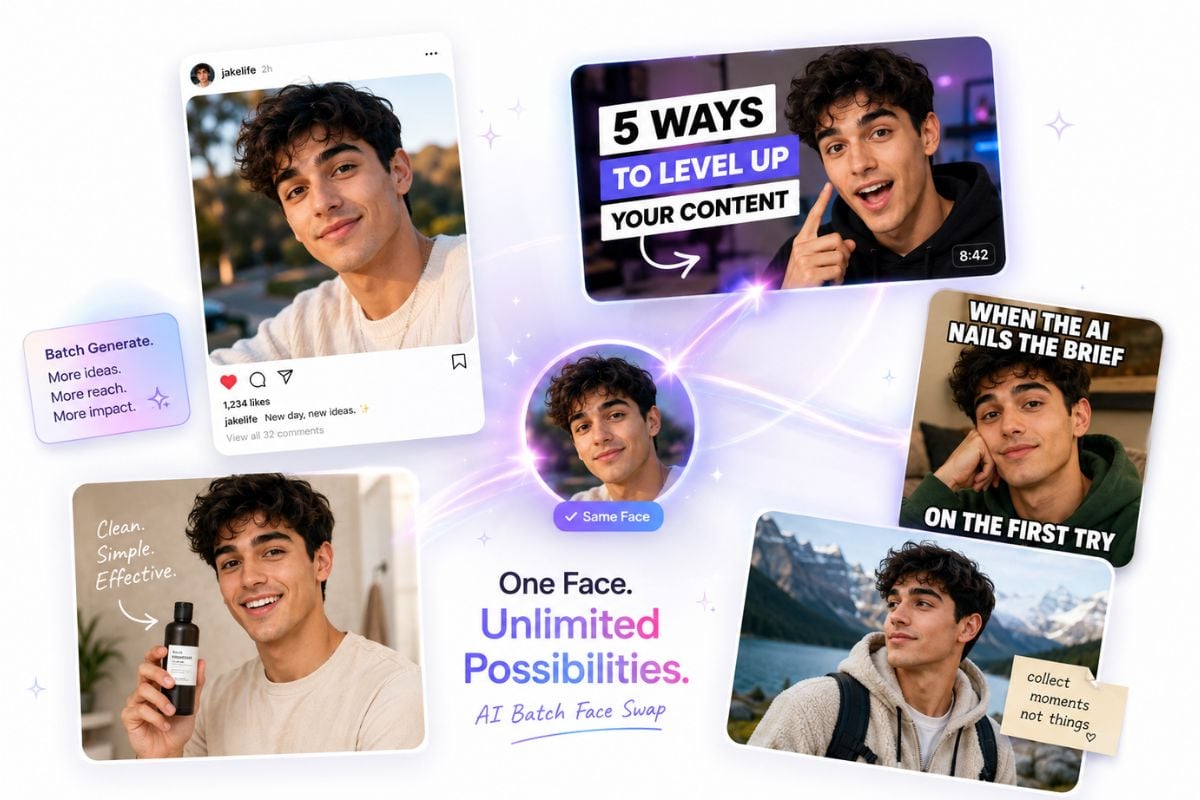
Preview multiple creator thumbnails, ad concepts, product scenes, or social visuals with the same face direction across a set. This is a strong fit for visual drafting and a weaker fit for regulated ads or official identity materials without review.

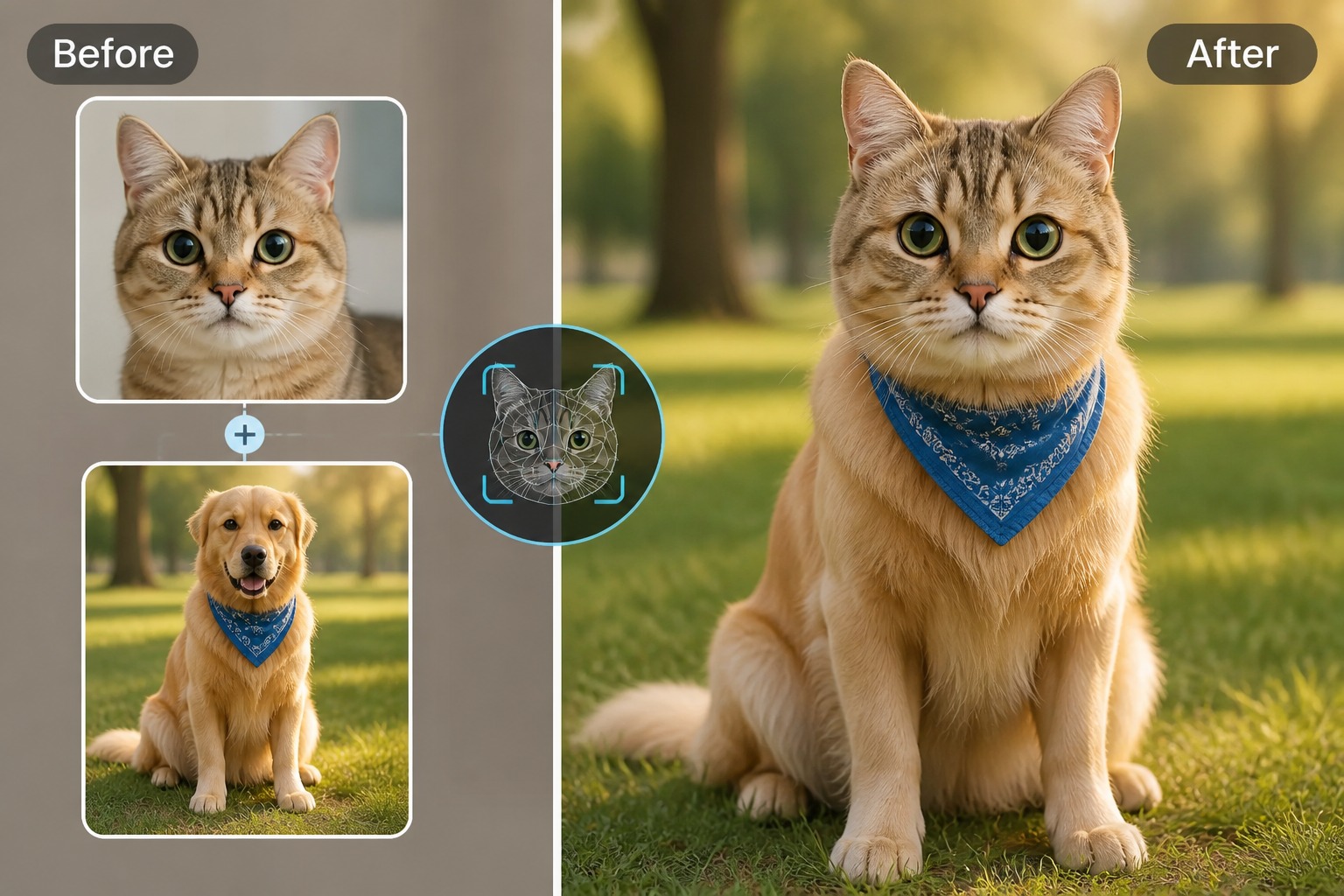
Batch campaign face swap variations

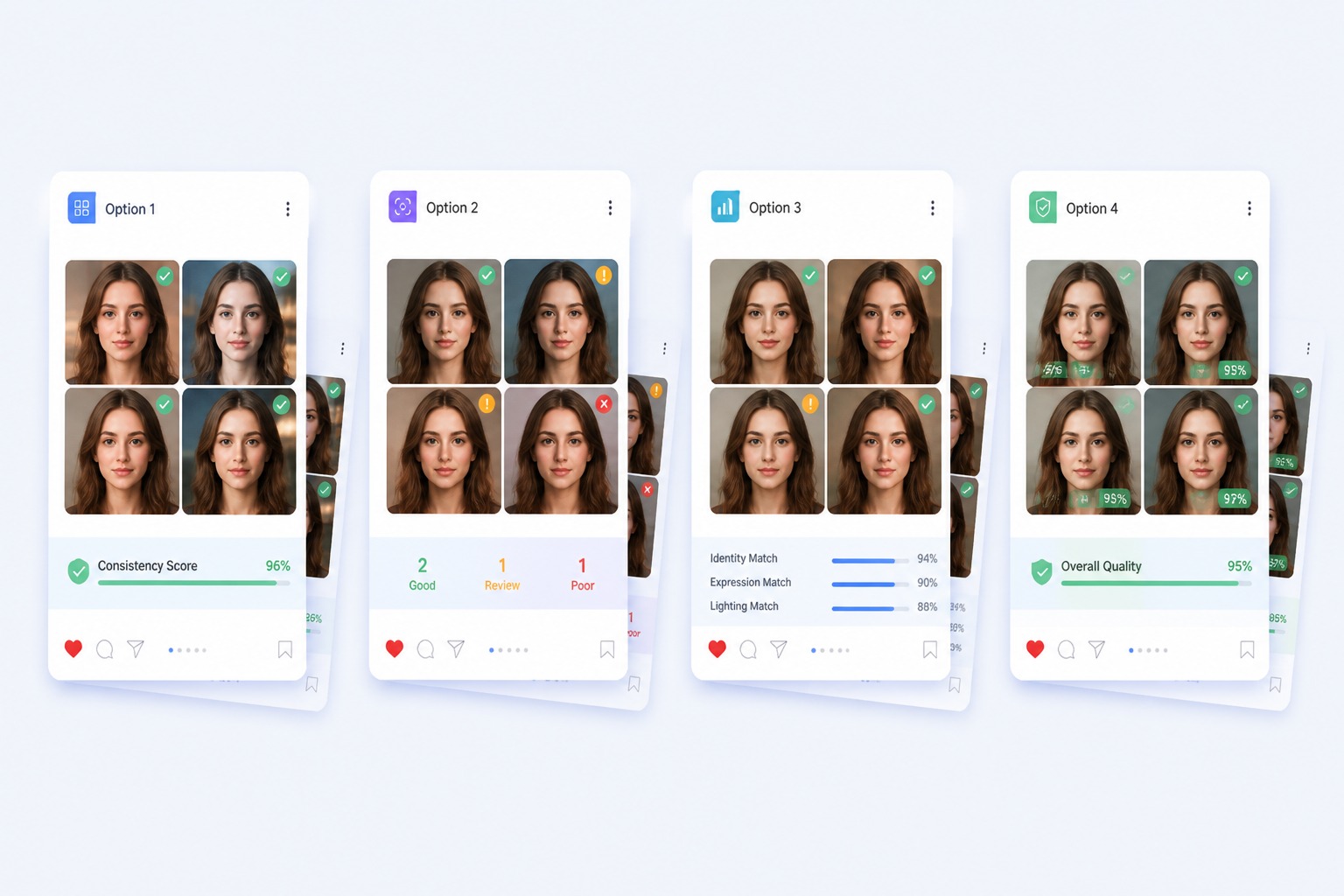
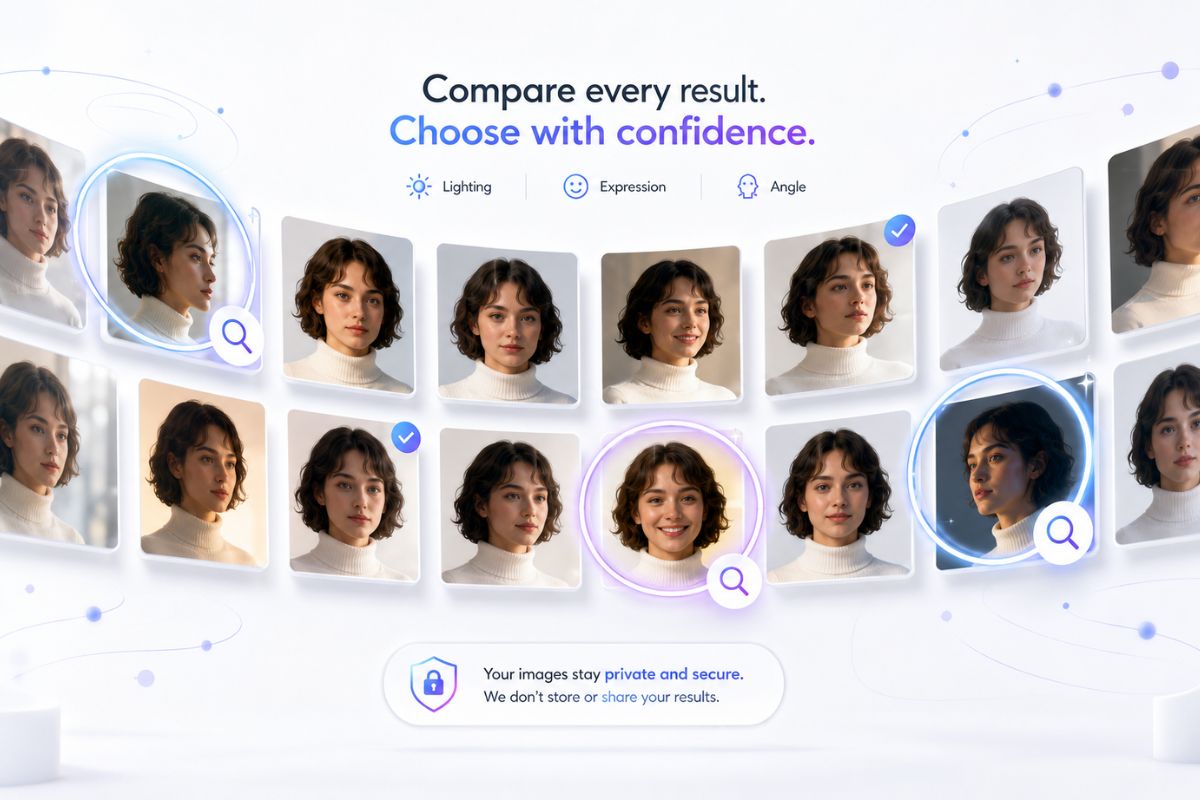
Compare Every Output

Batch editing helps you see which swaps feel natural across lighting, skin tone, expression, and face angle. Treat the full set as the result, not only the best image, because one weak frame may need revision or manual cleanup.

Compare batch face swap outputs
Why Use It

Why Use GoEnhance AI for Batch Face Swap?

Edit Sets Faster

Replace faces across multiple photos without rebuilding the same edit for every single image.

Keep Visual Direction

Test a consistent face reference across portraits, group shots, thumbnails, or campaign concepts.

Lower Editing Barrier

Create multi-photo face swap drafts without advanced masking, retouching, or complex design tools.

Compare Results Side by Side

Review the full batch for identity match, lighting, expression, and which images need cleanup.

Useful Creative Formats

Support profile experiments, memes, event photos, creator posts, and marketing draft visuals.

Consent-Aware Workflow

Keep likeness rights, source image permission, and publishing context visible before sharing outputs.

Batch Face Swap Use Cases for Creators

Choose the batch format that matches your photos, reference face, and publishing goal before generating the edit set.
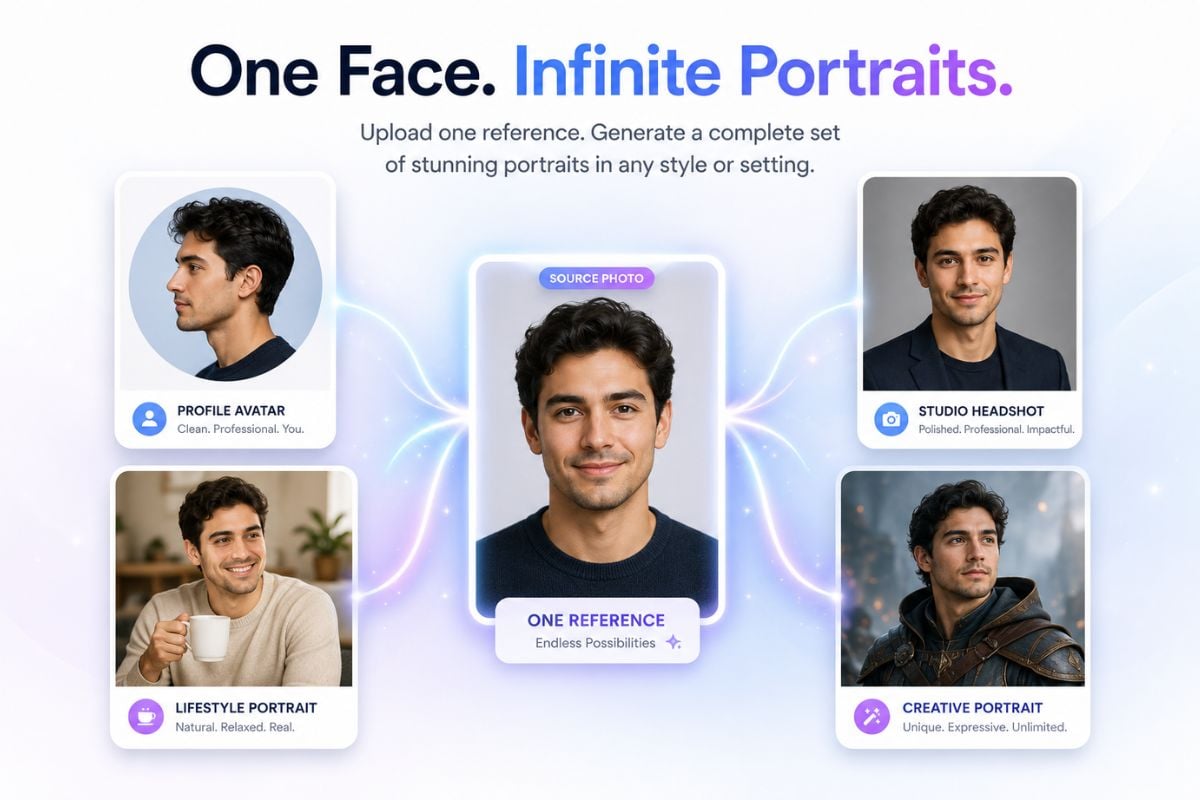
Portrait Sets

Portrait Sets

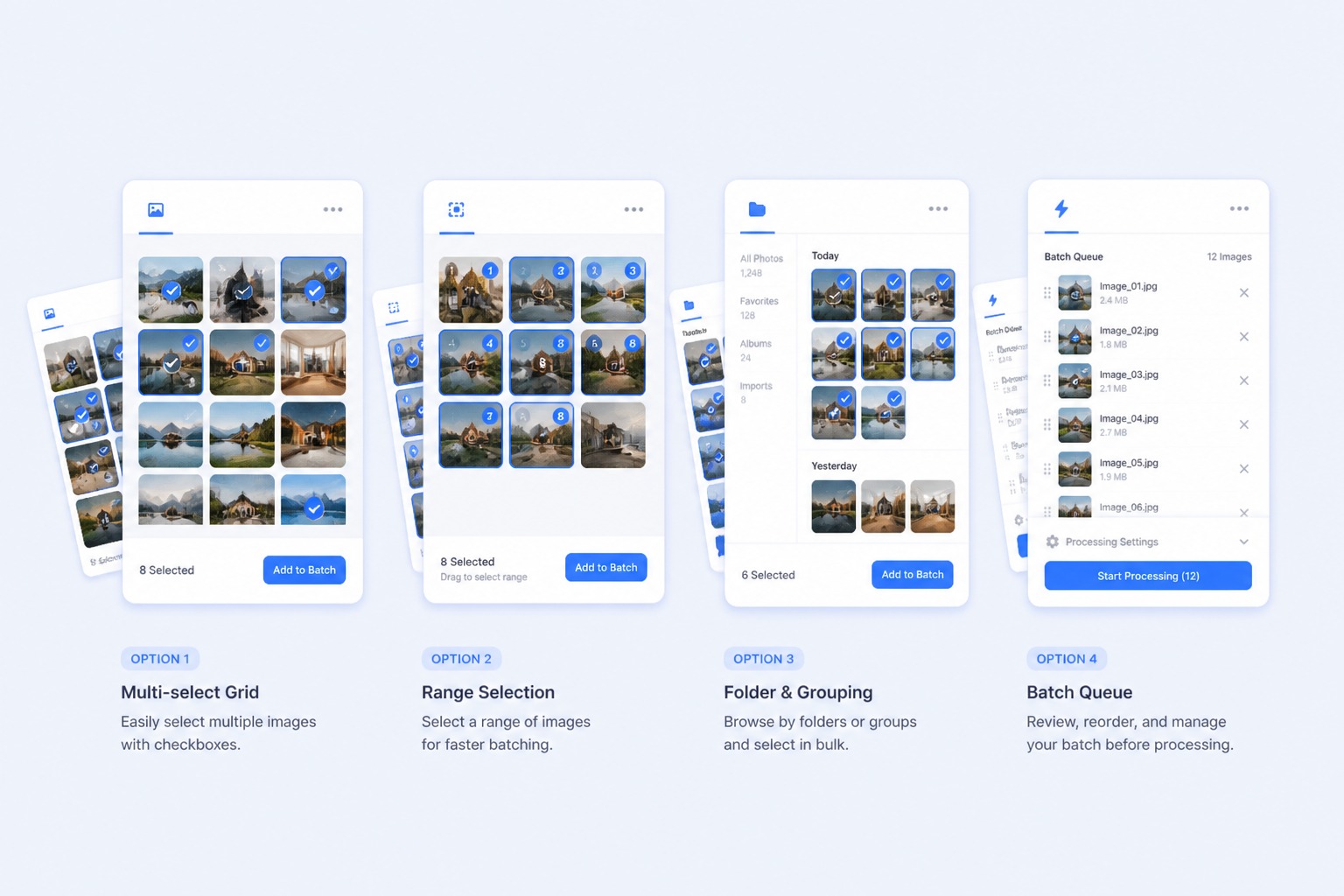
Build a set of profile, avatar, or character-style images from one face reference. This format works best when the target photos share similar framing and clear facial space.

Try Batch Swap

How to Use Batch Face Swap Online

Step 1

Upload Face Reference

Add a clear source face and choose target photos with visible faces, compatible angles, and enough resolution for batch editing.
Step 2

Select Photo Batch

Group the portraits, event shots, thumbnails, or campaign images you want to edit, then keep weak or blurry targets out of the set.
Step 3

Generate and Compare

Generate the batch, compare identity, lighting, expression, and edge blending, then revise any image that does not fit the set.
Start Batch Swapping
FAQ

Common Questions About Batch Face Swap

What is batch face swap?

Batch face swap means replacing or adapting a face across multiple photos in one workflow instead of editing each image separately. It is useful for portrait sets, group photos, creator thumbnails, memes, event albums, and campaign drafts. The strongest fit is fast multi-photo visual editing, while sensitive identity use, official documents, or regulated advertising still need careful human review.

Can I use an AI batch face swap online free?

GoEnhance AI may provide free credits or trial access that can be used to test image tools, including face swap workflows. Free access, credit amounts, limits, watermarks, and plan rules can change, so check the current app terms before starting a large batch. Avoid planning commercial delivery around free access until you confirm the current limits.

What photos work best for batch face swapping?

Use a clear source face with visible eyes, nose, mouth, and facial outline. Target photos usually work better when the face is not blocked by hands, hair, glasses glare, heavy shadows, or extreme side angles. A batch with similar lighting and framing is easier to evaluate than a mixed set of low-resolution or heavily cropped images.

Can I swap faces in multiple group photos?

Yes, batch workflows are useful for group photos, party albums, team images, and event shots where several photos need a similar edit. Because group images may include other people, review consent, context, and whether the result could confuse viewers before sharing. Personal fun edits and public posts should be handled differently.

Is batch face swap good for creator or marketing images?

It can help creators and marketers draft thumbnail variations, ad concepts, product scenes, profile visuals, or social posts with less repetitive editing. For commercial use, check that you have permission for the face reference, target images, logos, outfits, and any recognizable people. Treat generated images as drafts until rights and brand review are complete.

How do I get more consistent face swap results?

Keep the face reference clear and use target photos with compatible pose, lighting, and resolution. If a batch looks inconsistent, remove the weakest images, use a cleaner reference, and regenerate a smaller set before scaling up. Comparing all outputs side by side helps reveal identity drift, mismatched expressions, or awkward blending that is easy to miss one image at a time.

Can I use someone else’s face for batch face swap?

Only use a person’s likeness when you have the right permission and a responsible reason to do so. Avoid impersonation, harassment, misleading political or commercial content, and edits that could harm someone’s reputation. Consent and context matter more when the same face is applied across many images because the final batch can look more intentional and persuasive.

When should I still use manual photo editing?

Manual editing is still better when a photo needs precise retouching, exact brand approval, complex hair and edge cleanup, or legally sensitive likeness review. Batch face swap is best for faster drafts and creative exploration. If one image will be used as a key campaign asset, inspect it closely and refine it manually when needed.

Create Batch Face Swap Free

Use GoEnhance AI to swap faces across portraits, group photos, creator thumbnails, and campaign concepts with a faster multi-photo workflow.

Start Batch Swap