goenhance logo

Celebrity Face Swap

Upload a permitted face photo and a target image or short clip to create a celebrity-style face swap. Best results come from clear front-facing faces, similar angles, and careful review before sharing.
Start Face Swap
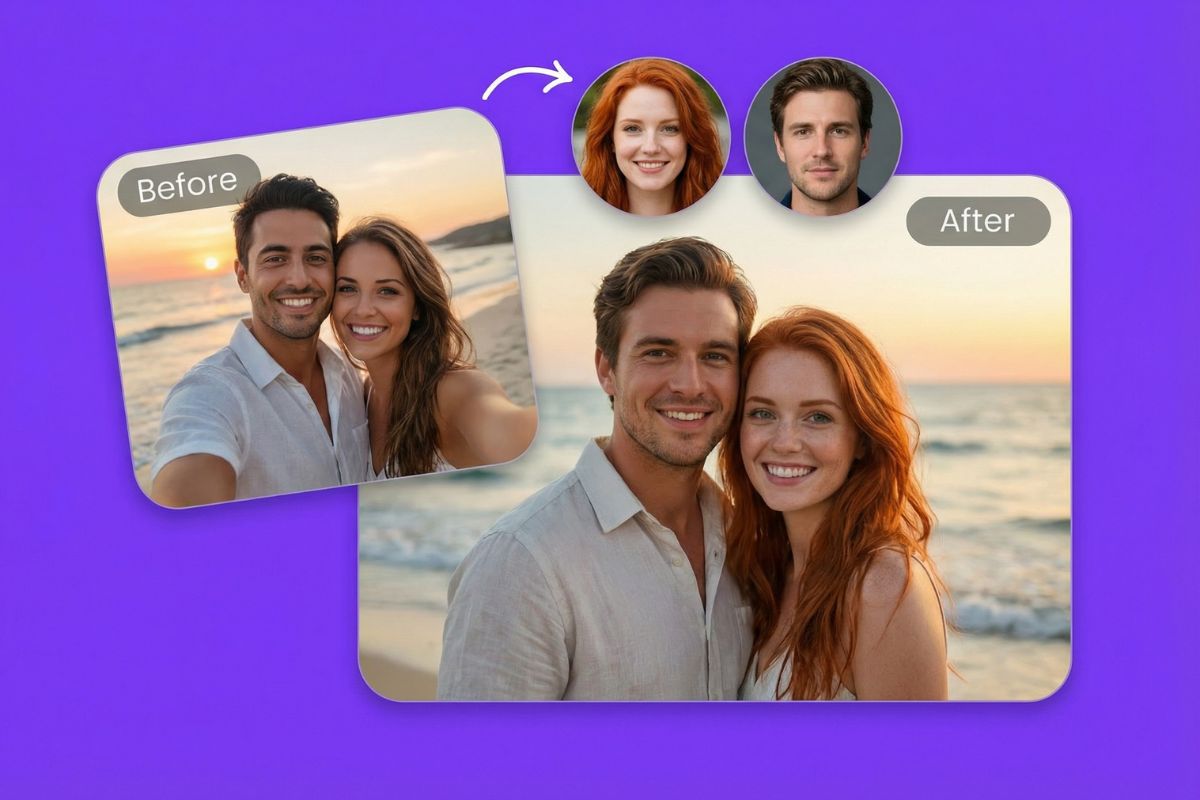
Celebrity face swap preview made with GoEnhance AI

Create Celebrity-Style Swaps

Blend Famous Looks Naturally

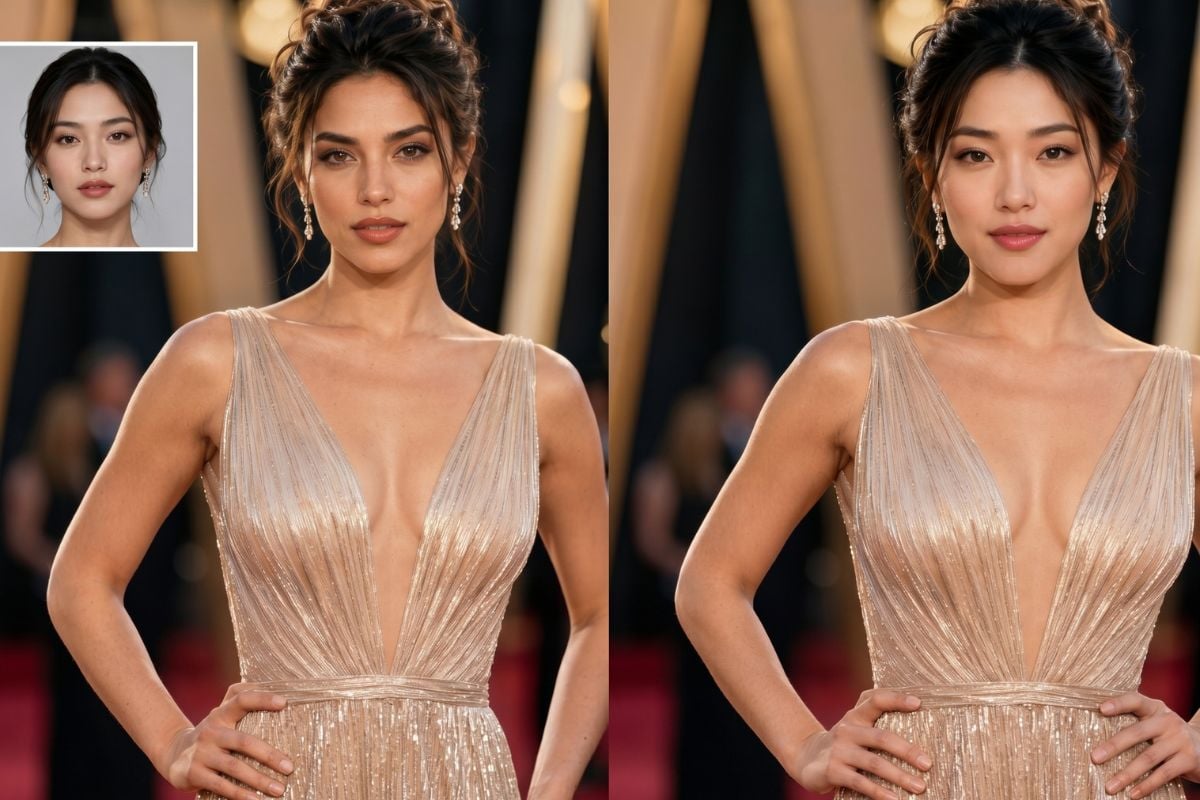
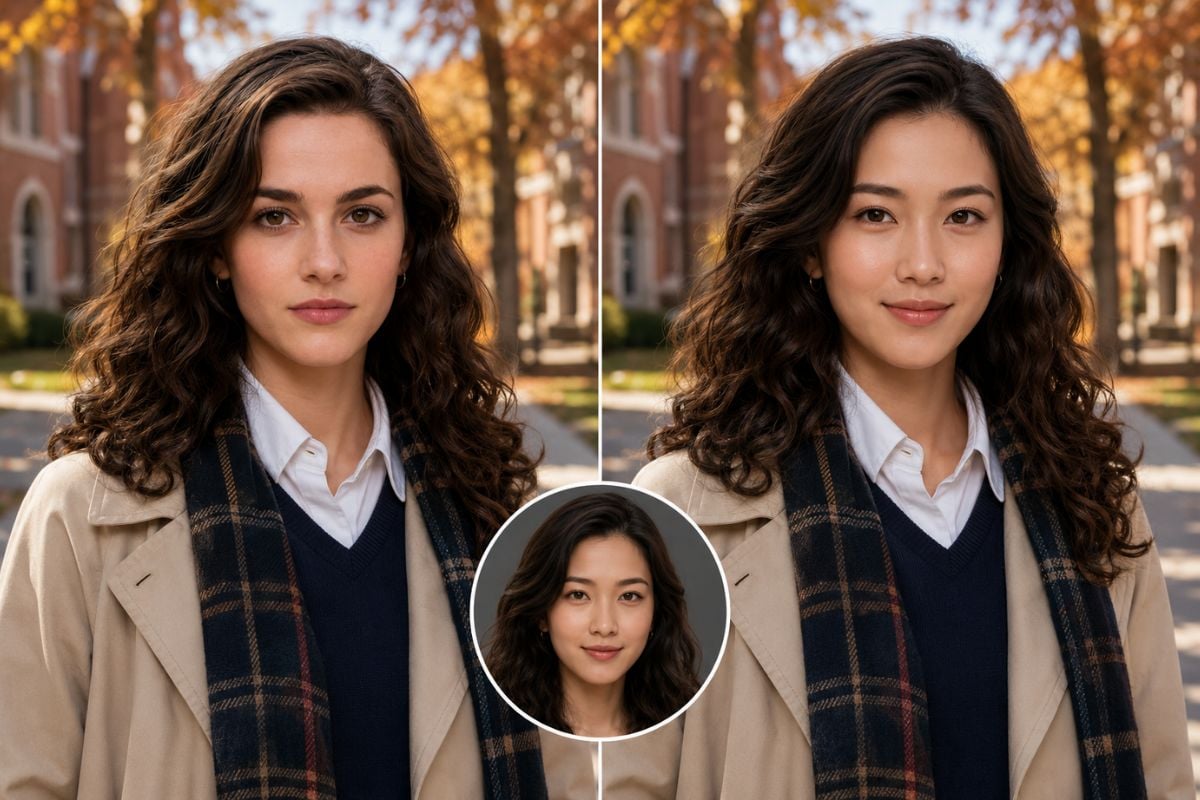
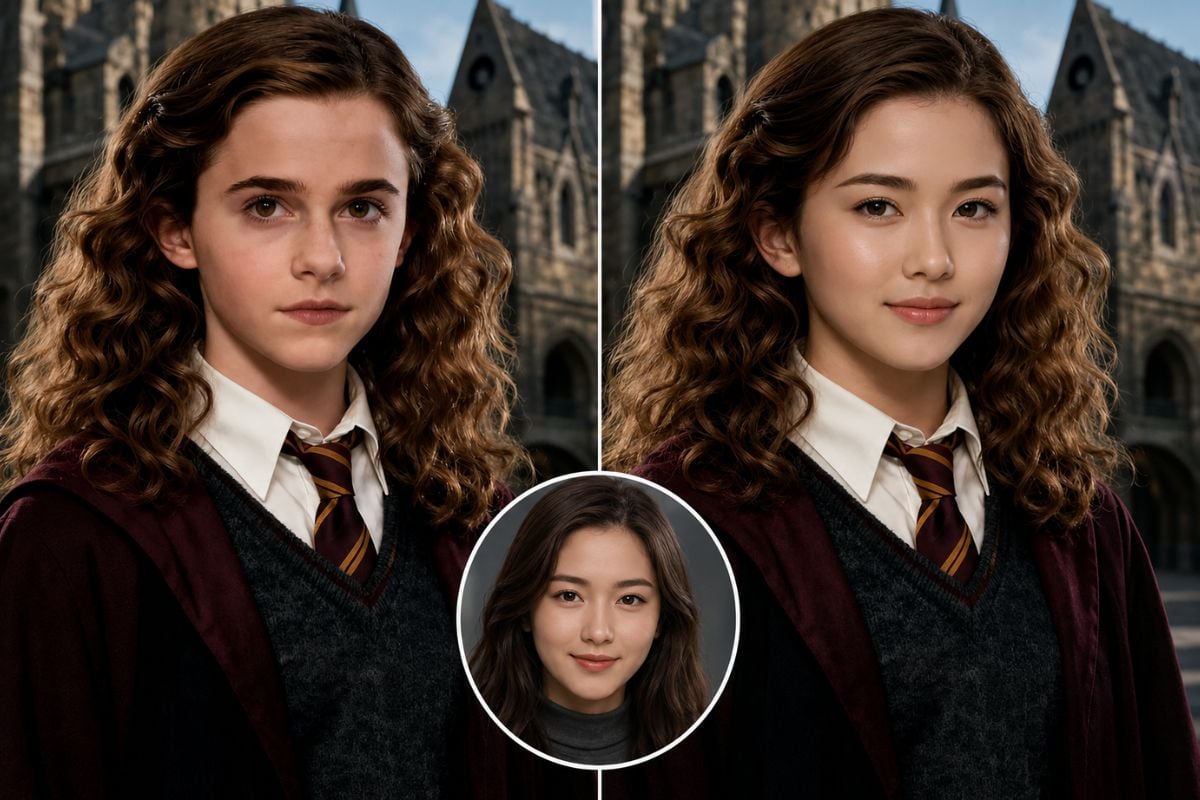
Make a celebrity face swap that keeps the target scene believable instead of pasted-on. Clear lighting, similar head angles, and visible facial features help the result feel more natural for fan edits and concept visuals.

Natural celebrity-style face swap result

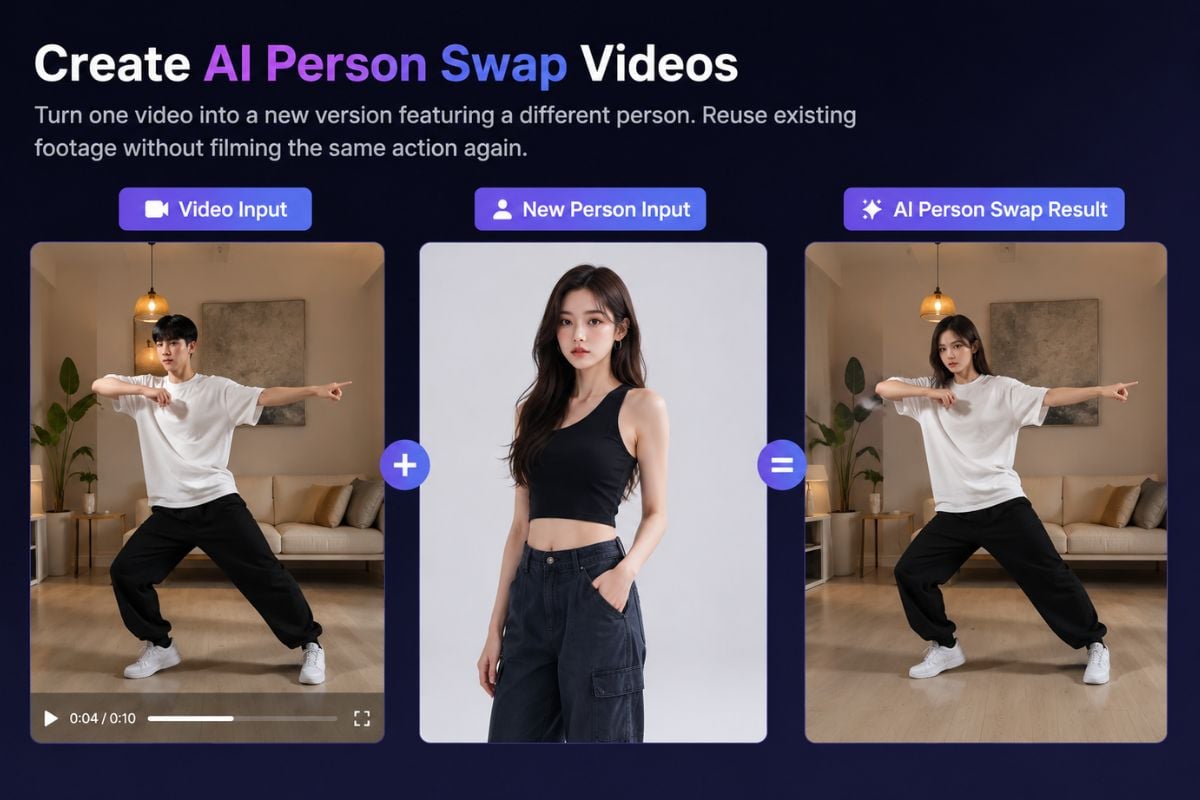
Make Short Face Swap Videos

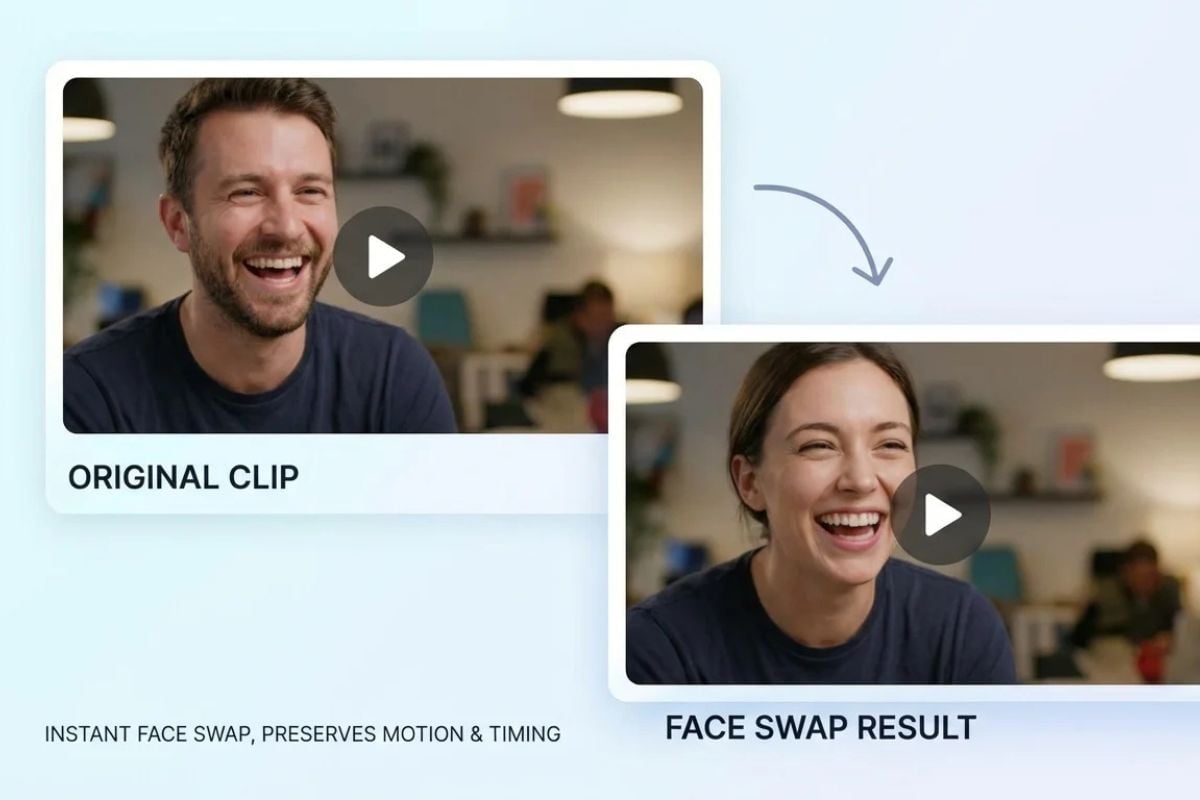
Turn a still concept or clip into a celebrity face swap video for social posts, reaction edits, or creator drafts. Treat it as a creative preview that still needs review for expression, timing, and identity clarity.

Celebrity face swap video concept for social media

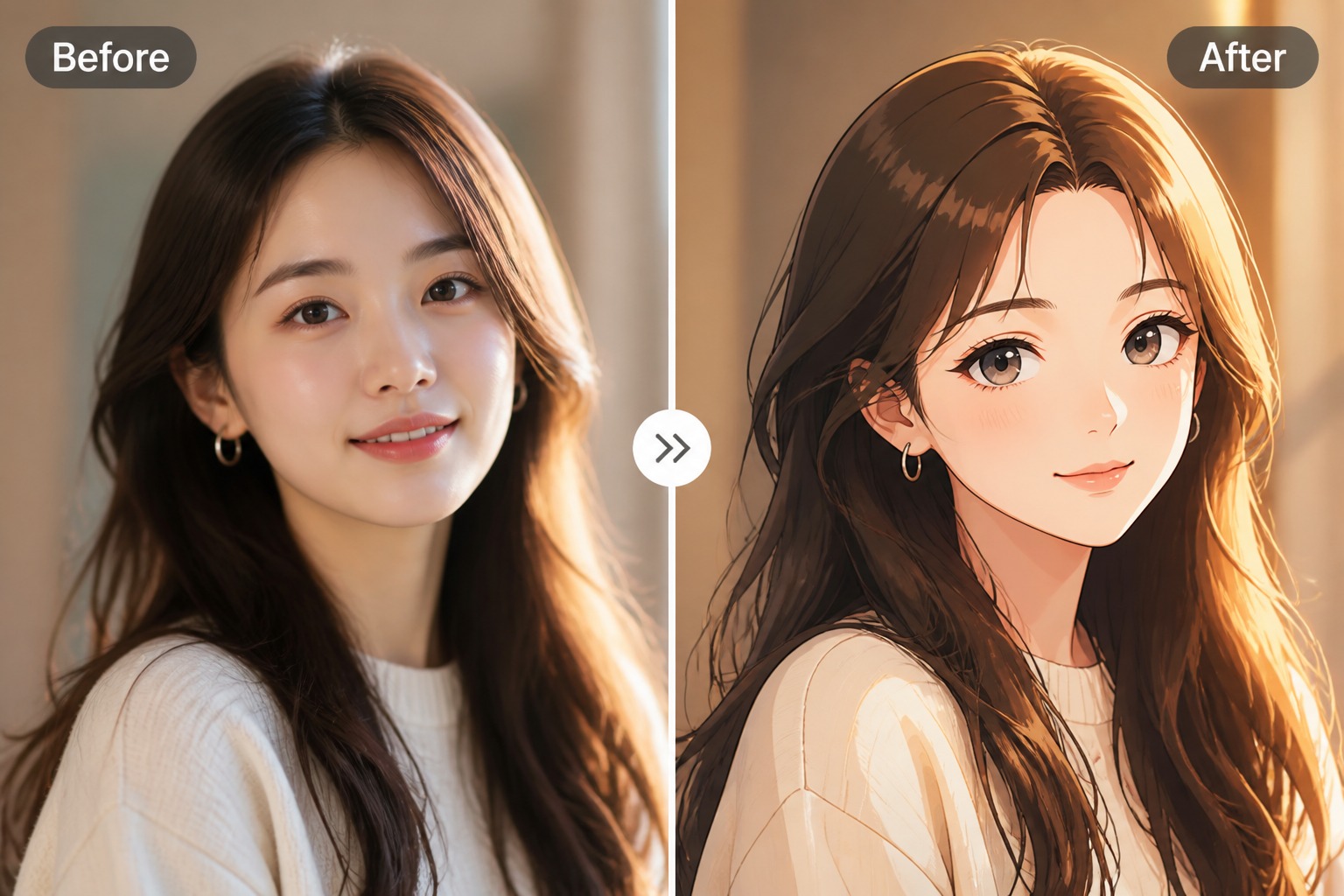
Shape Fan Edit Concepts

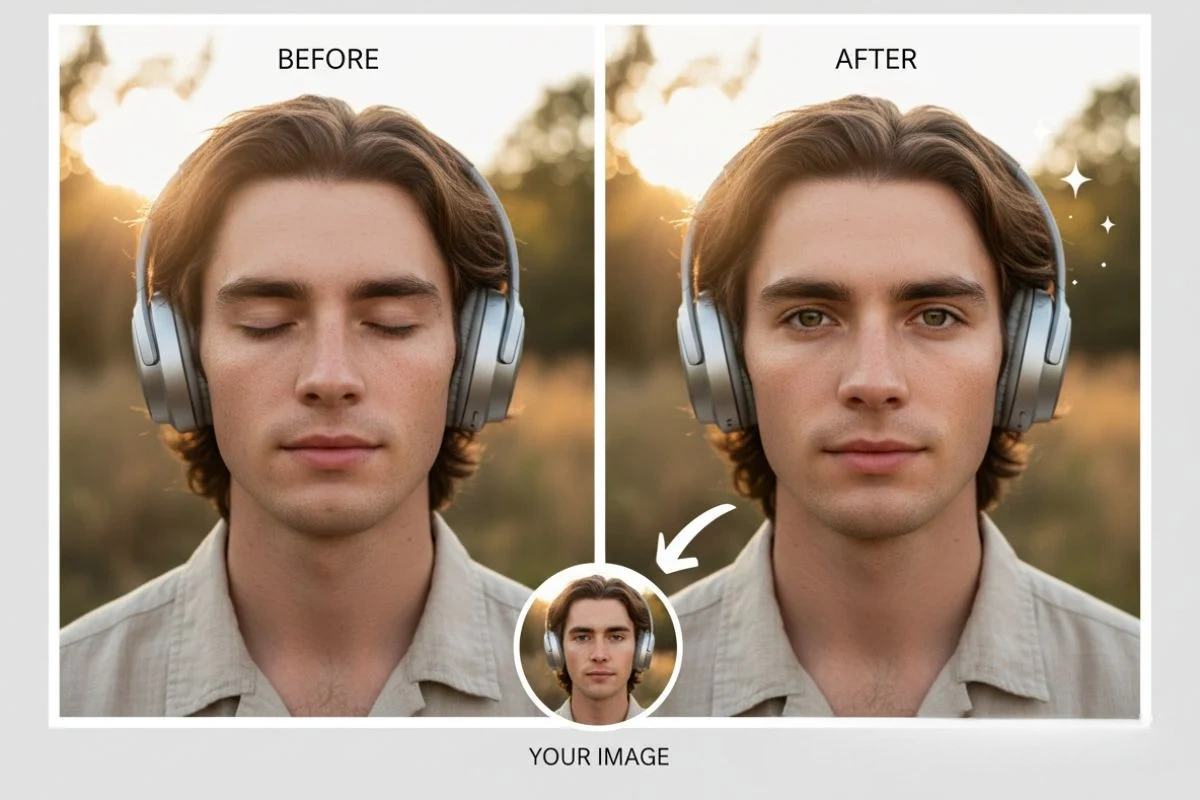
Explore celebrity face swap ideas for thumbnails, parody concepts, fan edits, meme-style visuals, and entertainment posts without rebuilding the full scene manually. You can start from a basic face swap workflow, then refine the result by checking face angle, lighting, skin tone, expression, and whether the final image feels clearly creative rather than misleading.
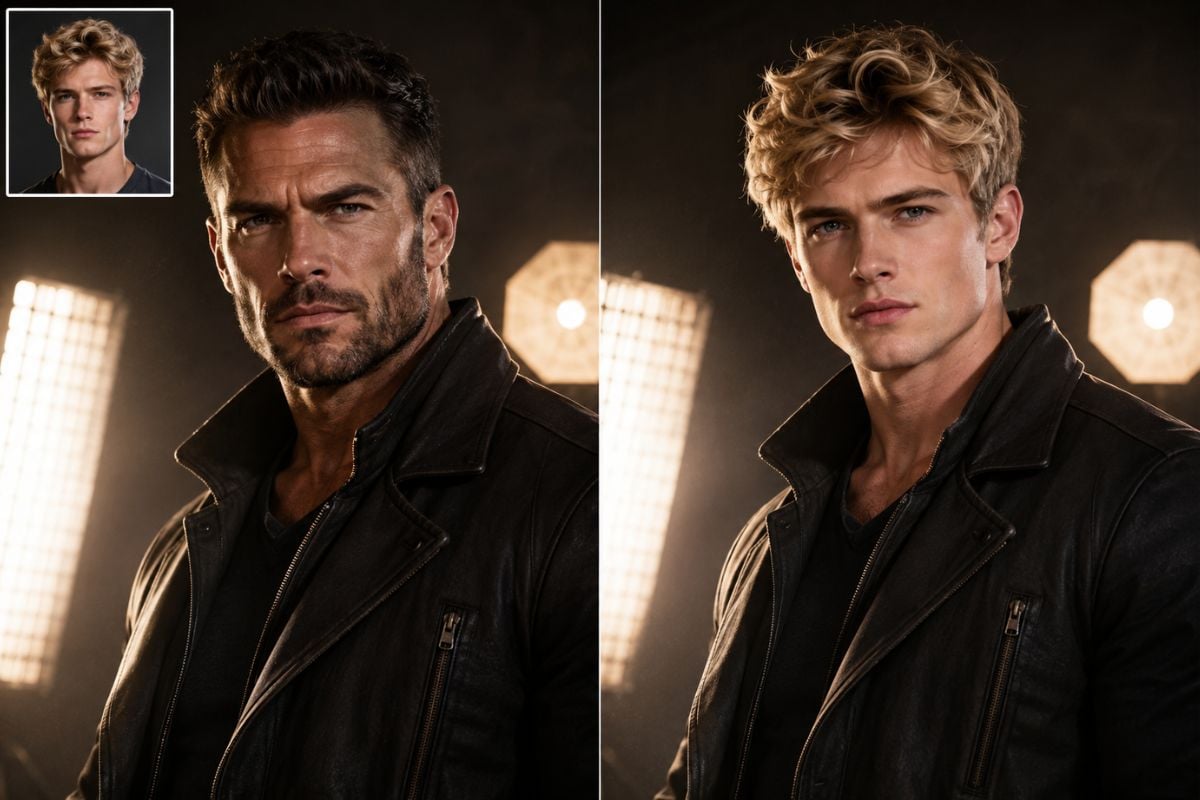
Fan edit concept using a celebrity-style face swap
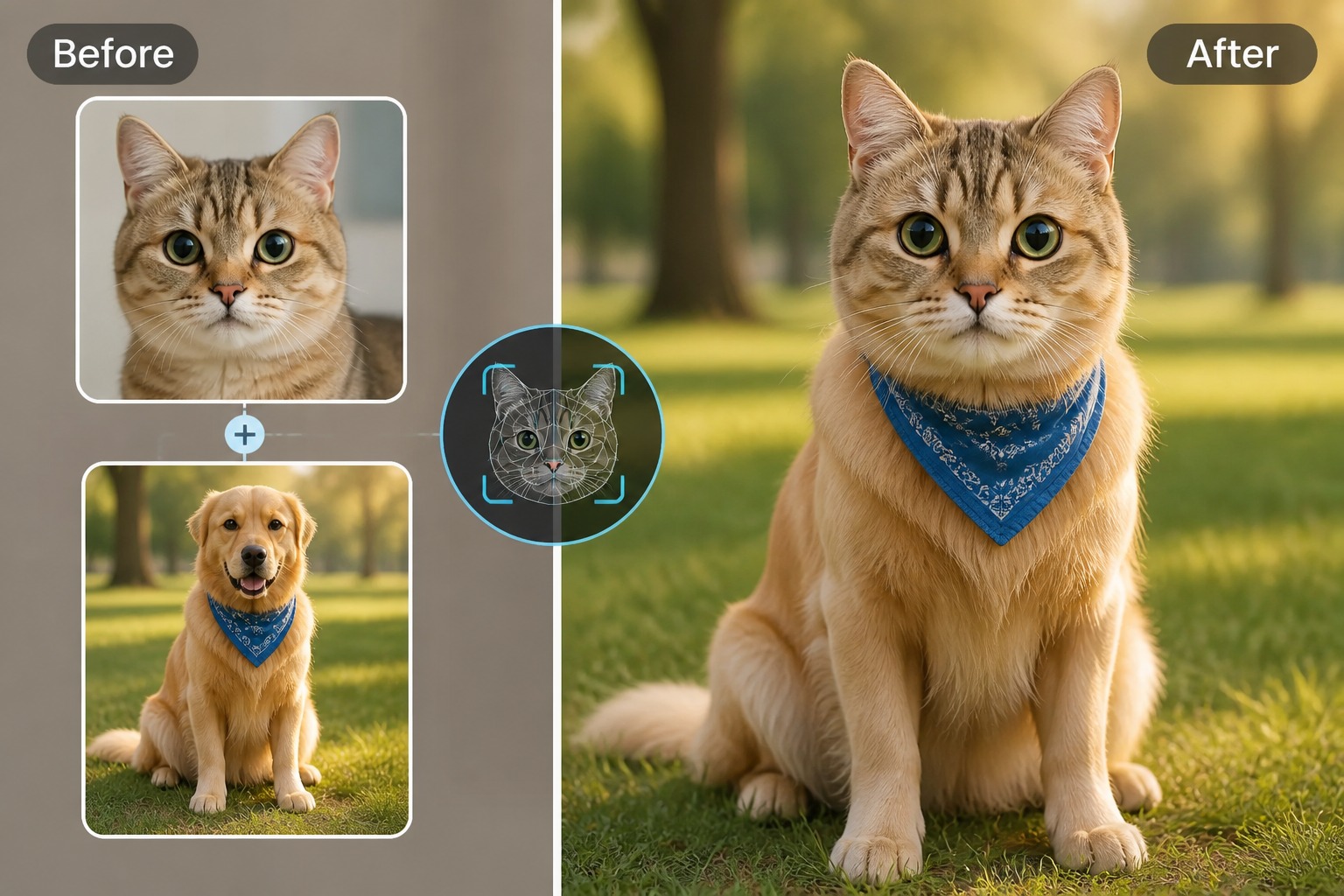
Built for creator-friendly likeness edits

Why Use GoEnhance AI for Face Swap?

Faster Creative Drafts

Test a swap face with celebrity concept before spending time on manual masking, tracking, or frame-by-frame edits.

Works for Images and Clips

Create a single promotional visual, meme draft, short reaction edit, or celebrity face swap video from the same practical workflow.

Clearer Input Control

Better source photos with similar pose, lighting, and face direction usually reduce artifacts and make review easier.
Questions creators ask before publishing

Celebrity Face Swap FAQ

What can I create with this celebrity face swap tool?

You can create celebrity-style image swaps, fan edit concepts, thumbnails, meme drafts, and short video previews. It works best when your source face and target scene have clear lighting, visible facial features, and similar camera angles.

Can I make a celebrity face swap video?

Yes, GoEnhance AI can support celebrity face swap video workflows for short clips and social drafts. Video results need extra review because expression, motion, and mouth timing can reveal artifacts faster than a still image.

Do I need permission to swap face with celebrity images?

For public, commercial, or identity-sensitive use, you should only use faces and media when you have the needed rights, permissions, or a clearly permitted use case. Avoid impersonation, false endorsement, political deception, and content that could mislead viewers.

What inputs give the most natural result?

Use a sharp front-facing or slightly angled face, avoid heavy shadows, and choose a target image or clip with a compatible pose. Hair, glasses, extreme expressions, and low-resolution screenshots can increase cleanup work.

Is this better for parody or professional advertising?

The strongest fit is creative exploration, parody-style concepts, fan edits, and early campaign previews. Professional advertising with a recognizable person requires explicit approvals, brand review, and legal checks before publishing.

Can I use the result on social media?

You can share appropriate creative results when they follow platform rules and you have the rights needed for the people and media involved. Add context or labels when a realistic swap could be mistaken for real footage.

What should I check before downloading the final result?

Review identity accuracy, face edges, skin tone, lighting, motion consistency, and whether the surrounding context could mislead viewers. If the content affects reputation, politics, endorsements, or paid media, use a stricter manual approval process.

Start Your Celebrity Face Swap

Create a celebrity-style face swap image or video draft with GoEnhance AI, then review likeness, rights, and context before sharing it publicly.

Start Face Swap