Anime Face Swap
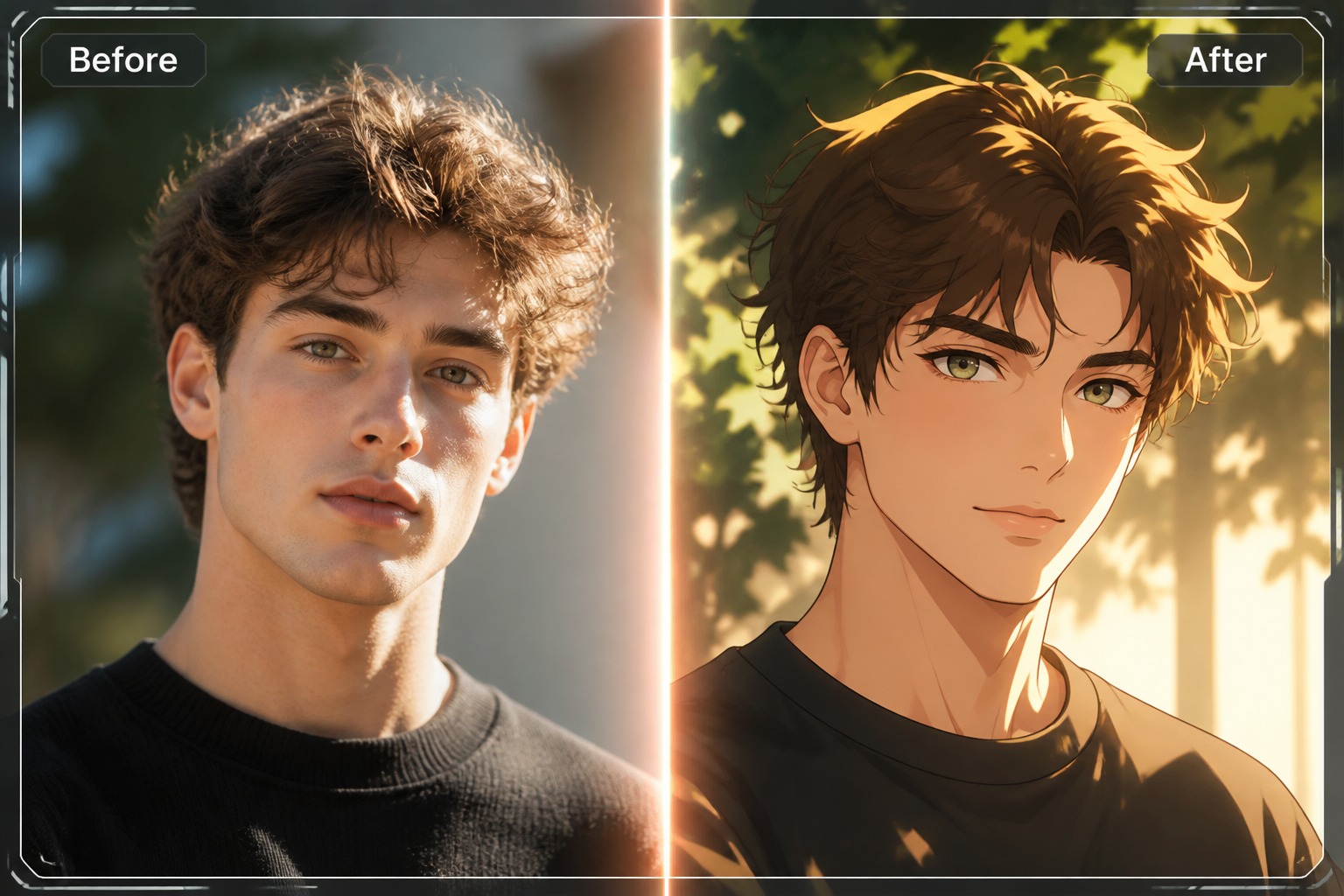
Upload a source face and an anime-style target image, then create a face swap that follows the character’s pose, angle, expression, and illustration style. Use it for avatars, OC previews, character edits, and playful anime-style visuals.
Swap Anime Face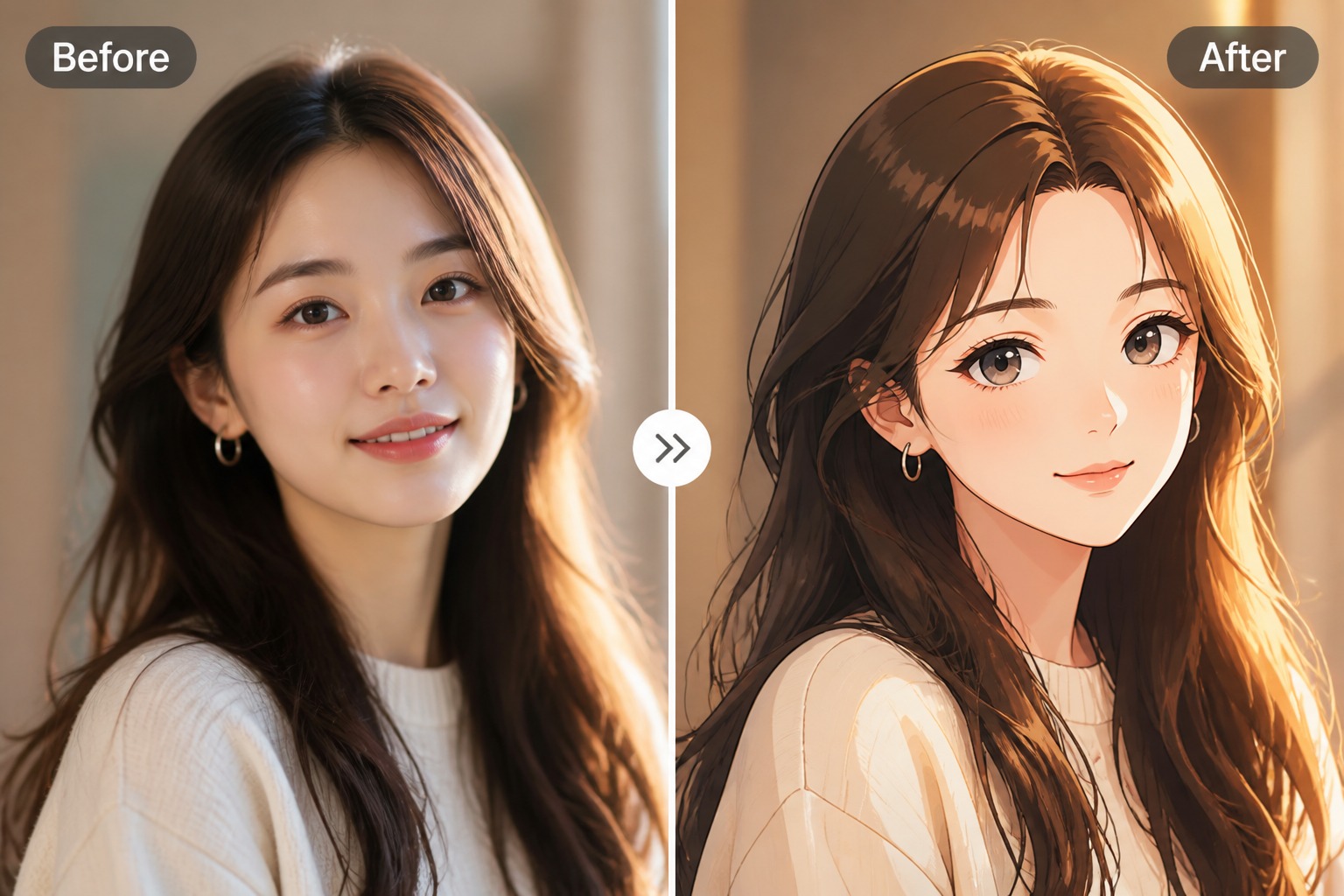
Anime Face Swaps With Style Control
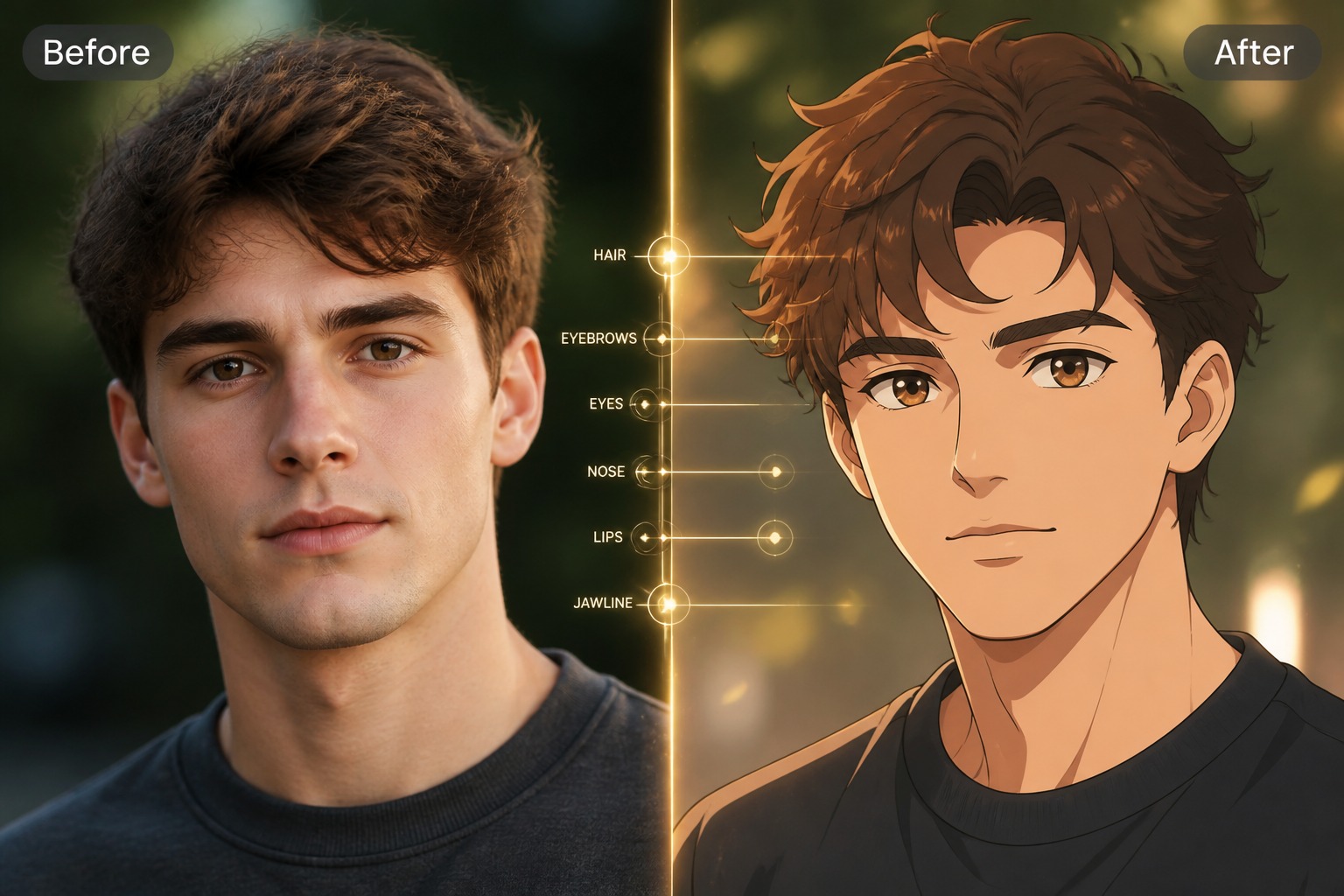
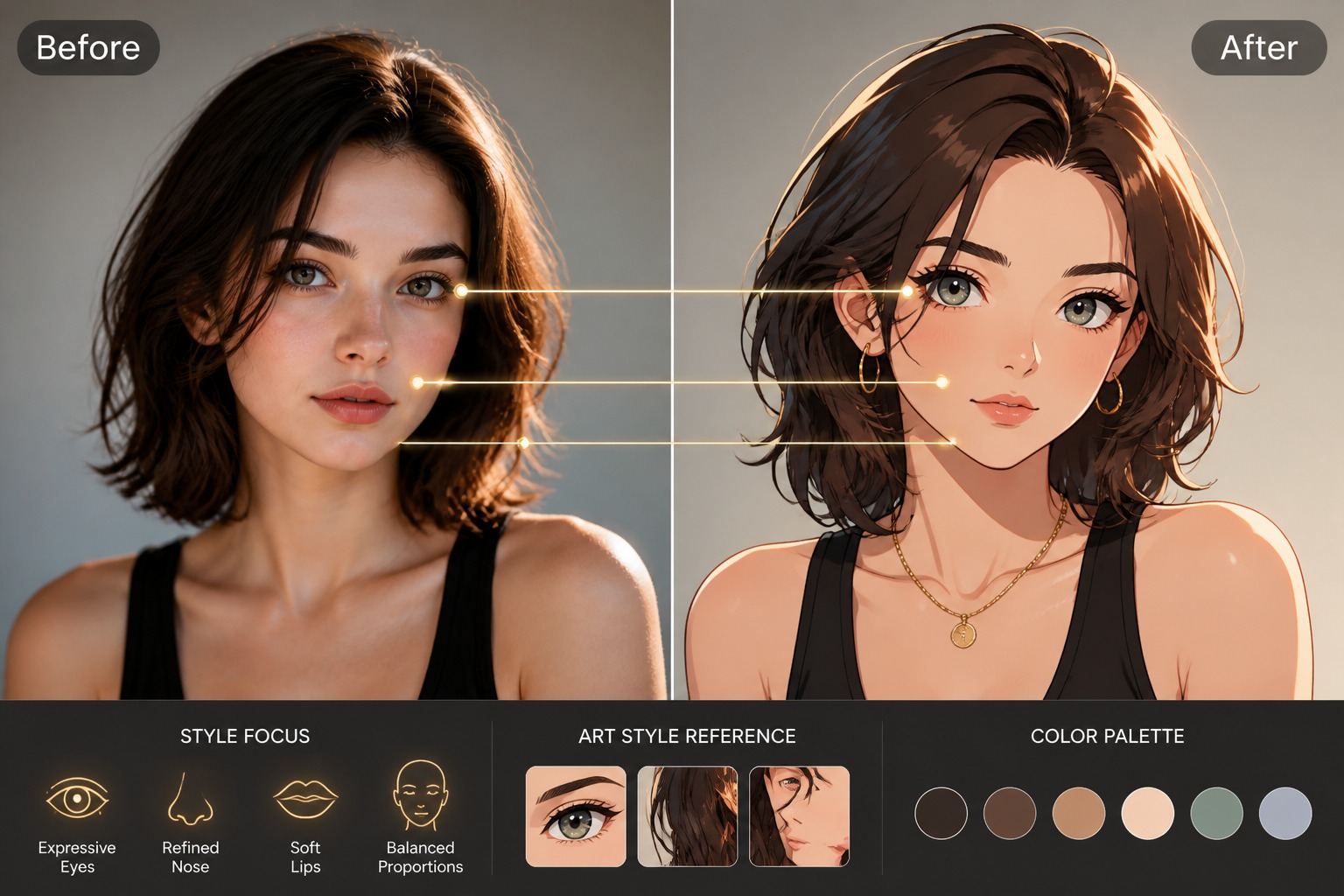
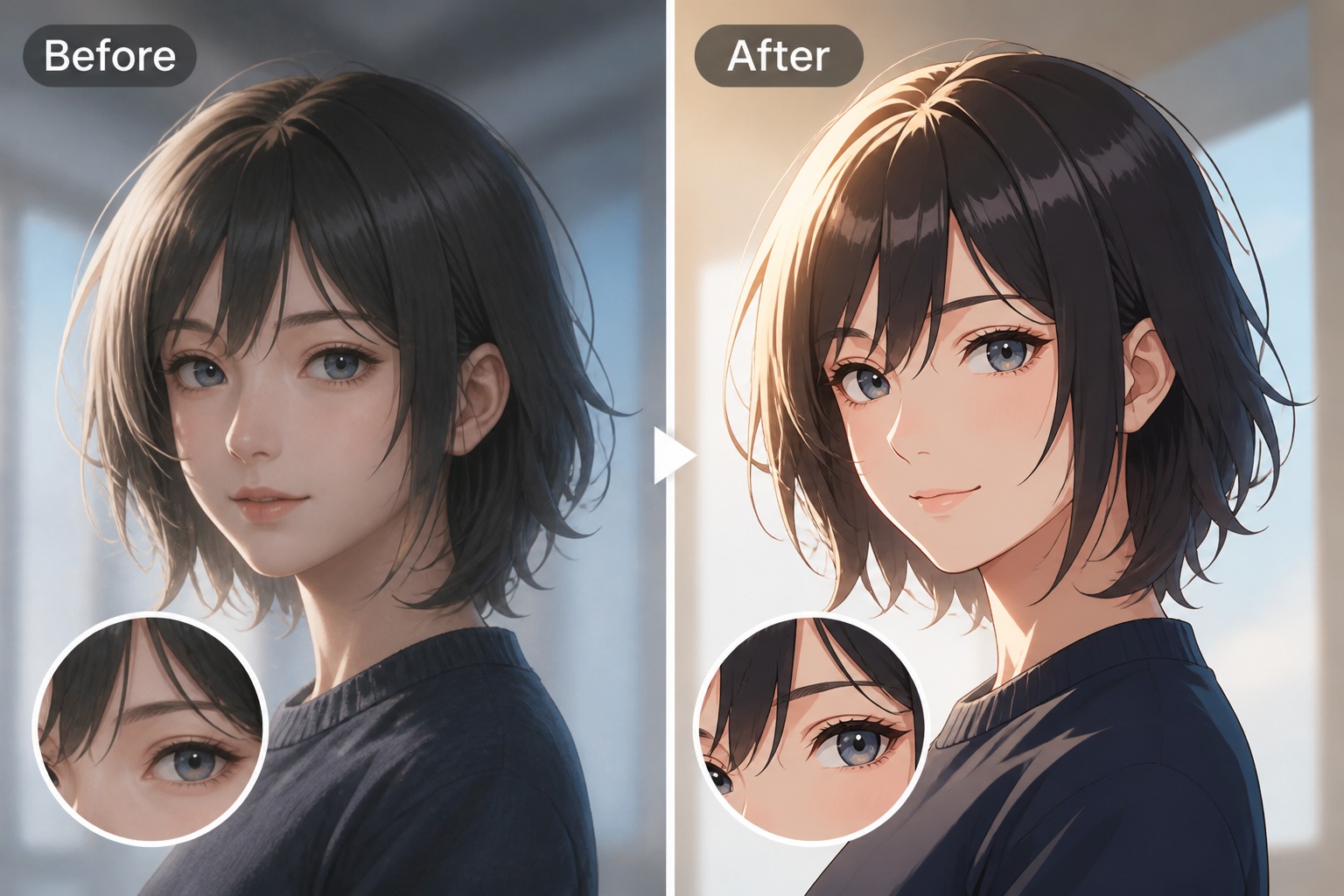
Create Anime Character Edits
Swap a source face into anime-style character images with face swap while keeping the target pose, outfit, background, and illustration style consistent. Great for avatars, OC previews, fan-style edits, and playful profile visuals.
More Face Swap Tools
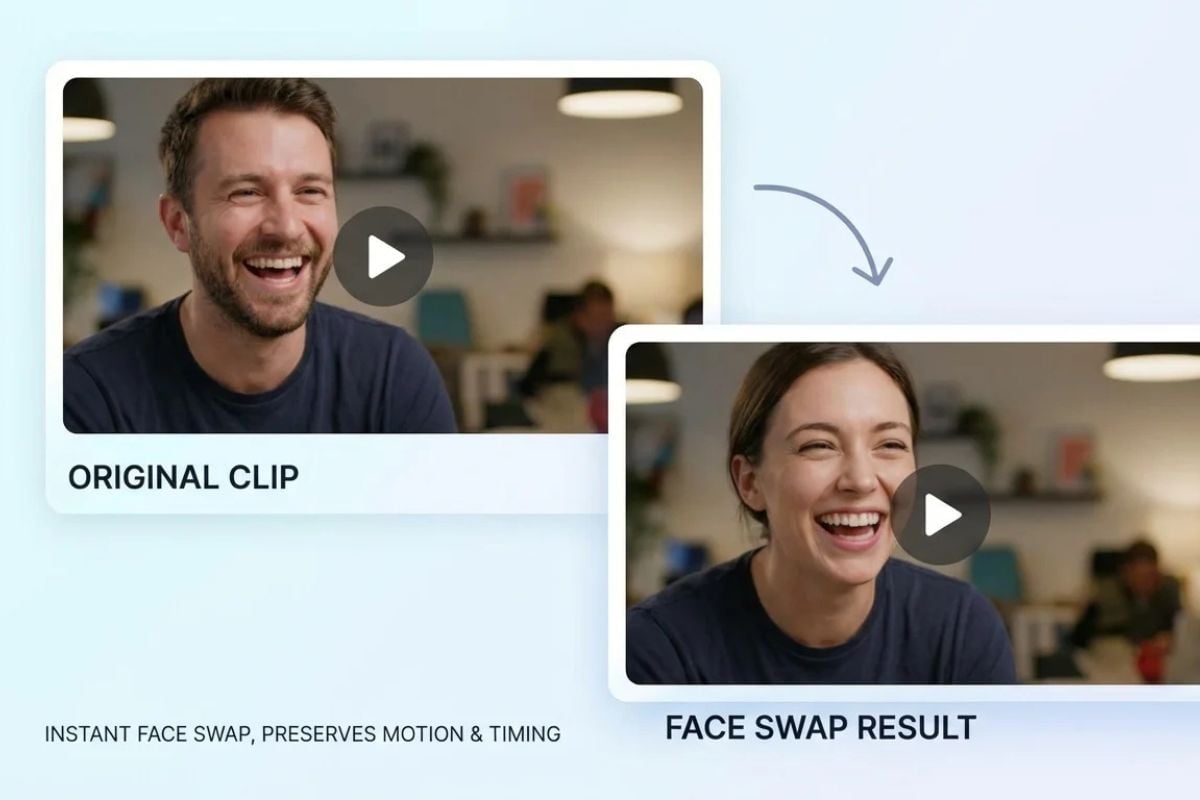
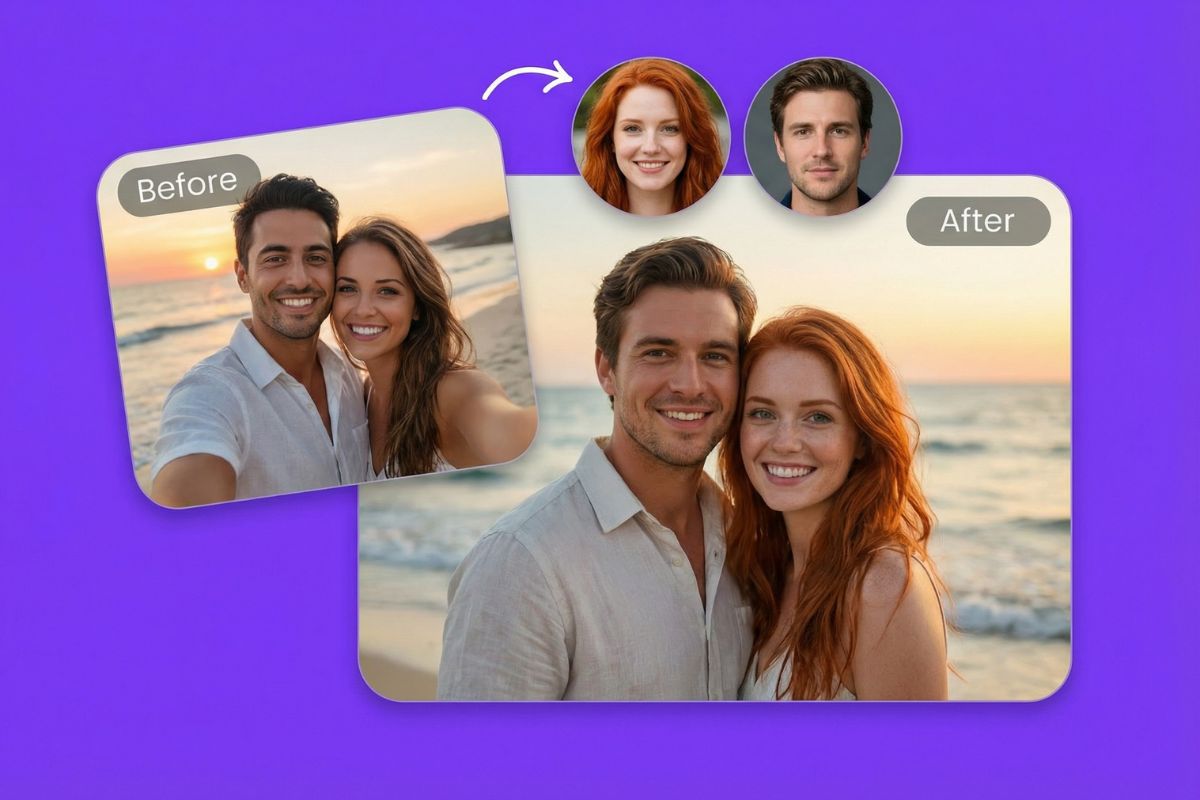
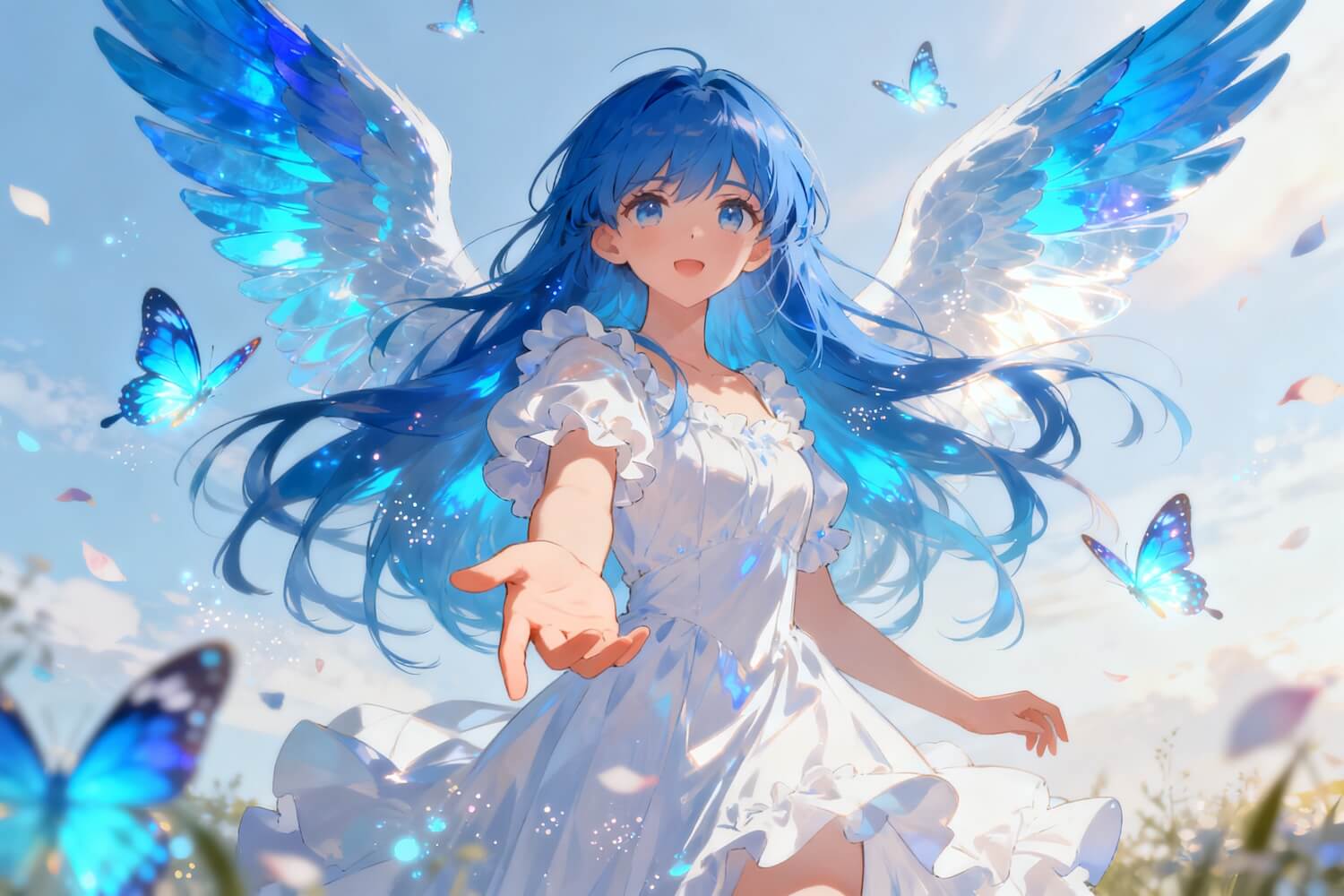
Stylized face edits for anime visuals
Why Use Anime Face Swap?
Anime Style Matching
Keep the swapped face aligned with the target illustration style instead of making it look like a realistic photo pasted onto an anime character.
Face Angle Awareness
Use source and target images with similar angles so the eyes, mouth, nose, and head tilt line up more naturally in the final result.
Avatar and Character Uses
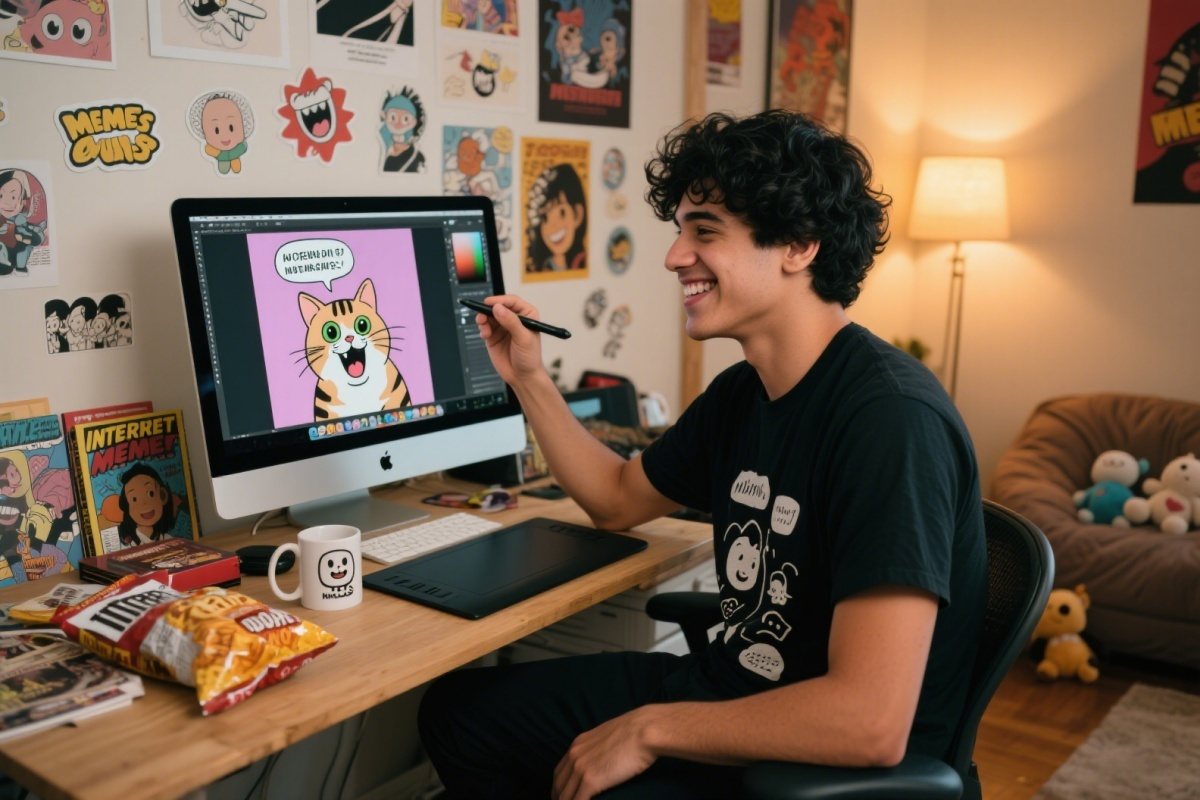
Create playful creator avatars, OC previews, fan-style profile visuals, and anime character edits from images you are allowed to use.
Expression Review
Check whether the swapped face still matches the character’s emotion, gaze, pose, and scene mood before saving or sharing.
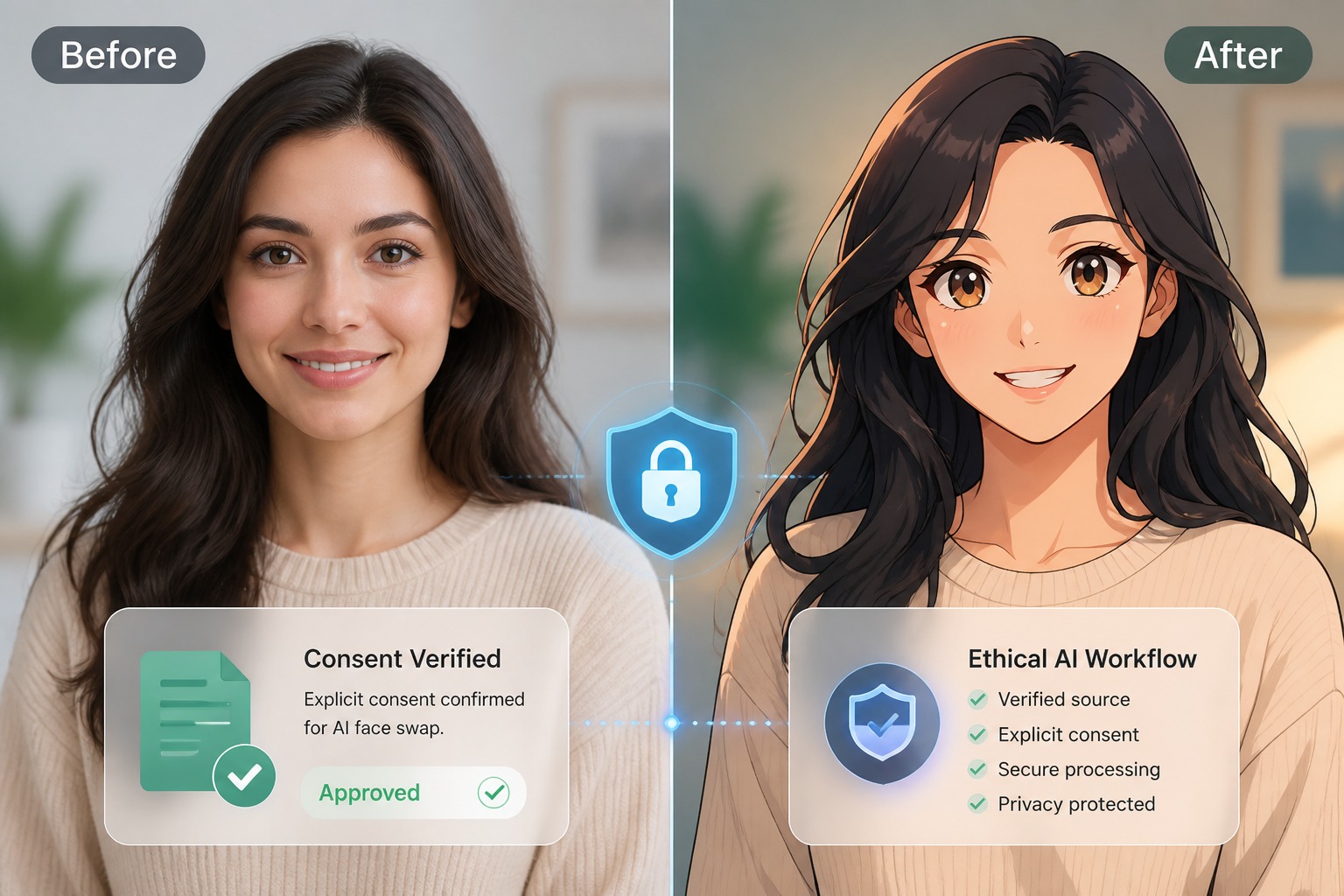
Permission-Friendly Editing
Use your own photos or approved references, especially when creating public posts, profile images, or character edits based on real-person likenesses.
How to Use Anime Face Swap
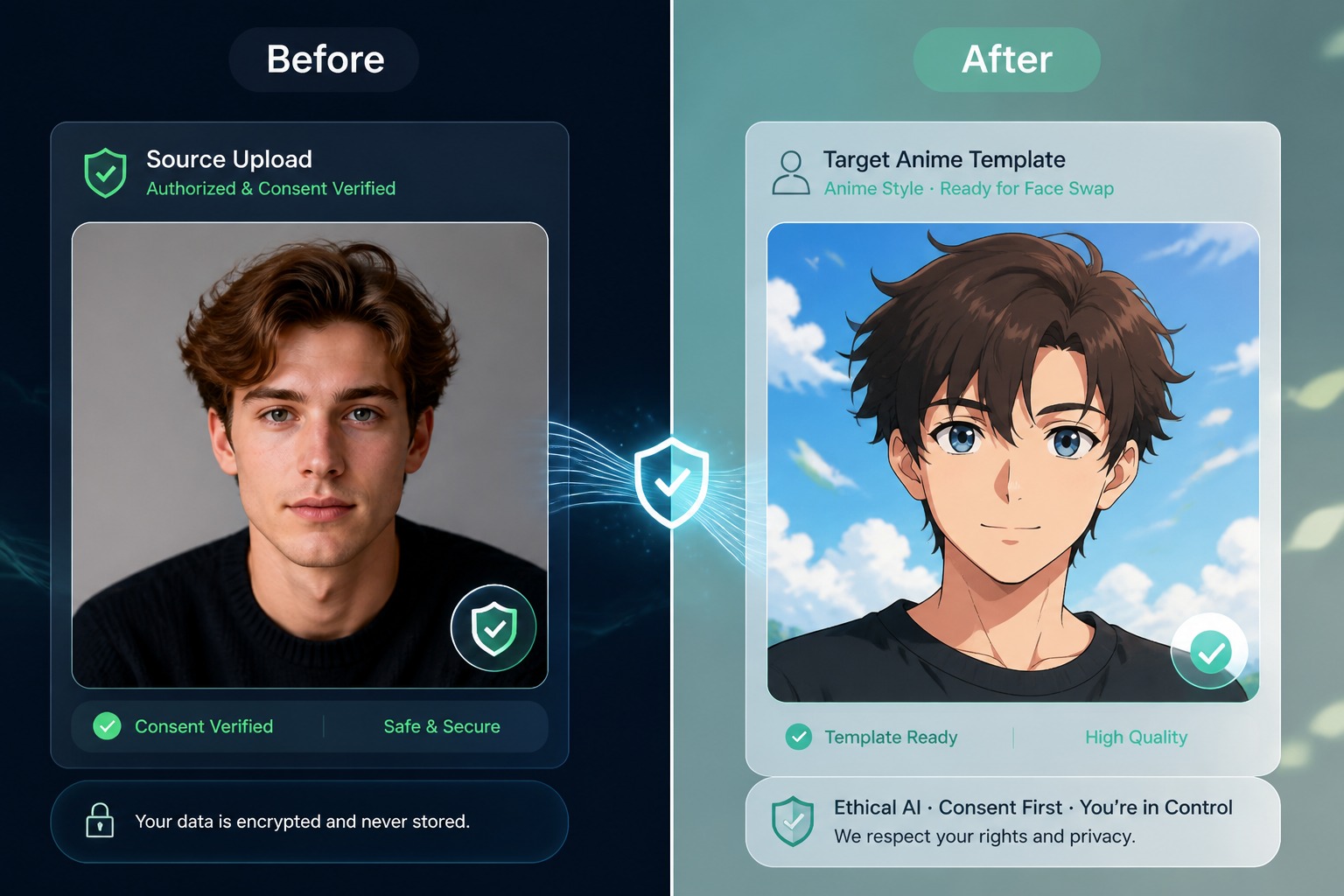
Step 1
Upload Source and Target Images
Add a clear source face and an anime-style target image. Similar face angles, visible facial features, and clean lighting help the swap align more naturally.
Step 2
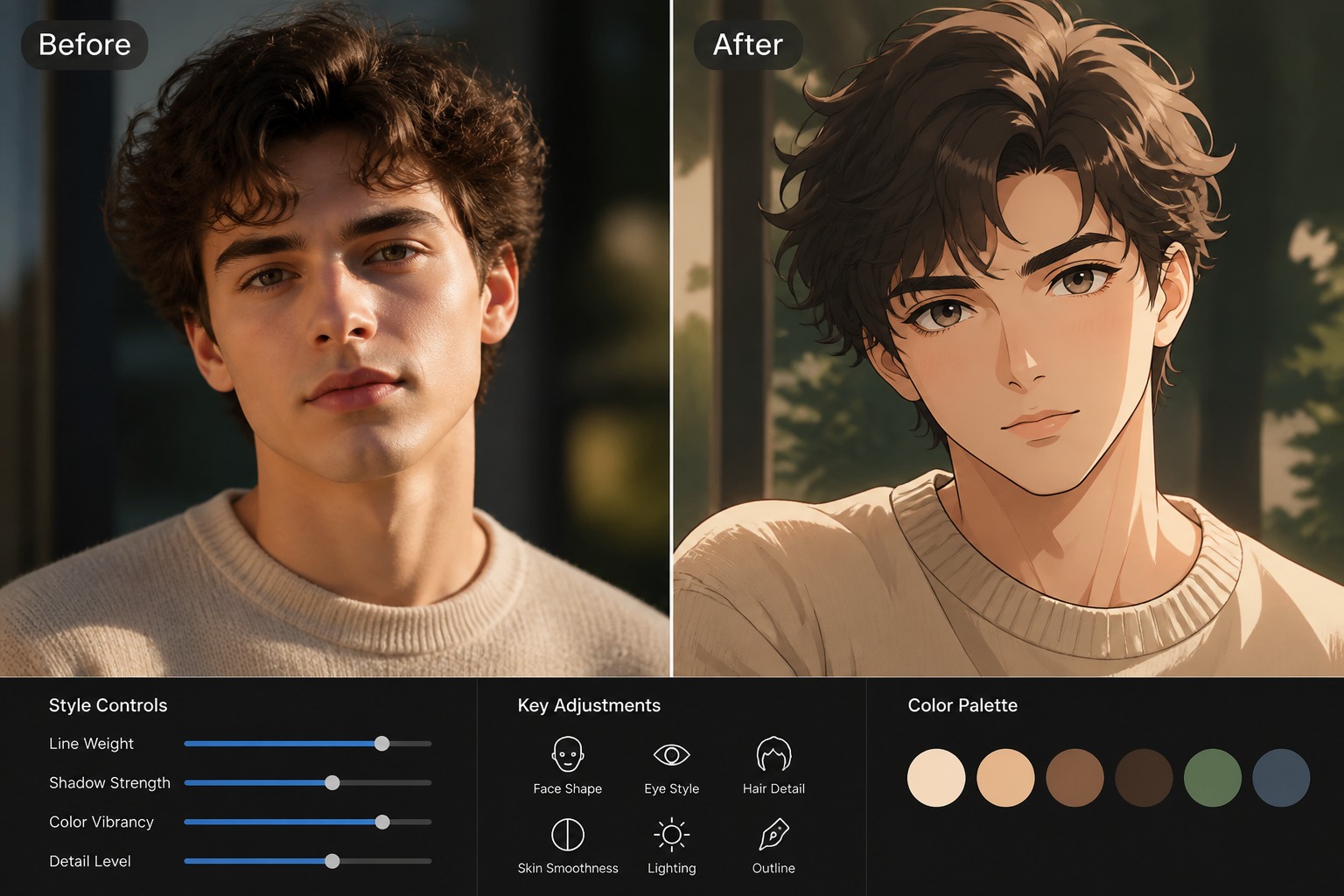
Keep the Anime Style
Tell the tool to keep the target image’s illustration style, pose, outfit, background, and expression while blending in the source face.
Step 3
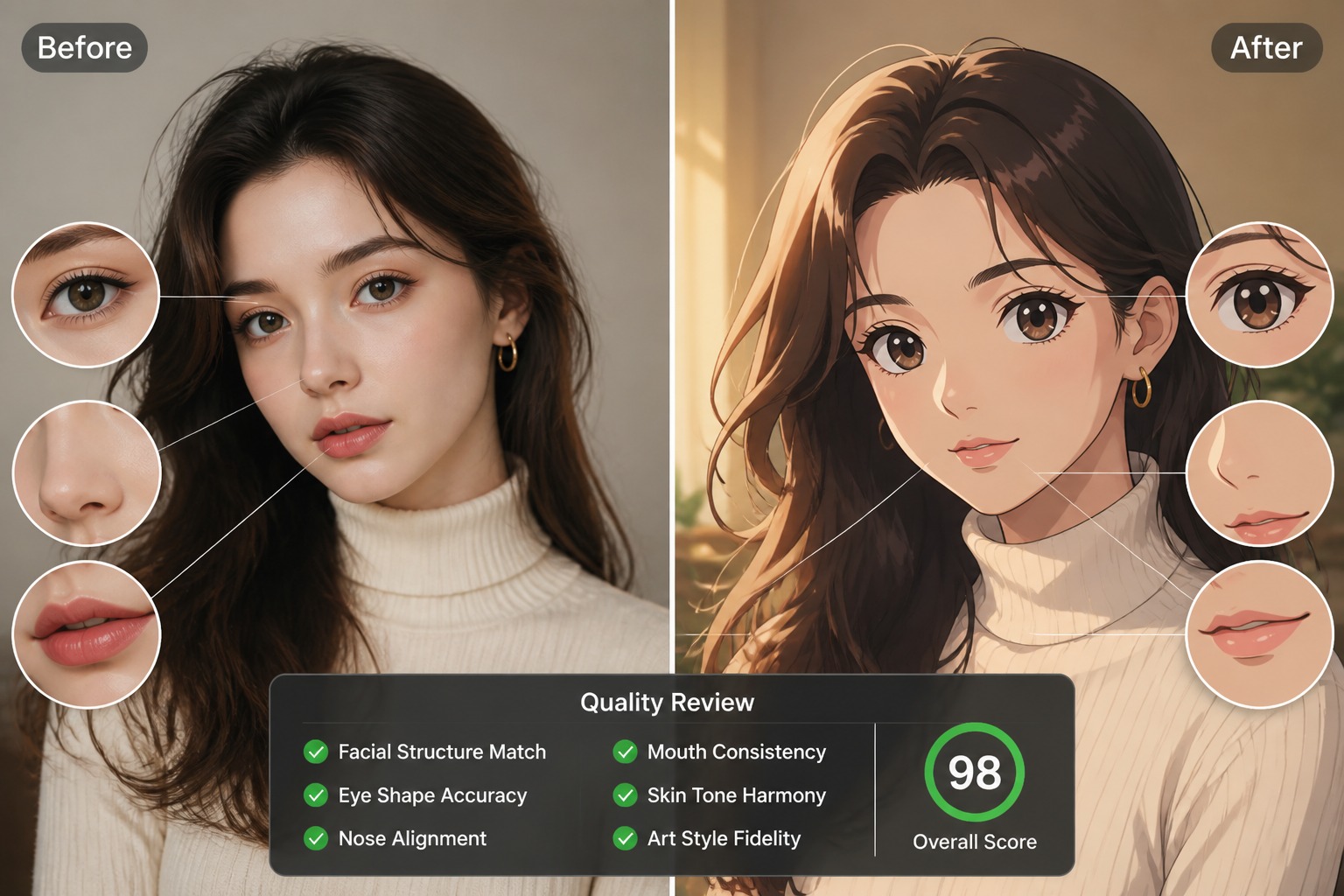
Review the Face Swap
Check the eyes, mouth, hairline, face angle, and expression. Regenerate if the face looks pasted on, mismatched, or inconsistent with the anime style.
FAQ
Anime Face Swap FAQ
What is anime face swap?
What source images work best?
Can I swap my face into an anime character image?
Can I use someone else’s face?
How do I make the swap look less pasted on?
Can I use anime face swaps for avatars?
Create an Anime Face Swap
Upload a source face, match the anime target style, and generate a cleaner face swap for avatars, OC previews, and character edits.
Try Anime Face Swap