Vidwud Face Swap

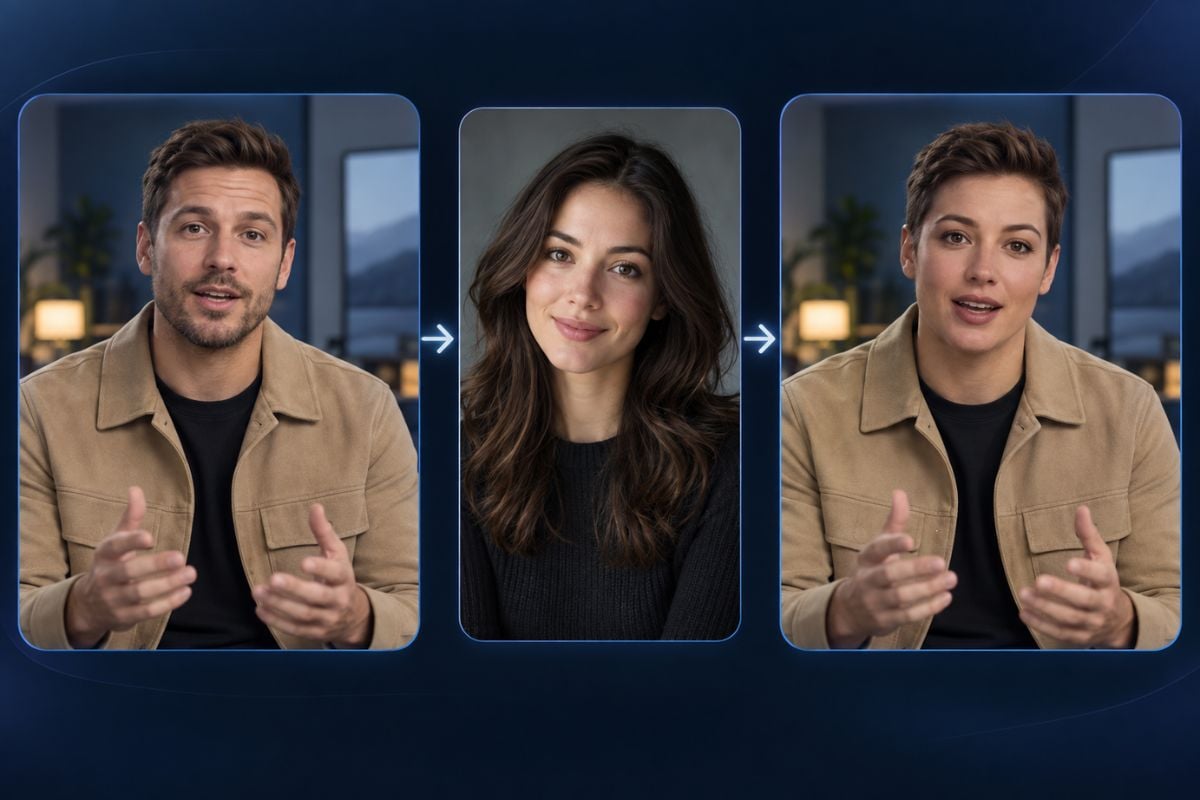
Create a Vidwud AI face swap with GoEnhance AI. Upload a target video and a clear source portrait, transfer the new identity, and review the result while keeping the original hairstyle, body, clothing, movement, lighting, and scene.
Bring a New Face Into Your Video
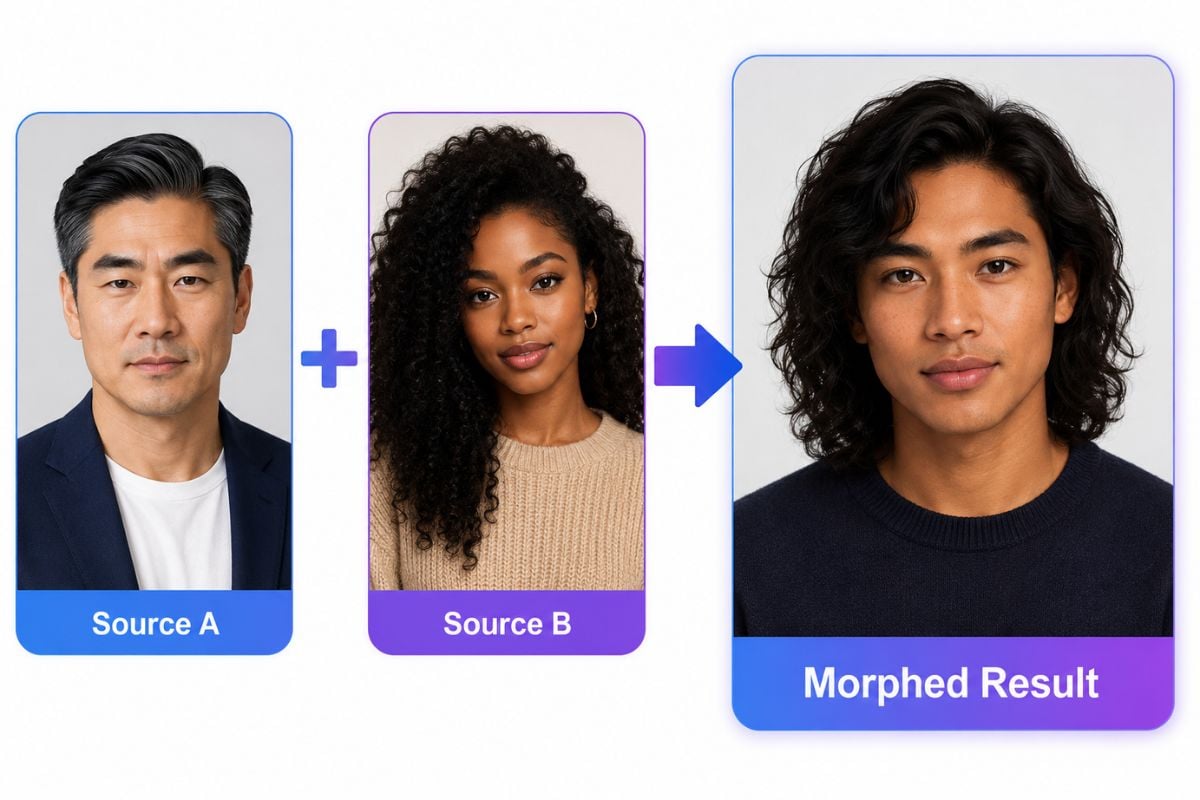
Vidwud AI face swap workflow showing an original video, source face, and swapped result

Vidwud Face Swap Features for Photos and Videos
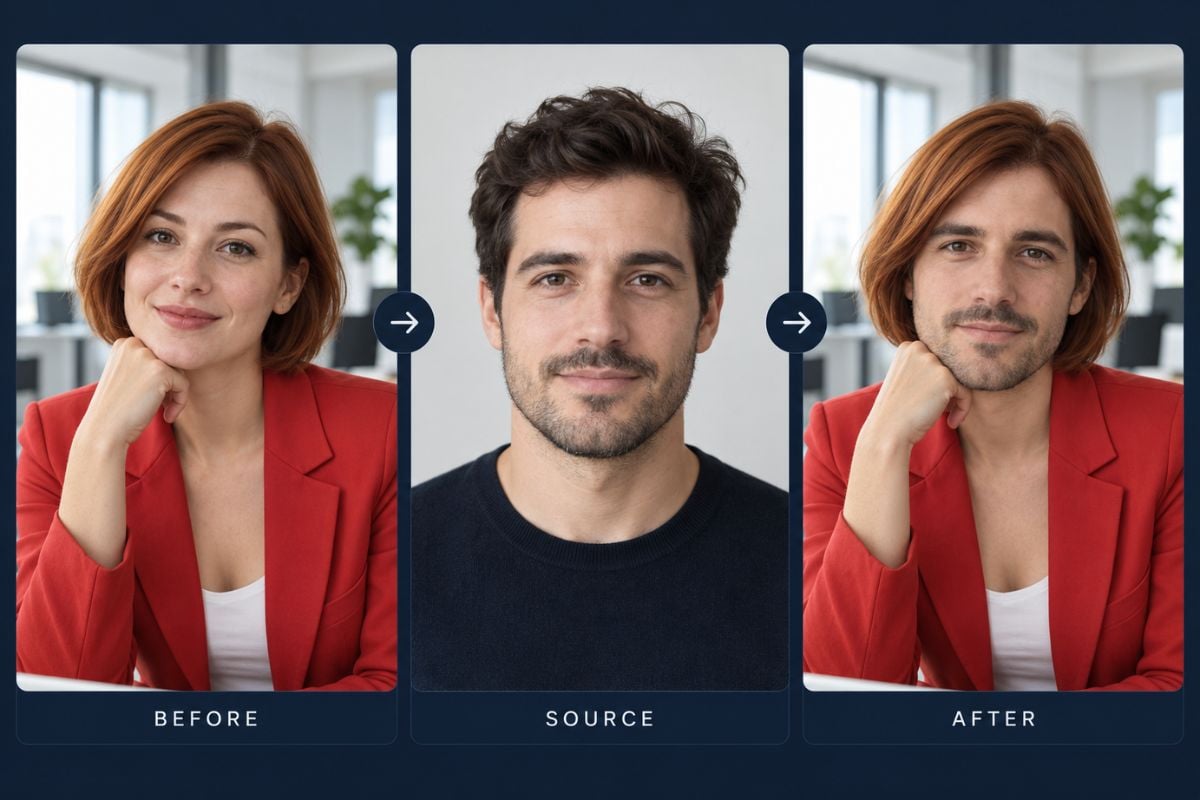
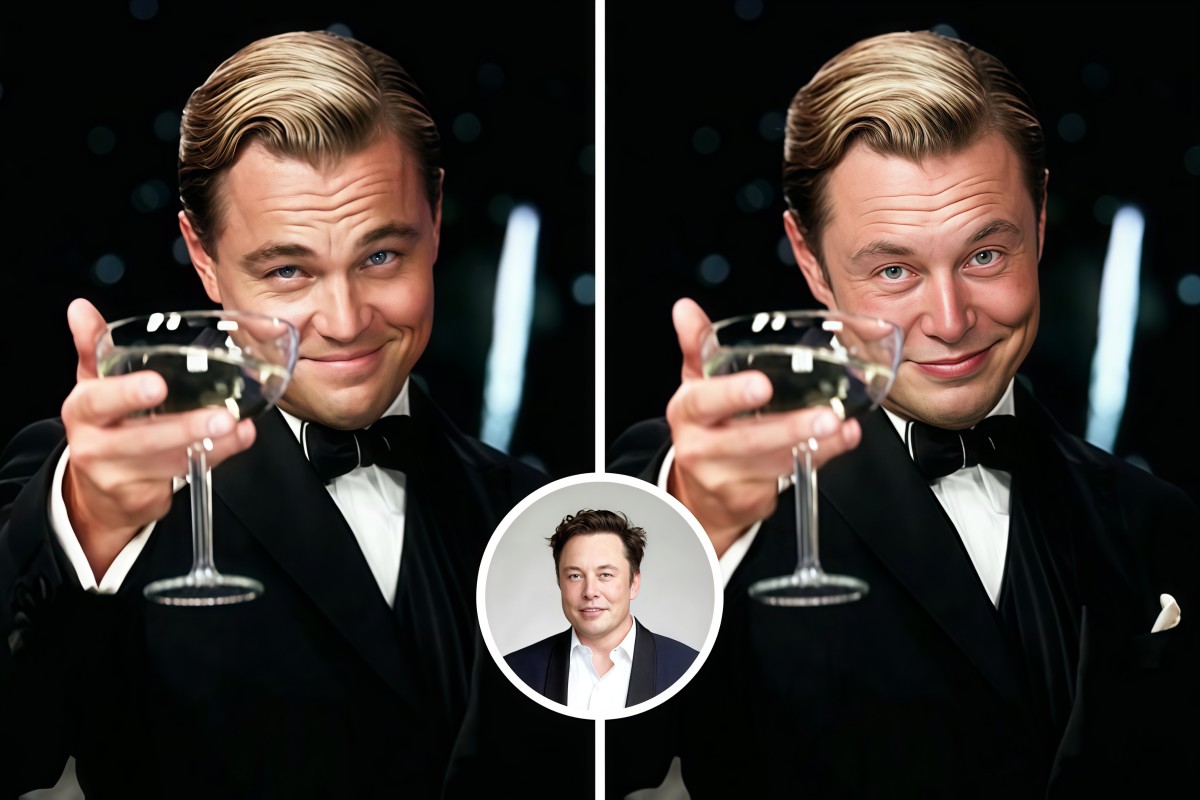
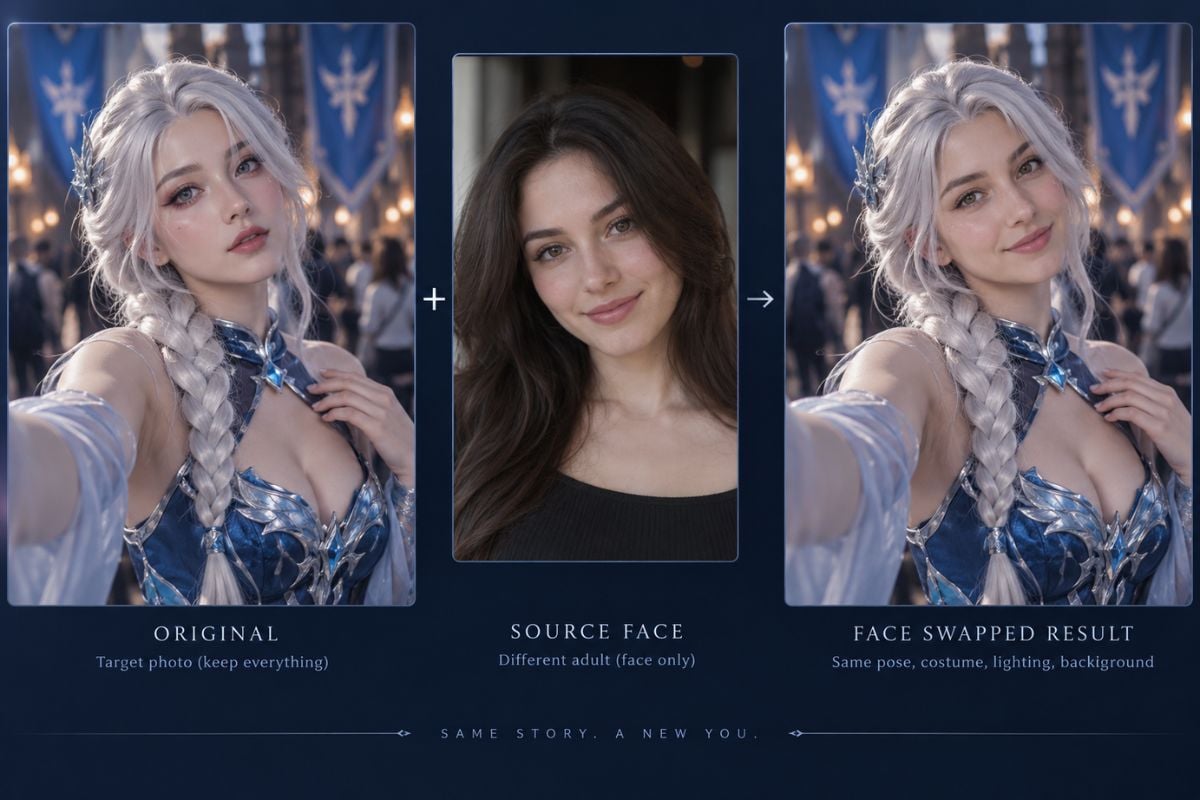
Face Swap Photos Without Rebuilding the Scene

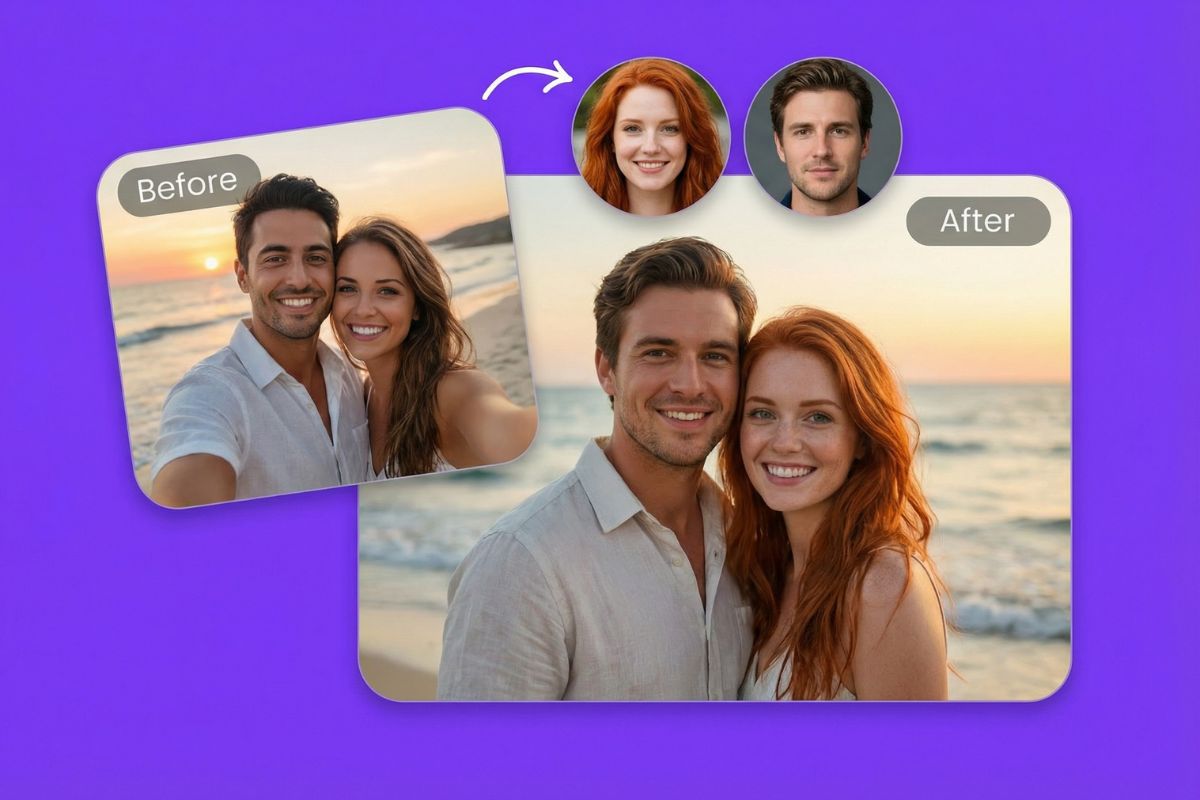
Transfer the source identity while retaining the target portrait's hairstyle, outfit, body, pose, lighting, and background. Check the eyes, jaw, ears, and hairline before using the result.

Vidwud face swap photo comparison showing the original face, source portrait, and swapped result

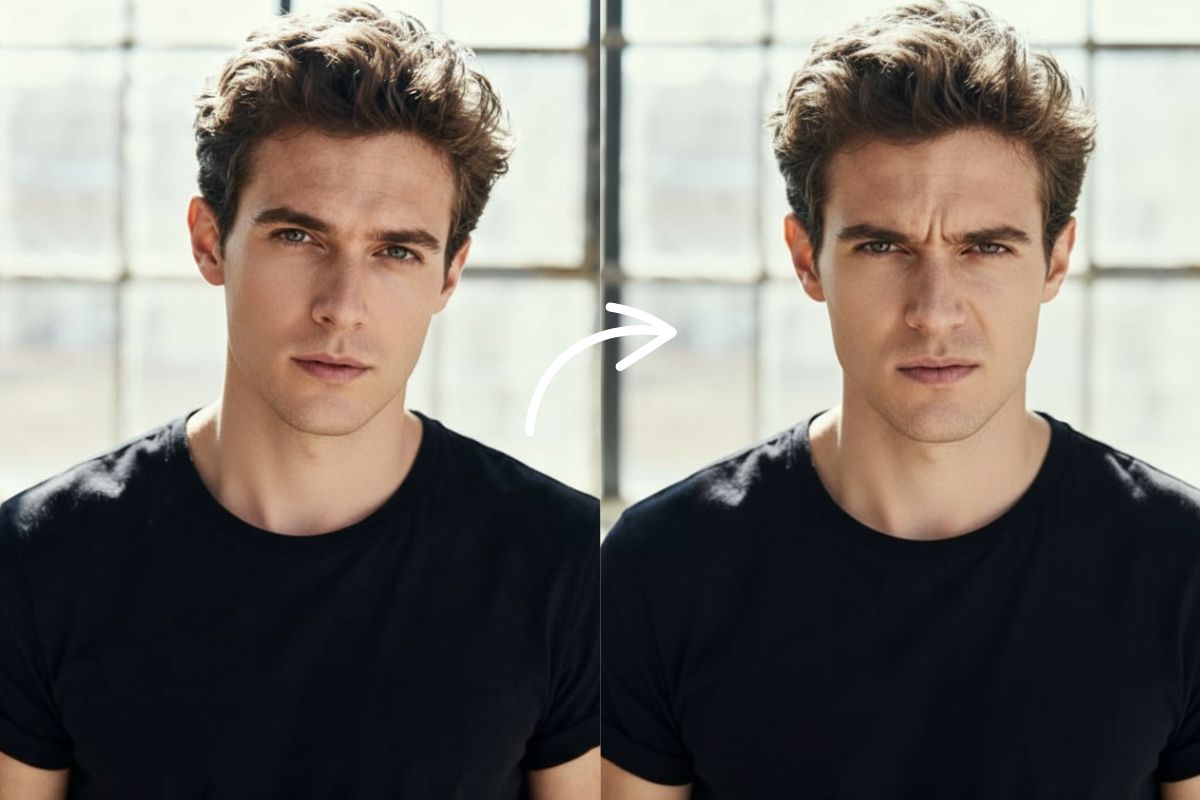
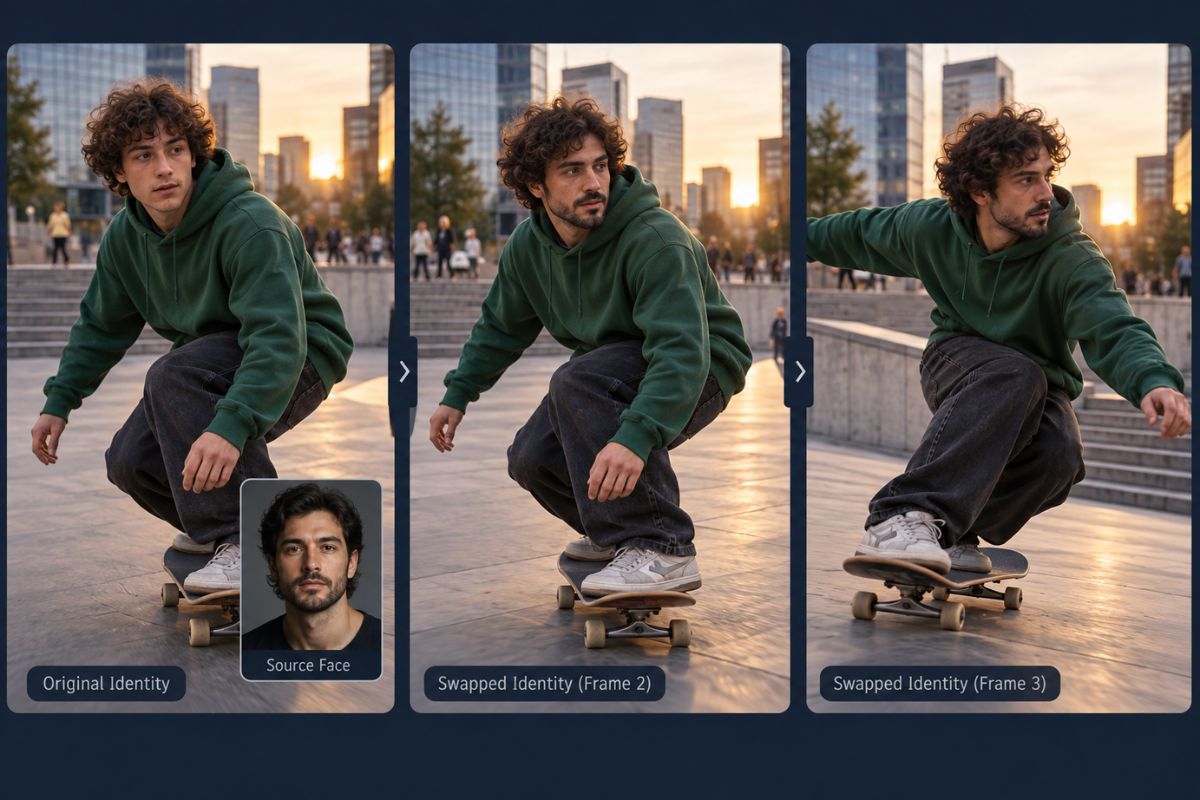
Maintain Identity Through Video Motion

Create a Vidwud face swap video that follows head turns, expressions, and body movement. Review fast motion, speech, blinks, and scene cuts for flicker or identity drift.

Vidwud face swap video showing consistent identity across moving frames

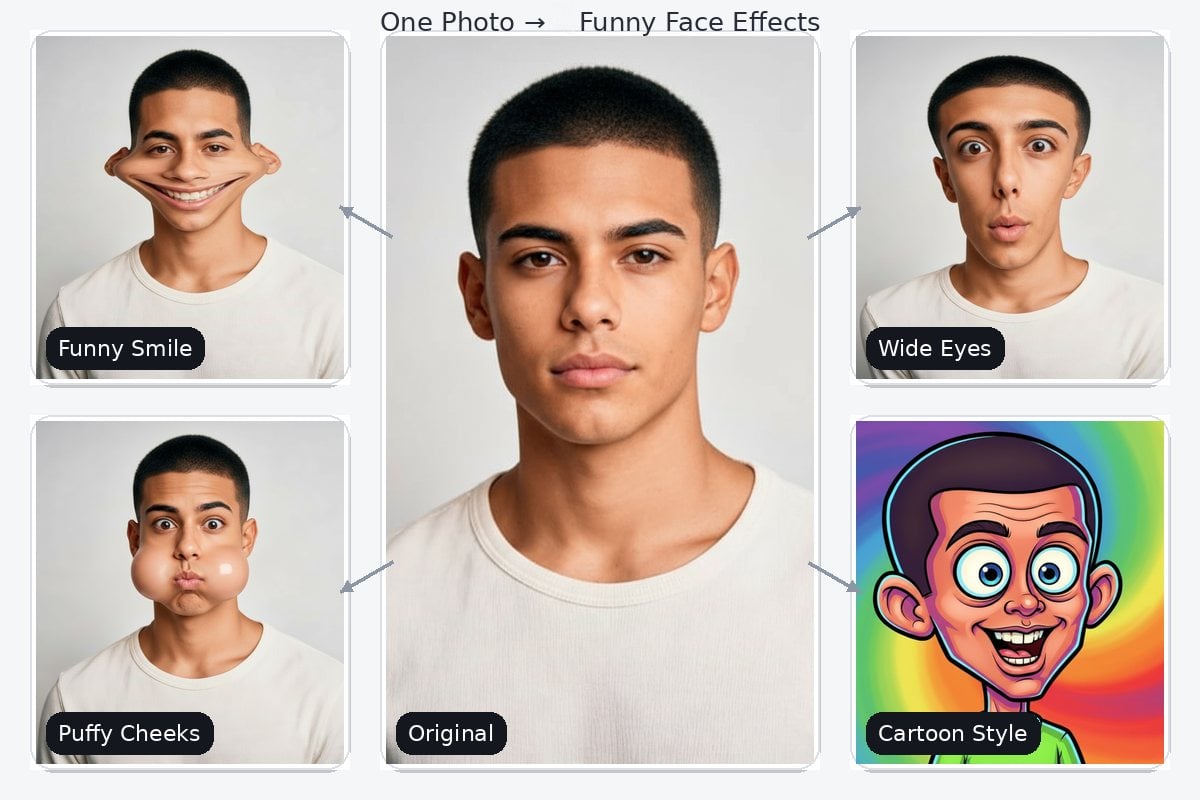
Create Character, Costume, and Social Edits

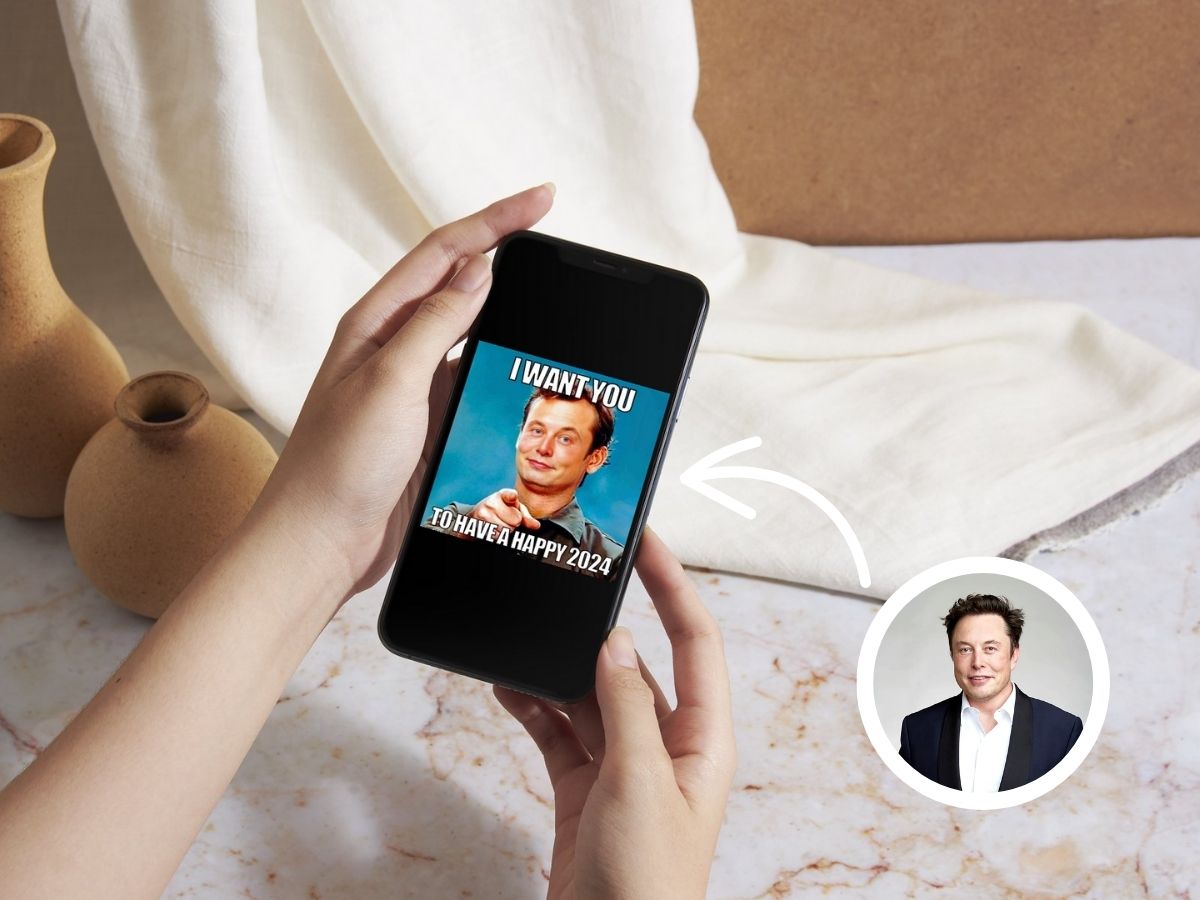
Use face swapping for costume concepts, fictional characters, memes, presenter videos, and social drafts. Explore more workflows with the AI face swap tool while keeping every likeness authorized.
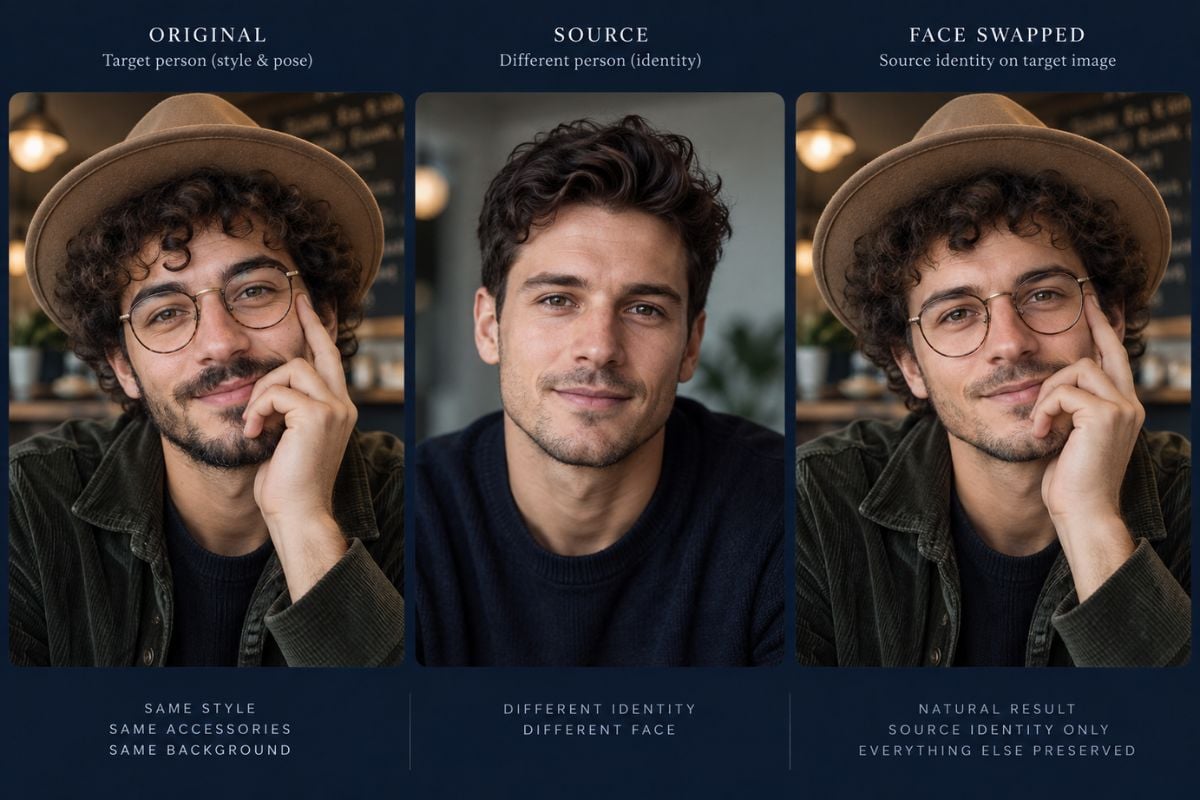
Creative Vidwud AI face swap preserving the target costume, hairstyle, pose, and background

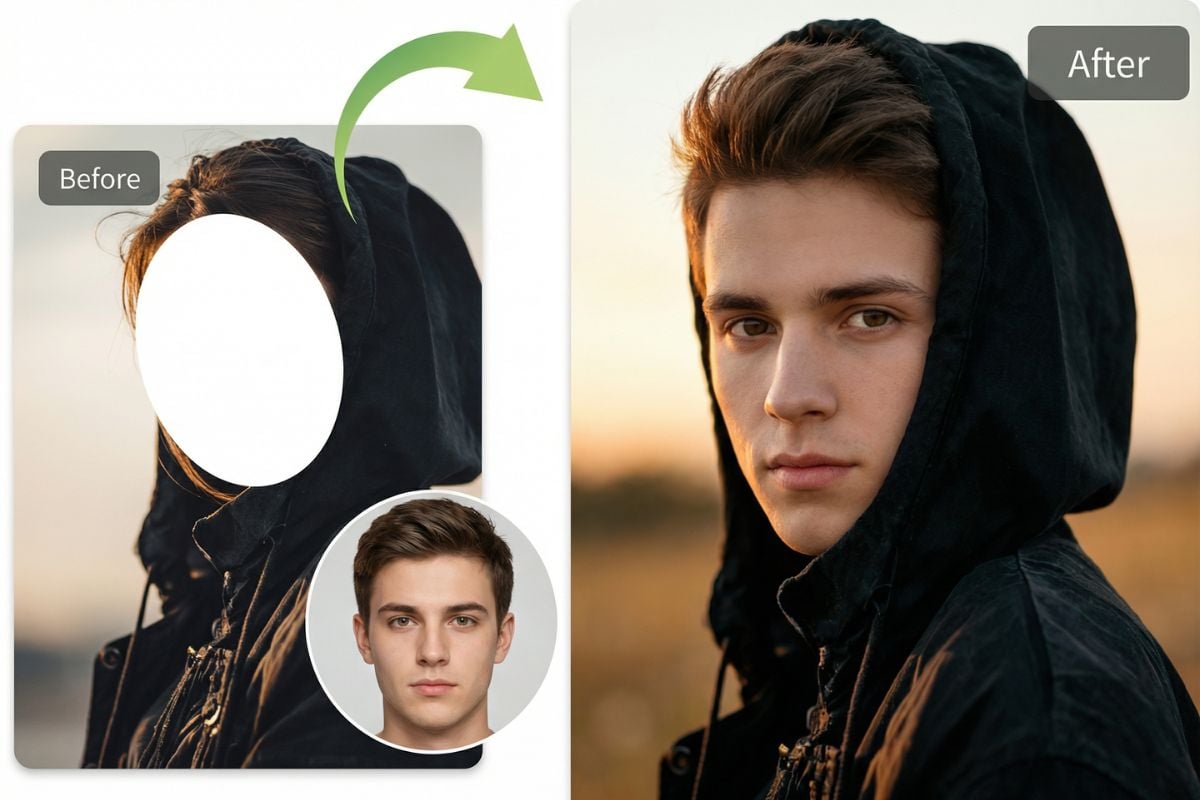
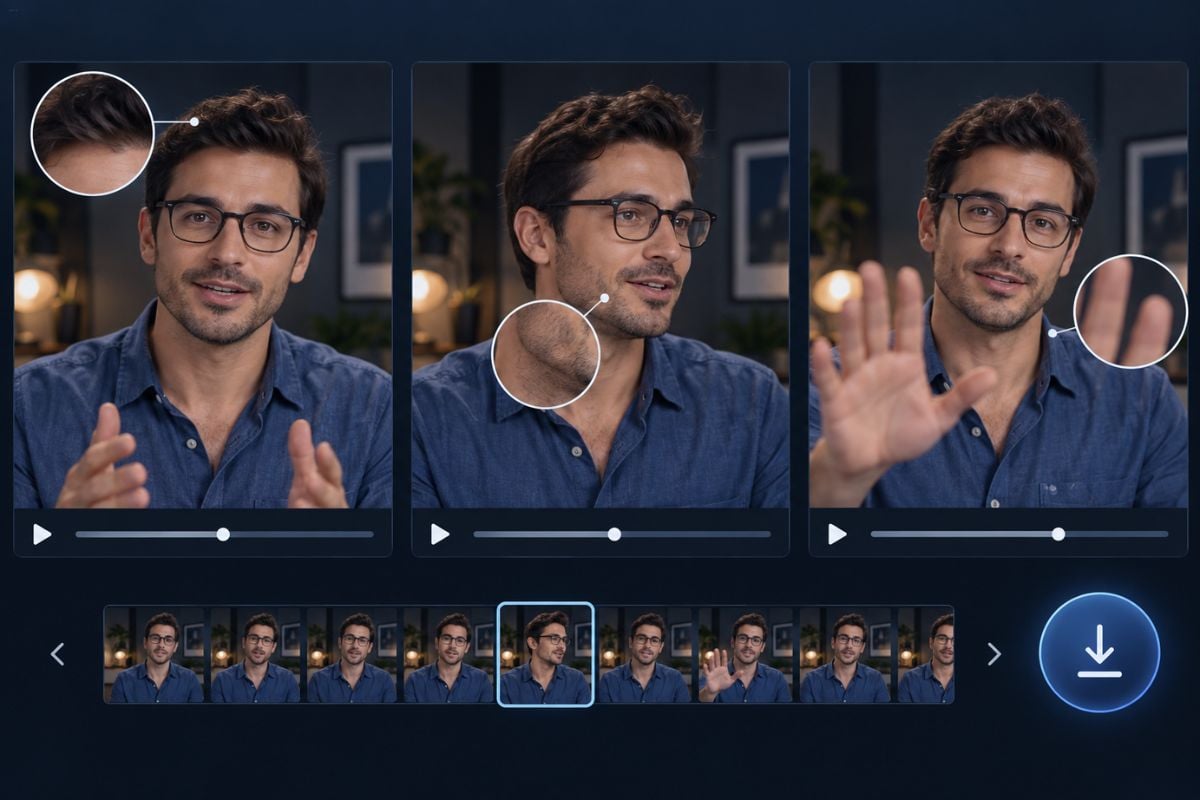
Review Difficult Details Before Export

Pause on profiles, glasses, hats, facial hair, hands crossing the face, motion blur, and mixed lighting. These areas are more likely to reveal edge mismatch, unwanted styling changes, or unstable identity.

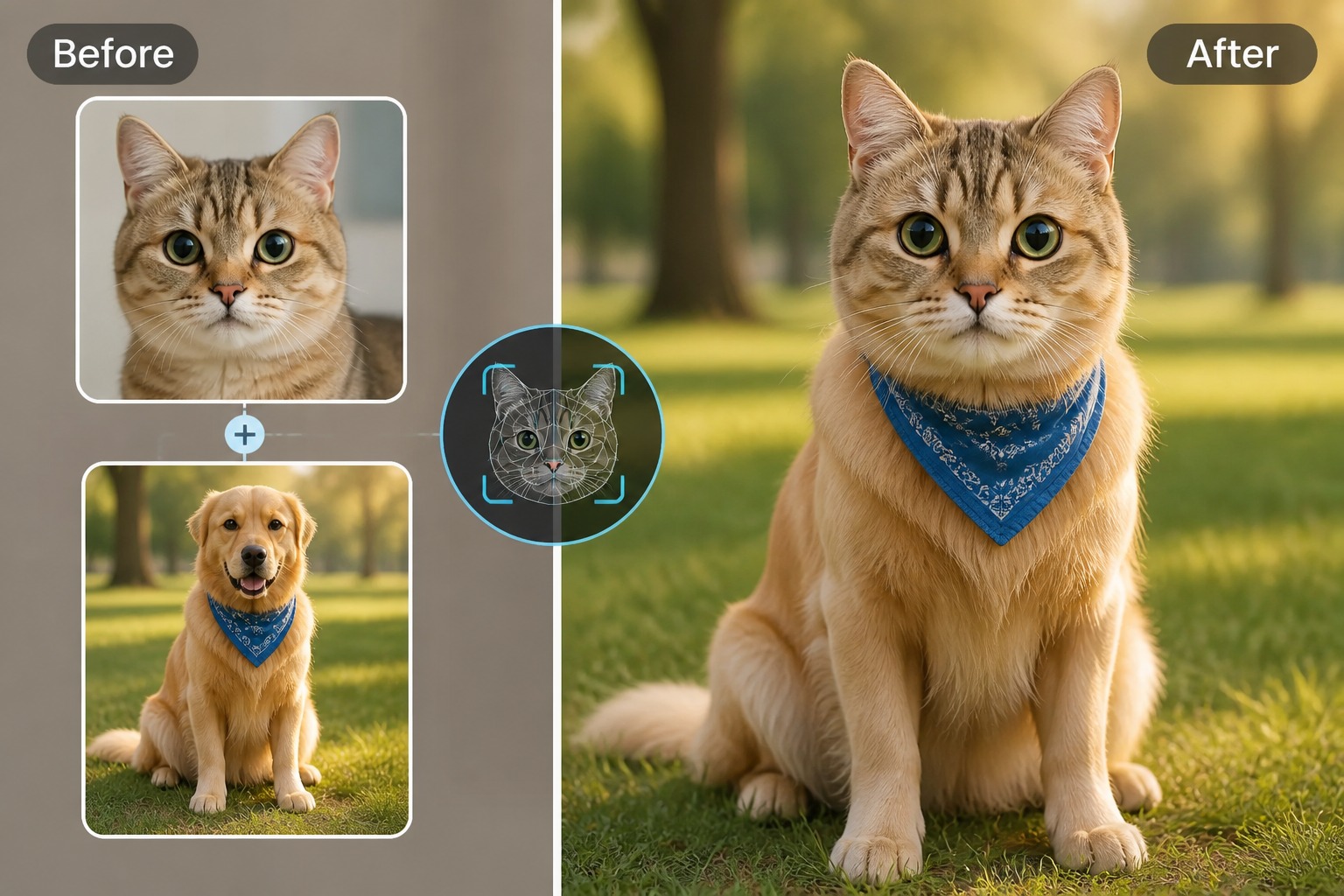
Vidwud face swap result review focused on glasses, hairline, jaw, and hand occlusion

How to Create a Vidwud Face Swap Video
Step 1

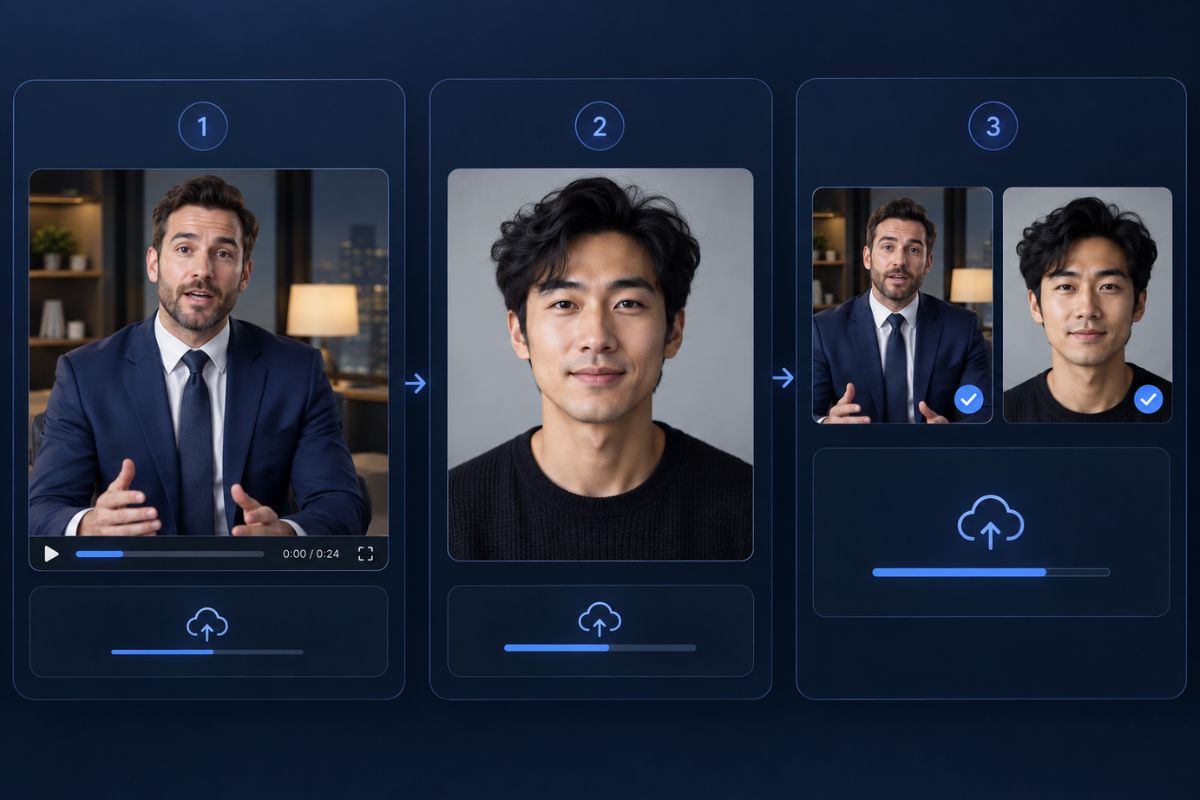
Upload the Target Video and Source Face

Choose an authorized target clip with a visible face, then add a sharp adult portrait showing the identity you want to transfer.
Step 2

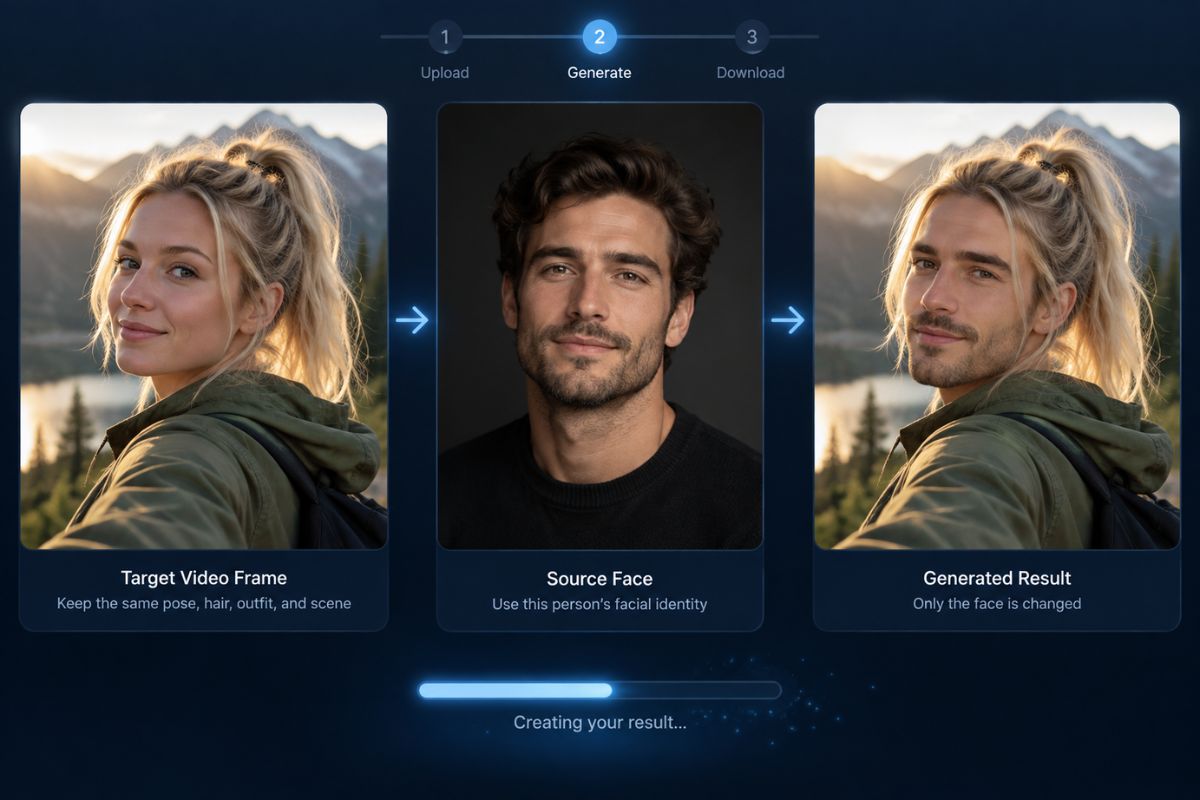
Generate the Face Swap

Apply the source identity while keeping the target hairstyle, body, clothing, pose, expression timing, camera angle, lighting, and background as stable as possible.
Step 3

Review Key Frames and Download

Inspect the opening and closing frames, speech, profile turns, blur, occlusion, accessories, and scene cuts. Download only after confirming consent and visual consistency.

Vidwud AI Face Swap Workflow Highlights

Photo and Video Face Swap Inputs

Combine an authorized target image or clip with one clear source portrait.

Target Styling Preservation

Keep the target hairstyle, body, clothing, pose, camera angle, lighting, and background instead of replacing the whole person.

Frame-to-Frame Identity Checks

Review whether the same facial identity remains recognizable during speech, head turns, motion, and scene changes.

Profiles and Occlusion Review

Inspect side views, hair, hands, glasses, hats, masks, facial hair, and other elements that cross the face.

Consent-Led Creative Use

Use fictional adults, your own likeness, or participants who approved the edit and its intended distribution.

Export After Visual Verification

Download only after checking identity, skin tone, edges, motion, text, accessories, and the surrounding context.

Vidwud Face Swap FAQ

What is Vidwud Face Swap?

Vidwud Face Swap is commonly searched as an online AI workflow for replacing faces in photos, videos, GIFs, and group scenes. This GoEnhance AI page provides a source-face and target-video workflow for creating and reviewing a similar face-swap result.

How do I create a Vidwud face swap video?

Upload a target video, add a clear source portrait, generate the identity transfer, and inspect difficult frames before downloading. The source supplies the facial identity while the target supplies the motion, hairstyle, body, clothing, and scene.

What source portrait works best?

Use a sharp, well-lit adult portrait with the entire face visible. Front-facing and three-quarter views are usually easier to match than extreme profiles, filtered images, tiny faces, or heavily compressed files.

Can I swap faces in photos, videos, and GIFs?

Vidwud promotes separate workflows for photos, videos, GIFs, and multiple faces. This GoEnhance AI page focuses on video face swapping, using a still portrait as the source identity and a video as the target.

Why does the swapped face change during motion?

Fast turns, motion blur, speech, small faces, compression, scene cuts, and objects covering the face can reduce temporal consistency. Try a clearer source portrait or target footage with a larger, more visible face.

Is Vidwud AI face swap free?

Vidwud's current face-swap and pricing pages present different details about free access and credits, so check its live upload panel and pricing page before relying on a specific allowance. GoEnhance AI displays the currently available credits and generation requirements inside its own app.

Can I publish or use a face swap commercially?

Usage depends on the rights attached to the source portrait, target footage, audio, and platform plan. Obtain permission from every identifiable person, disclose synthetic media when required, and do not use face swaps for impersonation, fraud, harassment, or non-consensual content.

Create a Free Face Swap With GoEnhance AI

Upload a clear source portrait and a suitable target video, create the face swap, and inspect identity, styling, motion, edges, and context before you share it.

Put a New Face Into Motion