
goenhance logo

Face Morph

Upload two portraits and blend them into one natural-looking image with AI. Face Morph helps you combine facial features, explore family resemblance, design original character concepts, and create clean visual merges from two reference photos.

Start Morphing

Create Clean Face Morph Images With AI
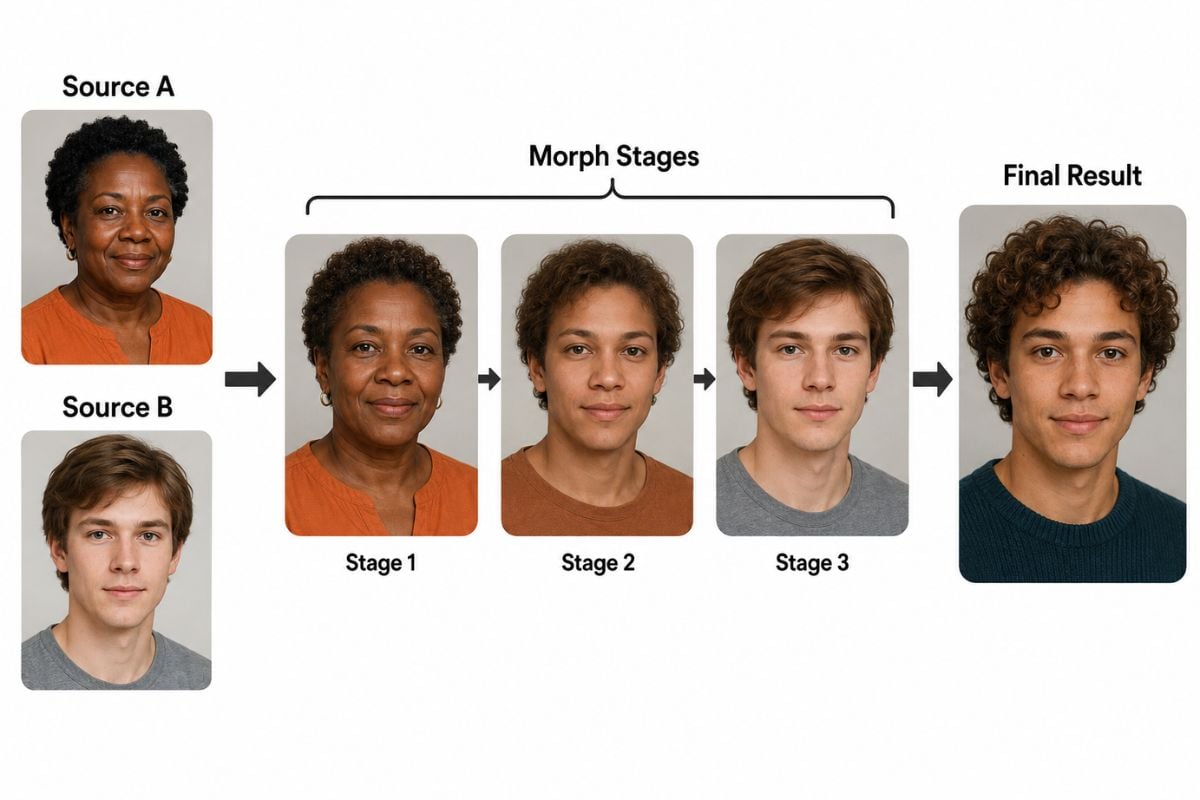
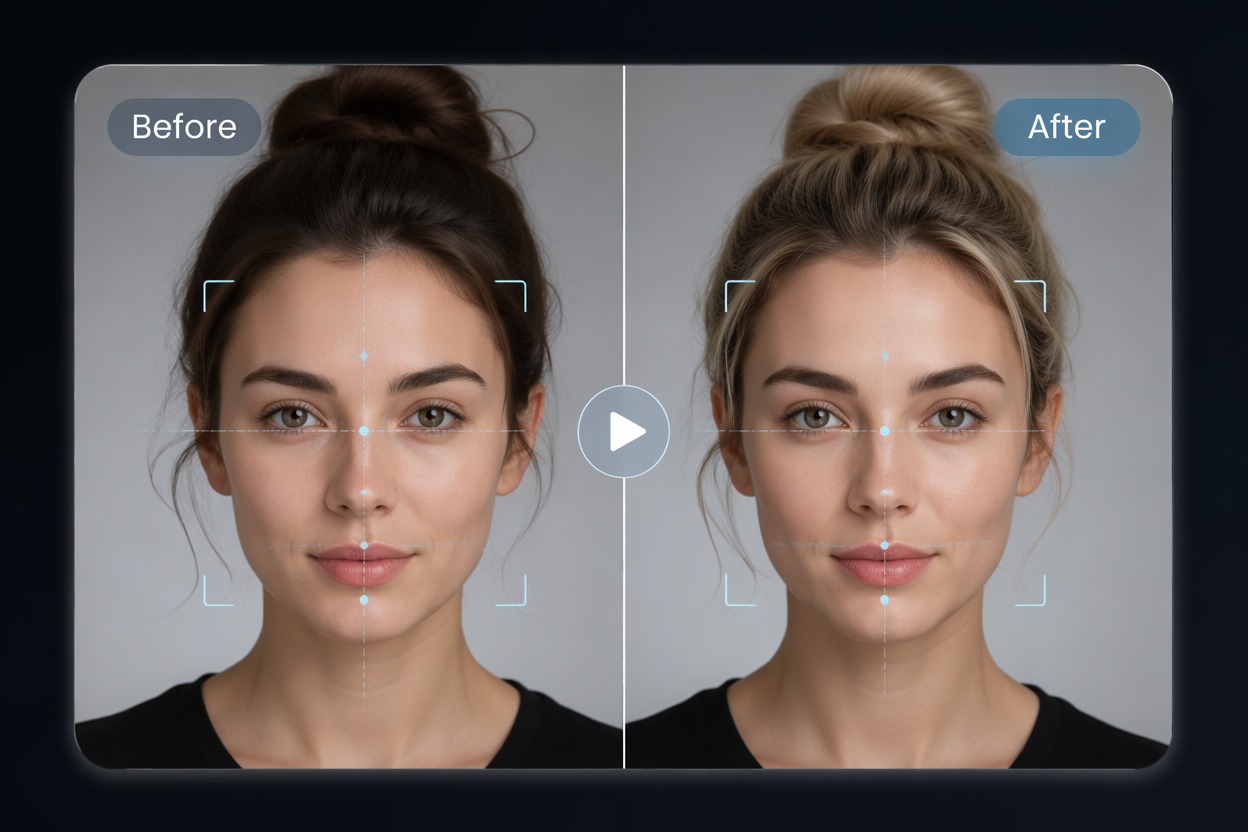
Blend Two Portraits Into One Face

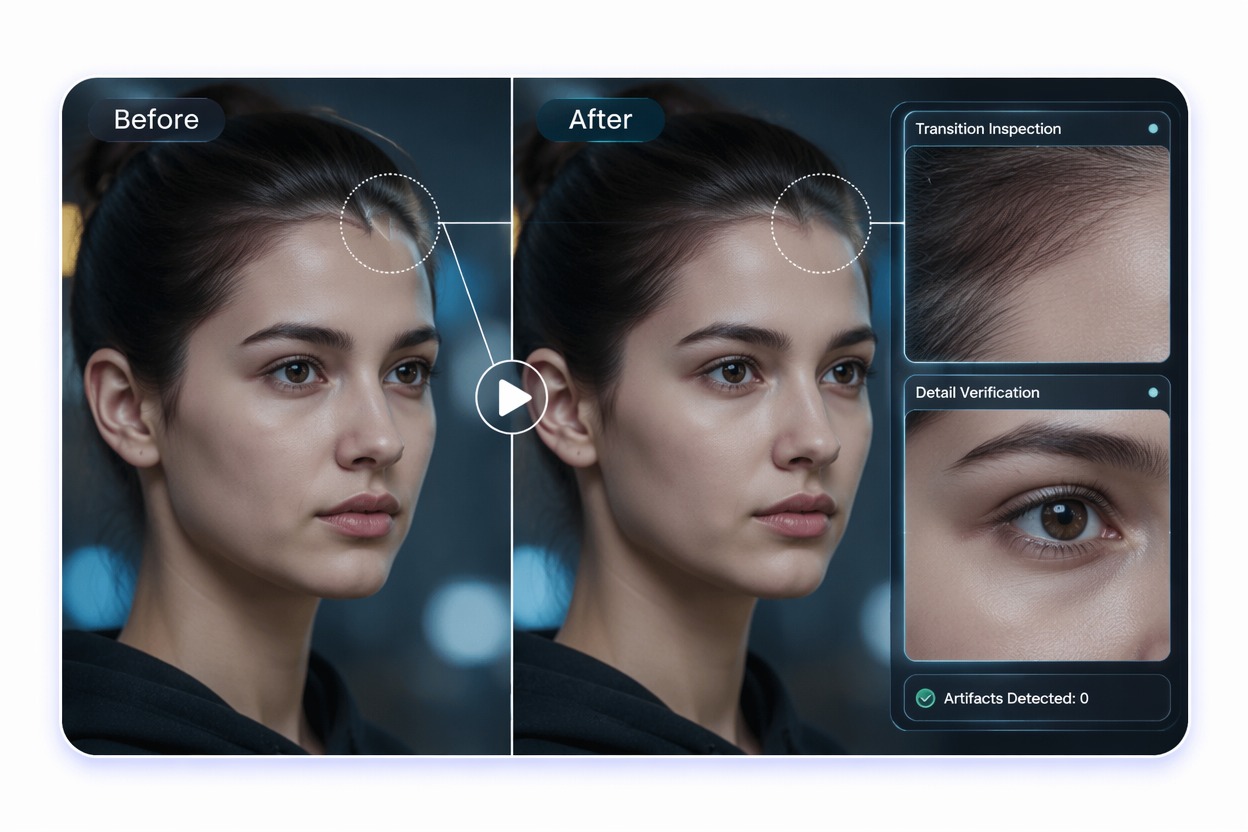
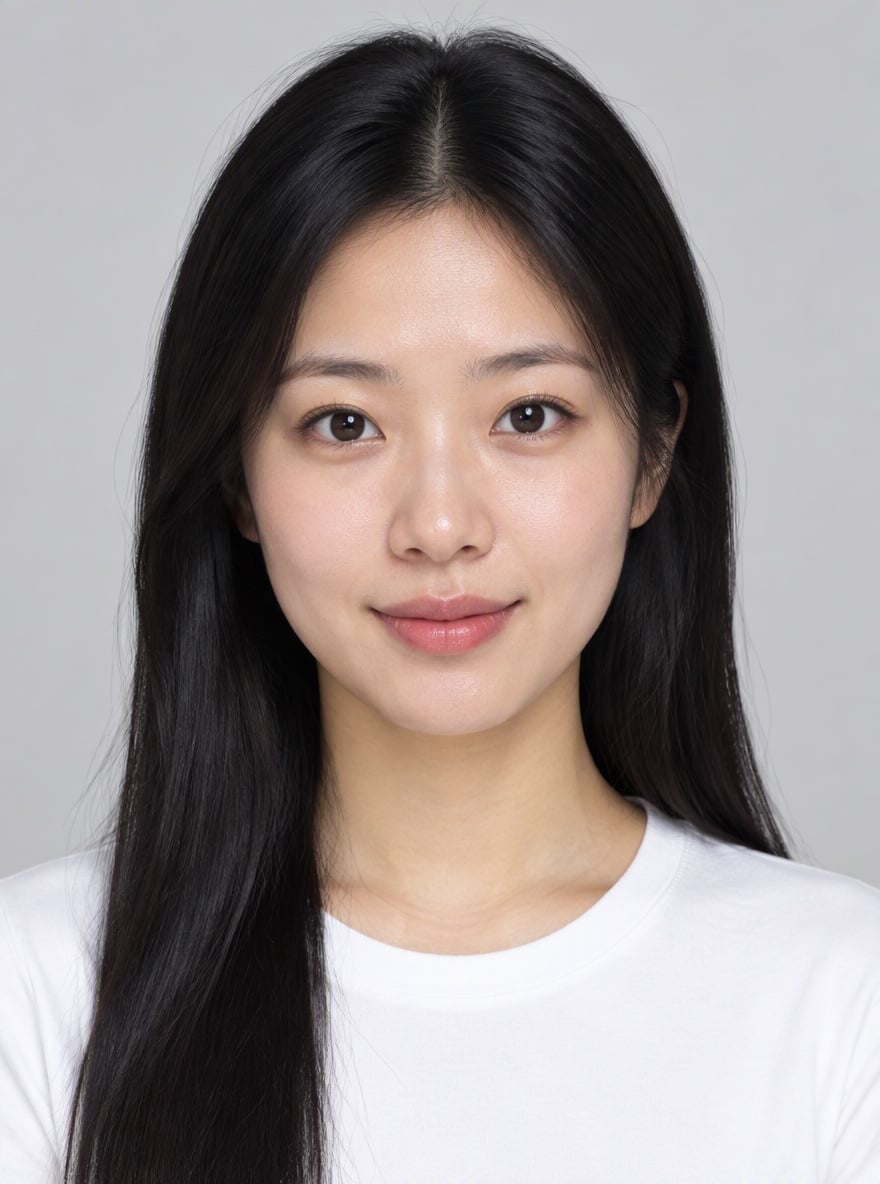
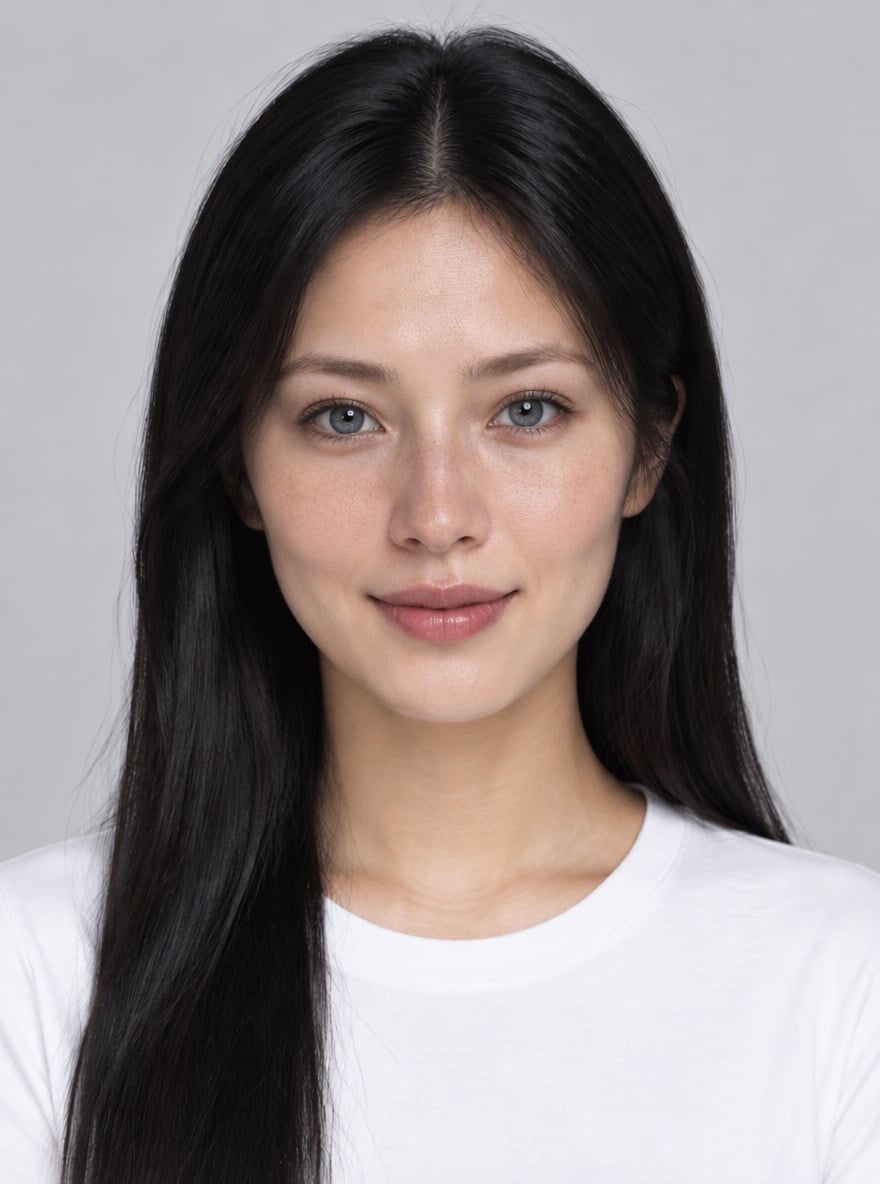
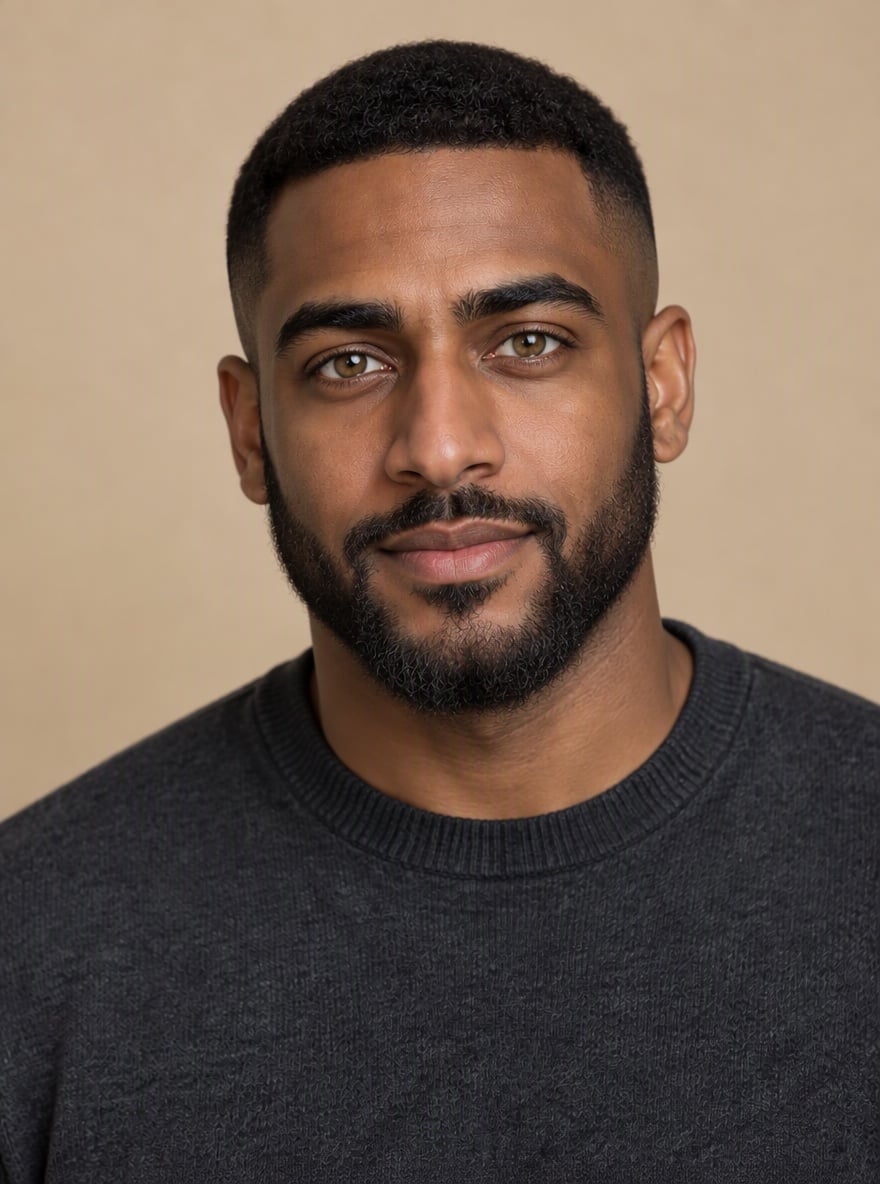
Combine two portraits into a single balanced result. AI can merge features like eyes, nose, mouth, face shape, and hairstyle to create a smooth face morph image.

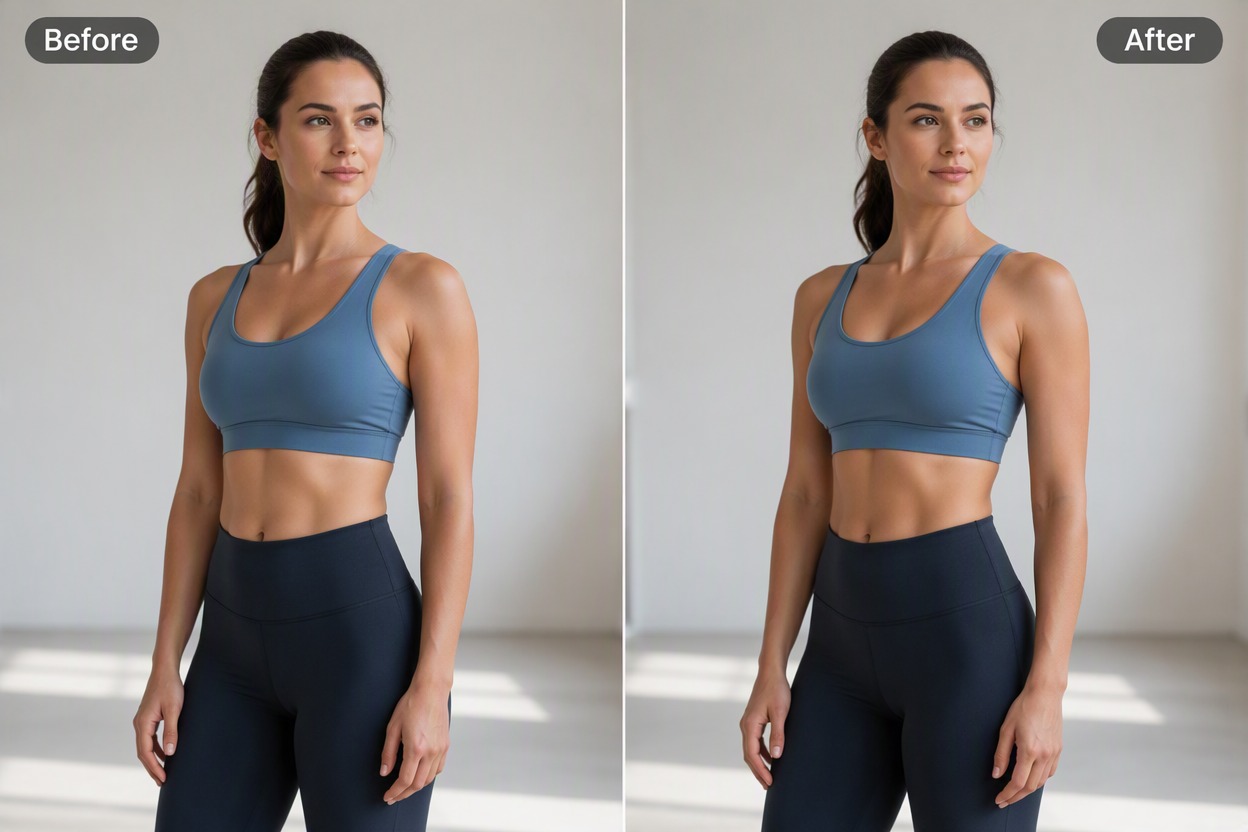
Face Morph visual for blending two portraits into one face

Create Family Resemblance Concepts

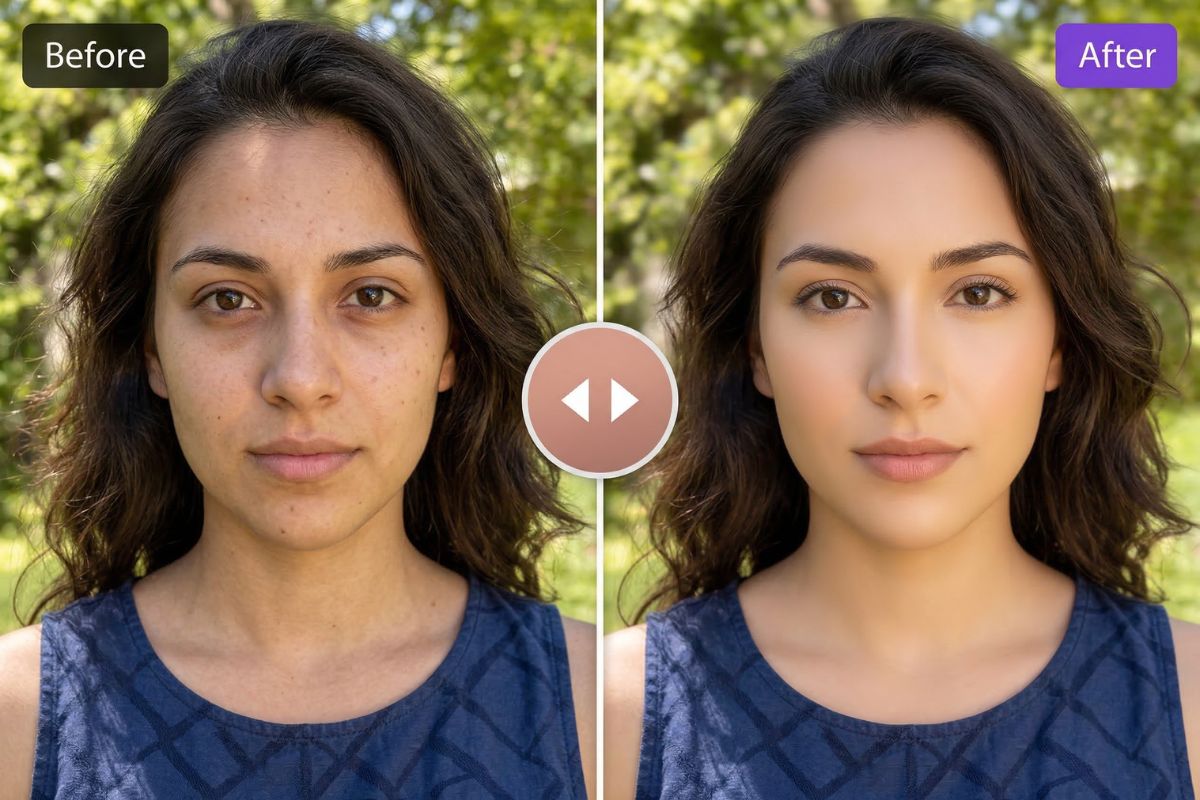
Use face morph to visualize shared facial traits, parent-child resemblance ideas, or sibling-style concept images in a creative and non-deceptive way.

Face Morph visual for family resemblance concepts

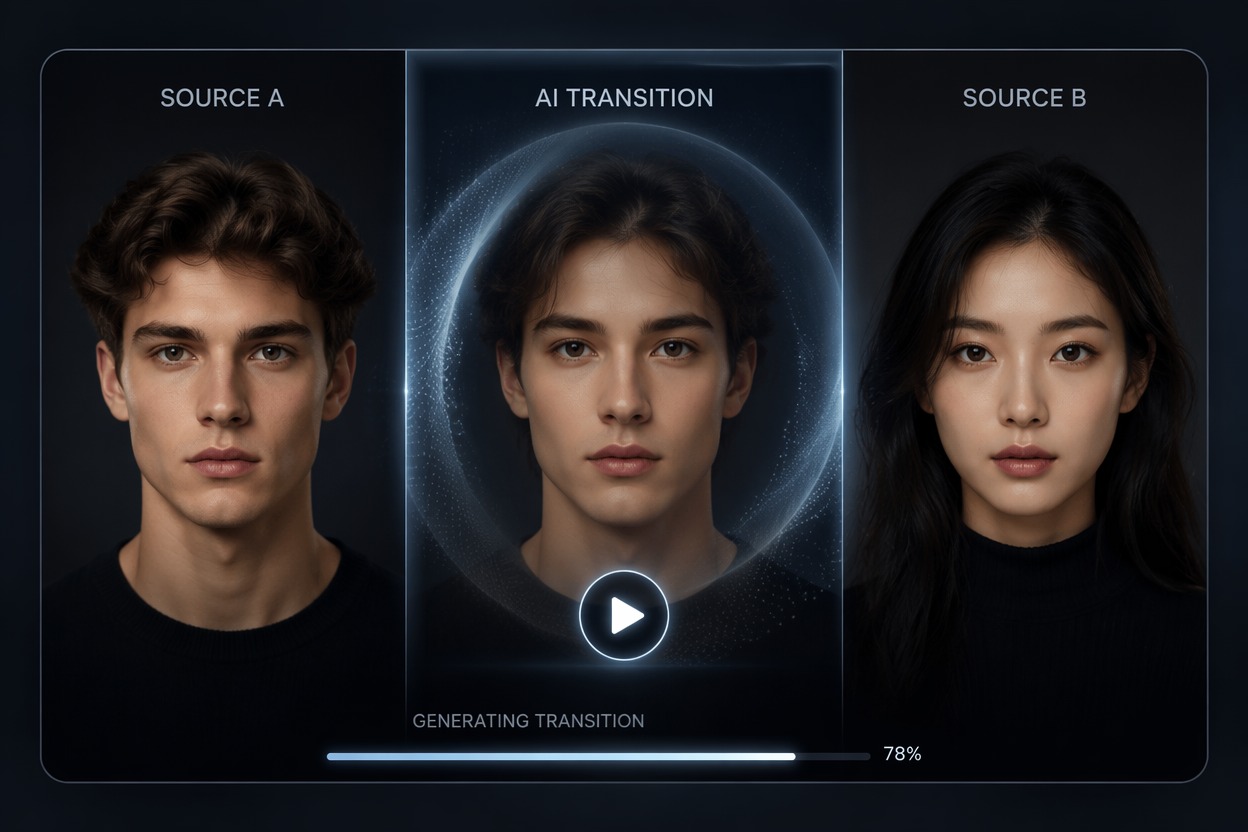
Design Character Hybrids

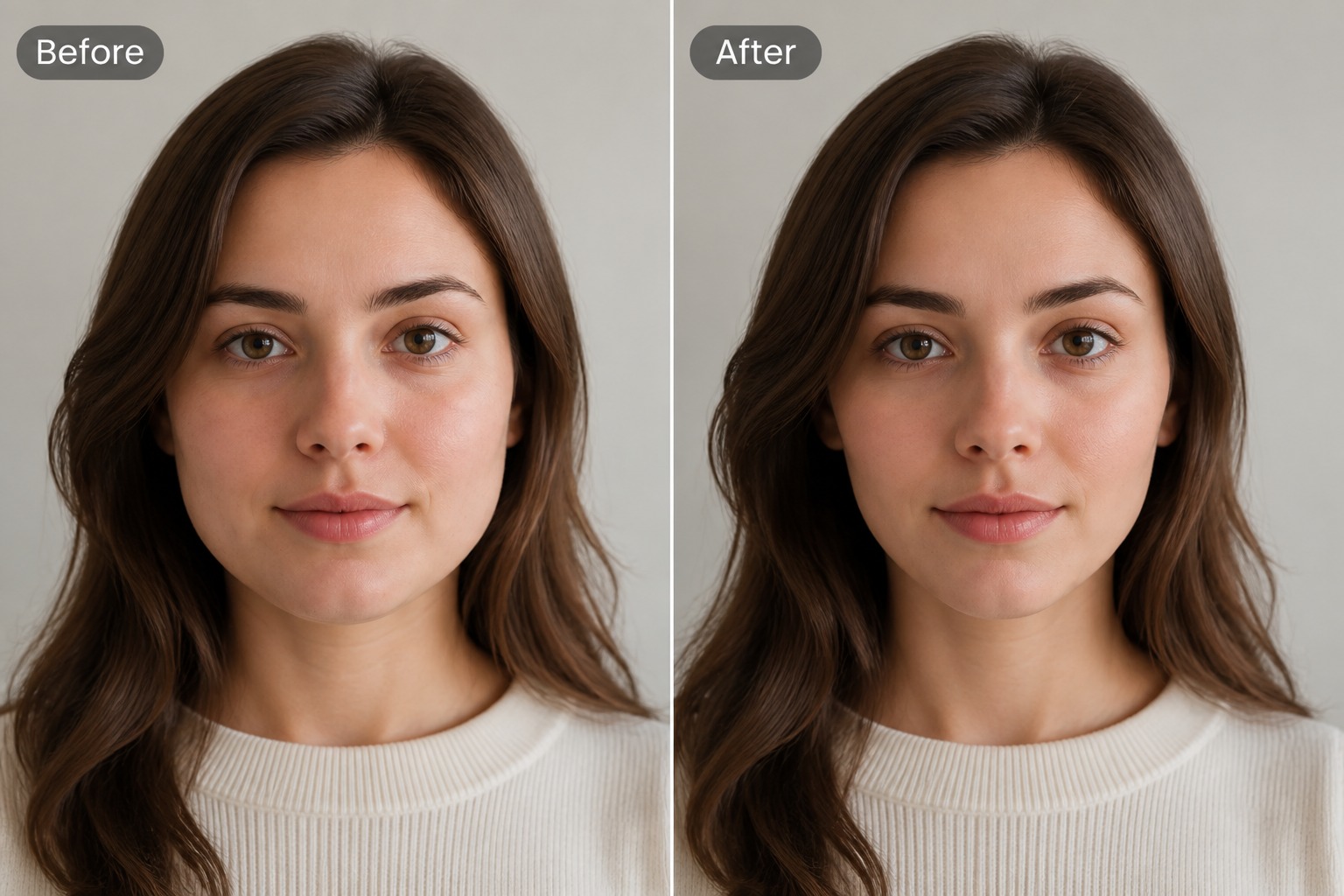
Blend two fictional or original character portraits to create a new face concept. This works well for OC design, fantasy portraits, and stylized identity exploration.

Face Morph visual for designing character hybrids

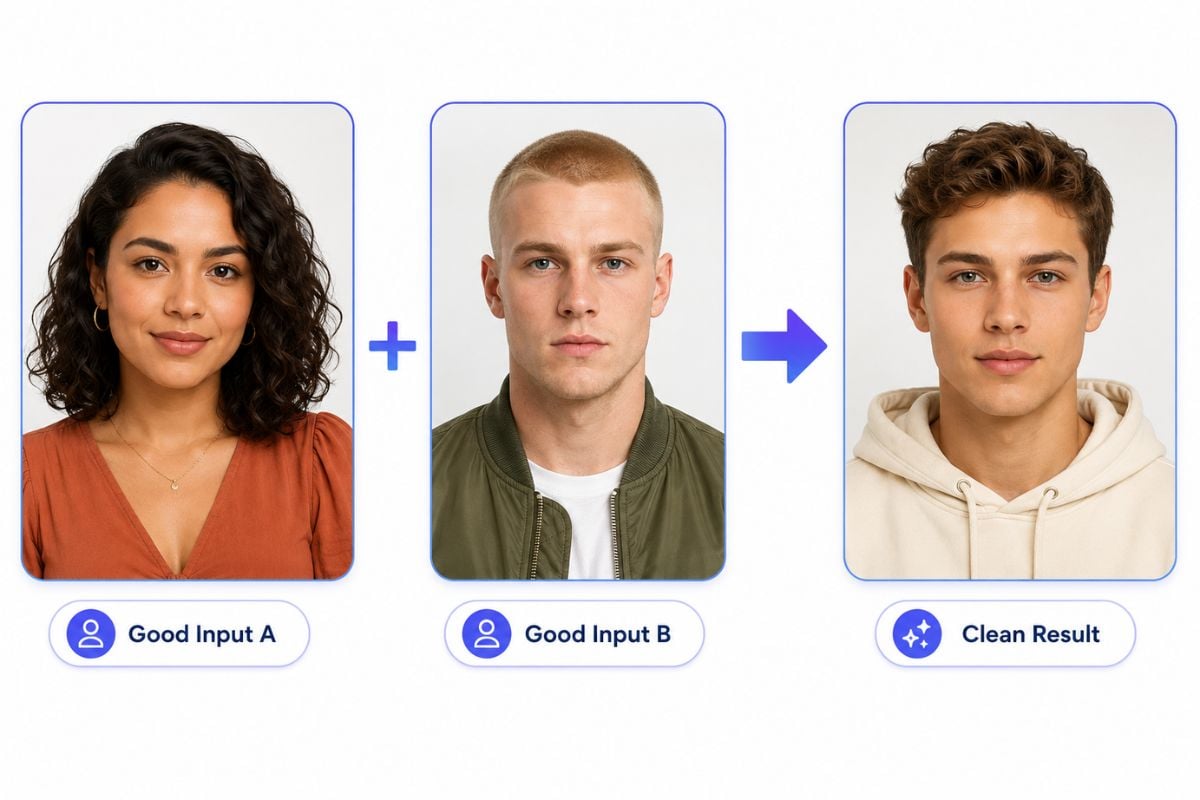
Start With Better Portrait Inputs

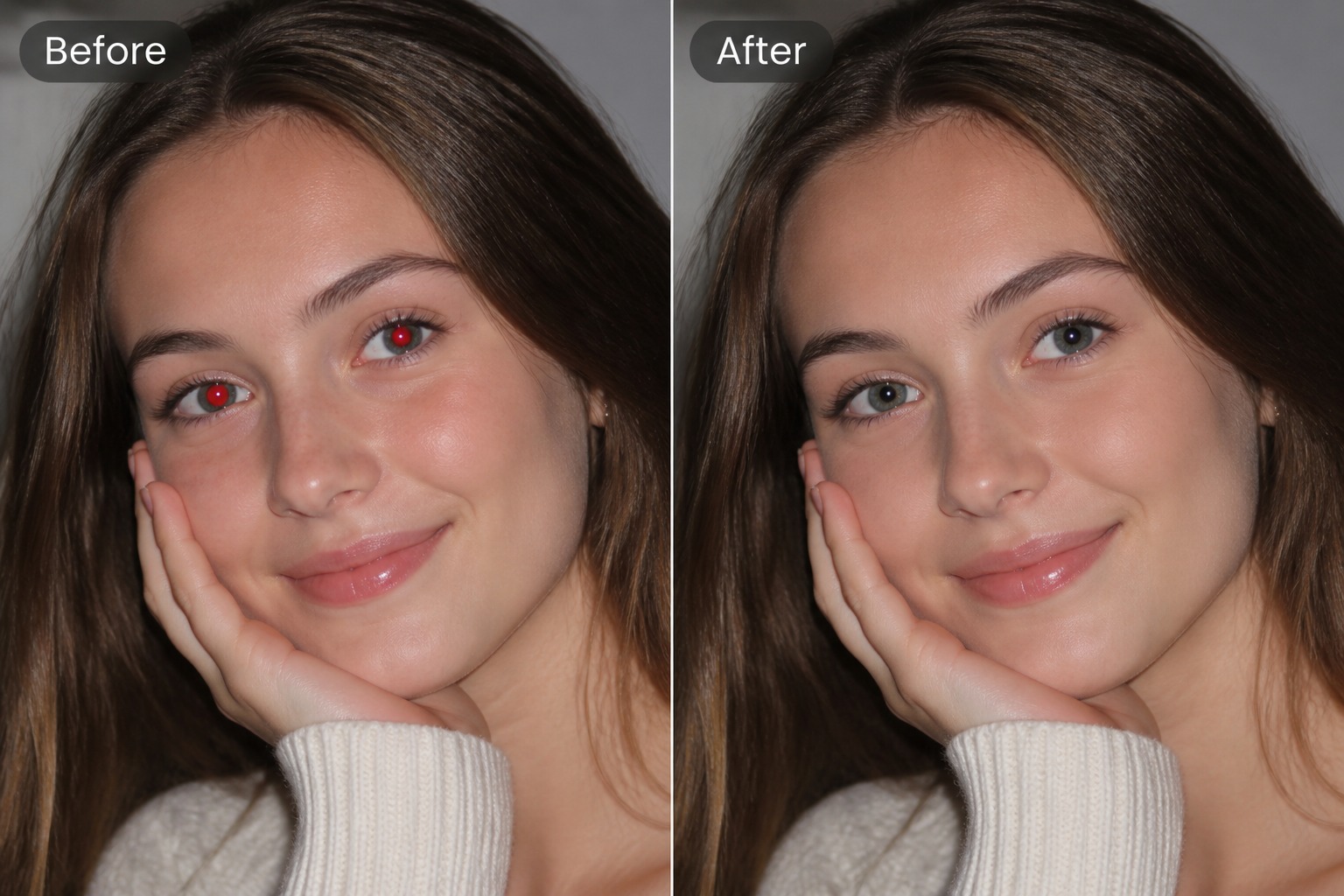
Clear, front-facing portraits with similar crop and lighting usually produce cleaner results. If you need new reference portraits first, try the AI image generator to create them.
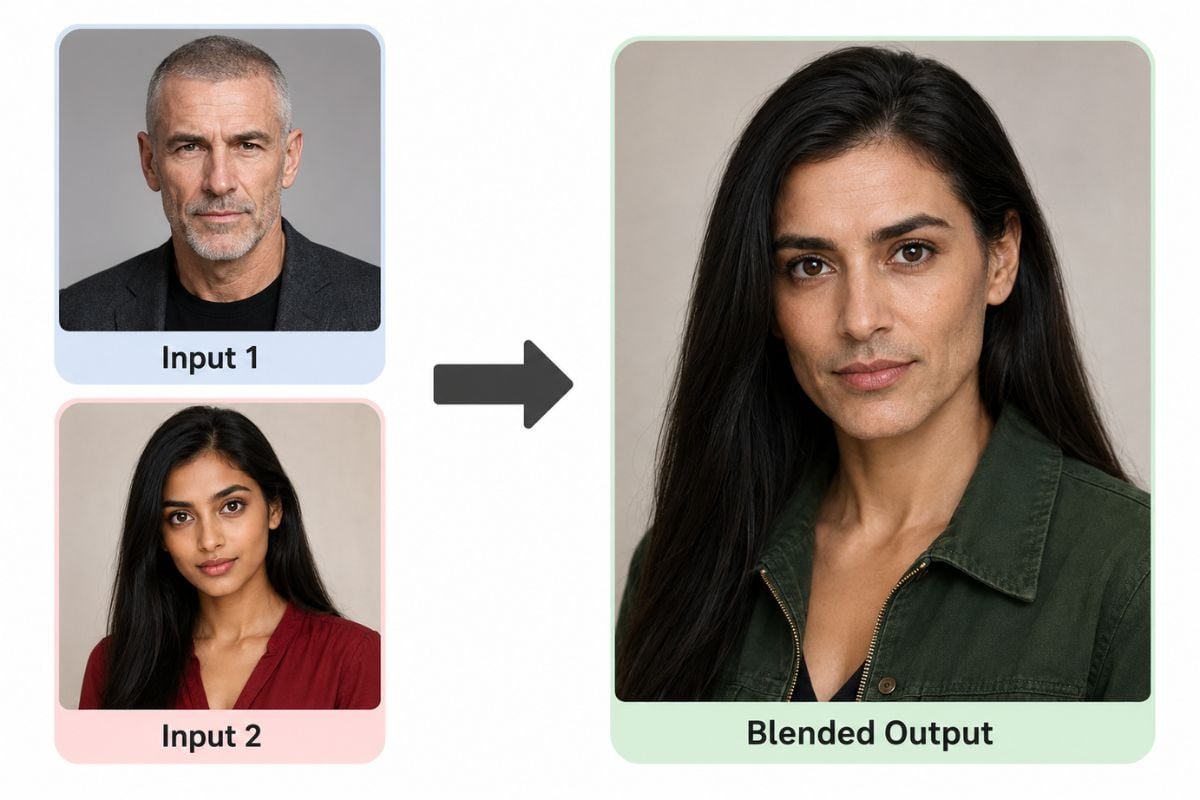
Face Morph visual for preparing better portrait inputs

Why Use Face Morph?

Blend Two Faces Naturally

Merge two portraits into one face image with balanced features and smoother transitions.

Useful for Creative Concepts

Make face blends for OC design, family resemblance concepts, beauty experiments, and visual storytelling.

Easy Reference-Based Workflow

Guide the result with two uploaded portraits instead of relying only on text prompts.

Works for Realistic or Stylized Results

Use Face Morph for realistic portrait blending or for more artistic and character-based concepts.

Better Results With Matched Photos

Similar pose, lighting, framing, and expression help create cleaner and more stable morph outputs.

Fast and Simple to Use

Upload, generate, review, and download your face morph image in a quick image-based workflow.

How to Use Face Morph

Step 1

Upload Two Portrait Photos

Choose two clear portrait images with visible facial features. Front-facing photos with similar crop, lighting, and angle usually work best.
Step 2

Generate the Face Morph Image

Add both images to the tool and create a blended result. The AI will combine facial features from both portraits into one seamless face image.
Step 3

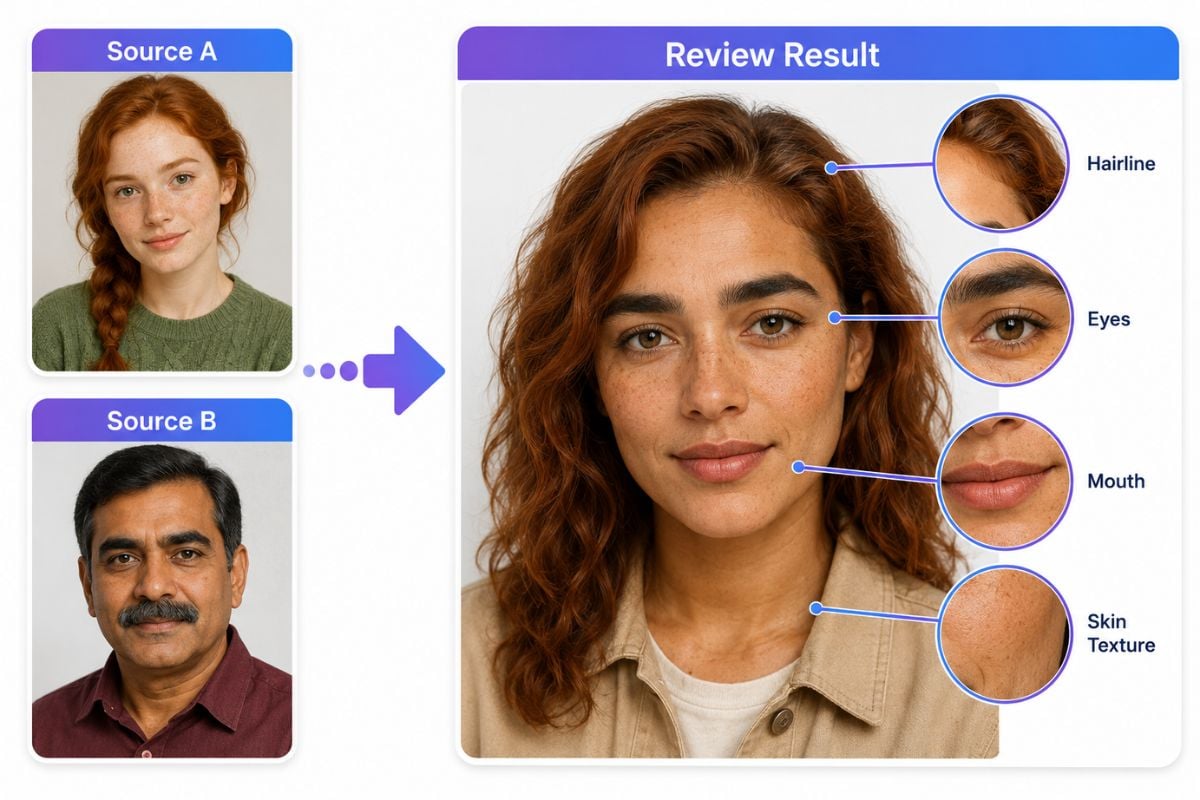
Review and Download

Check the final image for facial balance, skin texture, edge quality, and overall realism or style. Then download the face morph result for your project.

Face Morph FAQ

What is a face morph?

A face morph is an image effect that blends facial features from two portraits into one combined face.

How does AI face morph work?

AI analyzes two source portraits and combines facial traits such as face shape, eyes, nose, mouth, and hair into a single generated result.

Can I blend two faces online for free?

Free usage, credits, and feature limits may vary. Check the current GoEnhance AI app plan and access details before generating.

Is this a face morph website?

Yes. GoEnhance AI offers an online image workflow where you can upload portraits and create a face morph result in your browser.

What photos work best for face morph?

Sharp, front-facing portraits with similar lighting, crop, and expression usually produce the cleanest blended image.

Can I use face morph for character design?

Yes. Face Morph is useful for creating original character concepts, hybrid identities, fantasy portraits, and stylized visual ideas.

What should I check before downloading?

Review the eyes, mouth, skin texture, hairline, facial symmetry, and edge quality to make sure the blend looks clean and natural.

Start Creating With Face Morph and GoEnhance AI

Blend two portraits into one image, explore new character concepts, and create smooth face morph results in just a few steps.

Create Your Image