
Funny Face Filter (Free & Share-Ready)

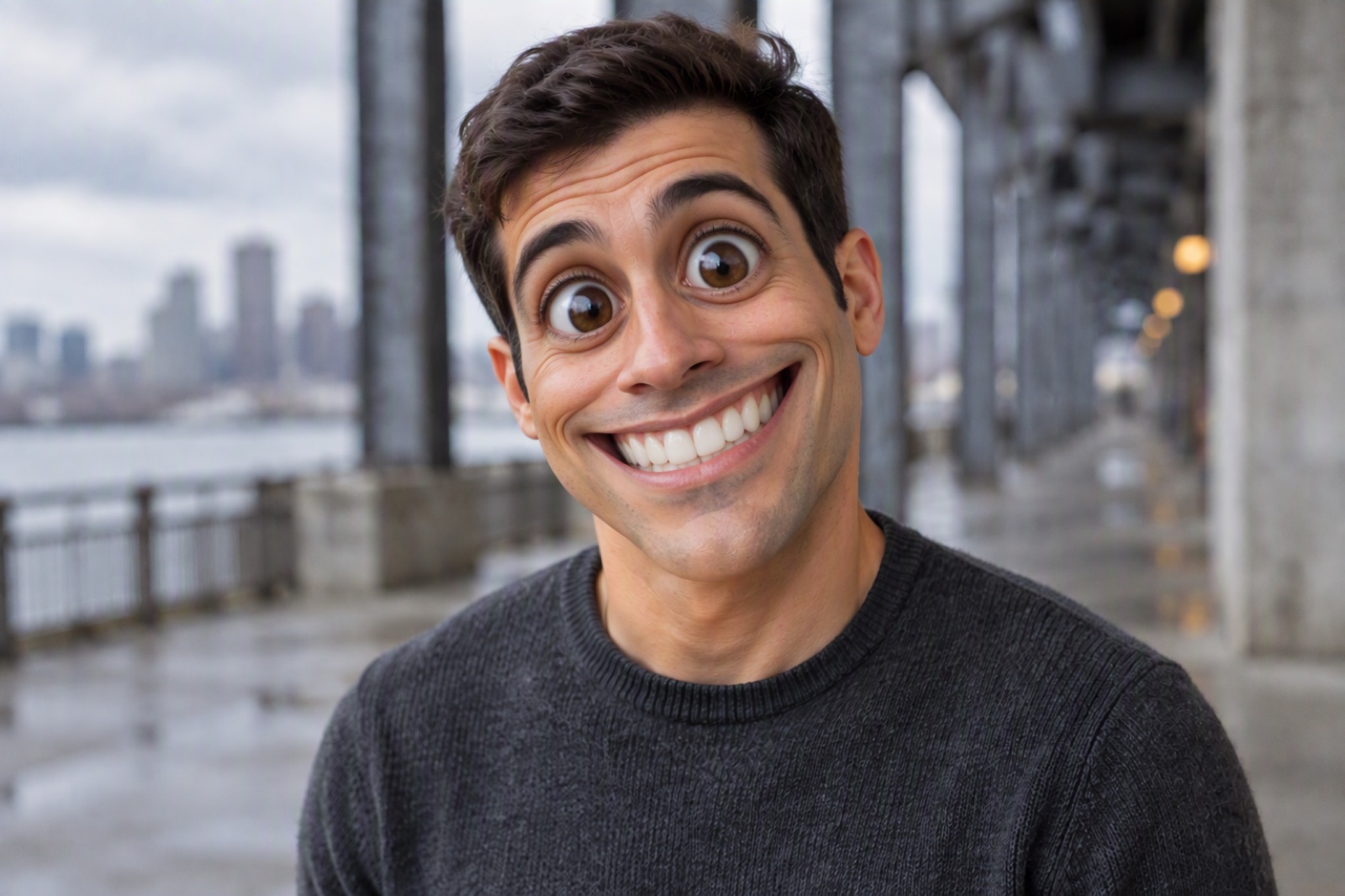

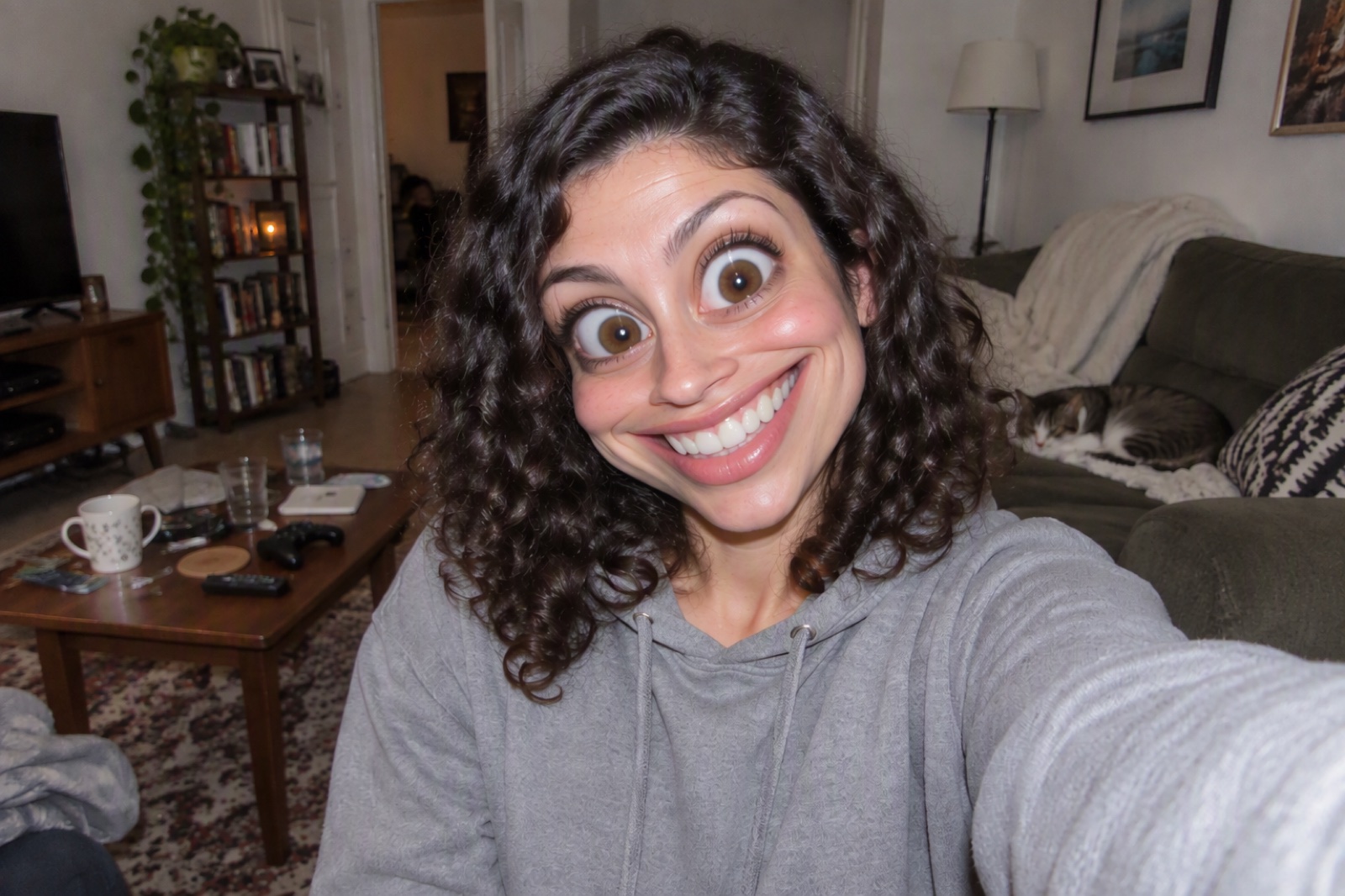
Funny Face Effects You Can Create with One Click for Free
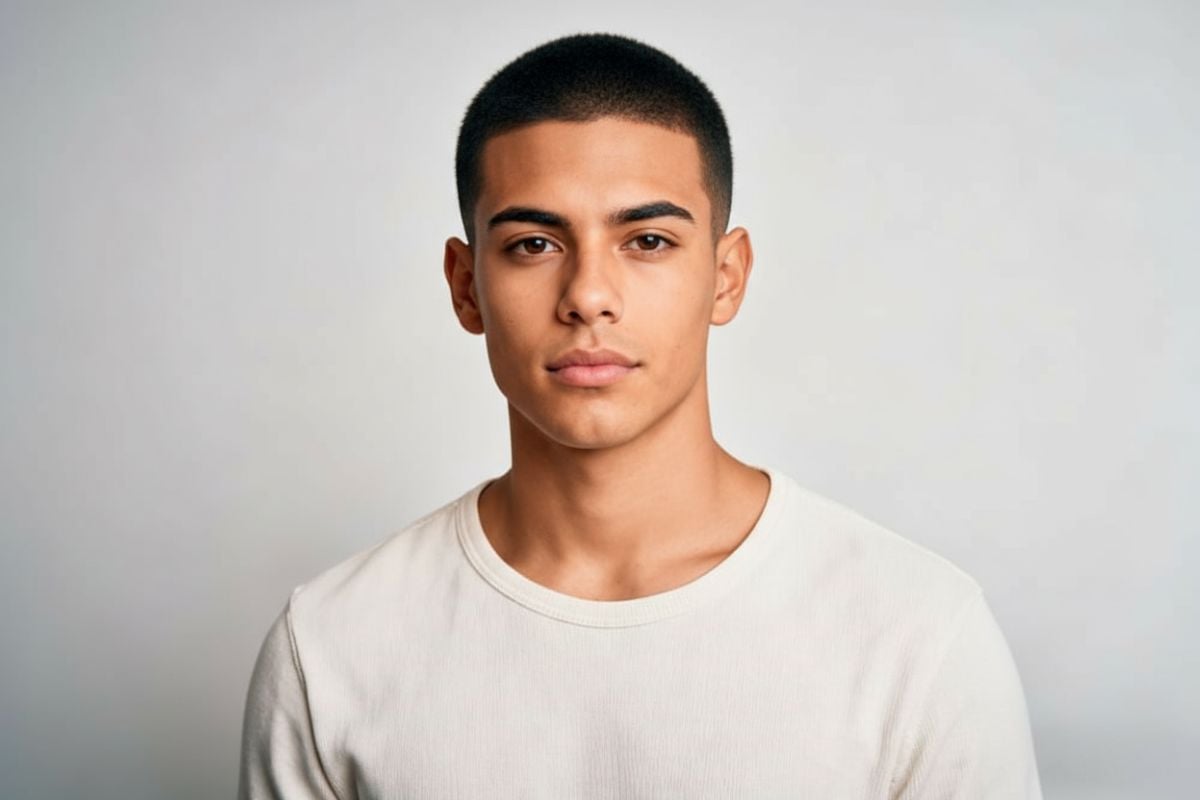
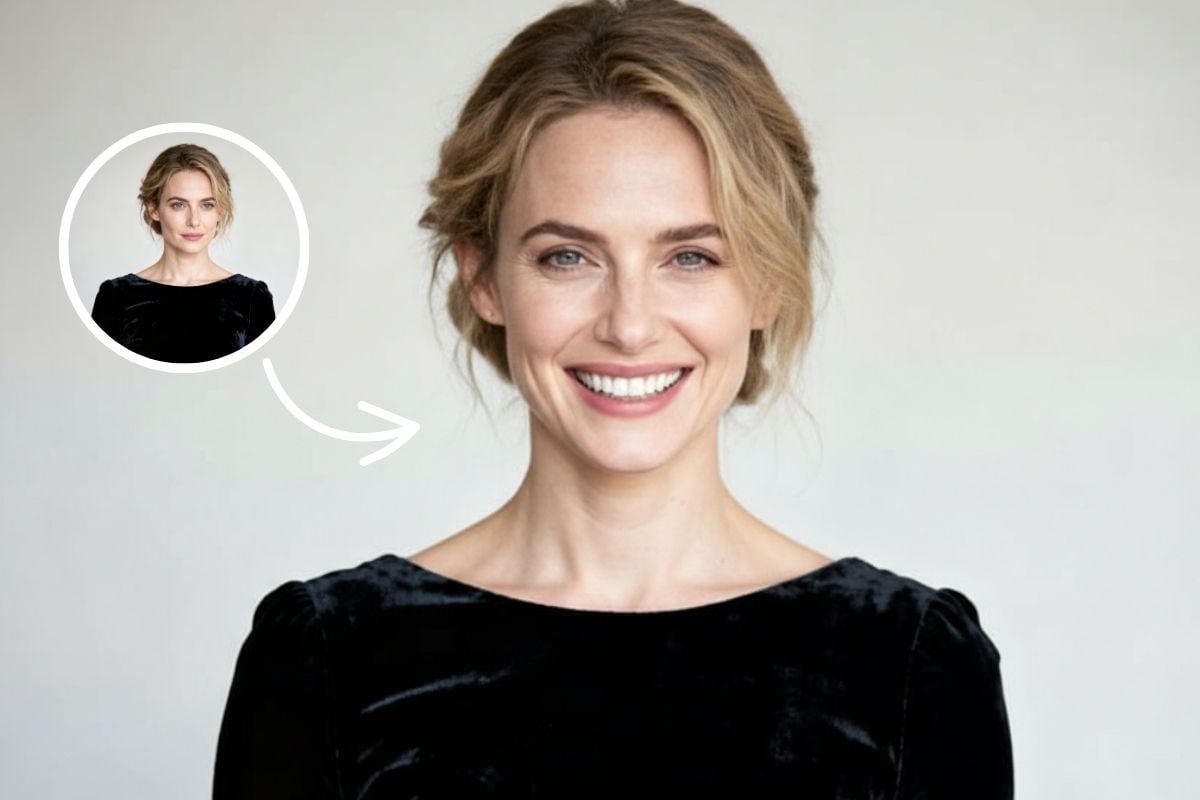
Original Face
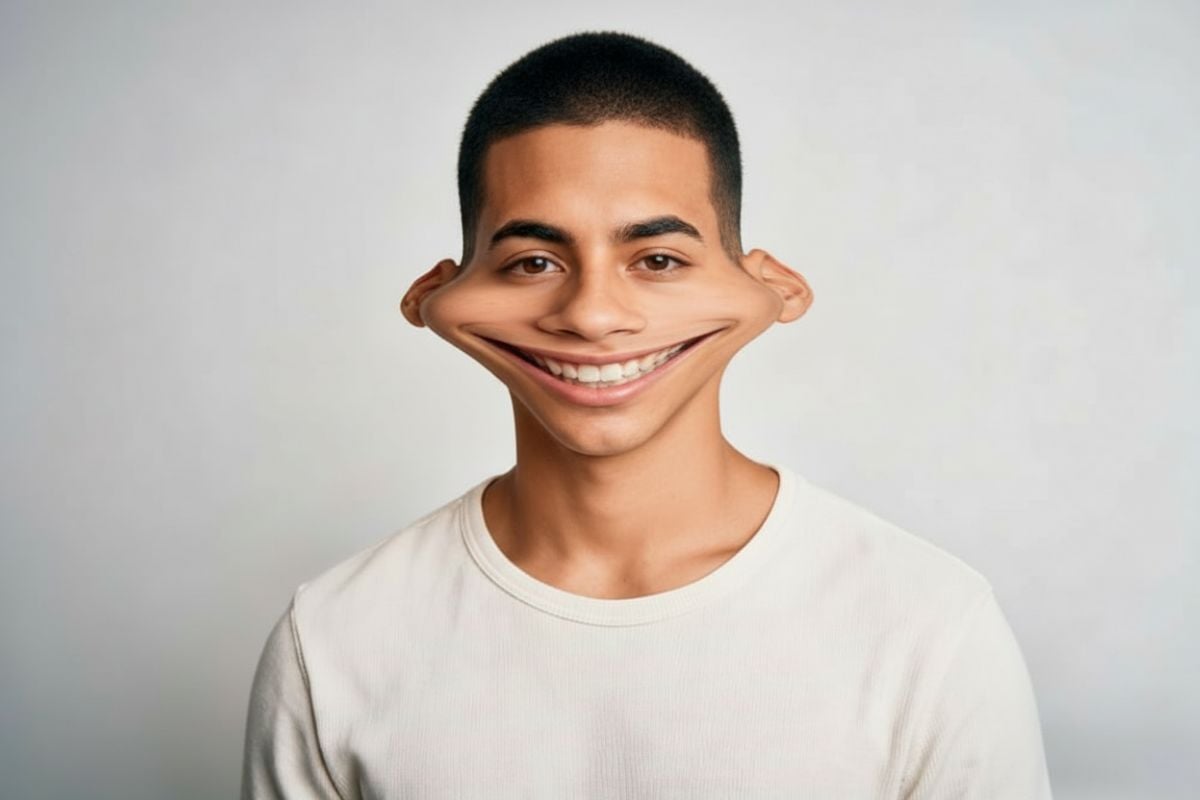
Big Eyes + Tiny Mouth

Bubble Cheeks
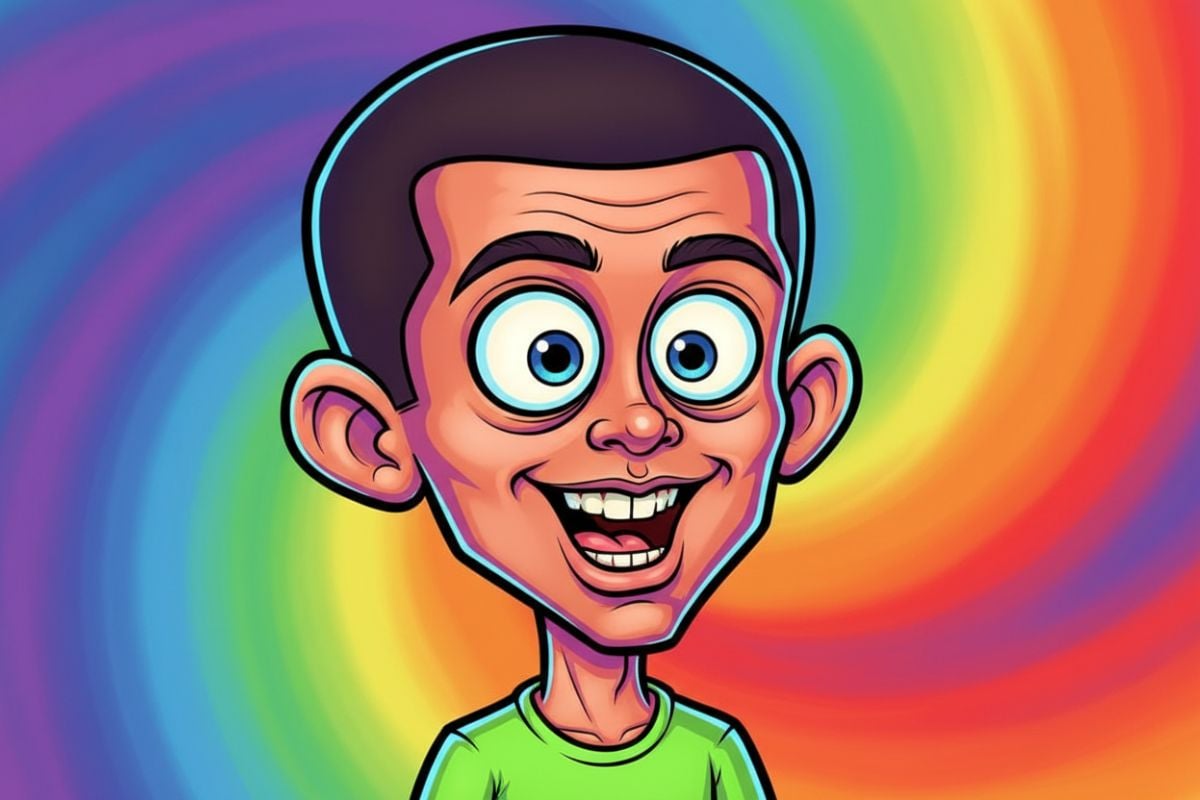
Cartoon-Style Face Morph
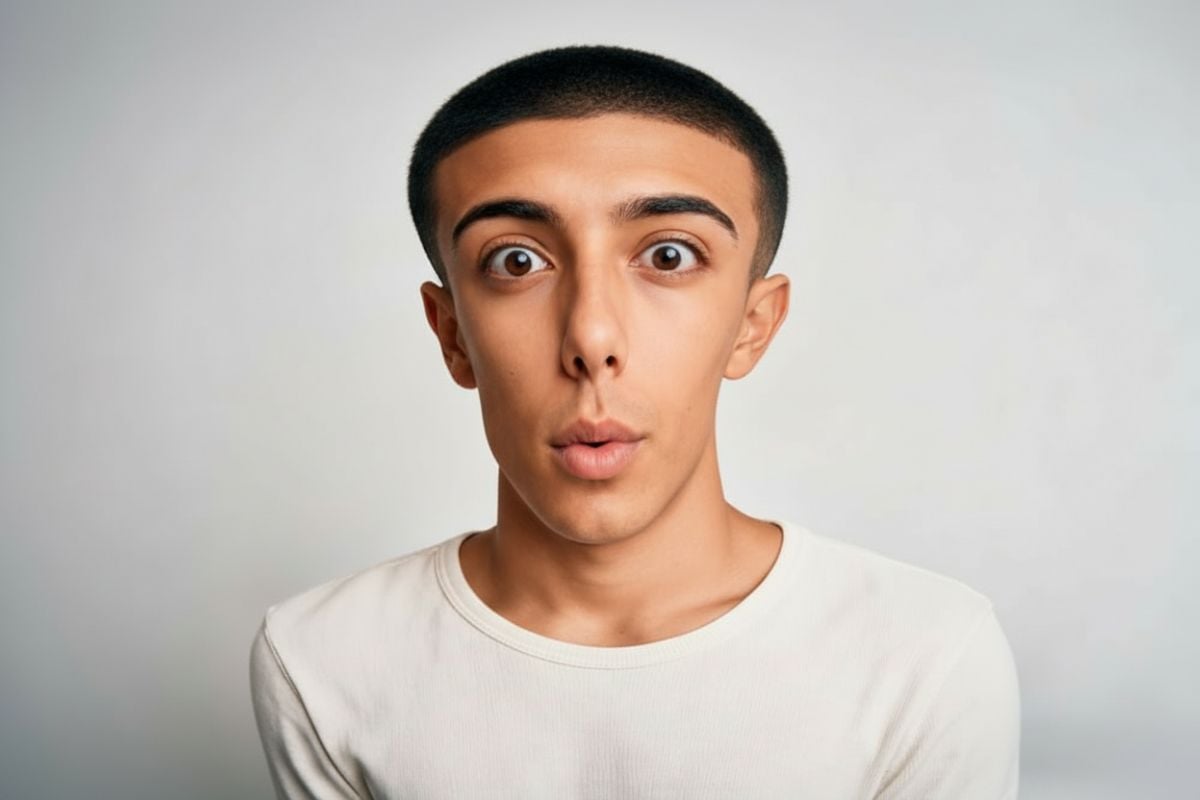
Stretch + Bend Look
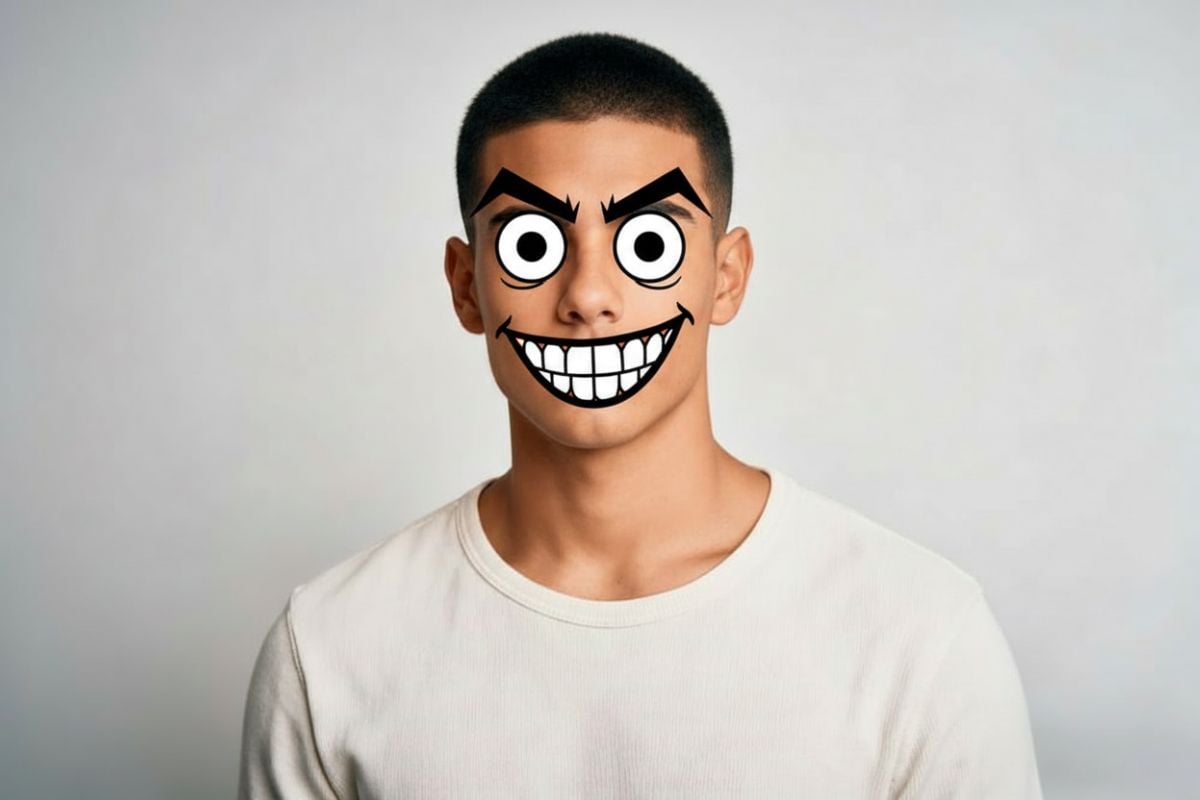
Quick Meme Face Result
Why Use This Funny Face Filter?
One Tap = Instant Laugh
Want to go further? Generate a brand-new base portrait with AI image generator, animate your funniest frame using image to video, or switch outfits before you warp the face with AI clothes changer.
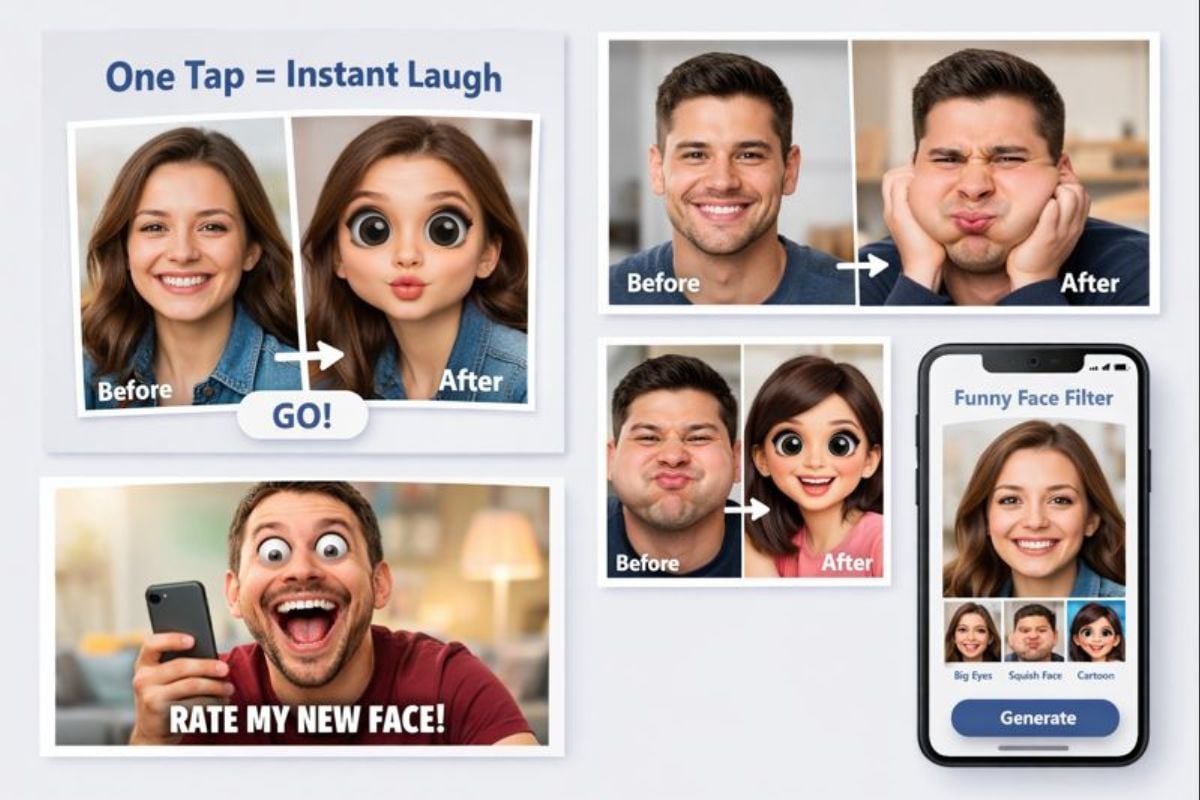
Built for Selfies, Memes, and Quick Content
Great lighting helps, but you don’t need a perfect photo. These funny picture filters work on everyday selfies—big-head vibes, cheek squish, face warp, and playful distortion that still looks crisp. If you’re collecting funny camera filters for content, this one’s easy to repeat: try a few photos, save your favorites, and keep a consistent “comic” look for your feed.

How to Use the Funny Face Filter
Upload a Photo (Selfie Works Best)
Pick a clear face photo—selfies, headshots, or even a friend’s picture (with permission). Front-facing shots usually give the funniest face effects.
Choose Your Style
Try a weird face filter look, a playful caricature vibe, or a clean face-morph style. Small changes can be surprisingly hilarious—especially on neutral expressions.
Download and Share Anywhere
Save the result and drop it into chats, profile pics, or trend posts. It’s a fast loop: upload → try a few styles → keep the best one.
Find Other Popular AI Effects
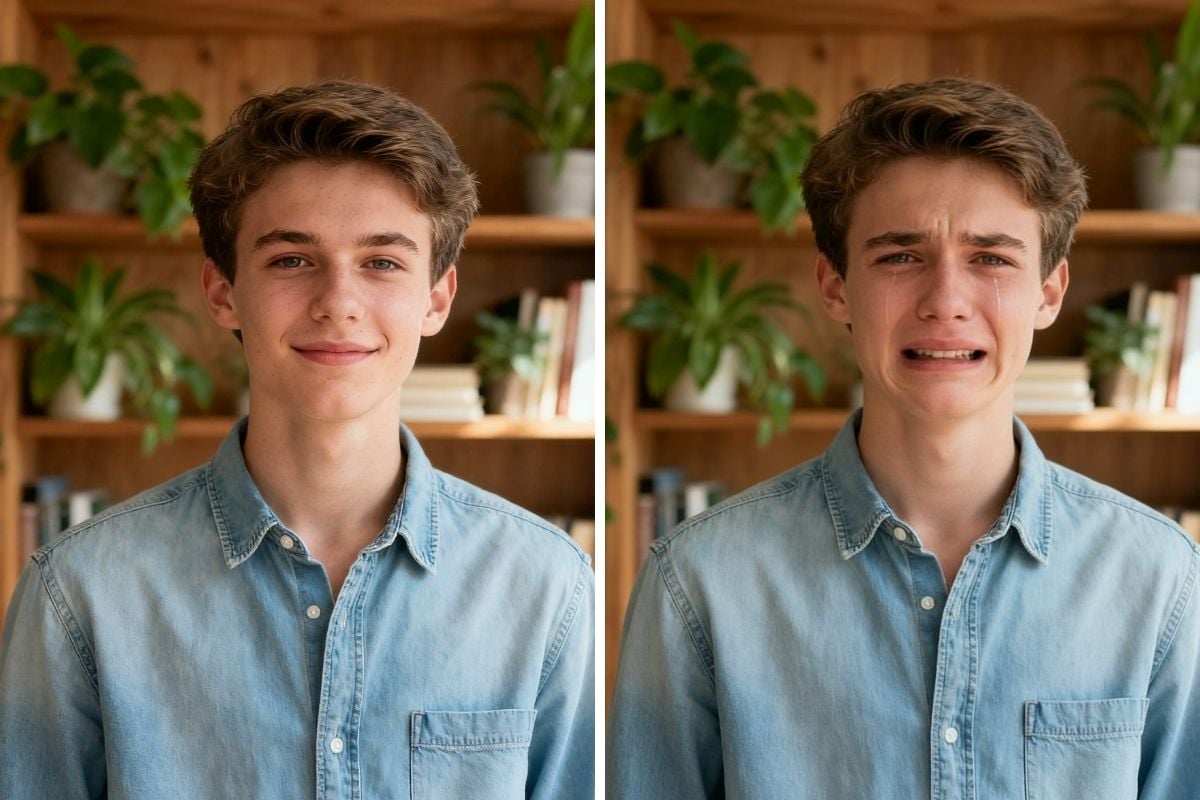
You May Want to Know
How does the funny face filter work?
What kind of photo works best?
Can I create more than one result?
What can I use the results for?
What do people call this effect online?
Is this meant to be realistic or accurate?
Try the Funny Face Filter
Turn one selfie into a stack of shareable results—warp, squish, big-eyes, and more. Fast setup, clean output, zero hassle.
Make a Funny Face Now