goenhance logo

AI Video Ad Generator

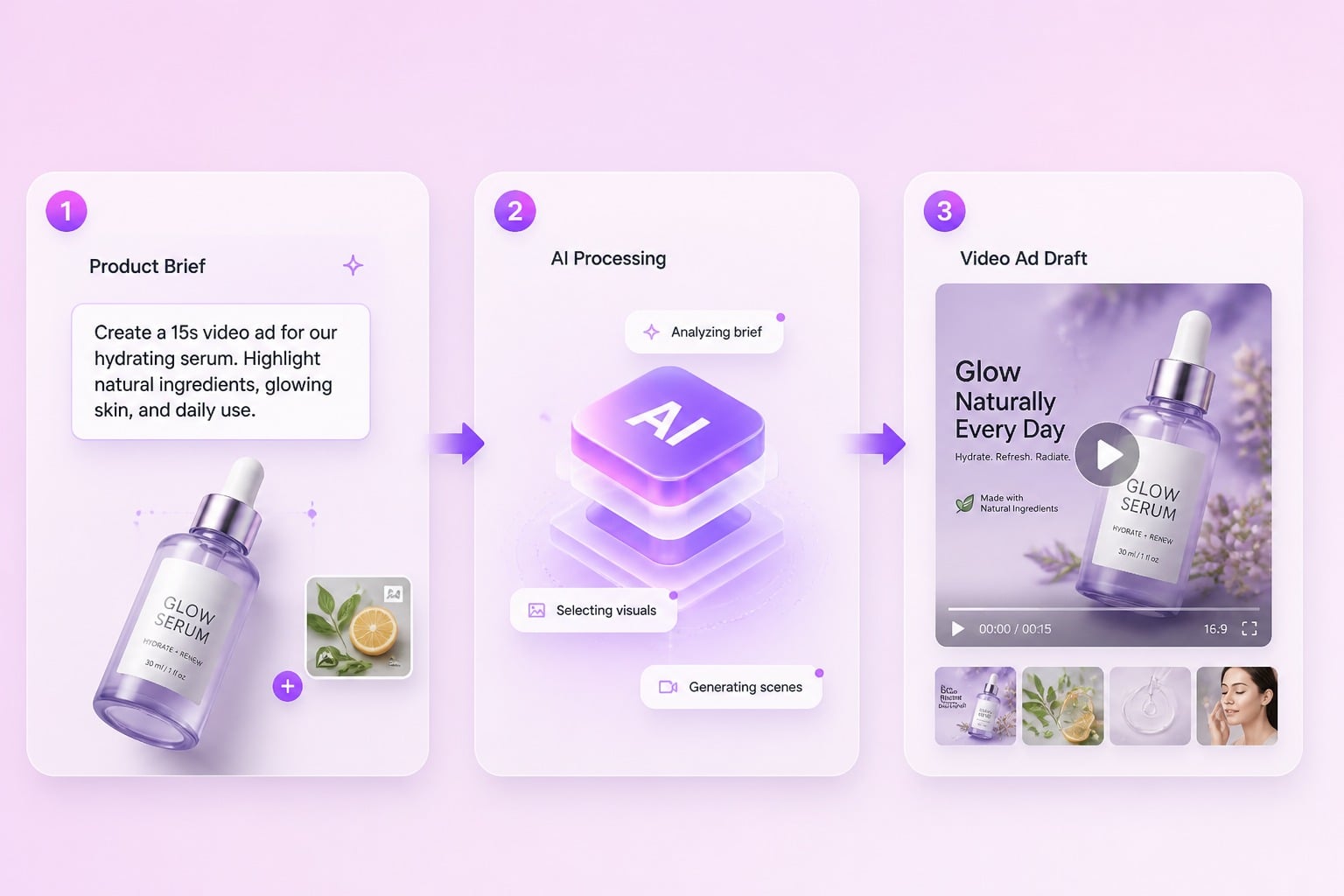
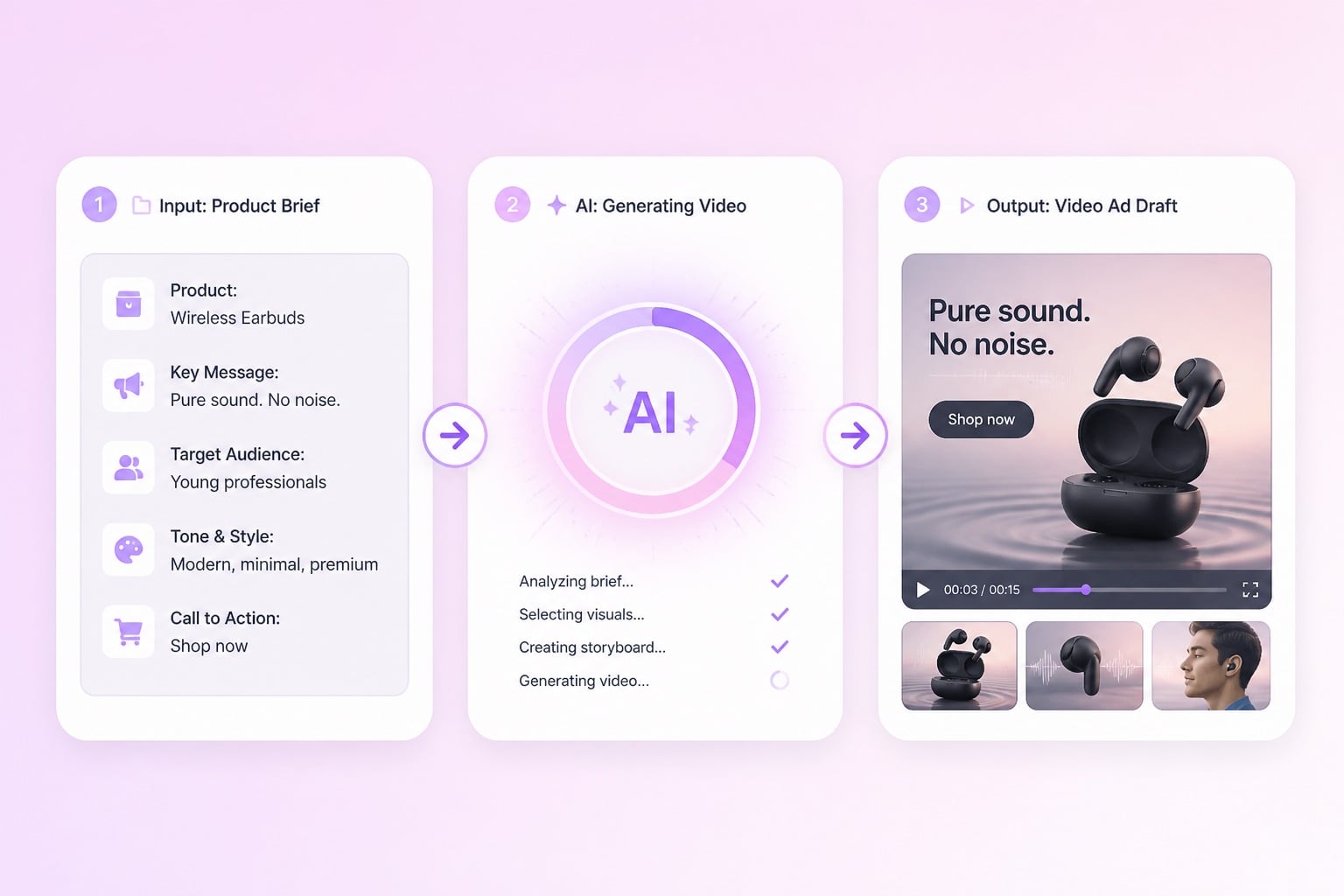
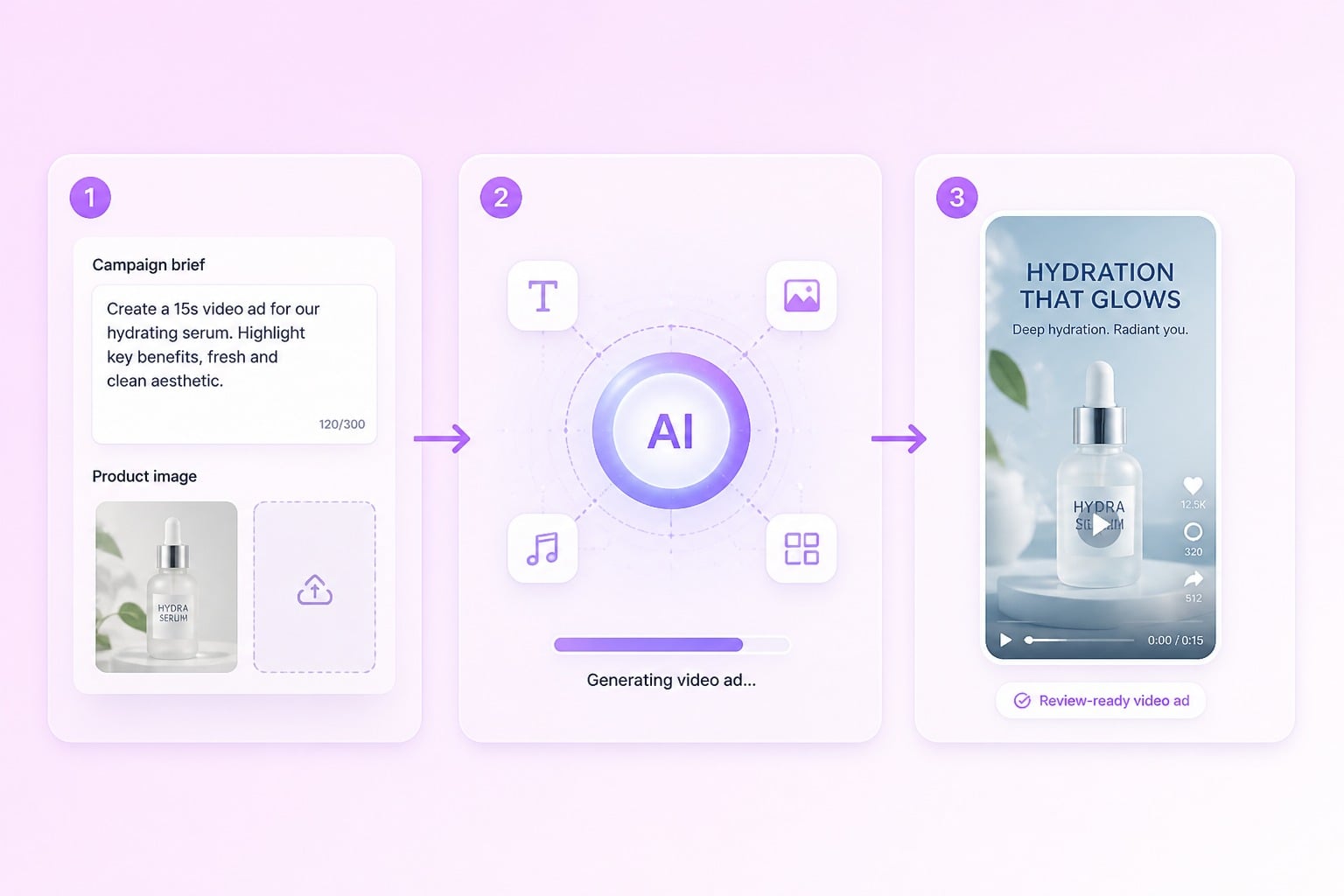
Build short ad drafts from a campaign brief, product photo, or visual prompt. Use it to shape paid social concepts, product scenes, and hook variations before full production.
Generate Video Ads

Shape Video Ad Concepts for Paid Social

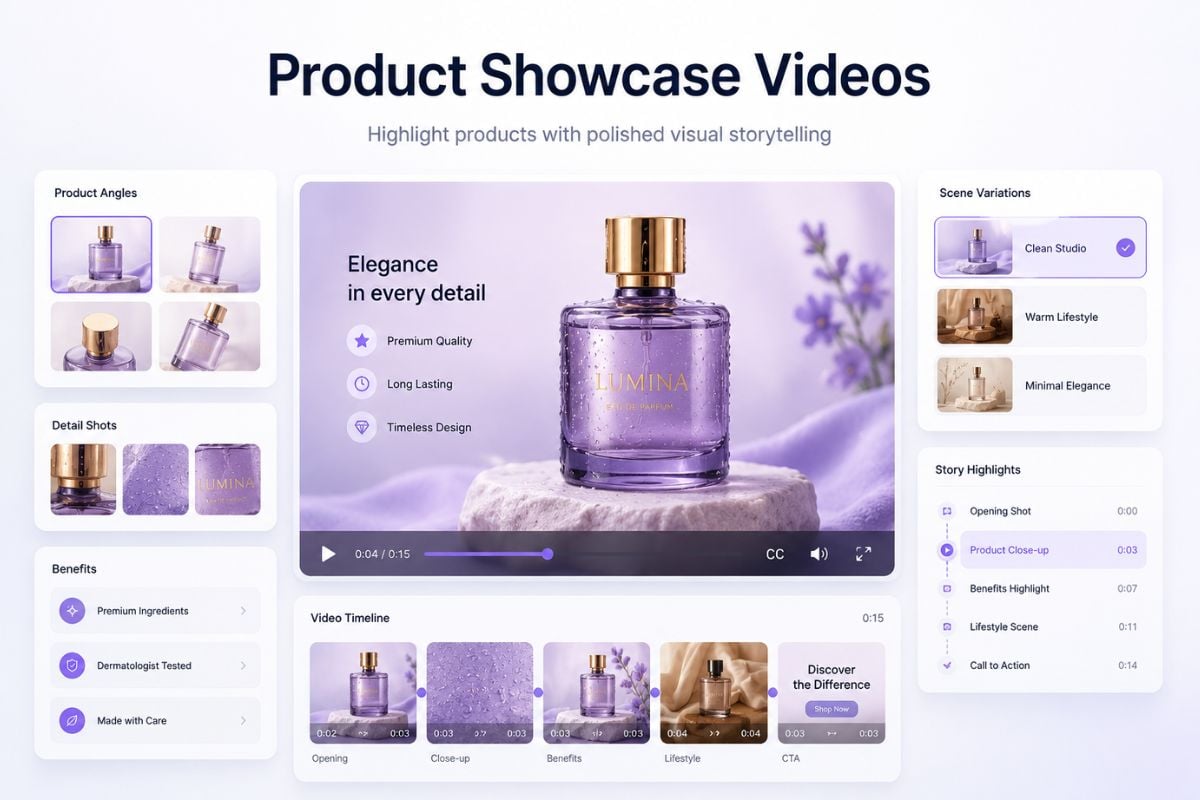
Campaign Briefs to Scenes

Turn a product promise, target audience, and offer into a short ad scene that feels ready for creative review. For still assets, an image to video workflow can help test whether the product photo has enough motion potential.

campaign brief becoming a short product video ad scene

Product Launch Angles

Explore different ways to introduce a product without rebuilding the whole edit. Compare benefit-led, lifestyle, and demo-style directions so your team can choose a stronger launch angle before polishing the final cut.

product launch video ad angles arranged for campaign testing

Short-Form Social Variations

Adapt one ad idea into vertical concepts for TikTok, Instagram Reels, YouTube Shorts, or a landing page test. If you need a broader base model for non-ad clips, the AI video generator helps shape general video directions first.

vertical short-form video ad variations for paid social testing

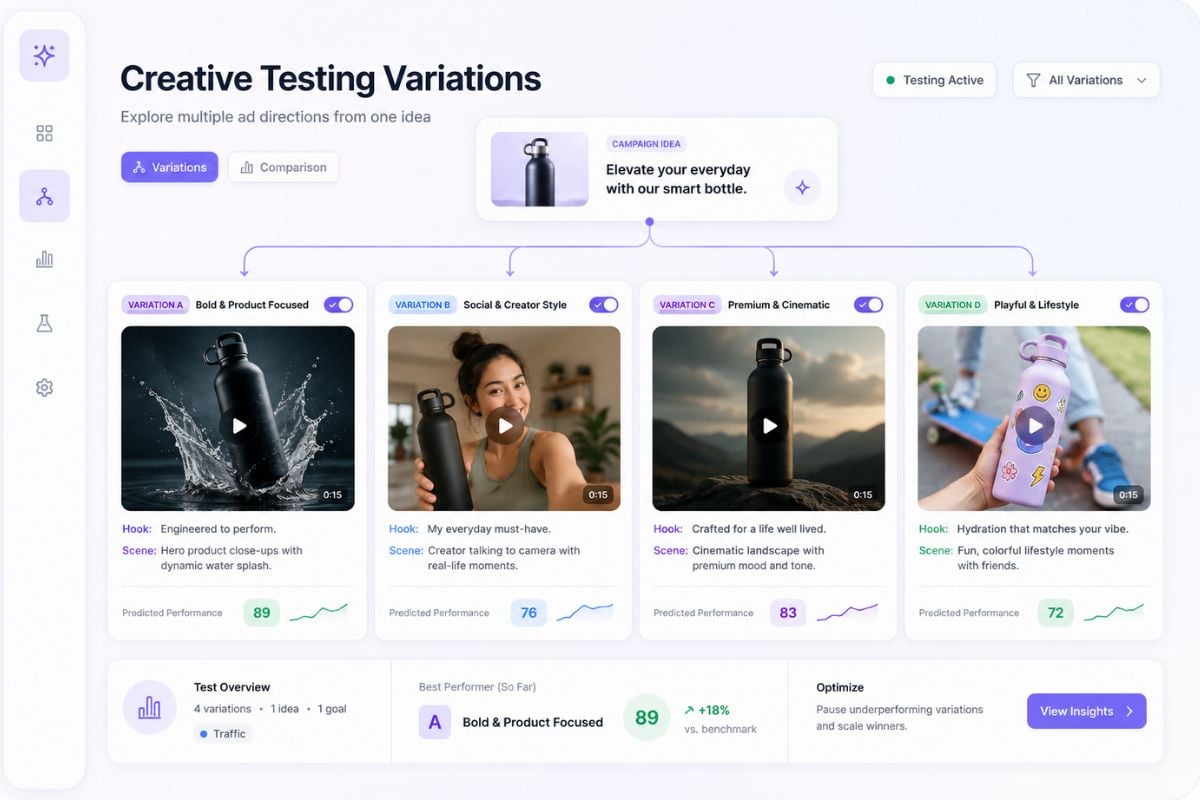
Message Testing Without Reshoots

Swap hooks, product benefits, visual moods, and scene pacing before booking production time. Pair these ad drafts with an AI image generator when you need fresh product backgrounds or campaign stills.

marketing team comparing AI generated video ad message variations

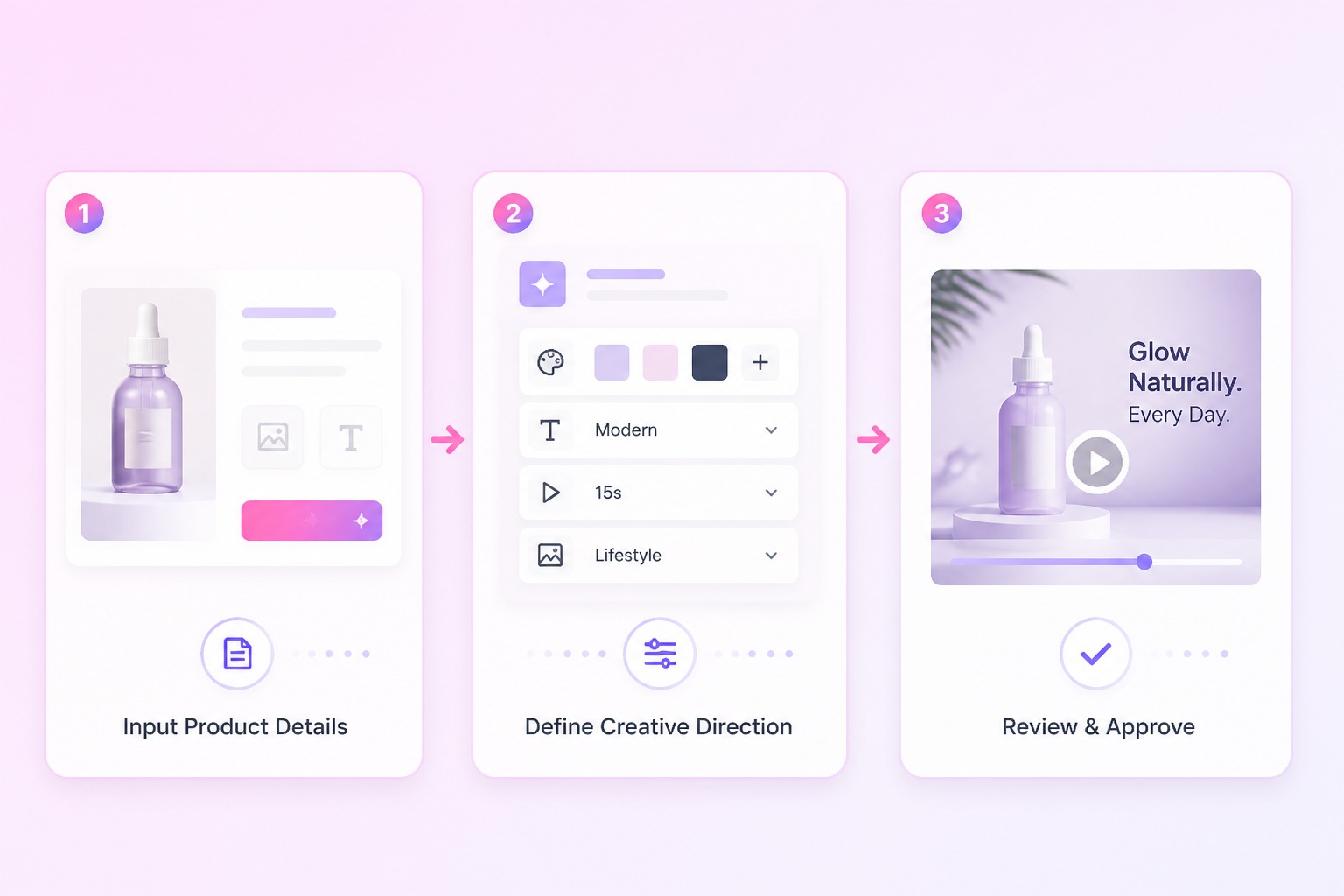
How to Create AI Video Ads?

01

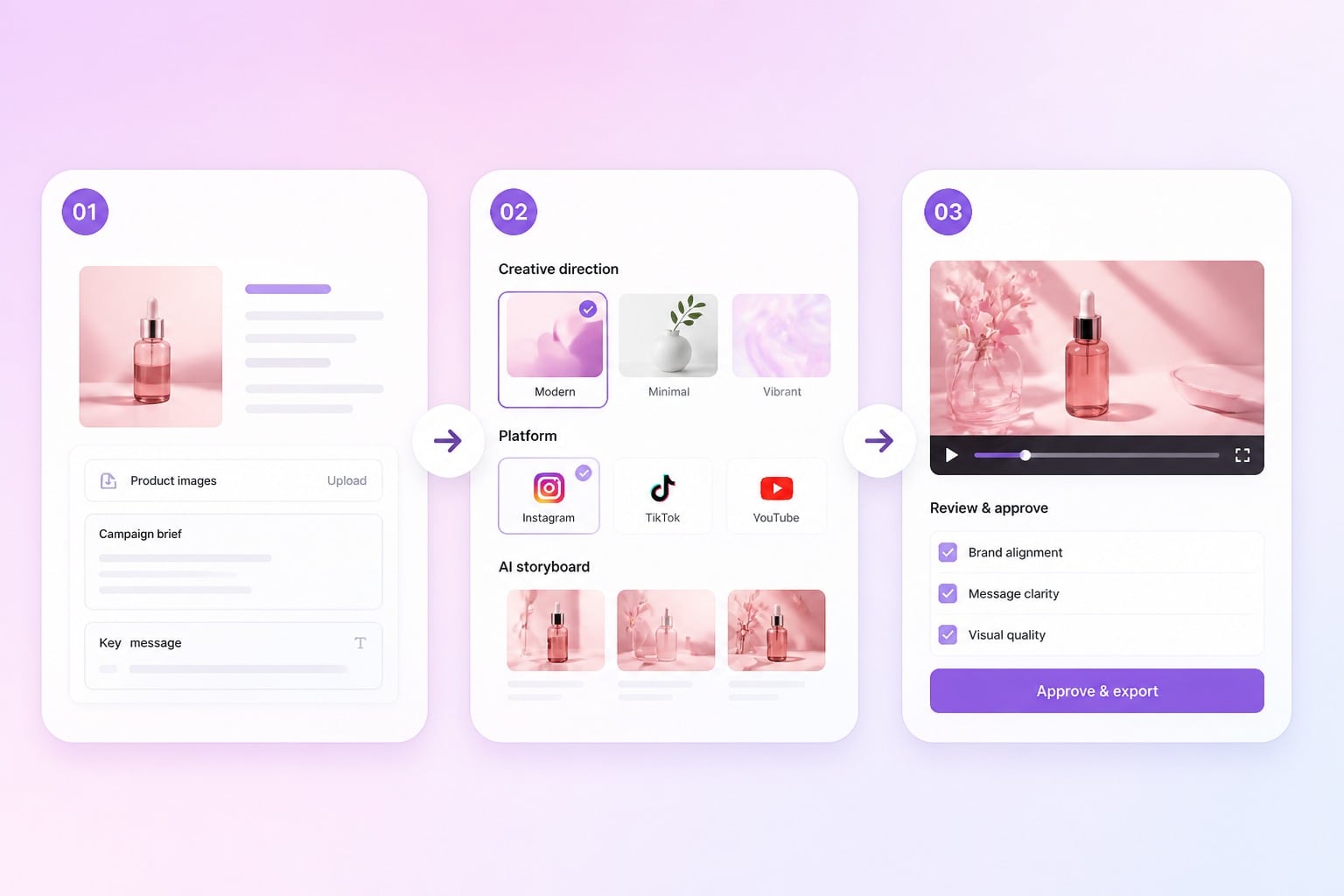
Upload Your Product Images

Upload a person image and a product image so the ad can show who appears in the video and what product needs to be promoted.

02

Enter a script for an AI generated video ad

Add the video script, product message, selling point, or call to action you want the ad to communicate.

03

Generate in One Click

Click generate to create the video ad, then review the result and export or regenerate when you need another version.

Create Marketing Videos for Different Campaign Scenes

Use GoEnhance AI Marketing Studio to turn a product idea, campaign brief, or selling point into video ad concepts for social media, ecommerce, and creative testing.
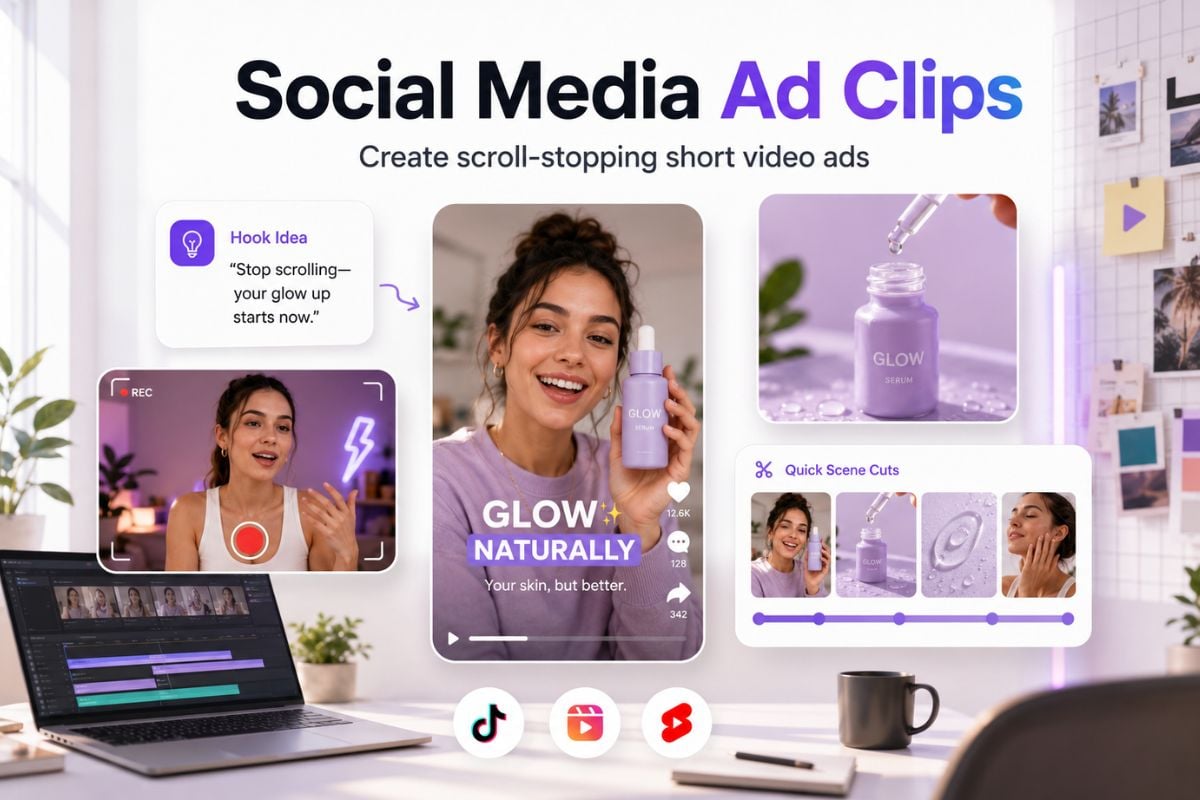
Social Media Ad Clips

Social Media Ad Clips

Create short, catchy ad concepts for TikTok, Reels, Shorts, and paid social campaigns. Turn a product brief into a hook, scene flow, voiceover idea, and visual direction that feels made for fast-scrolling feeds.

Try For Free
Ad Workflow

Why Use an AI Ad Video Generator?

Faster Concept Testing

Draft hooks, scenes, and offer angles before committing to a longer production workflow.

Prompt-Based Direction

Describe the product, audience, platform, and mood instead of starting from a blank timeline.

Image to Video Ads

Turn still product or brand assets into motion tests for social and landing page placements.

Short-Form Formats

Best for quick vertical clips, campaign drafts, creator ads, and performance creative tests.

Human Review Built In

Check claims, logos, text, product accuracy, and rights before treating any ad as launch ready.

GoEnhance Creative Tools

Use video generation, image-to-video, and editing tools in one visual content workflow.
FAQ

Frequently Asked Questions About AI Video Ads

What is an AI video ad generator?

An AI video ad generator helps turn prompts, product images, campaign briefs, or creative ideas into short video ad drafts. It is best for testing hooks, product scenes, social formats, and visual directions before a full production workflow. The output should still be reviewed for brand accuracy, source rights, readable text, and platform rules before publishing.

Are AI generated video ads ready to publish?

AI generated video ads should be treated as drafts until a person reviews them. Check product claims, brand marks, source asset rights, platform policy, music or voice usage, and whether the ad could mislead viewers. AI is useful for speed and creative variation, but final approval still belongs in your marketing review process.

What inputs work best for AI ad video generation?

Strong inputs are specific: product type, audience, offer, visual setting, mood, platform, and desired call to action. A product photo or clear reference can help when the ad needs to preserve a specific item. Avoid overloading one prompt with too many scenes, styles, and claims because that usually increases revision time.

Can I create video ads for TikTok, YouTube, or Instagram?

Yes, AI video ad drafts are a strong fit for short-form social concepts, creator-style tests, product teasers, and landing page visuals. Before posting, review pacing, aspect ratio, text readability, audio rights, and whether the opening seconds explain the offer clearly enough for the target platform.

How do I improve AI generated video ad results?

Start with one message per video. Define the product, buyer, benefit, scene, and platform in plain language. If the result is confusing, simplify the prompt, shorten the clip goal, or use a stronger product reference. Judge the draft by message clarity and brand fit, not just visual novelty.

Can AI video ads be used commercially?

Commercial use depends on the platform terms, your source assets, any people or brands shown, music rights, and the claims inside the ad. Do not assume every generated asset is automatically cleared. Review the current terms and confirm permissions before using an output in paid campaigns or client work.

How does GoEnhance AI fit into ad video creation?

GoEnhance AI can help creators and marketers generate video drafts, animate still images, and test visual ad directions in one workflow. It is most useful as a fast creative starting point. For final campaigns, pair the generated output with human review, editing judgment, and brand approval.

Ready to Create AI Video Ads with GoEnhance AI?

Start from a prompt or product image, generate short ad drafts, and review campaign ideas before publishing.

Start for Free