
Free AI Icon Animation Generator
AI Icon Animation That Looks Like Real Motion Design
Upload an Icon, Prompt the Motion
This tool is built for quick micro-interactions: upload an icon (PNG with transparency works great), then describe the movement you want. If you’re already using image to video for assets, you’ll feel at home—same simple flow, just tuned for tiny details like stroke thickness, spacing, and clean loops.
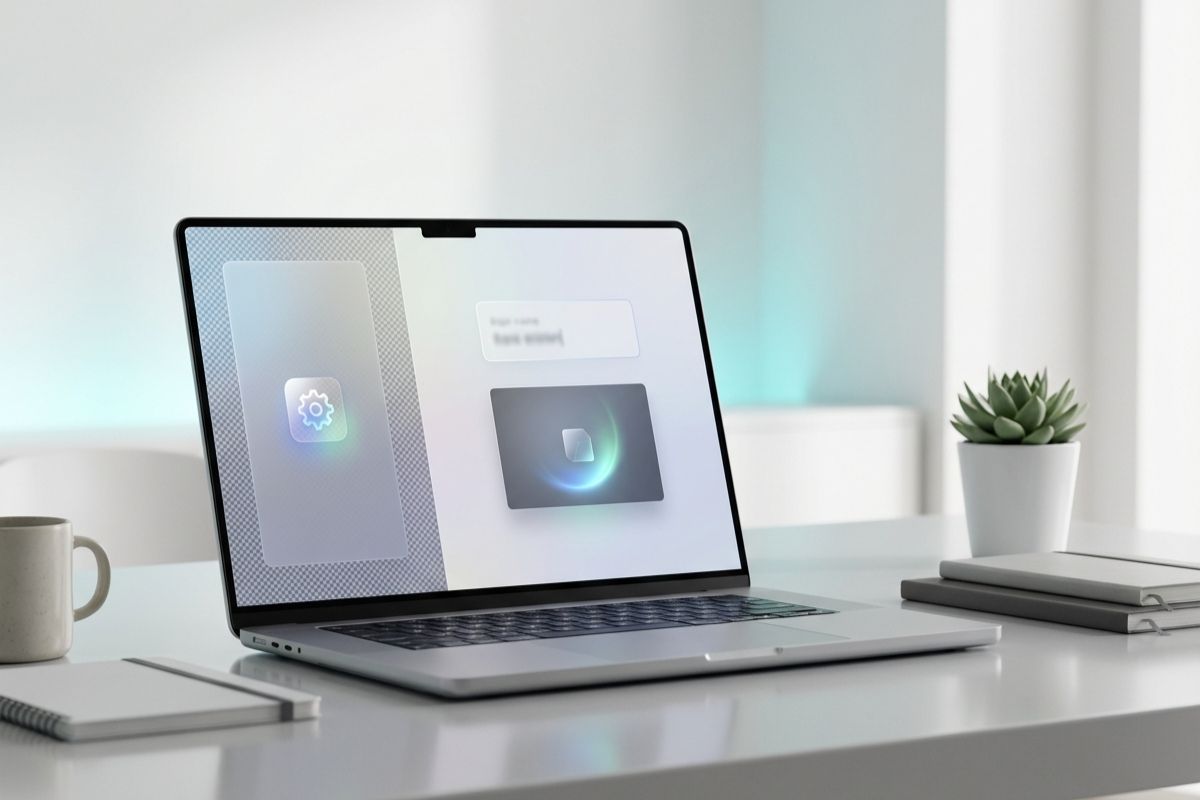
Make a Smooth Loop for UI and Product Demos
A good AI animated icon feels intentional: one action, one rhythm, one clear loop point. Generate a 2–4 second clip for onboarding screens, landing pages, changelog posts, and feature highlights. It’s also a fast way to produce an AI icon animated gif style loop without opening a motion timeline.
Brand-Friendly Motion That Stays Consistent
When you AI animate icon assets, the goal is consistency: no wobble, no melting, no surprise reshapes. Use prompts like “gentle bounce,” “soft glow,” “draw-on outline,” or “rotate 10 degrees and return.” If you want a matching style across effects, pair icons with AI logo animation so your UI elements and brand marks move with the same polish.
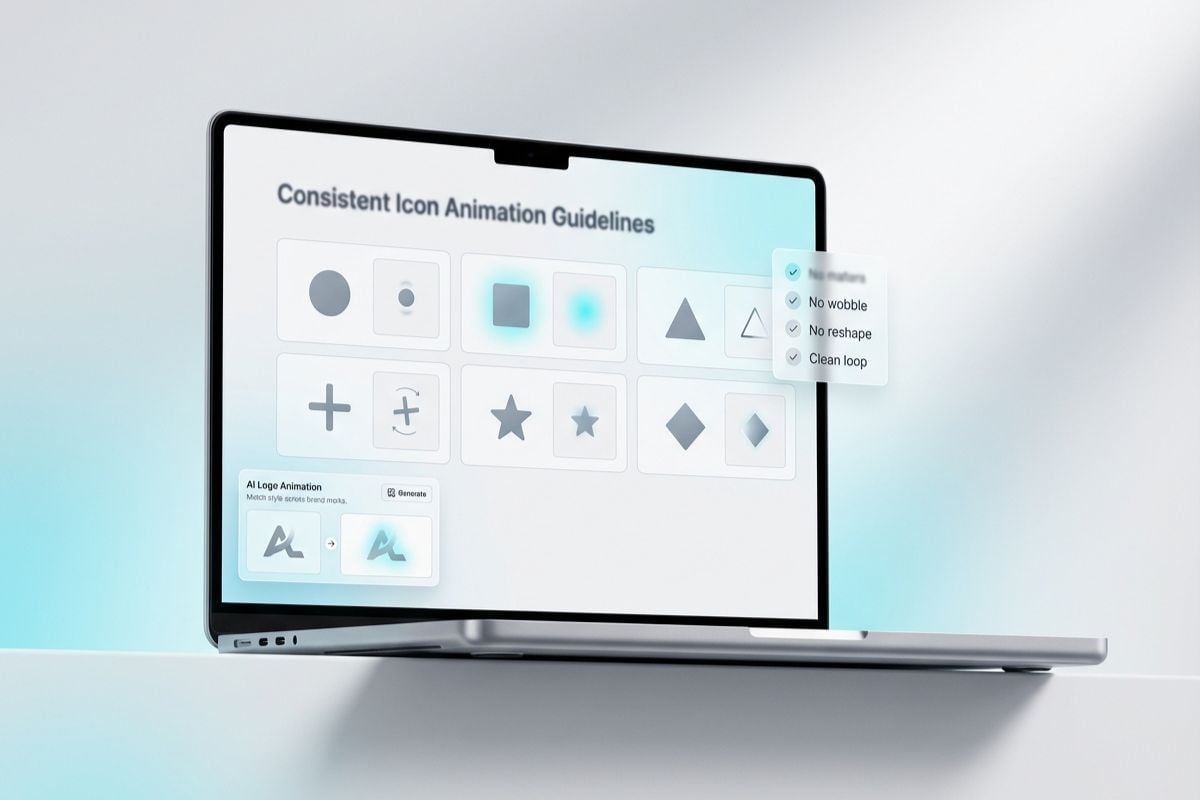
How to Use AI Animated Icon Generator?
Upload Your Icon
Use a clean icon with clear edges (PNG is ideal). Simple shapes, high contrast, and consistent strokes help keep the animation sharp and readable.
Write a Motion Prompt
Describe one motion only: pulse, bounce, rotate, shimmer, or draw-on.
Export and Use It Anywhere
Download the loop for UI, decks, landing pages, and social posts.
More Photo-to-Video Effects You Can Try
You may want to know
What is AI icon animation?
What is an AI animated icon generator used for?
Can I make an AI icon animated gif?
How do I AI animate icon assets without distortion?
What icons work best for AI icon animation?
How long should the clip be?
Animate AI Icon for Free
Upload an icon, write a simple prompt, and generate a clean loop with crisp edges and steady timing. A quick way to make an AI animated icon for UI, onboarding, and shareable product visuals—no timeline required.
Try AI Icon Animation