goenhance logo

Change Color Of Image

Change colors in images online with GoEnhance AI. Recolor objects, outfits, products, or backgrounds while keeping the original photo style.
Start Creating
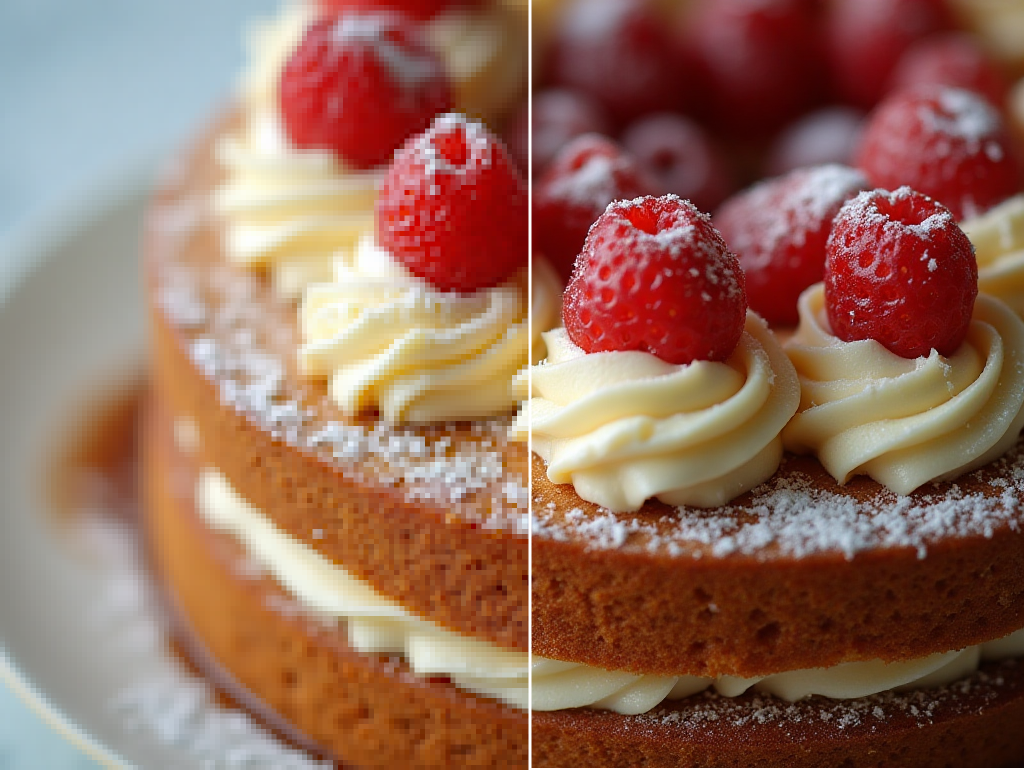
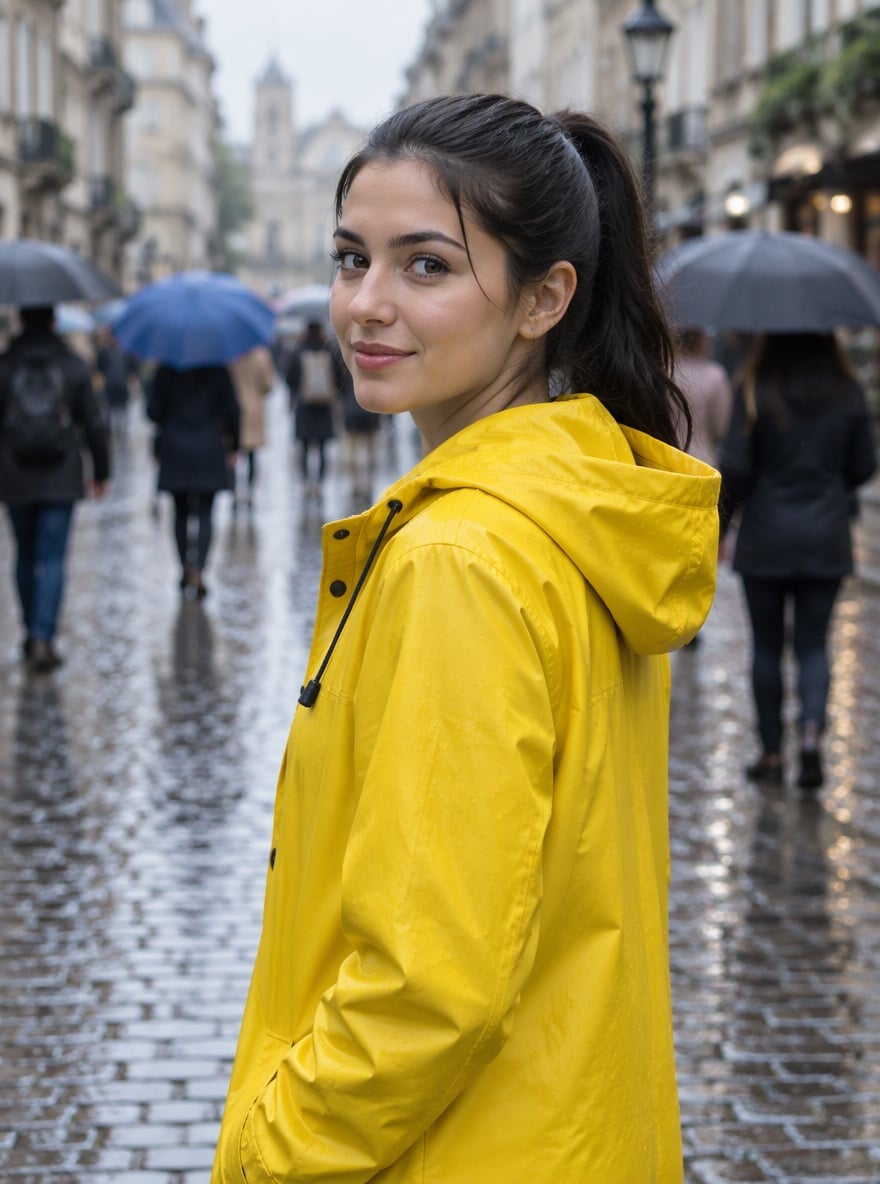
change color of image hero visual for recolored images and background color changes

Create Better Change Color Of Image Results
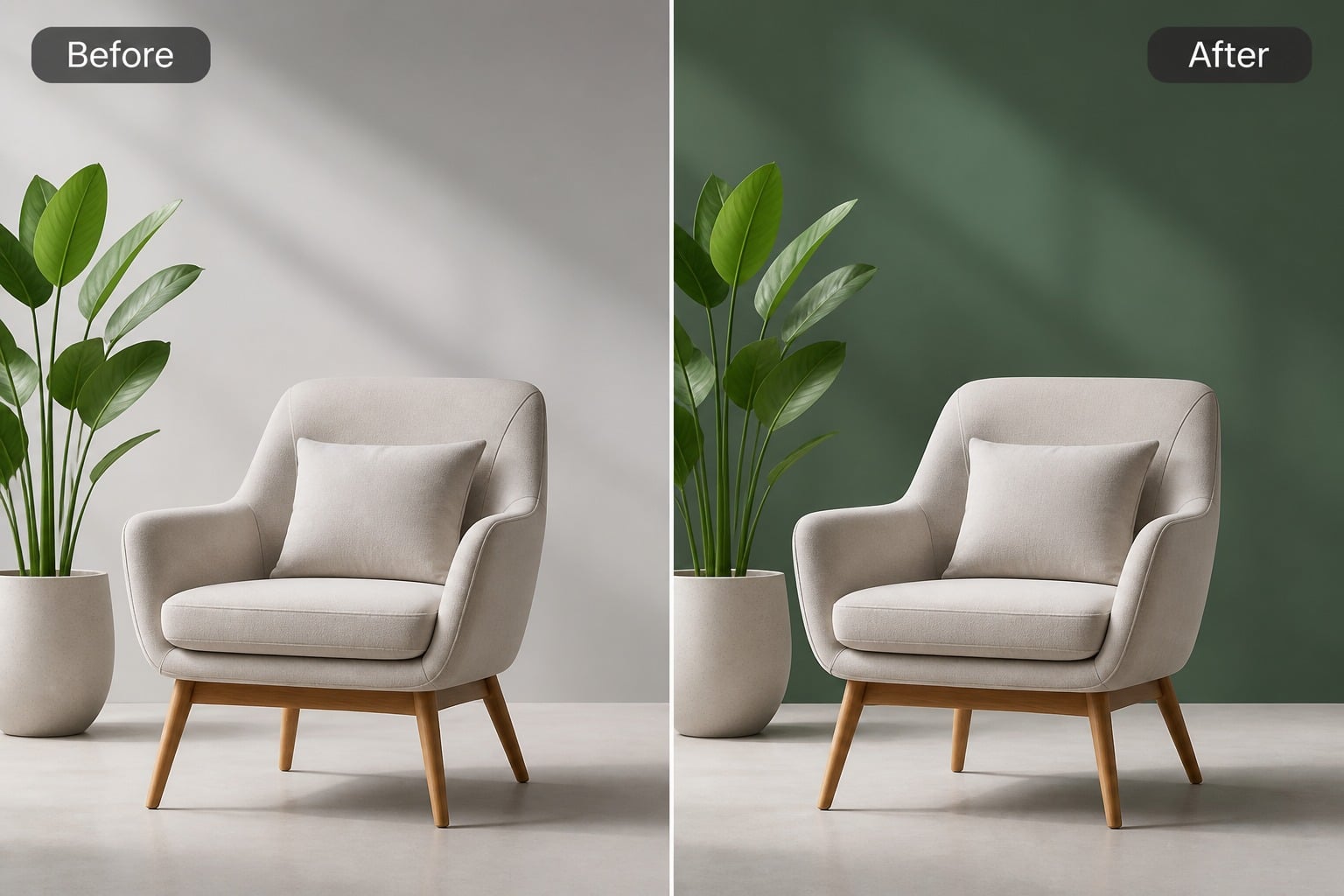
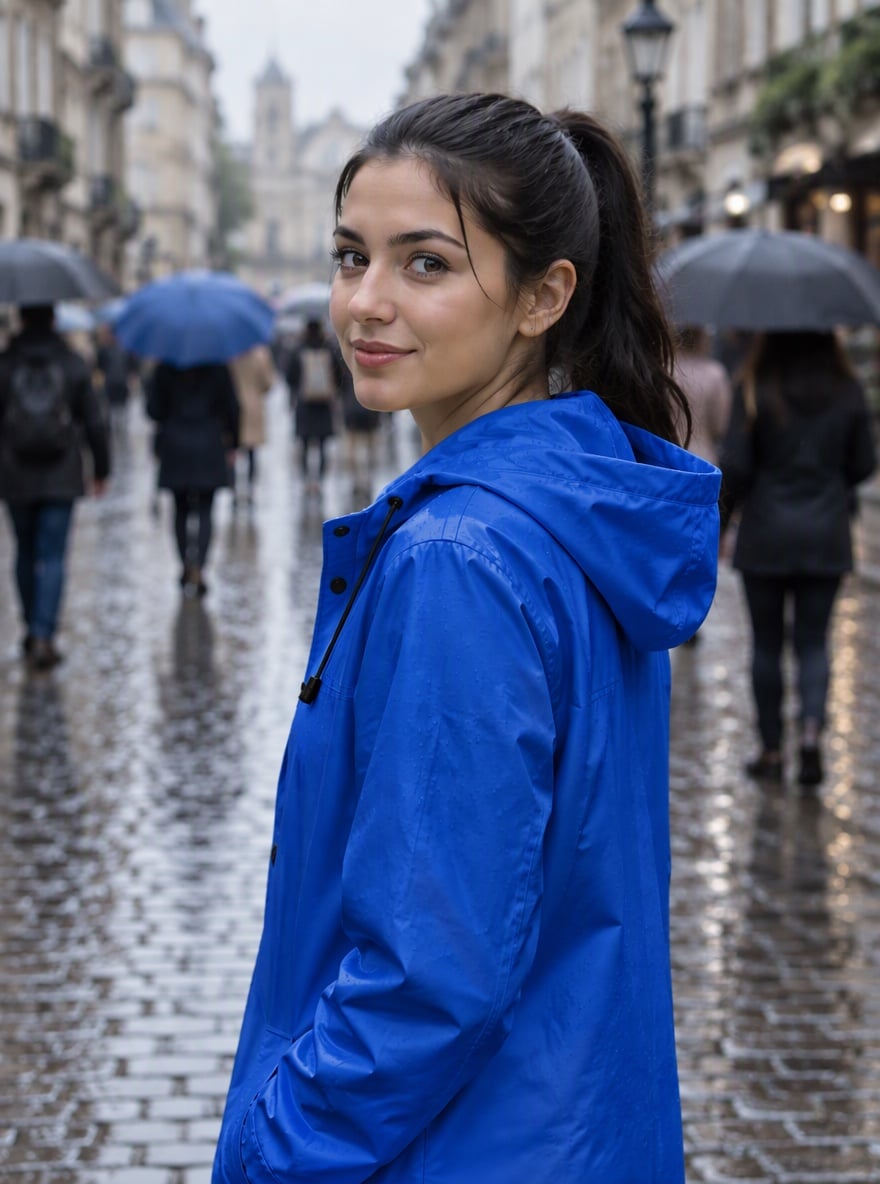
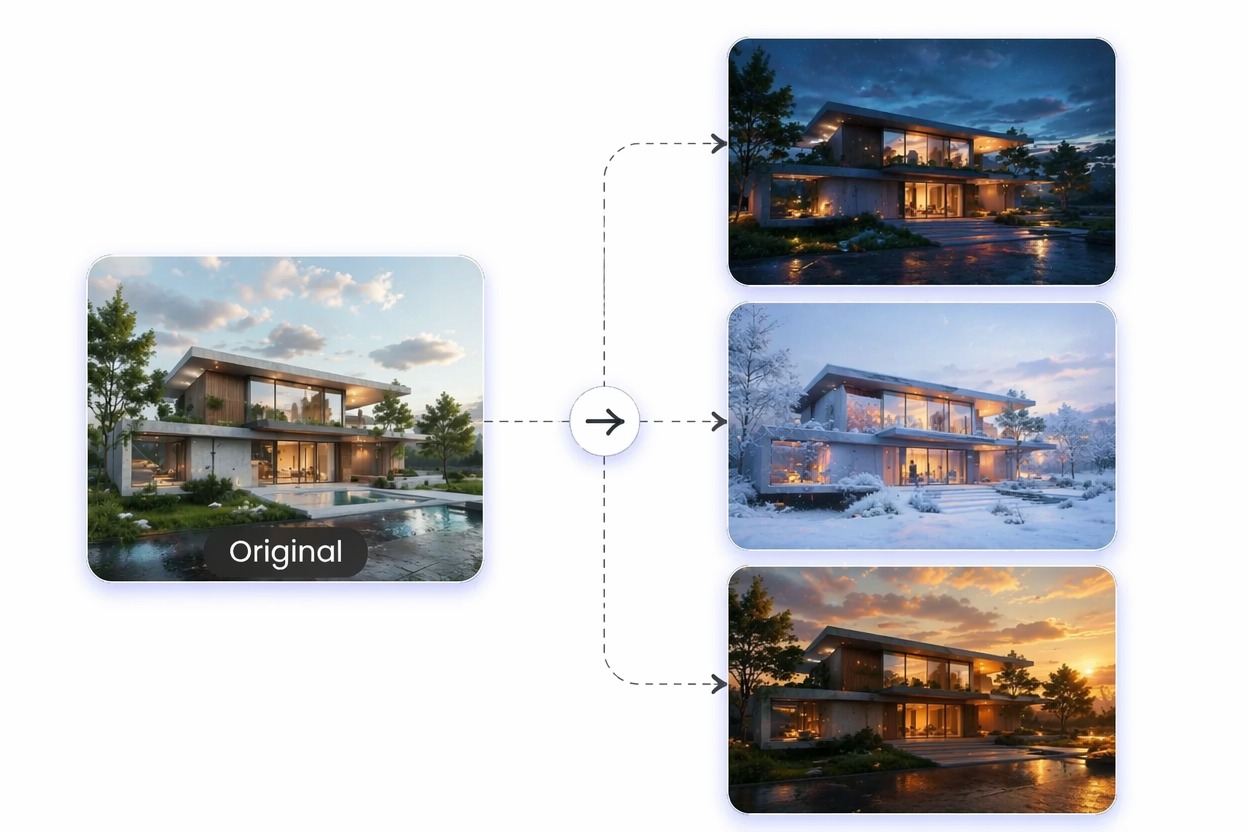
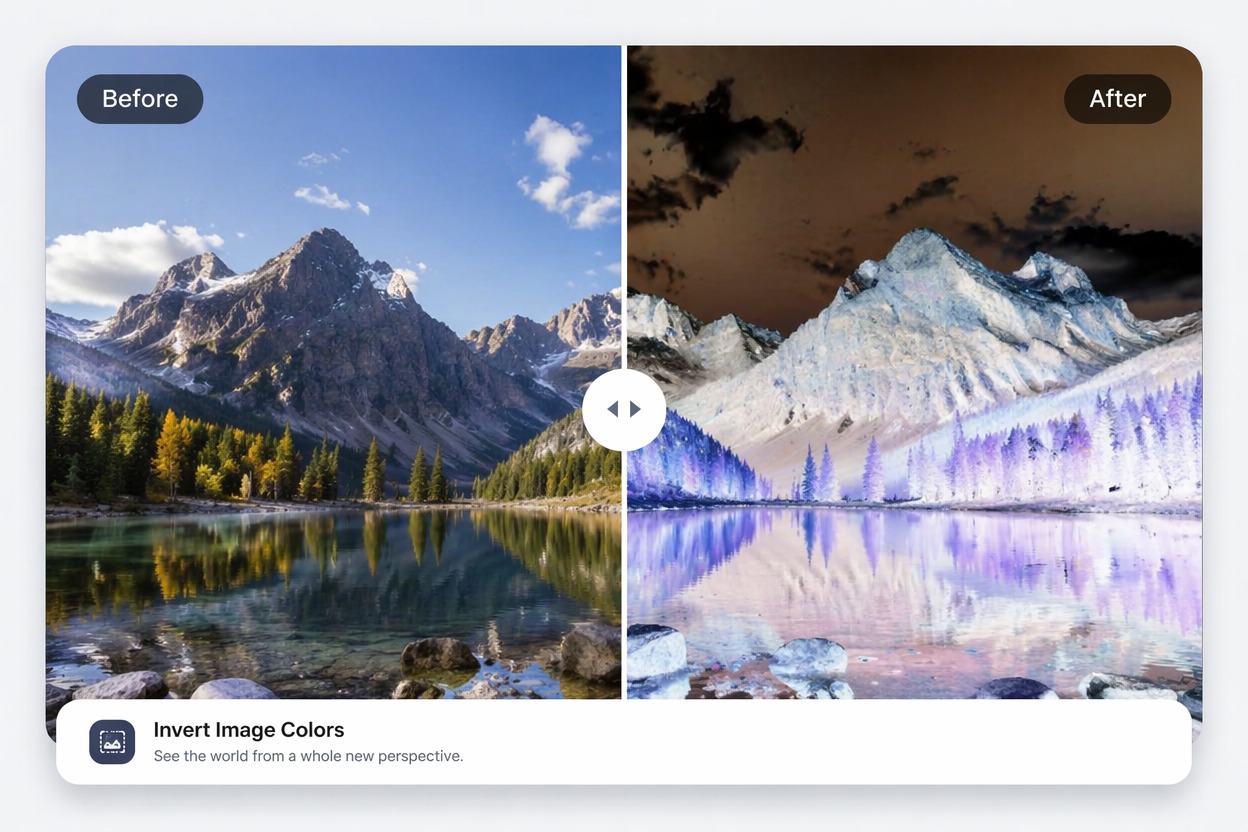
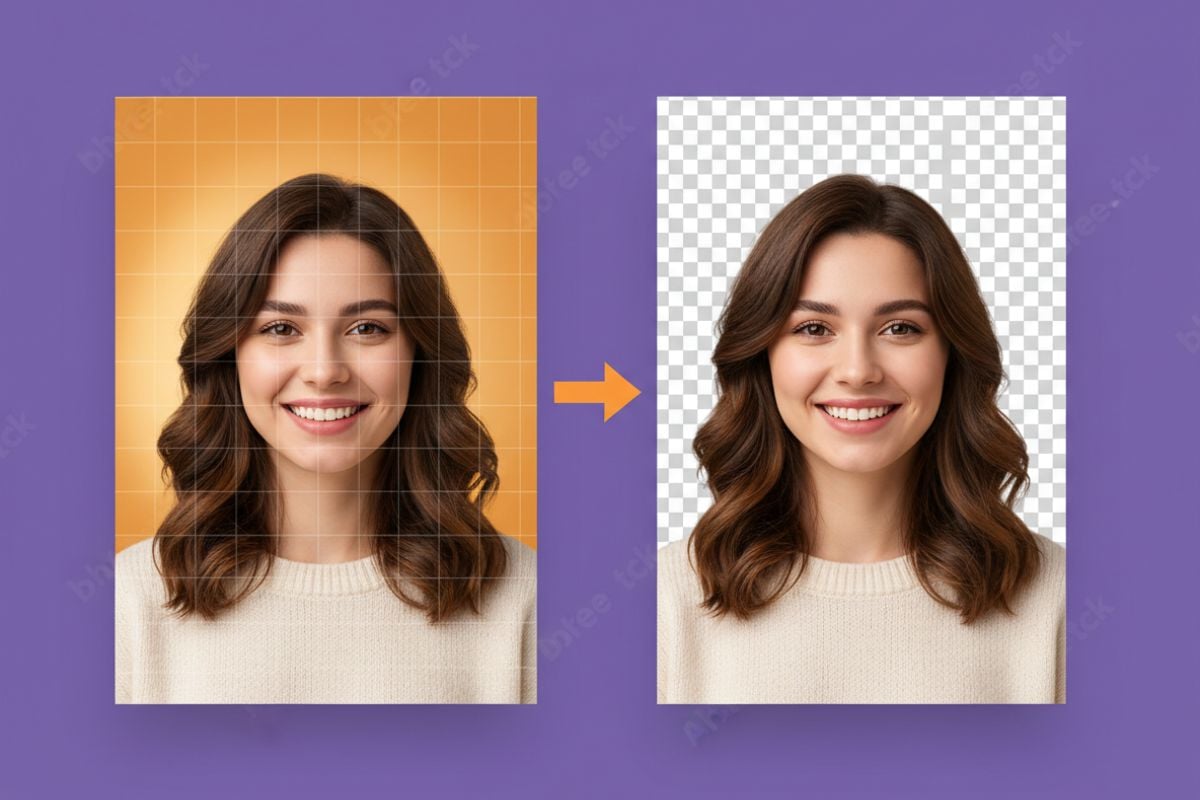
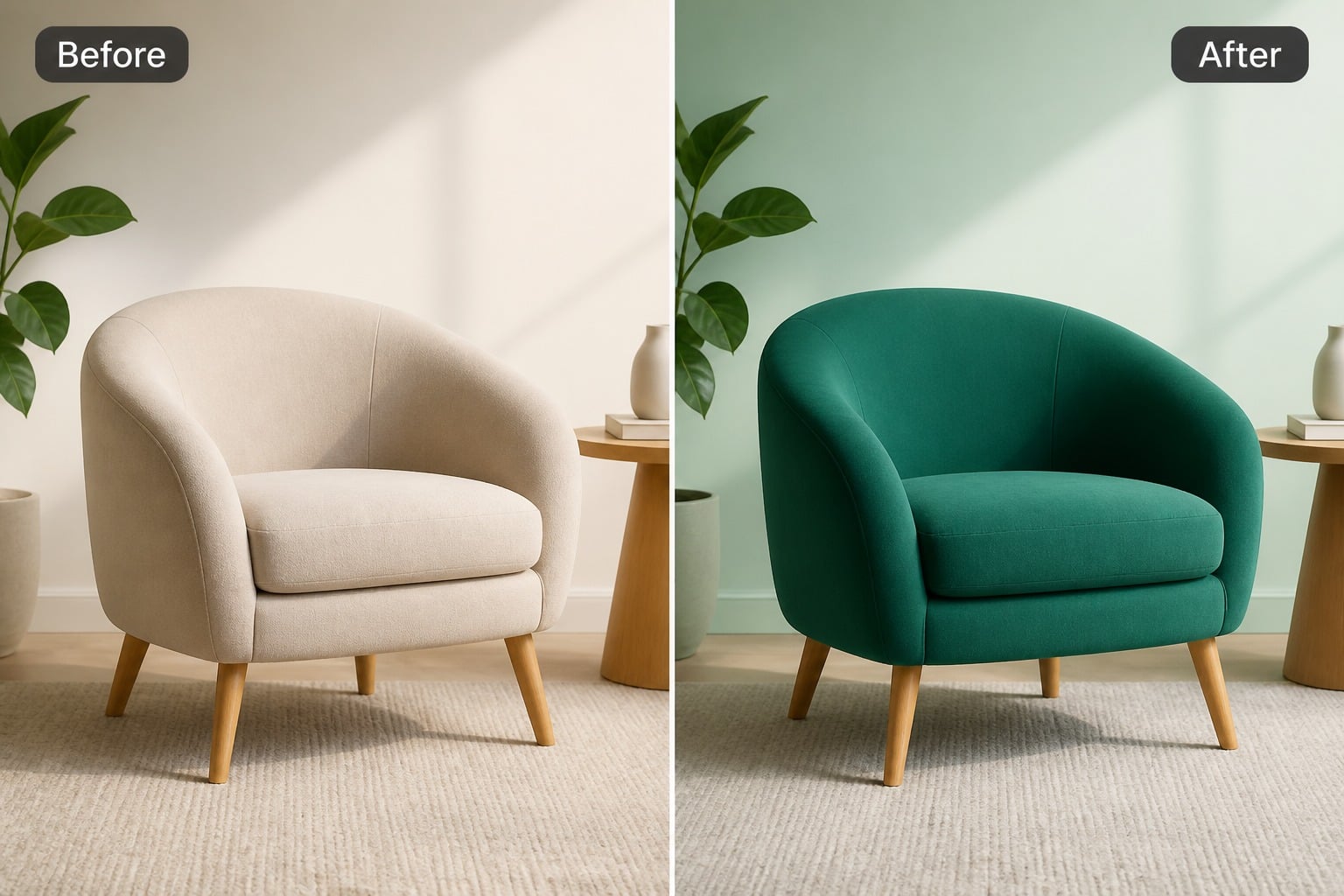
Background Color Changes

Change background colors without rebuilding the whole image. This works well when you keep the main subject clear, define the mood you want, and review whether the new background still supports the final use case.

Background Color Changes example for change color of image

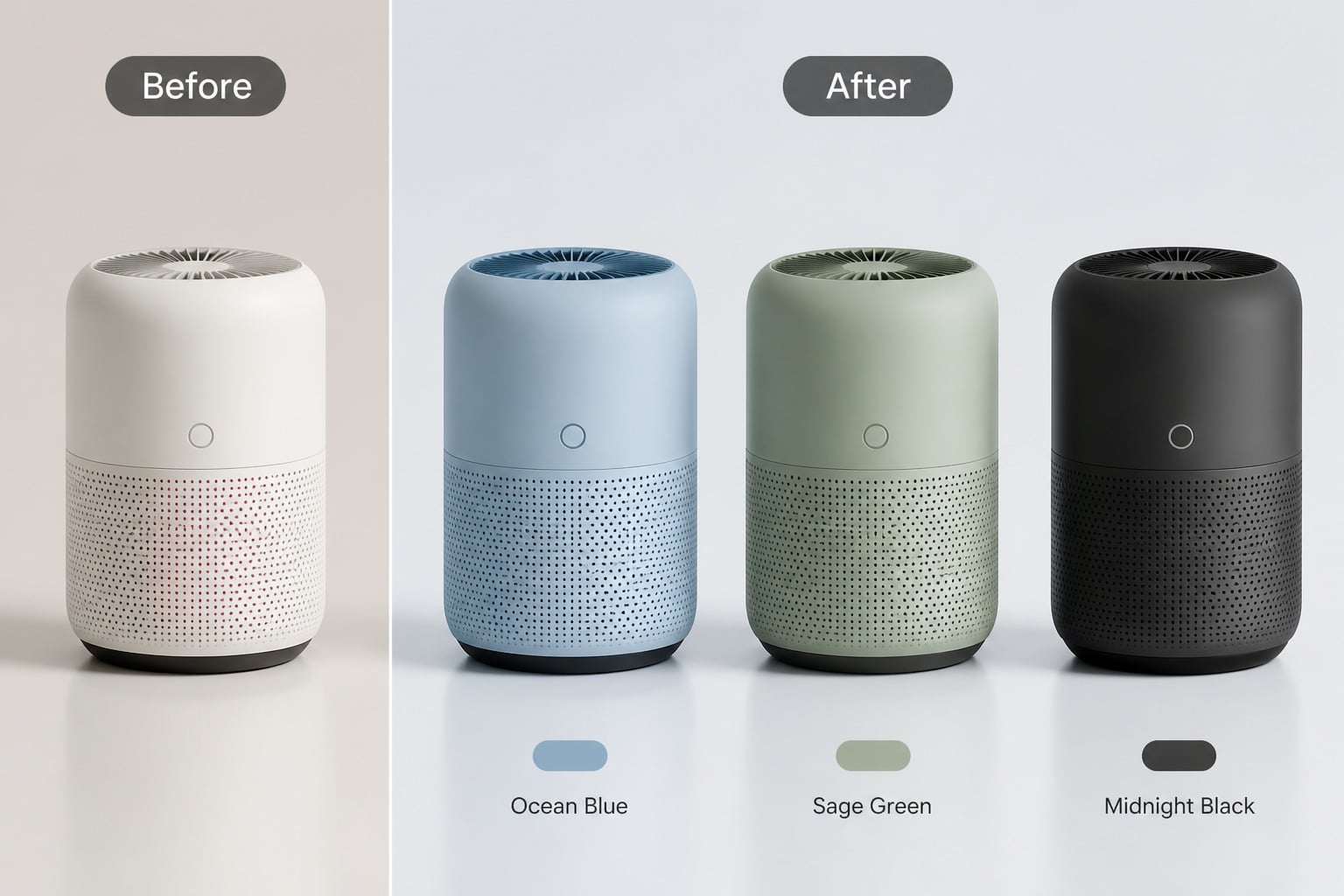
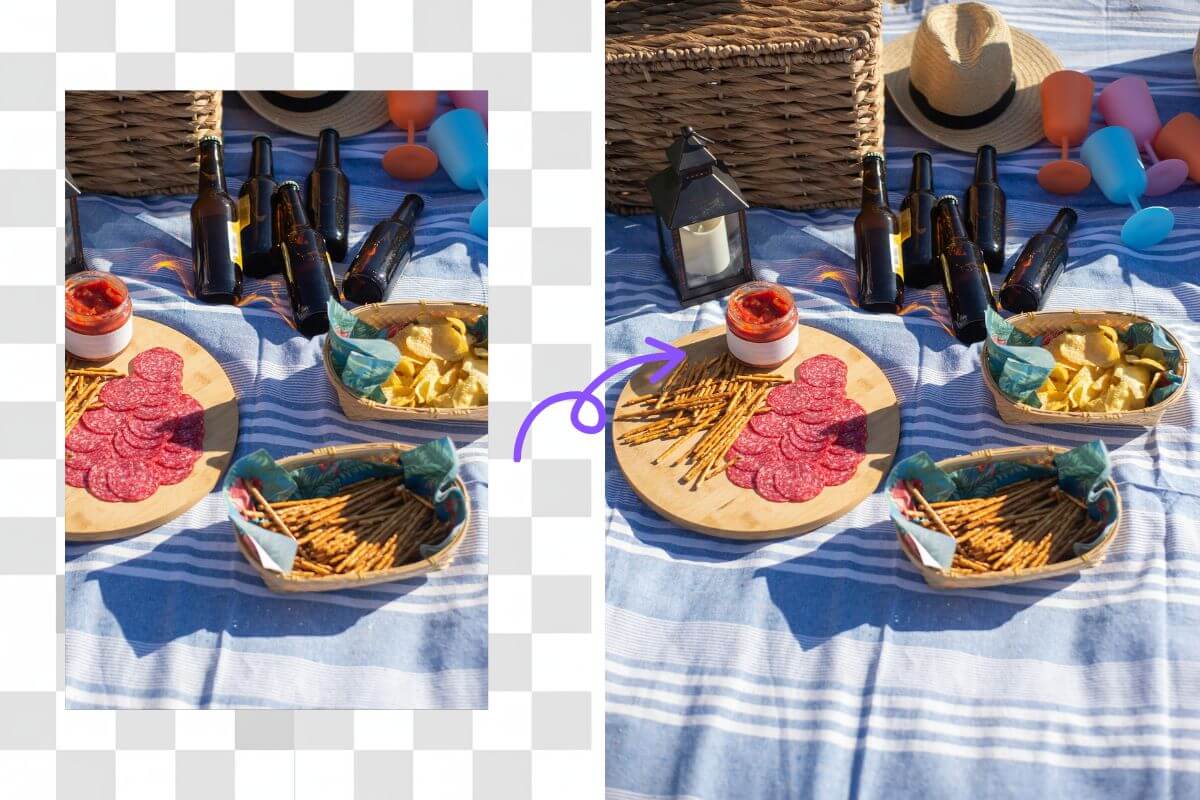
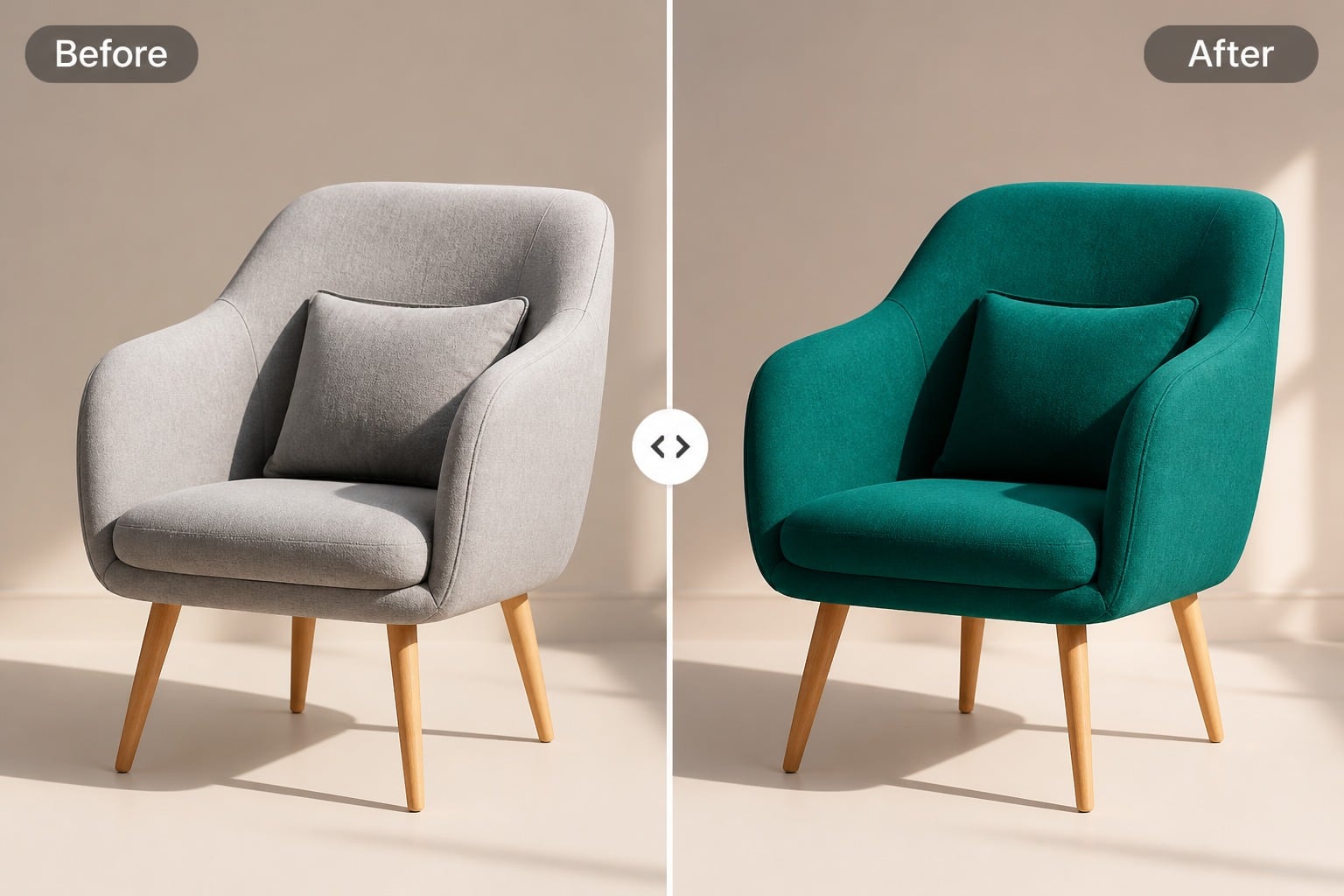
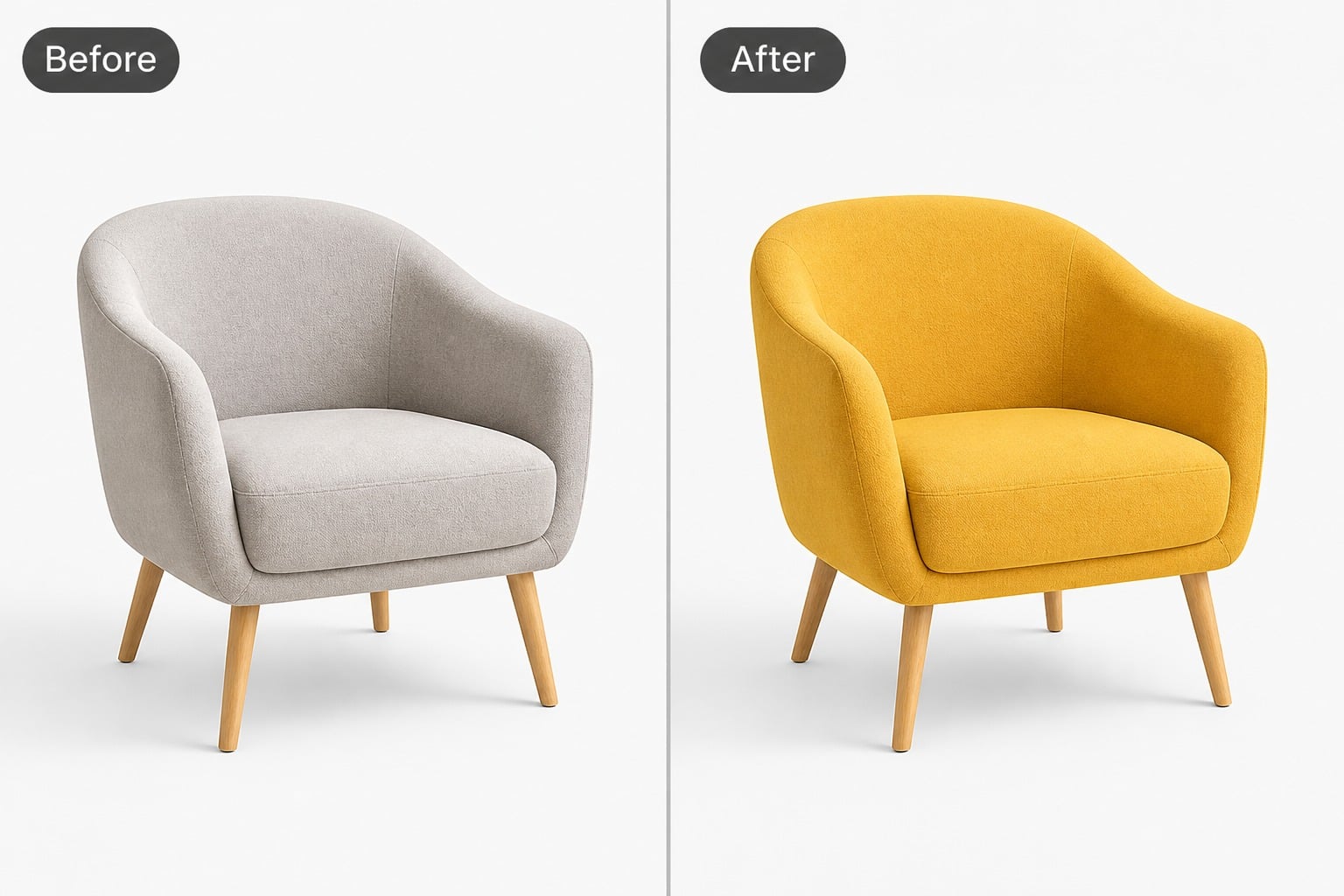
Product Color Variants

Create multiple product color versions for mockups, catalogs, ads, or concept review. A tighter brief helps the edit stay consistent, especially when product identity, material feel, and layout need to remain intact.

Product Color Variants example for change color of image

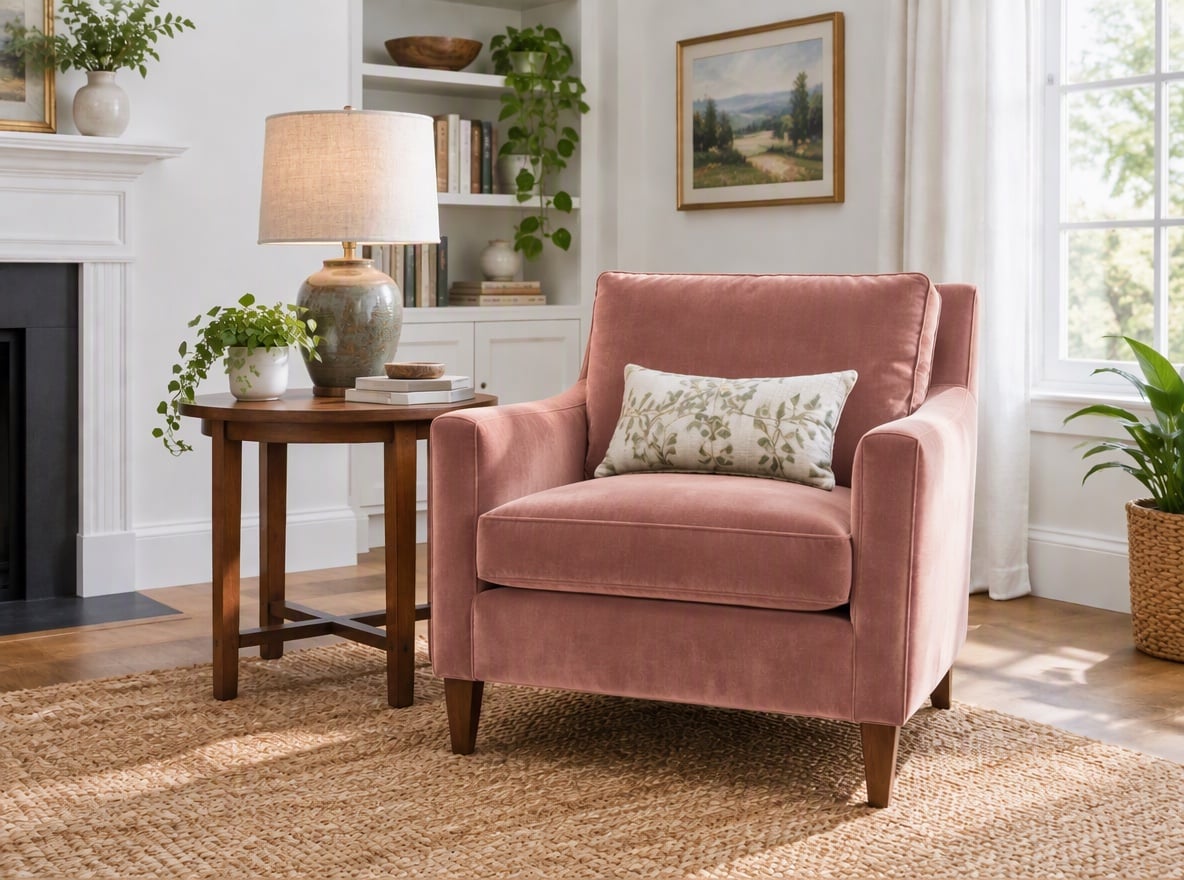
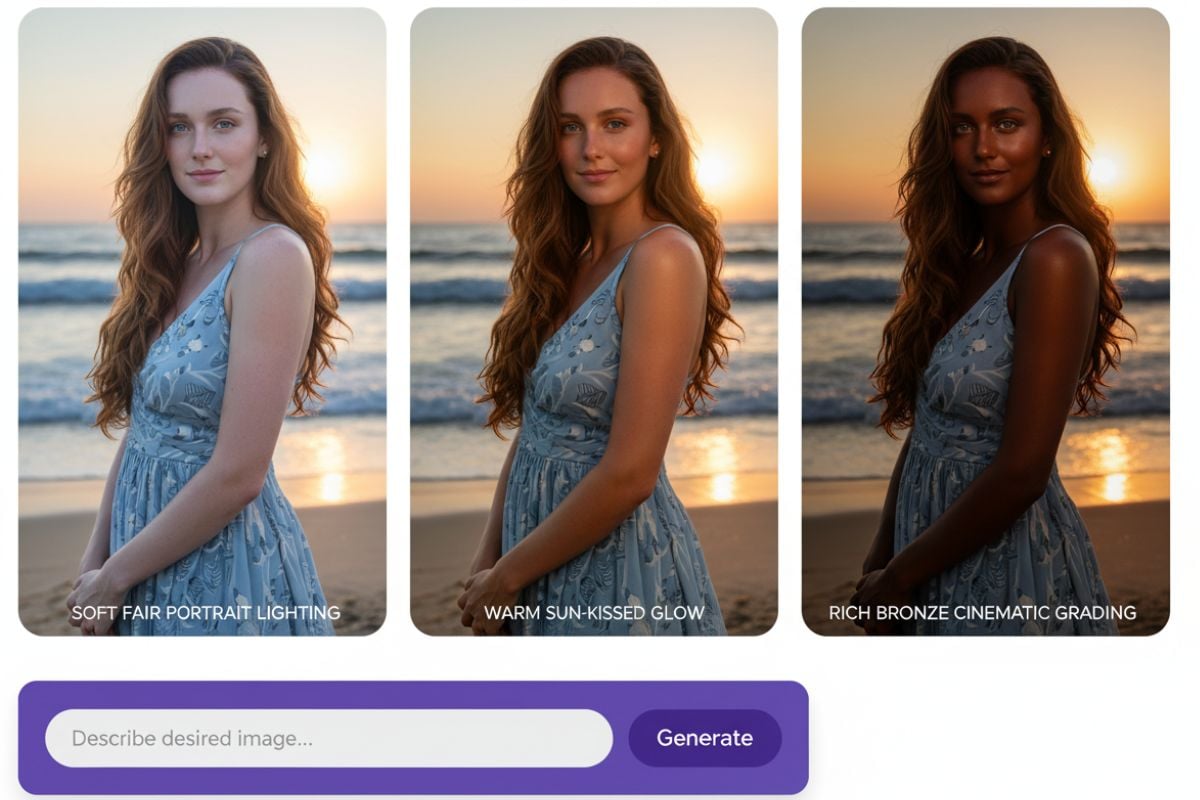
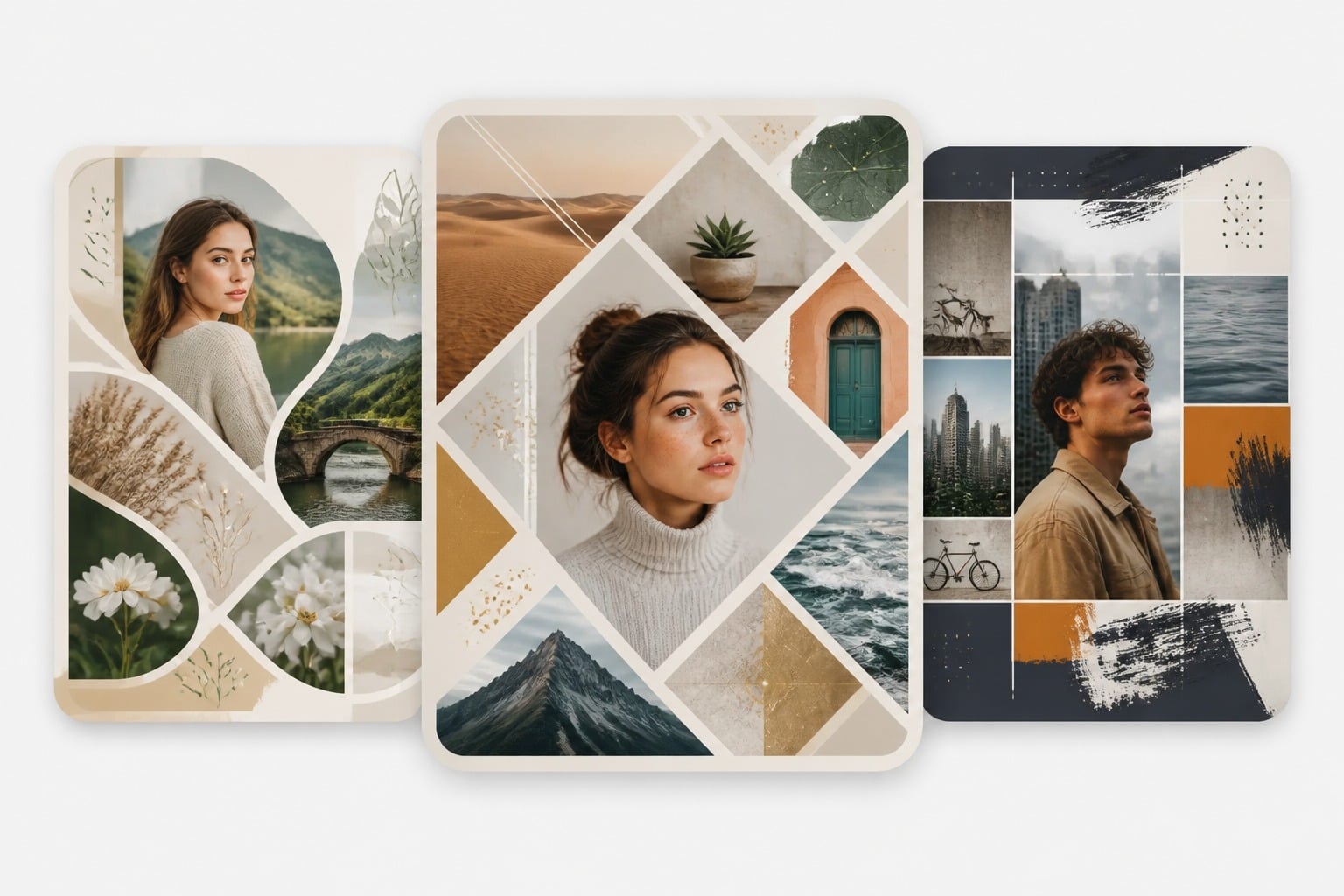
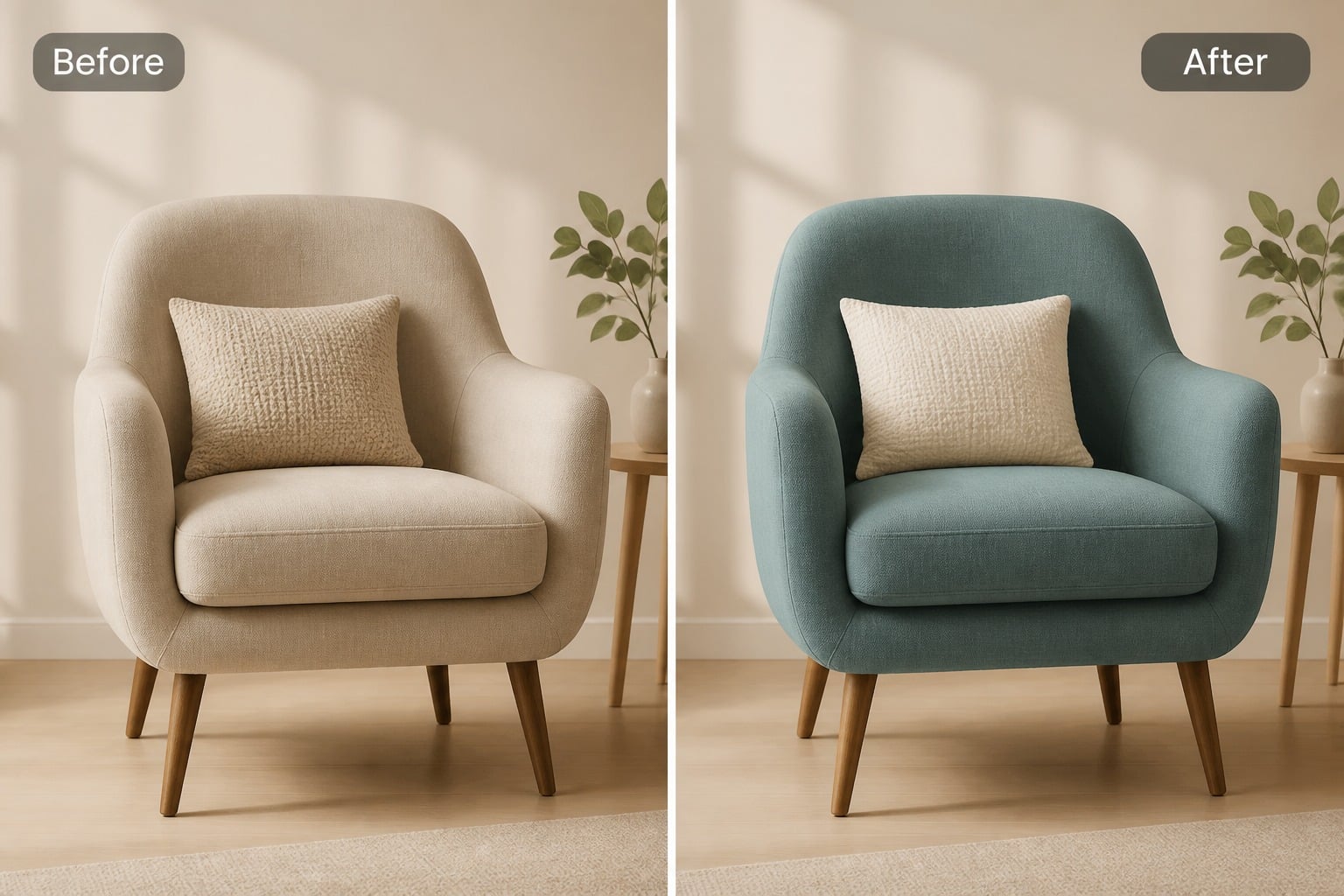
Outfit and Object Tests

Test outfit colors, object recoloring, social graphics, and visual variations with enough polish for review. You can also move into broader creative workflows with an AI image generator when you want to expand beyond simple color changes.
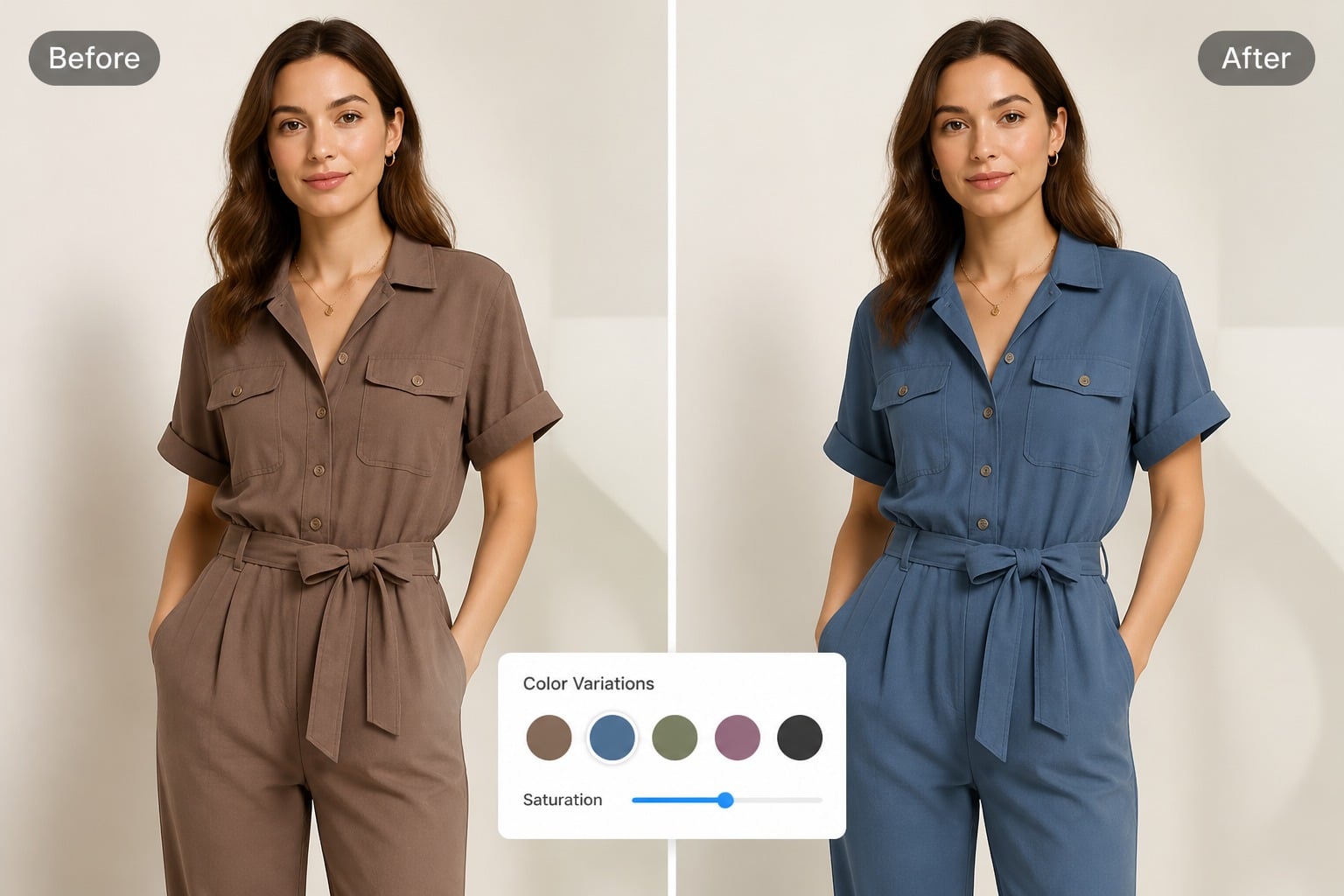
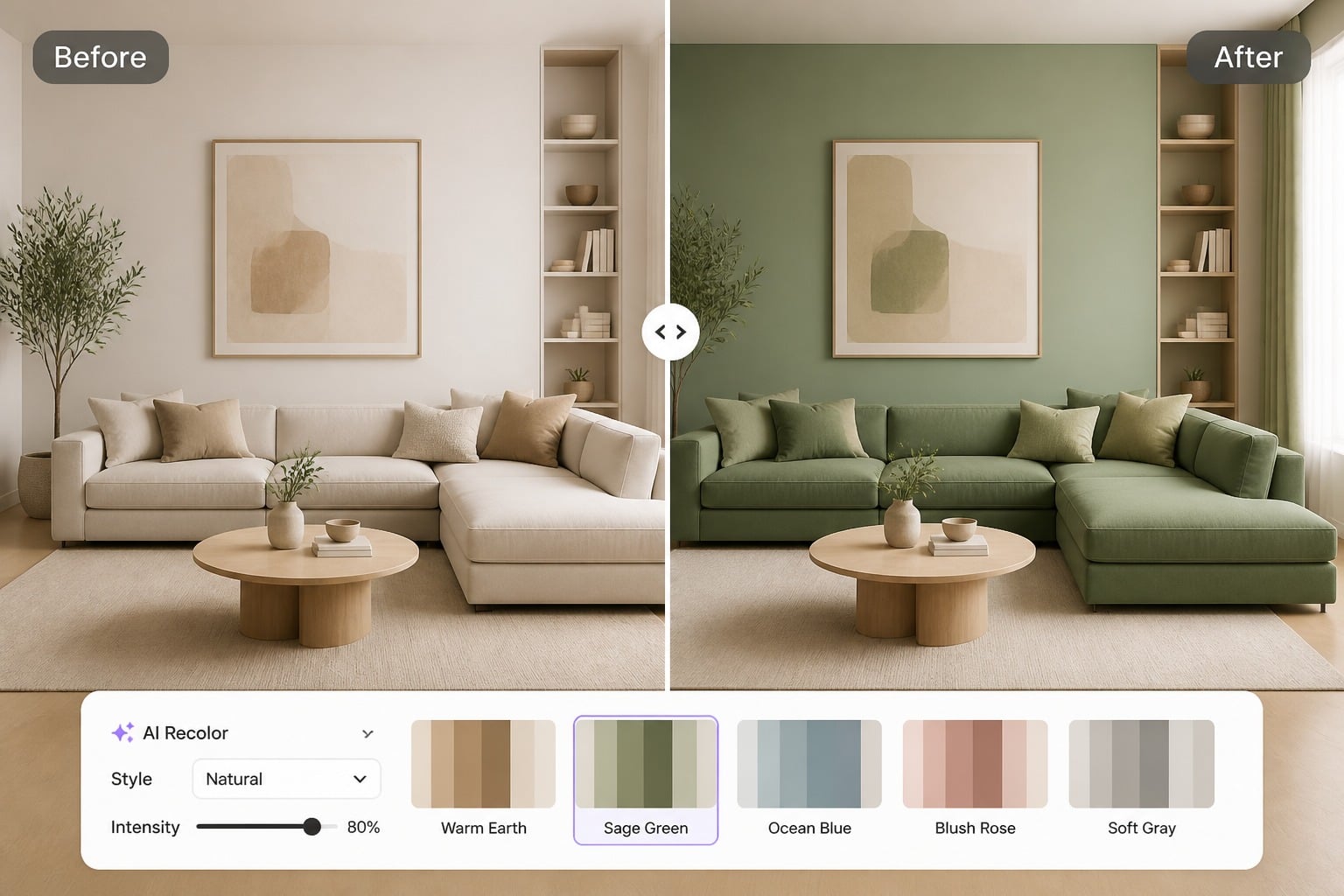
Outfit and Object Tests example for change color of image

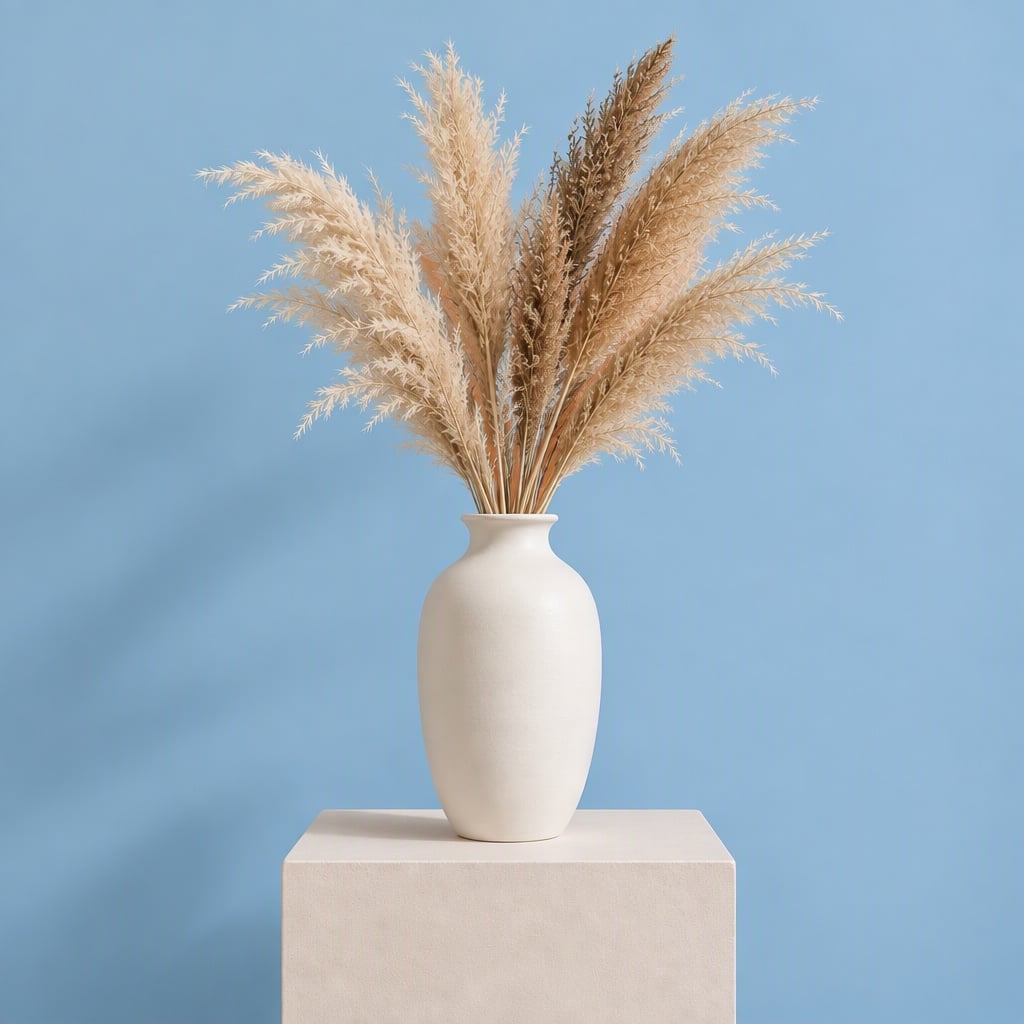
Cleaner Visual Consistency

Use GoEnhance AI to test color directions quickly while keeping the image cohesive. Compare a few versions side by side, keep the strongest draft, and refine again when the result still feels off for publishing or presentation.

Cleaner Visual Consistency example for change color of image

How to Use Change Color Of Image
Step 1

Upload the Image

Start by uploading an image, then describe the color area you want to change. Keep the instruction specific so the AI can understand the main subject and preserve the original look.
Step 2

Name the Color Area

Describe the exact area you want to recolor, such as the background, shirt, product, object, or surface. Add the target color and mention any lighting, shadows, texture, or composition details that should remain the same.
Step 3

Compare the Result

Compare outputs for artifacts and fit. Keep strong drafts and regenerate when details do not support product variants.
Start Creating
FAQ

Frequently Asked Questions About Change Color Of Image

What is Change Color of Image?

Change Color of Image is an AI tool that helps you recolor parts of an image, such as backgrounds, clothes, products, objects, walls, or surfaces. It is useful for testing new color ideas while keeping the original photo style, lighting, and composition.

How do I change the background color of an image?

Upload your image, then describe the background color you want. For better results, mention what should stay unchanged, such as the main subject, lighting, shadows, texture, and original layout.

Can I change only one object or area in the image?

Yes. You can name the exact area you want to recolor, such as a shirt, bag, sofa, product package, car, wall, or background. A focused prompt helps the AI avoid changing other parts of the image.

What prompts work best for image recoloring?

The best prompts clearly say what color to change, what new color to use, and what details to preserve. For example, you can ask the tool to change a product to matte black while keeping the original texture, reflections, camera angle, and background unchanged.

Can I use this tool to create product color variants?

Yes. Change Color of Image works well for creating product color tests, catalog mockups, ad visuals, and design previews. You can generate different color versions before choosing the best direction for your product or campaign.

Why did the AI change more than just the color?

This can happen when the prompt is too broad or asks for too many changes at once. Try using a more specific instruction, such as “change only the dress color to navy blue and keep the face, background, lighting, pose, and shadows unchanged.”

Can I use Change Color of Image with free credits?

Yes. GoEnhance AI offers free credits that you can use to test image recoloring. After your free credits are used, you can continue generating more images by adding credits or choosing a plan based on the current options.

Can I use recolored images for my projects?

You can use recolored images for personal projects, product previews, social posts, creative drafts, and visual testing. For ads, client work, branded materials, or resale use, make sure you have the rights to the original image, product, logo, or reference you upload.

Create Change Color Of Image Results With GoEnhance AI

Use clear prompts or references to generate recolored images and background color changes, then review details before sharing or publishing.

Try GoEnhance AI