goenhance logo

AI Image Variation Generator
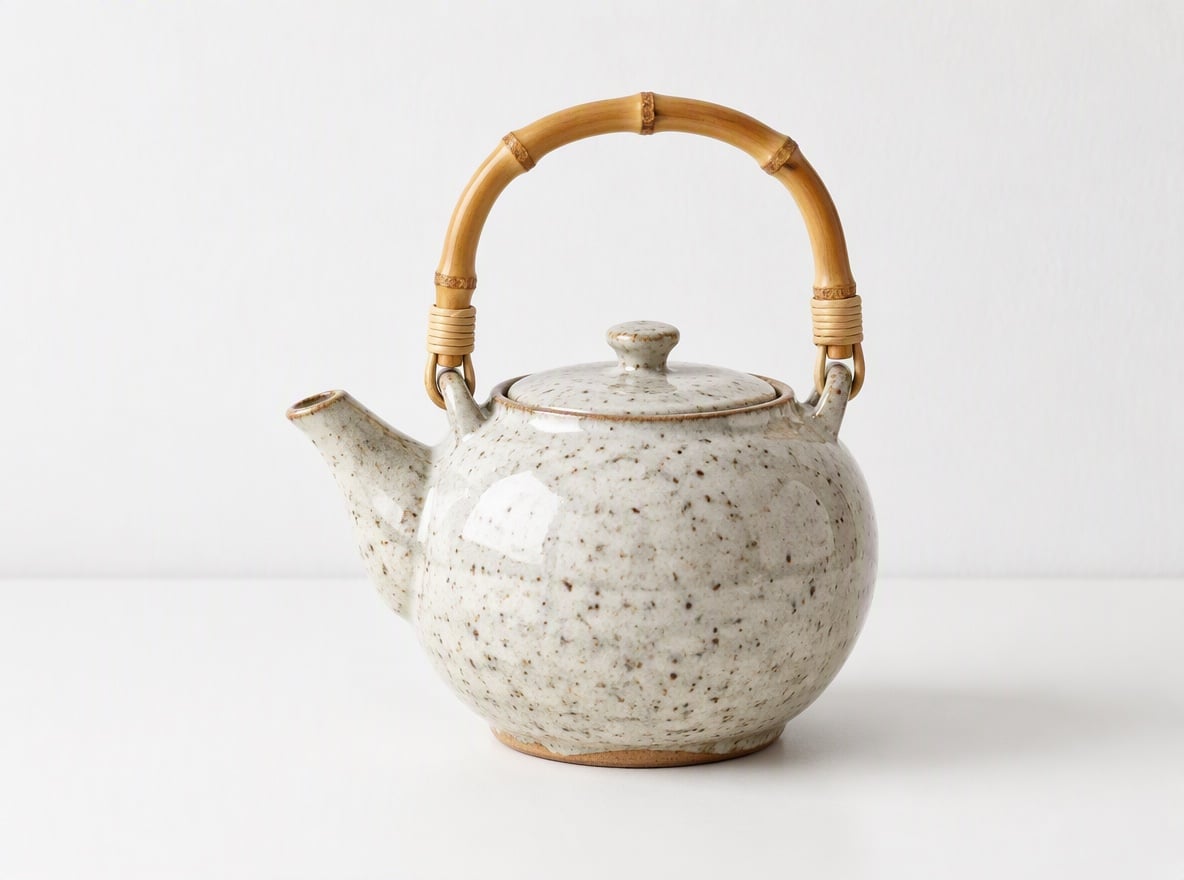
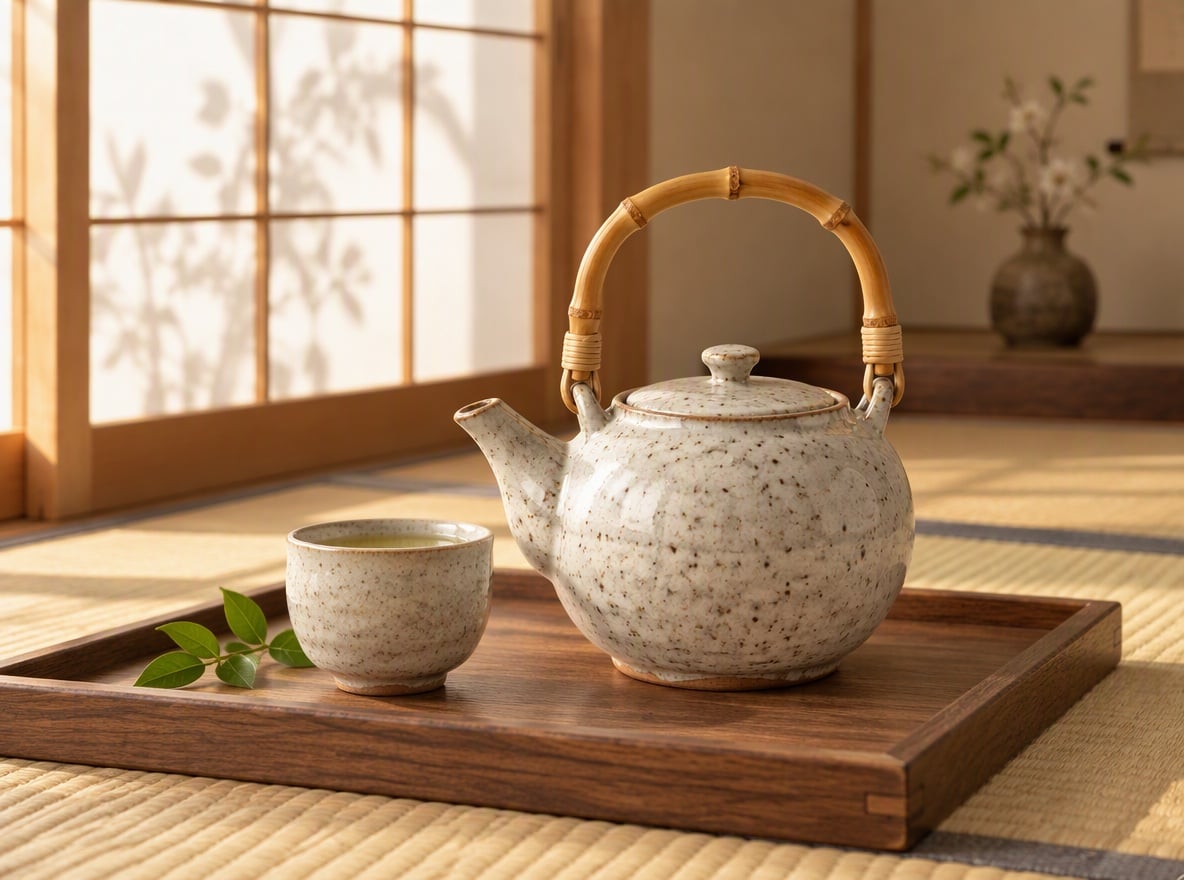
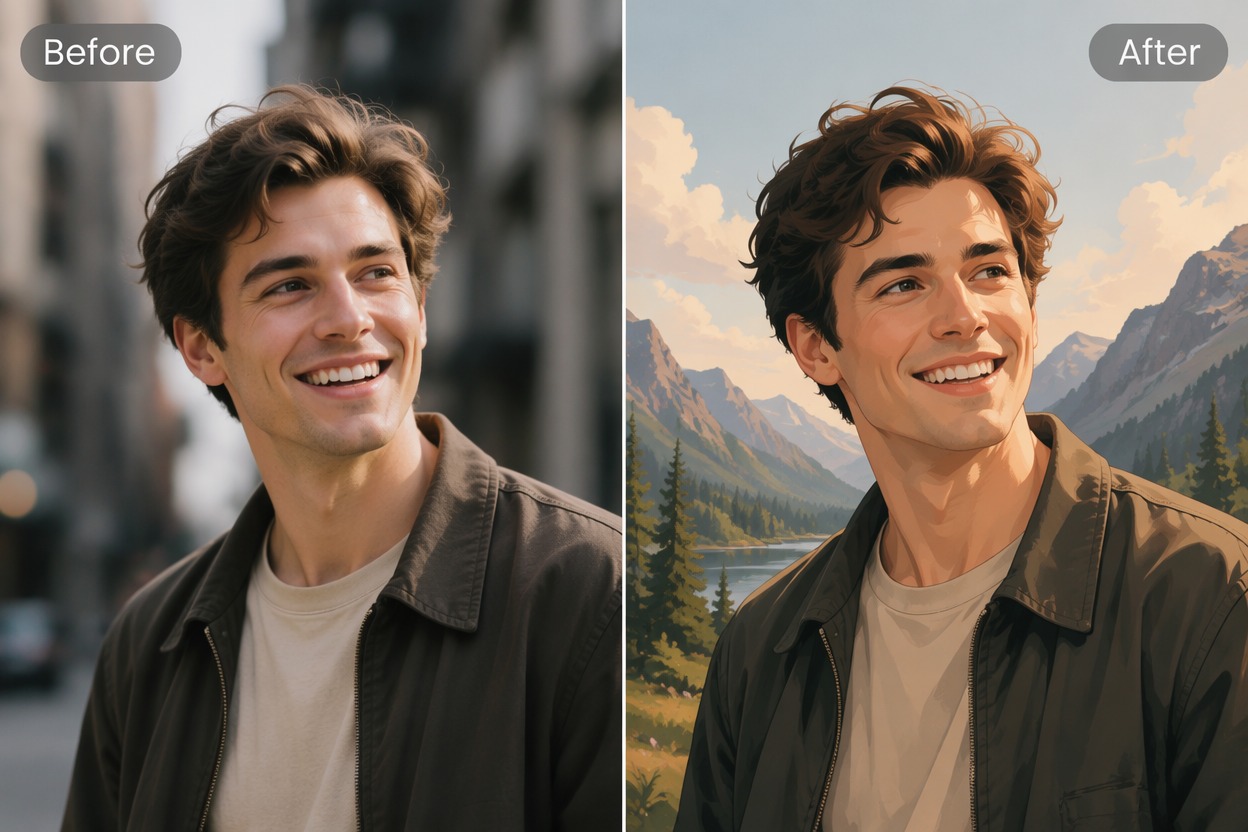
Upload one image and generate multiple visual directions around the same core concept. Compare composition, color, setting, styling, and mood for design reviews, social content, product ideas, or campaign testing.

Try It Free
Text to Image
Image to Image
Select Model
Image

Explore More Directions From One Image

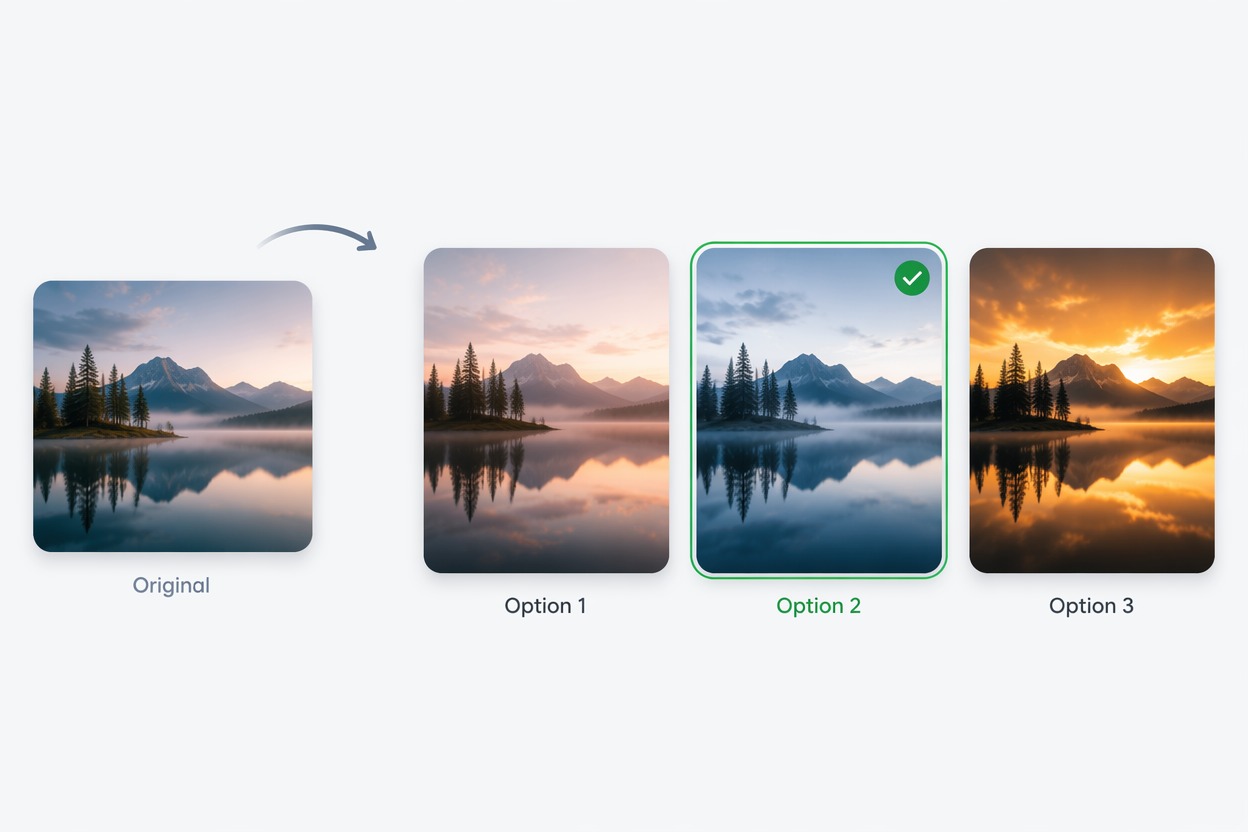
Expand One Idea Into Many

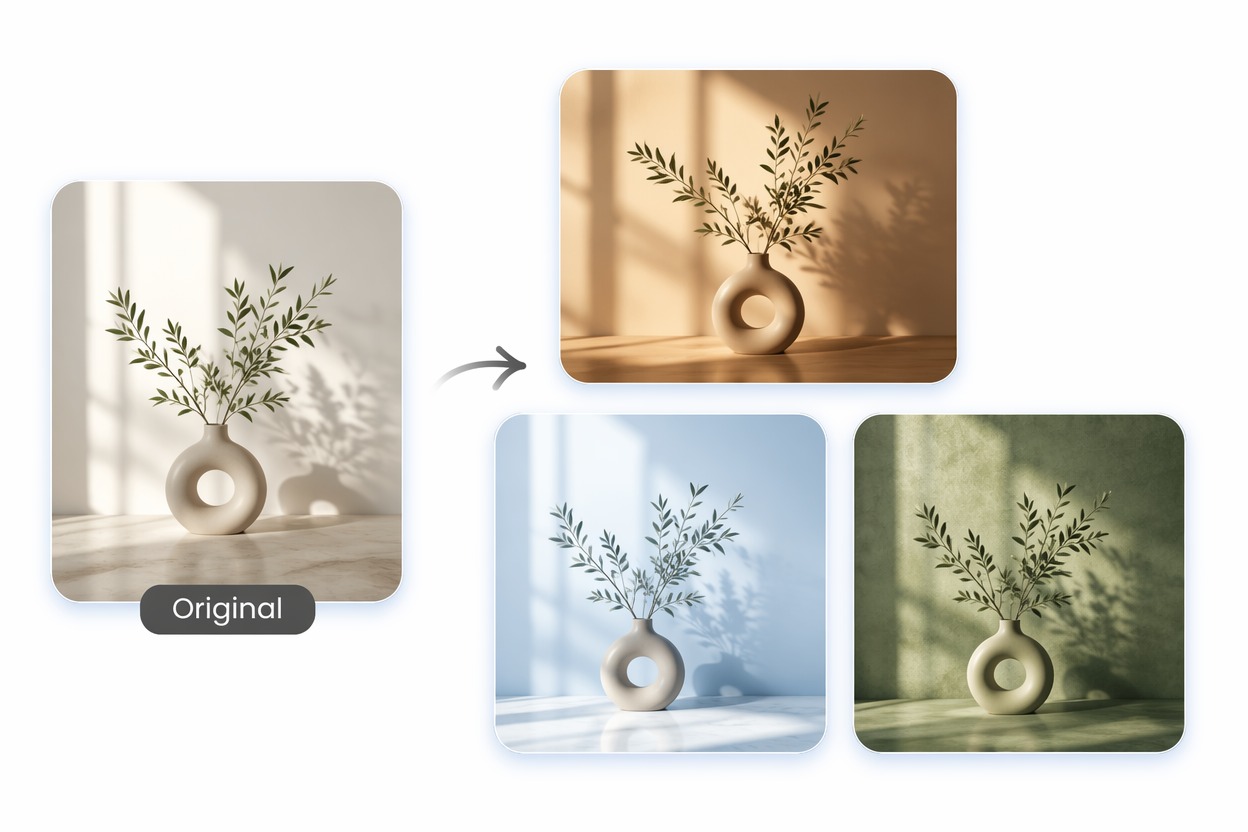
Use one image as a creative anchor and produce multiple alternatives without restarting the concept. This is useful when the subject works but the background, crop, palette, styling, or visual energy needs more options.

AI Image Variation Generator example for expand one idea into many
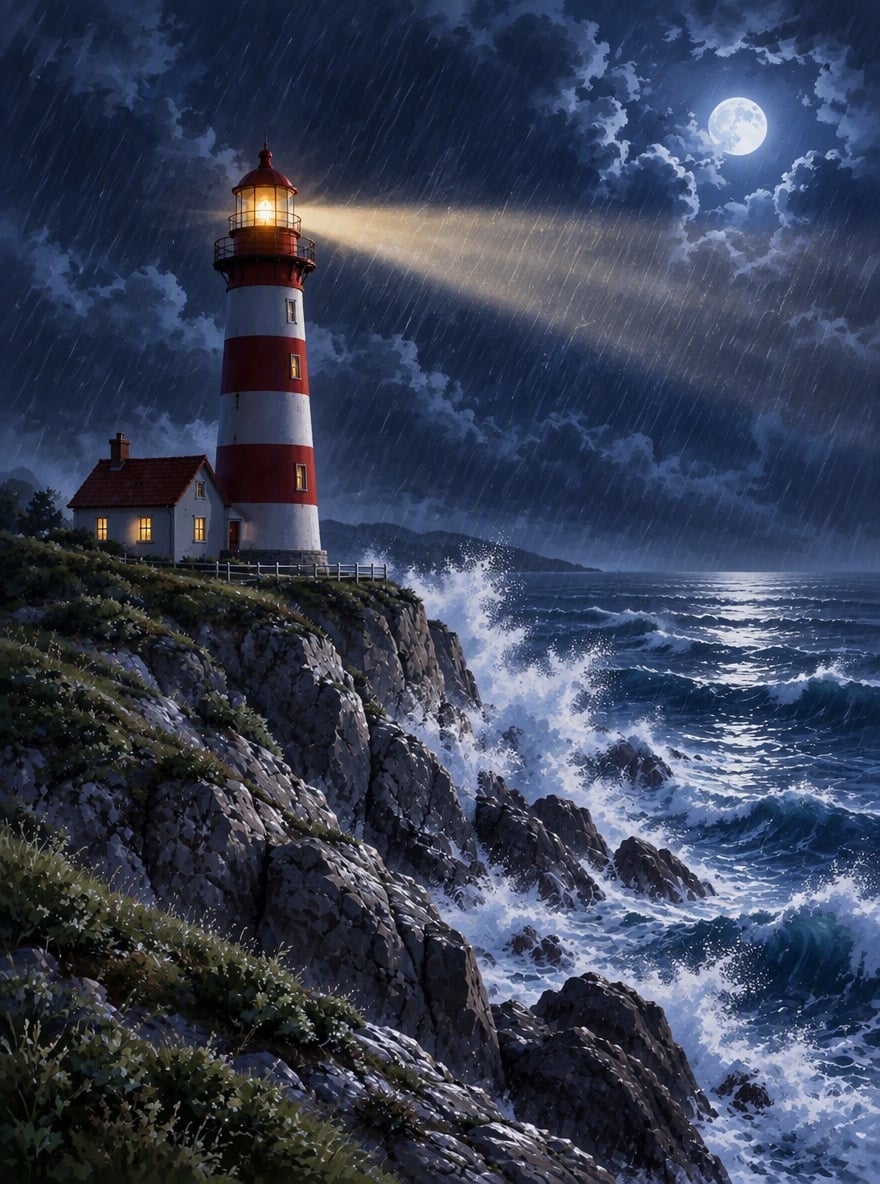
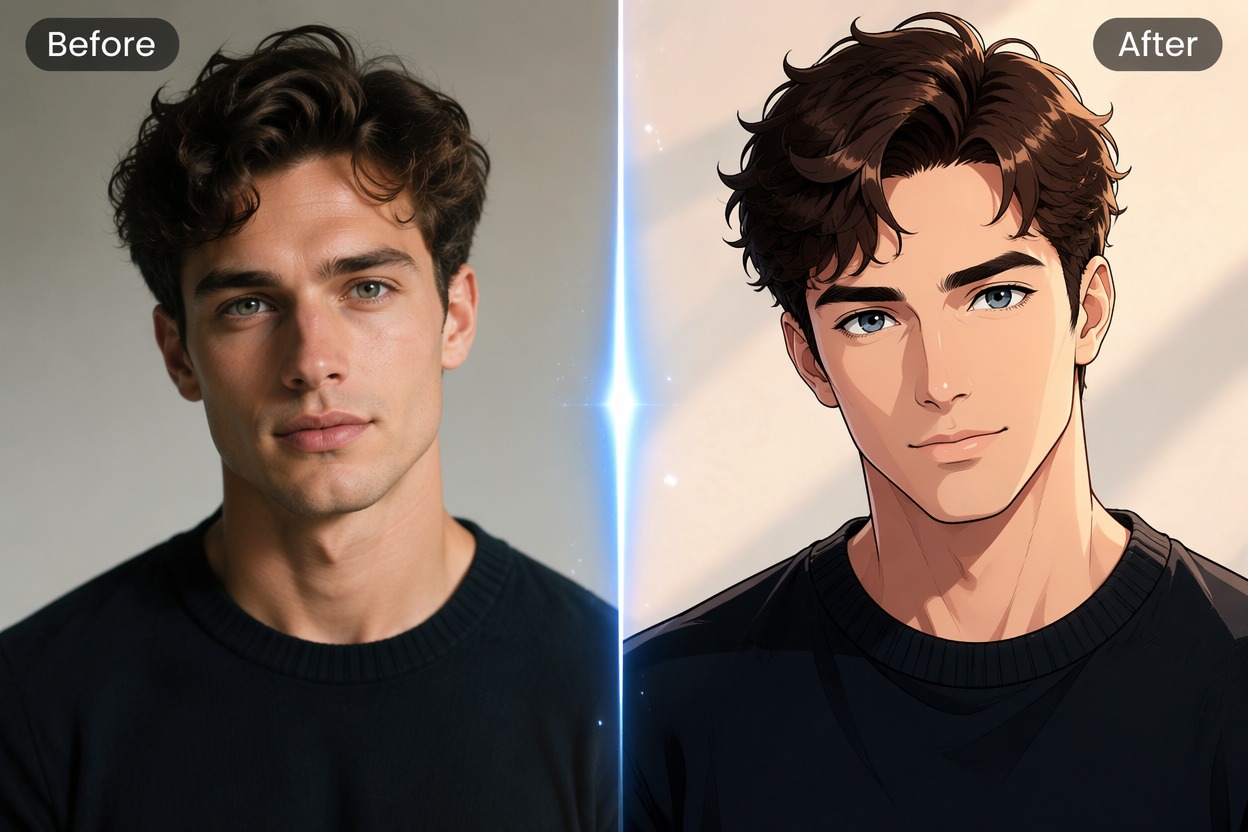
Compare Campaign Directions

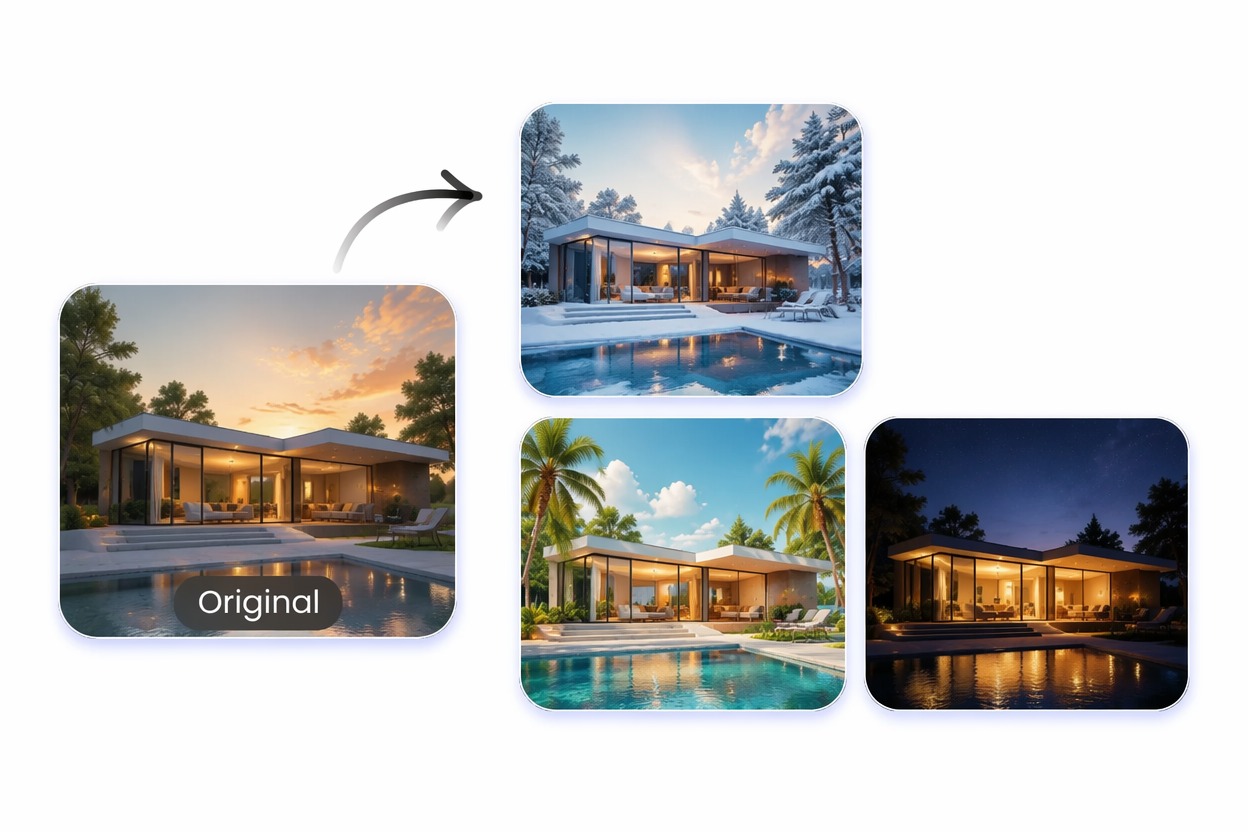
Draft alternate social posts, ad concepts, thumbnails, or landing-page visuals from one approved idea. Teams can compare meaningful creative directions before spending time on detailed production.

AI Image Variation Generator example for compare campaign directions
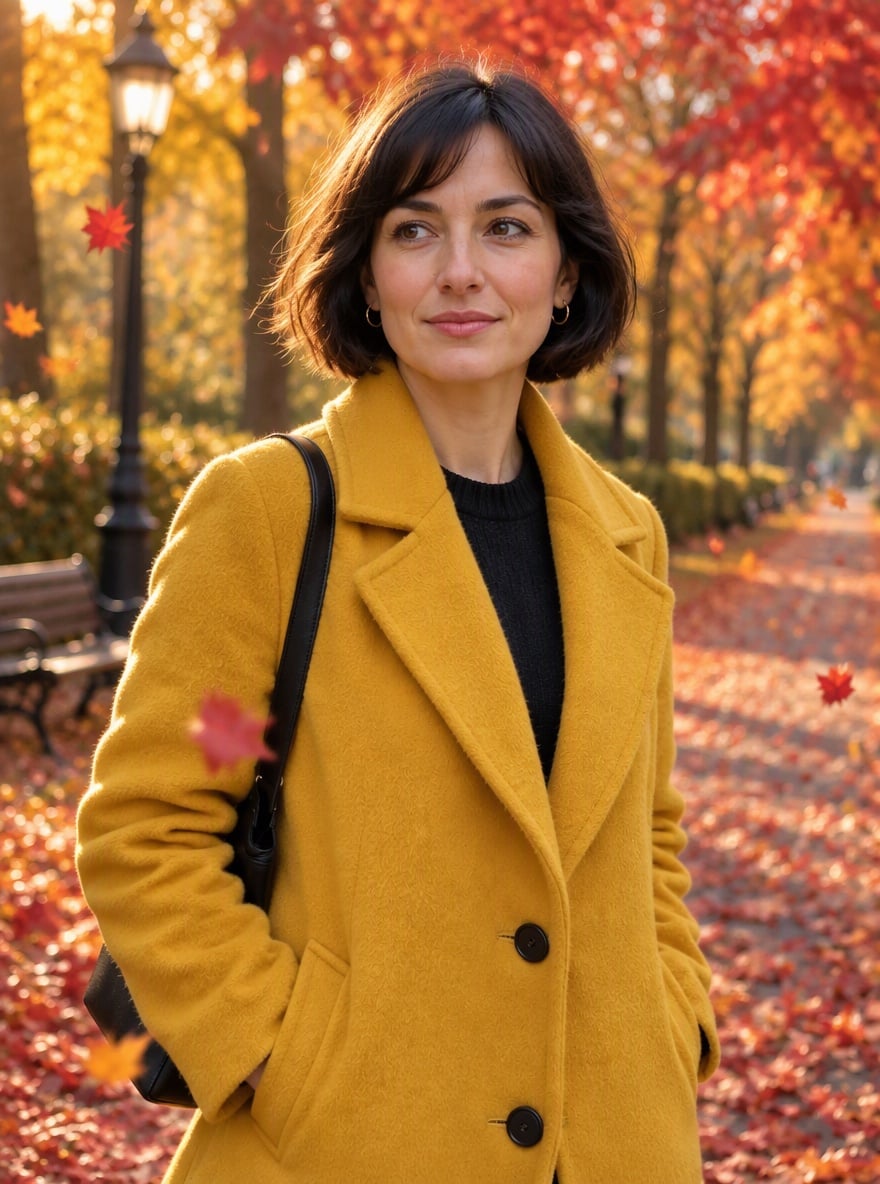
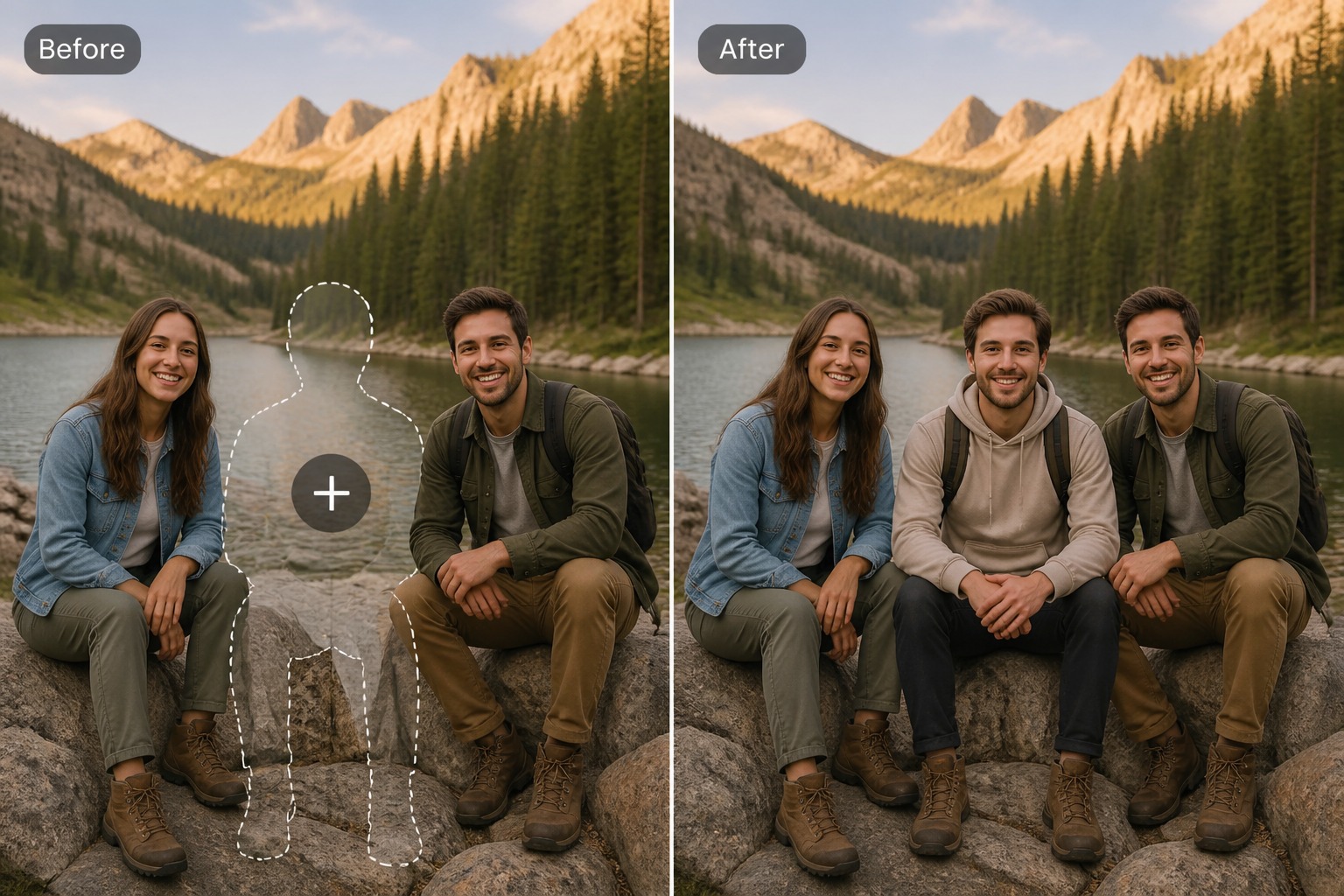
Refresh Composition and Mood

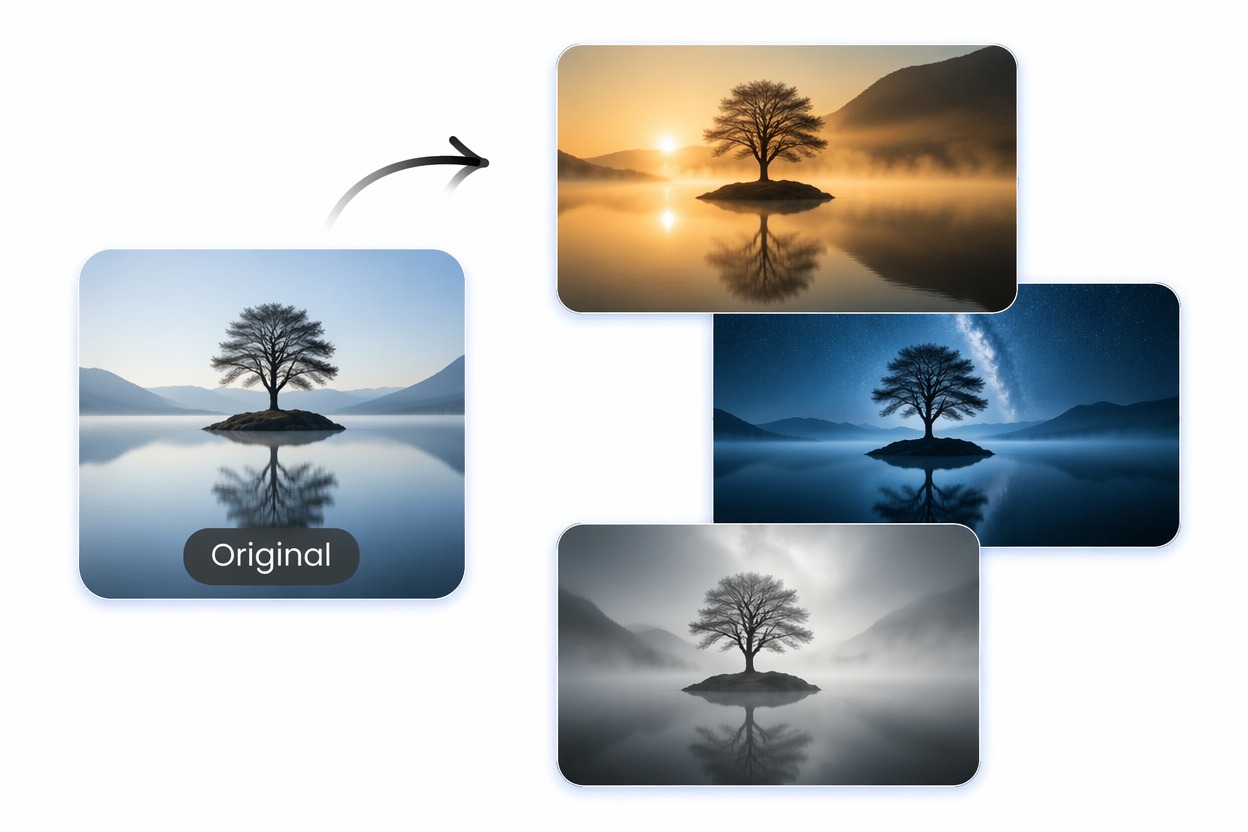
Explore wider scenes, tighter crops, calmer palettes, brighter lighting, or more dramatic environments. AI image variations help reveal which direction communicates the idea most clearly.

AI Image Variation Generator example for refresh composition and mood

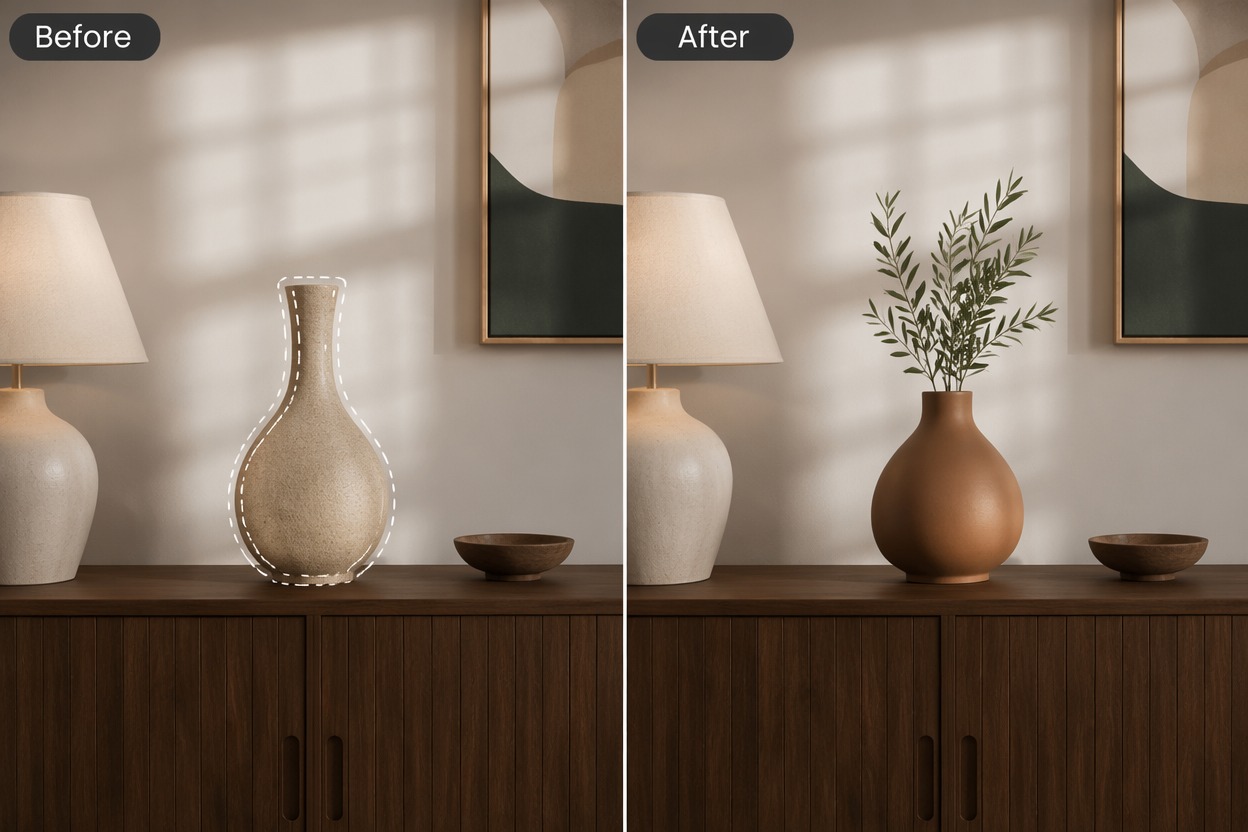
Build a Reusable Visual Set

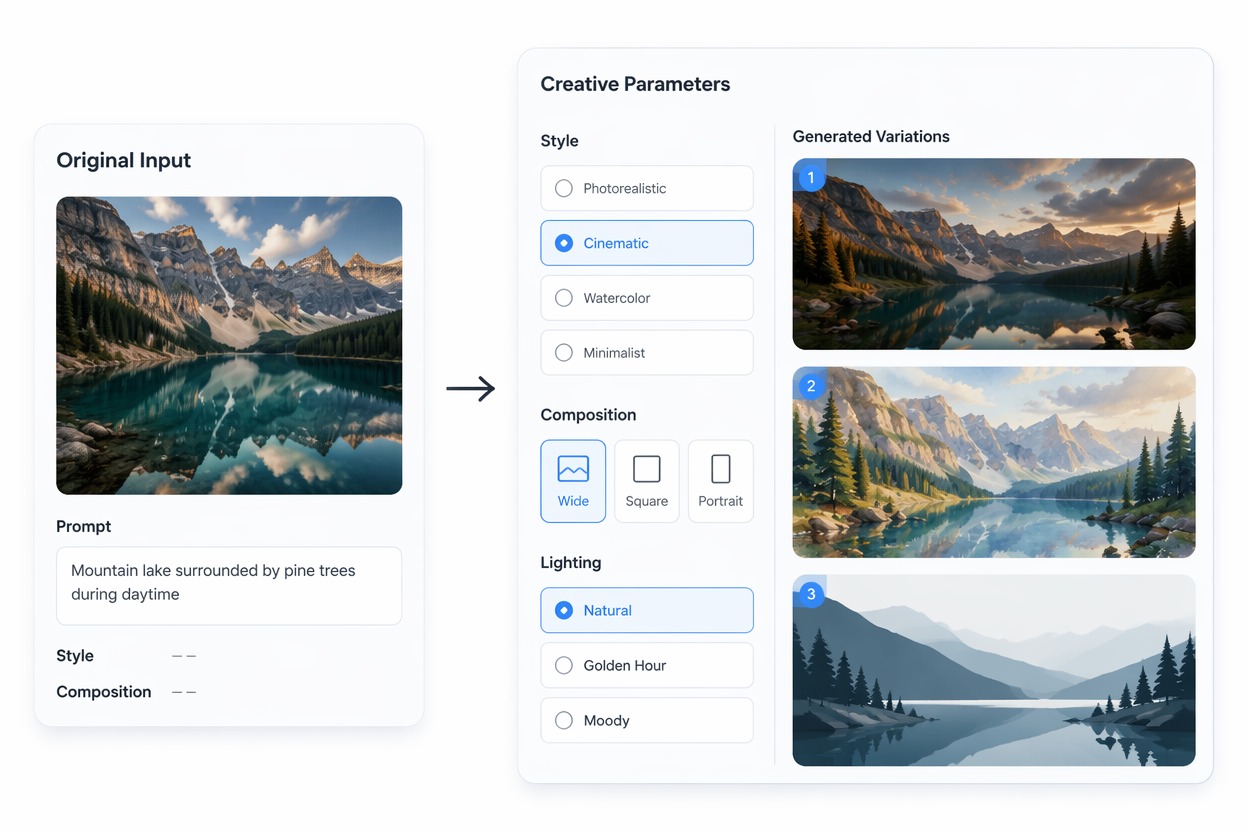
Create related images for a carousel, mood board, presentation, or creator series. For new concepts built entirely from text, continue with the AI image generator.
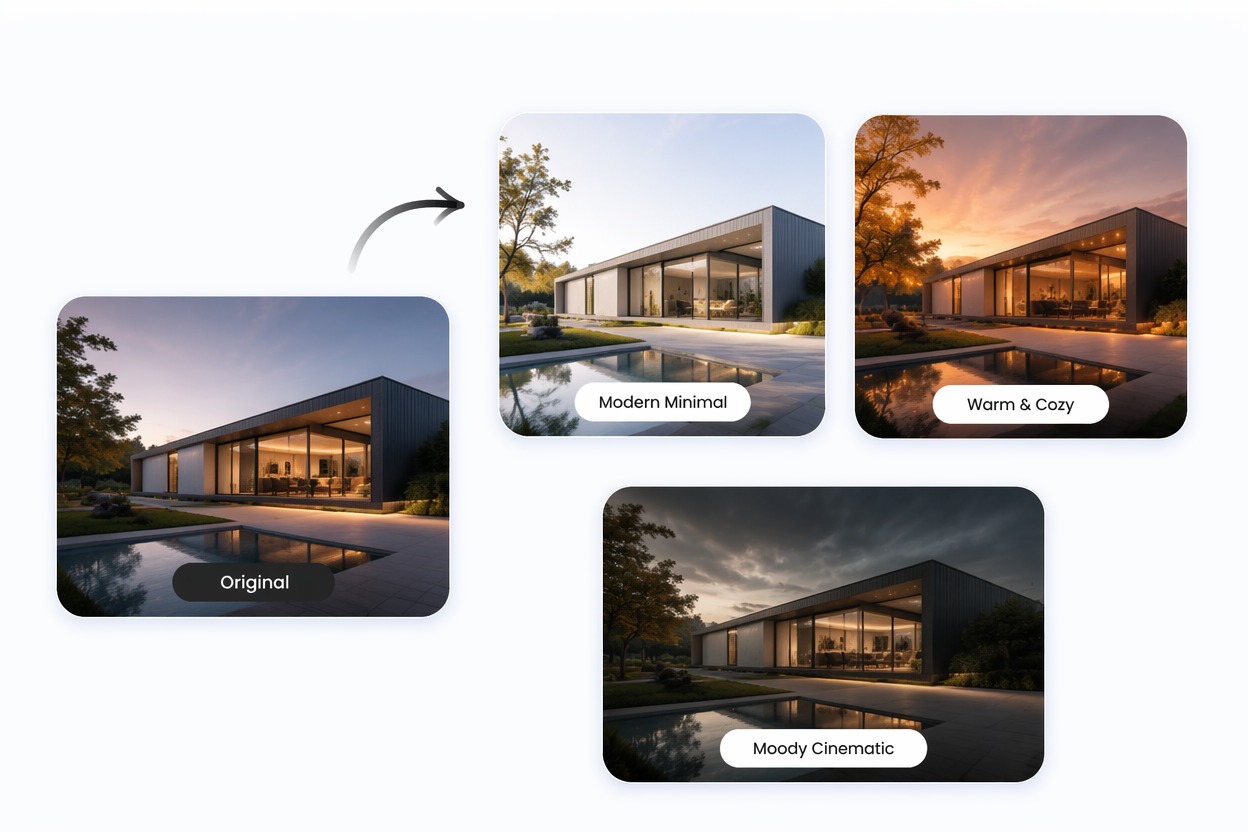
AI Image Variation Generator example for build a reusable visual set

Why Use AI Image Variation Generator?

More Choices From One Asset

Generate distinct visual versions while preserving the original concept as a consistent starting point.

Faster Creative Reviews

Give collaborators concrete alternatives to compare instead of discussing abstract visual directions.

Flexible Composition Tests

Explore crops, subject placement, backgrounds, and framing before committing to production.

Broader Style Coverage

Compare minimal, editorial, cinematic, illustrated, lifestyle, or product-focused directions.

Useful for Content Series

Develop related images for social posts, campaign sets, presentations, and creative boards.

Lower Revision Cost

Find the strongest direction early and reduce time spent polishing a version that does not fit the brief.

How to Use AI Image Variation Generator
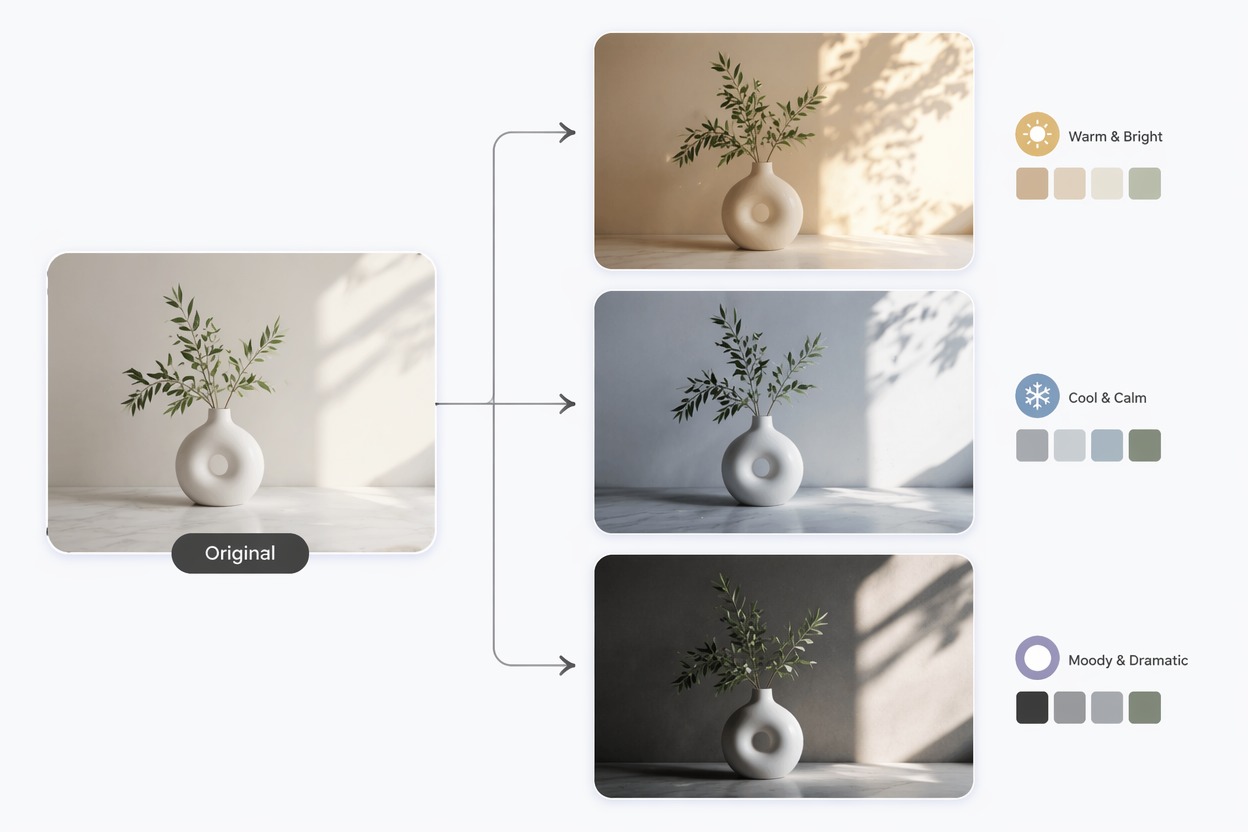
Step 1 1

Upload the Base Image

Choose the clearest version of the concept and confirm the important subject, composition, or product details are visible.
Step 2 2

Name the Variation Goal

Describe what should vary, such as color, background, crop, styling, lighting, or scene, and state what should remain stable.
Step 3 3

Compare the Versions

Review the set for subject continuity, composition, artifacts, and practical fit, then regenerate around the strongest direction.

AI Image Variation Generator FAQ

What is an AI image variation generator?

It creates new visual versions from an existing image, helping you compare changes in scene, composition, palette, styling, and mood.

How do I create AI image variations?

Upload a base image, describe the qualities you want to vary and preserve, generate several versions, and compare the results against your real use case.

Do the variations keep the same subject?

The source image guides the main concept, but details can change. Use a clear reference and review identity, product shape, logos, hands, and text.

What are image variations useful for?

They are useful for creative reviews, social content sets, ad concepts, thumbnails, product-scene tests, mood boards, and presentation visuals.

Can I vary only the background?

You can ask for a background-focused change while keeping the subject stable, but the model may still alter nearby edges, lighting, reflections, or small details.

Is it free to try?

GoEnhance AI offers free image-generation credits. Additional generations may require more credits or a plan after the available free credits are used.

Can I publish the generated variations?

Review source-image rights, recognizable people, logos, trademarks, text accuracy, and current platform terms before publishing or using an output commercially.

Create With AI Image Variation Generator and GoEnhance AI

Turn your idea or source image into a focused visual result with a simple generation workflow built for real creative projects.

Start Creating