goenhance logo

Invert Image Color

Upload a photo or graphic and invert image color to create negative effects, high-contrast visuals, poster-style drafts, and fast color experiments for social, design, or creative editing.

Invert Colors

Invert Colors on Image for Creative Photo Effects

Create Negative Looks

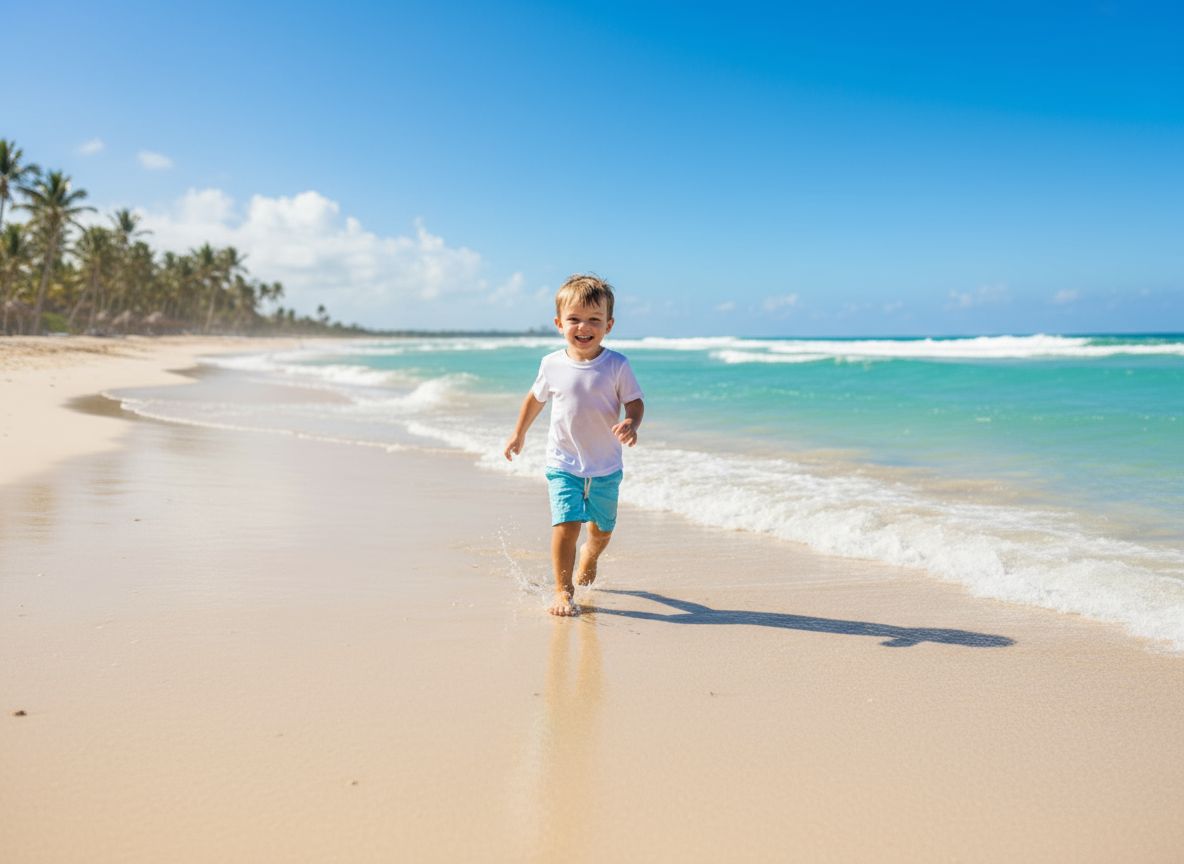
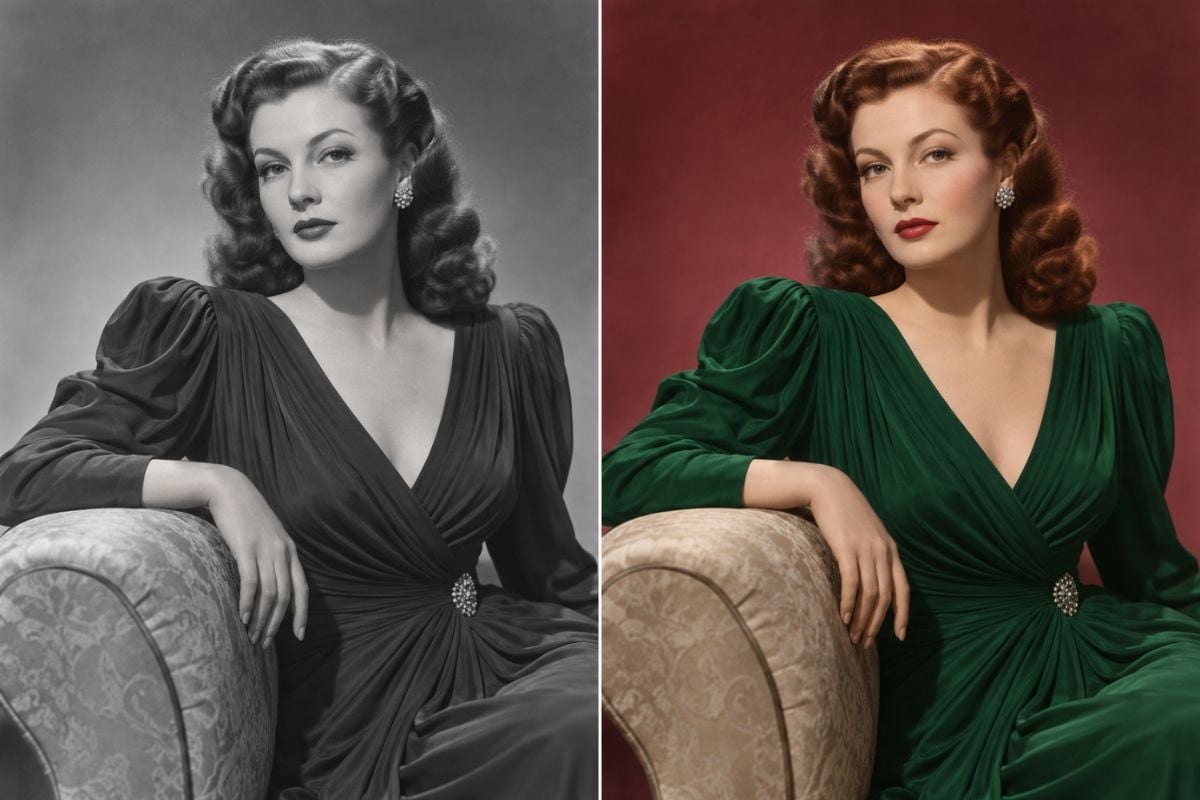
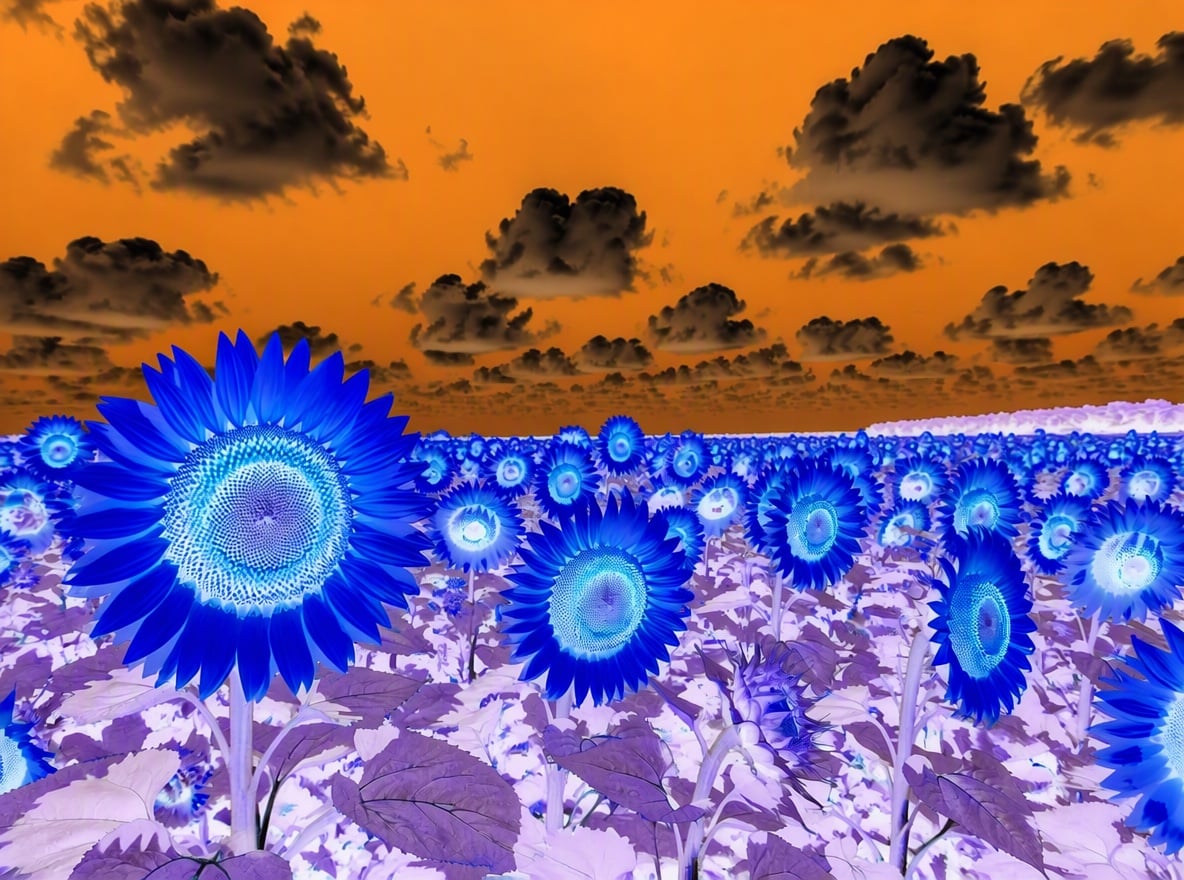
Use an image color inverter to turn ordinary photos into negative-style visuals with reversed tones and unexpected contrast. It is strongest for posters, profile edits, cover art, and experimental design drafts created with an image-to-image AI workflow.
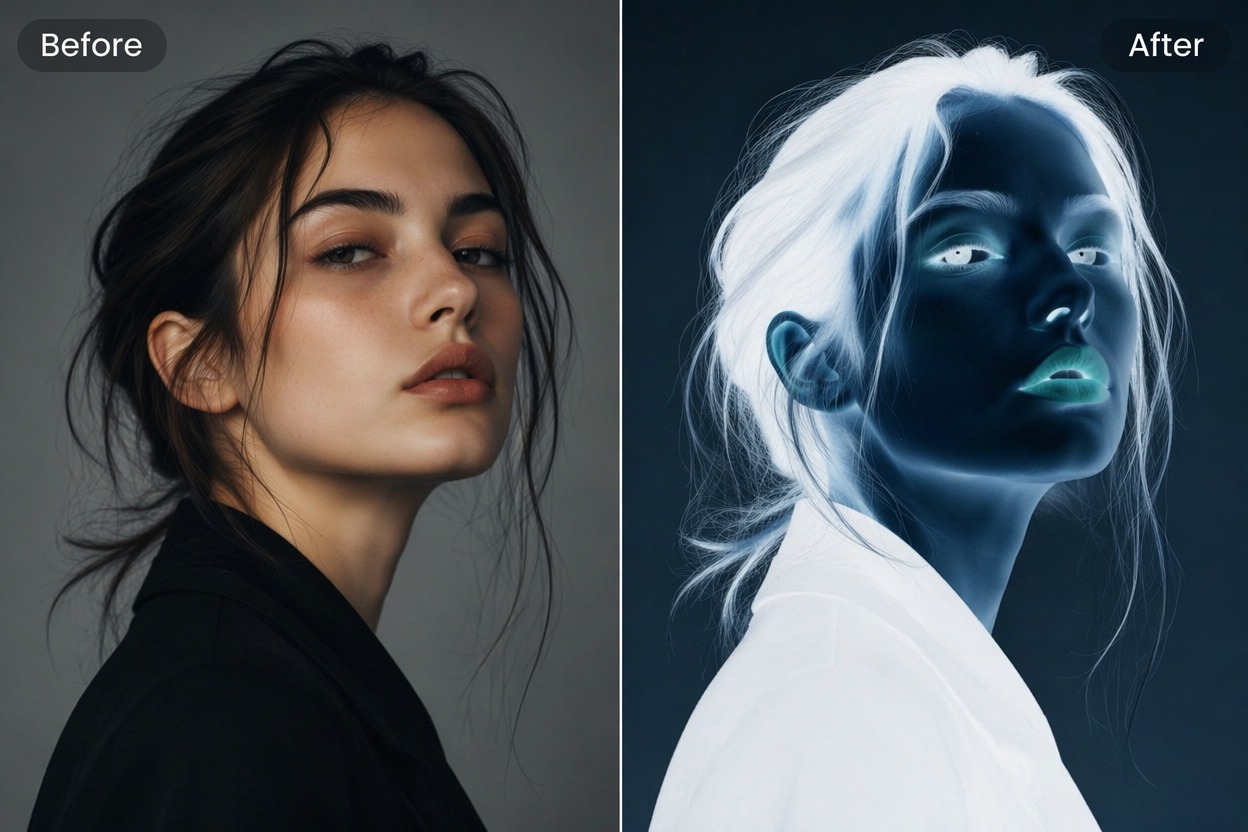
Negative color effect with reversed tones and high contrast

Invert Photo Color Fast

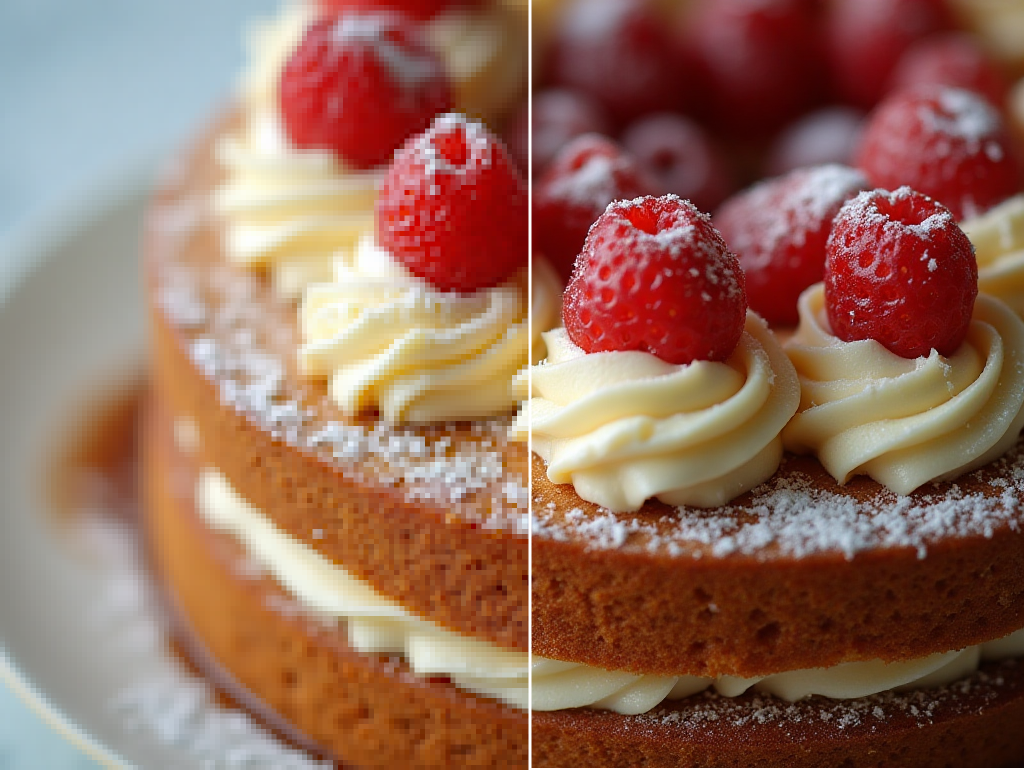
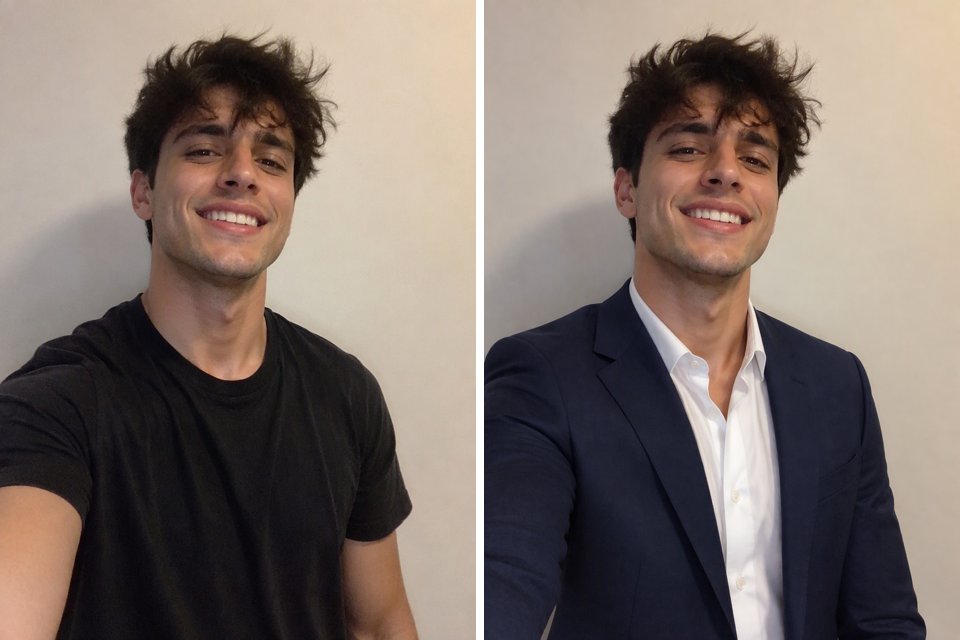
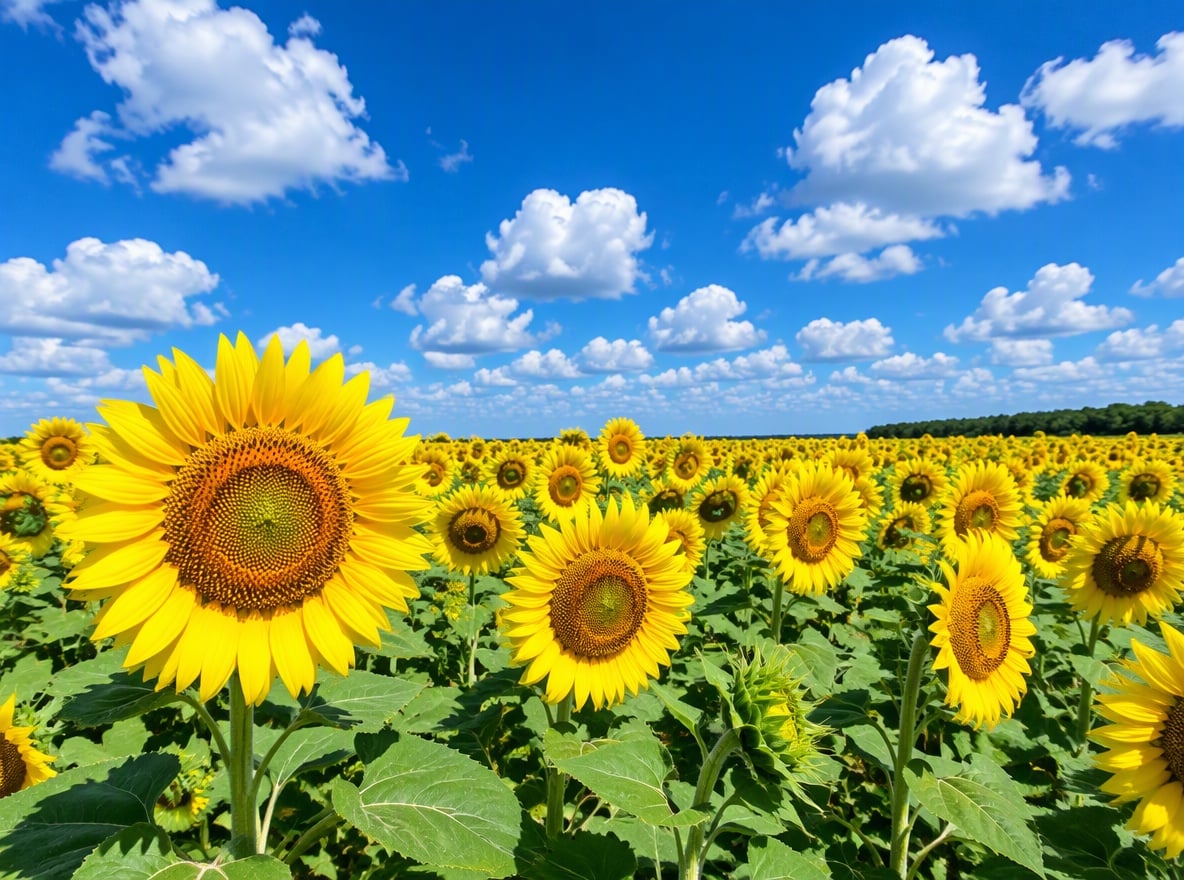
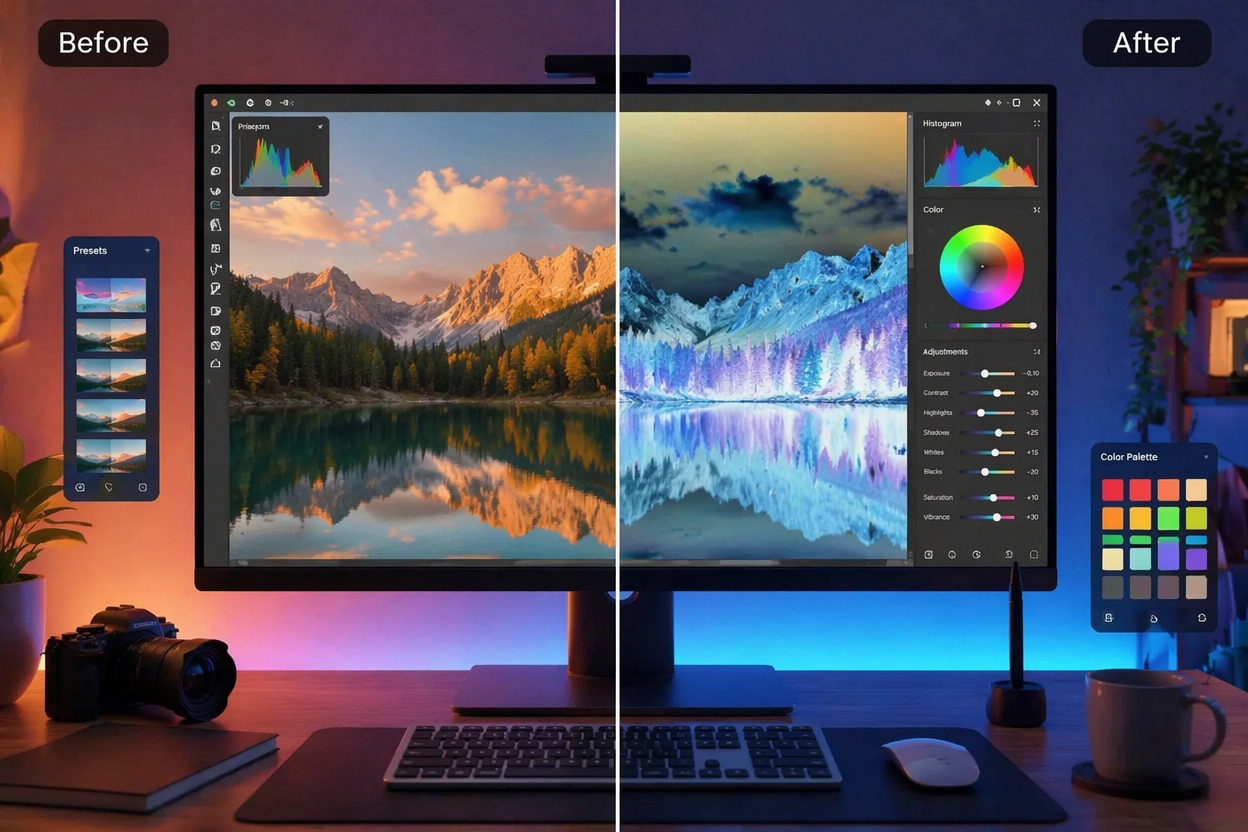
Test an invert photo color direction before spending time on manual curves, masks, or complex editing. The result gives you a quick visual read on whether the image works better as a surreal or high-impact design.

Surreal photo edit with inverted colors and bold contrast

Build Graphic Variations

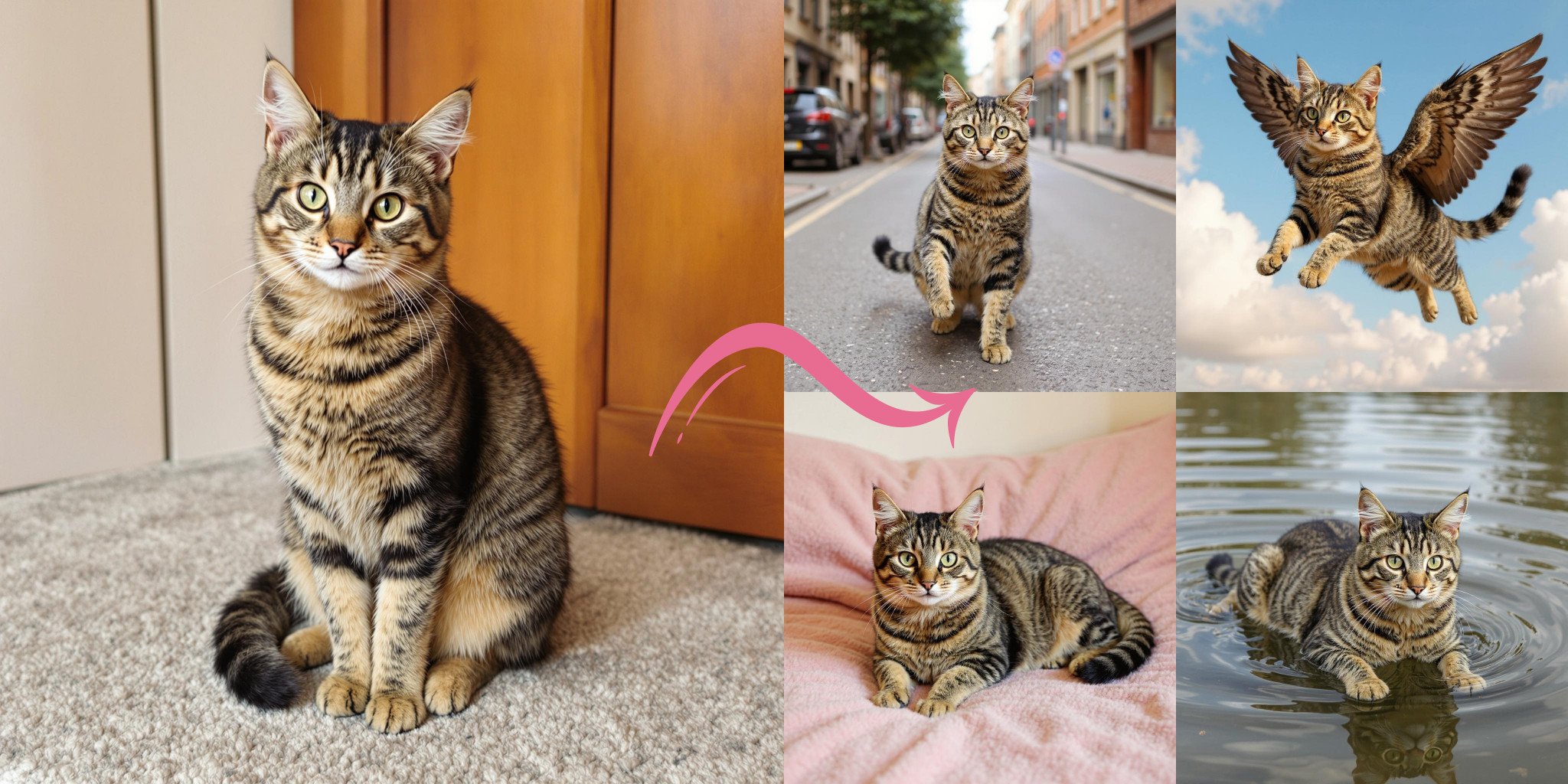
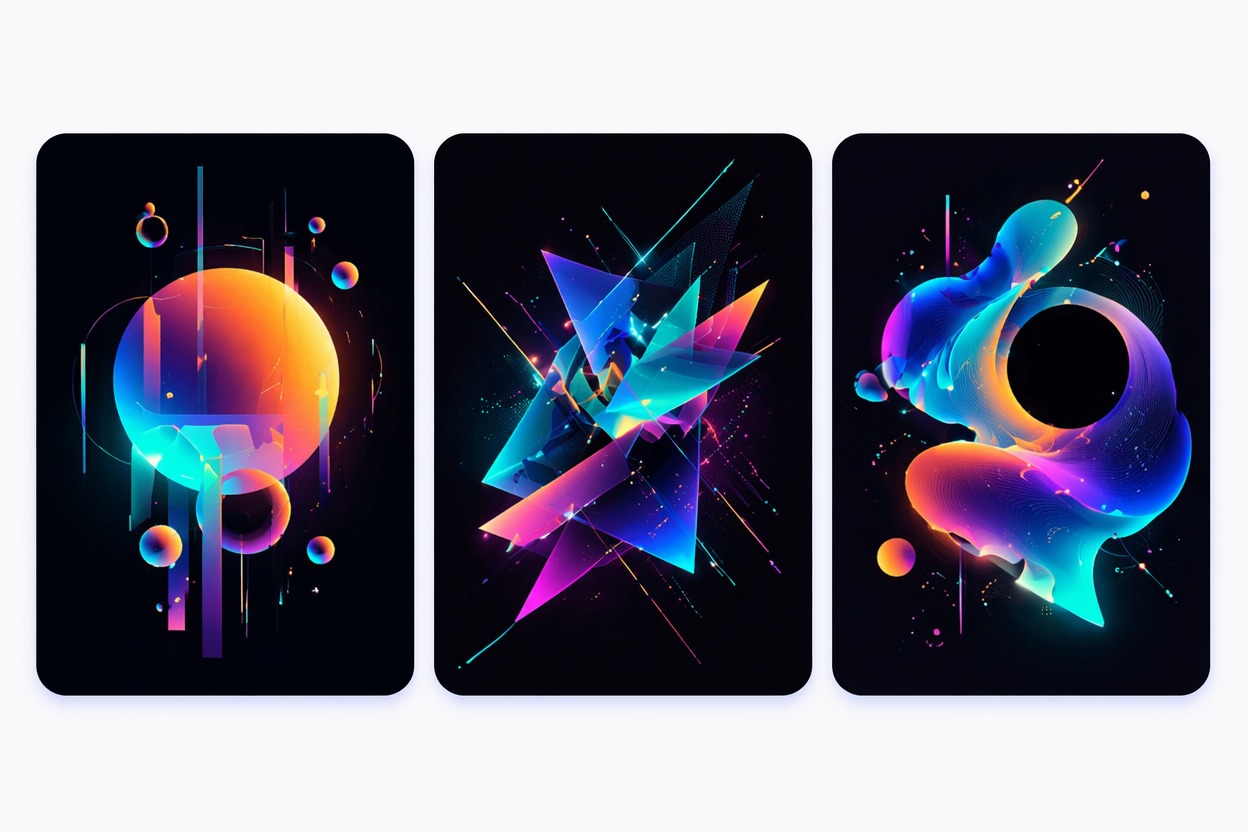
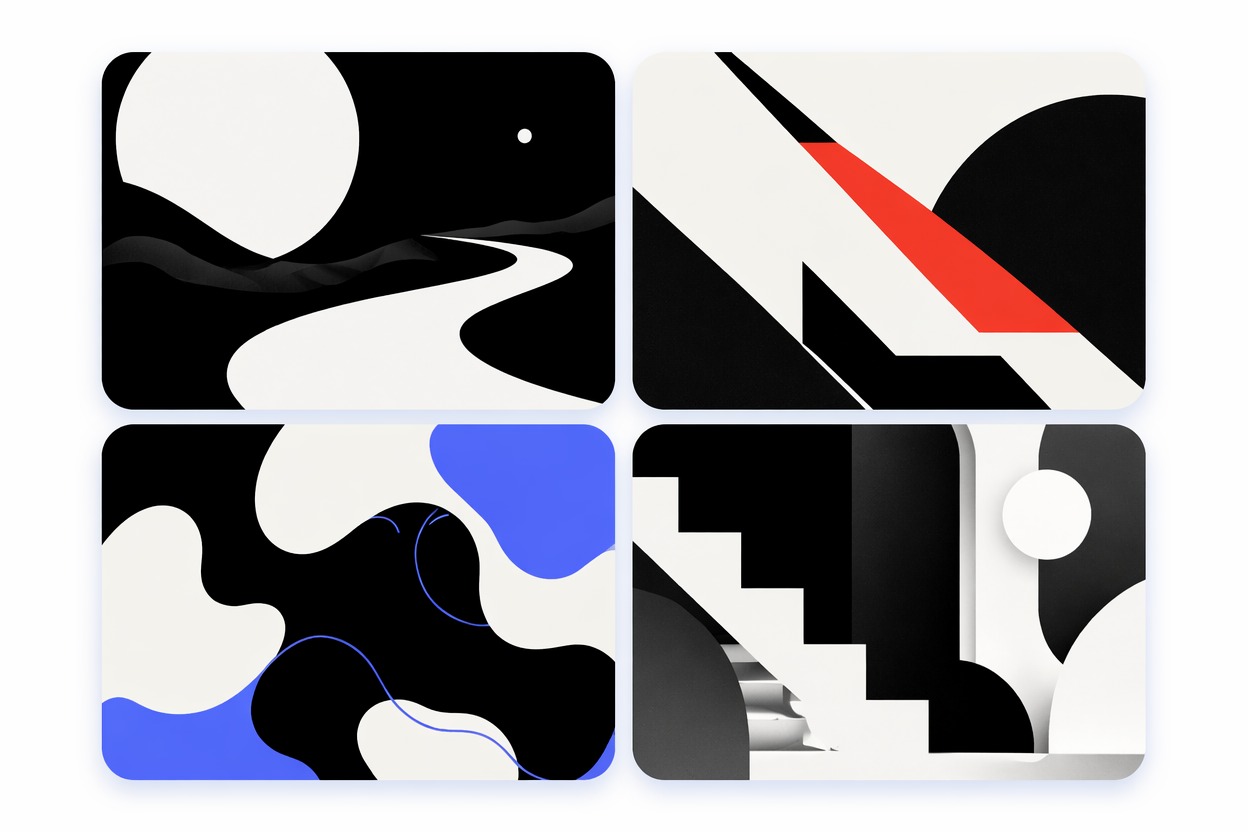
Create alternate color moods for thumbnails, album covers, stickers, posters, and social visuals. Simple subjects with strong silhouettes usually read better than busy images with many tiny details.

Graphic color variations with neon inverted palettes

Check Contrast Clearly

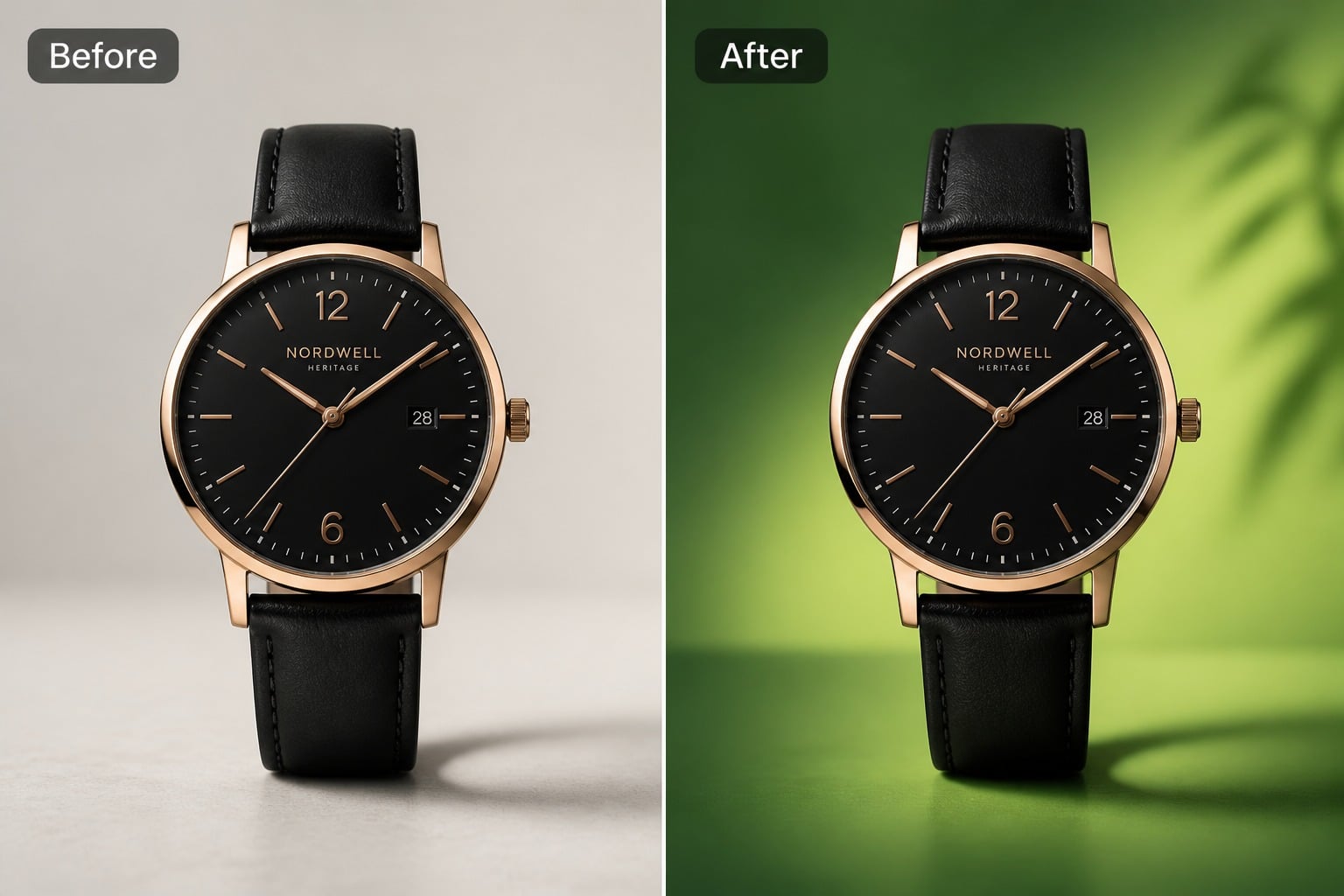
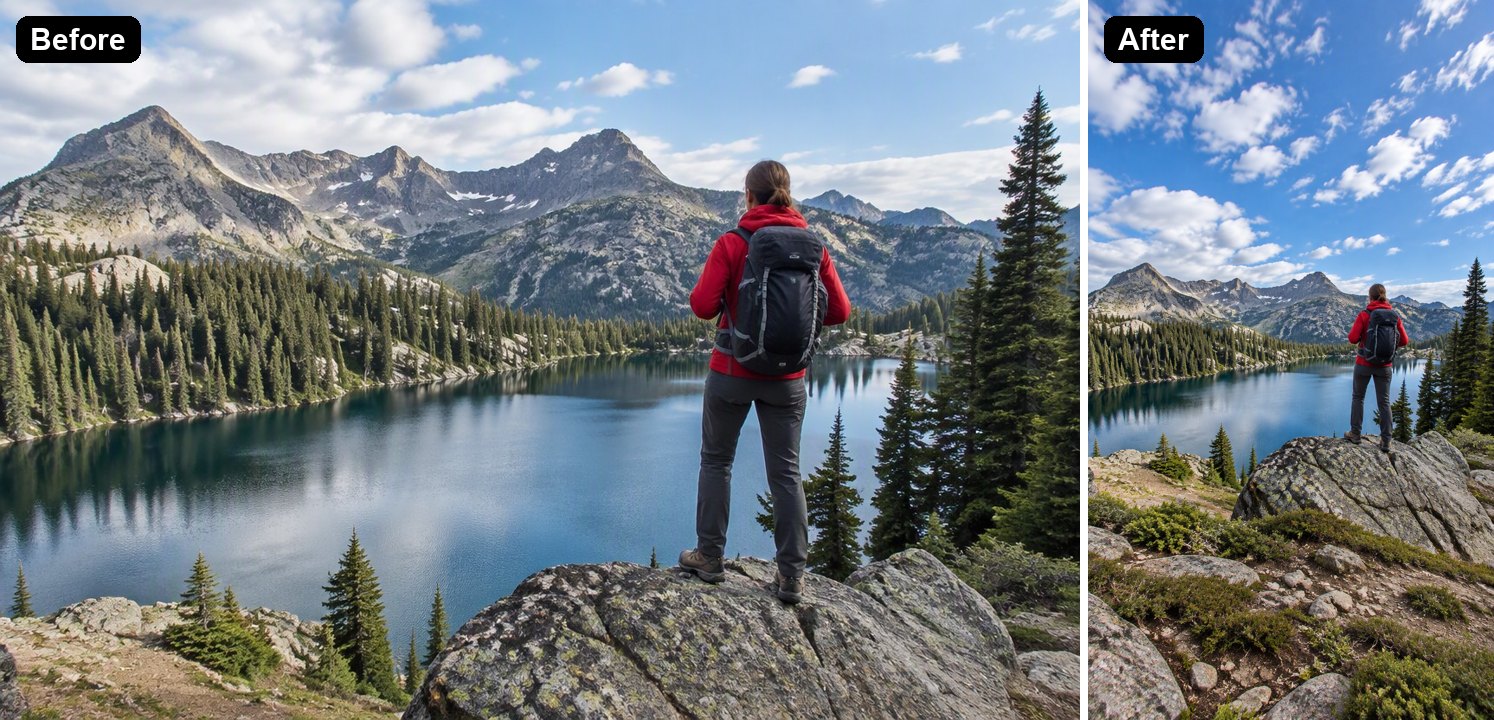
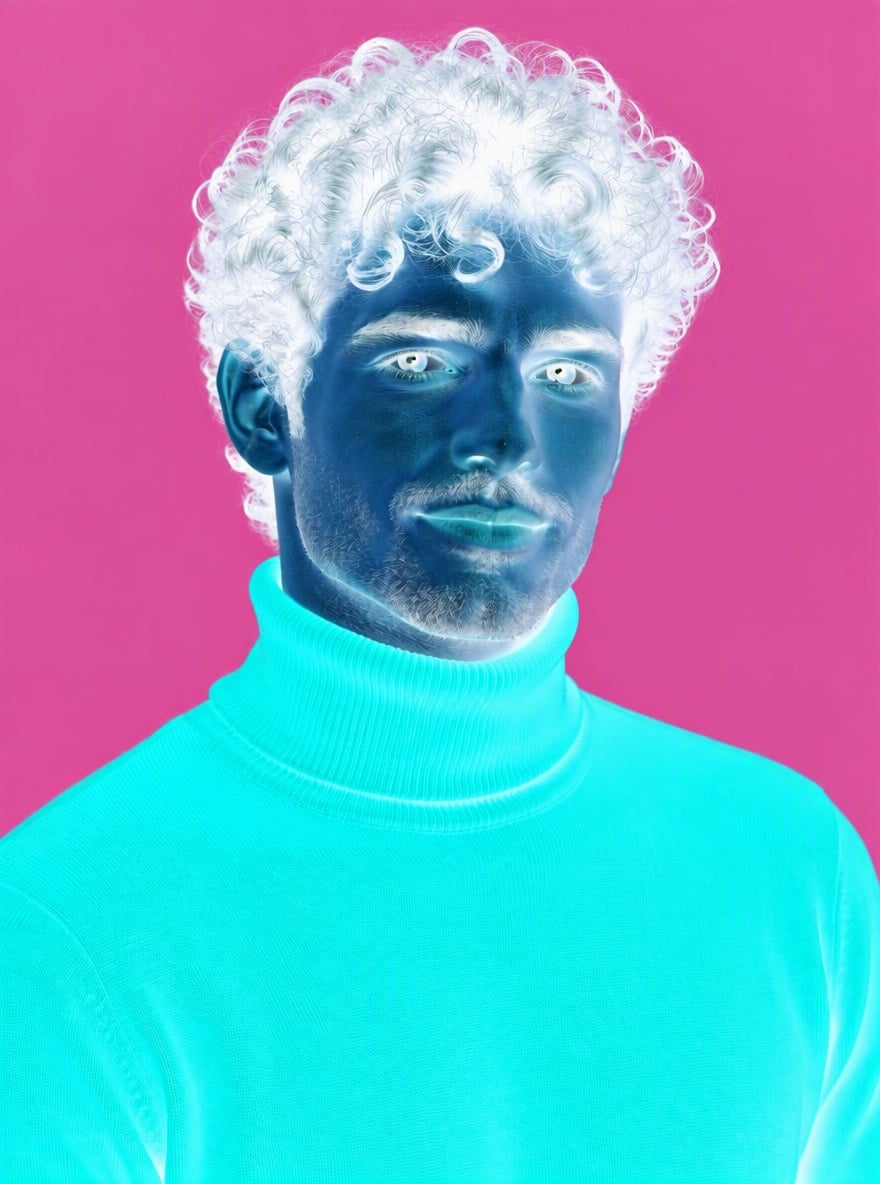
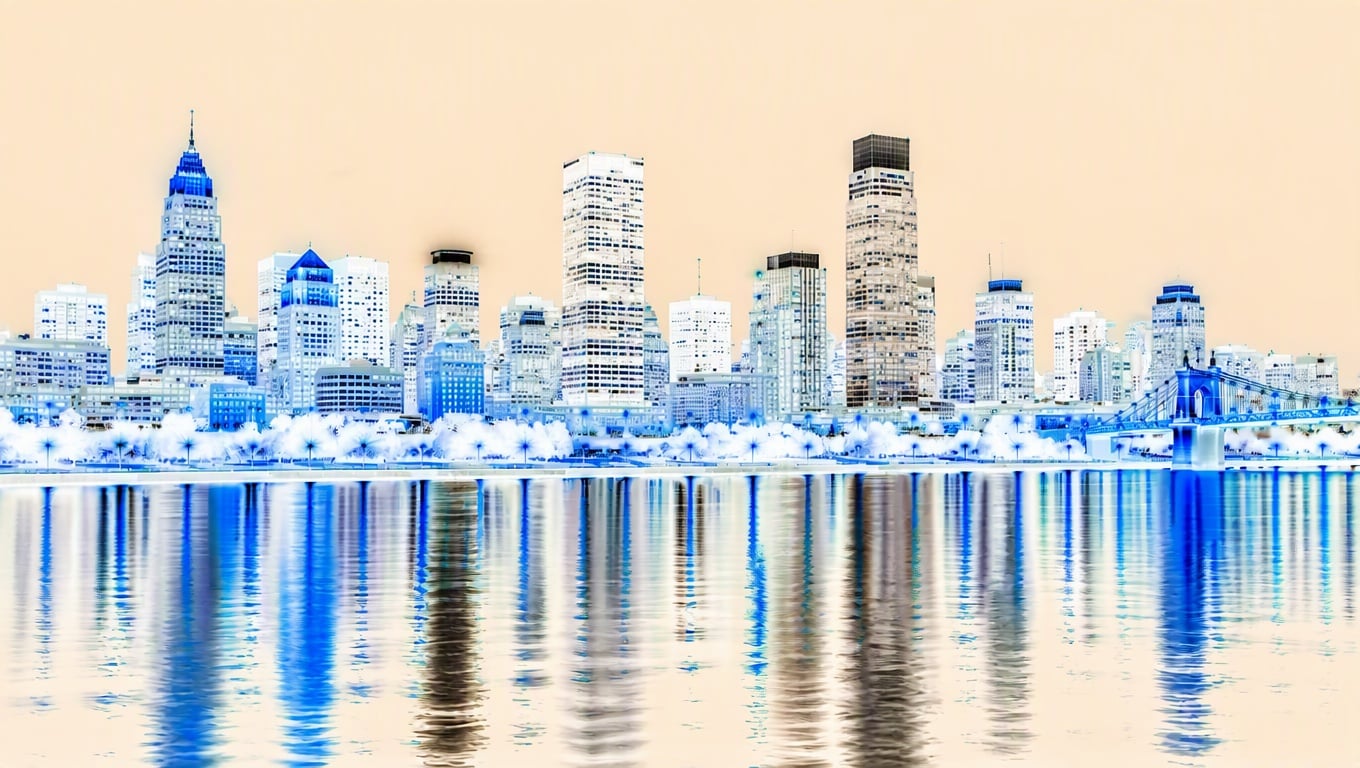
Inverted colors can reveal shapes, edges, and contrast relationships that are easy to miss in the original. Treat the output as a creative edit and compare readability before publishing.

High-contrast inverted design showing clearer shapes and edges

Why Use an Image Color Inverter?

Instant Color Experiment

Explore a negative or inverted palette without opening a complex editor or adjusting curves by hand.

Useful for Strong Silhouettes

Portraits, product outlines, icons, and bold graphics often produce clearer inverted results than cluttered scenes.

Poster-Ready Direction

Create striking drafts for covers, thumbnails, stickers, social posts, and concept visuals that need stronger contrast.

Easy Before-After Review

Compare the inverted version with the original to decide whether the effect improves mood, readability, and focus.

Creative Photo Remixing

Use color inversion as a starting point for surreal edits, cyber looks, glitch moods, or high-energy campaign tests.

Beginner-Friendly Editing

Start with one uploaded image and get a usable visual direction without learning advanced color grading tools.

How to Invert Image Color Online

Start with one image and compare the result.
01

Upload an Image

Start with a clear photo, poster, icon, product shot, or graphic. Strong subject shapes usually make the inverted result easier to read.

02

Invert the Colors

Apply the image color inverter and review how highlights, shadows, skin tones, backgrounds, and brand colors change.

03

Compare and Export

Check the inverted result against the original. Keep it if the effect improves mood, contrast, and readability for your use case.

FAQ

Invert Image Color FAQ

What does invert image color do?

Invert image color reverses the tonal values and color relationships in a photo or graphic. Dark areas become light, light areas become dark, and colors shift into their opposite-looking range for a negative-style effect.

Can I use it as an image color inverter?

Yes. Upload an image and use the color inversion effect to create a fast negative look or high-contrast draft. It is useful for creative edits, poster ideas, thumbnails, and visual experiments.

How do I invert colors on image files?

Start with a JPG, PNG, or similar image, apply the invert color effect, then compare the result with the original. If the subject becomes hard to read, try a simpler image or a stronger silhouette.

Can I invert photo color for portraits?

Yes, but portraits can change dramatically because skin tones, shadows, and highlights reverse. Use it for artistic negative effects, profile experiments, or cover visuals rather than natural retouching.

Is this good for product or brand images?

It can help test bold campaign visuals, but brand colors may become inaccurate after inversion. Review logos, product color expectations, and readability before using the result in marketing.

Can I use the inverted image commercially?

Check the current GoEnhance AI terms and make sure you have rights to the original image. If the input includes logos, people, products, or licensed artwork, confirm usage rights before publishing commercially.

Why does my inverted image look too busy?

Busy scenes, small text, complex backgrounds, and low-contrast originals can become harder to read after inversion. Choose a cleaner subject or crop around the main object before applying the effect.

What can I make with inverted colors?

You can create negative photo effects, cyber-style portraits, poster backgrounds, thumbnail tests, album-cover drafts, stickers, and abstract social visuals. The best use is creative impact, not realistic correction.

Ready to Invert Image Color Online?

Upload a photo or graphic, reverse the color mood, and create a high-contrast visual draft for your next post or design.

Invert Colors