
AI Skin Color Changer
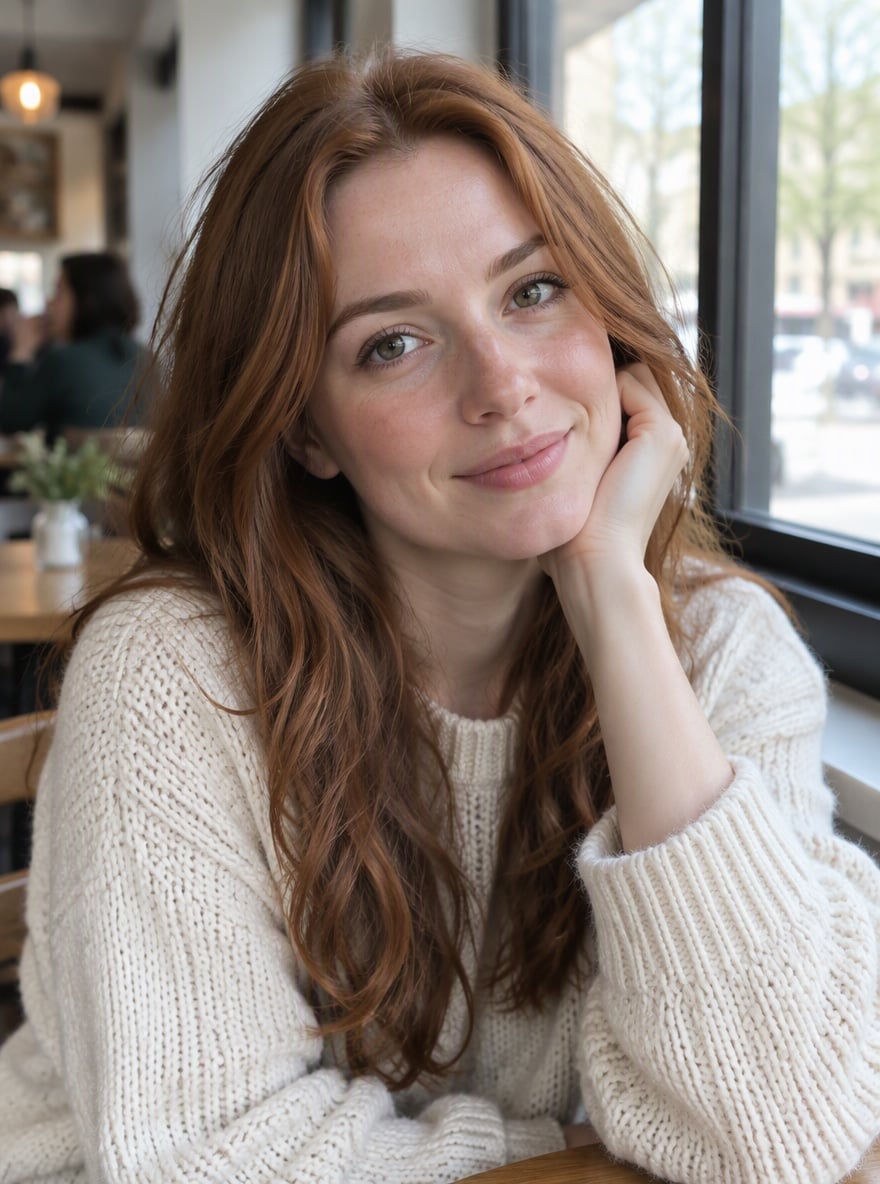
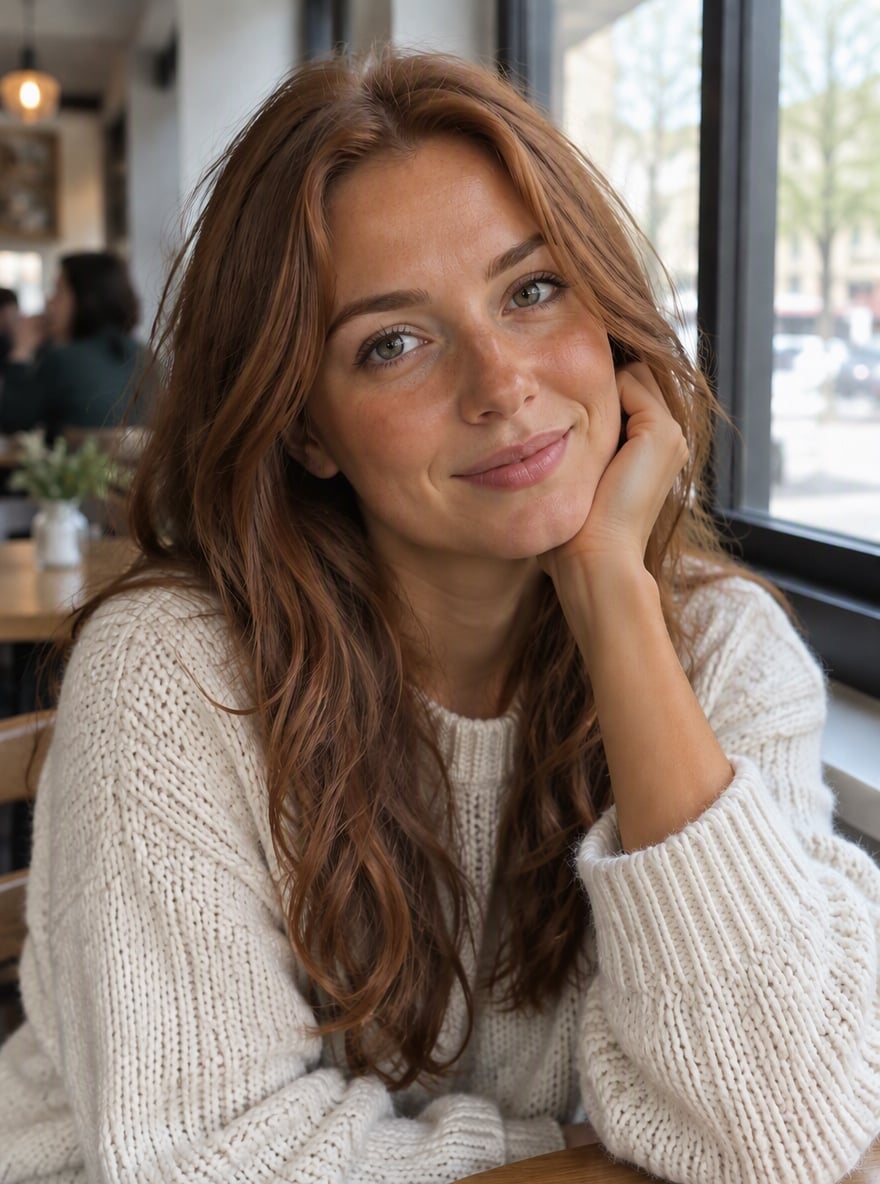
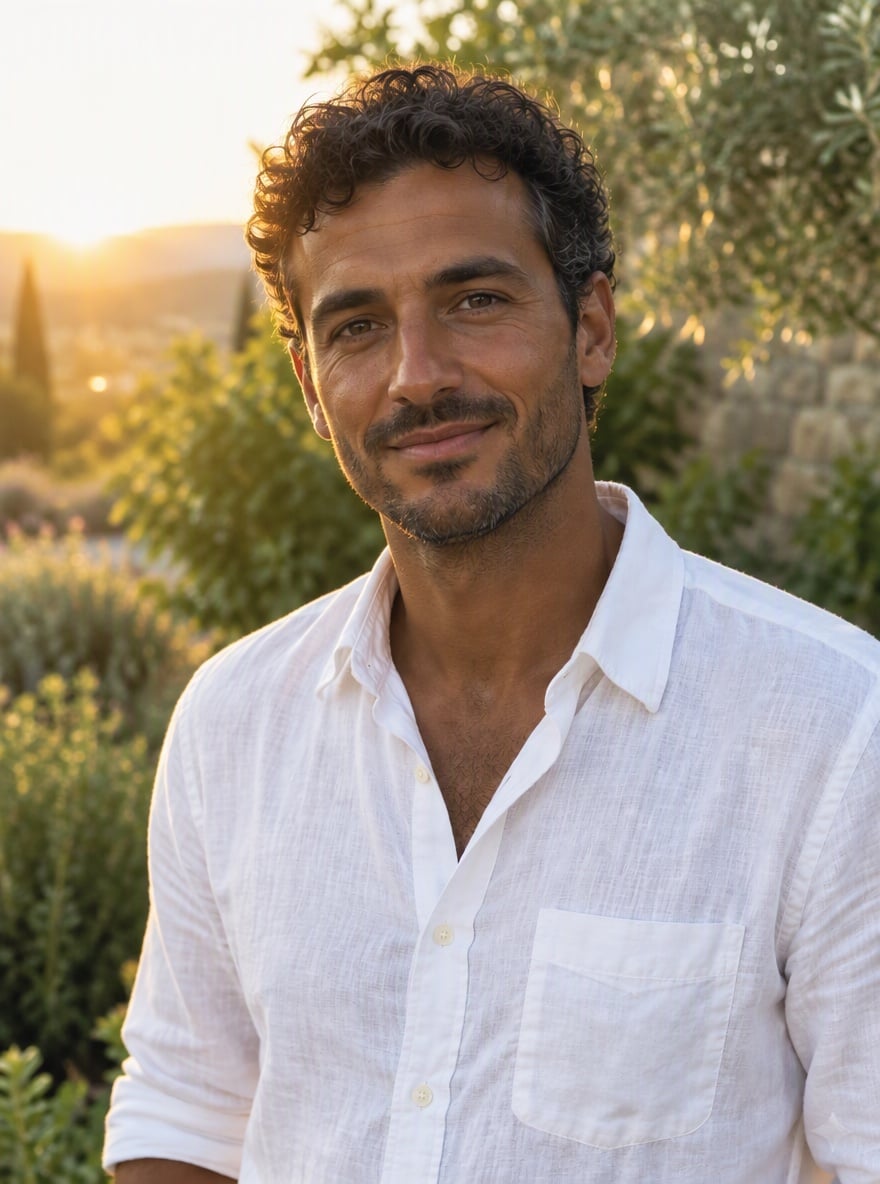
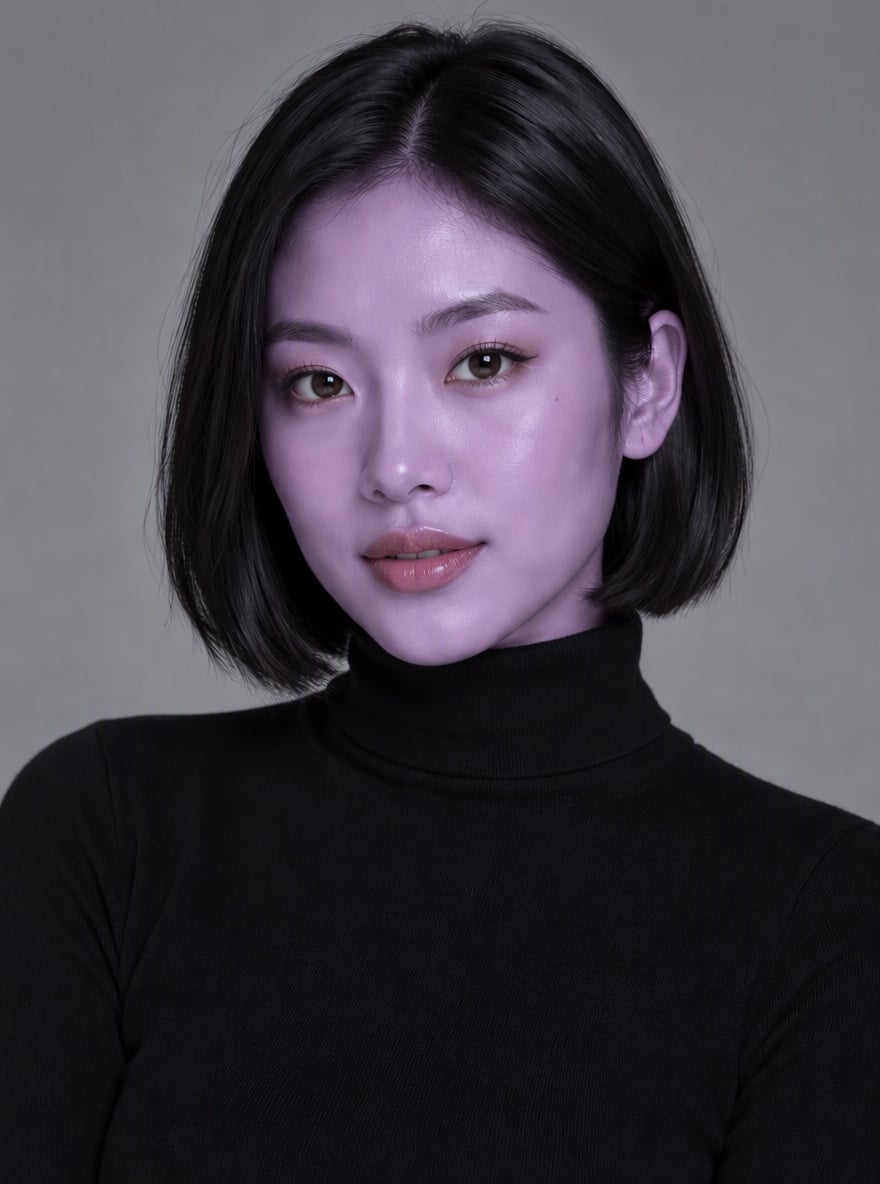
Key Features of AI Skin Color Changer
Instant and Precise Skin Tone Editing Online
Check out our AI image generator for more options.
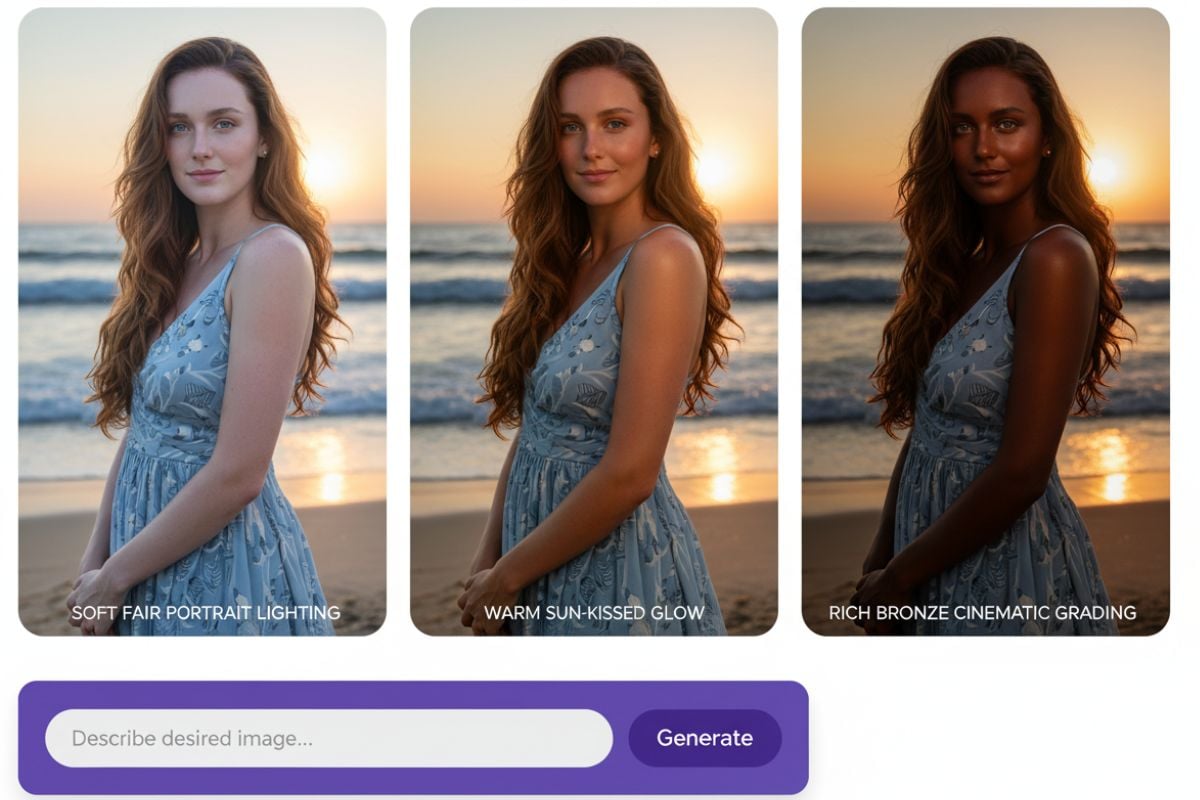
Achieve Natural Looks When You Change Skin Colour
You can also try this AI human generator to generate a person that perfectly matches your envisioned skin tone, clothing style, and overall appearance.
How to Change Skin Colour in 3 Easy Steps
Upload Your Photograph
Begin by uploading a clear, well-lit photo. High-quality images allow the AI to detect skin areas with greater accuracy for a seamless edit.
Describe the Desired Change
Use simple text prompts to direct the AI. For instance, type 'give a warm tan,' 'make skin tone lighter,' or 'change skin to a golden bronze' to specify the adjustment.
Download Your Edited Image
The AI will process the change in seconds. Preview the result, and if you are satisfied, download the high-resolution image instantly.
Why Choose GoEnhance AI Skin Color Changer
AI-Powered Detection
Natural Texture Preservation
Prompt-Based Editing
High-Resolution Output
Speed and Efficiency
Free and Accessible
More AI Image Tools
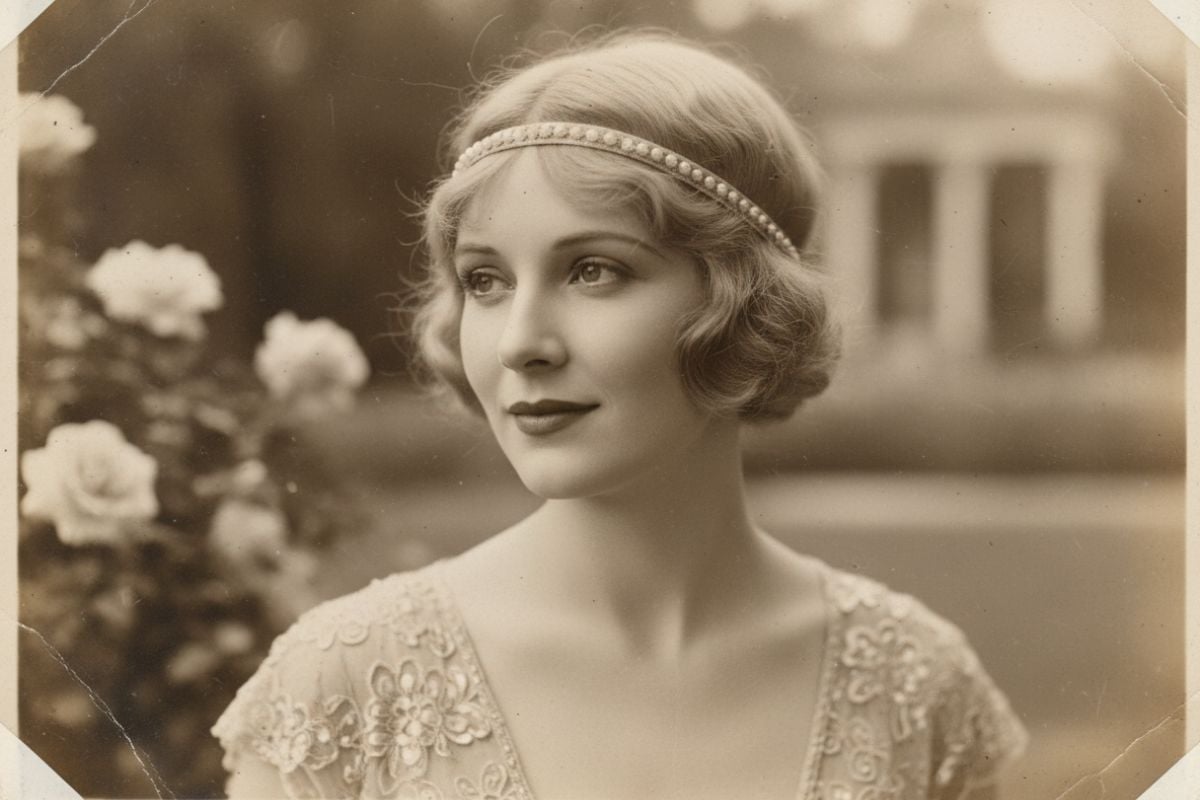
AI Vintage Photo Generator
Use an AI vintage photo generator to turn short prompts into AI-generated vintage photos with authentic film textures, retro color palettes, light leaks, and subtle grain.
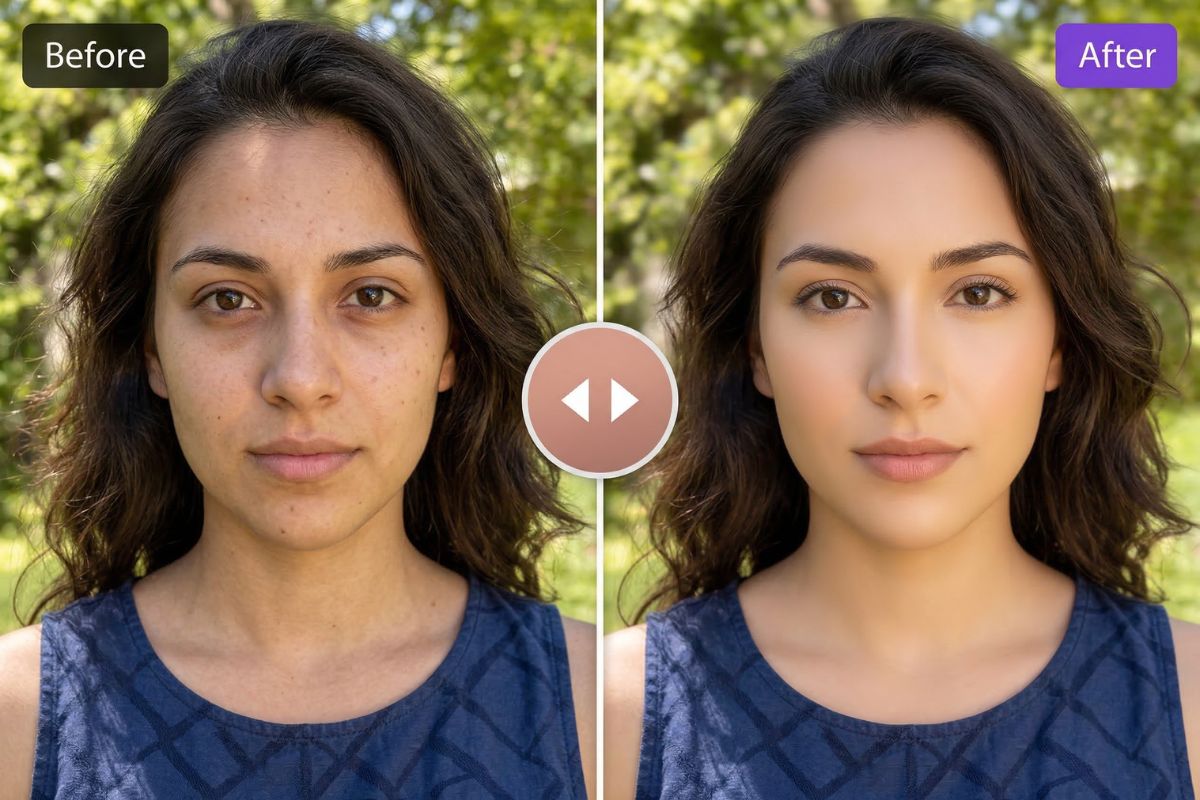
AI Beauty Filter
Use an AI beauty filter to clean up selfies and portraits in one click. Brighten skin tone, soften small blemishes, and improve face enhancement.
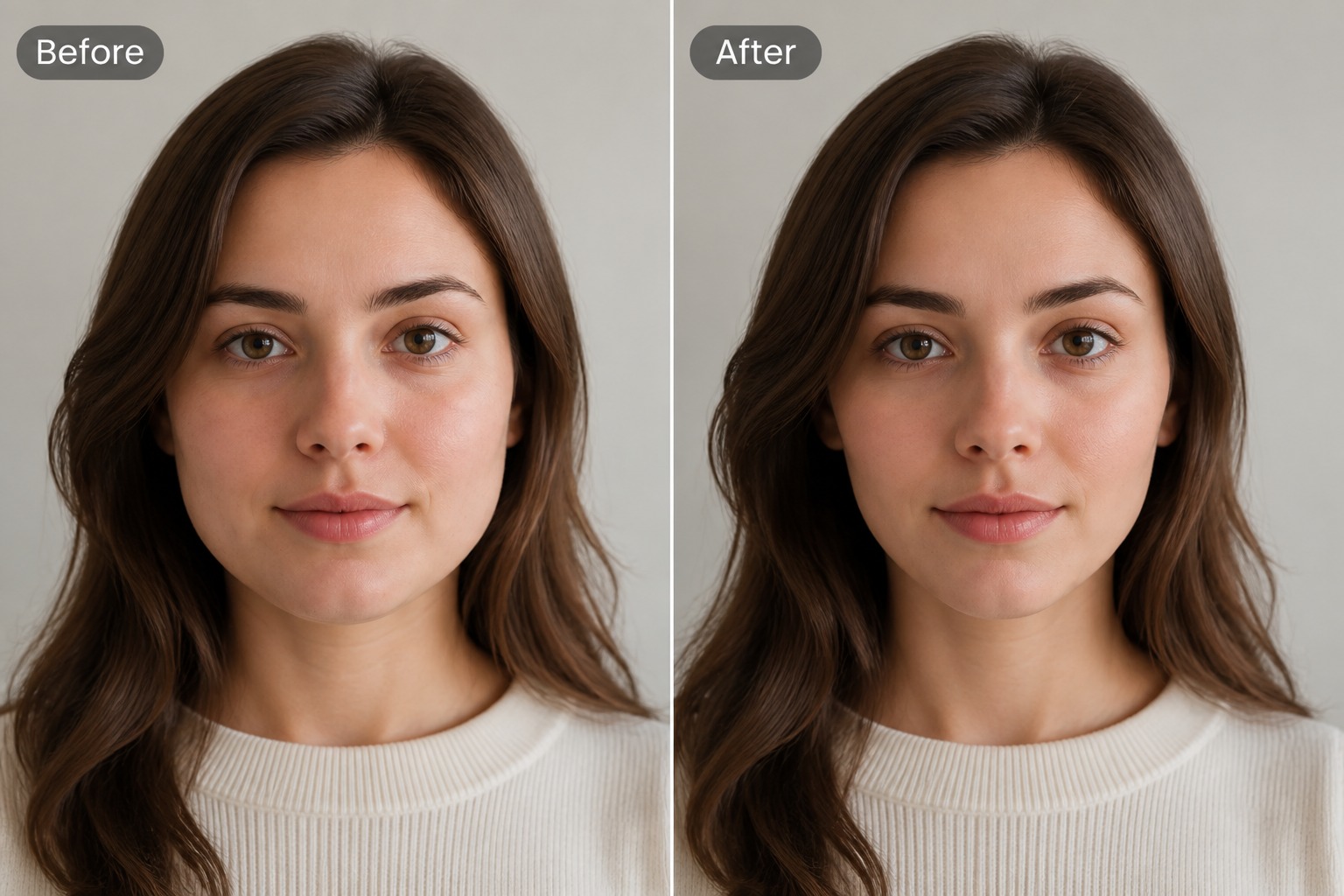
AI Face Slimmer
Use an AI face slimmer to make face slimmer in portraits with subtle facial contour edits for profile photos, selfies, and creative image drafts.
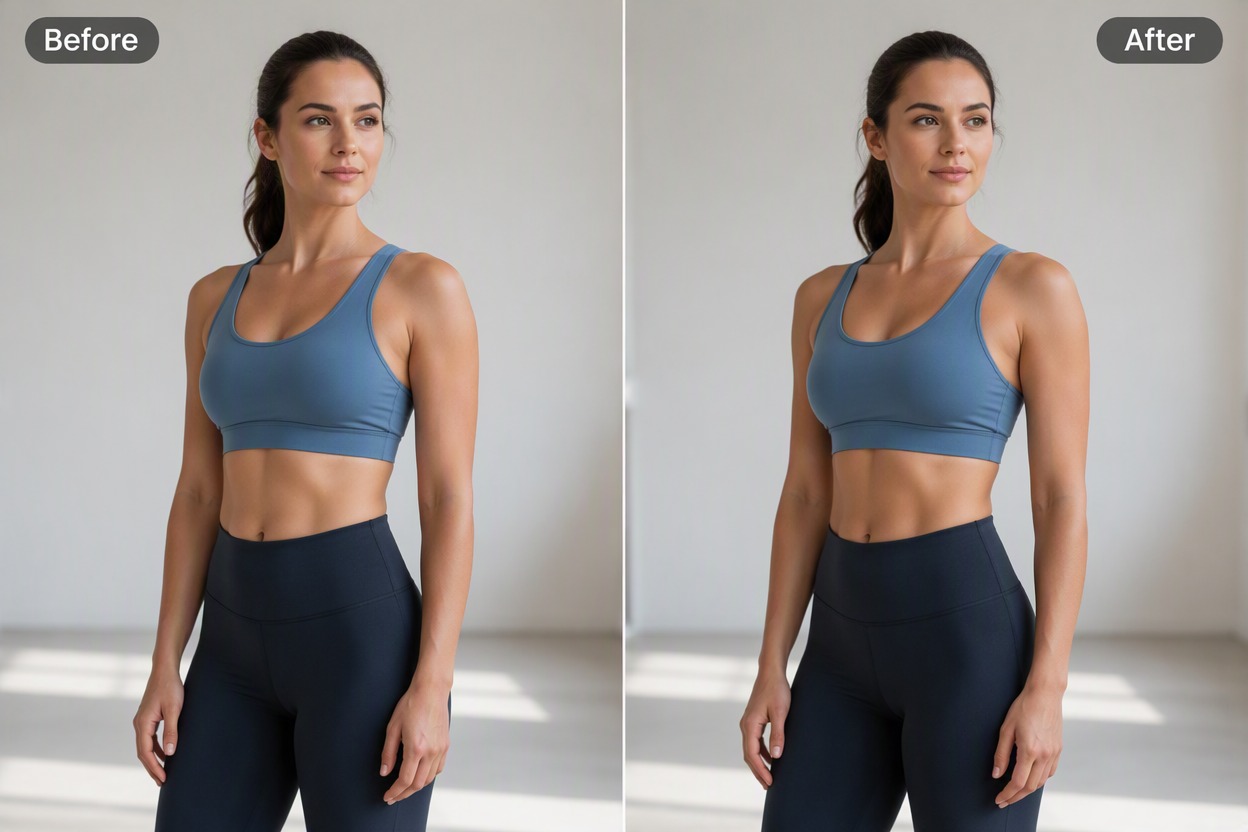
Body Beauty Enhancer
Refine skin texture, muscle definition, posture, and body proportions in adult photos while keeping identity, clothing, lighting, and anatomy coherent.
Frequently Asked Questions
What is the GoEnhance AI Skin Tone Changer?
What skin tone options can I choose?
Is the skin tone changer free?
How does the AI know where the skin is in my photo?
Will using this AI tool make my photo look fake?
Can this AI change the skin color of multiple people in one photo?
Is it possible to achieve a very specific or unusual skin tone with this AI?
What kind of photos work best with the AI skin color changer?
How is this AI different from a standard photo filter?
Do I need any technical skills to use this AI tool?
Ready to Transform Your Photos?
Experience natural, realistic skin tone adjustments with GoEnhance AI. No apps or editing skills needed—just upload, define a style, and get a polished result in seconds.
Try For Free