
AI Image Replacer
Upload a photo, identify the object, area, or color you want to change, and describe the replacement. Update products, clothing, props, decor, and scene details while keeping the rest of the image intact.
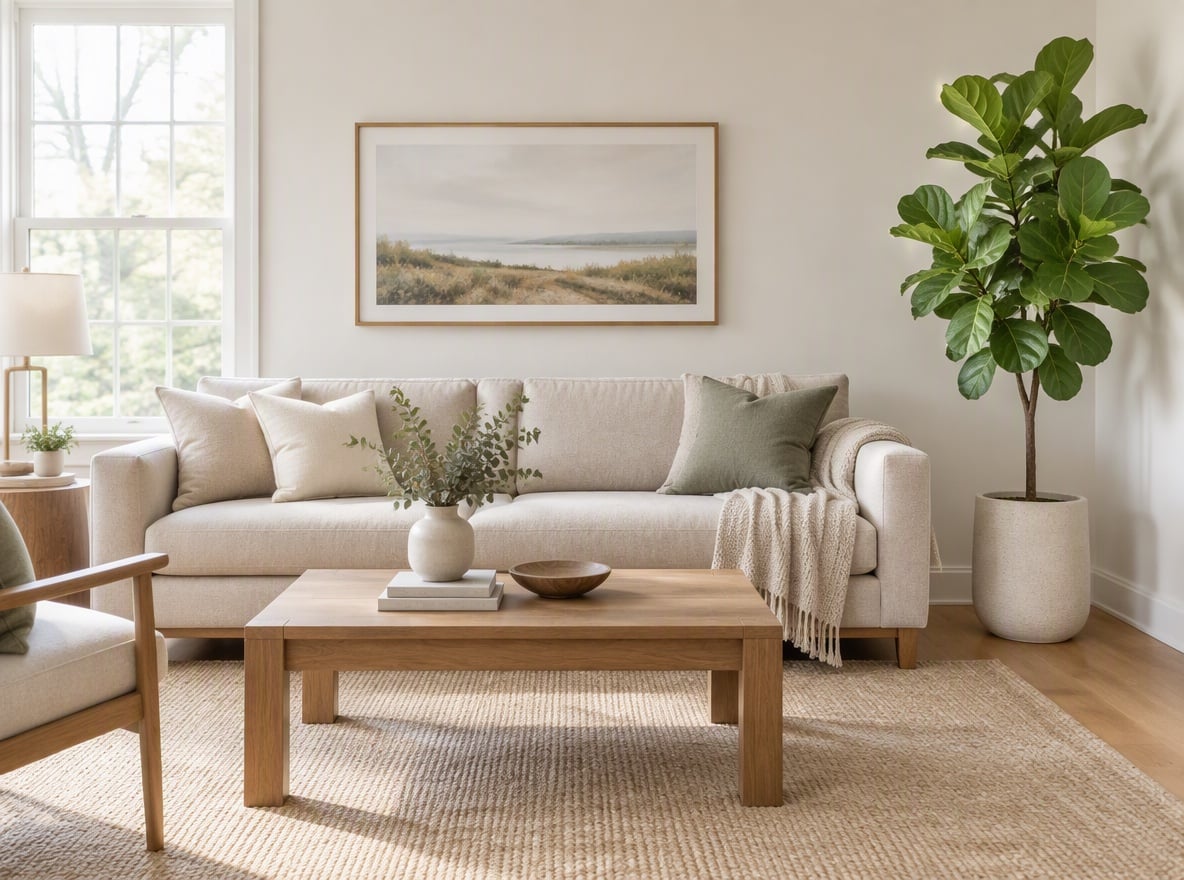
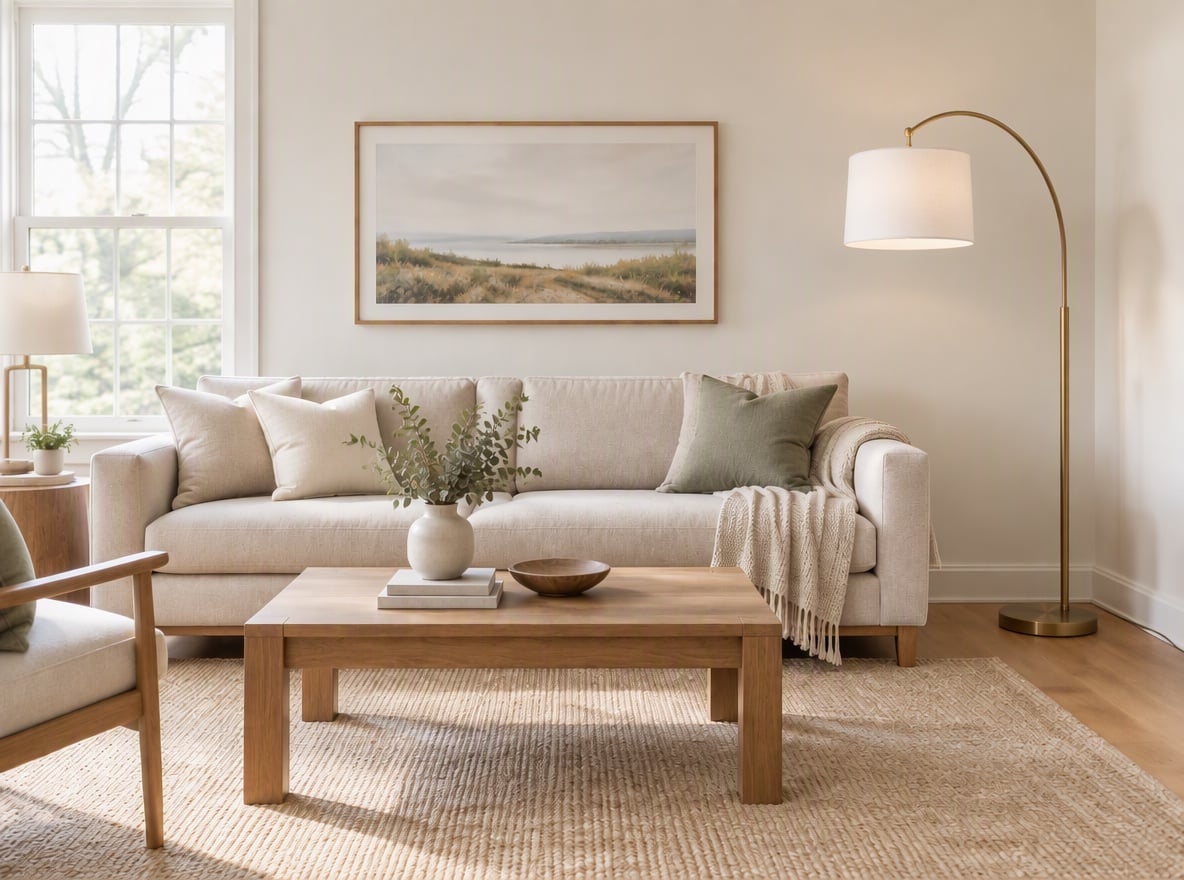
Plant to Floor Lamp

Coffee to Juice
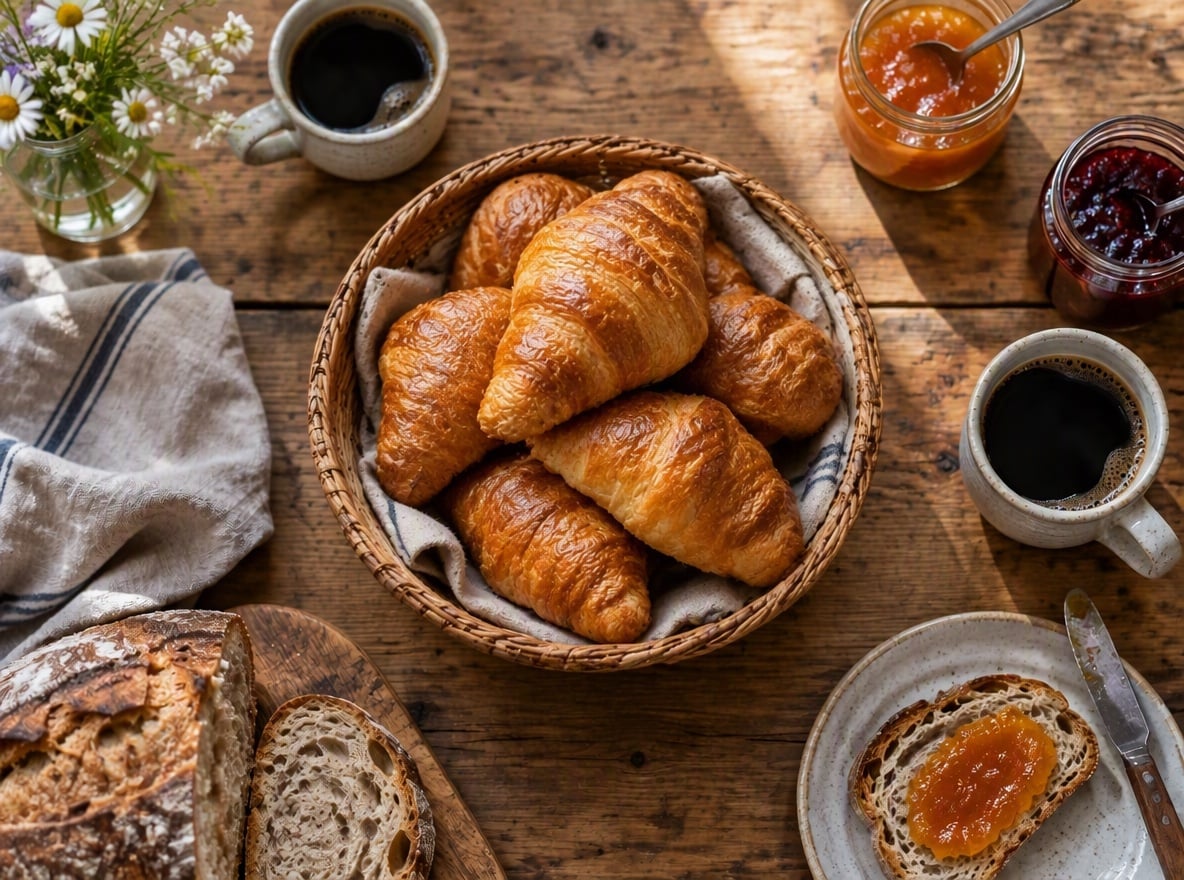
Oranges to Croissants
Upload files
Upload the photo you want to edit
What to change
By uploading a file, you agree to GoEnhance's Terms of Use and Privacy Policy
Replace Objects and Colors Without Rebuilding the Photo
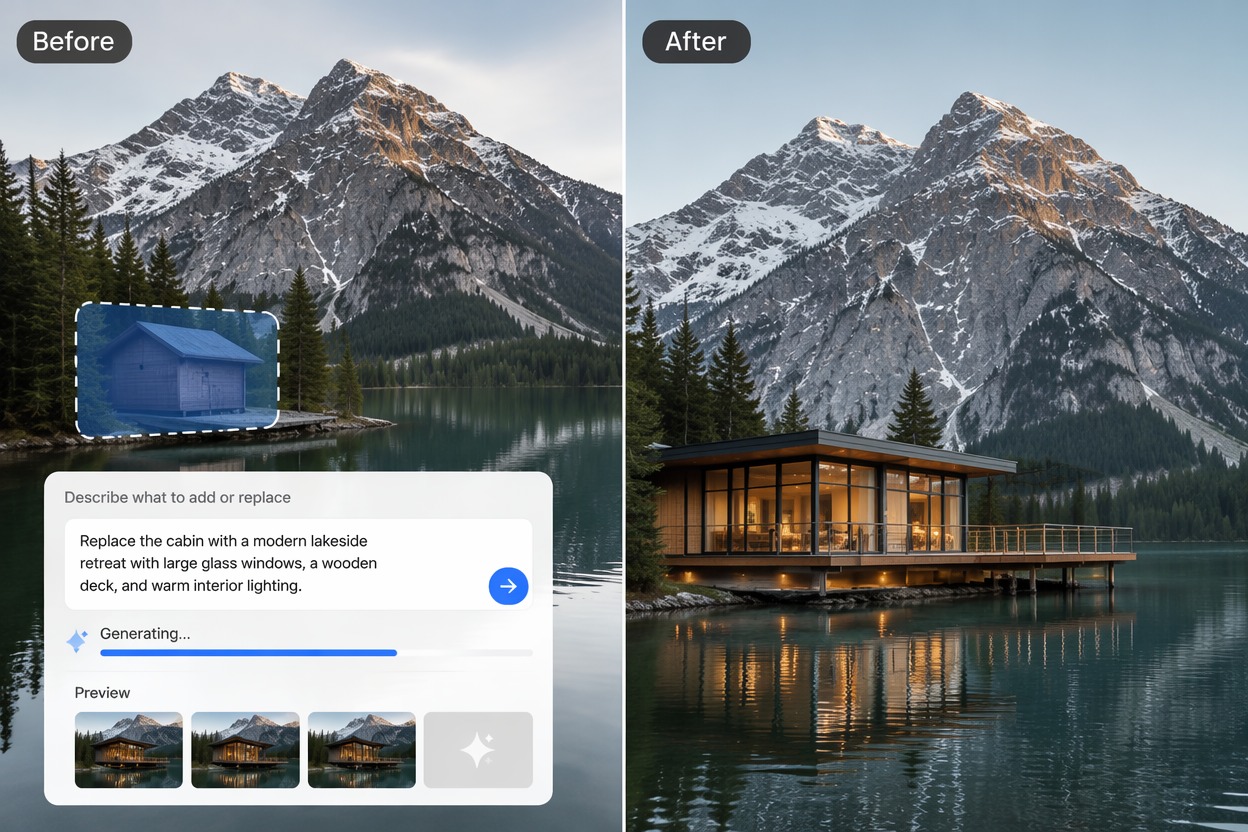
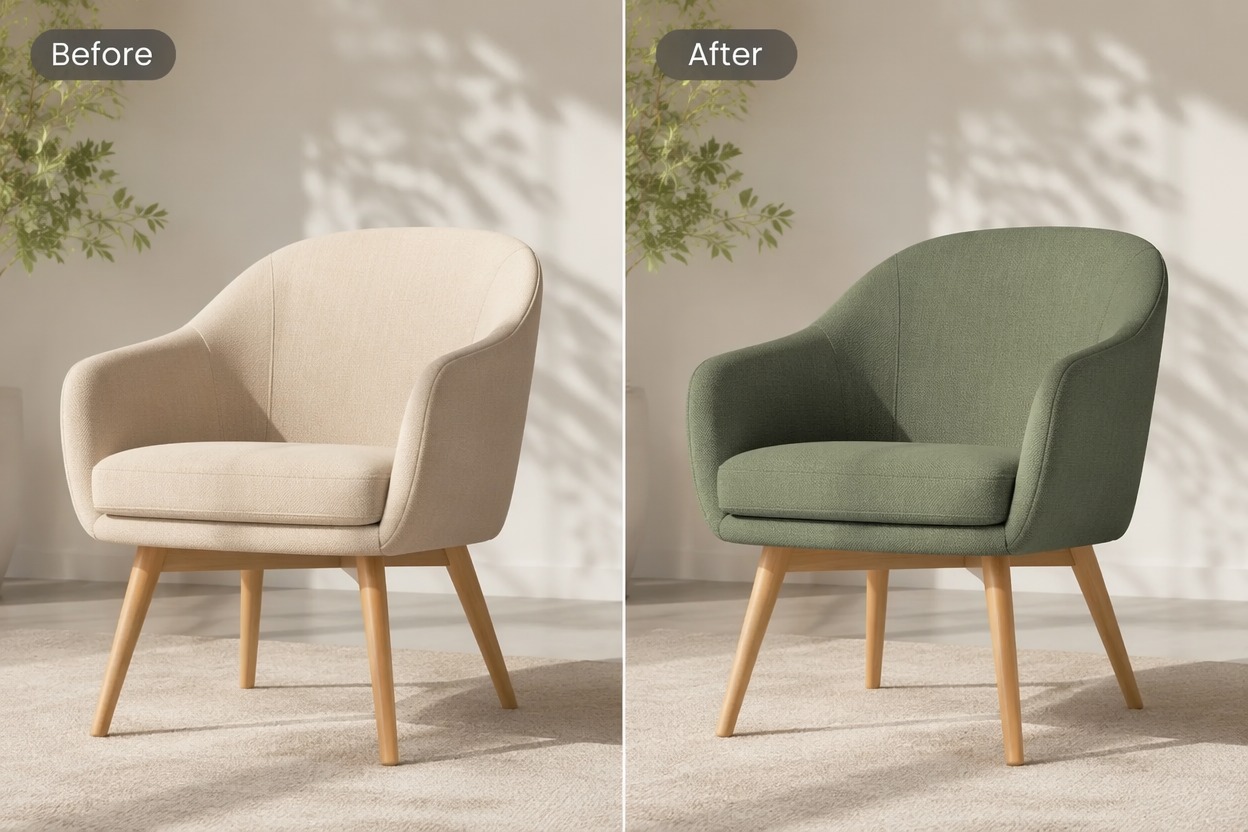
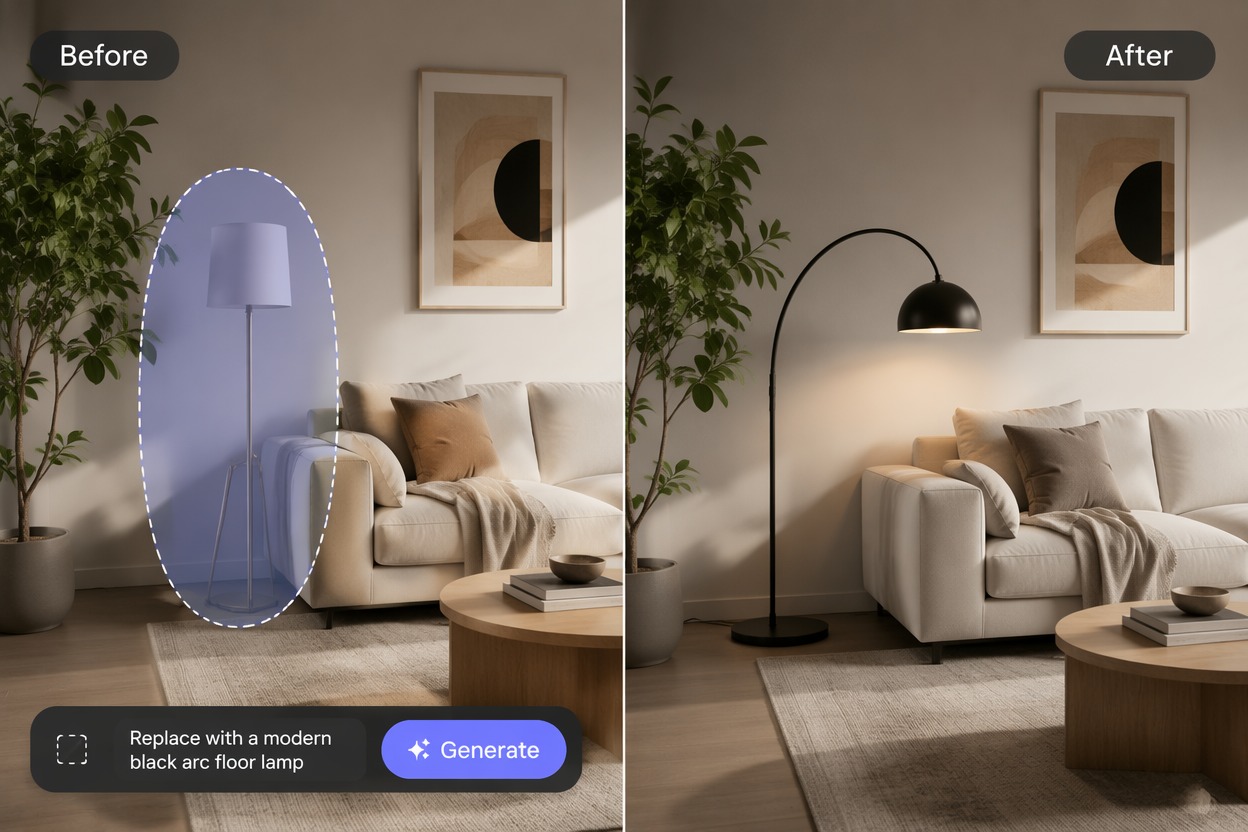
Create Alternate Product Concepts
Test colorways, materials, props, and contextual details using the same visual base. For complete scene generation, the AI image generator offers a broader starting point.
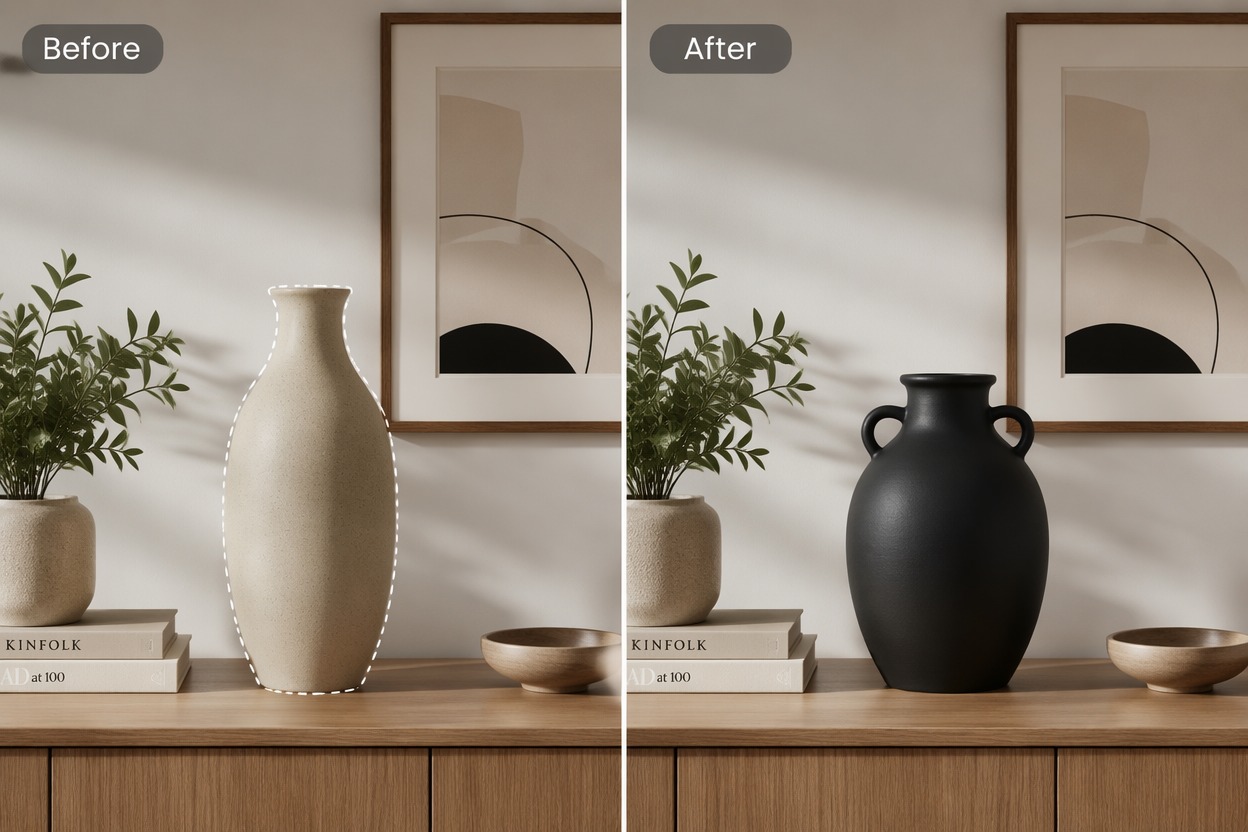
How to Use AI Image Replacer
Step 1
Upload and Mark the Area
Choose the source image and clearly identify the object, region, or color that should be replaced without covering nearby details.
Step 2
Describe the Replacement
Name the new object, material, color, size, orientation, and unchanged surroundings so the edit has a precise visual target.
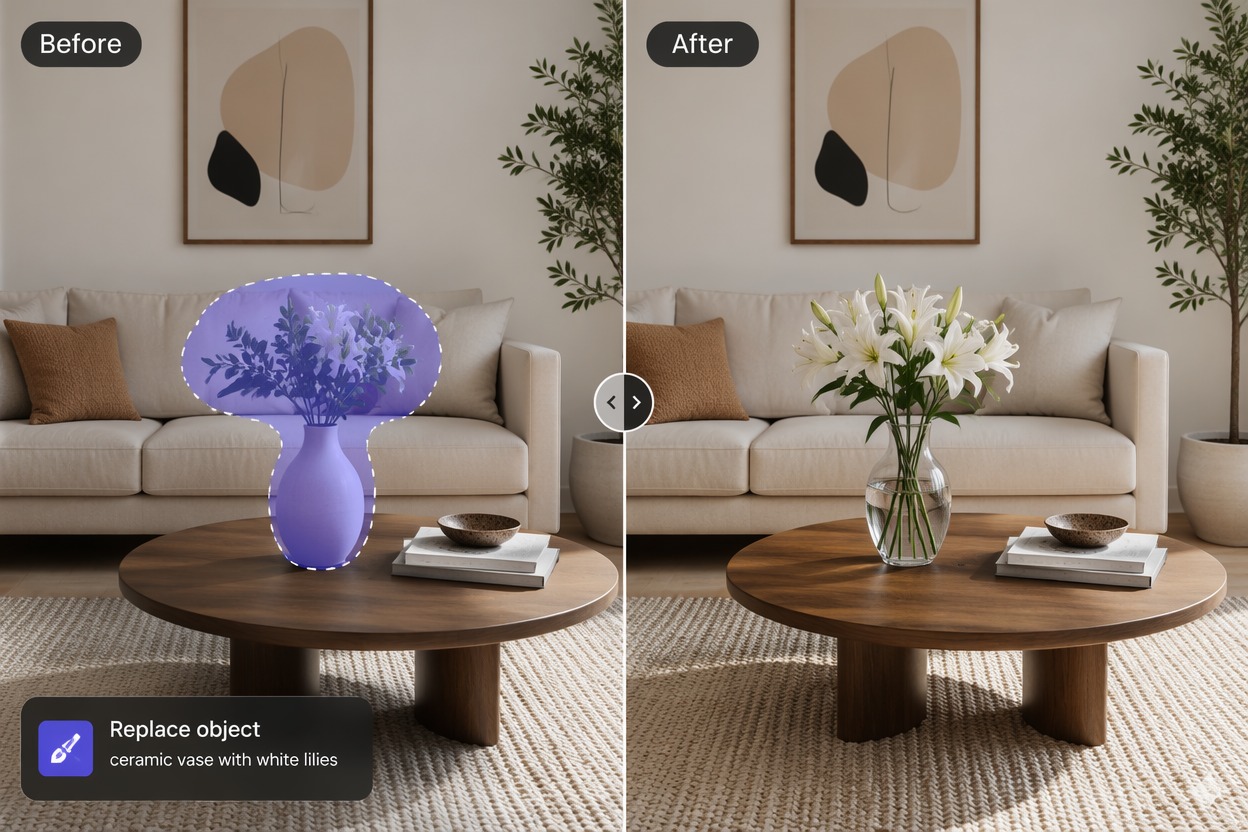
Step 3
Review the Local Edit
Check borders, texture, shadows, reflections, scale, and color spill, then refine the selection or description if the replacement looks pasted on.
Explore More AI Image Tools
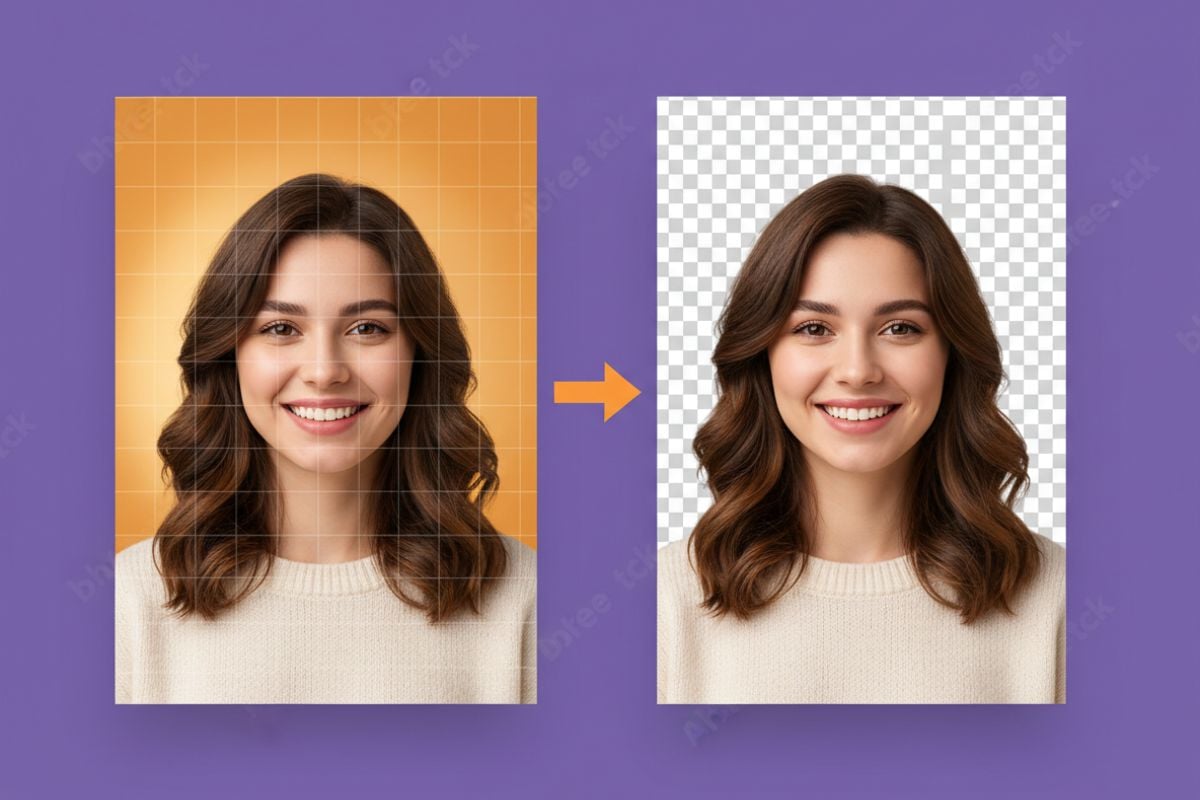
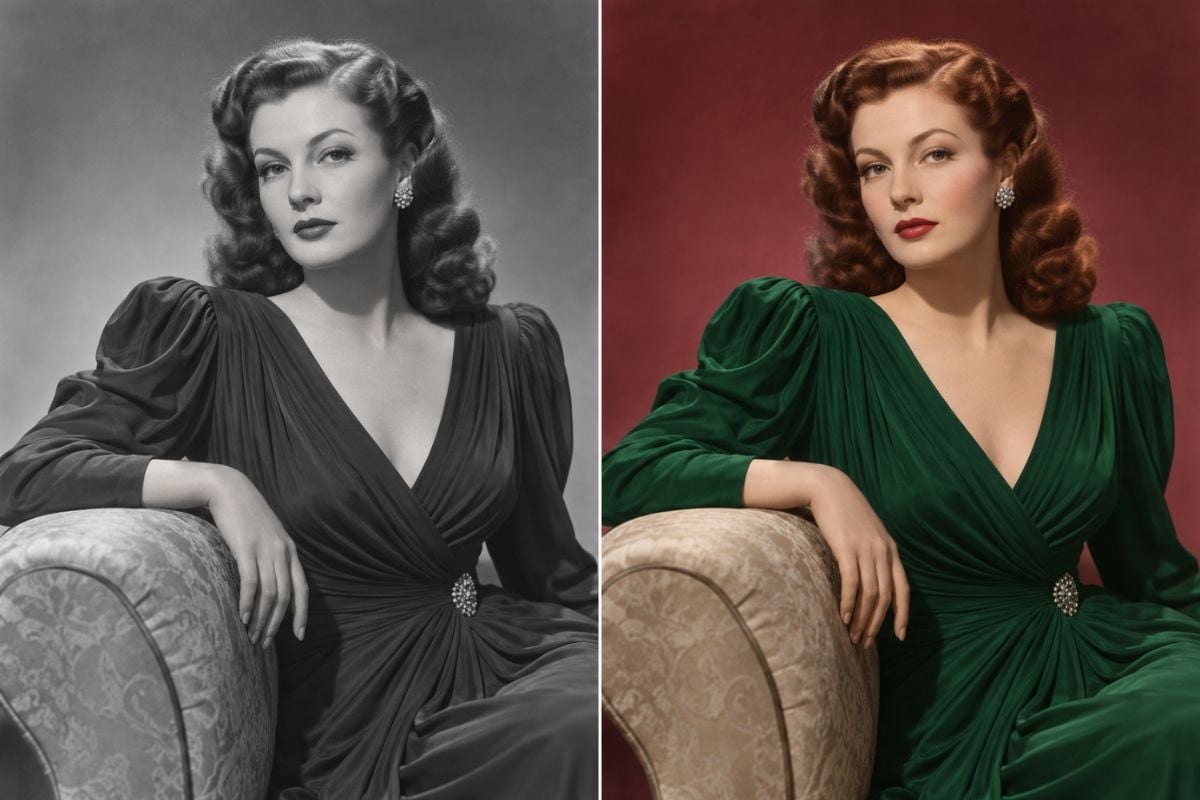
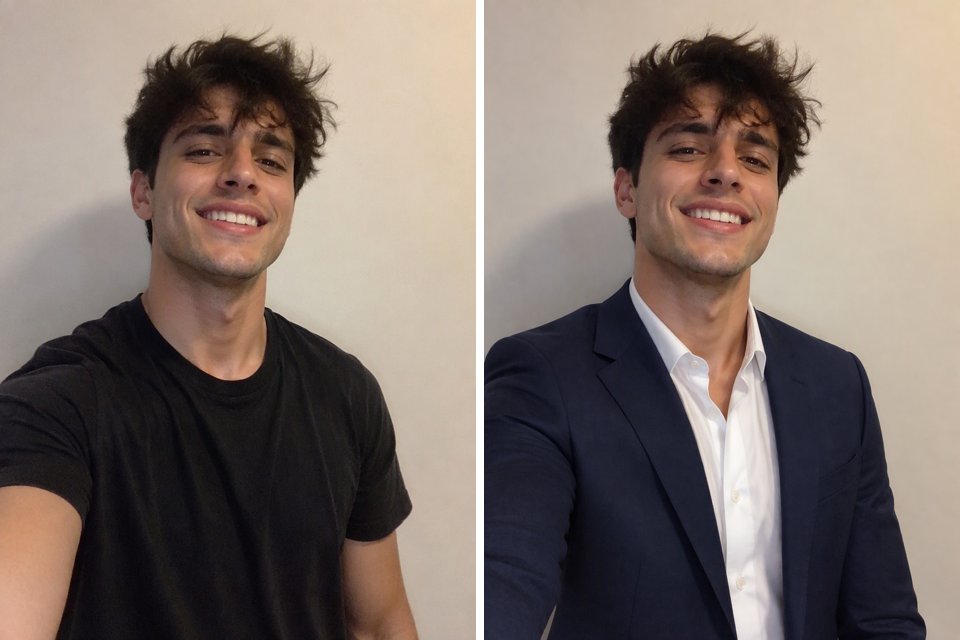
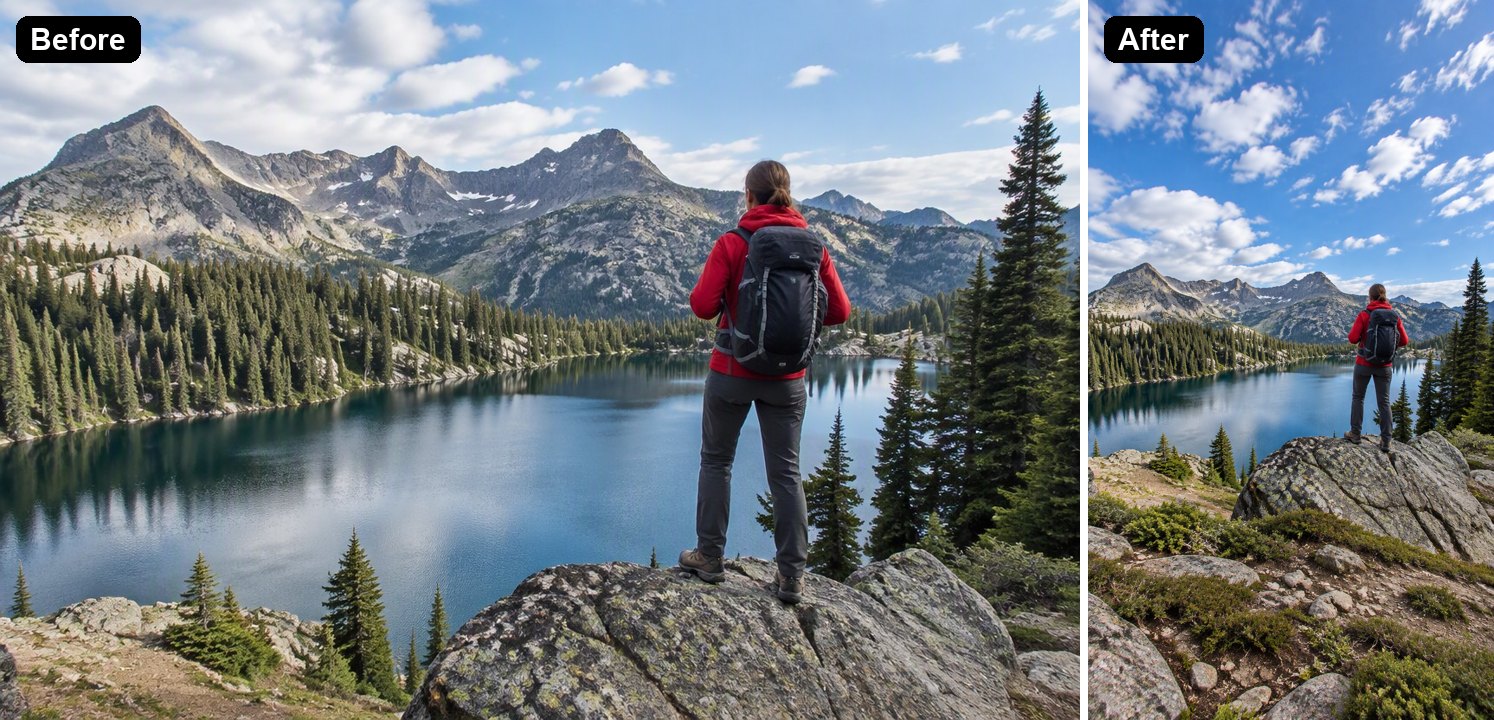
Why Use AI Image Replacer?
Localized Image Changes
Edit the selected object or area without rebuilding the entire photograph from scratch.
Faster Colorway Tests
Preview alternate clothing, packaging, furniture, accessory, and product colors.
Preserve the Main Composition
Keep useful framing, subject placement, and background context from the original photo.
Useful for Product Concepts
Explore materials, props, decor, and visual details before a new shoot or production round.
Less Manual Retouching
Reduce repetitive masking, cloning, and compositing for early creative drafts.
Flexible Online Editing
Make focused replacements from a browser-based workflow and compare alternate results.
AI Image Replacer FAQ
What can an AI image replacer change?
How do I use AI replace image editing?
Can AI replace photo details without changing everything?
Can I replace color in image online free?
What details should I include for a replacement?
Why does the replacement look unnatural?
Can I use replaced images commercially?
Create With AI Image Replacer and GoEnhance AI
Turn your idea or source image into a focused visual result with a simple generation workflow built for real creative projects.
Start Creating