
AI Photo Colorizer
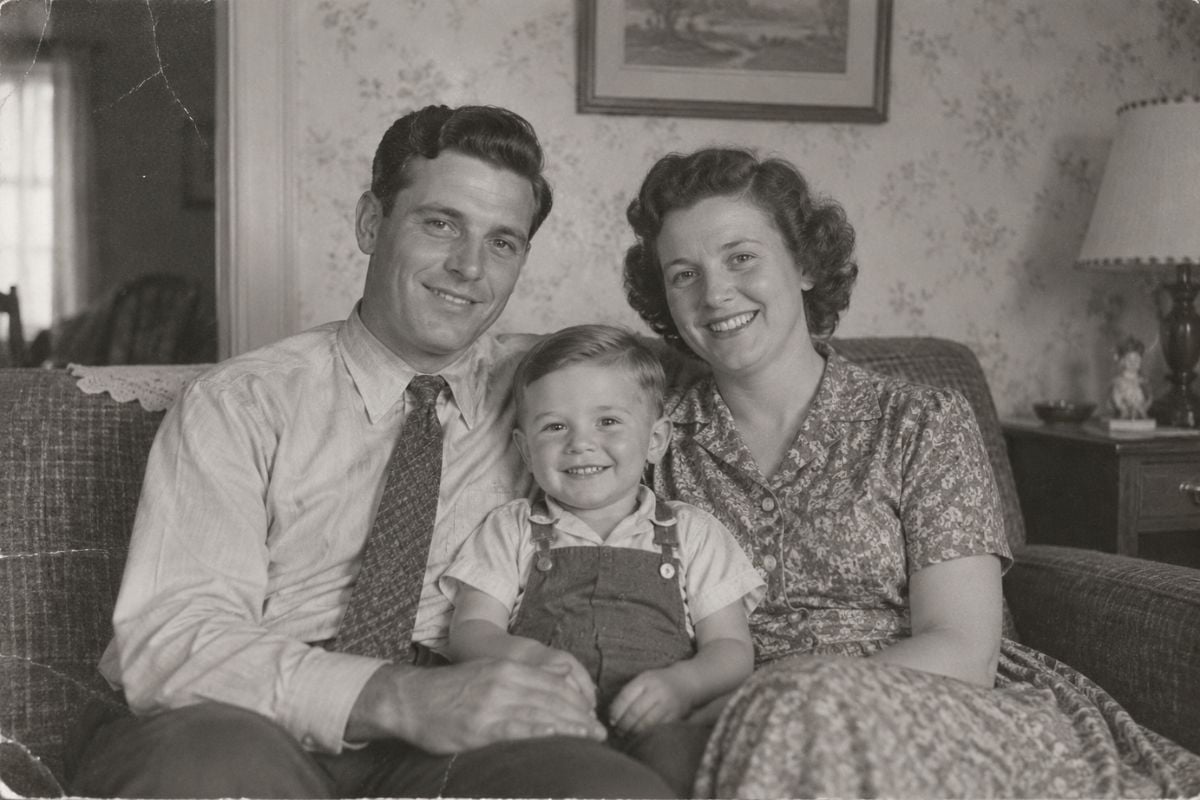
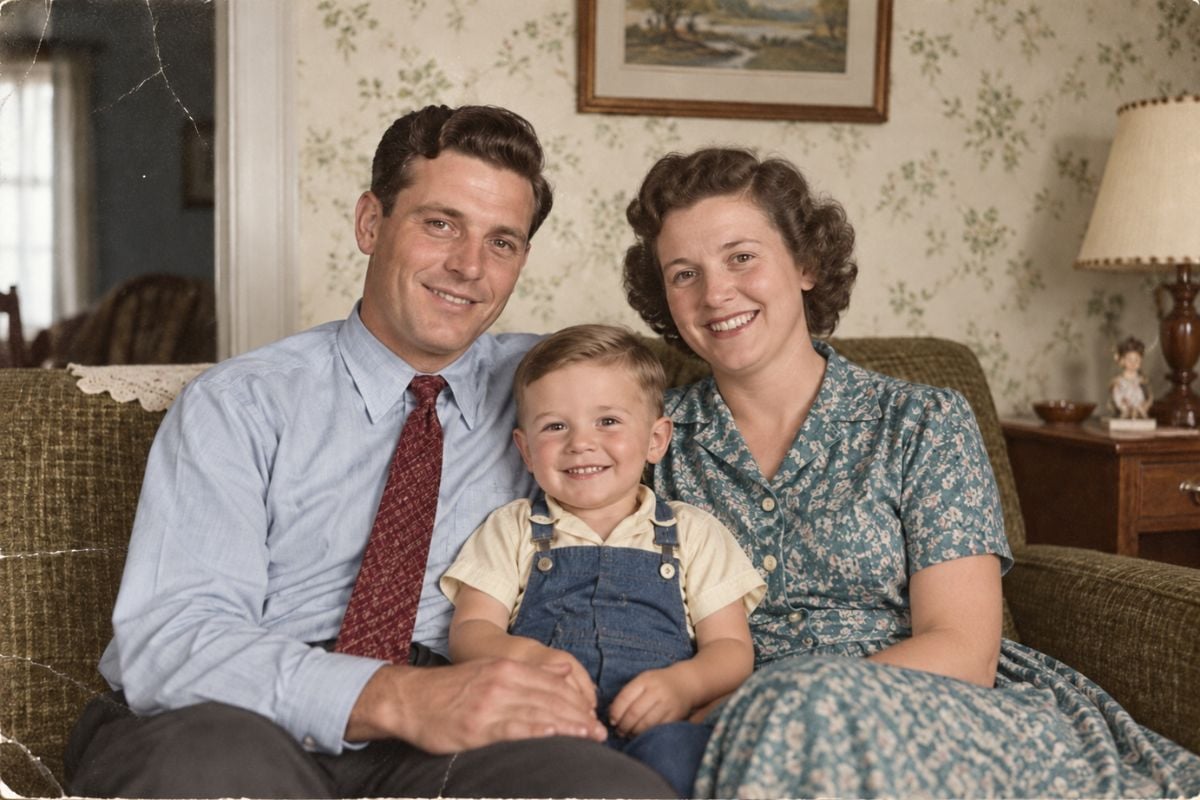
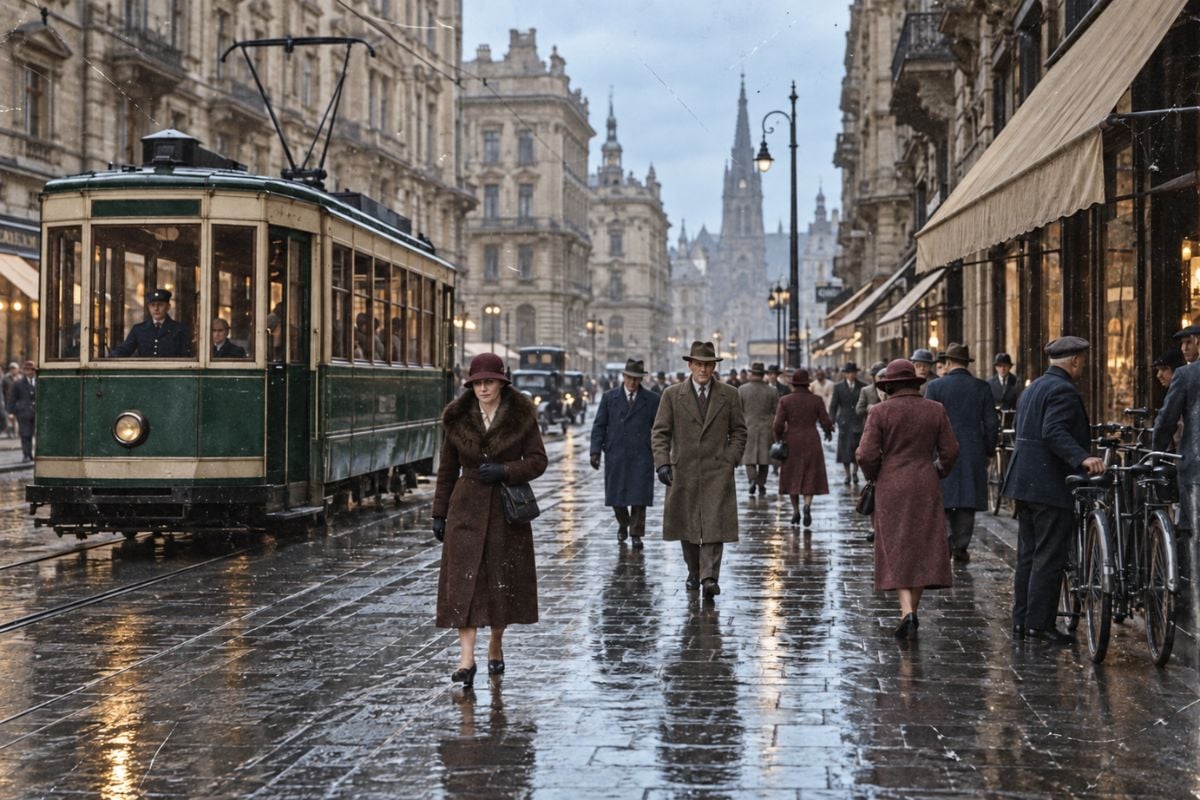
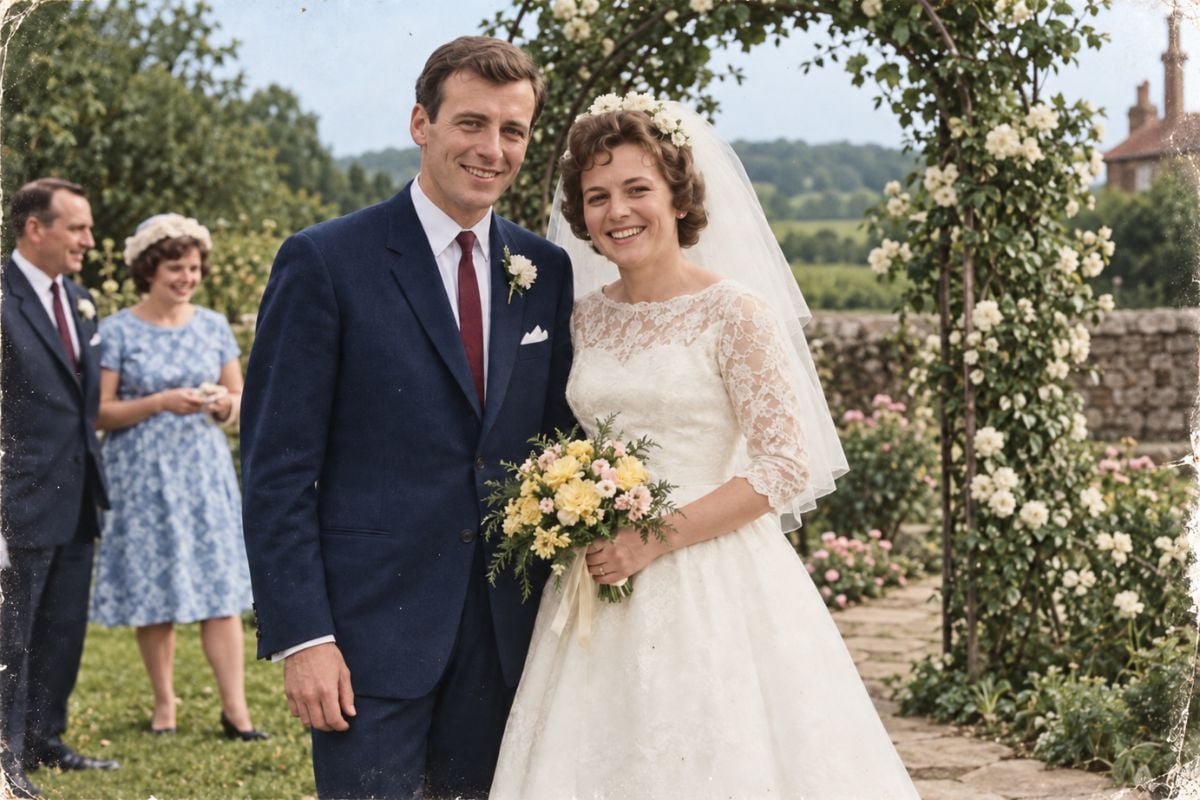
Turn Black and White Photos Into Natural-Looking Color
Colorize Black-and-White Photos in One Simple Workflow
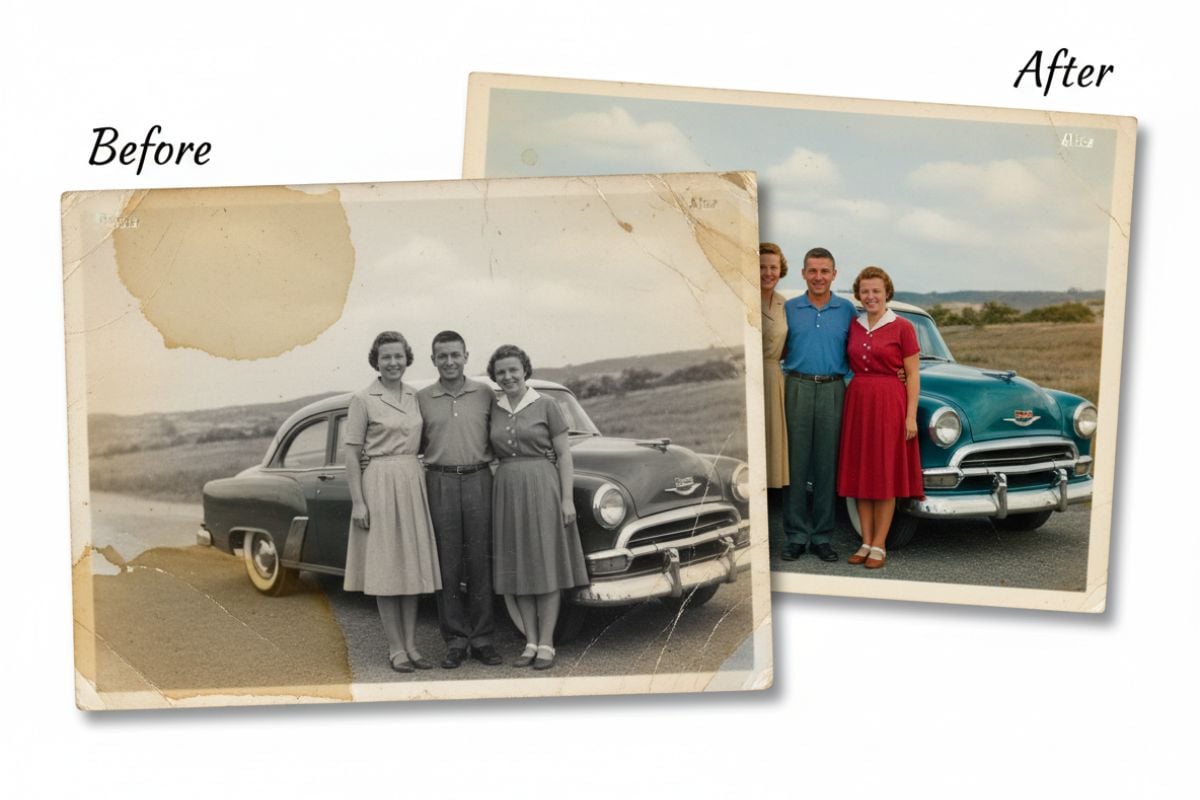
Use the AI photo colorizer to add believable color to portraits and family snapshots without painting masks or layers by hand. GoEnhance AI analyzes people, objects, lighting, and scene context, then creates a full-color interpretation through an image to image AI workflow.
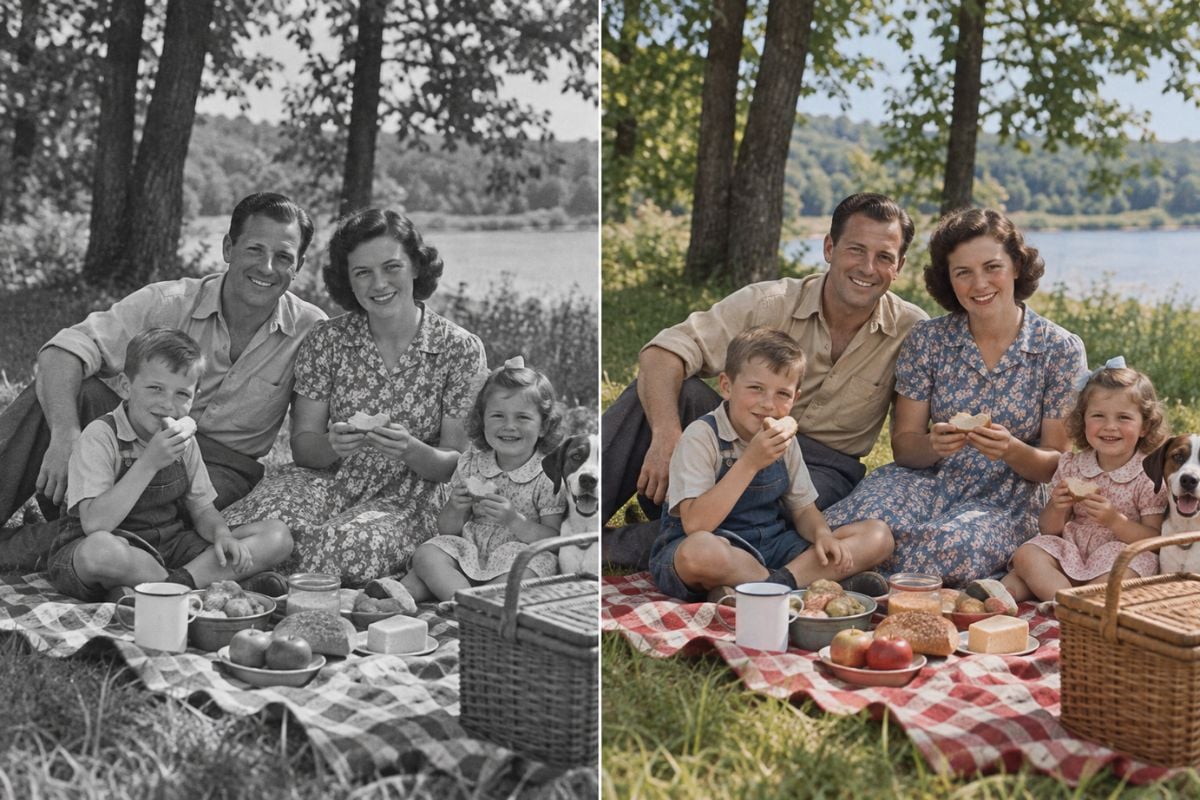
Add Color to People, Places, and Historical Scenes
Colorize photo collections that include family portraits, wedding pictures, street scenes, buildings, landscapes, classic film stills, and educational history visuals. The model interprets skin, fabric, foliage, sky, stone, and other materials within the full scene.
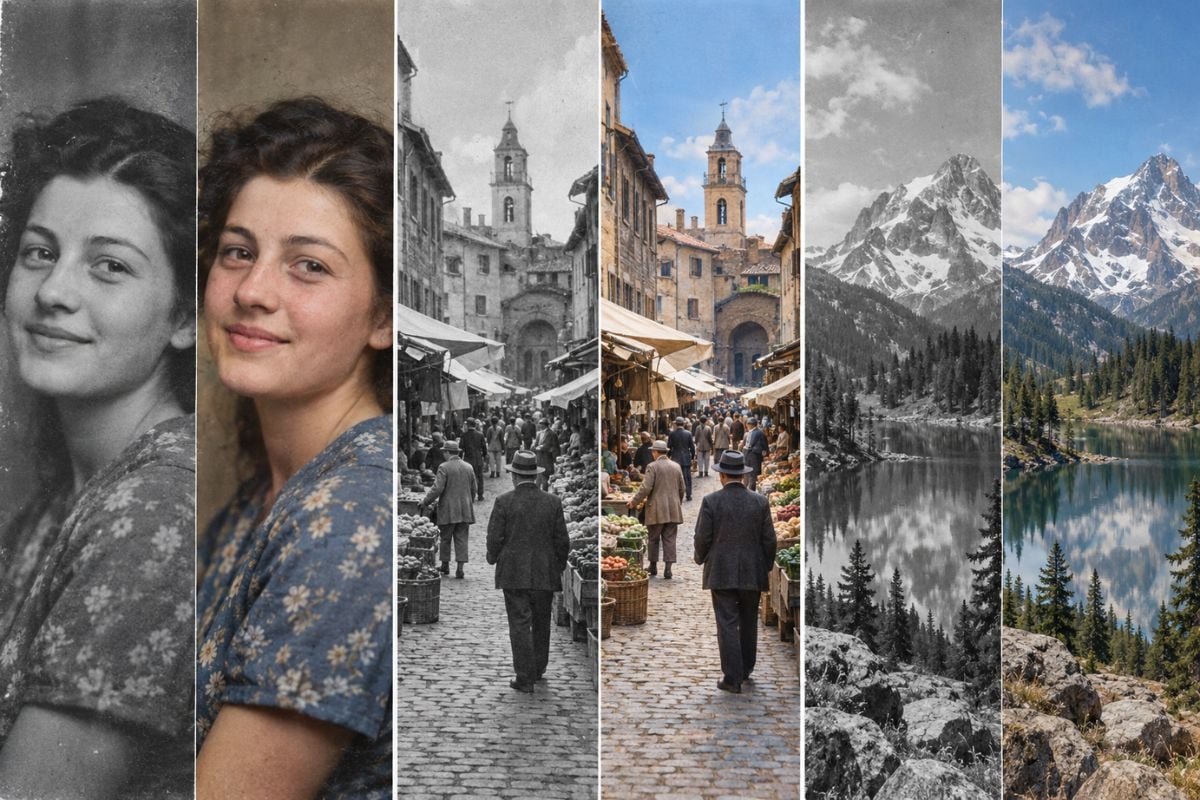
Give Old Photos Color Without Erasing Their Character
Turn a yellowed or faded print into a balanced color image while retaining its original faces, framing, grain, and period atmosphere. For torn, scratched, or heavily damaged sources, use old photo restoration before colorization so defects are not mistaken for objects or shadows.
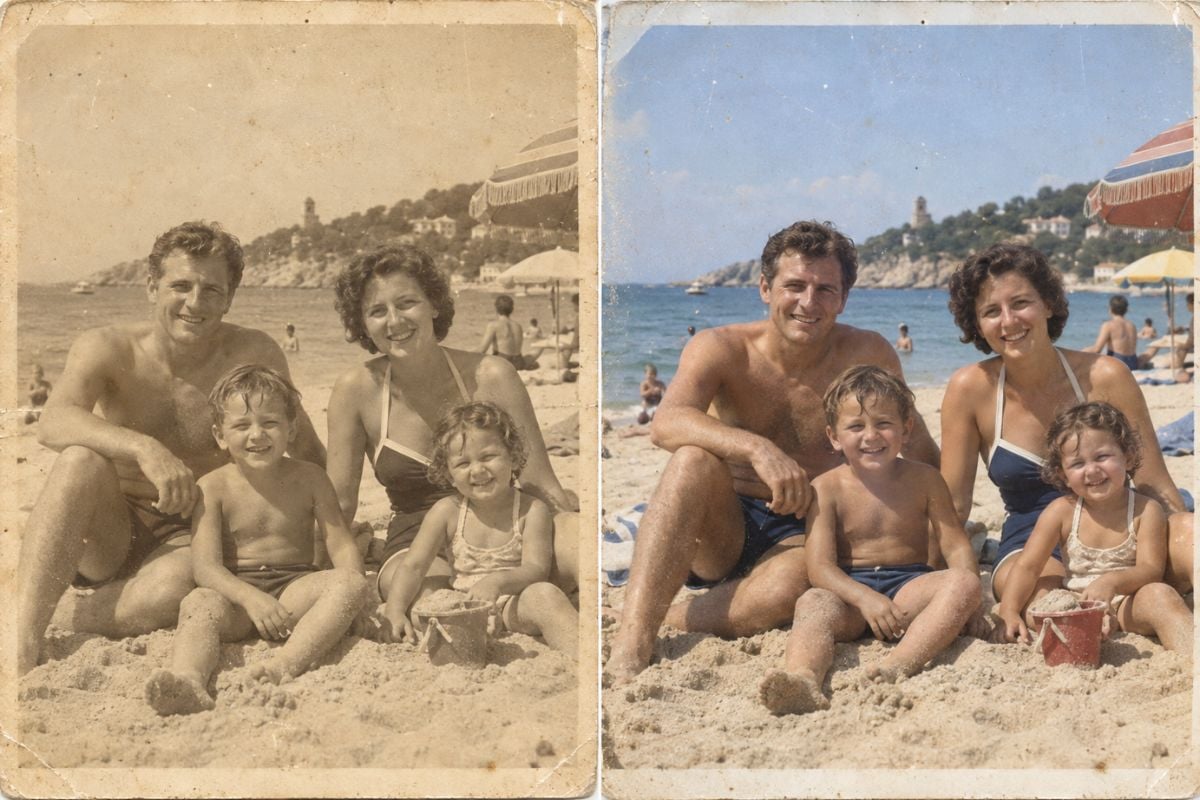
Treat AI Color as a Plausible Interpretation
A monochrome photo does not contain the original color values, so AI predicts plausible hues from visual context. Compare the result with known uniforms, family records, location references, eye color, clothing descriptions, or surviving objects when historical accuracy matters.
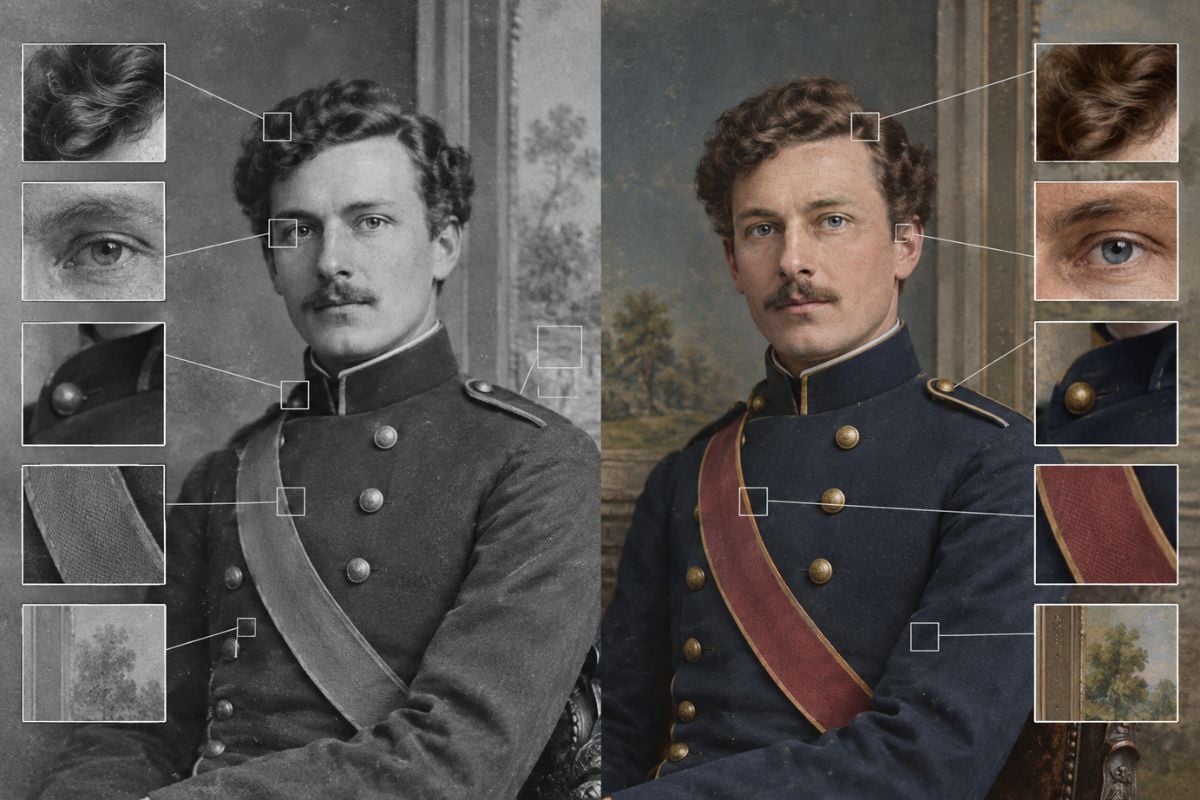
Photo Colorizer Features for Old and Monochrome Images
Automatic Black-and-White Photo Colorization
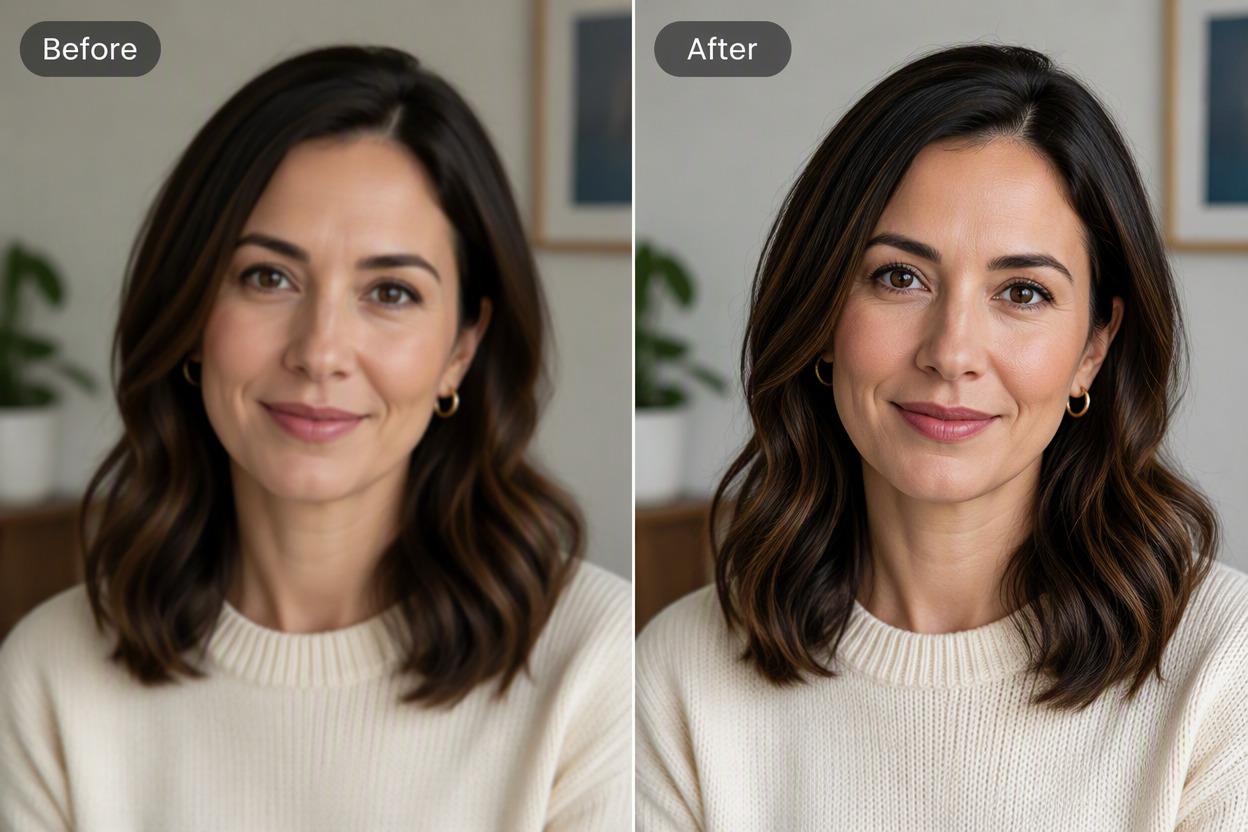
Natural Skin and Hair Tones
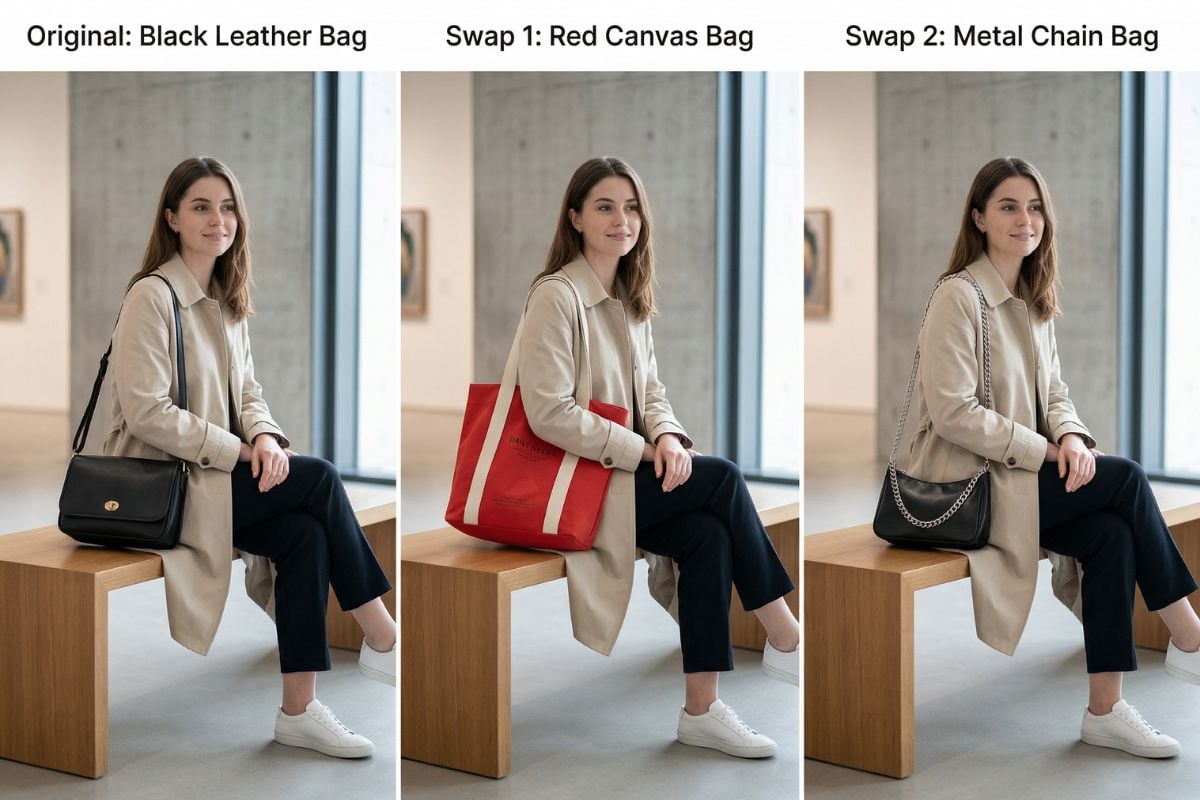
Color for Clothing and Backgrounds
Support for Sepia and Faded Photos
Before-and-After Comparison
Colorization for Personal and Creative Projects
Continue Restoring and Refining Old Photos
How to Colorize a Photo Online
Upload a Black-and-White Photo
Choose a grayscale, sepia, or faded image. A clear scan with visible faces, edges, and tonal contrast gives the model more context for color placement.
Let AI Add Plausible Color
Start the colorization process. The model interprets the subjects, materials, lighting, and setting, then applies coordinated color across the photograph.
Compare, Check, and Download
Inspect skin, hair, clothing edges, uniforms, vehicles, plants, sky, and shadow areas. Download the result when the colors look consistent with the memory or reference information you have.
Photo Colorizer FAQ
What is an AI photo colorizer?
How do I turn a black and white photo to colour photo?
Can I colorize photo files that are sepia or faded?
Are AI-generated photo colors historically accurate?
Will colorization change faces or original photo details?
Should I restore an old photo before adding color?
What photo types work well with an AI colorizer?
What image formats can I upload?
Can I use a colorized photo for printing or commercial work?
See the Past in Color Again
Upload a black-and-white, sepia, or faded photo and create a natural-looking color version while preserving the people, setting, and character of the original image.
Colorize a Photo Now