goenhance logo

Remove Text From Image

Upload a picture or photo, identify the text area you want to remove, and create a cleaner version with the covered background rebuilt. Use it for social images, product photos, listings, designs, and personal edits.

Try It Free
Text to Image
Image to Image
Select Model
Image

Erase Unwanted Text While Preserving the Image

Clean Text From Photos

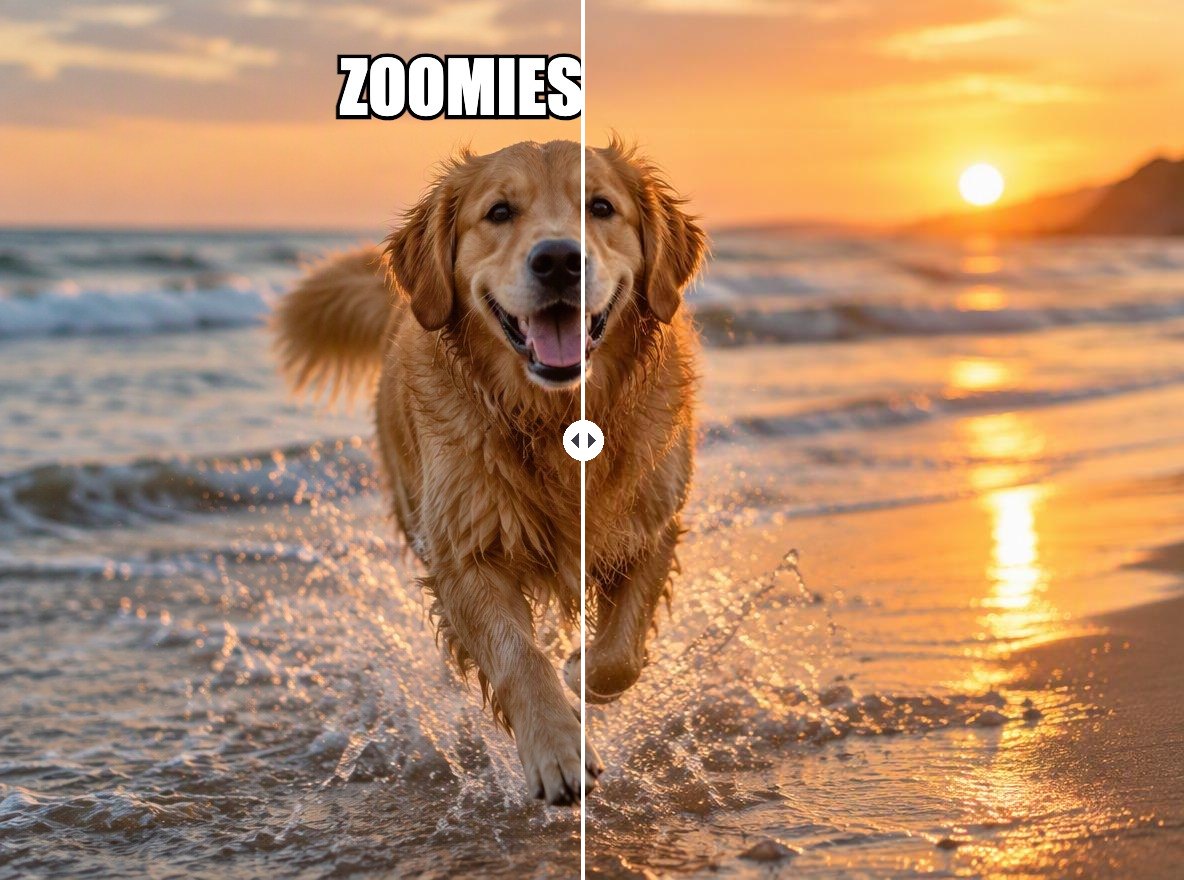
Remove captions, dates, labels, or unwanted lettering from a photo while keeping the surrounding scene as the visual reference. Simple backgrounds and clear text boundaries are usually easier to rebuild than letters crossing faces or detailed objects.

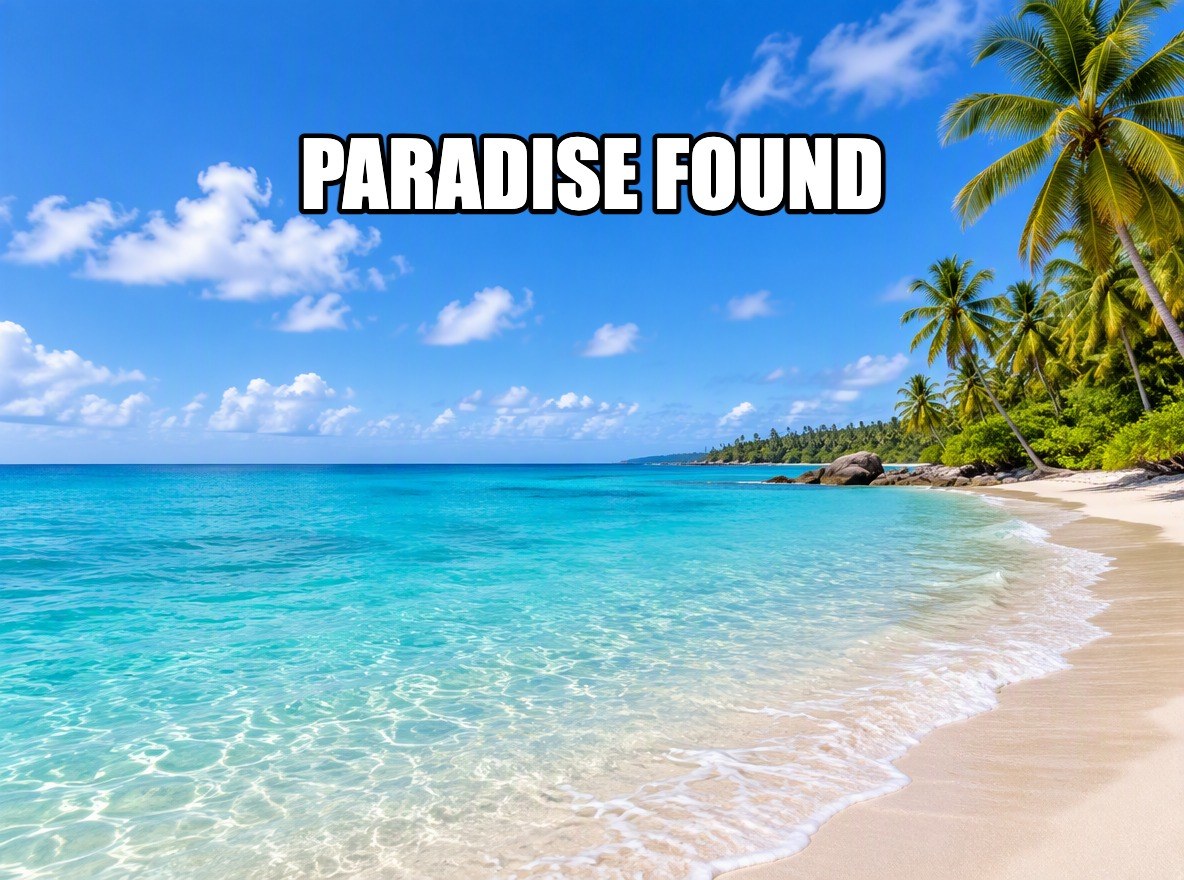
Remove Text From Image example for clean text from photos

Reconstruct the Covered Background

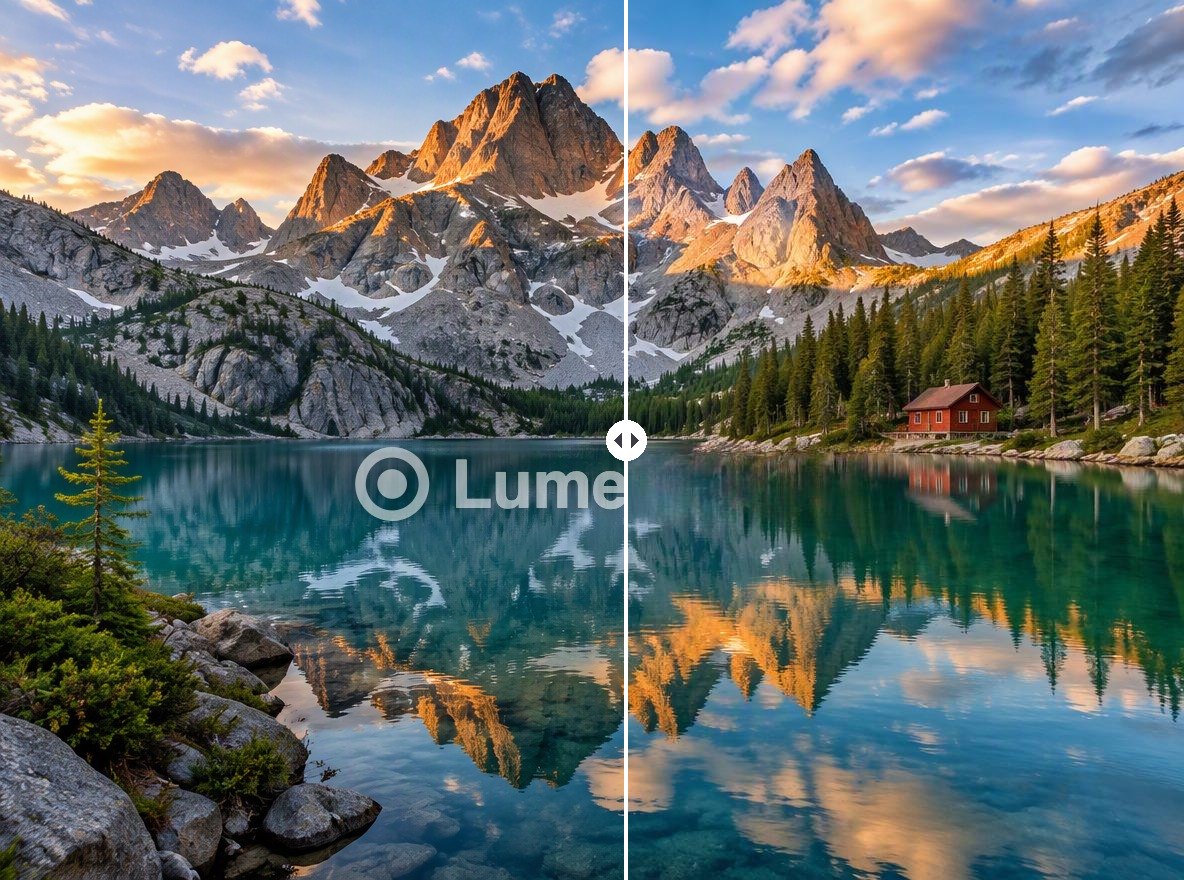
Fill the selected area using nearby color, texture, lighting, and scene context so the edit looks connected to the original image. Review repeating patterns, edges, shadows, and perspective where the deleted text used to sit.

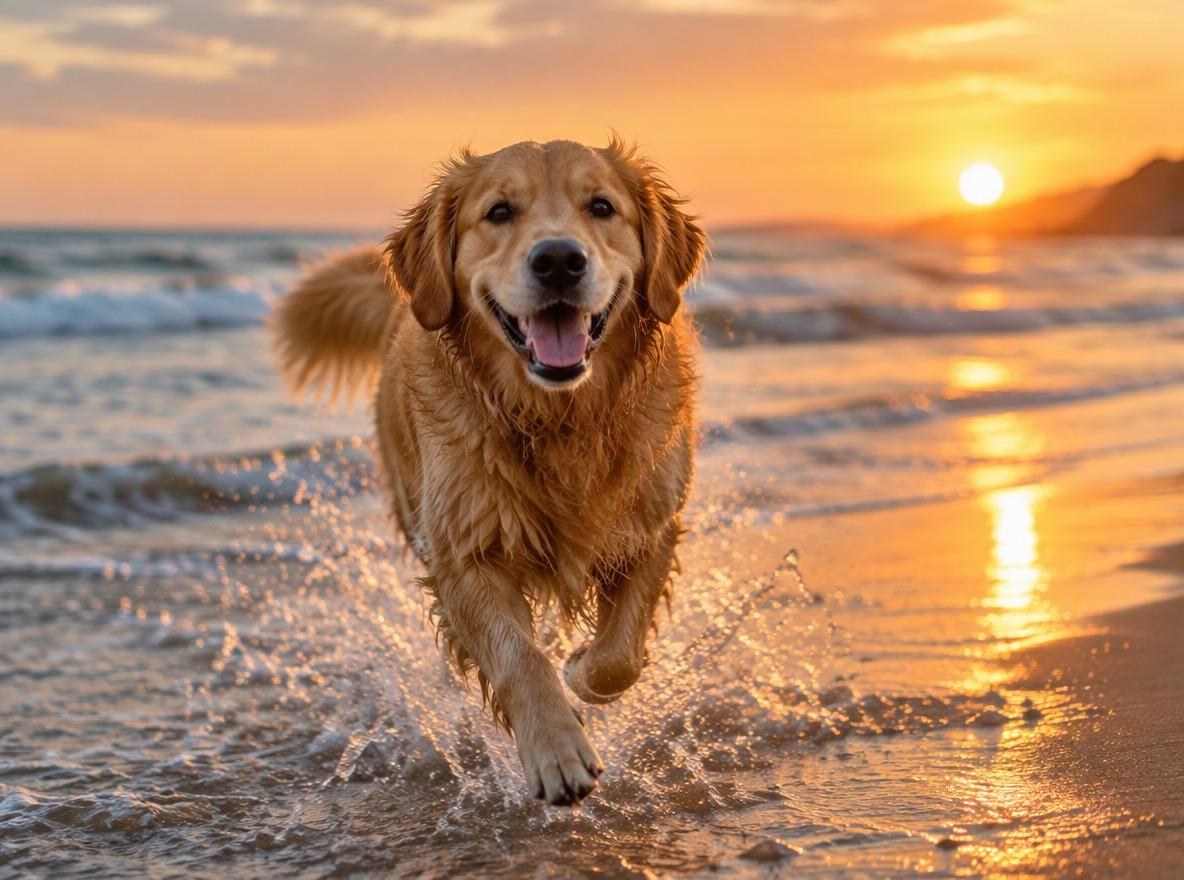
Remove Text From Image example for reconstruct the covered background

Refresh Product and Social Images

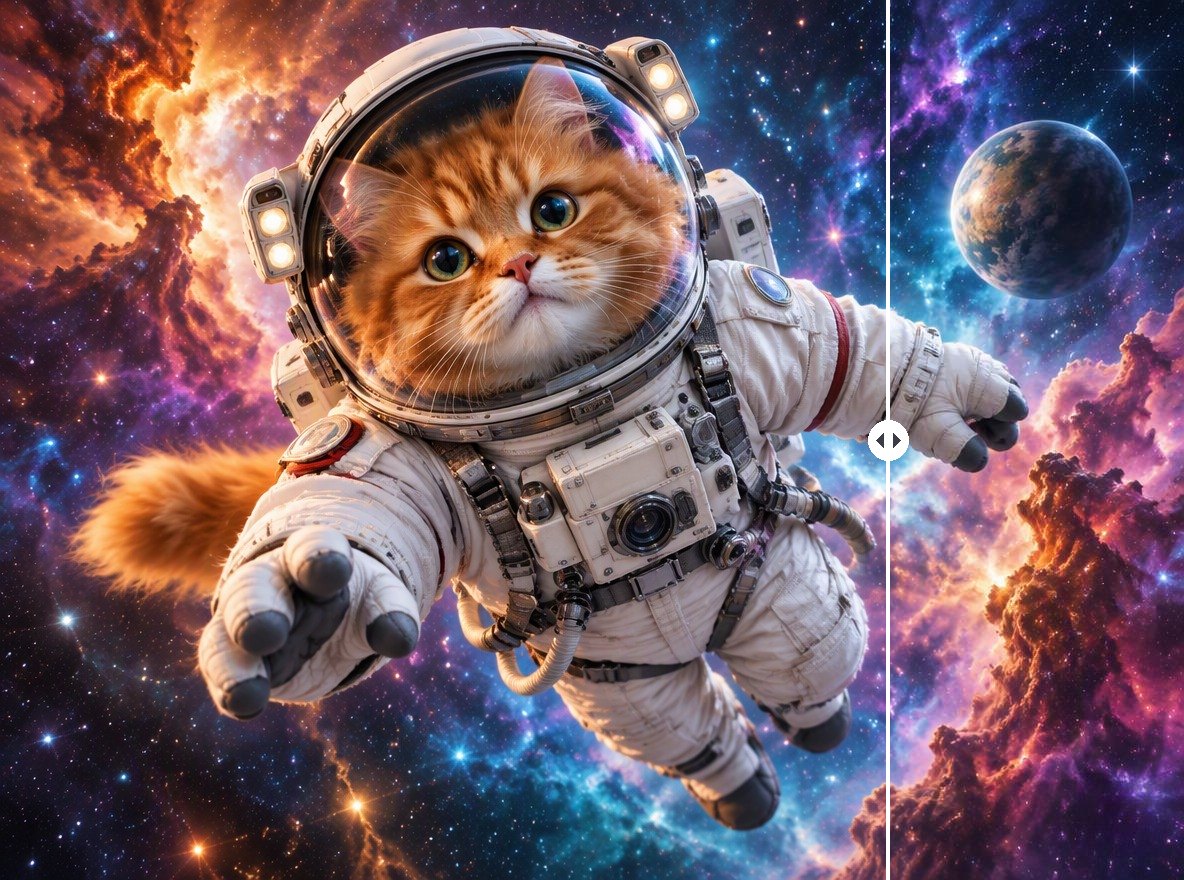
Clean old promotional copy, outdated dates, temporary labels, or misplaced text from reusable visual assets. Add verified replacement wording later in a design tool when exact typography or product information matters.

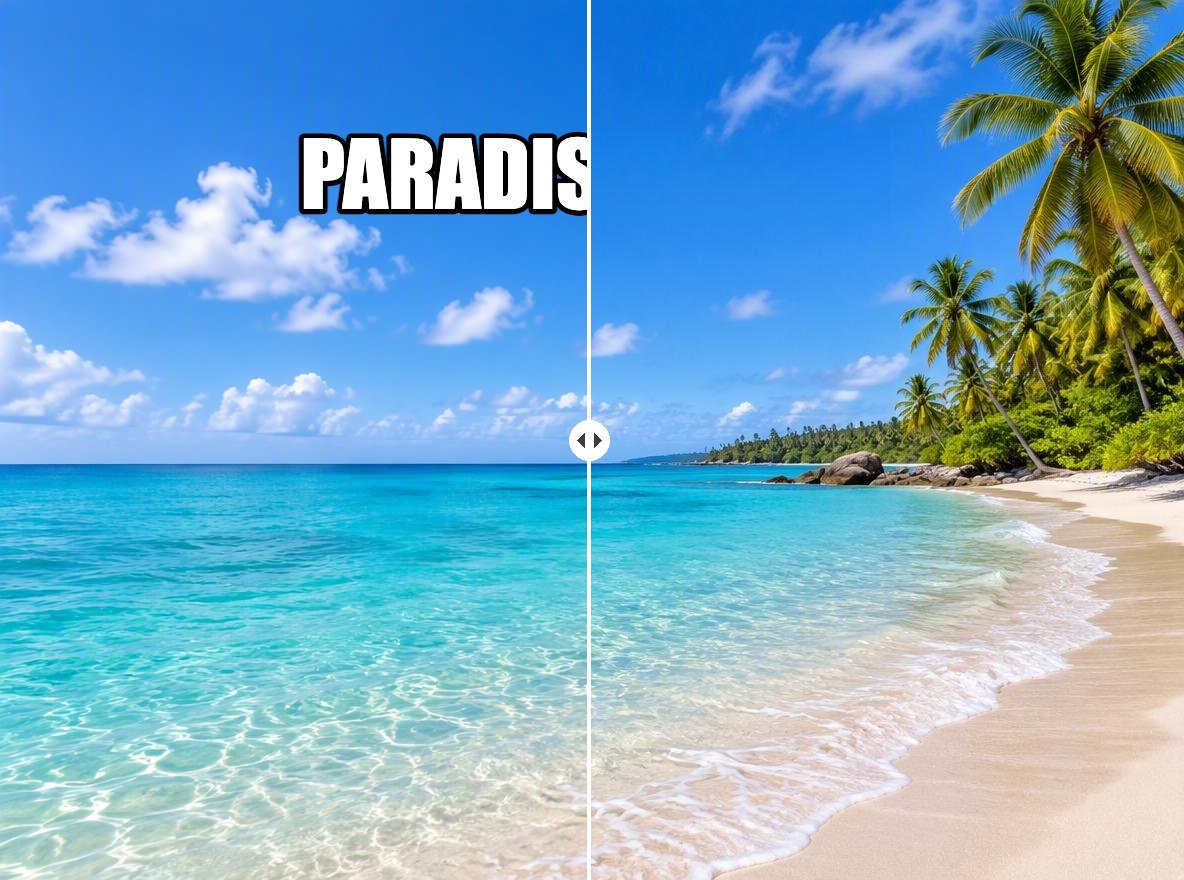
Remove Text From Image example for refresh product and social images

Prepare a Cleaner Base Image

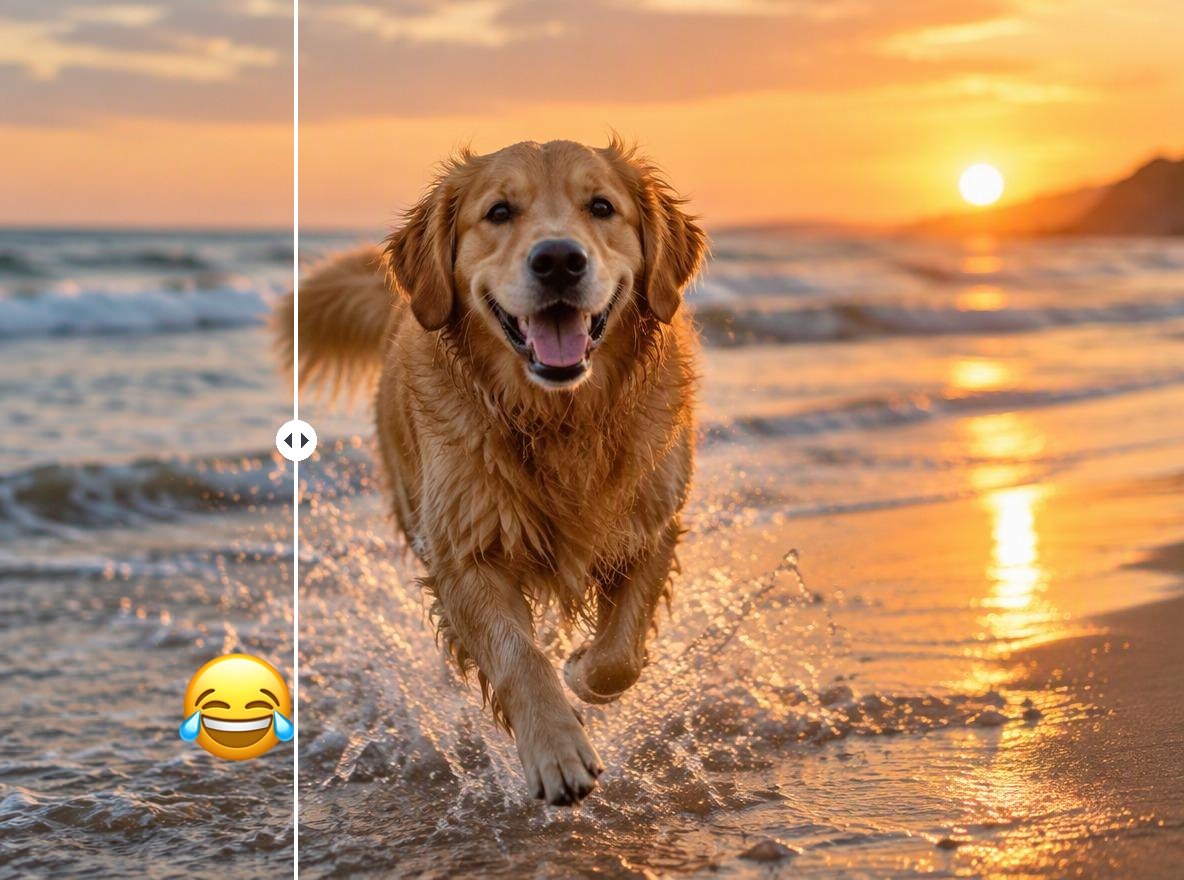
Create a text-free image that can be cropped, redesigned, translated, or repurposed for a new layout. For broader object cleanup, continue with the remove object from photo workflow.

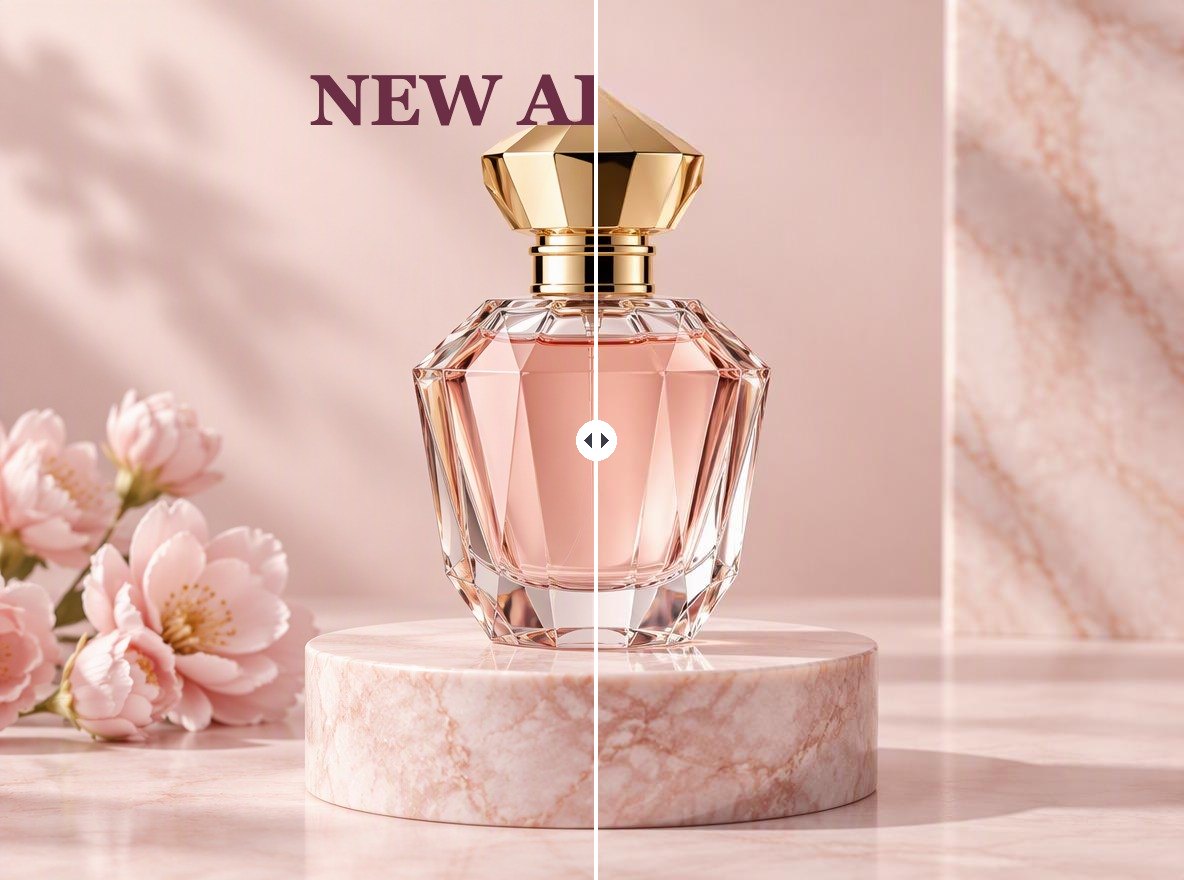
Remove Text From Image example for prepare a cleaner base image

How to Remove Text From Image

Step 1 1

Upload the Original Image

Choose the highest-quality source available so nearby texture, edges, lighting, and background details are clear.
Step 2 2

Select the Text Area

Mark the unwanted lettering closely without covering important faces, products, patterns, or surrounding objects.
Step 3 3

Remove and Inspect the Result

Check repaired edges, repeated textures, shadows, perspective, and missing details, then refine the selection if needed.

Why Use Remove Text From Image?

Keep More of the Original Photo

Remove unwanted lettering without rebuilding the entire image from scratch.

Cleaner Background Reconstruction

Use surrounding color, texture, and lighting to repair the selected area.

Useful for Reusable Assets

Refresh social posts, product photos, listings, presentations, and design backgrounds.

Less Manual Retouching

Reduce repetitive cloning, masking, and painting for early image cleanup.

Works on Focused Text Areas

Target captions, dates, labels, signs, and other localized lettering.

Ready for a New Layout

Start with a cleaner visual before adding accurate replacement copy or branding.

Remove Text From Image FAQ

How can I remove text from picture files?

Upload the picture, identify the lettering you want to erase, generate the cleanup, and inspect how the background was reconstructed.

How do I delete text from image content?

Select only the unwanted text area and keep nearby objects outside the selection. A precise region gives the reconstruction clearer context.

Can I remove text from photo backgrounds?

Yes. Results are usually strongest when the text sits over sky, walls, tables, fabric, or other backgrounds with enough surrounding detail to rebuild.

Can I remove text from picture online free?

GoEnhance AI provides free image-generation credits. When available credits are used, continued editing may require additional credits or a plan.

Can I remove text from image online without changing the whole photo?

The workflow targets the selected region, although nearby pixels may change during reconstruction. Keep the selection close to the lettering and review the result.

What text is hardest to remove?

Lettering that overlaps faces, logos, intricate patterns, product edges, reflections, or unique details is harder because the hidden background must be inferred.

Can I remove watermarks or ownership marks?

Only remove text or marks when you own the image or have permission. Do not remove attribution, copyright notices, or watermarks to misrepresent ownership.

Start Creating With Remove Text From Image and GoEnhance AI

Upload your image, complete the focused edit, review every important detail, and export a cleaner visual for your next design or content project.

Edit Your Image