
Improve Photo Quality and Lighting With PicWish
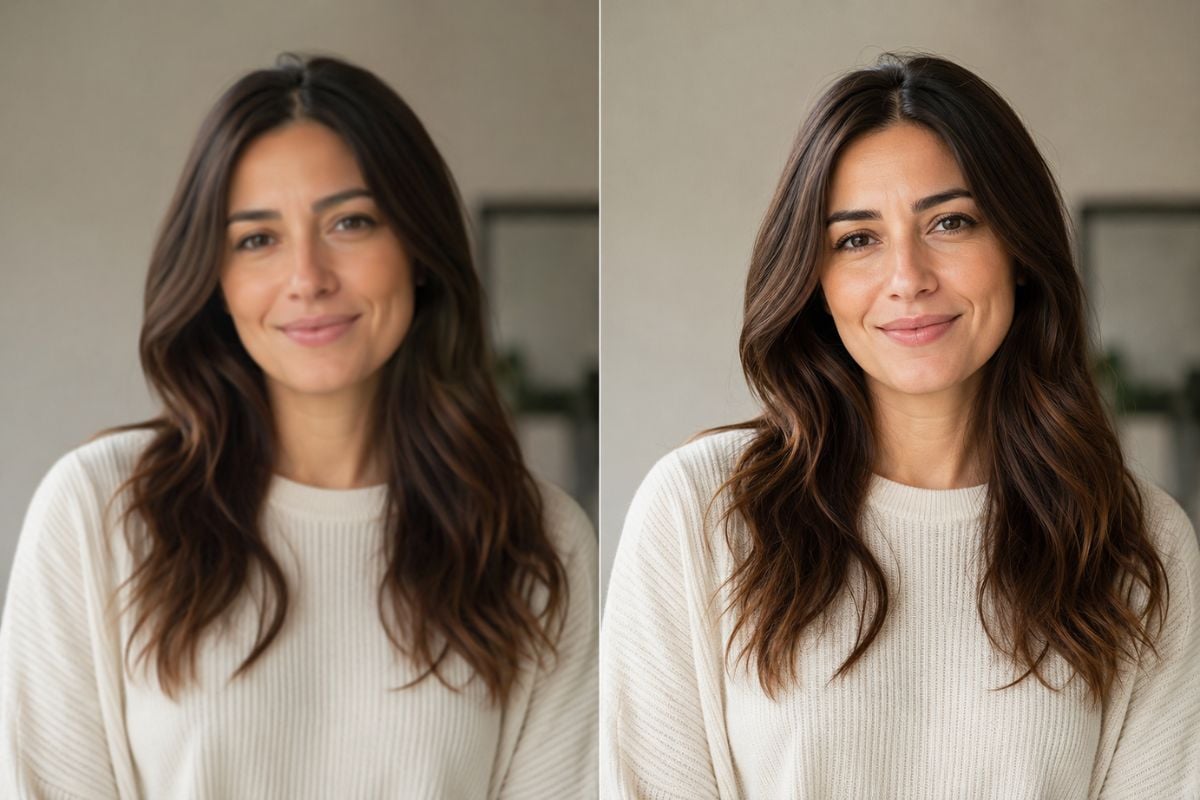
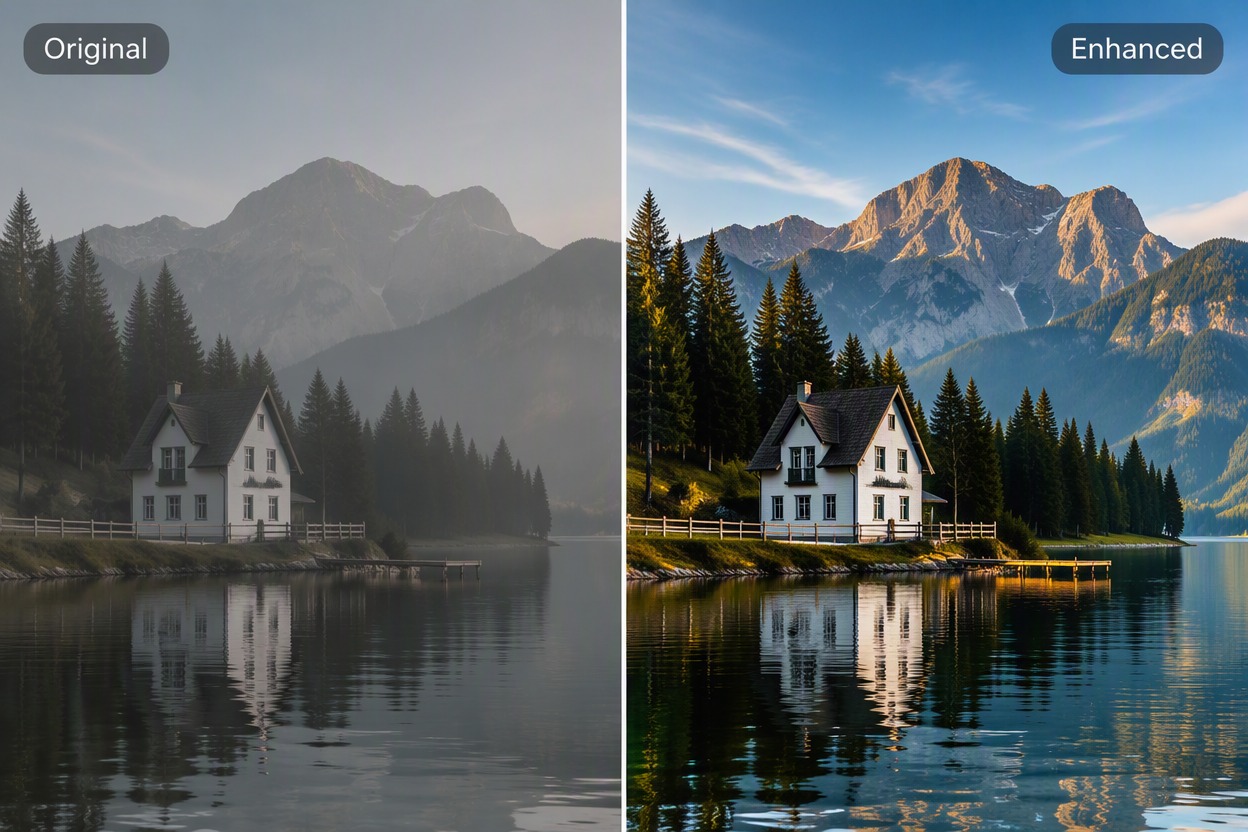
Upload a portrait, product, travel, or everyday photo to PicWish enhancer. Improve visible clarity and lighting, compare the same subject before and after, and save the selected result for social posts, design work, or product presentation.

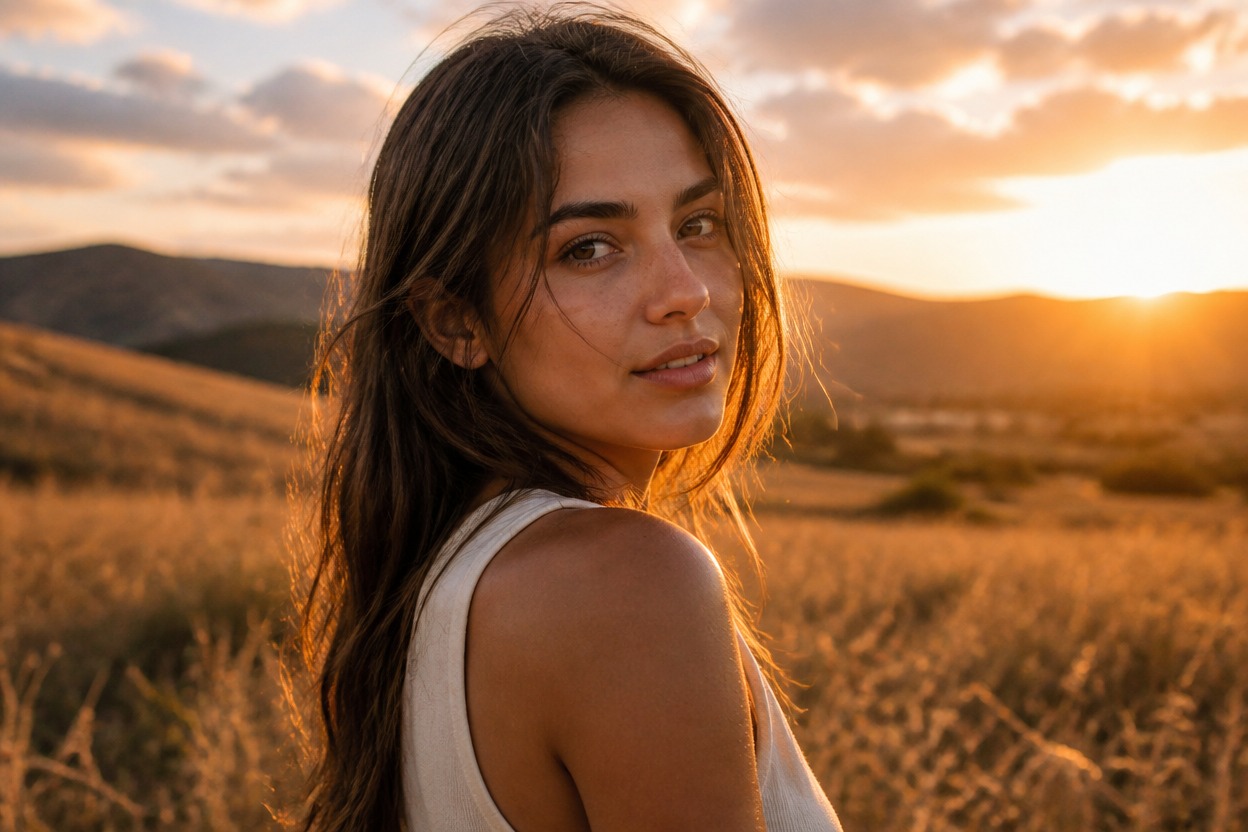
Backlit
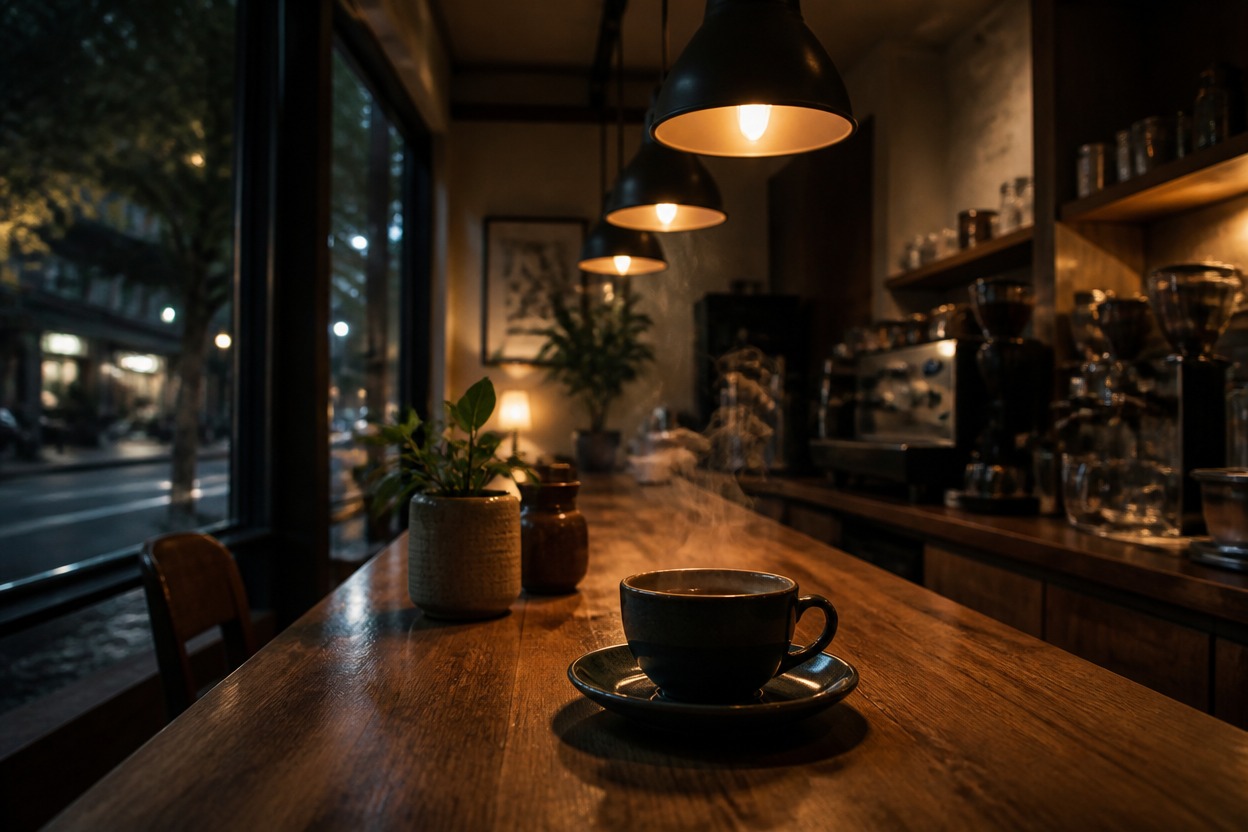
Low Light
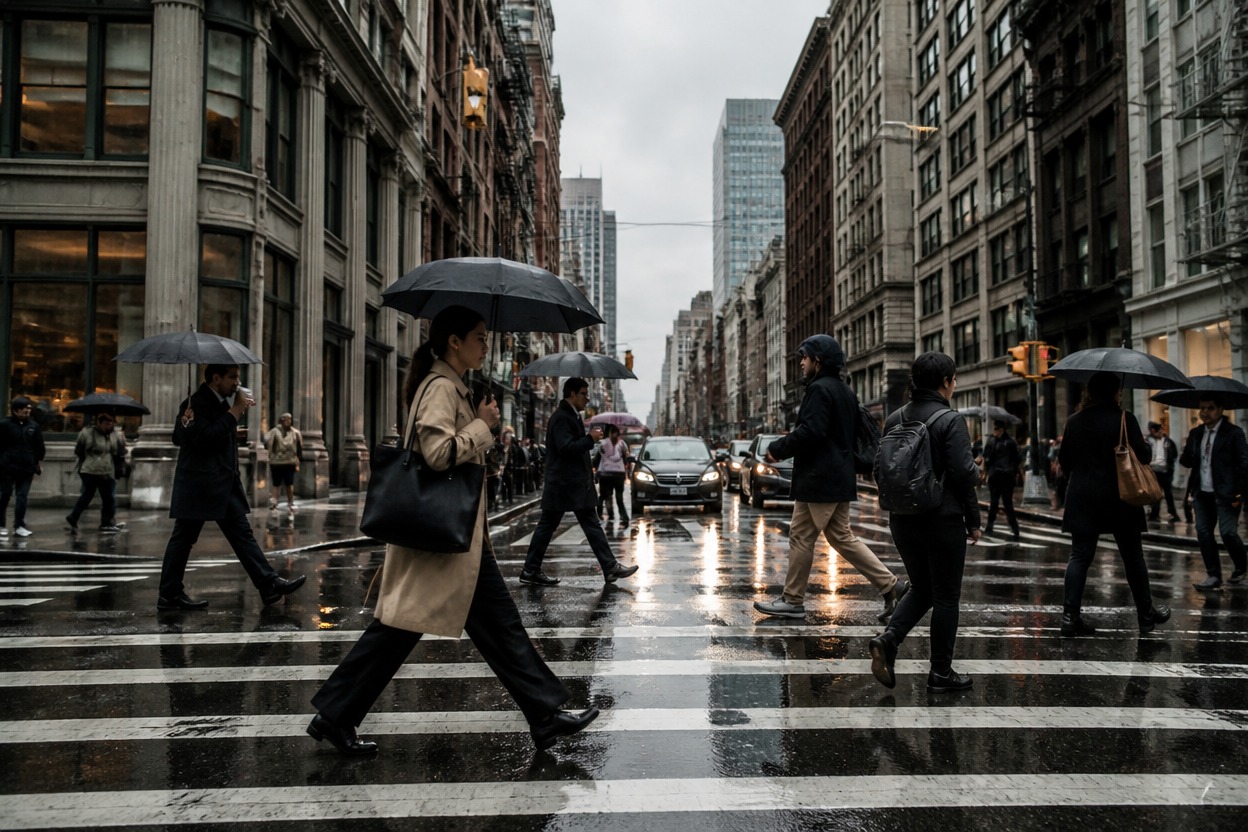
Overcast
Upload files
Upload an image to enhance
Mode
By uploading a file, you agree to GoEnhance's Terms of Use and Privacy Policy
Improve Everyday Photos With PicWish
Why Use PicWish Image Enhancer
Straightforward Online Workflow
Improve an existing photo through a focused upload-and-enhance process without building a new image from scratch.
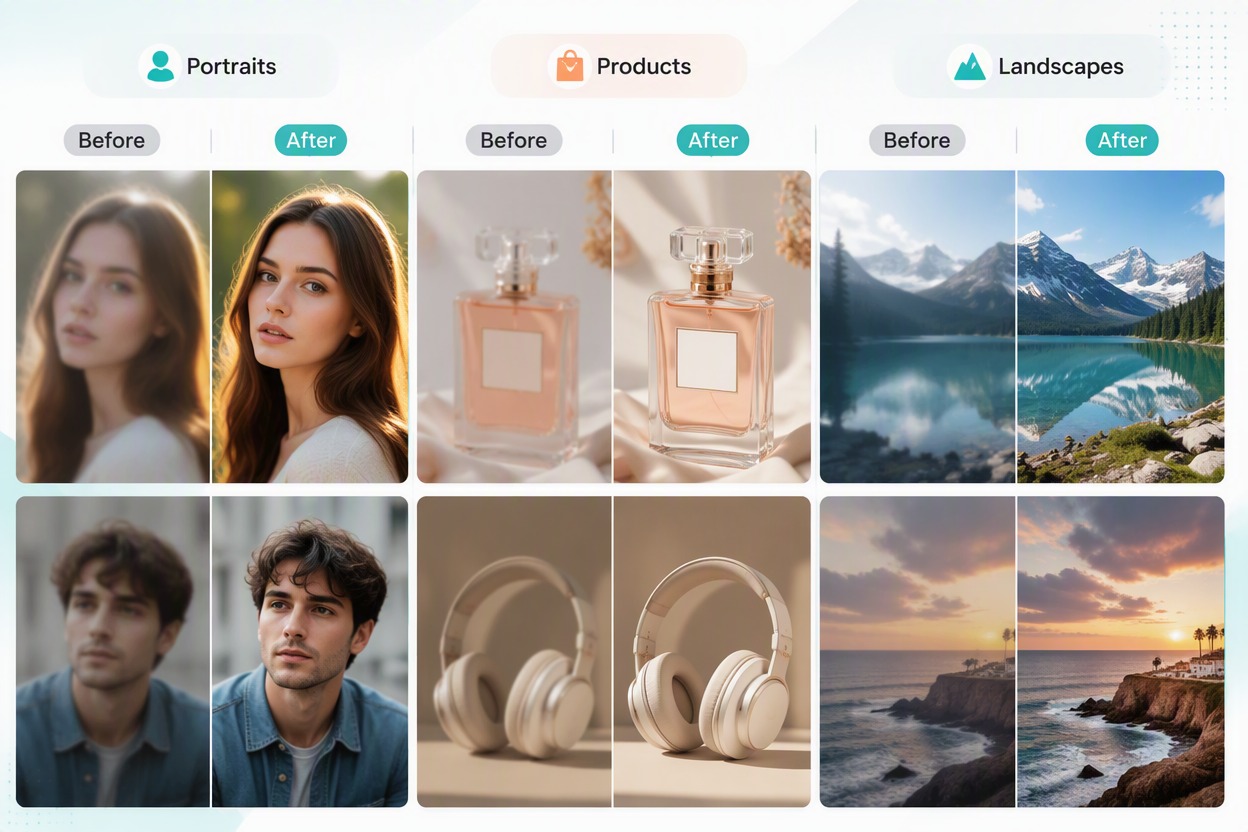
Useful Across Photo Types
Work with portraits, products, travel scenes, food, pets, and everyday images in one enhancement workflow.
Clearer Lighting and Visible Detail
Improve the presentation of soft or dim images while keeping the main subject and composition recognizable.
Less Manual Photo Cleanup
Reduce repetitive sharpening, edge cleanup, and basic lighting correction before using an image elsewhere.
Better Starting Point for Design
Prepare cleaner sources for posts, collages, product layouts, presentations, and promotional graphics.
Preserve the Original Visual Direction
Enhance the existing subject, crop, and scene instead of replacing the source with a completely new composition.
How to Use PicWish Image Enhancer
Step 1
Upload the Best Available Photo
Choose the cleanest source image available and keep the original for comparison. A recognizable subject gives the enhancer more useful information.
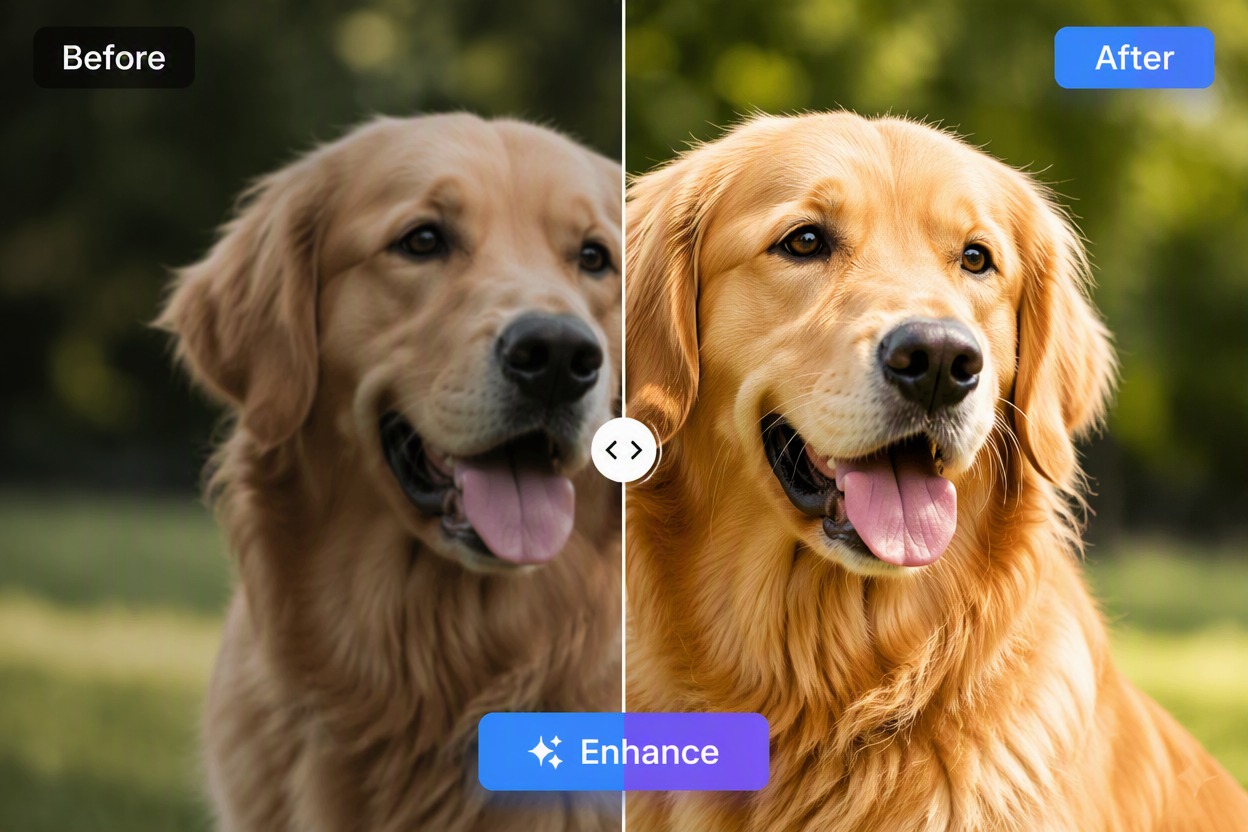
Step 2
Run the PicWish Enhancement
Process the photo through the available enhancement workflow to improve visible quality and lighting while keeping the main subject aligned with the source.
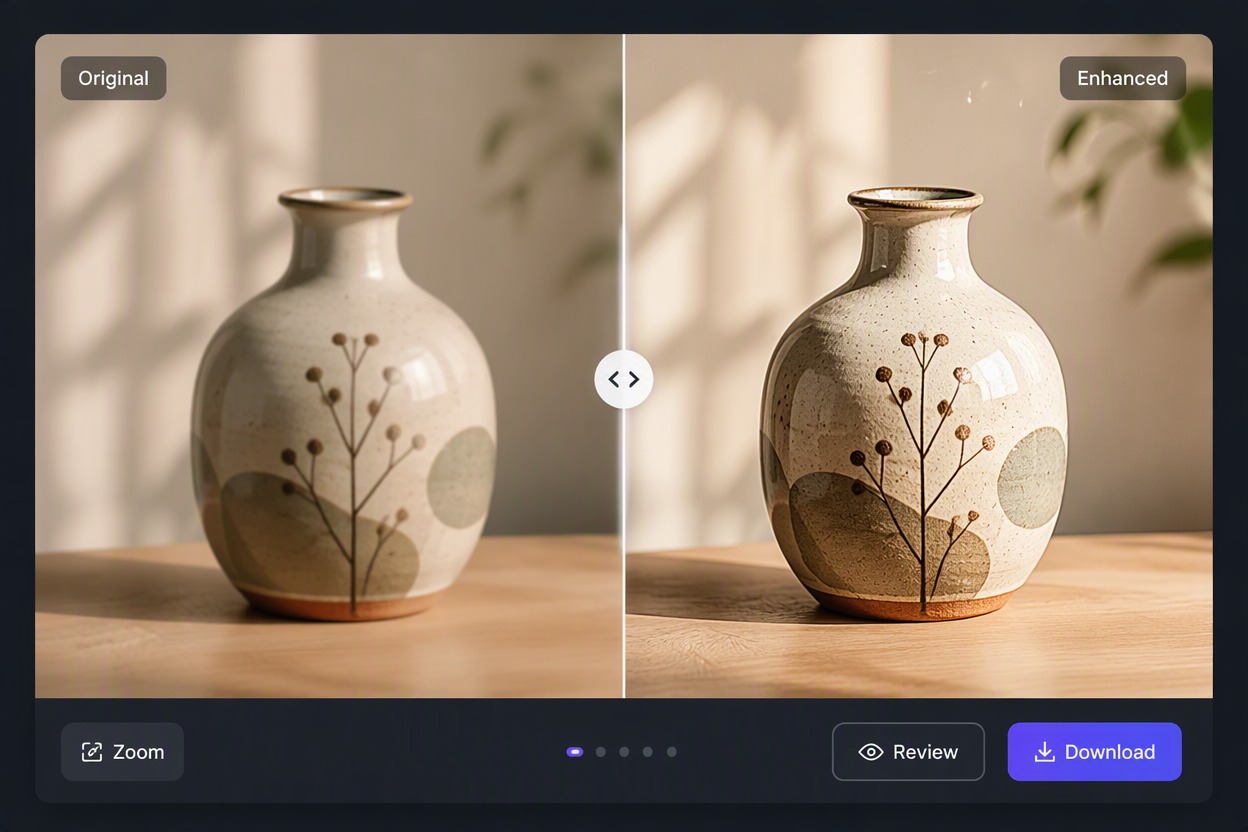
Step 3
Compare and Save the Result
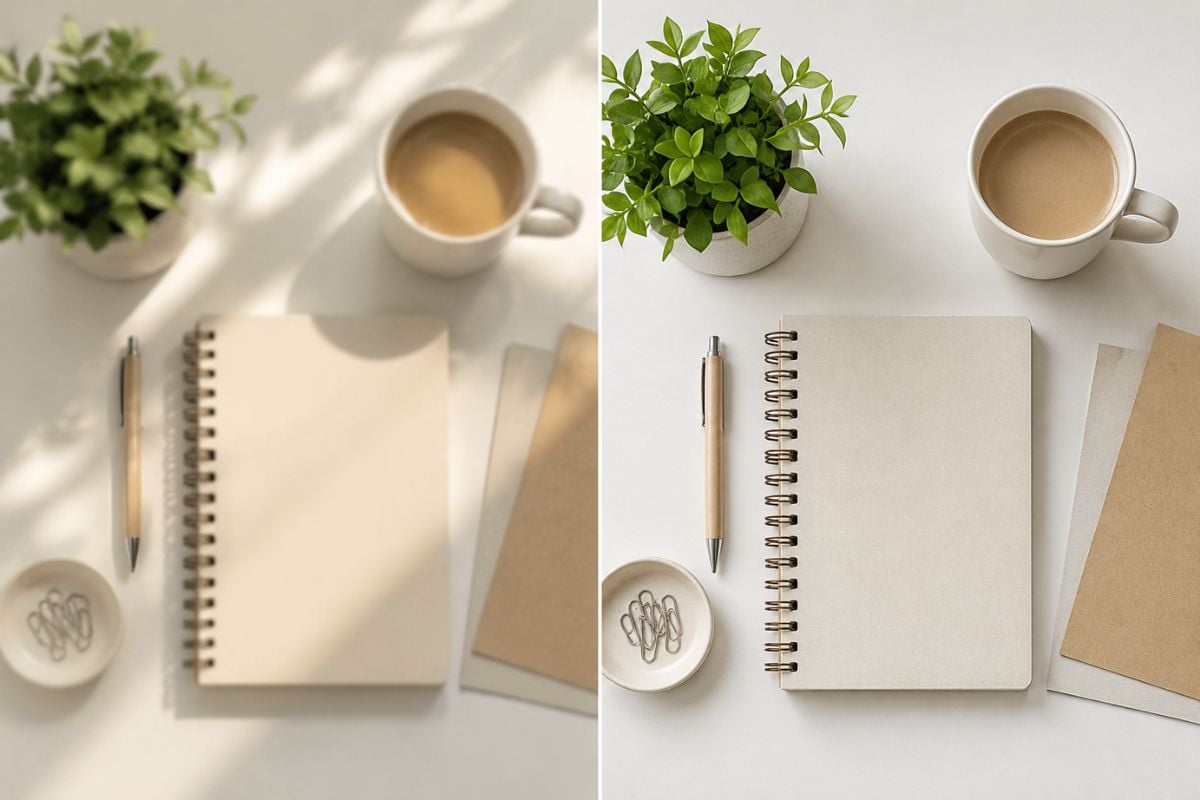
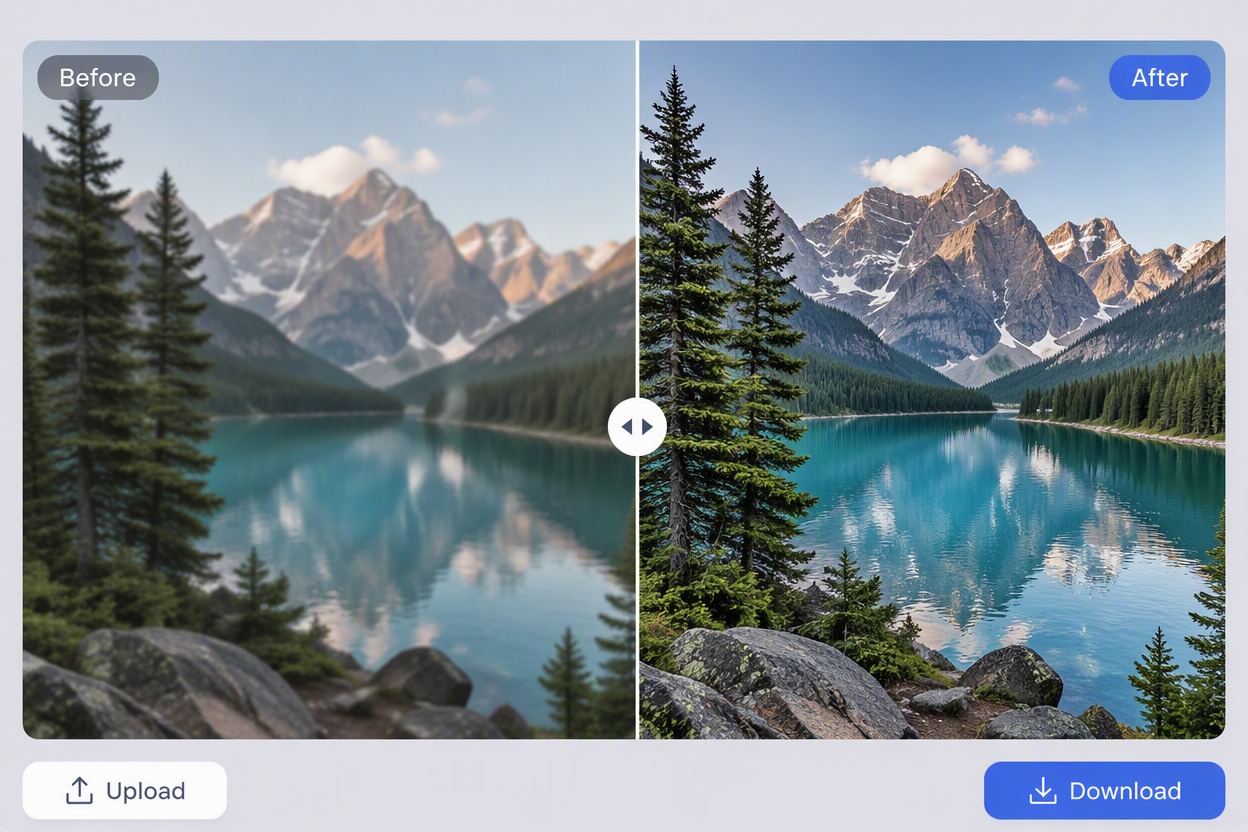
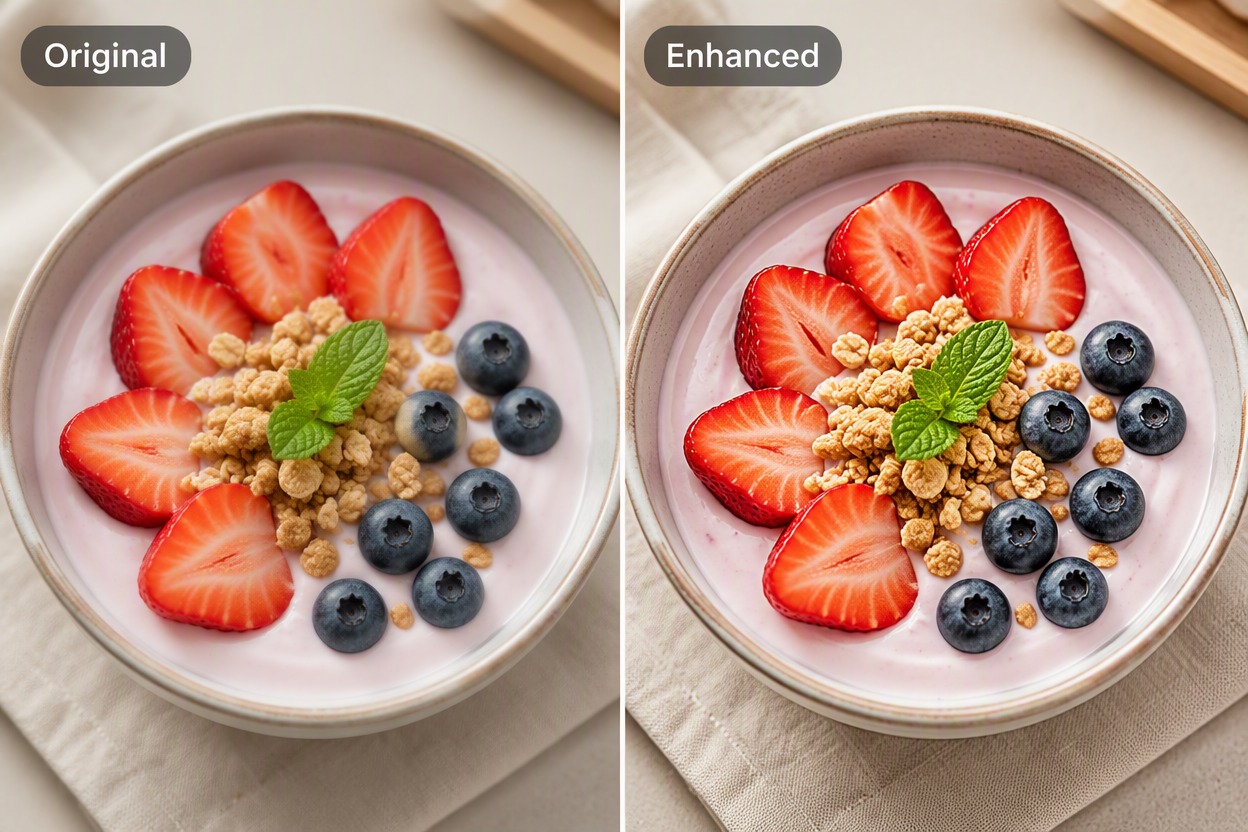
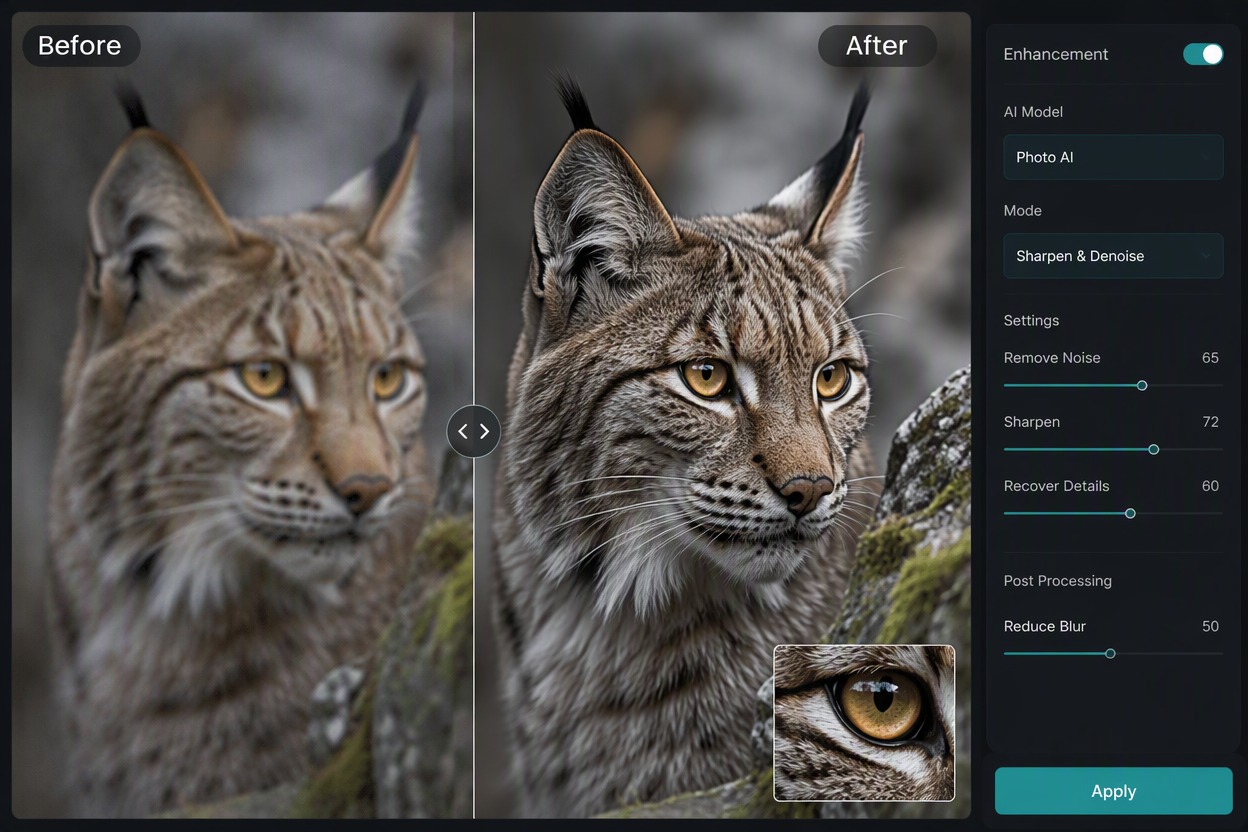
Review a matched Original and Enhanced view, choose the result that best preserves the person, product, or scene, and save it for the next workflow.
PicWish Image Enhancer FAQ
What does PicWish Image Enhancer do?
Is Picwish enhancer free to use?
Which photos work best?
Can it improve product photos?
Can enhancement recover every missing detail?
Can I use enhanced images for publishing?
What should I do if the result looks overprocessed?
Explore More AI Image Enhancers
Enhance Your Next Image With GoEnhance AI
Improve a portrait, product photo, or everyday image and prepare a cleaner source for social, design, and publishing workflows.
Enhance an Image