
Remaker AI Face Swap Online
How to Use Remaker AI Face Swap?
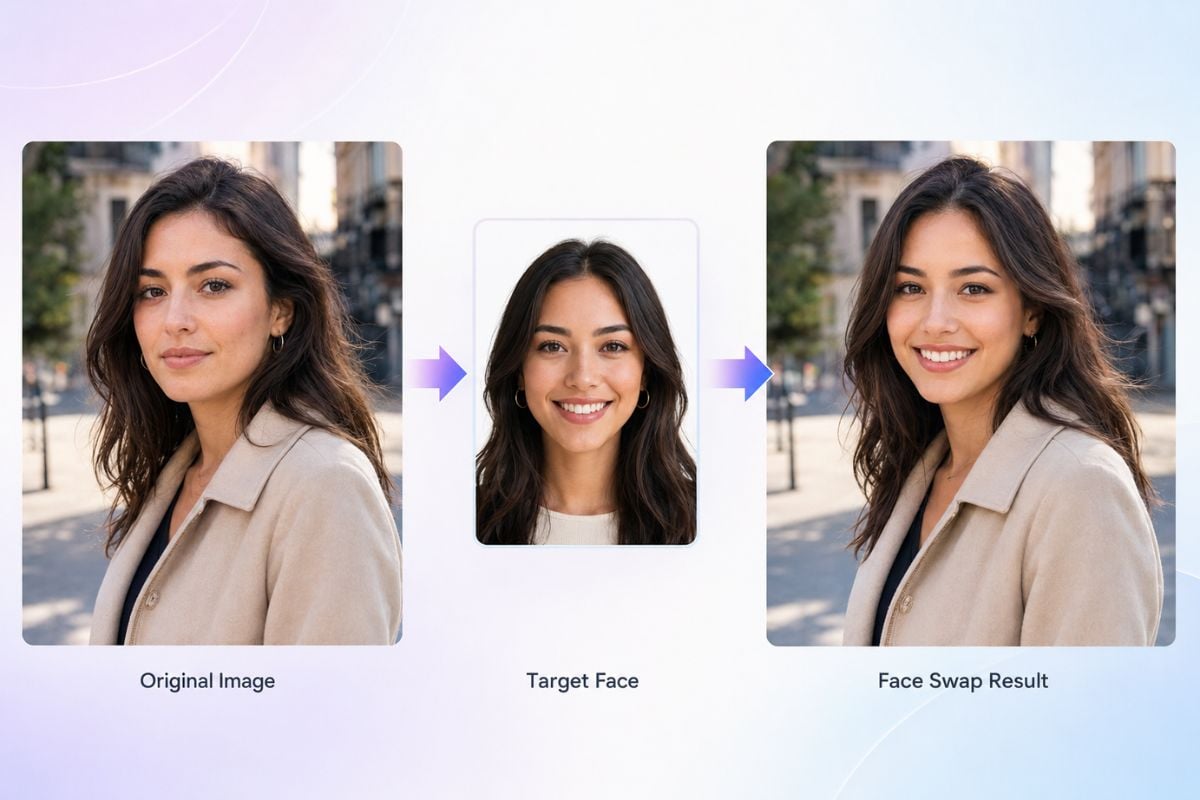
Upload the Original Image
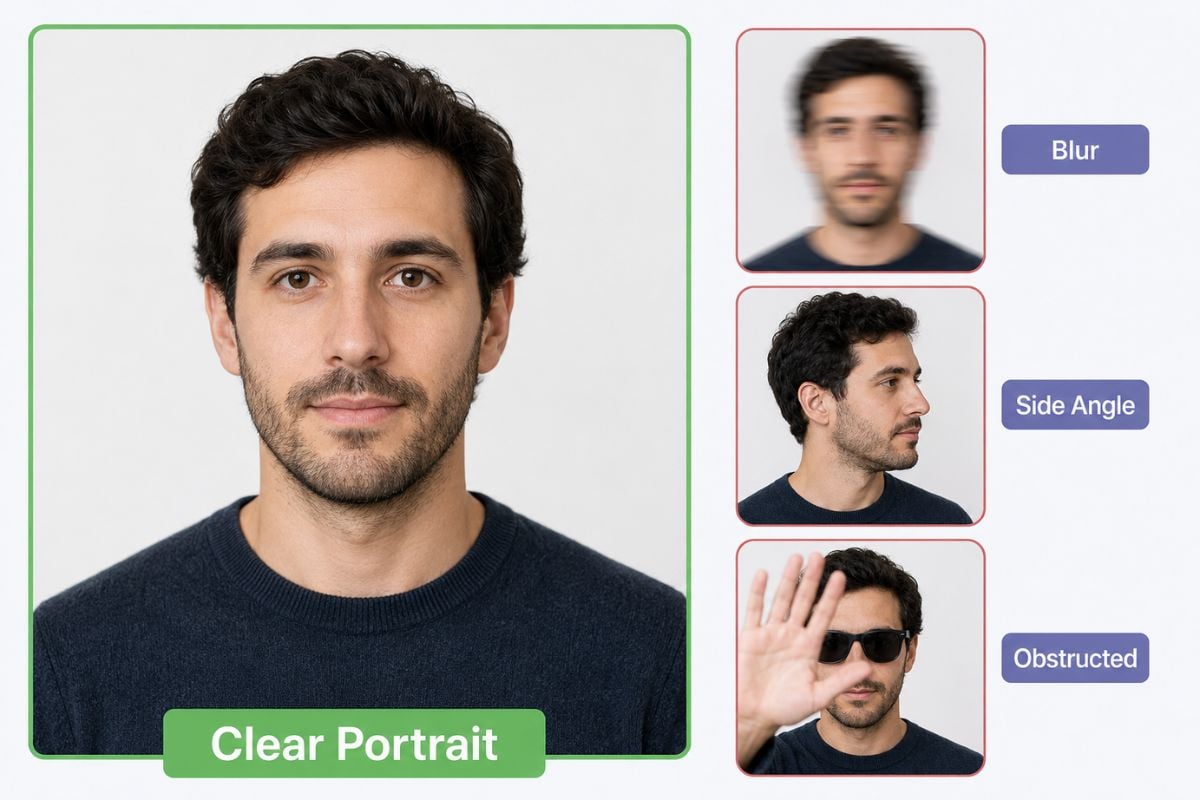
Choose the photo whose pose, clothing, lighting, and background should remain as the base. Use a sharp image with a clearly visible adult face.
Upload the Target Face
Add a clear portrait of the authorized adult whose facial identity should appear in the original image. Similar lighting and viewing angle can make the transfer easier to evaluate.
Generate, Inspect, and Download
Select an available model version, generate the swap, and check eyes, hairline, skin tone, face edges, teeth, shadows, and identity continuity before downloading or sharing.
Create and Review Face Swaps With Remaker AI

Choose an Available Model Version
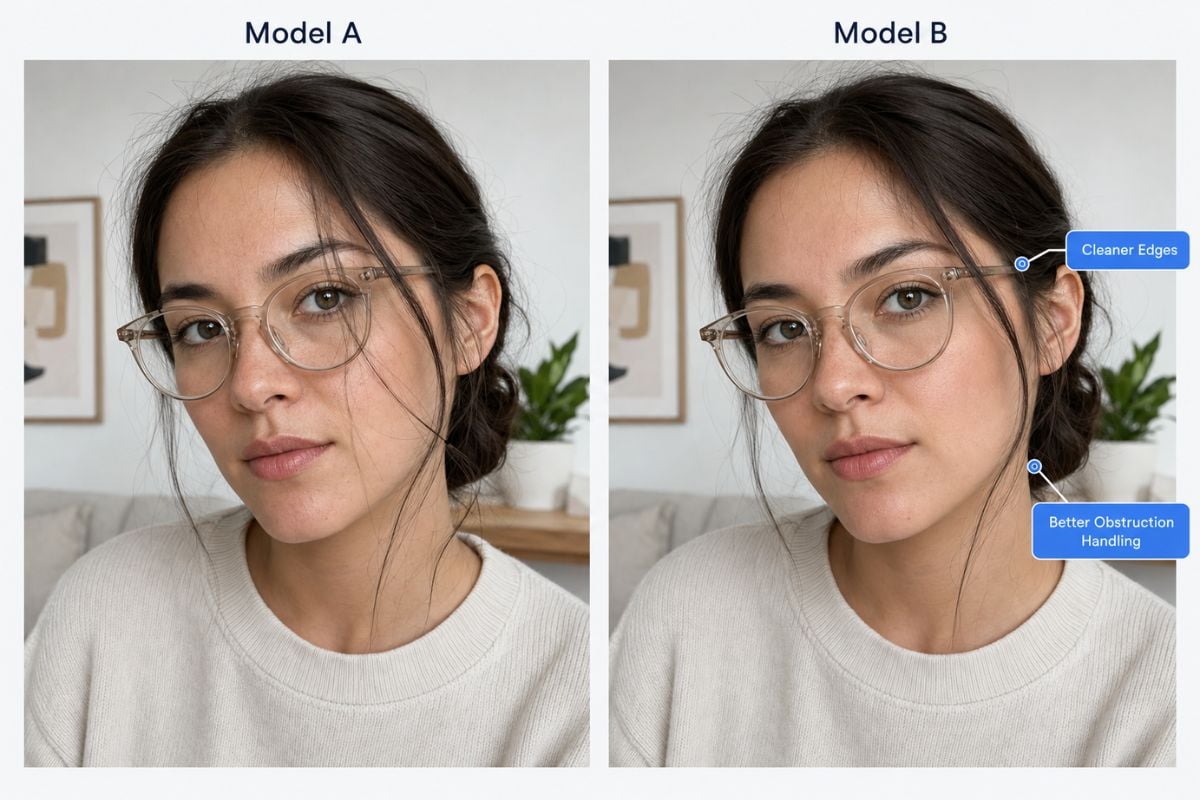
Remaker’s interface provides model-version options, including a newer option described for faster and more realistic results and improved handling of face obstructions. If one version is unstable for a photo, the official interface suggests trying the other available version.
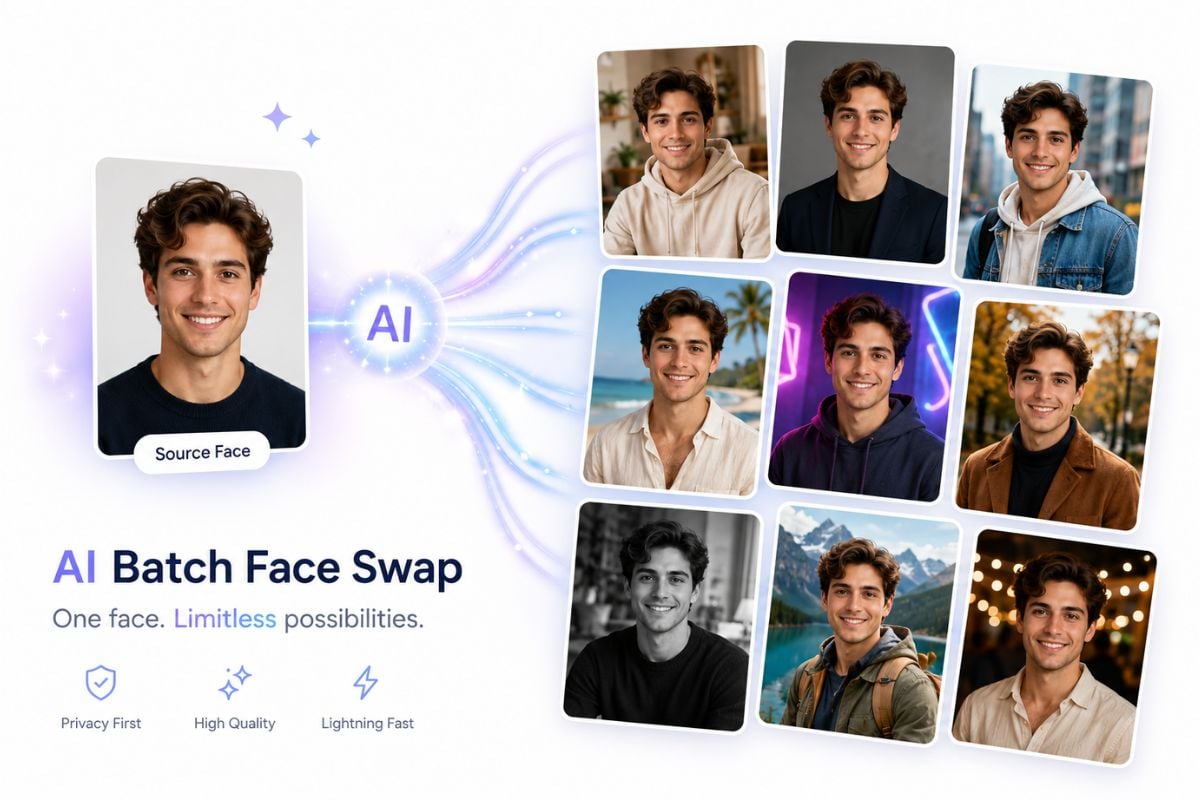
Create Single-Face and Multi-Face Experiments
Use single-face swapping for portraits, memes, paintings, or fictional role concepts, and open Remaker’s separate multi-face workflow when a group photo contains several authorized people. For another consent-aware creative workflow, explore online face swap tools.

What Remaker Face Swap Provides
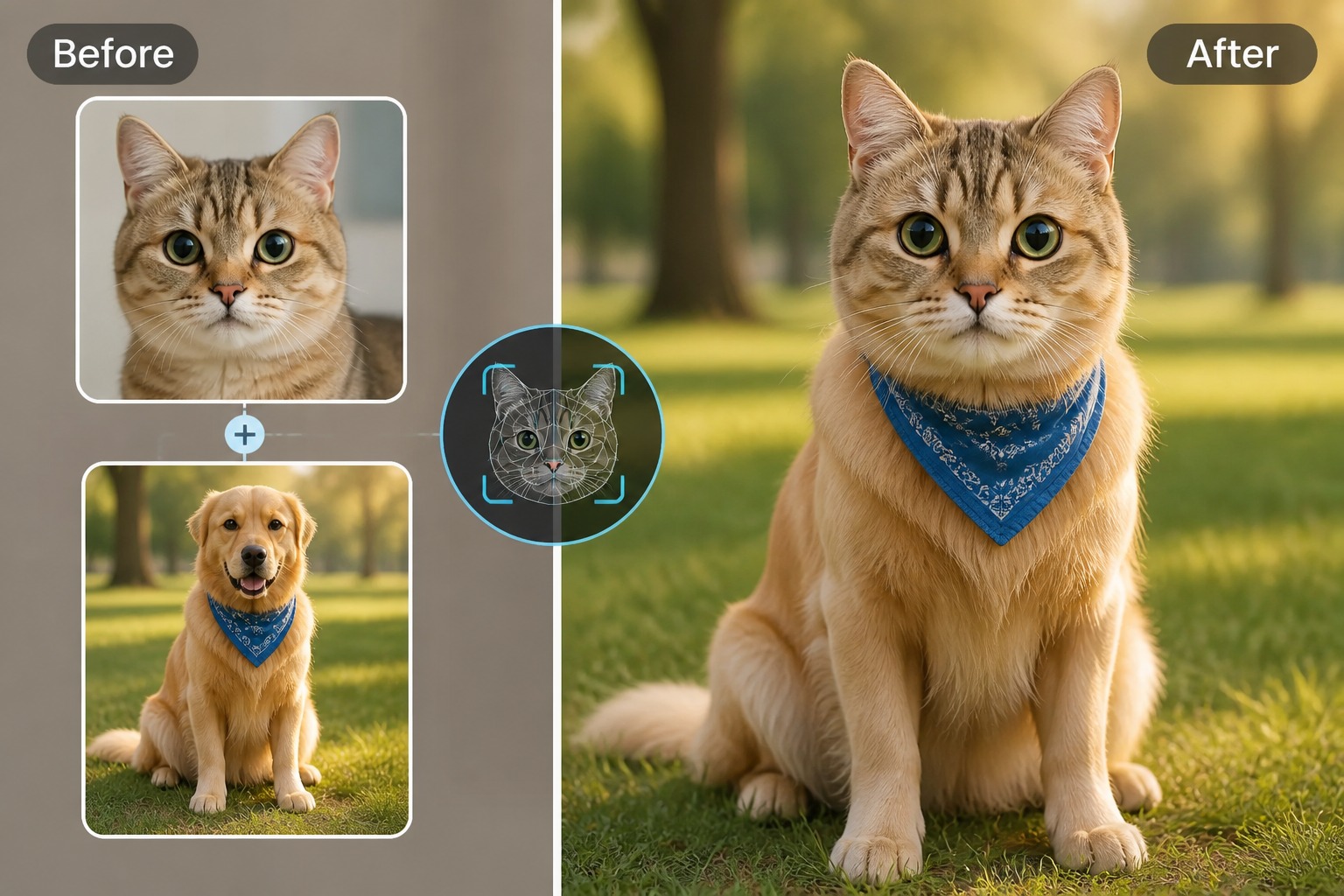
Two-Image Face Swap Workflow
Retain the Surrounding Photo
Model Version Options
Single and Multiple Face Tools
Creative Photo Use Cases
Browser-Based Generation
Explore More Face Swap Tools



Remaker AI Face Swap FAQ
What is Remaker AI face swap?
Is Remaker AI face swap free?
What photos work best for Remaker face swap?
Can Remaker swap several faces in one photo?
Can I use Remaker face swap on a phone?
Is face swapping legal and safe?
What should I review before publishing a face swap?
Try a Consent-Aware Face Swap With GoEnhance AI
Upload authorized adult photos, create a face-swap variation, and review identity, lighting, face edges, and disclosure needs before sharing.
Start Face Swapping