Free AI Celebrity Video Generator

Upload an authorized portrait or create an original persona, add a short script or scene description, and create a celebrity-style video for entertainment, storytelling, or promotional concepts.
Create a Celebrity-Style Video

Create Celebrity-Style Video Scenes

Explore different video concepts for an original persona, fictional character, or portrait-based creative project.
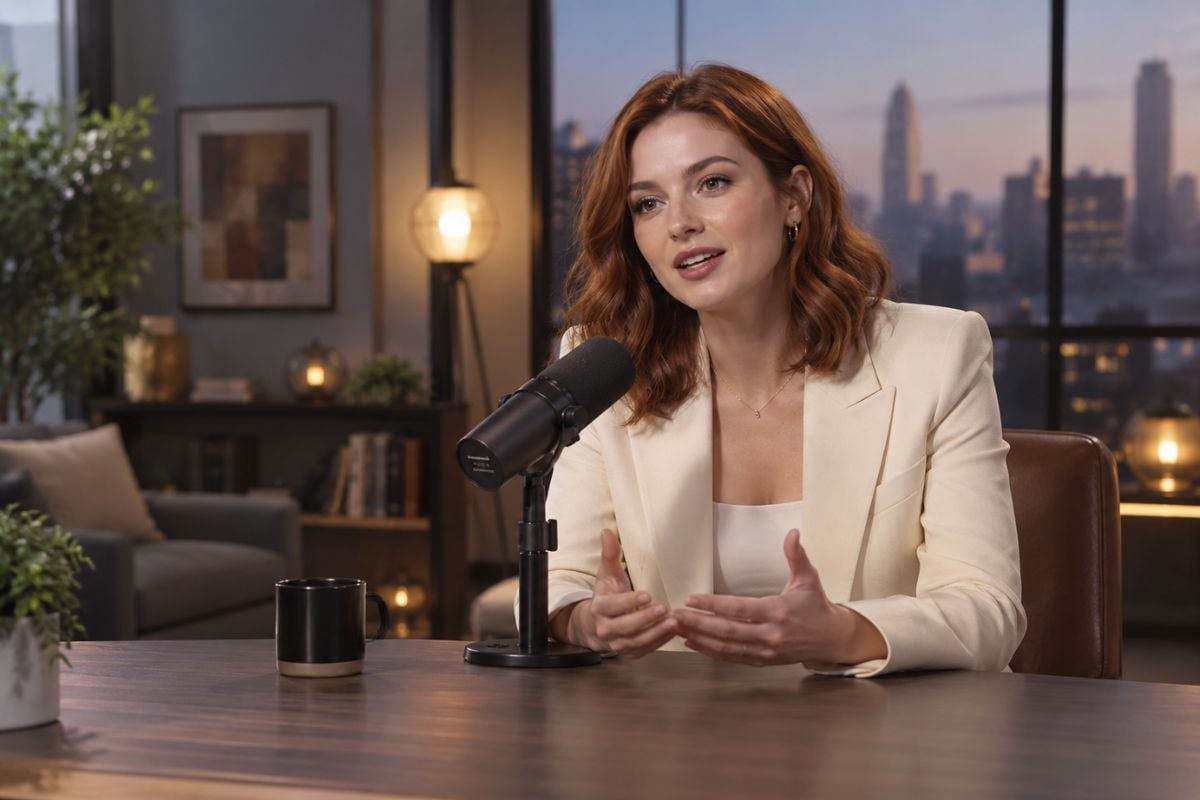
Studio Interview

Studio Interview

Turn a portrait into a camera-facing interview scene with a short introduction, natural expression, studio lighting, and a simple speaking direction.

Try For Free

What You Can Create with AI Celebrity Video Generator

Turn Portraits into Talking Videos

Transform a portrait into a short talking-head video with a selected expression, speaking direction, camera angle, and background using image to video. It works well for fictional characters, presenter concepts, social clips, and visual storytelling.
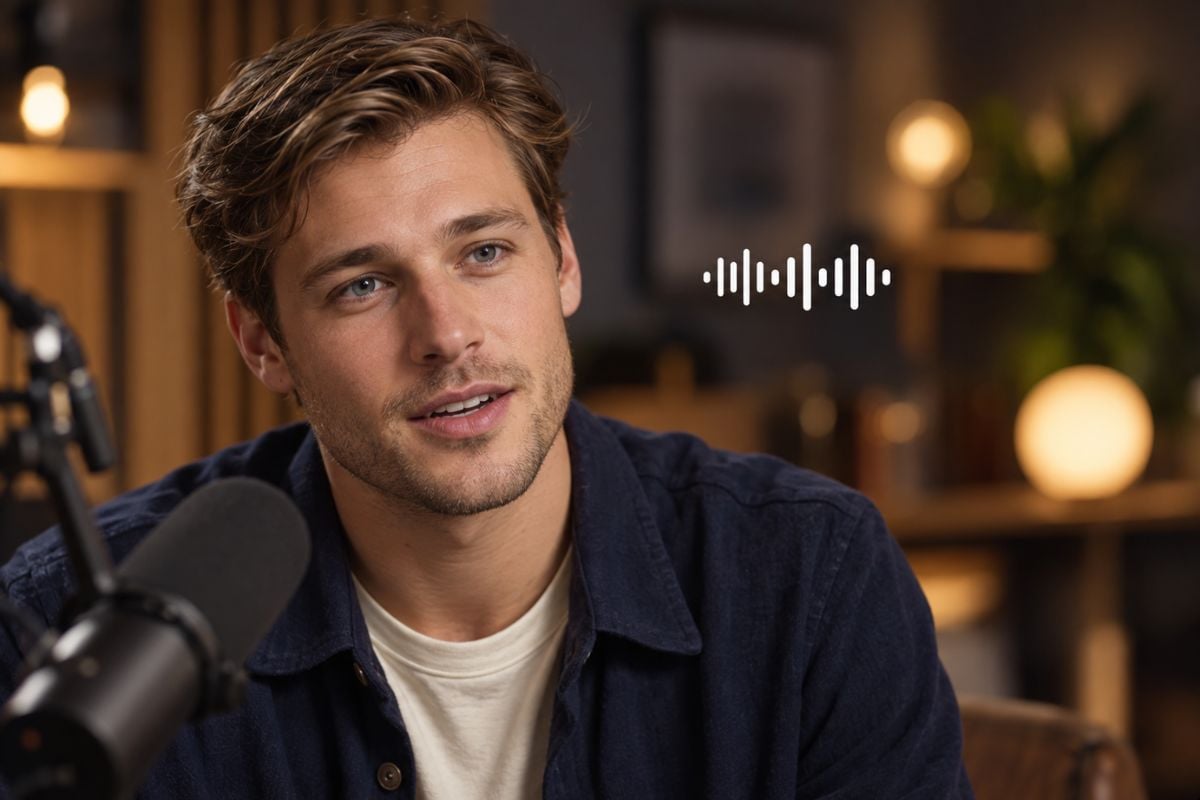
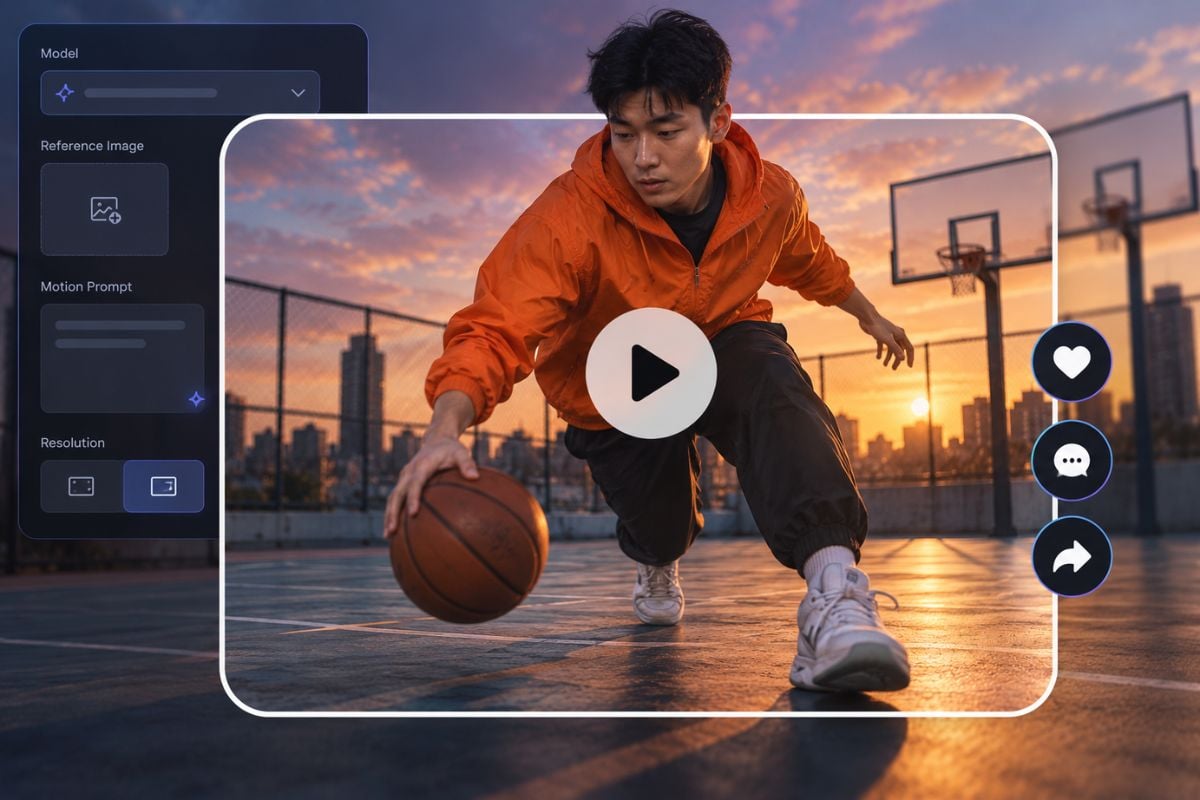
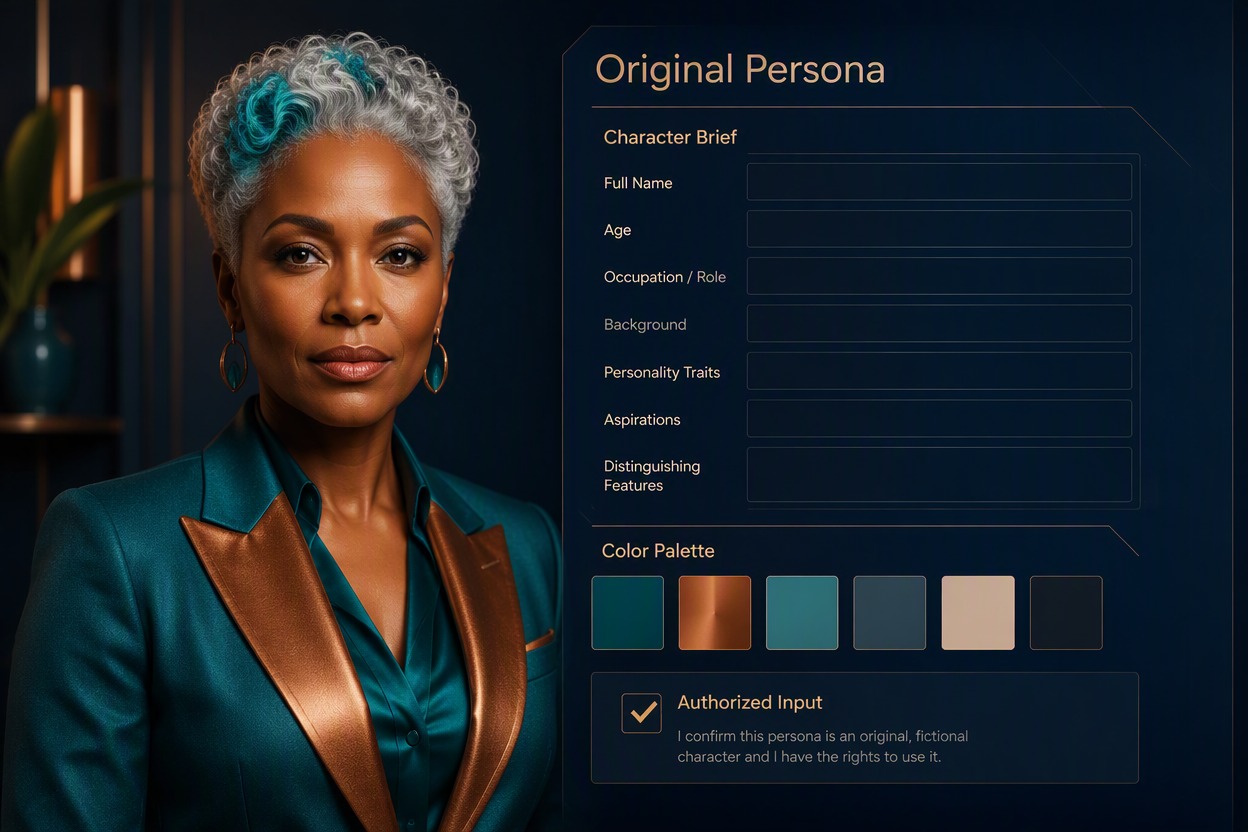
Original adult persona portrait transformed into a talking video concept with a camera-facing expression, wardrobe direction, and fictional studio setting. No real celebrity resemblance, logo, or copied performance.

Create Performance and Interview Clips

Generate short scenes that show a persona speaking to the camera, answering a question, introducing a topic, or performing a simple gesture. Add a short script or action direction to shape the mood and pacing of the clip.

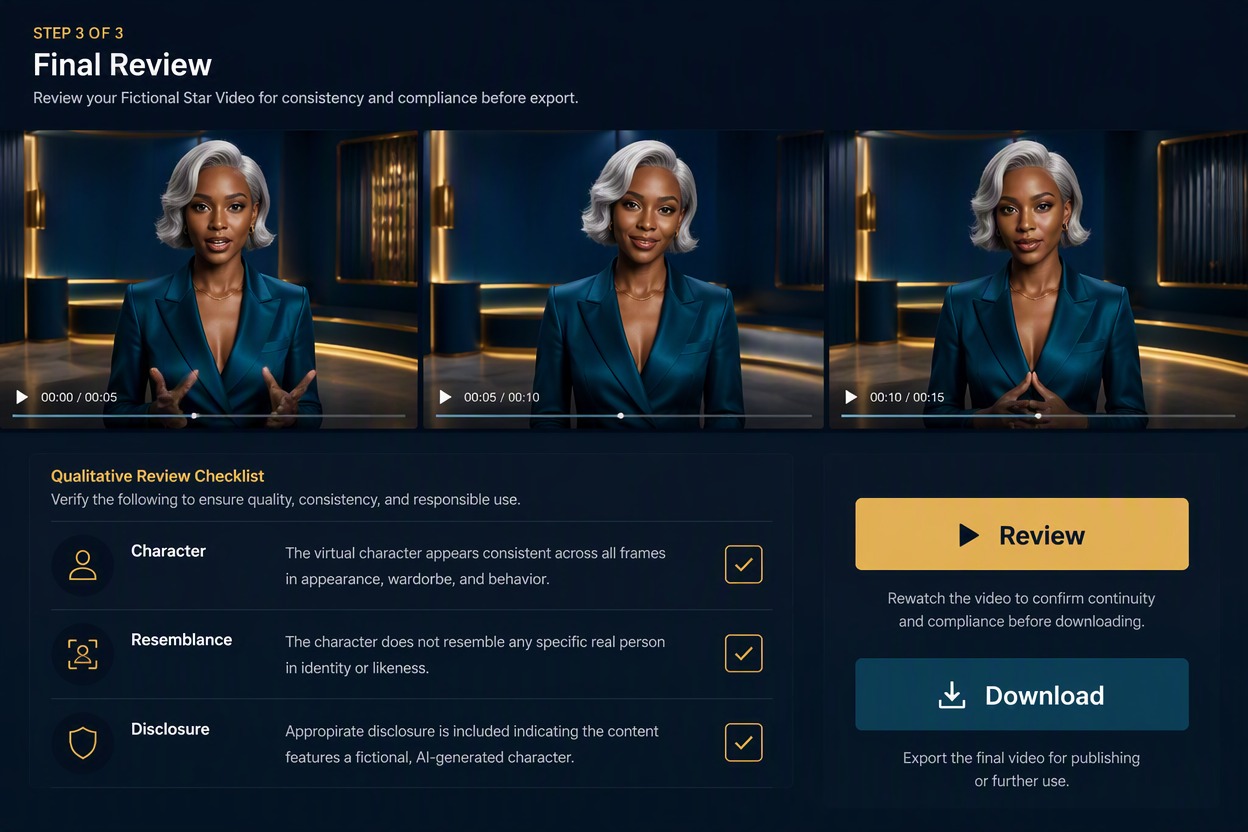
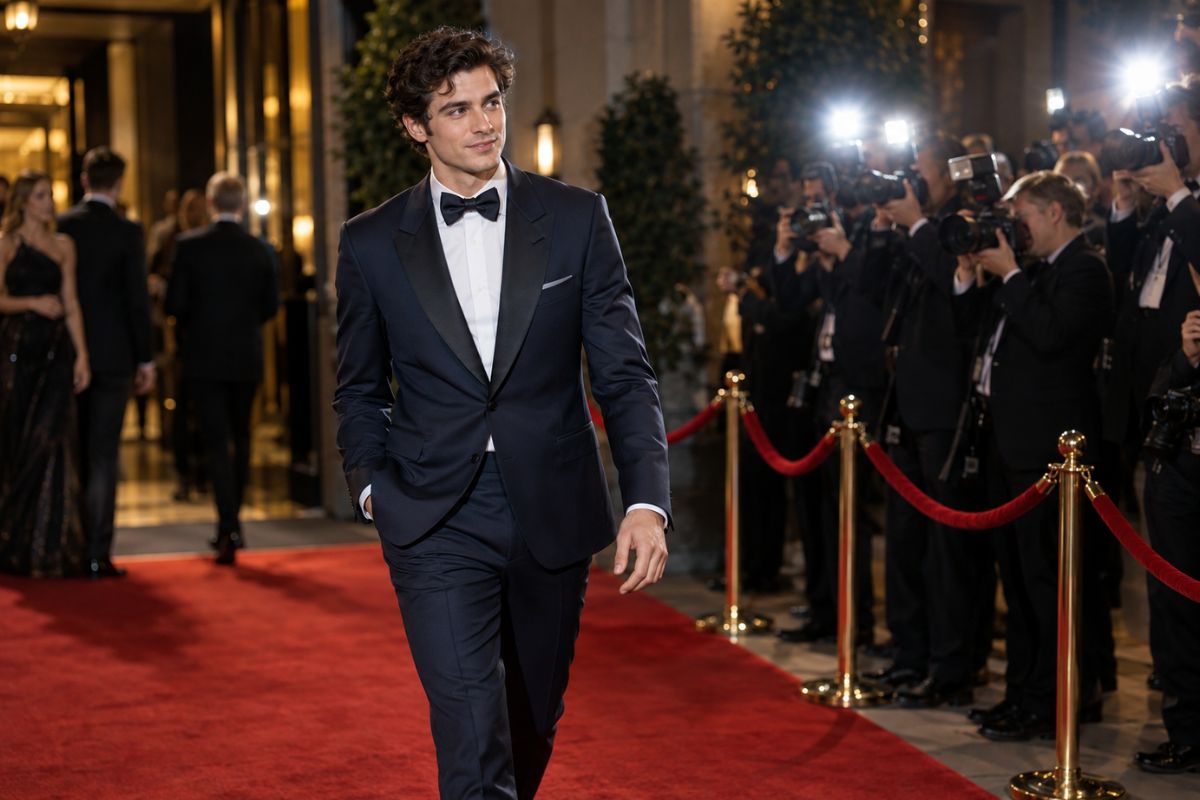
Original adult persona in a fictional interview and introduction video concept, facing the camera in a studio with defined expression, clothing, and scene direction. No event name, brand logo, or real public figure.

Explore Cinematic Video Styles

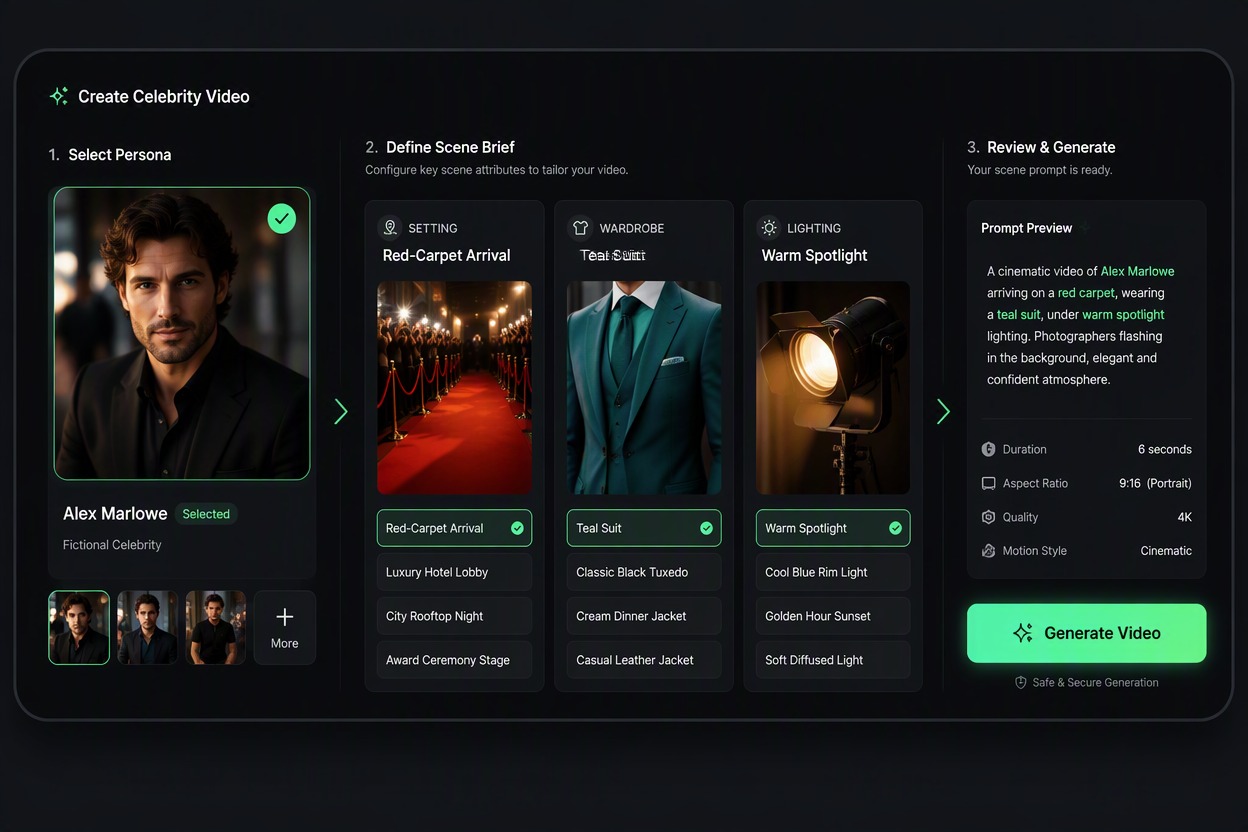
Try different visual directions such as a studio introduction, fashion presentation, music-inspired performance, travel scene, dramatic close-up, or promotional concept. Adjust the lighting, framing, wardrobe, camera movement, and atmosphere for each version.

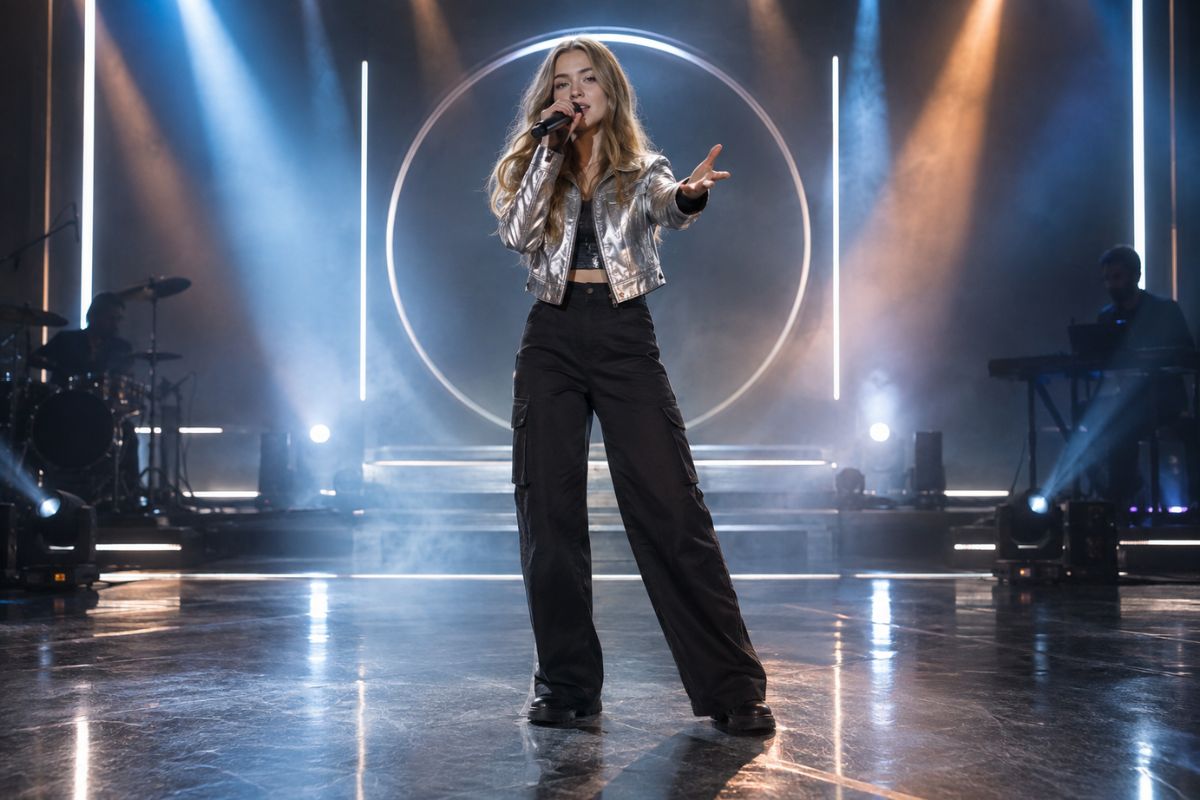
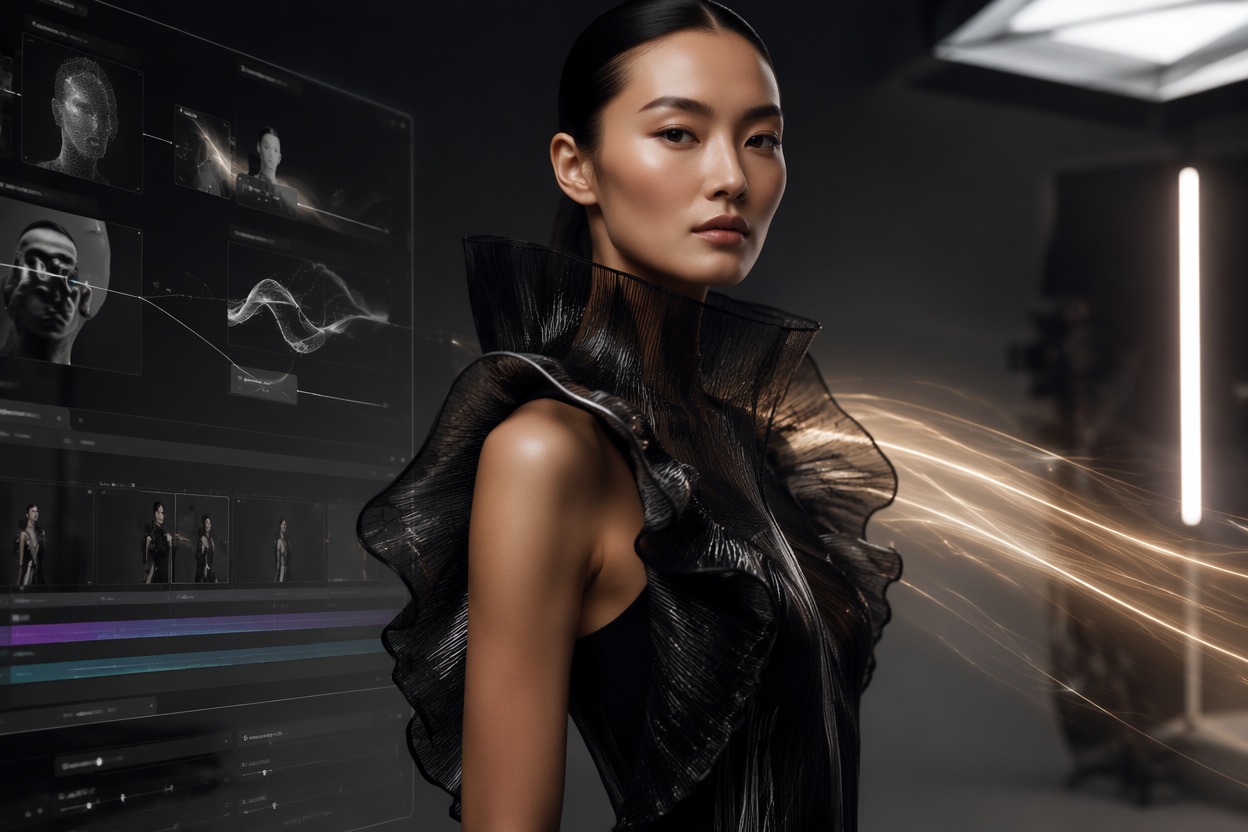
Original adult persona in a fictional cinematic video concept with fashion styling, studio lighting, camera framing, and a simple performance gesture. No song title, artist name, logo, endorsement, or real performer resemblance.

Animate Images for Social Content

Create short portrait-based videos for social posts, character introductions, concept previews, profile content, and creative campaigns. Combine a clear visual subject with one focused action to make the final clip easier to understand.

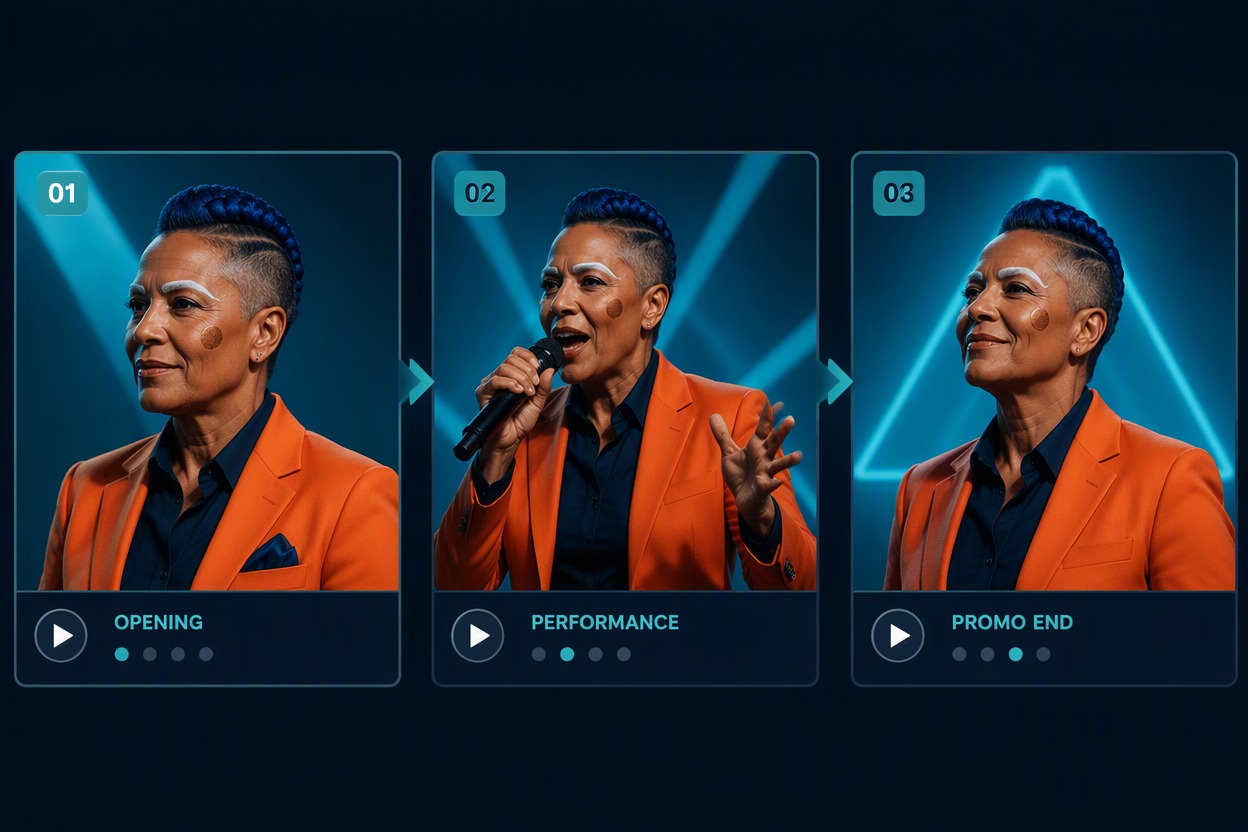
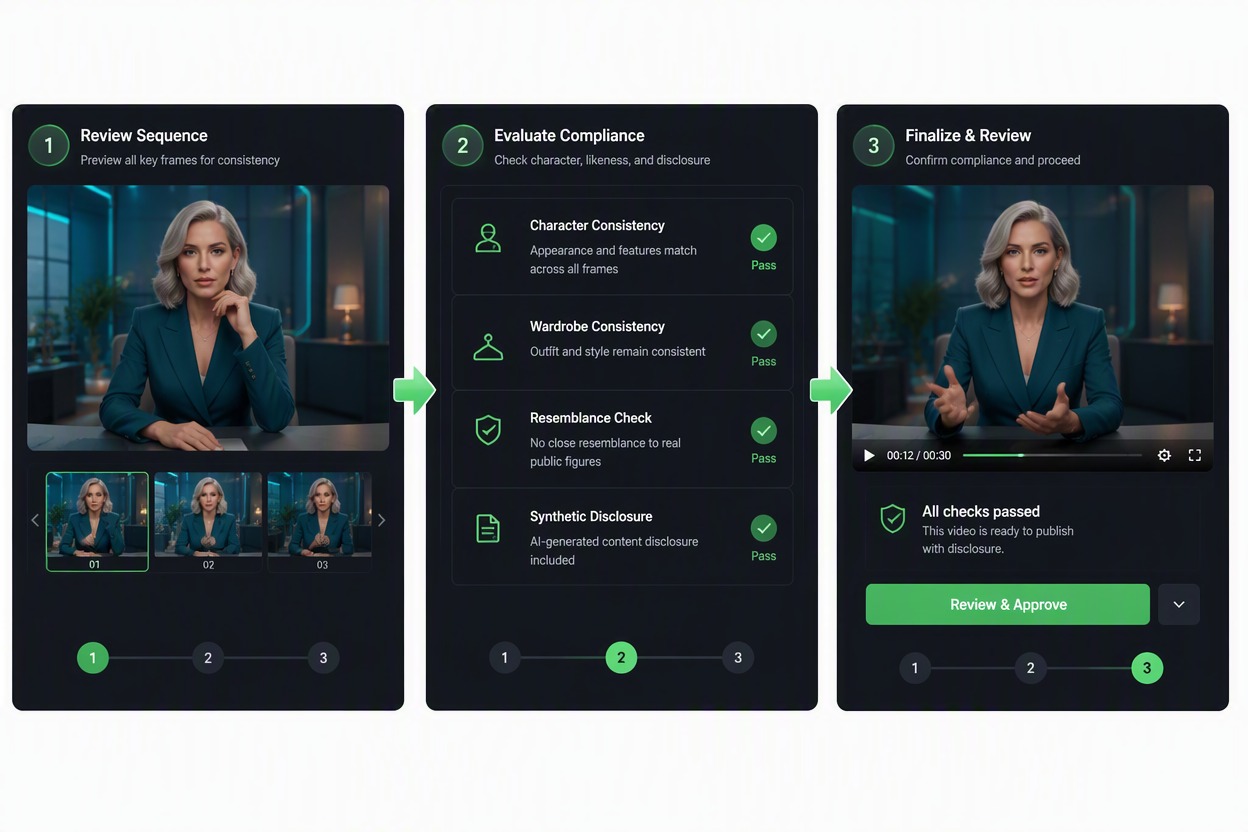
AI video preview showing several frames of a fictional adult persona used for a social media video concept, with portrait animation, wardrobe direction, and scene continuity. No celebrity names, logos, numerical claims, or endorsement language.

What You Can Create

Talking-Style Video Concepts

Create short camera-facing scenes with a script, introduction, reaction, greeting, or commentary direction when supported by the selected workflow.

Entertainment Scenes

Explore fictional interviews, arrivals, backstage moments, editorial poses, premiere scenes, and performance-related concepts.

Social Video Ideas

Prepare short video concepts for social posts, character promotion, fan-style edits, and entertainment storytelling.

Promotional Concepts

Use an original persona or authorized subject to test a product introduction, campaign idea, creator message, or fictional brand scene.

Different Aspect Ratios

Plan the framing for vertical, square, or landscape outputs and leave enough space for the subject, script, and main action.

Original Persona Development

Define the character's appearance, wardrobe, expression, attitude, and setting without relying on a real public figure's identity.

How to Use an AI Celebrity Video Generator

Upload or Create a Persona

Use an original fictional adult, your own image, or an authorized adult subject. Do not upload or imitate a person whose likeness or voice you are not allowed to use.

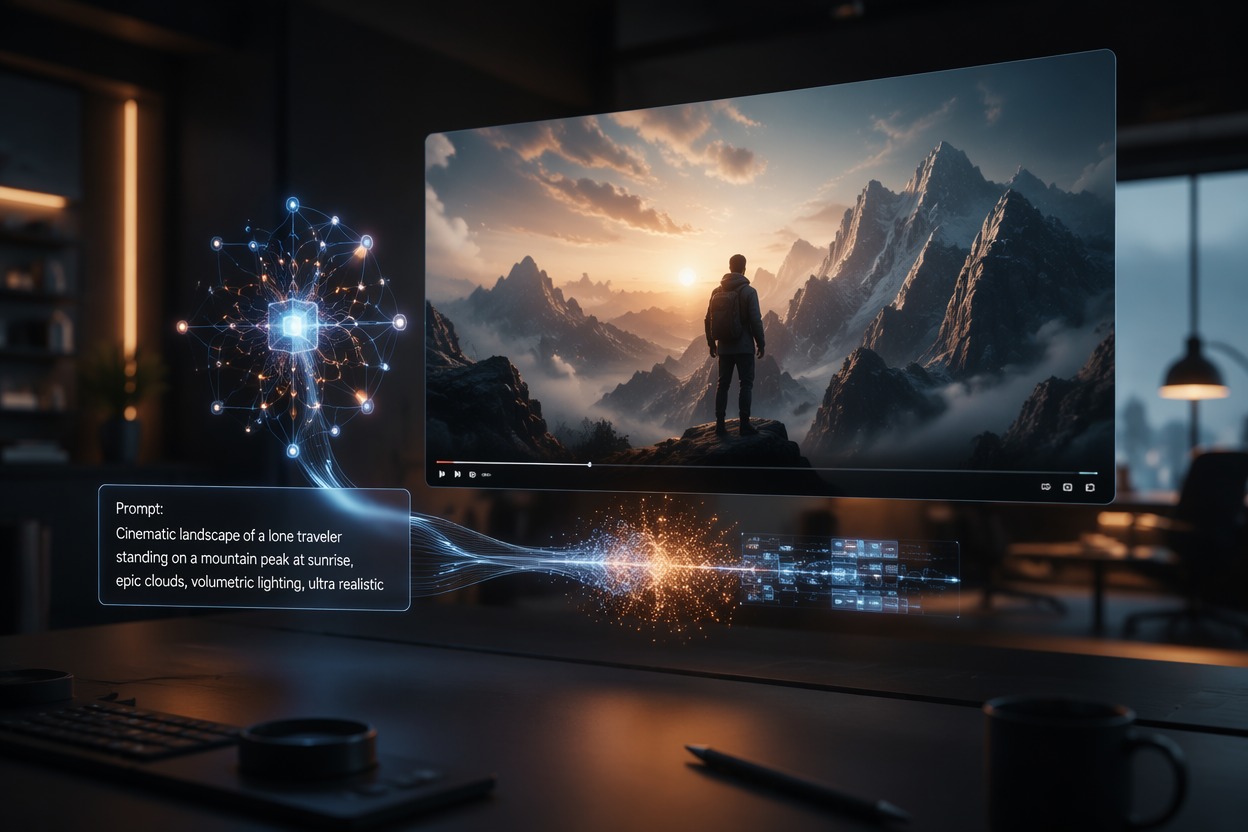
Enter a Script or Video Prompt

Write the dialogue, movement, setting, camera direction, and mood in a concise format. Avoid claims that a real celebrity said or endorsed something.

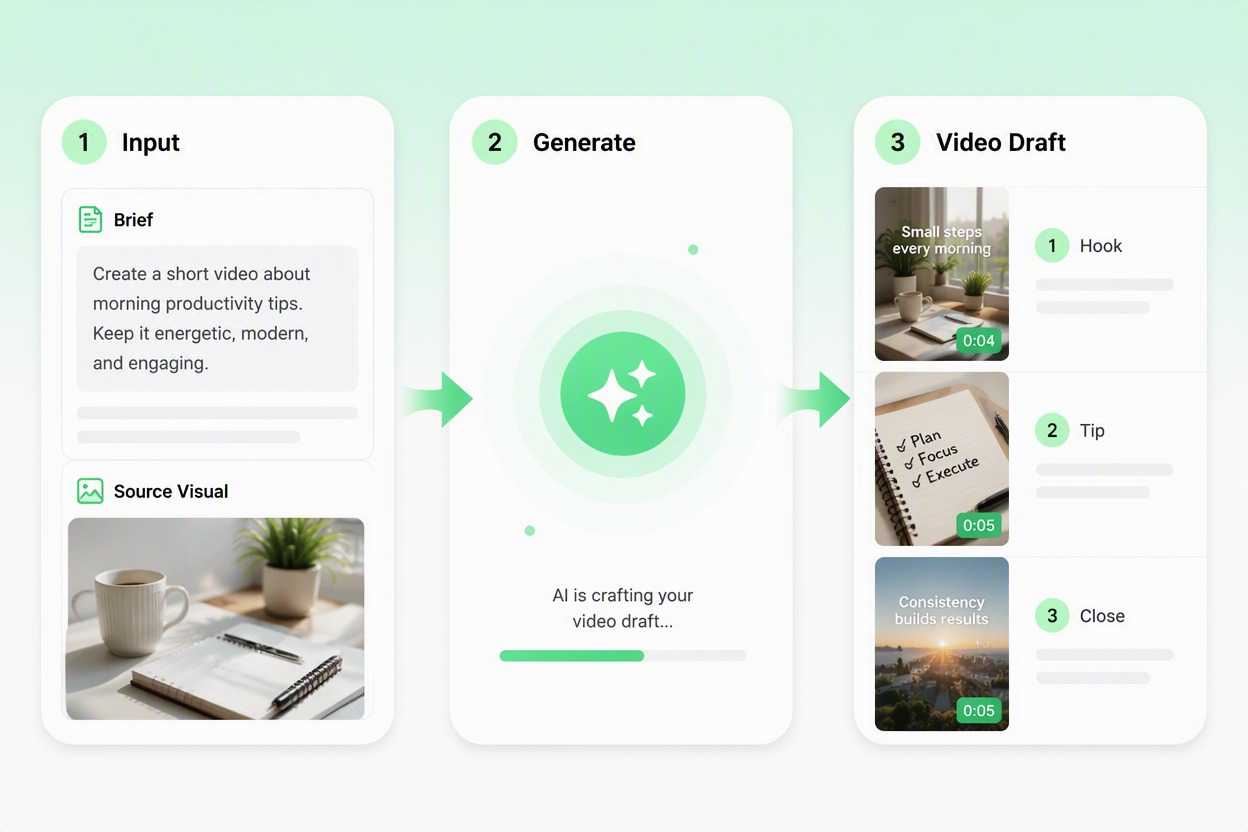
Generate and Review the Video

Check facial movement, hands, clothing, background, script, logos, resemblance, and framing. Regenerate or edit the prompt if the result does not match the intended scene.

AI Celebrity Video Generator FAQ

What is an AI celebrity video generator?

It is a tool that can turn a portrait, character image, script, or scene description into a short celebrity-style video concept. Use original personas and authorized subjects rather than presenting generated footage as a real recording.

How do I create a celebrity-style video from a photo?

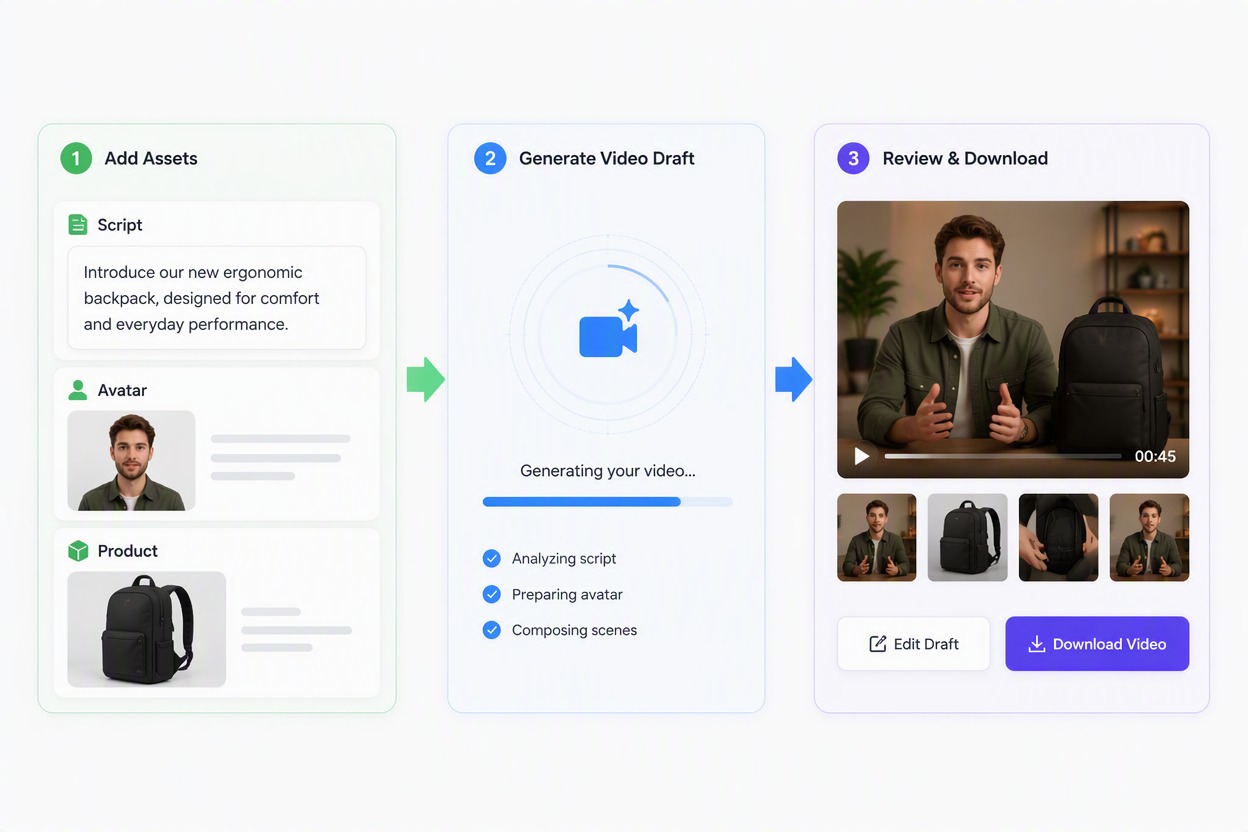
Upload a clear authorized portrait, add a short script or action description, select the intended visual direction, and review the generated video before downloading.

Can I create a talking video from an image?

Some workflows may support talking or lip-sync-style results from a portrait and script. Check the available controls and inspect the mouth movement, facial expression, and wording in the output.

What kind of photo works best?

A clear adult portrait with visible facial features, even lighting, and a simple background is easier to use. Covered faces, strong blur, extreme angles, and crowded backgrounds may affect the result.

Can I use a real celebrity's face or voice?

Only use a public figure's likeness or voice when you have the required authorization. Avoid fabricated endorsements, misleading statements, political persuasion, scams, harassment, or content that could be mistaken for authentic footage.

Can I use my own photo?

You may use your own image when the workflow and current service terms allow it. Make sure you have the necessary rights and do not describe the generated result as an actual recording.

What scripts can I use?

Short introductions, greetings, reactions, fictional interviews, commentary, promotional lines, and character dialogue are easier to review than long scripts with several scene changes.

Can I create videos for TikTok, YouTube, or Instagram?

You can prepare video concepts for different platforms by choosing a suitable aspect ratio and composition. Review each platform's rules and disclose synthetic content when viewers could mistake it for real footage.

Why does the result not match my prompt?

The output may change facial details, movement, clothing, text, or background elements. Simplify the prompt, use a clearer image, and describe one main action or scene at a time.

Can I create AI celebrity videos for free?

Free access, credits, generation limits, and export options depend on the current product plan. Check the live tool for available usage before creating a larger batch of videos.

Can I use the generated video commercially?

Review the current service terms, source-image rights, model or actor permissions, music and logo rights, third-party likeness rights, and applicable laws before commercial use.

What should I check before publishing?

Review the person's identity, age, facial movement, hands, script, logos, background, accidental resemblance, implied endorsement, and disclosure requirements.

Create a Celebrity-Style Video from Your Idea

Start with an authorized portrait or original persona, add a short script or scene direction, and review the generated video concept.

Create a Celebrity-Style Video