
Make Photo Black and White in One Click
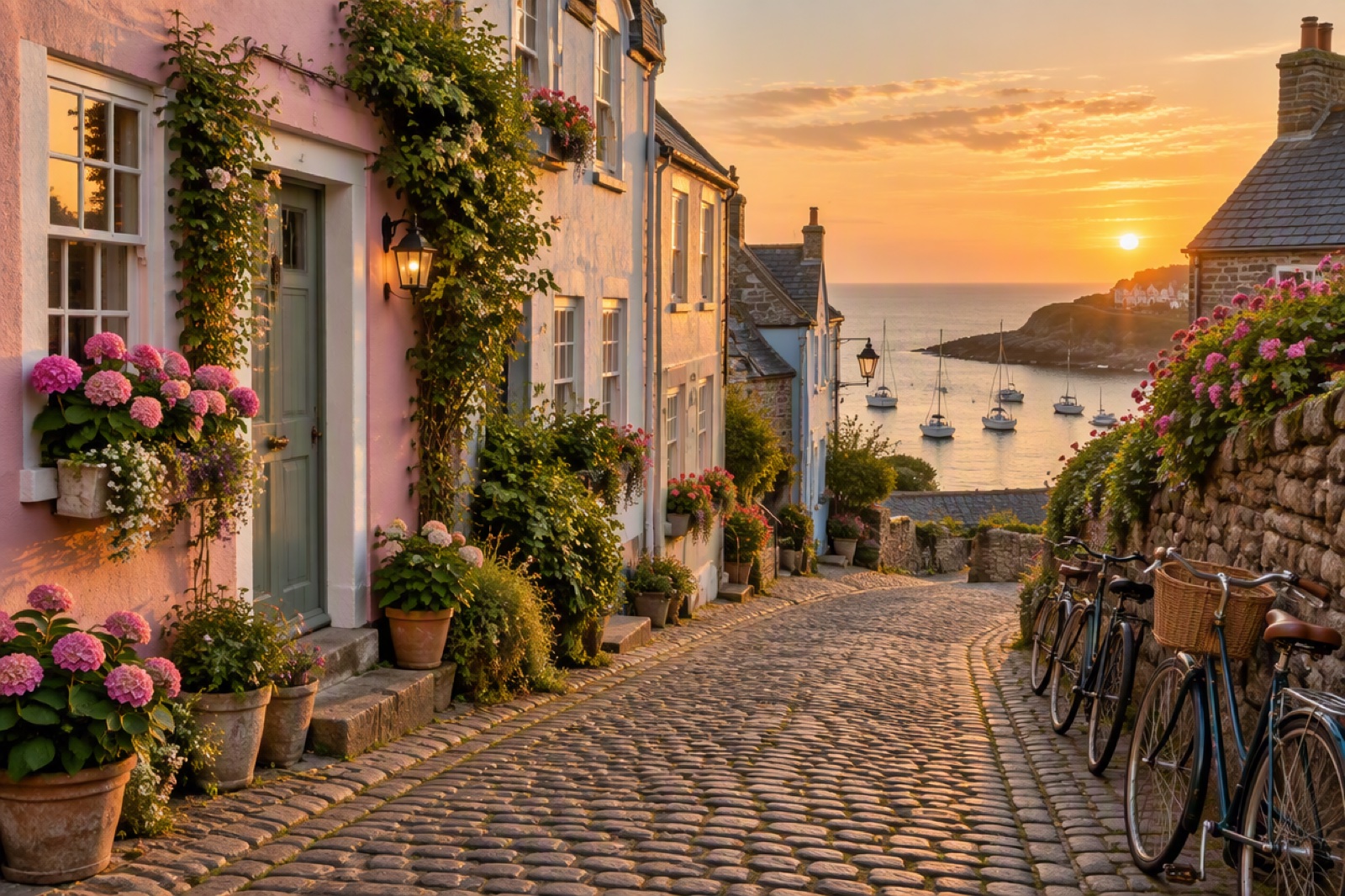
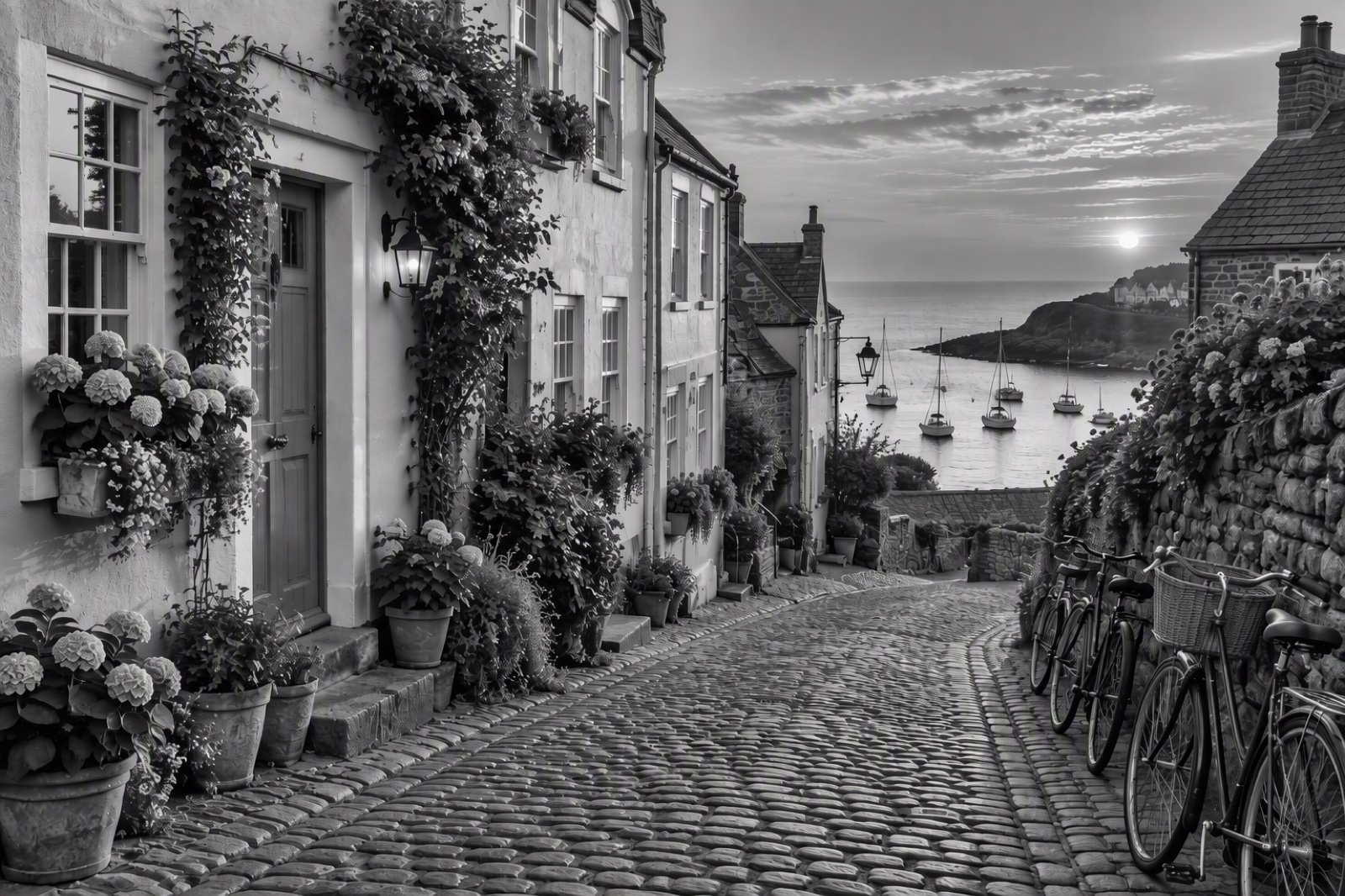
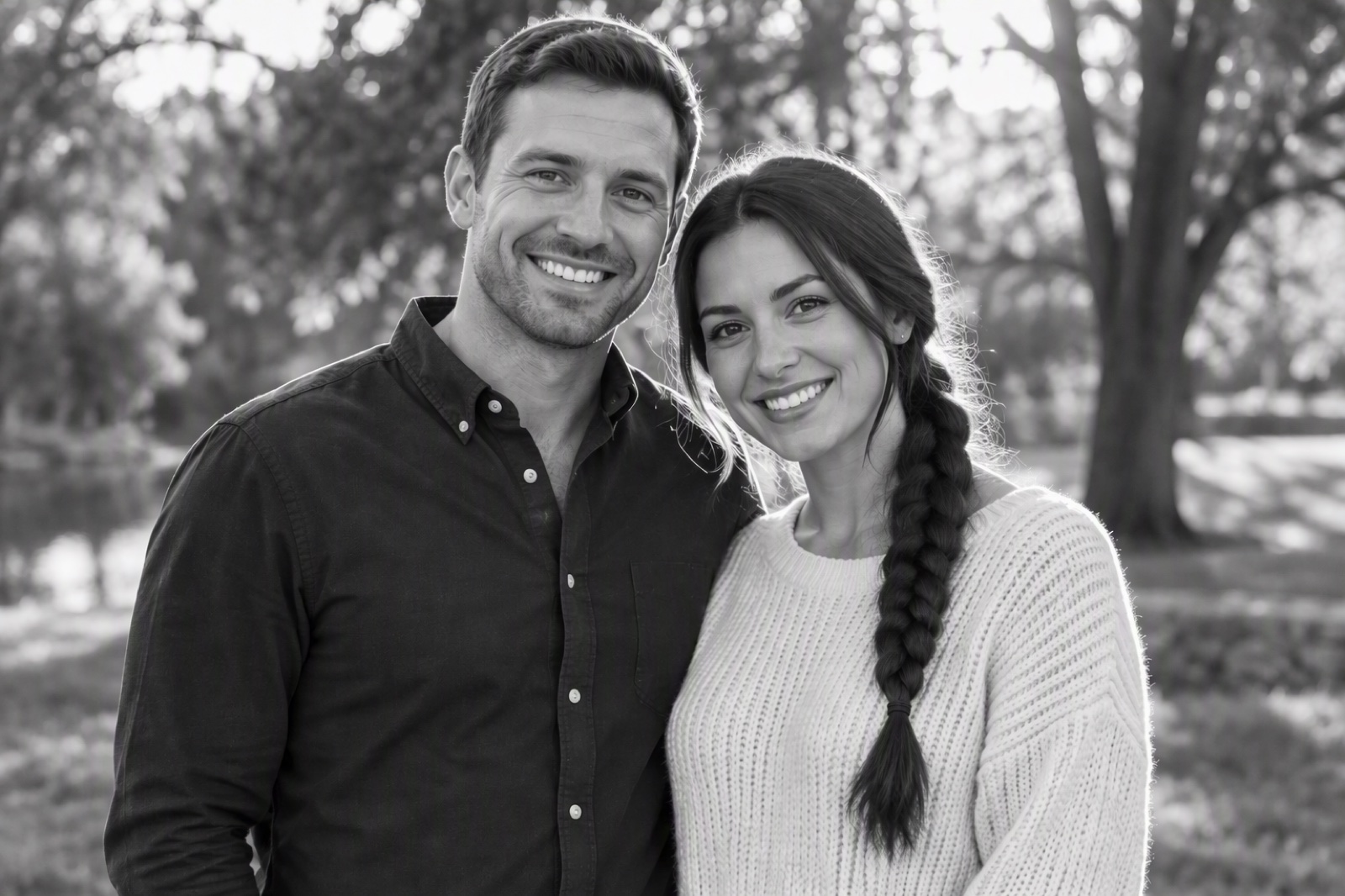
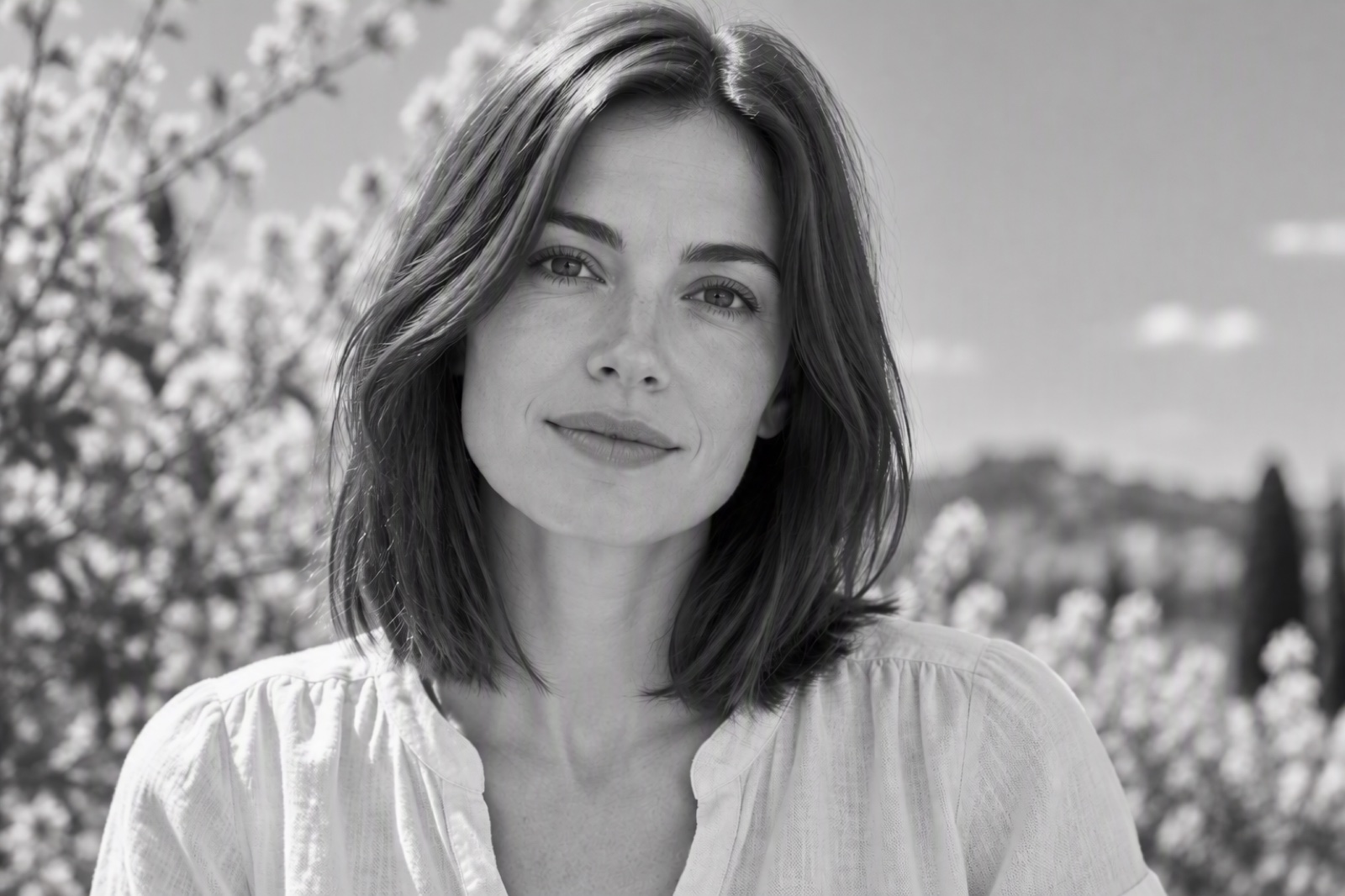
Why Use GoEnhance AI Black and White Filter?
One-Click Monochrome Photo Edits
If you want to build full layouts around your edit, pair it with our AI image generator to design posters, social banners, and cover images that match your new monochrome style.
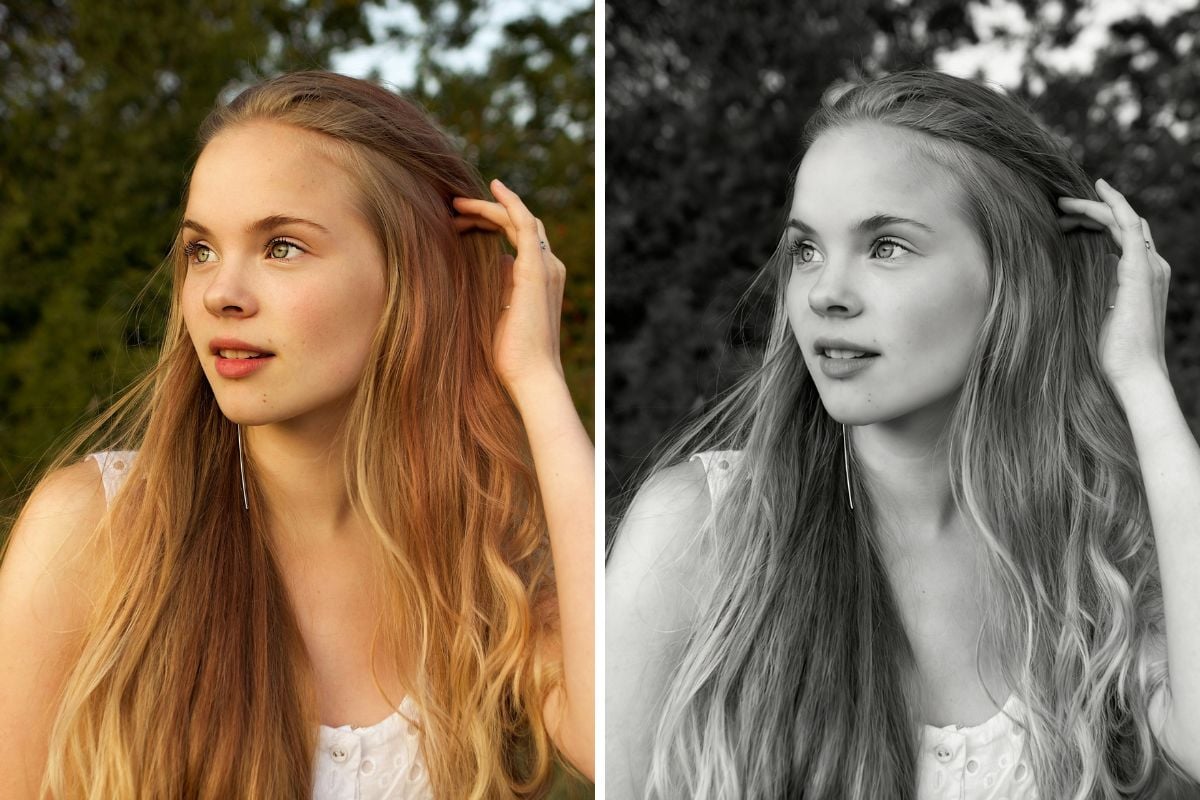
From Everyday Color to Classic Black & White
Use the tool to convert image to black and white for portraits, cityscapes, product shots, and family memories. You can clean up scans with old photo restoration, then send the image to black and white for a timeless, unified look. For extra impact, turn stills into short animations with animate old photos and create nostalgic slideshows that feel like vintage film reels.
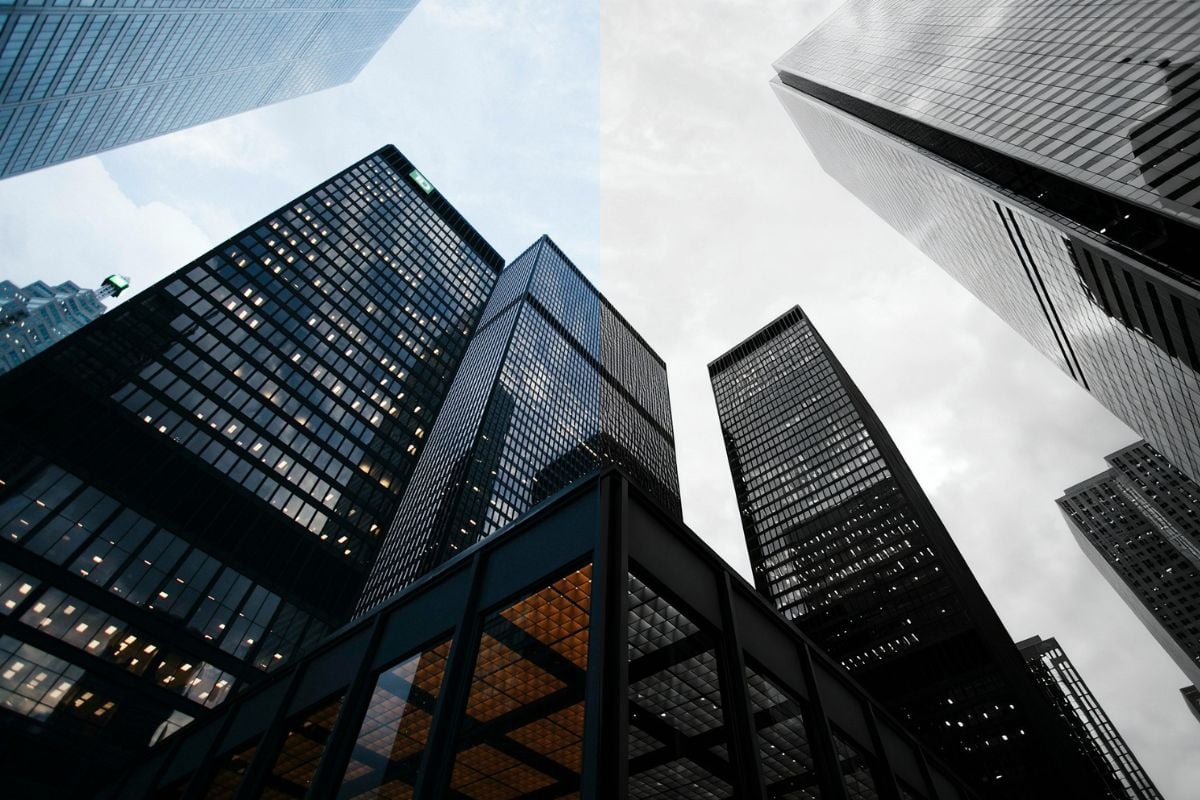
How to Turn Any Image to Black and White
Upload a Clear Color Photo
Choose a front-facing portrait, street shot, landscape, or product photo with decent lighting. The clearer the original, the better the grayscale tones will look after you convert image to black and white.
Apply the Black White Filter
Click generate and the tool removes color, then redistributes light and shadow so the monochrome version keeps detail in skin, skies, and backgrounds. You can nudge contrast or brightness if you want a softer matte look or a punchy, dramatic style.
Download and Use Anywhere
Save your black and white file in high quality and use it for social posts, moodboards, prints, or thumbnails. Keep a clean white background for minimal layouts or mix it with other effects for a more cinematic, vintage feel.
Find Other Popular Creative Effects

What Our Users Say?
You May Want to Know
What happens when I make a photo black and white?
Is the black white filter free to try?
Why do people still use black and white photos?
Do I need professional photos for good results?
Where can I use my black and white images?
How is this different from a basic phone filter?
Try the Black and White Photo Filter
Upload a color picture, apply the black white filter, and download a clean monochrome version in moments. Give your photos a classic, focused look without opening a full editor.
Start Black & White Editing