
GPT Image 2.6
GPT Image 2.6 is OpenAI's image model, available on GoEnhance in two versions: Sunburst for detailed generation and editing, and Flare for faster results. Write a prompt or upload up to 16 reference images, choose 1K, 2K or 4K and one of five quality levels, and get a still image, a transparent PNG or a short animated GIF. Prices start at 6 tokens per image.
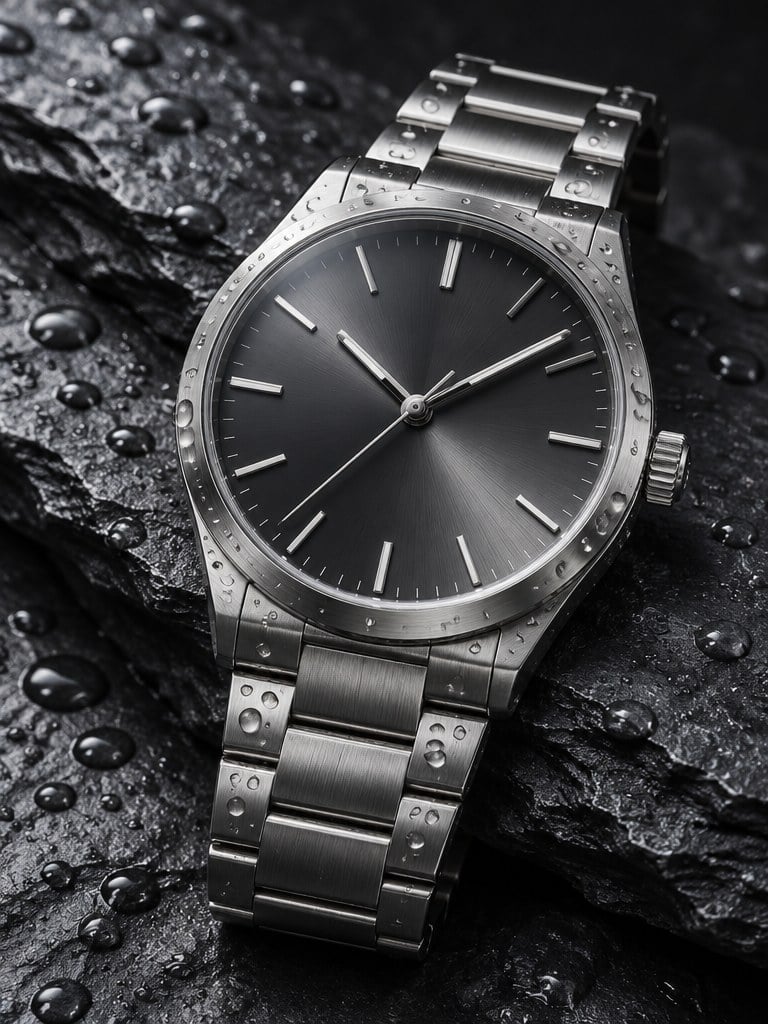
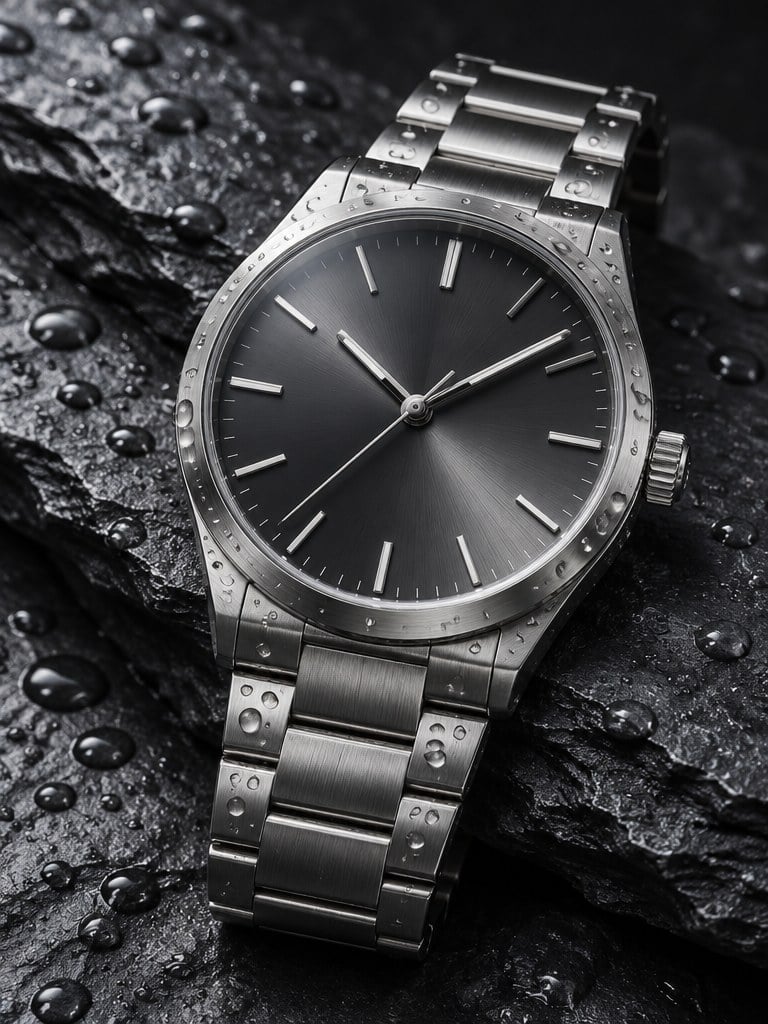
Steel Watch on Slate
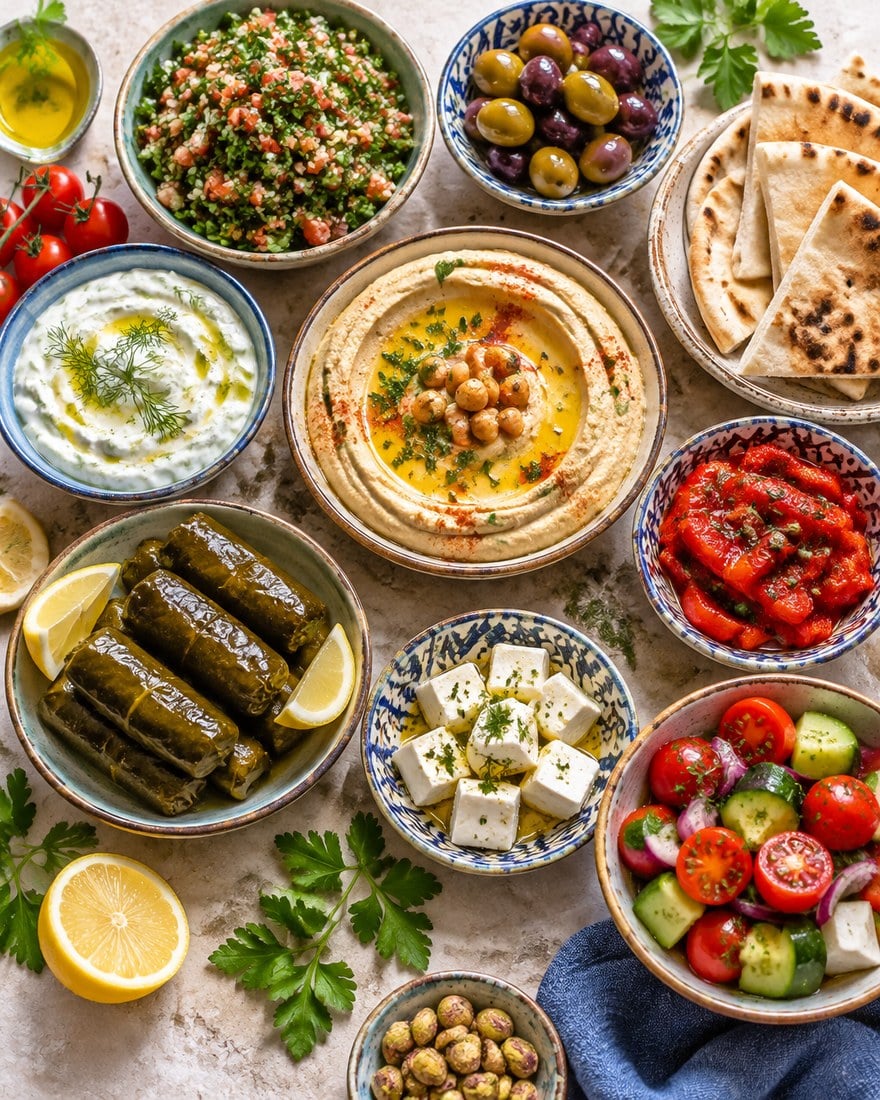
Mezze Table From Above
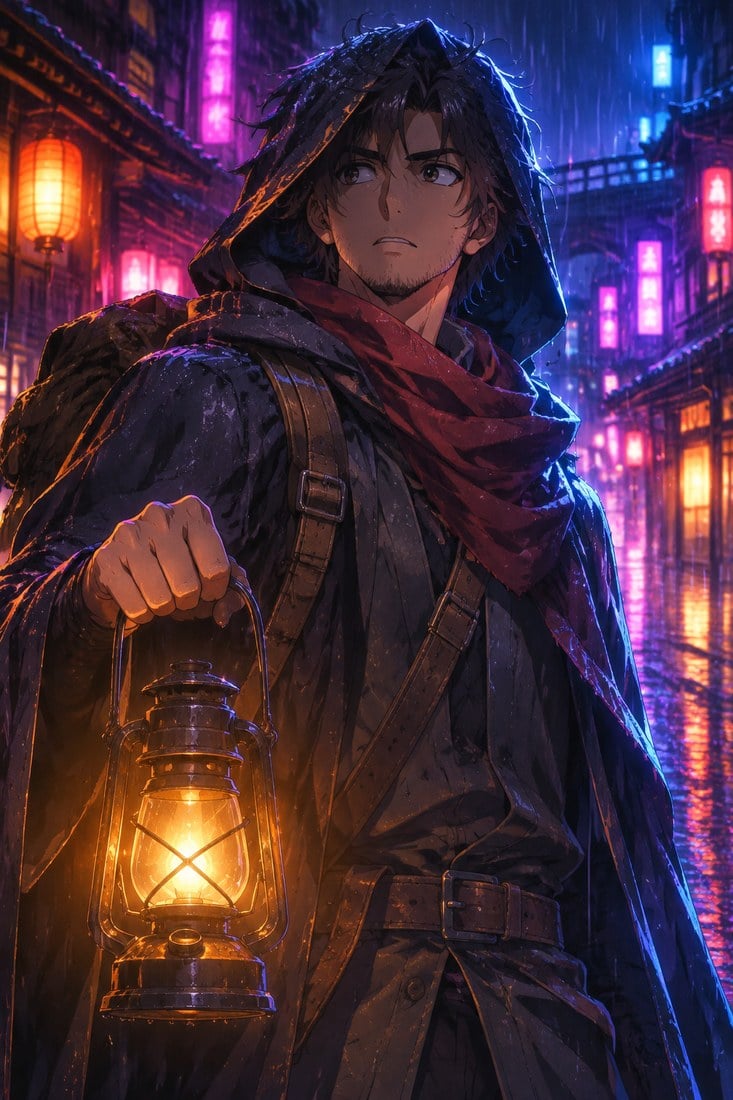
Neon Rain Traveller
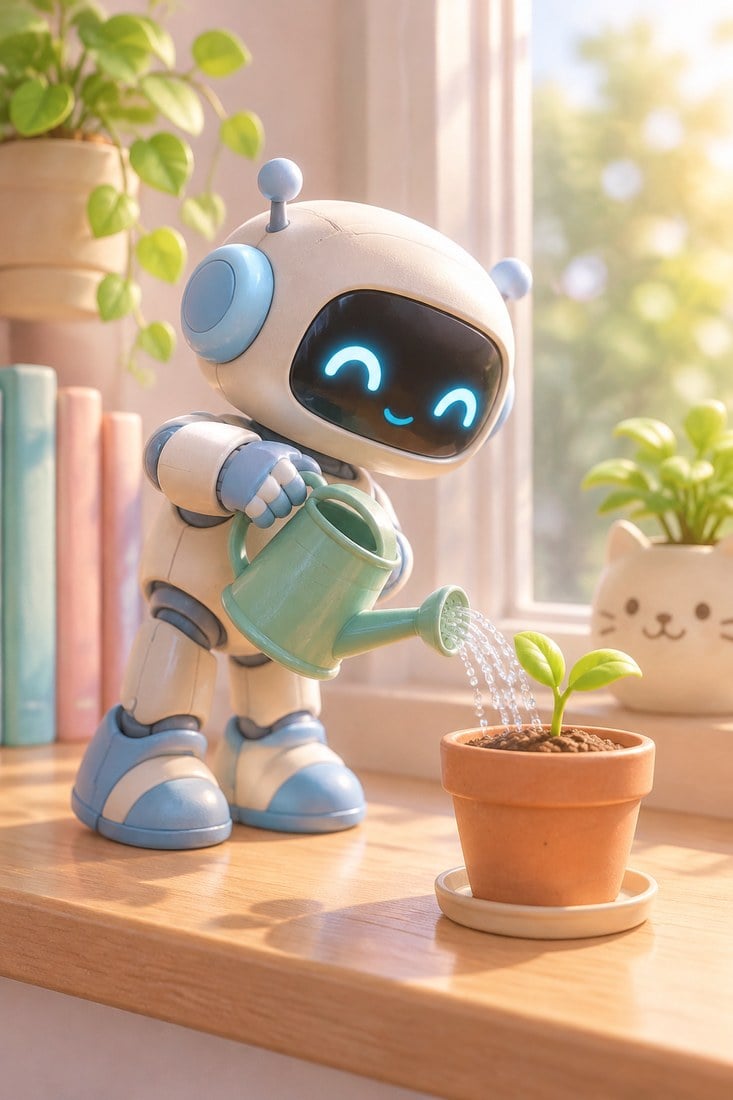
Robot Gardener
GPT Image 2.6 Flare
Prompt
Example prompts
Opens the GoEnhance editor with this model and prompt ready.
Edit Without Losing What You Like
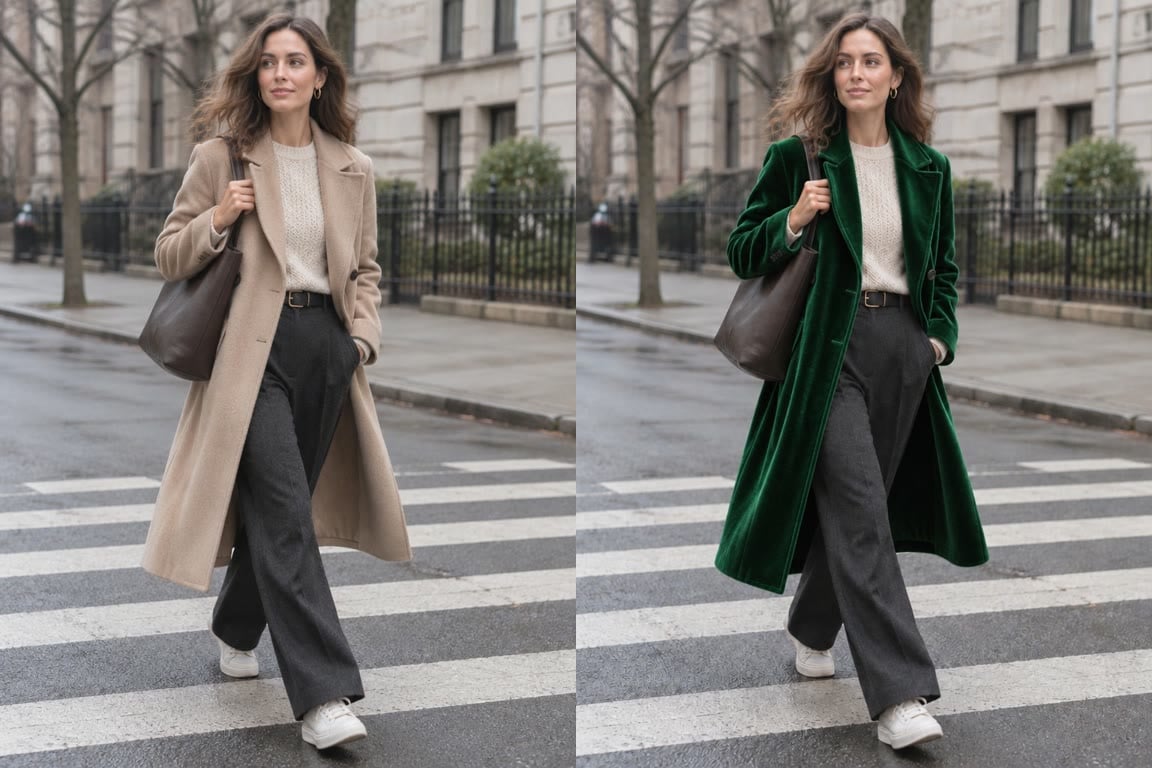
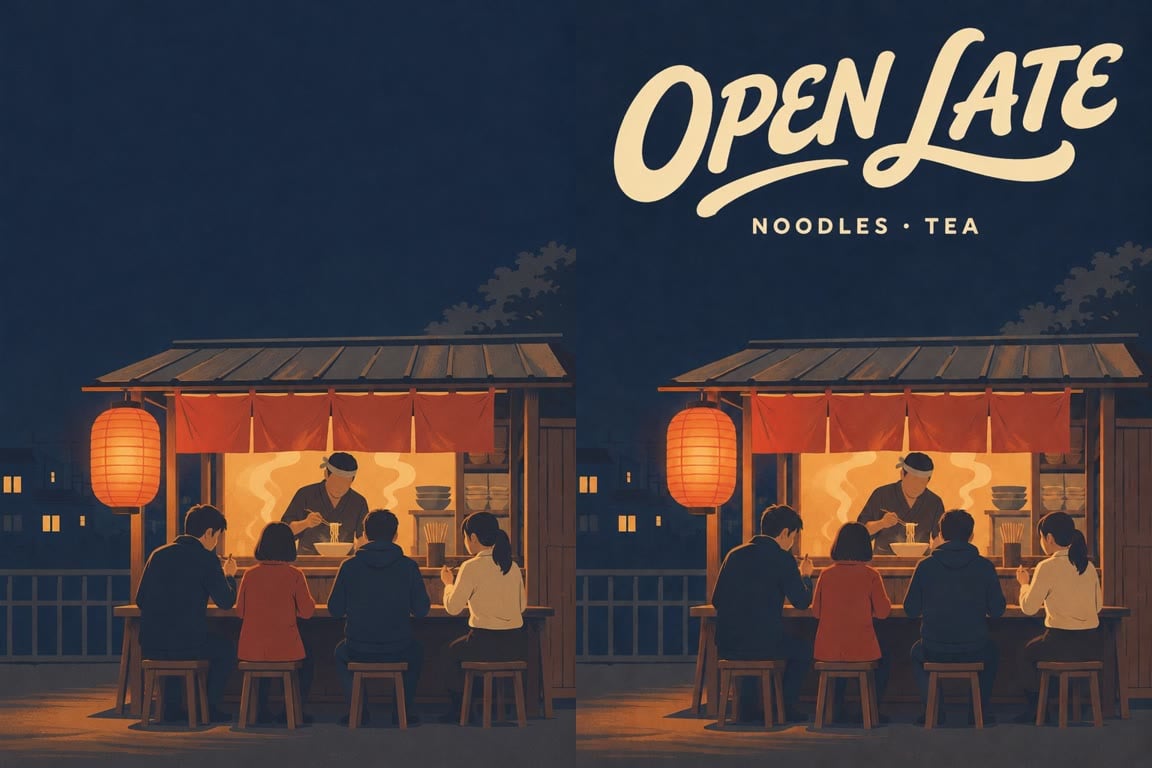
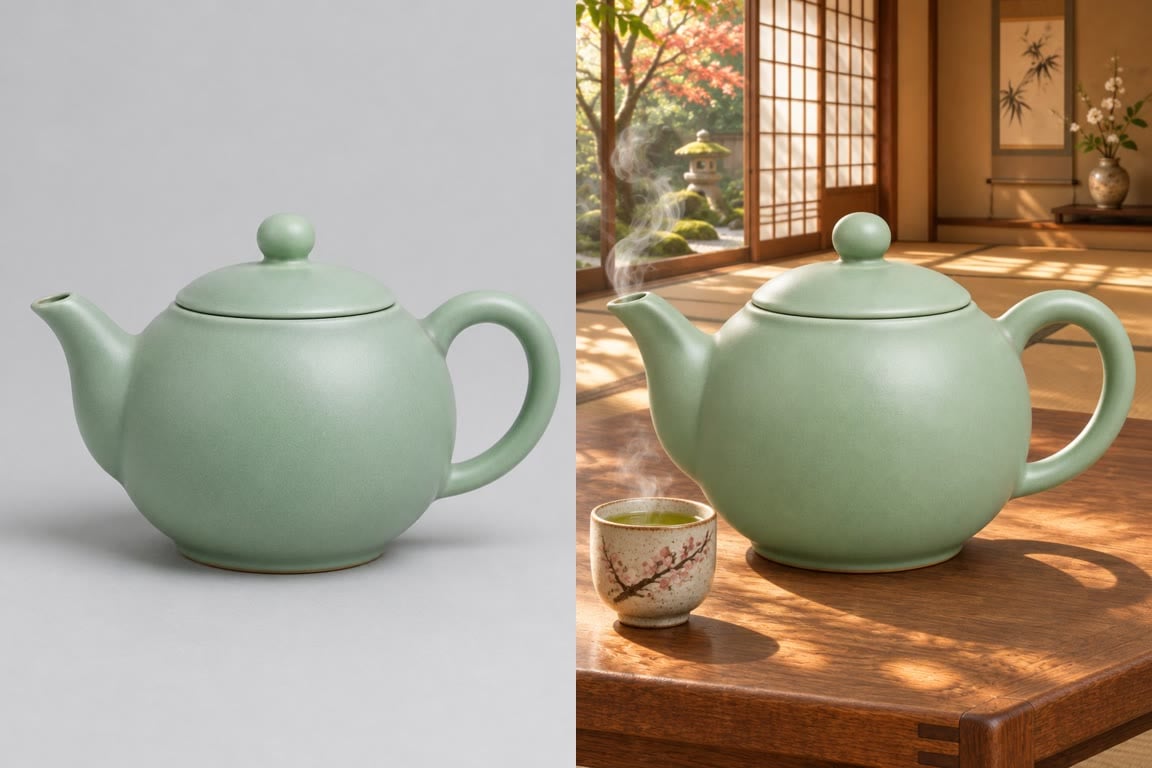
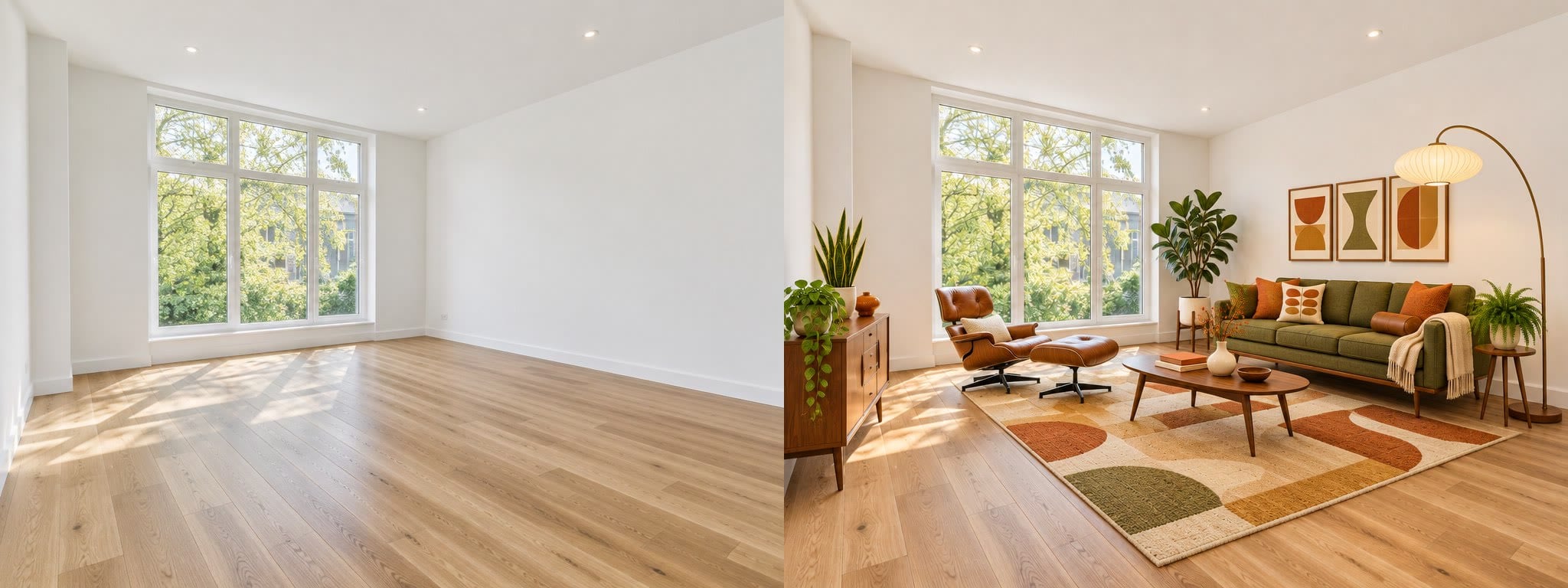
GPT Image 2.6 Sunburst vs Flare on GoEnhance
How to Use GPT Image 2.6 on GoEnhance
01
Pick Sunburst or Flare
Open the AI image generator and choose GPT Image 2.6 Sunburst for detail or Flare for speed.
02
Write a prompt or add images
Describe the image, put any text you need in quotes, and upload up to 16 reference images to edit or combine.
03
Choose size, quality and format
Select 1K, 2K or 4K, a quality level and an aspect ratio. Turn on a transparent background or GIF output if you need them. The token cost is shown before you generate.
04
Generate and download
Check the result, adjust the prompt if needed, and download your image.
GPT Image 2.6 FAQ
What is GPT Image 2.6?
What is the difference between Sunburst and Flare?
How many tokens does GPT Image 2.6 use?
Can I use it without a membership?
Can it edit my own photos?
Can it make transparent PNGs and GIFs?
Were the sample images made with GPT Image 2.6?
Explore More Image Models
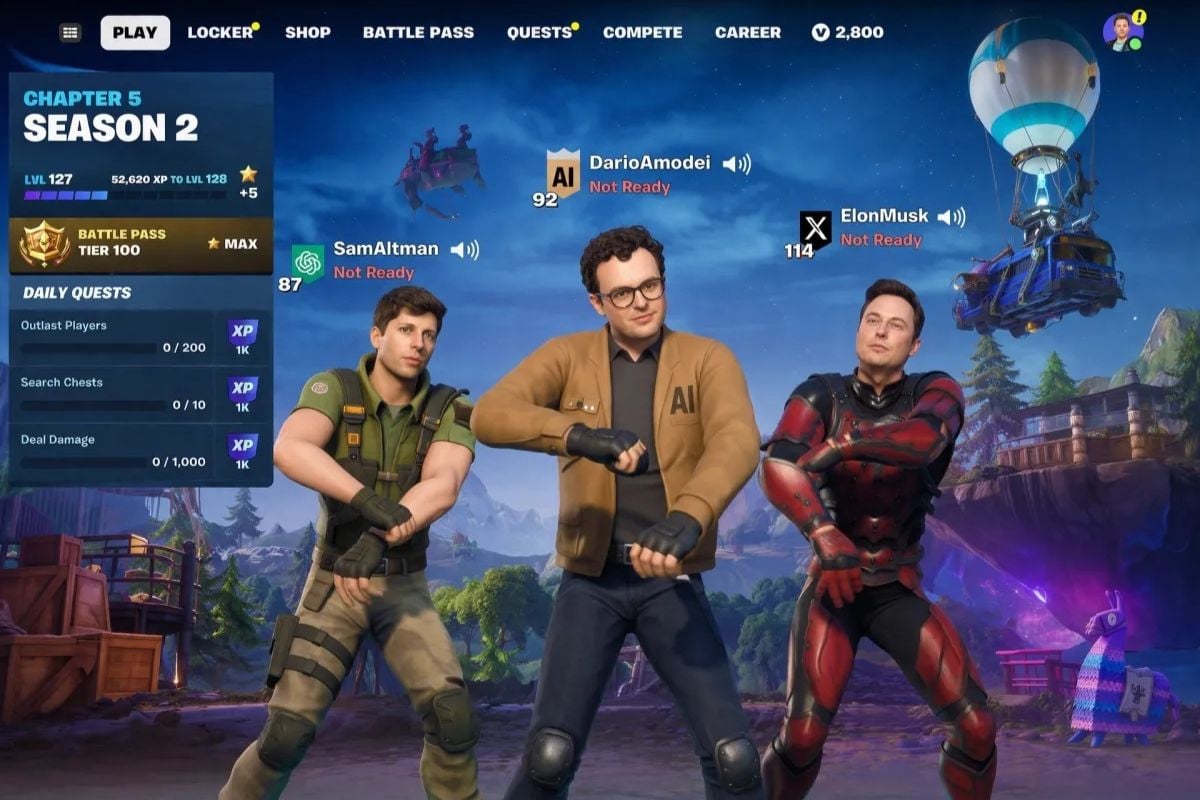
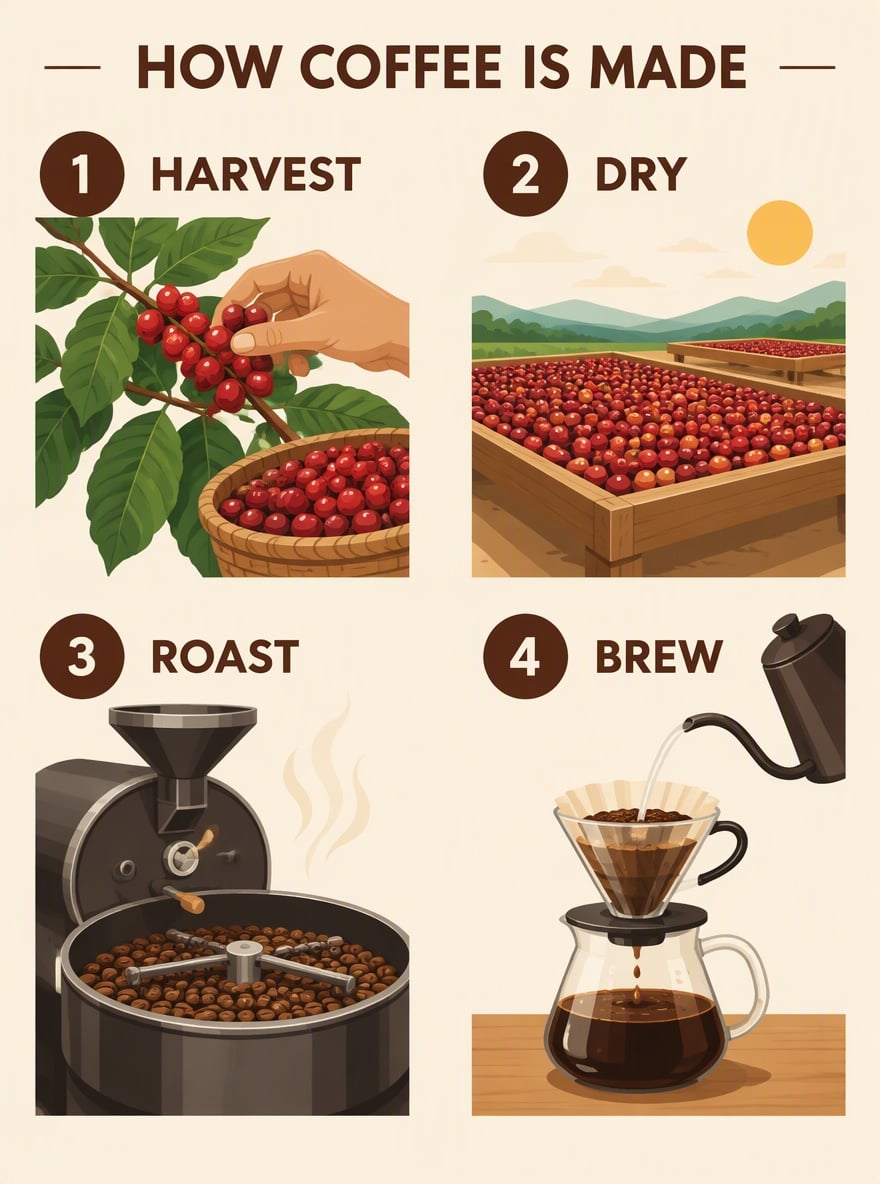

Create and Edit Images with GPT Image 2.6
Start with a prompt or your own photos, pick Sunburst or Flare, and get images from 1K to 4K, transparent PNGs or animated GIFs.
Start Creating