
Vozo AI Face Swap
Vozo lists face swapping for images and videos in its AI Video API Suite. Its current product site centers on translation, dubbing, and lip sync, so teams can consider face swap as one step in a broader video workflow.
Try Face Swap Online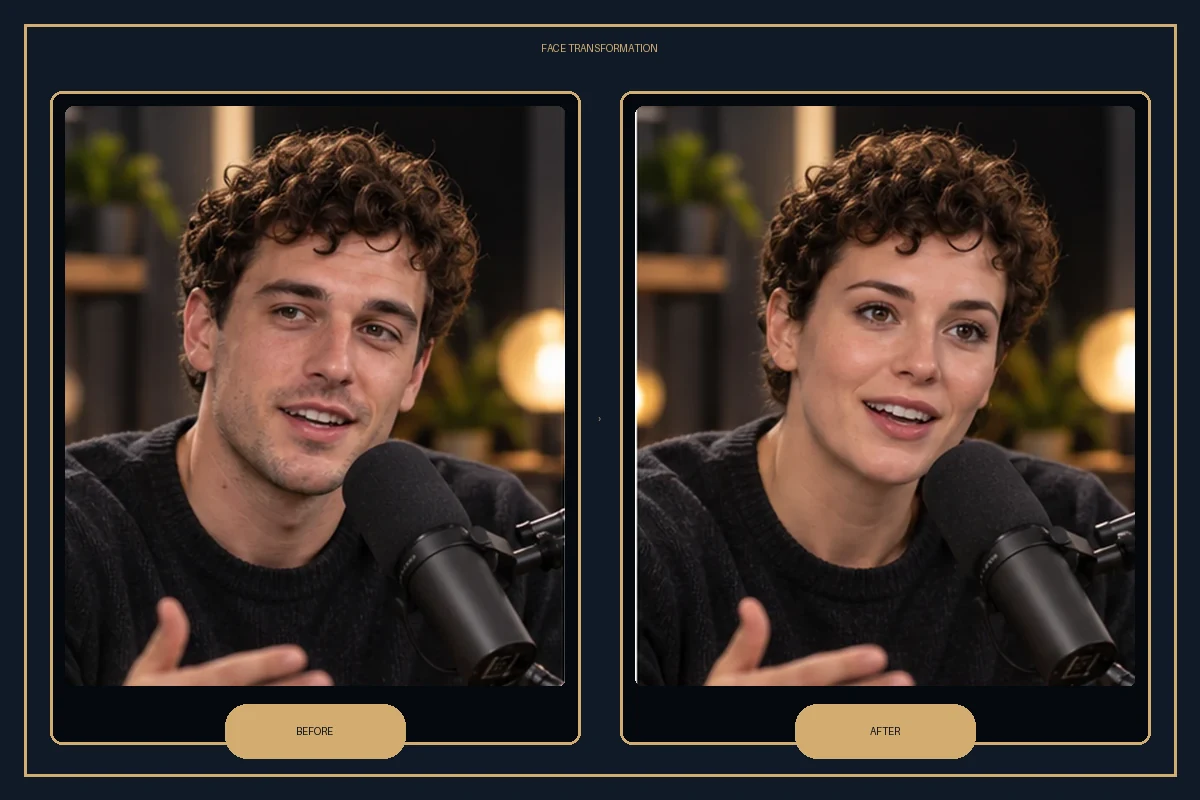
Vozo AI Face Swap Use Cases
Face Swap through the API
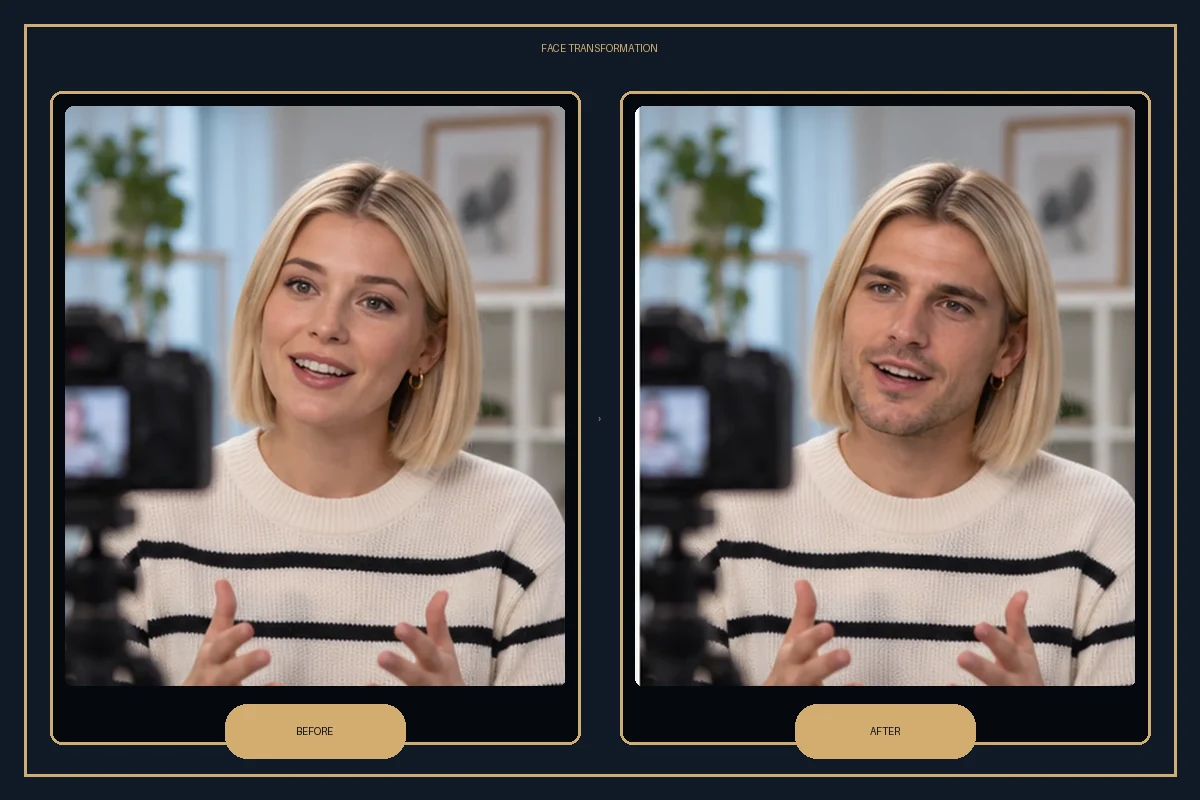
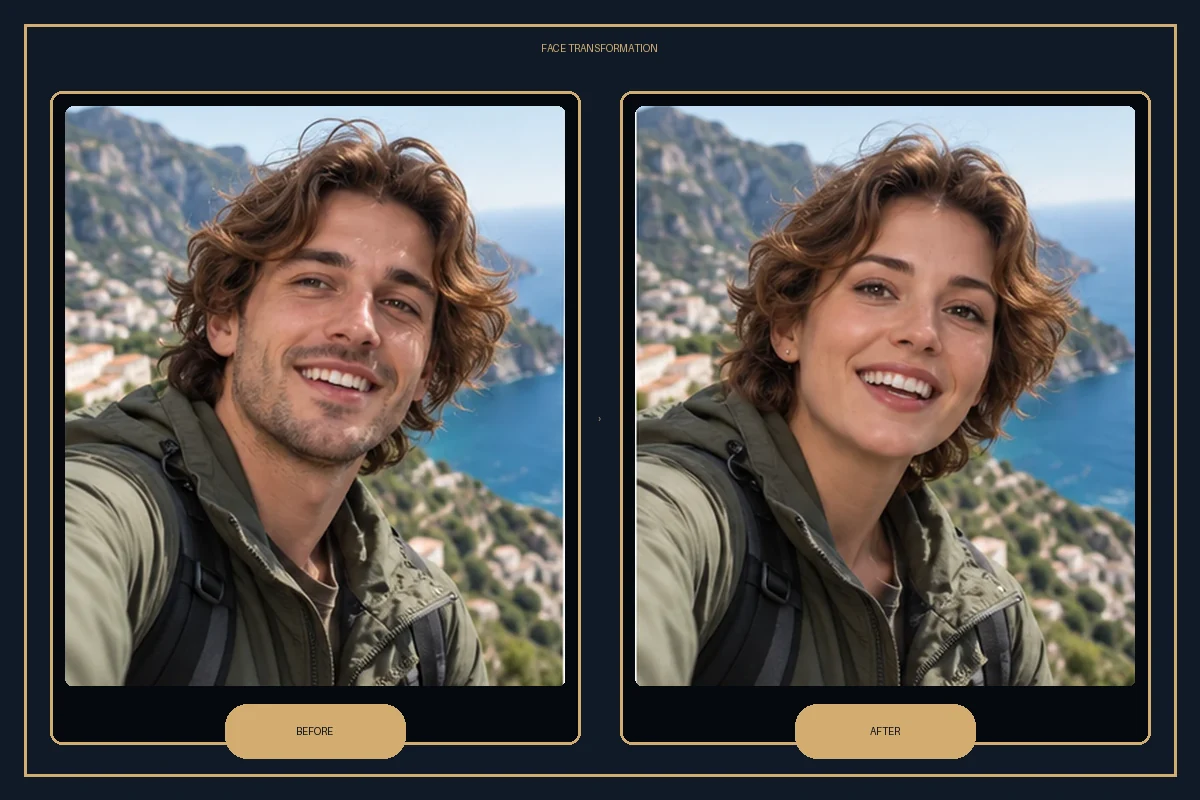
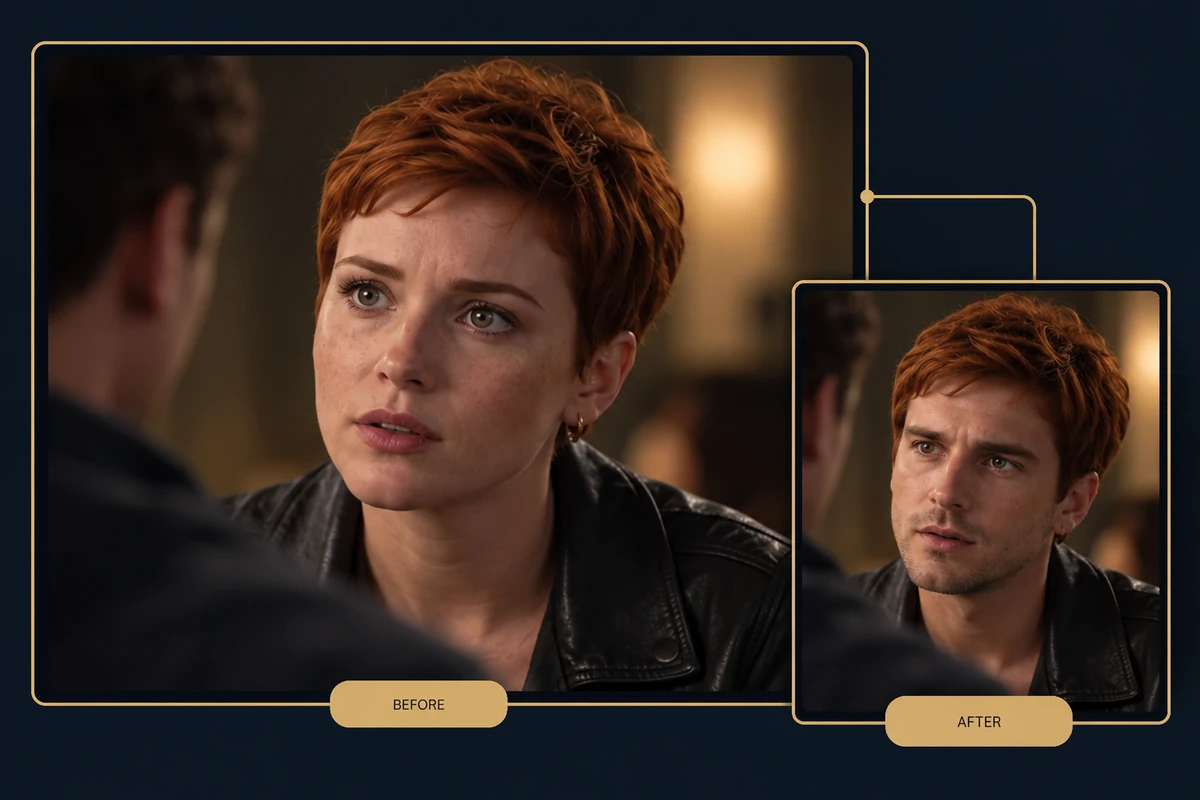
Vozo’s API Suite lists face replacement for both video and image inputs, making the feature relevant to teams that want to connect visual edits with a broader content workflow. Learn how the face swap tool handles a source face and target media before deciding where it fits into a production process.
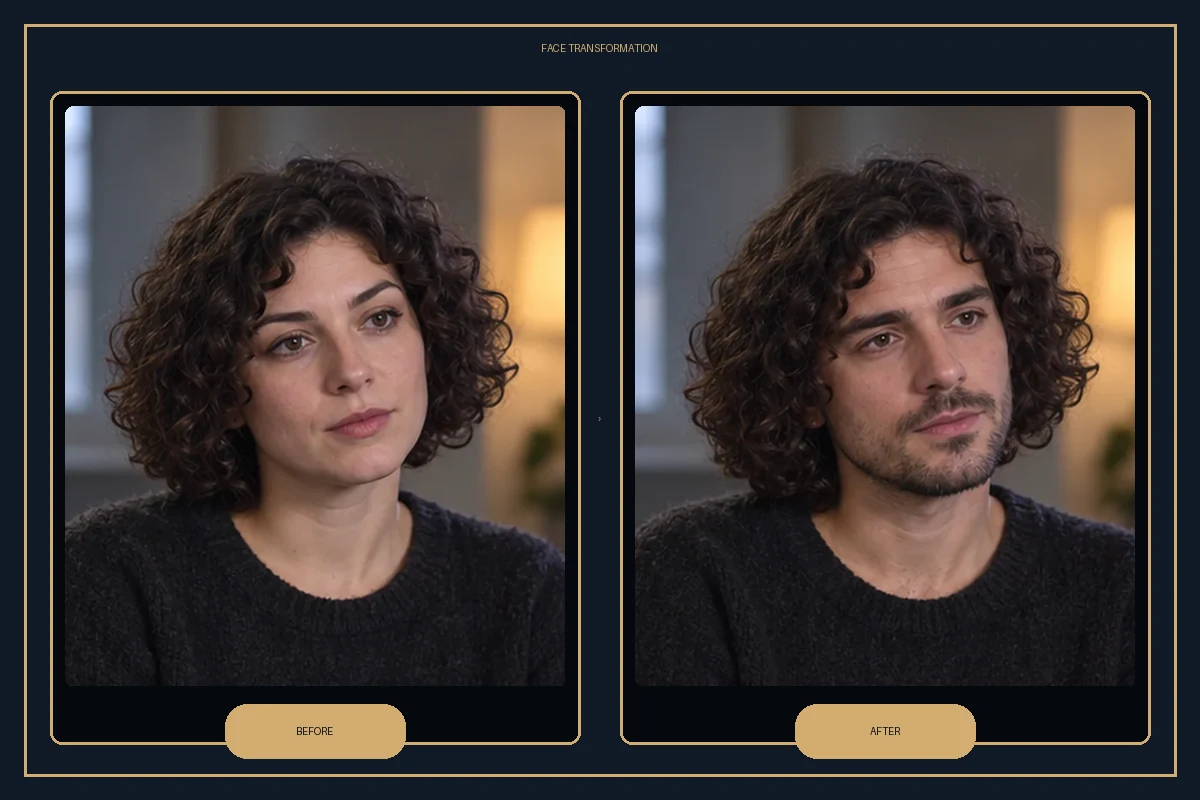
How to Use Vozo AI Face Swap
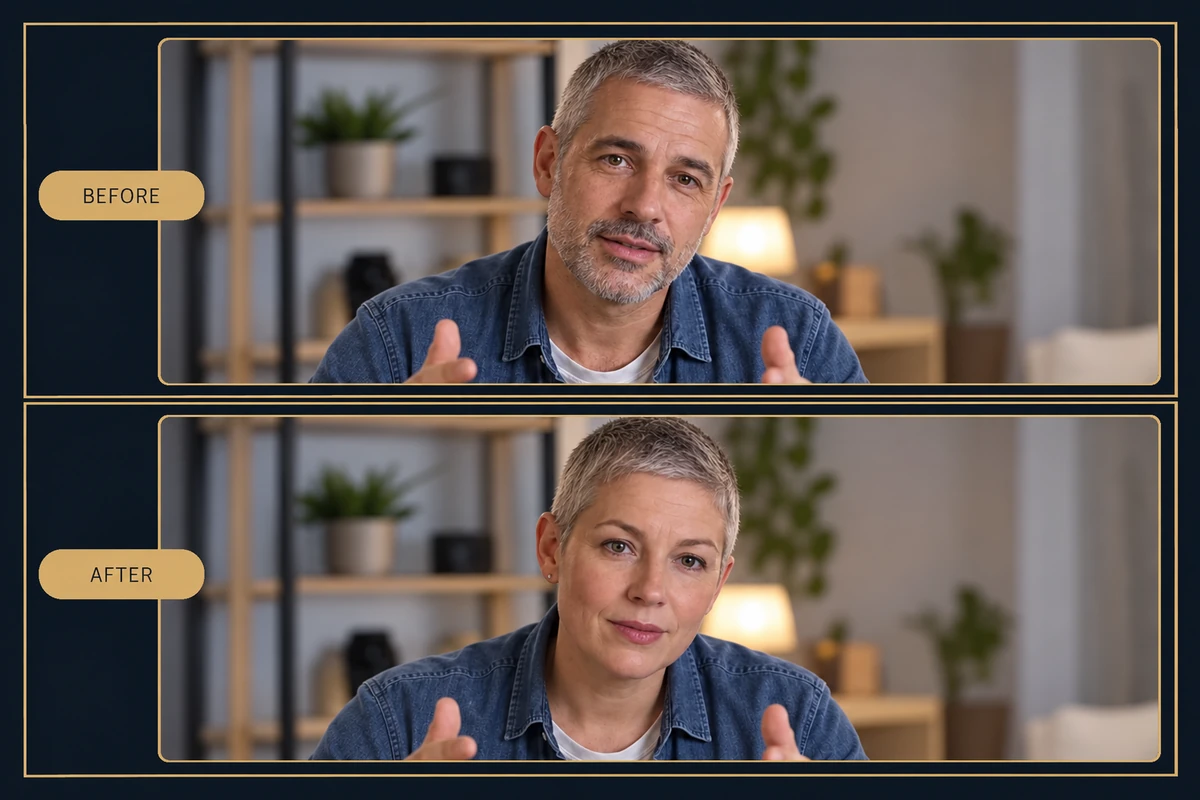
Step 1
Check the API Workflow
Start with the Vozo API Suite and confirm the available face-swap endpoint and media requirements for your project.
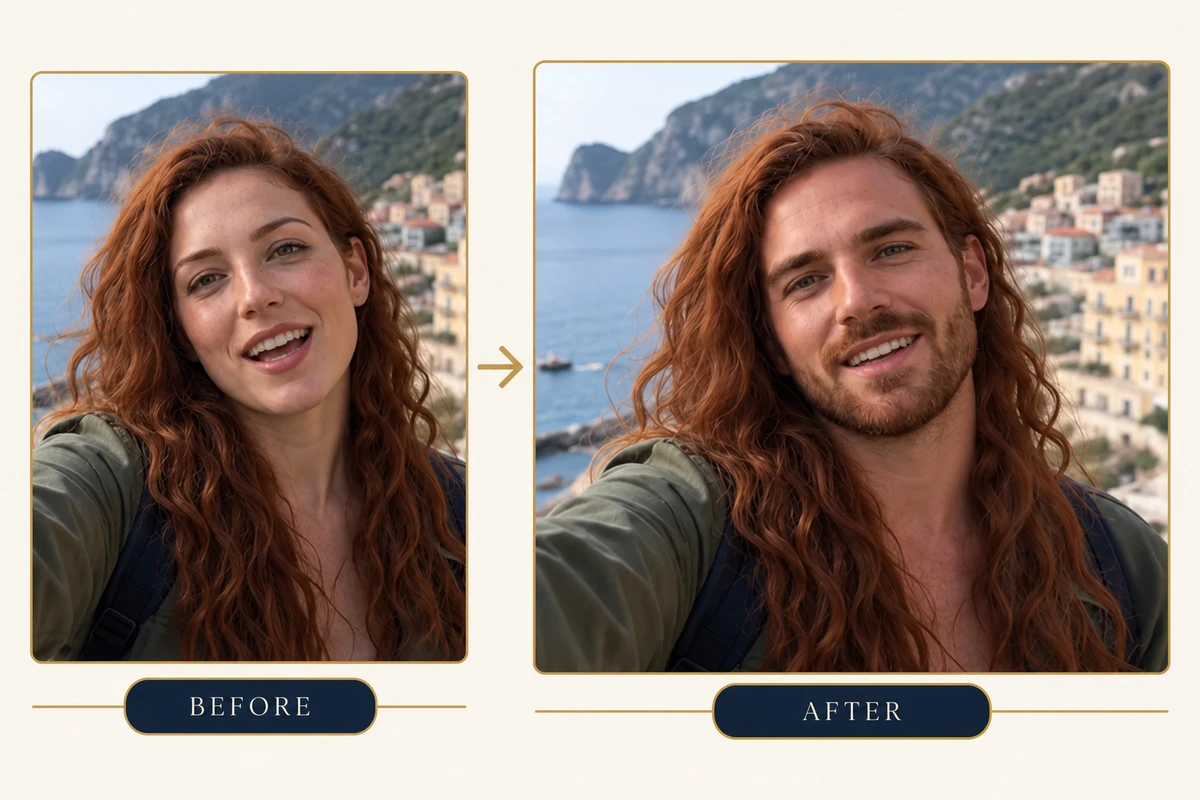
Step 2
Prepare the Source and Target
Provide the target photo or video and a clear source face image using the API’s current request format.
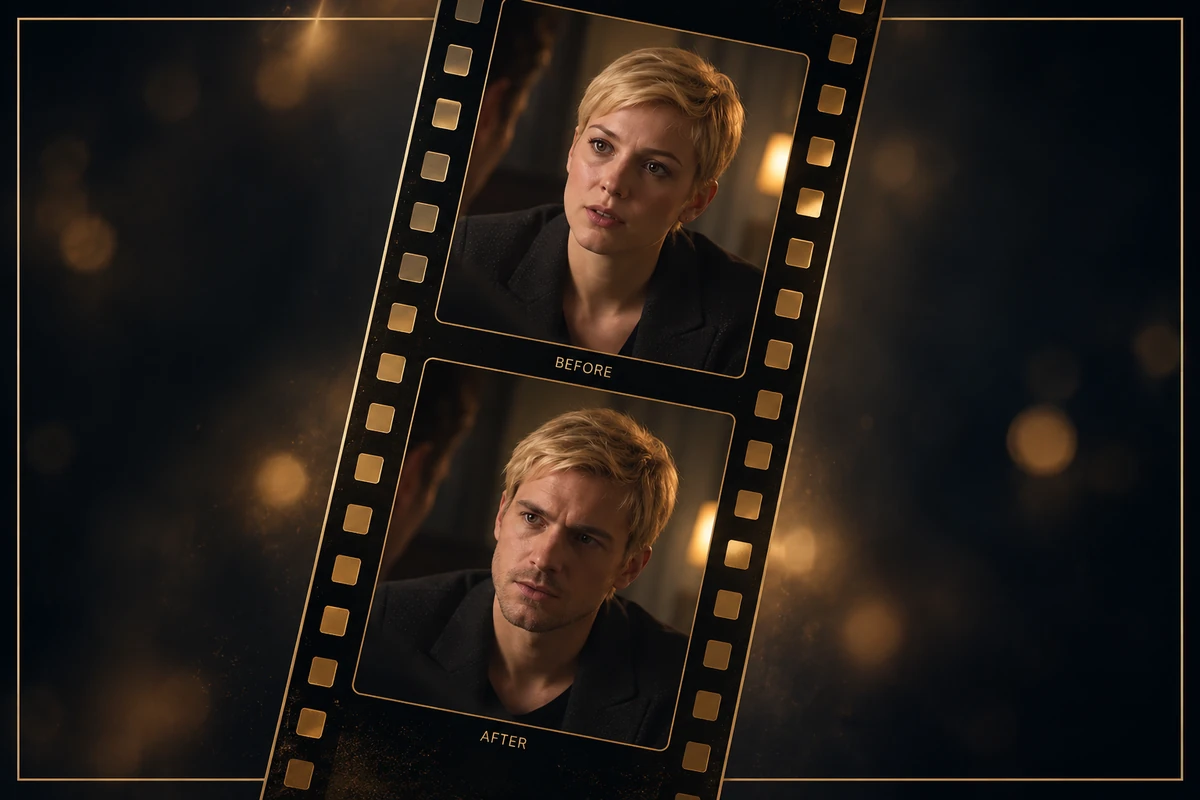
Step 3
Review the Result in Context
Inspect the generated media, then continue with lip sync, dubbing, or translation only if the project needs those steps.
Explore More Face Swap Tools
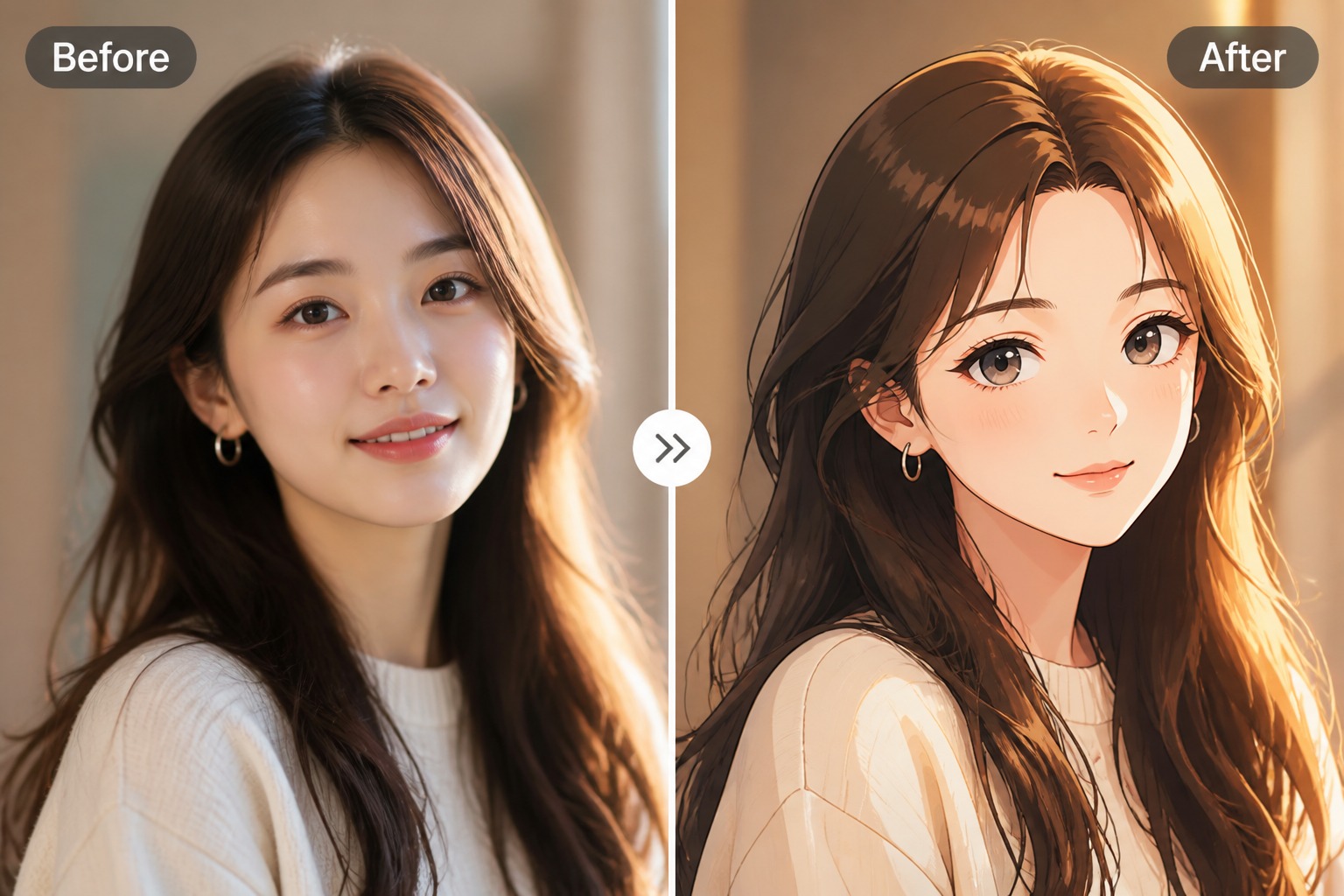
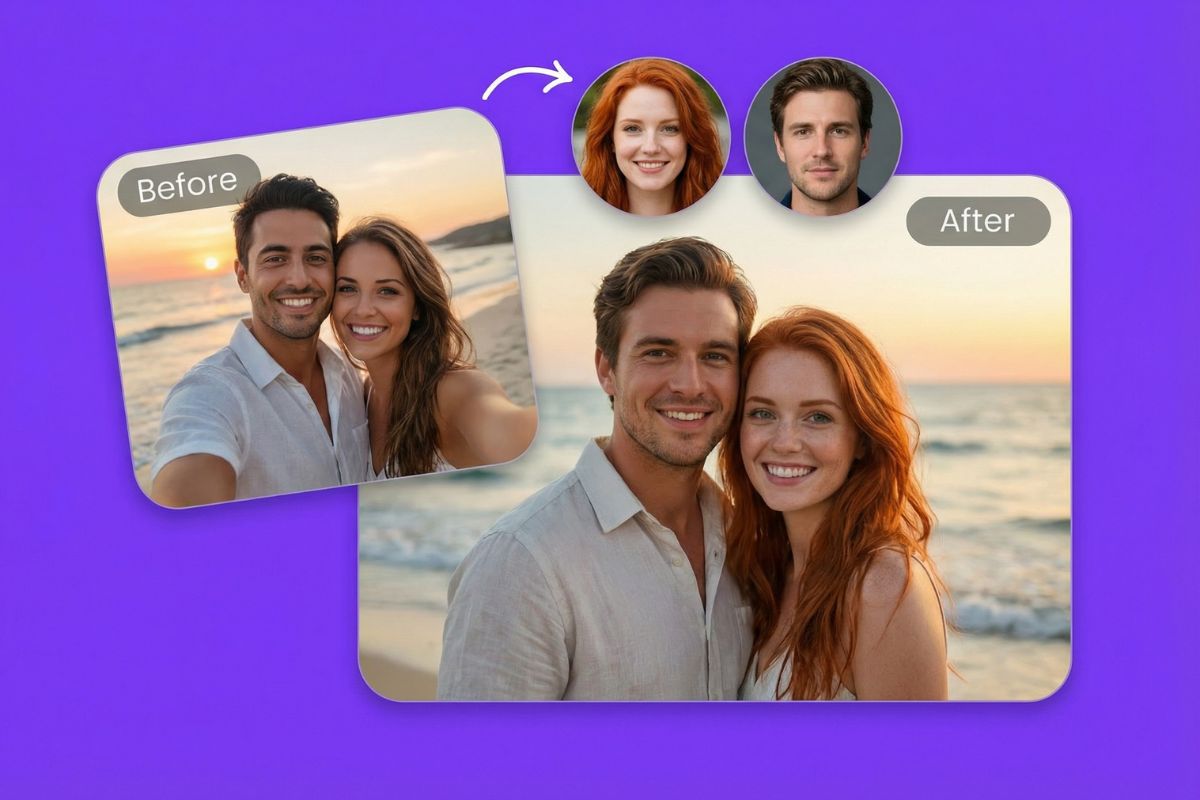
Try More Face-Swap Formats with GoEnhance
Image, Video, and GIF Swaps
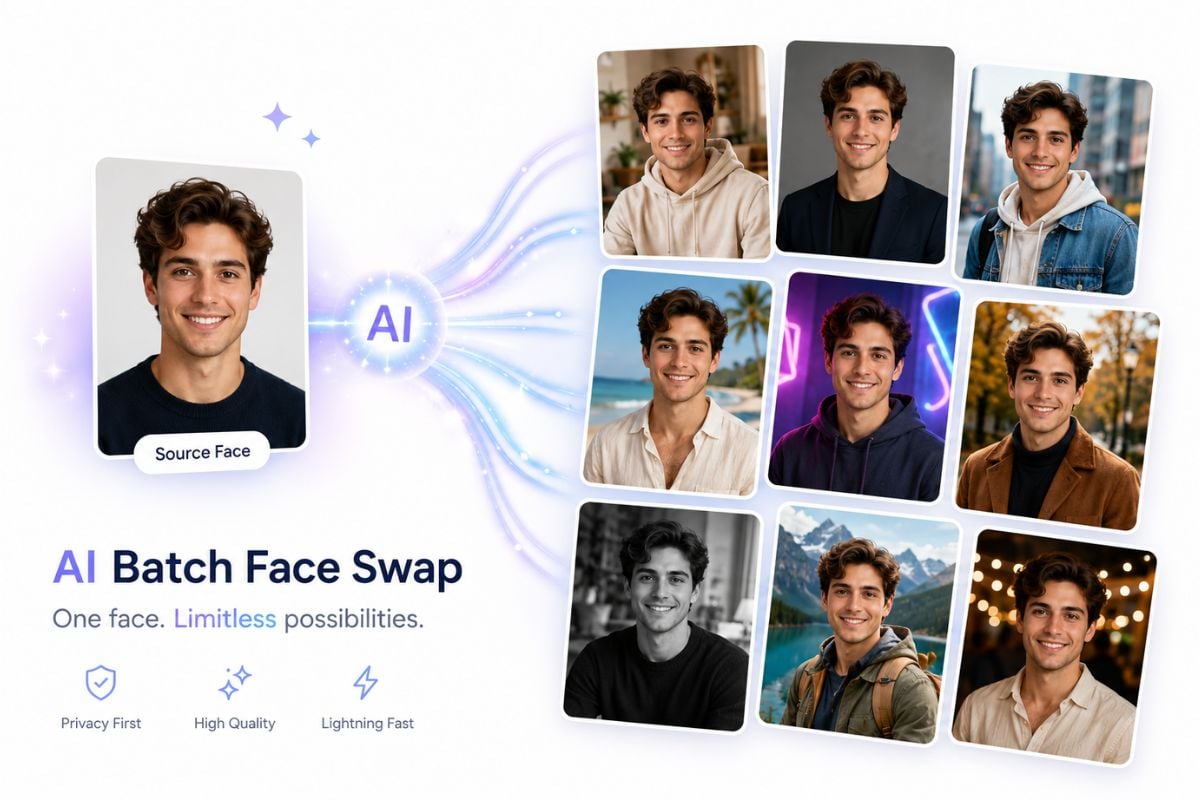
GoEnhance groups face swapping across still images, video, and GIFs so the output can fit a post, a clip, or an animated reaction.
Named Modes for Different Looks
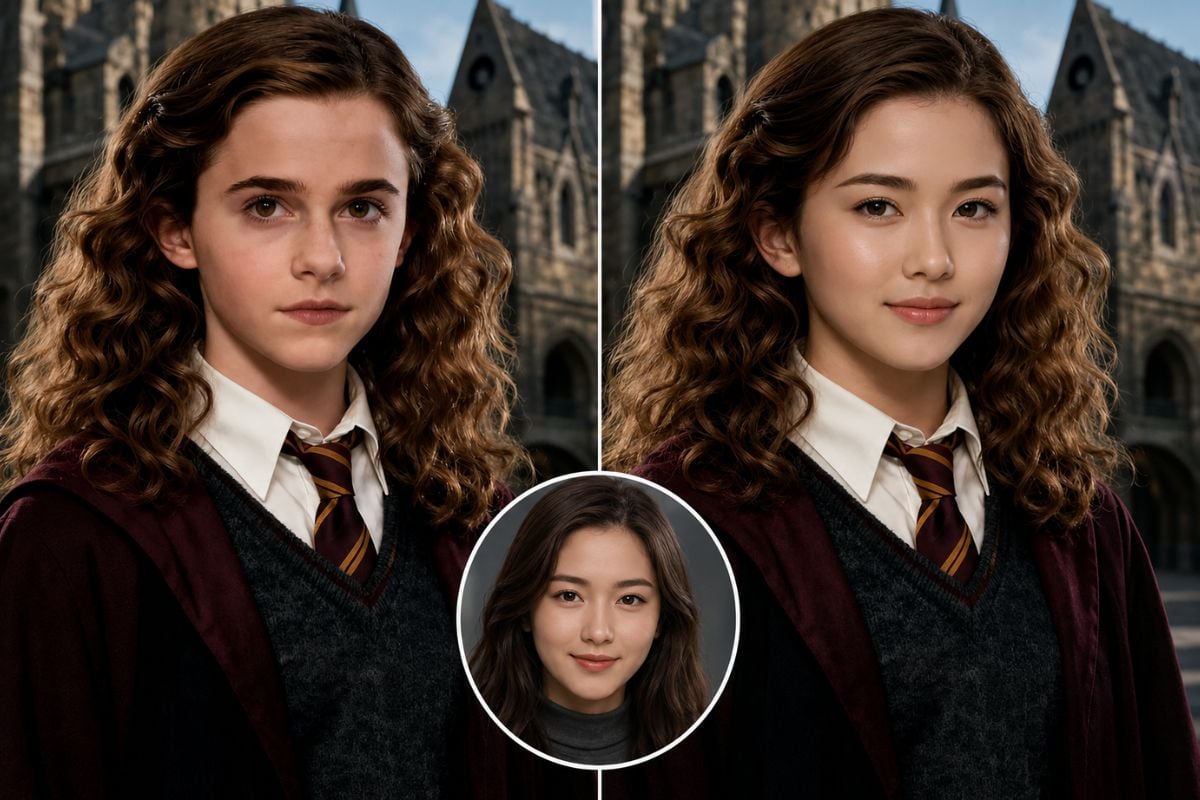
GoEnhance lists Faces & Heads, Male/Female, Famous Face, and Portrait Painting modes for a more directed starting point.
Start with a Direct Face-Swap Tool
Open a focused GoEnhance face-swap workflow when you want to create the visual swap before adding other video edits.
Use Your Own Video Clip
Upload a source face and target video into the video face-swap flow.
Explore Developer Integration
GoEnhance documents an Open API for teams building face-swap generation into applications or production steps.
Try the Workflow with 30 Tokens
GoEnhance lists 30 free tokens for testing image and video face swaps.
Vozo AI Face Swap: FAQs
What does Vozo AI face swap do?
Can I use Vozo face swap for video?
Does Vozo face swap support photos?
How do I start with Vozo AI Face Swap?
Can I combine face swap with lip sync?
Does Vozo offer video translation and dubbing?
What should I check in a face-swapped clip?
Can GoEnhance handle GIF face swaps too?
Create a Face-Swapped Video
Choose a clear source portrait and a target clip, then build a face swap with GoEnhance.
Try GoEnhance Face Swap